
PDF Field Guide
Recall Information Quickly!
Designed for iPhone, iPad
Free · In-app purchases
- Age rating4+
- CategoryProductivity
- DeveloperHeidi Paul
- LanguagesEnglish
- Size1.3 MB
Links to the official App Store page
Download.org hosts no file of PDF Field Guide. The button opens its official App Store page, published by Heidi Paul. Listing last checked on Nov 17, 2026.
Screenshots

About
PDF Field Guide is the #1 quick reference companion helping you recall information quickly!
Add, view, search and share your most important PDF documents quickly and easily from your iPhone, iPad and Mac. Helping you recall information quickly when you need it most!
ADD
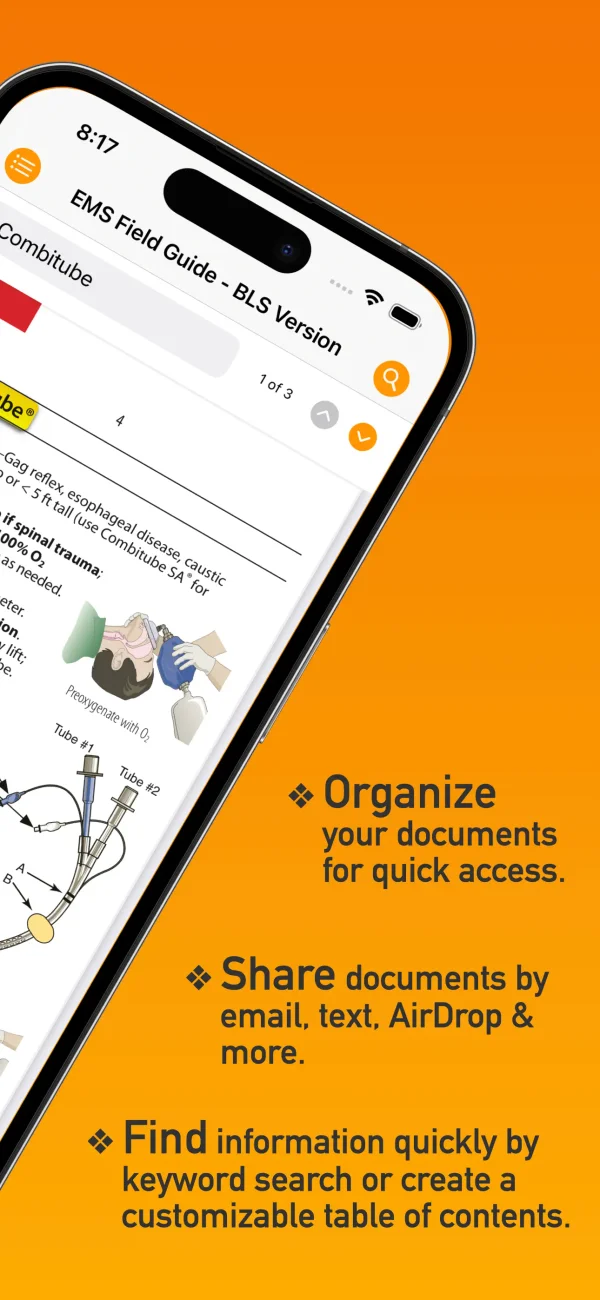
- Organize and group your most needed documents for fast access.
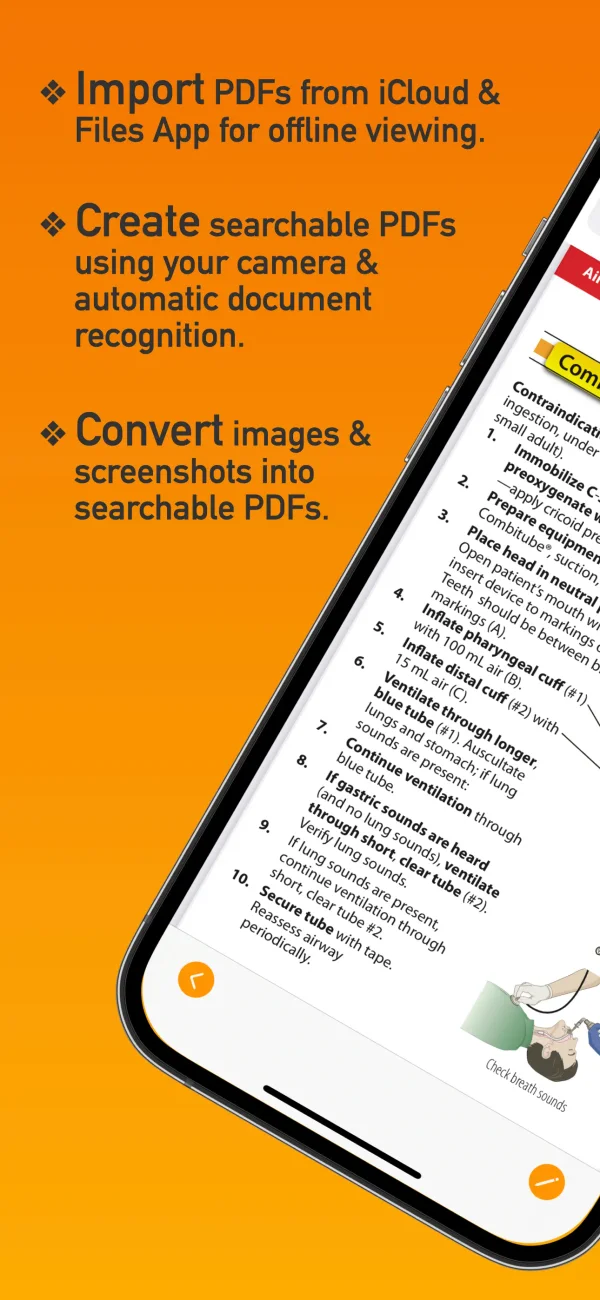
- Import PDFs from iCloud or Files App for offline viewing.
- Create searchable PDFs using your camera and automatic document recognition.
- Convert images to searchable PDFs from your photos or camera roll.
VIEW
- Double tap on the screen to Smart Zoom to the text you want to read.
- Automatically switch to full screen reading mode when placed in landscape orientation.
- Requires no internet connection. Documents are stored locally in iOS Files App.
- Supports system dark mode.
SEARCH
- Perform keyword search to find information quickly.
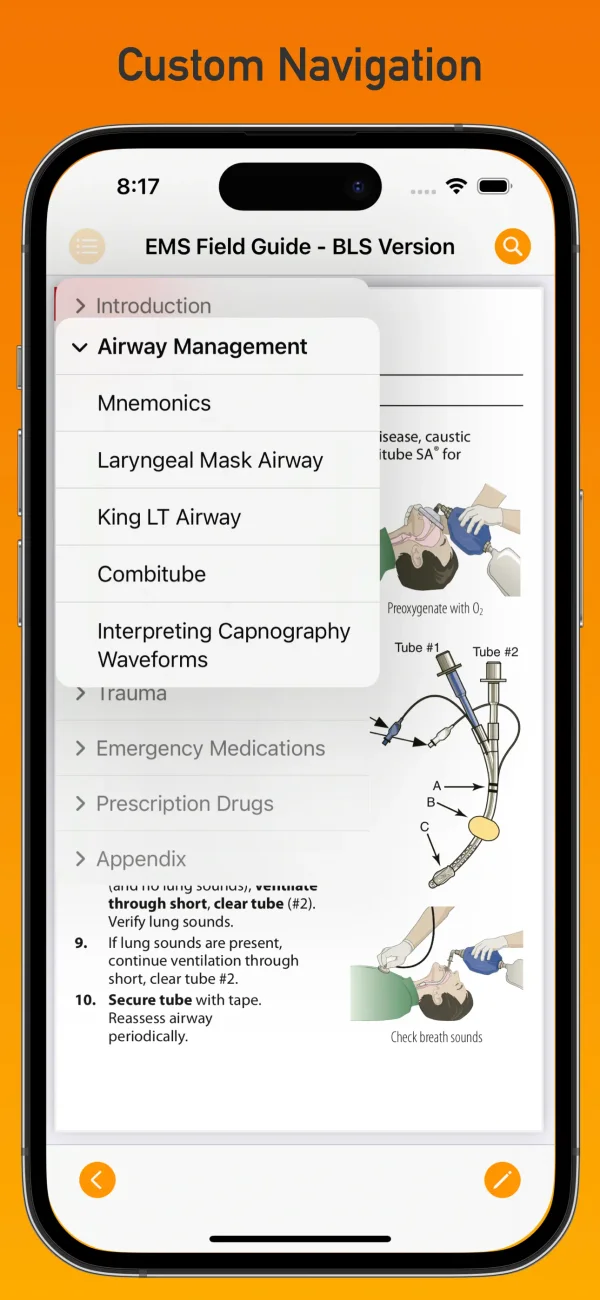
- Create customizable table of contents for fast access to important pages.
- Tap to jump to sections in documents with embedded table of contents.
- Tap to follow hyperlinks in documents with embedded links.
- Highlight to select text in OCR-enabled documents allowing you to copy or share key information.
SHARE
- Share individual or multiple documents via email, text, AirDrop and more.
- Family sharing enabled.
- No subscriptions. Ever.
What’s new
Version 1.1 · Feb 10, 2024
- Added color and monochrome themes and app icons
- Added option for image or text-based button labels
- Added ability to create searchable PDFs using your camera and automatic document recognition
- Added ability to convert photos and screenshots into searchable PDFs
- Added option to create document groups to find documents faster
- Added MacOS support
- Bug fixes and stability improvements
App privacy
What Heidi Paul declares on the App Store about how this app handles data.
-
Data not collected
The developer does not collect any data from this app.
Privacy practices may vary, for example with the features you use or your age.
Information
- Seller
- Heidi Paul
- Category
- Productivity
- Version
- 1.1
- Updated
- Feb 10, 2024
- Released
- Jan 7, 2024
- Size
- 1.3 MB
- Requires
- iOS 17.0 or later
- Age rating
- 4+
- Price
- Free
- In-app purchases
- Yes
- Languages
- English
- Copyright
- © 2024 Heidi Paul
You might also like
-
 BigWrite MarkdownThink big!
-
 My INFO i n d e xa container for all your info
-
 Captium IQRescue tool intelligence
-
 Aura FocusUltimate
-
 Igneous: Markdown NotesFast, gesture-driven vault
-
 HLL Pdf ReaderSecure PDF Reader
-
 Habit Tracker: Streaks & MoodDiscipline ADHD Journal Goals
-
 Prompt Note: AI Prompt LibrarySave & reuse ChatGPT templates
-
 Time CaptnFocus & Get Things Done [GTD]
-
 CitylogixWork Effortlessly