PDF Indexer
Search indexed PDFs fast
Conçue pour iPhone, iPad
Gratuit · Achats intégrés
- Classification d’âge4+
- CatégorieProductivité
- DéveloppeurMATTHEW BYONG BAE
- LanguesAnglais
- Taille52,9 Mo
Renvoie vers la page App Store officielle
Download.org n’héberge aucun fichier de PDF Indexer. Le bouton ouvre la page de l’application sur App Store, où MATTHEW BYONG BAE la publie. Fiche vérifiée pour la dernière fois le 18/11/2026.
Captures d’écran

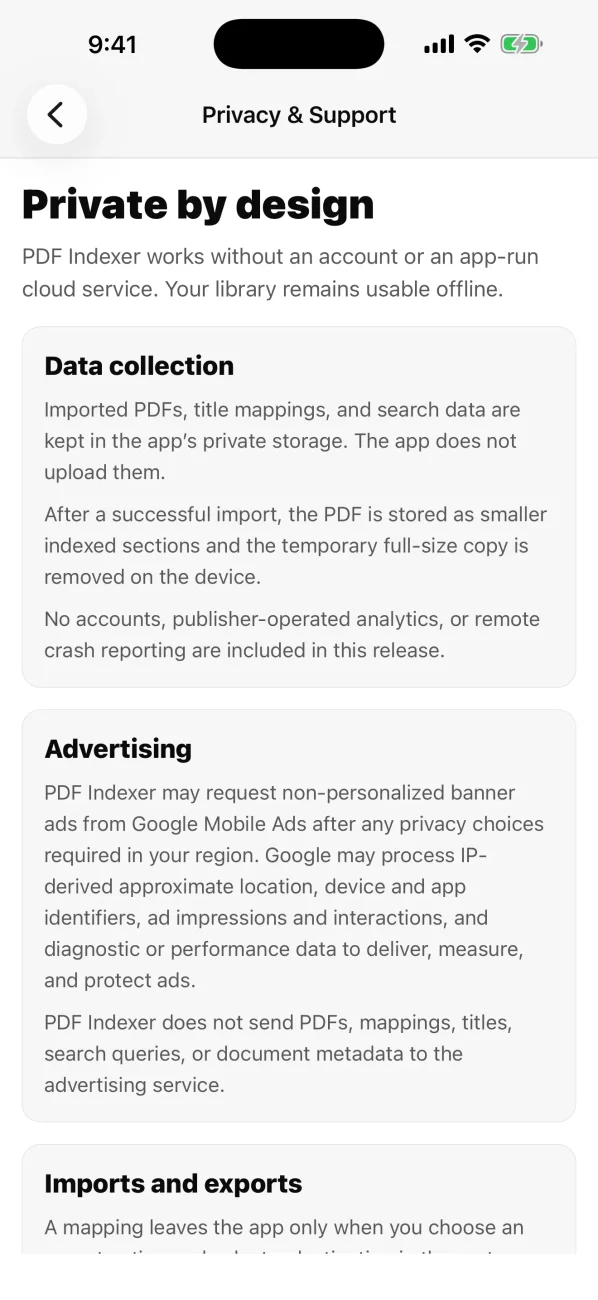
À propos
Le développeur n’a pas fourni ce texte dans votre langue.
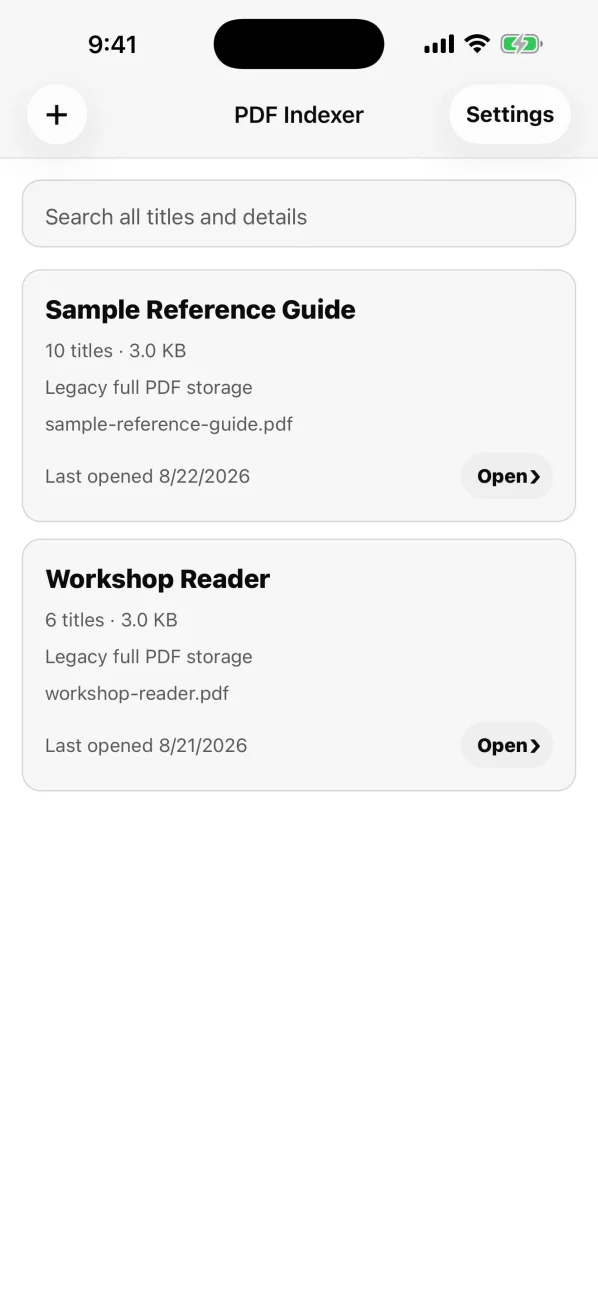
PDF Indexer turns a separate title-to-page mapping into fast navigation for a PDF.
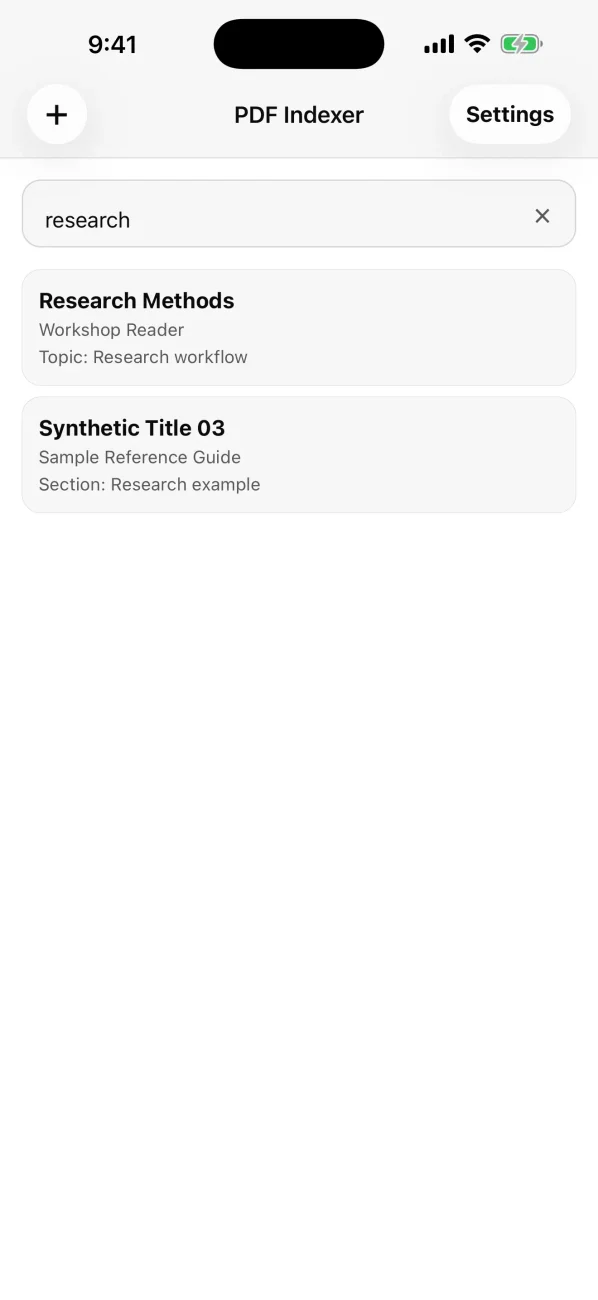
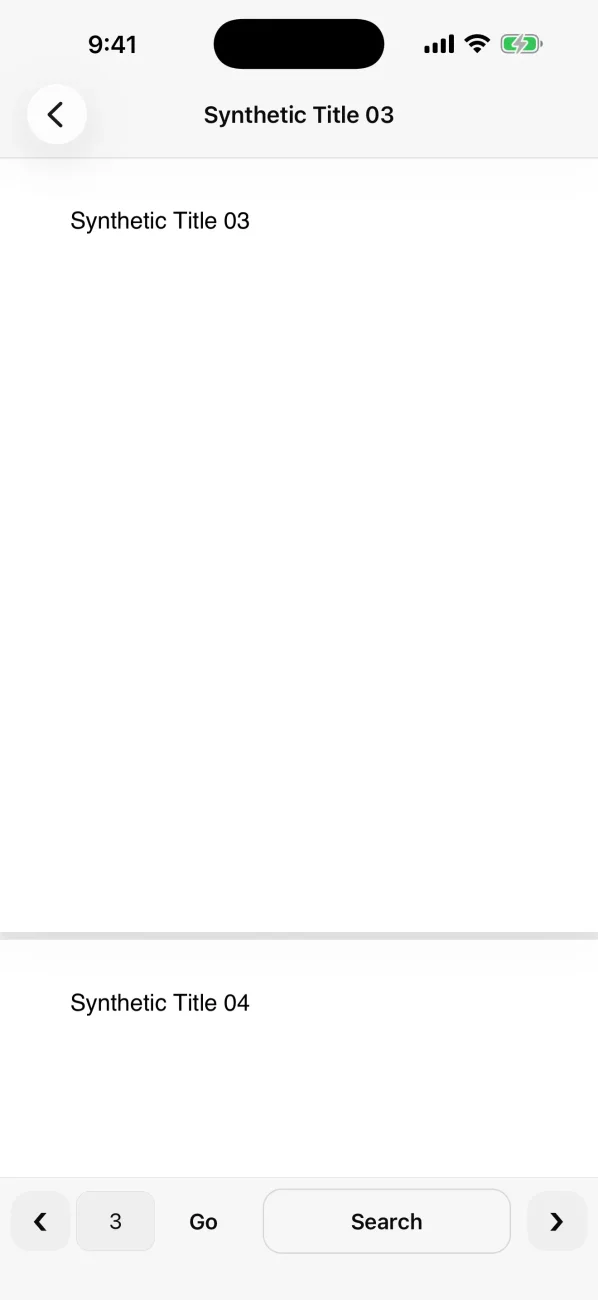
Choose a PDF, add its index, and search titles across your library. On import, the app divides the PDF into private on-device sections at indexed title pages and removes its temporary full-size copy. A result opens only the matching section at the mapped PDF page. Page offsets handle documents whose printed page numbers do not match their PDF positions.
Import mappings from CSV, JSON, XLSX, pasted text, or manual entry. Review validation warnings before saving, correct individual rows later, replace a mapping without copying the PDF again, and export a mapping as CSV or JSON.
PDF Indexer is local-first. It needs no account and has no publisher-operated analytics or app-run cloud service. Your app library stays in private device storage unless you choose to export a mapping. The free app may show non-personalized banner ads after any required privacy choices. PDFs, mappings, titles, and searches are not sent to the ad service. See the Privacy Policy for operating-system backup details.
Highlights:
• Search across multiple indexed PDFs
• Exact, prefix, substring, and alias matching
• Jump directly to mapped pages
• CSV, JSON, XLSX, pasted-text, and manual mapping input
• Page-offset calibration and bounds validation
• Mapping correction, replacement, and export
• Missing-file recovery without losing the mapping
• Light and dark appearance
PDFs and mappings are supplied by the user. PDF Indexer does not include third-party books or indexes.
Nouveautés
Version 1.0.5 · 04/10/2026
PDF scrolling now stays where you leave it, without snapping to a page. Your reading position is also preserved when you return to the app.
Confidentialité de l’application
Ce que MATTHEW BYONG BAE déclare sur l’App Store au sujet du traitement des données par cette application.
-
Données établissant un lien avec vous
Peuvent être collectées et liées à votre identité.
- Identifiants
- Données d’utilisation
- Diagnostic
-
Données n’établissant aucun lien avec vous
Peuvent être collectées, mais ne sont pas liées à votre identité.
- Emplacement
- Diagnostic
Les pratiques en matière de confidentialité peuvent varier, notamment en fonction des fonctionnalités que vous utilisez ou de votre âge.
Informations
- Vendeur
- MATTHEW BYONG BAE
- Catégorie
- Productivité
- Version
- 1.0.5
- Mis à jour
- 04/10/2026
- Publié
- 02/09/2026
- Taille
- 52,9 Mo
- Nécessite
- iOS 16.4 ou version ultérieure
- Classification d’âge
- 4+
- Prix
- Gratuit
- Achats intégrés
- Oui
- Langues
- Anglais
- Copyright
- © 2026 Matthew Bae
Vous aimerez peut-être aussi
-
 PDF Search KitProductivité
-
 FoxTrot Attaché SearchProductivité
-
 DocFind: Search Inside PDFsProductivité
-
 Éditeur PDF – Fusion, DécoupeFusionner, diviser et gérer
-
 SwiftSearch in PDFsProductivité
-
 MD Flow - Markdown ReaderProductivité
-
 Klika: QR MenuProductivité
-
 ZeroTimer : Minuteur VisuelCadrans & Thèmes de Minuteur
-
 iA Presenter : Diapos rapidesCréez vos présentations
-
 SwiftoDo for todo.txtProductivité