- Age rating4+
- CategoryProductivity
- DeveloperMATTHEW BYONG BAE
- LanguagesEnglish
- Size52.9 MB
Links to the official App Store page
Download.org hosts no file of PDF Indexer. The button opens its official App Store page, published by MATTHEW BYONG BAE. Listing last checked on Nov 18, 2026.
Screenshots

About
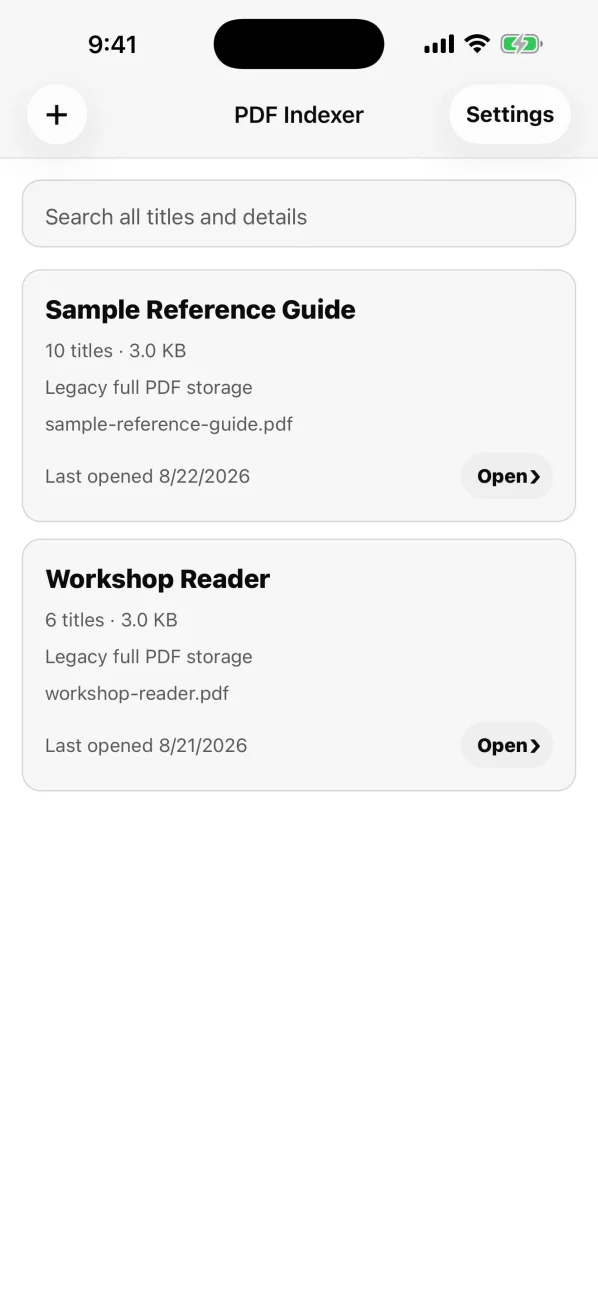
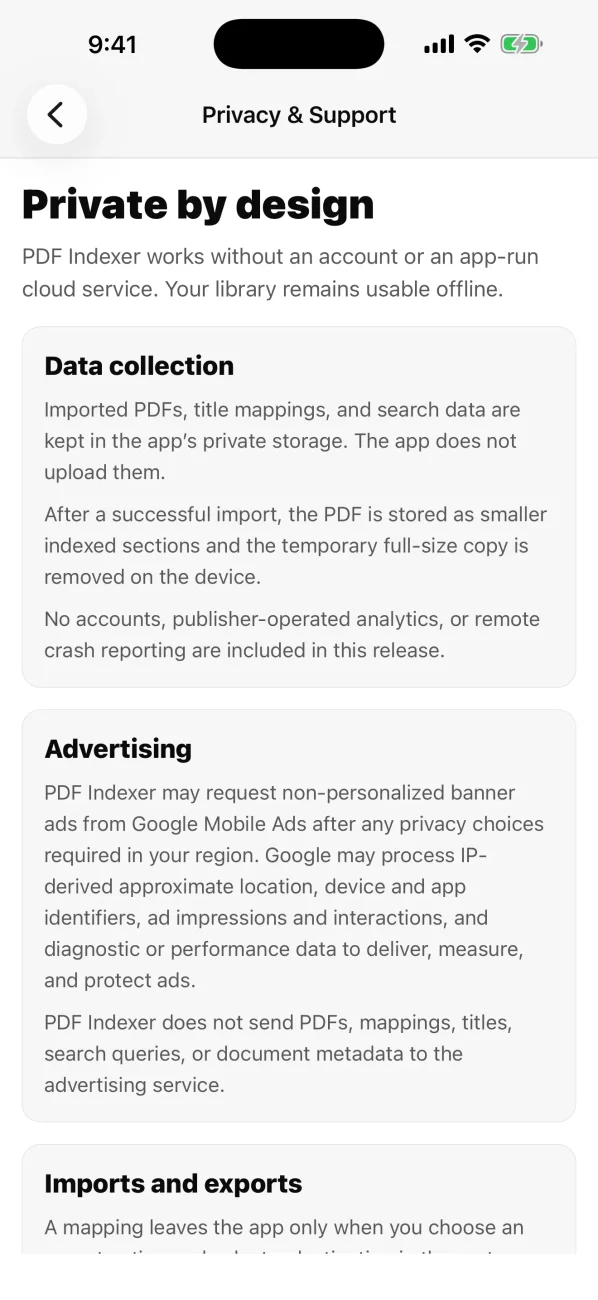
PDF Indexer turns a separate title-to-page mapping into fast navigation for a PDF.
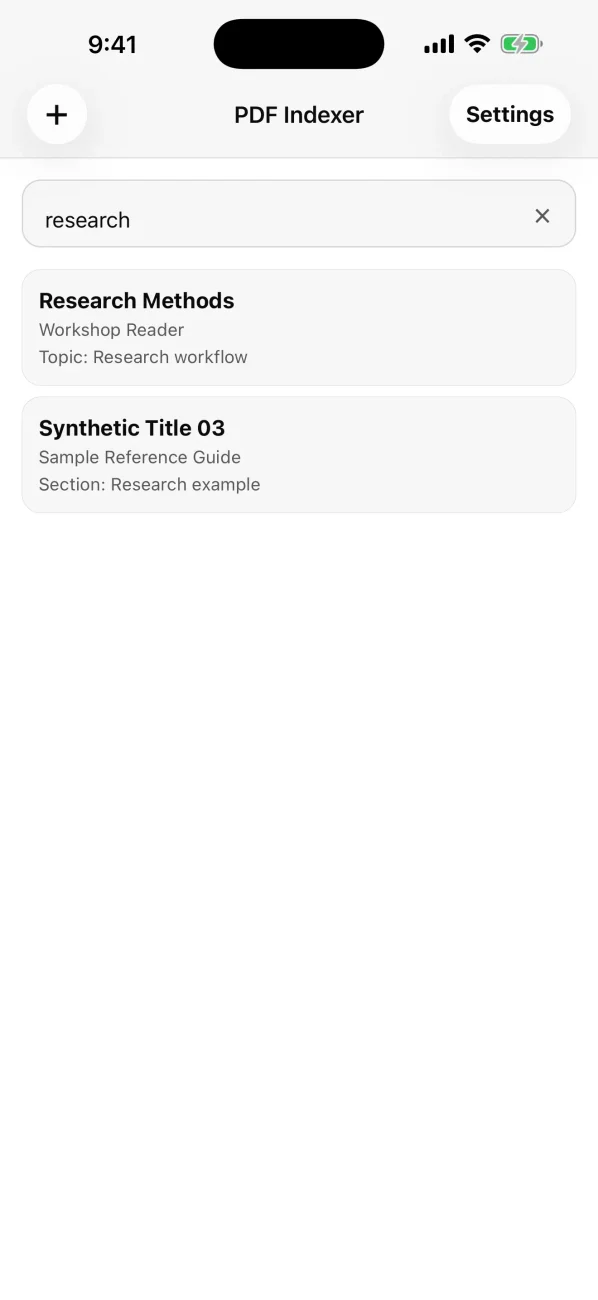
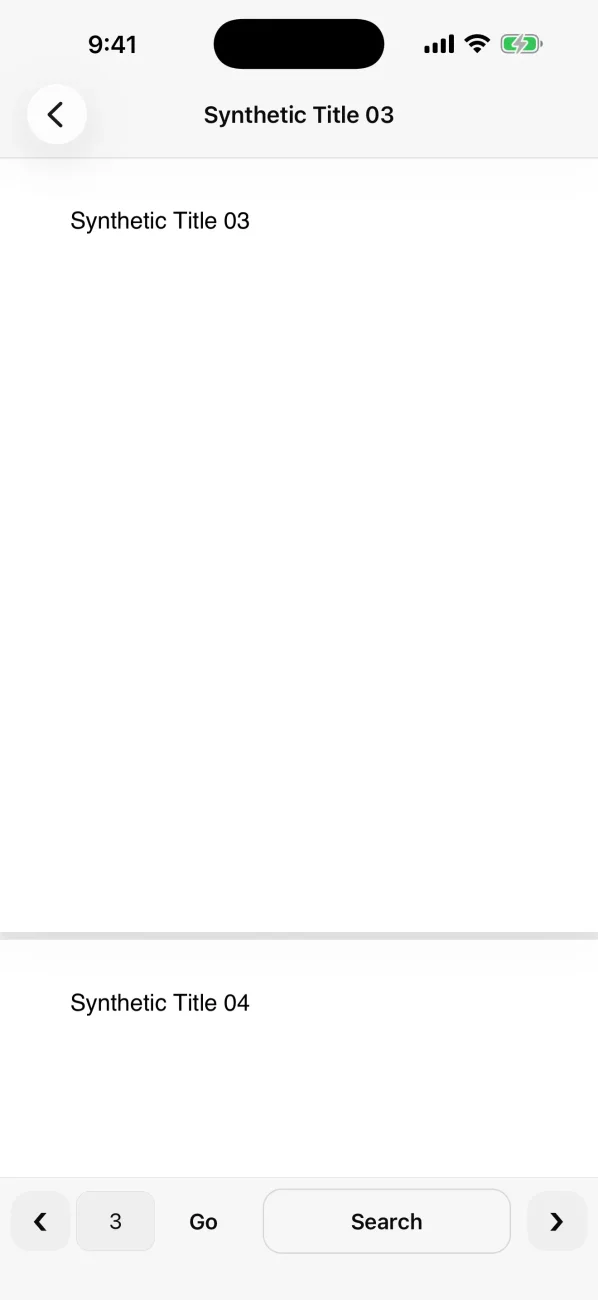
Choose a PDF, add its index, and search titles across your library. On import, the app divides the PDF into private on-device sections at indexed title pages and removes its temporary full-size copy. A result opens only the matching section at the mapped PDF page. Page offsets handle documents whose printed page numbers do not match their PDF positions.
Import mappings from CSV, JSON, XLSX, pasted text, or manual entry. Review validation warnings before saving, correct individual rows later, replace a mapping without copying the PDF again, and export a mapping as CSV or JSON.
PDF Indexer is local-first. It needs no account and has no publisher-operated analytics or app-run cloud service. Your app library stays in private device storage unless you choose to export a mapping. The free app may show non-personalized banner ads after any required privacy choices. PDFs, mappings, titles, and searches are not sent to the ad service. See the Privacy Policy for operating-system backup details.
Highlights:
• Search across multiple indexed PDFs
• Exact, prefix, substring, and alias matching
• Jump directly to mapped pages
• CSV, JSON, XLSX, pasted-text, and manual mapping input
• Page-offset calibration and bounds validation
• Mapping correction, replacement, and export
• Missing-file recovery without losing the mapping
• Light and dark appearance
PDFs and mappings are supplied by the user. PDF Indexer does not include third-party books or indexes.
What’s new
Version 1.0.5 · Oct 4, 2026
PDF scrolling now stays where you leave it, without snapping to a page. Your reading position is also preserved when you return to the app.
App privacy
What MATTHEW BYONG BAE declares on the App Store about how this app handles data.
-
Data linked to you
May be collected and linked to your identity.
- Identifiers
- Usage data
- Diagnostics
-
Data not linked to you
May be collected but is not linked to your identity.
- Location
- Diagnostics
Privacy practices may vary, for example with the features you use or your age.
Information
- Seller
- MATTHEW BYONG BAE
- Category
- Productivity
- Version
- 1.0.5
- Updated
- Oct 4, 2026
- Released
- Sep 2, 2026
- Size
- 52.9 MB
- Requires
- iOS 16.4 or later
- Age rating
- 4+
- In-app purchases
- Yes
- Languages
- English
- Copyright
- © 2026 Matthew Bae
You might also like
-
 PDF Search KitSearch & scan PDFs instantly
-
 FoxTrot Attaché SearchProductivity
-
 DocFind: Search Inside PDFsScanned PDFs too — offline OCR
-
 PDF Editor – Merge & SplitCombine, split & remove files
-
 SwiftSearch in PDFsQuick Search in All PDF Files
-
 MD Flow - Markdown ReaderBrowse folders, read rendered
-
 Klika: QR MenuCreate QR Menu
-
 ZeroTimer+: Visual TimerBeautiful Timer Faces & Themes
-
 iA Presenter: Fast SlidesWrite your presentations
-
 SwiftoDo for todo.txtTodo.txt task list