PDF Scanner: Optic Scan
Document Scanning, Sign & OCR
Conçue pour iPhone
Achats intégrés
- Classification d’âge4+
- CatégorieÉconomie et entreprise
- DéveloppeurSUNG HSIANG CHAO
- LanguesAnglais
- Taille4,0 Mo
PDF Scanner: Optic Scan n’est peut-être pas disponible sur App Store pour le moment
La fiche de la boutique était inaccessible lors de notre dernière vérification. Le lien mène toujours à la page App Store officielle.
Captures d’écran
À propos
Le développeur n’a pas fourni ce texte dans votre langue.
Turn paper into a clean, searchable PDF in seconds.
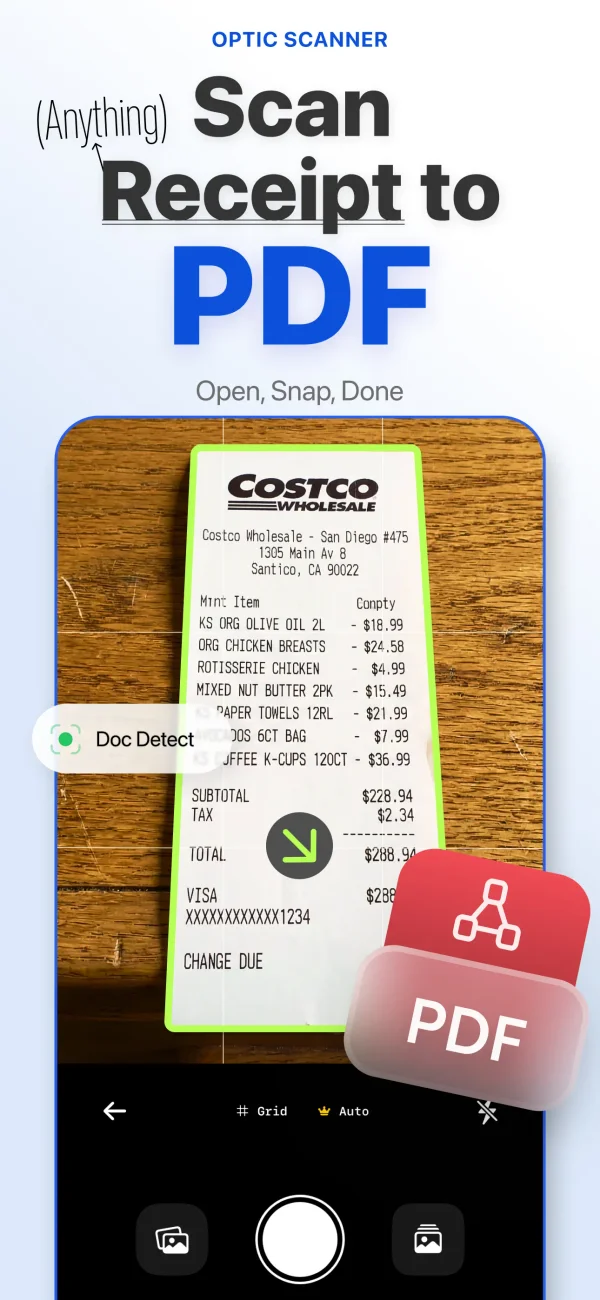
Optic is a fast PDF scanner and doc scanner built for people who just want the file done. Capture, auto-crop, enhance, and export with almost zero thinking.
KEY FEATURES
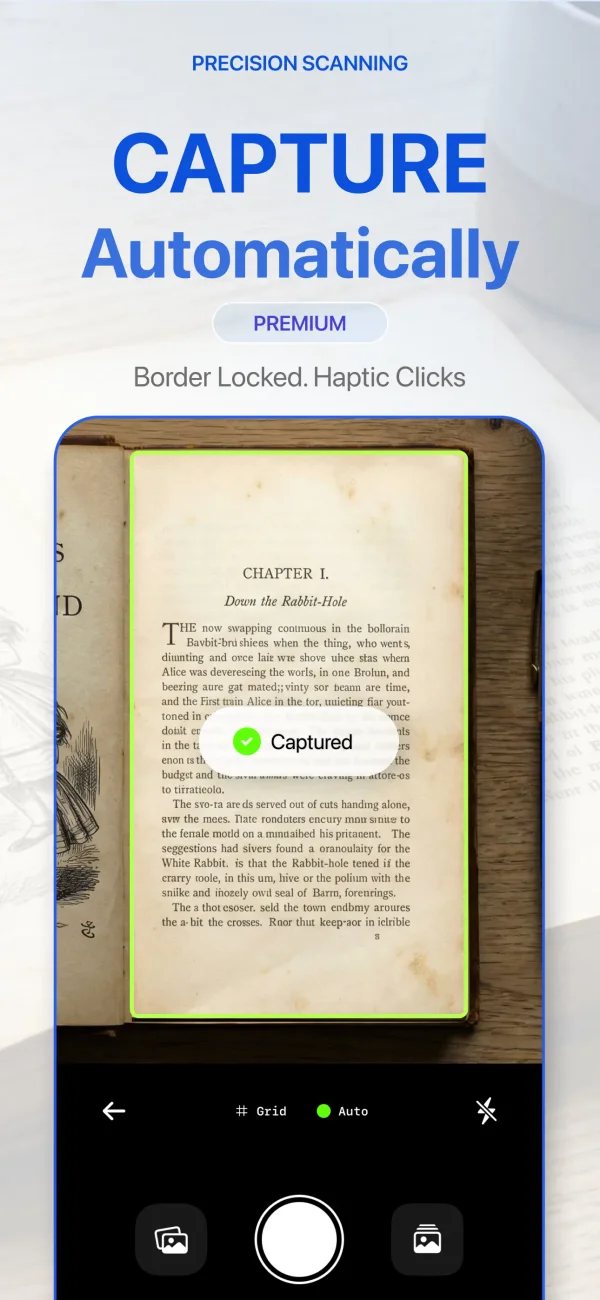
• One-tap scanning with fast auto edge detection
• Scan to PDF or JPG, single or multi-page
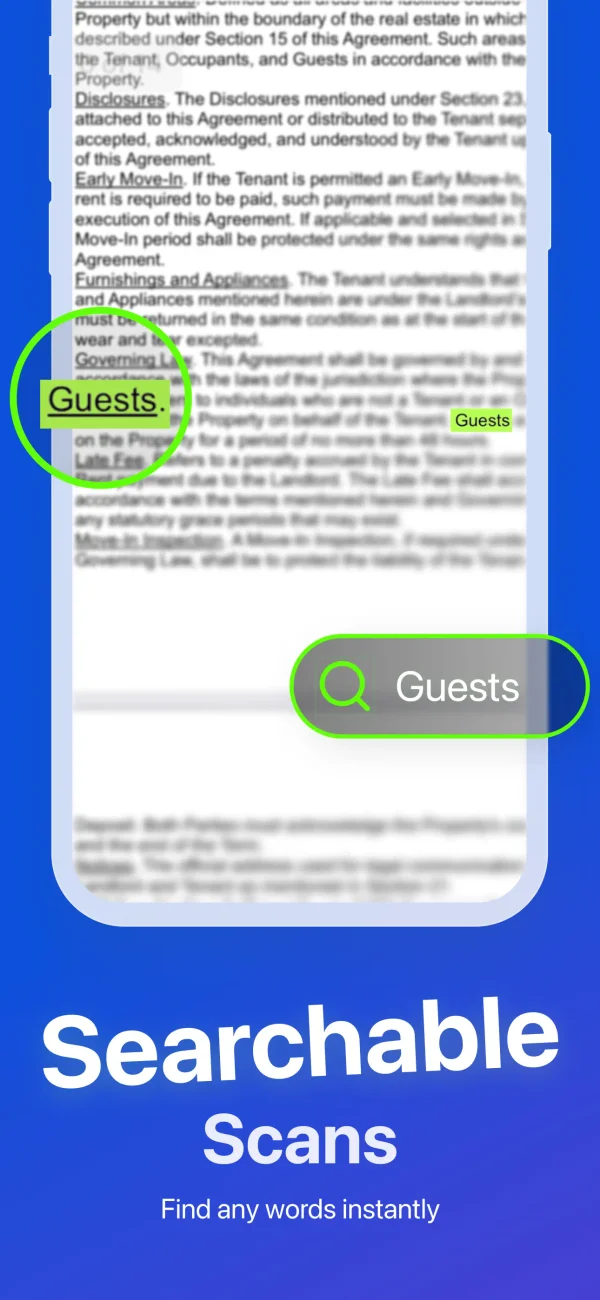
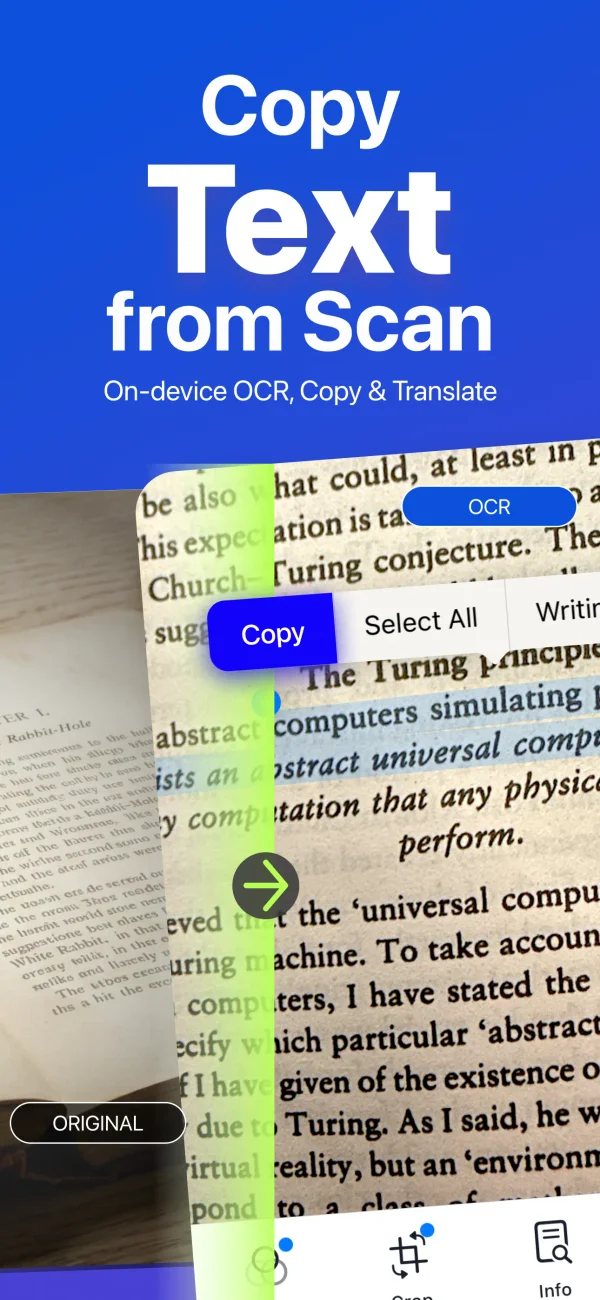
• OCR text recognition for searchable PDFs and copyable text
• Smart filters: Color, B/W, Greyscale, High-contrast
• Fix perspective and straighten pages for a “flat” look
• Batch scan and reorder pages in seconds
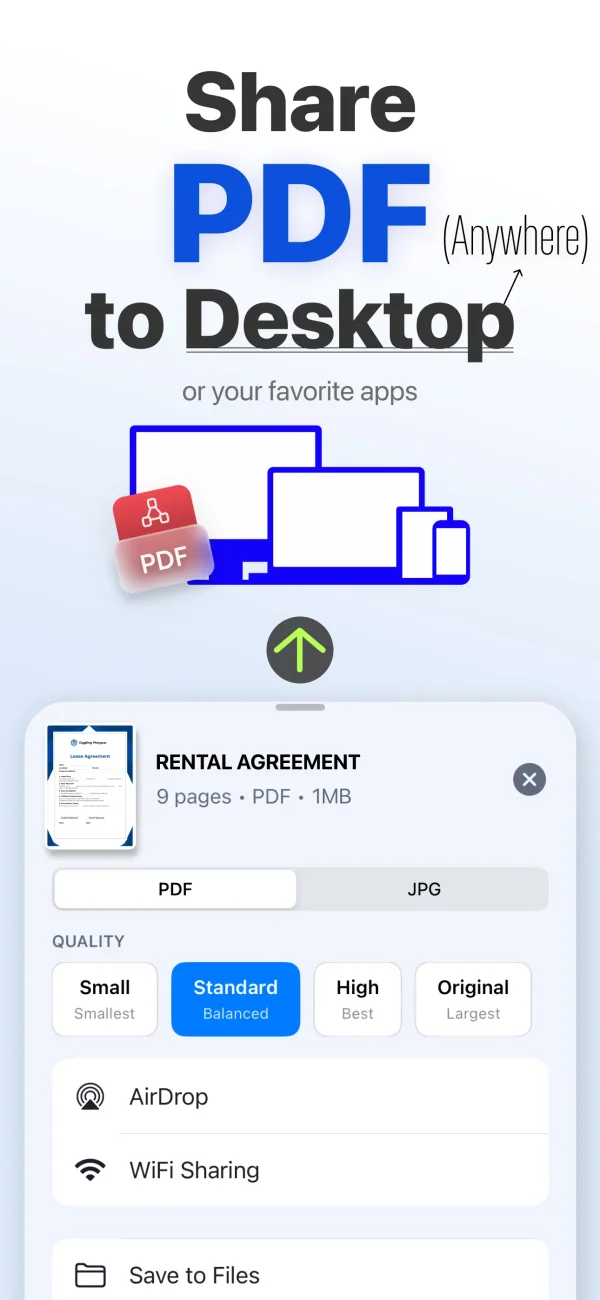
• Export and share: Files, Mail, Messages, AirDrop, cloud drives
• Create compact PDFs that stay crisp and easy to share
MADE FOR
Receipts, invoices, contracts, books, notes, forms, ID cards, whiteboards, and school handouts.
PRIVACY BY DESIGN
Your documents are yours. We’re built to minimize data collection and keep scanning simple.
Upgrade note: Some advanced features (like Auto-Scan, unlimited OCR and exports) may require a subscription, depending on your plan.
By using this app, you agree to the standard Apple Terms of Use (EULA).
Privacy Policy: https://pdf-scanner.app/privacypolicy
Terms of Use (EULA): https://www.apple.com/legal/internet-services/itunes/dev/stdeula/
Support: support@pdf-scanner.app
Nouveautés
Version 1.8.0 · 20/01/2026
Now you can:
1. Save webpages as PDFs and import them into Optic.
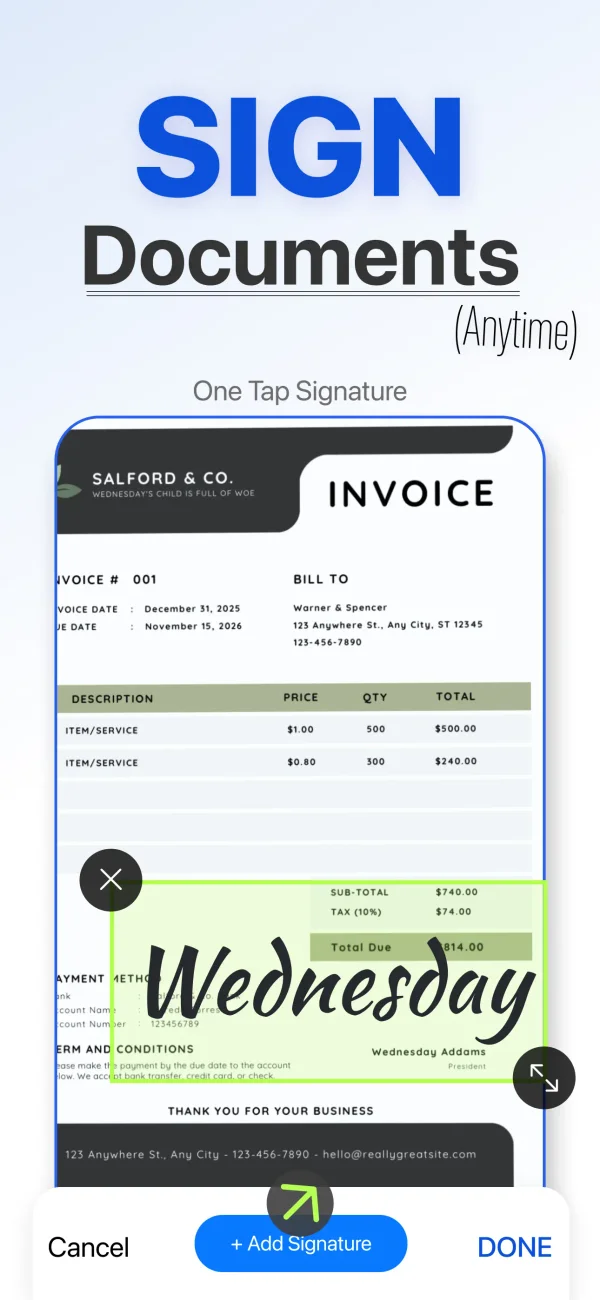
2. Import PDFs and sign in seconds.
Plus: performance improvements and bug fixes.
Confidentialité de l’application
Ce que SUNG HSIANG CHAO déclare sur l’App Store au sujet du traitement des données par cette application.
-
Données utilisées pour vous suivre
Peuvent être utilisées pour vous suivre sur des applications et des sites web appartenant à d’autres sociétés.
- Identifiants
-
Données n’établissant aucun lien avec vous
Peuvent être collectées, mais ne sont pas liées à votre identité.
- Identifiants
- Données d’utilisation
- Diagnostic
Les pratiques en matière de confidentialité peuvent varier, notamment en fonction des fonctionnalités que vous utilisez ou de votre âge.
Informations
- Vendeur
- SUNG HSIANG CHAO
- Catégorie
- Économie et entreprise
- Version
- 1.8.0
- Mis à jour
- 20/01/2026
- Publié
- 28/12/2025
- Taille
- 4,0 Mo
- Nécessite
- iOS 17.6 ou version ultérieure
- Classification d’âge
- 4+
- Achats intégrés
- Oui
- Langues
- Anglais
- Copyright
- © CHAO SUNG HSIANG