PDF Scanner: Optic Scan
Document Scanning, Sign & OCR
Designed for iPhone
Free · In-app purchases
- Age rating4+
- CategoryBusiness
- DeveloperSUNG HSIANG CHAO
- LanguagesEnglish
- Size4.0 MB
Links to the official App Store page
Download.org hosts no file of PDF Scanner: Optic Scan. The button opens its official App Store page, published by SUNG HSIANG CHAO. Listing last checked on Nov 15, 2026.
Screenshots
About
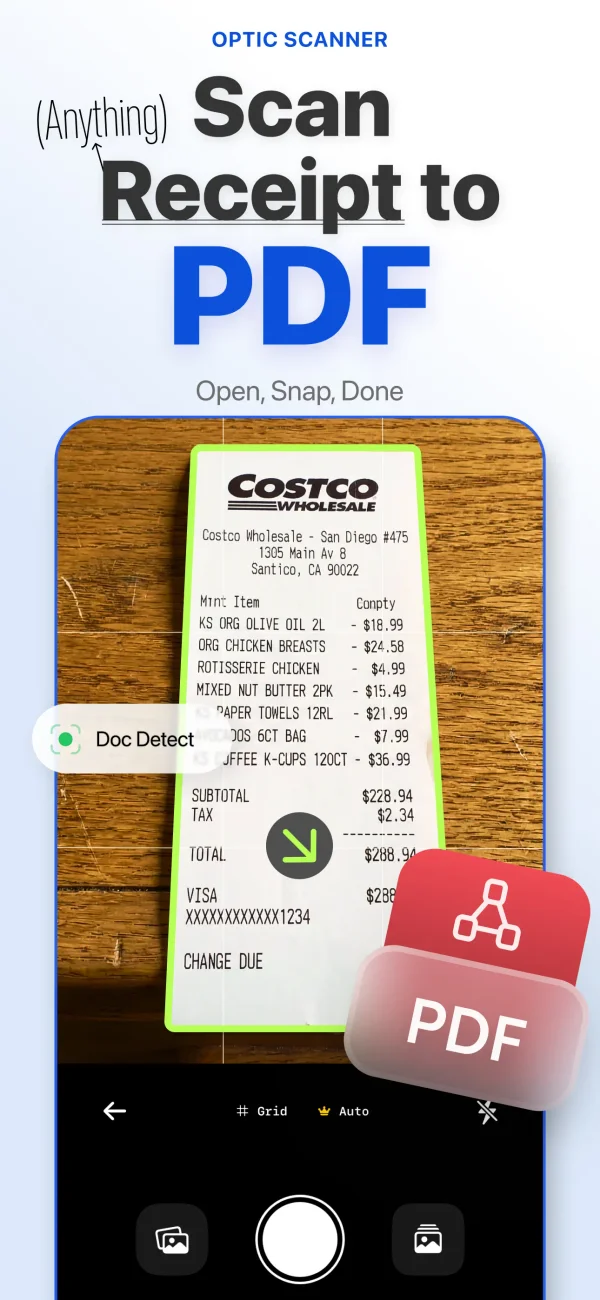
Turn paper into a clean, searchable PDF in seconds.
Optic is a fast PDF scanner and doc scanner built for people who just want the file done. Capture, auto-crop, enhance, and export with almost zero thinking.
KEY FEATURES
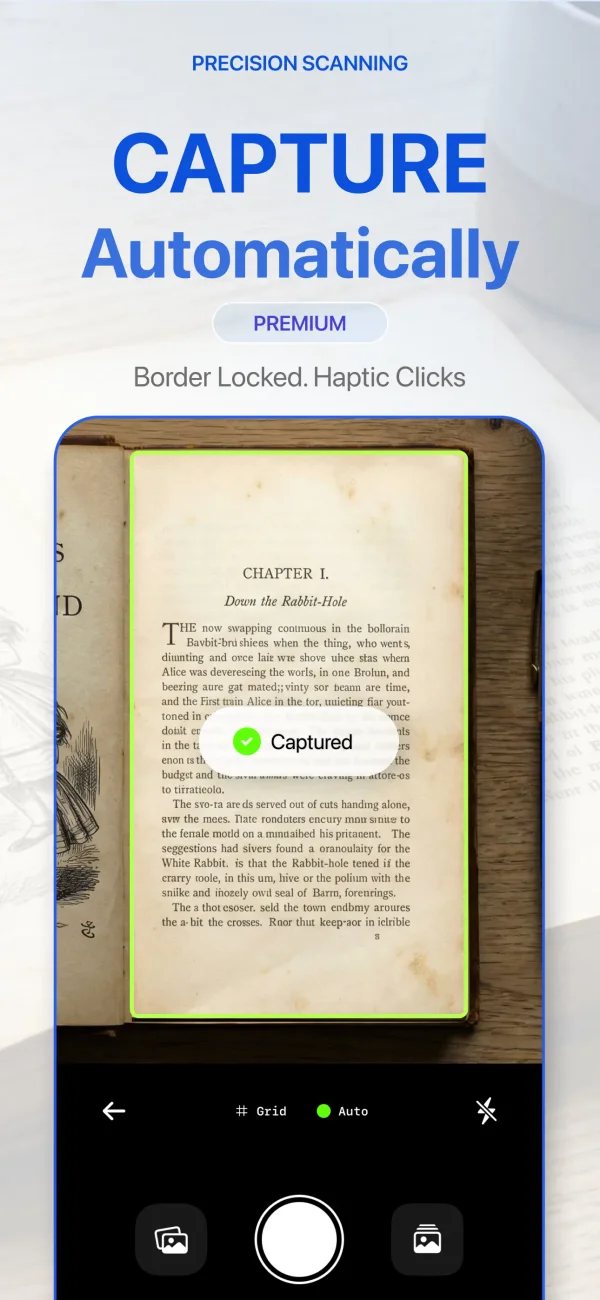
• One-tap scanning with fast auto edge detection
• Scan to PDF or JPG, single or multi-page
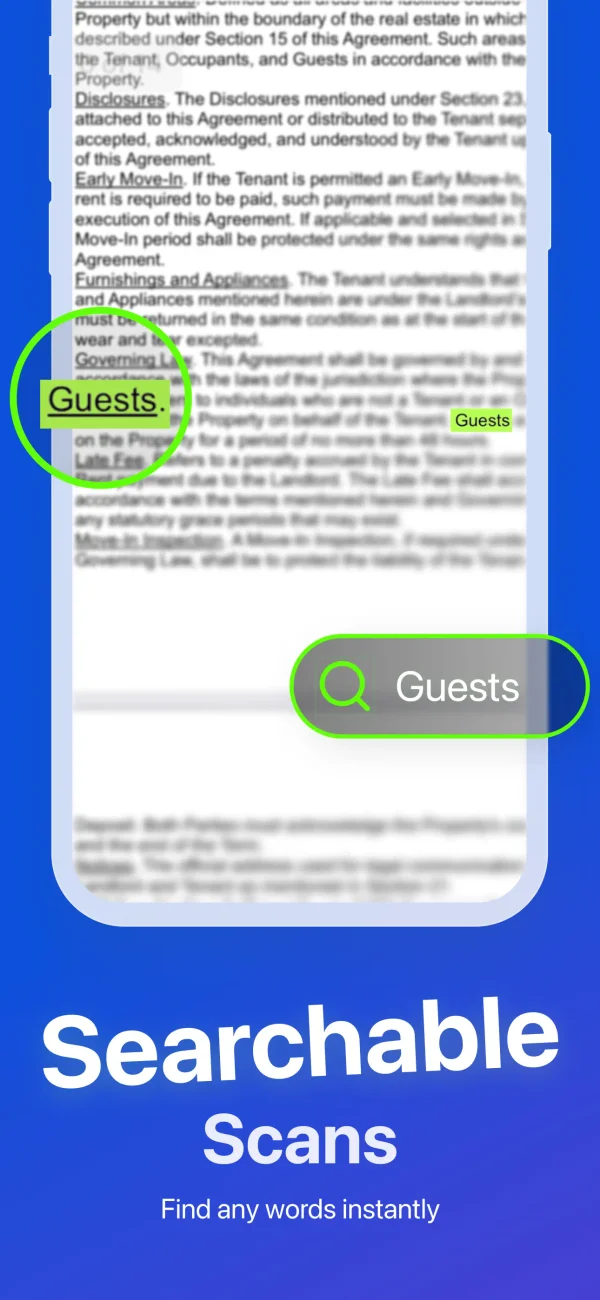
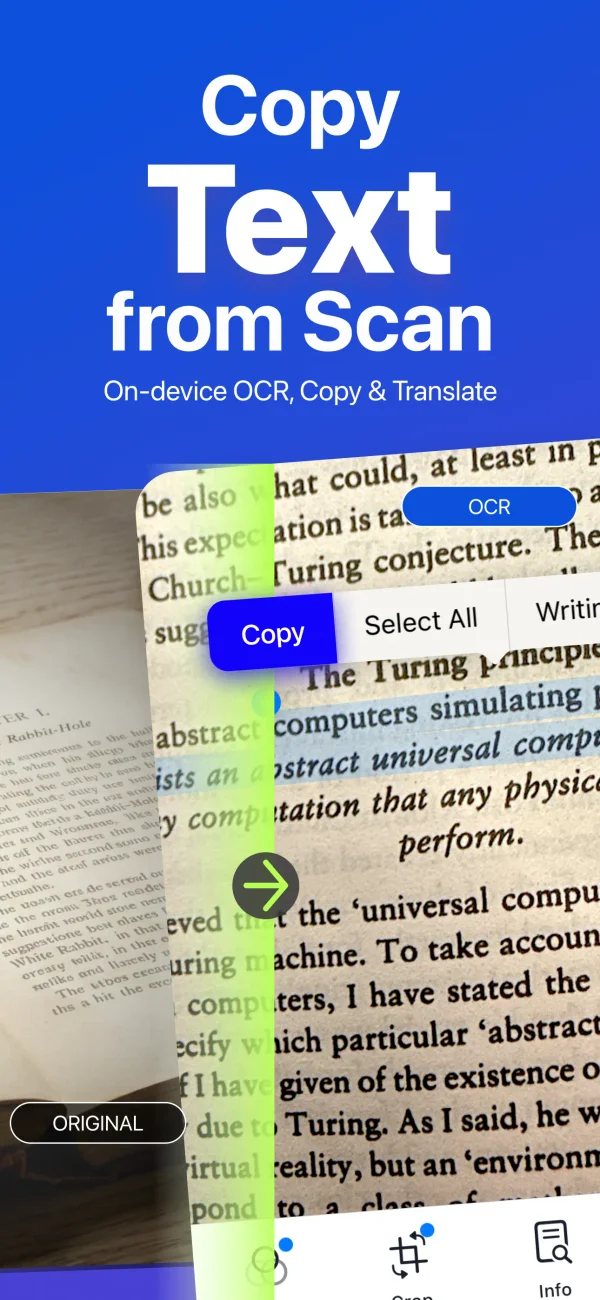
• OCR text recognition for searchable PDFs and copyable text
• Smart filters: Color, B/W, Greyscale, High-contrast
• Fix perspective and straighten pages for a “flat” look
• Batch scan and reorder pages in seconds
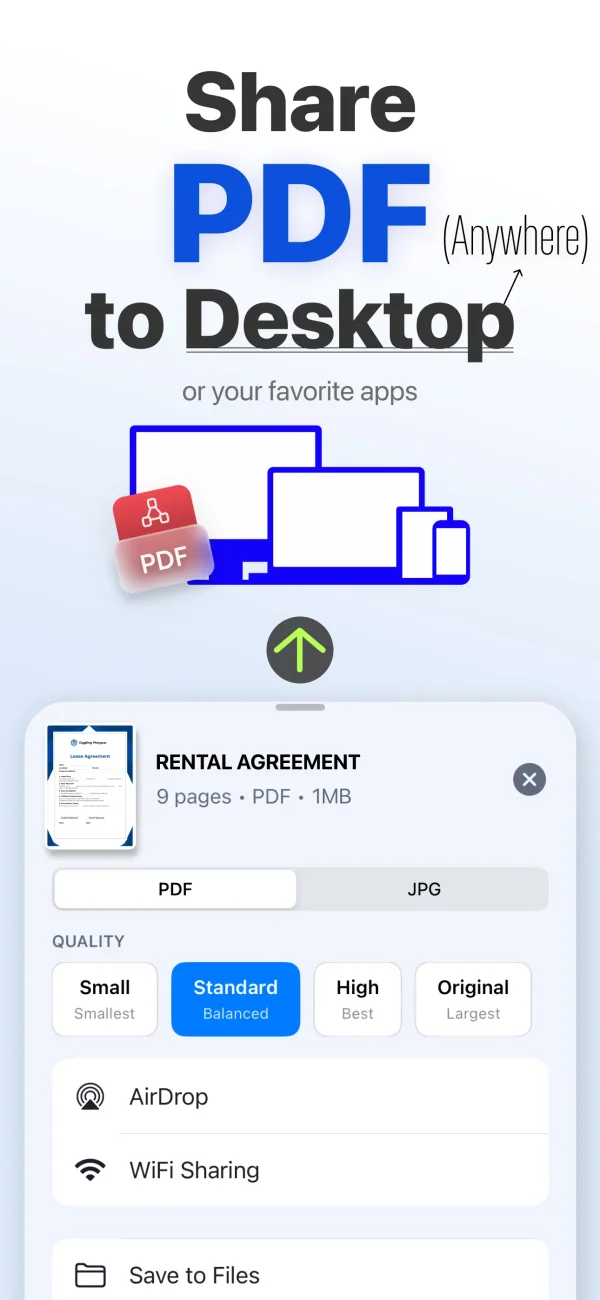
• Export and share: Files, Mail, Messages, AirDrop, cloud drives
• Create compact PDFs that stay crisp and easy to share
MADE FOR
Receipts, invoices, contracts, books, notes, forms, ID cards, whiteboards, and school handouts.
PRIVACY BY DESIGN
Your documents are yours. We’re built to minimize data collection and keep scanning simple.
Upgrade note: Some advanced features (like Auto-Scan, unlimited OCR and exports) may require a subscription, depending on your plan.
By using this app, you agree to the standard Apple Terms of Use (EULA).
Privacy Policy: https://pdf-scanner.app/privacypolicy
Terms of Use (EULA): https://www.apple.com/legal/internet-services/itunes/dev/stdeula/
Support: support@pdf-scanner.app
What’s new
Version 1.8.0 · Jan 20, 2026
Now you can:
1. Save webpages as PDFs and import them into Optic.
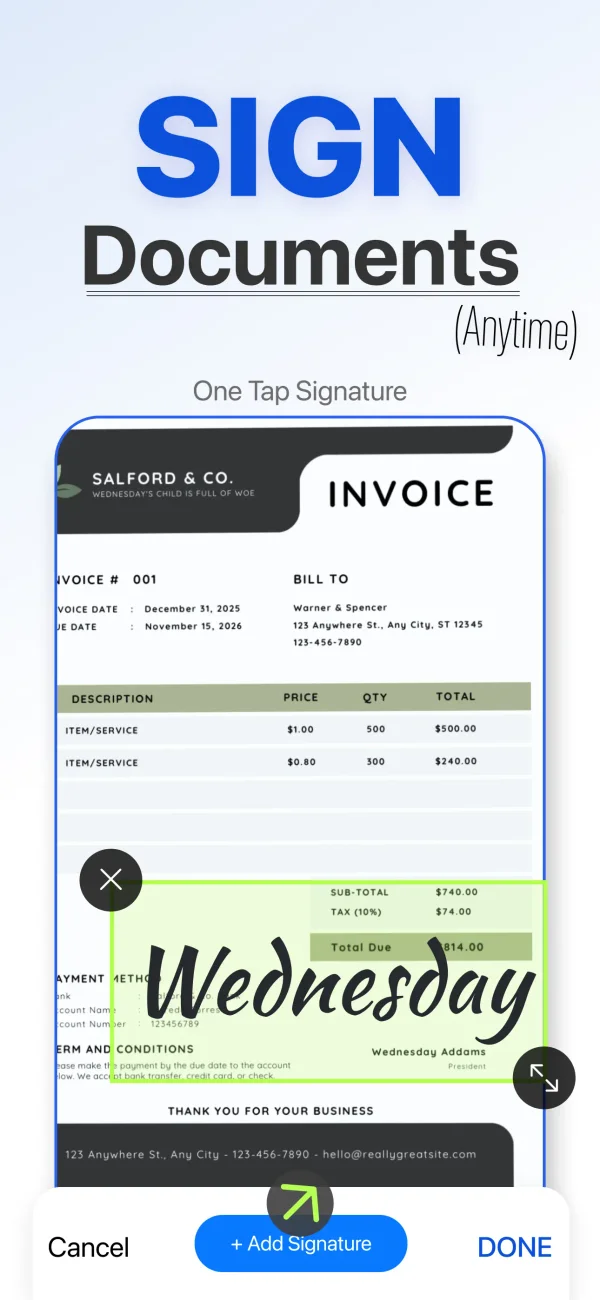
2. Import PDFs and sign in seconds.
Plus: performance improvements and bug fixes.
App privacy
What SUNG HSIANG CHAO declares on the App Store about how this app handles data.
-
Data used to track you
May be used to track you across apps and websites owned by other companies.
- Identifiers
-
Data not linked to you
May be collected but is not linked to your identity.
- Identifiers
- Usage data
- Diagnostics
Privacy practices may vary, for example with the features you use or your age.
Information
- Seller
- SUNG HSIANG CHAO
- Category
- Business
- Version
- 1.8.0
- Updated
- Jan 20, 2026
- Released
- Dec 28, 2025
- Size
- 4.0 MB
- Requires
- iOS 17.6 or later
- Age rating
- 4+
- Price
- Free
- In-app purchases
- Yes
- Languages
- English
- Copyright
- © CHAO SUNG HSIANG
You might also like
-
 Image Converter: Fast&OfflineHEIC, PNG, JPG, PDF & Editor
-
 Client InboxBusiness
-
 dfCalProductivity
-
 BeanGraderAI Coffee Pre-Screening Tool
-
 OwnventorySmart AI Asset Catalog
-
 PlannerlyAppProductivity
-
 Bitalo NexusFind Your Peers
-
 Minus Alarm - Schedule AlarmSkip alarms for changing plans
-
 FlexInvestBusiness
-
 DeductiblyTrack Donations & Tax Savings