
PhotoCable
Import photos via cable
Conçue pour iPhone, iPad, iPod touch
Gratuit
- Classification d’âge4+
- CatégorieUtilitaires
- DéveloppeurXIAOCHI CHEN
- LanguesAnglais+ 3 de plus
- Taille1,5 Mo
Renvoie vers la page App Store officielle
Download.org n’héberge aucun fichier de PhotoCable. Le bouton ouvre la page de l’application sur App Store, où XIAOCHI CHEN la publie. Fiche vérifiée pour la dernière fois le 20/11/2026.
Captures d’écran
À propos
Le développeur n’a pas fourni ce texte dans votre langue.
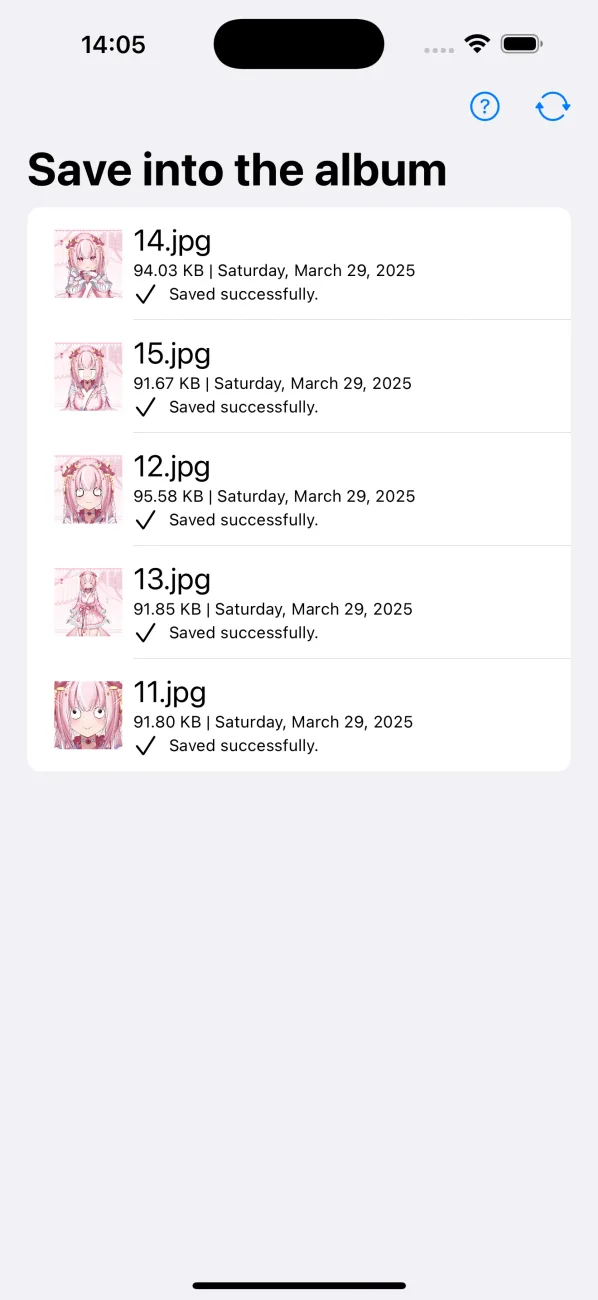
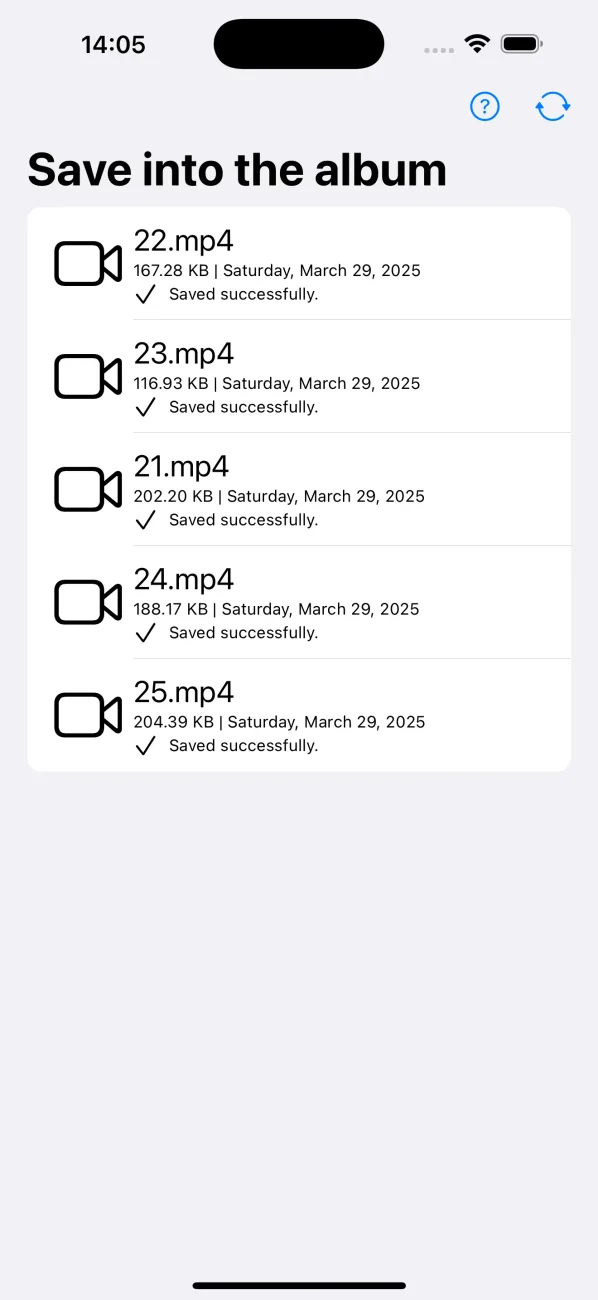
Transferring photos or videos to your device's album may be a hassle when there is no Internet and LAN connection and only a data cable to connect to your PC. This tool can make you accomplish this task more easily.
Windows:
0. Download and install this software.
1. Connect the device to the computer via USB.
2. Open `iTunes`.
3. Click on the phone icon button above `iTunes` and you will see your device information page.
4. Click `File Sharing' on the left and select `iUImport'.
5. Drag and drop the picture or video file you want to copy into the file list box.
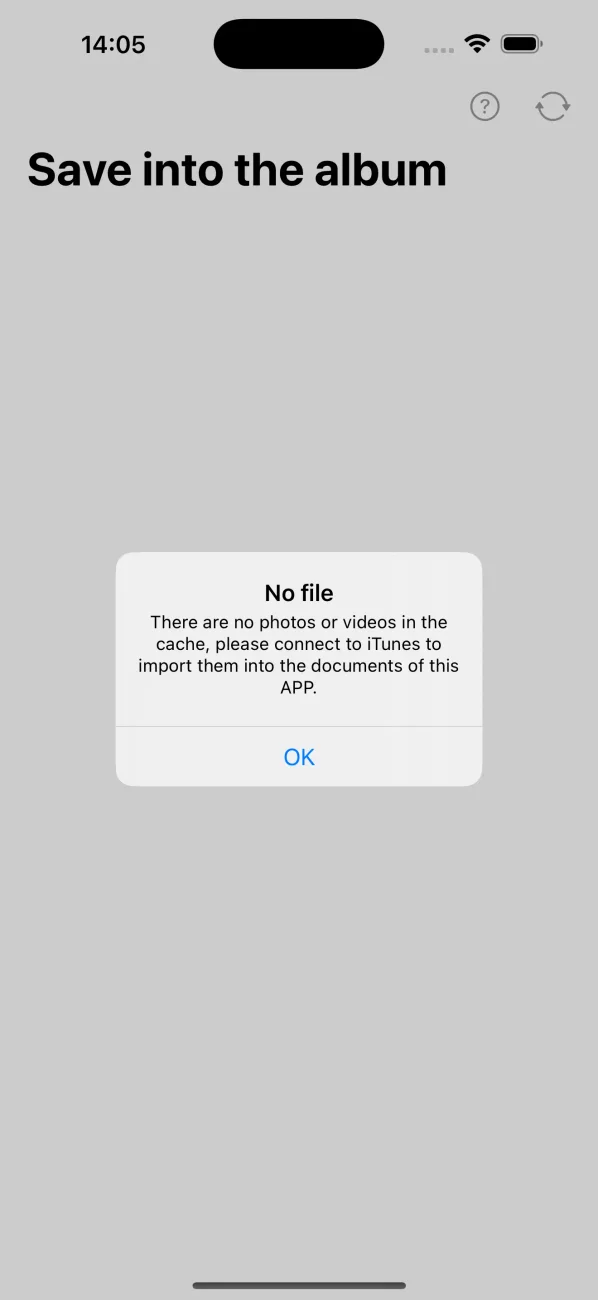
6. Start the program. If this program has already started, press the Refresh button in the upper right corner to import a new file.
macOS:
0. Download and install this software.
1. Connect the device to the computer via USB.
2. Open `Finder'.
3. Select your device in the `Finder` left sidebar to access your device information page.
4. Click `File' at the top and select `iUImport'.
5. Drag the image or video file you want to copy to the `iUImport` item.
6. Start the program. If this program has already started, press the Refresh button in the upper right corner to import a new file.
7. The program will automatically copy the files you just imported into the album.
This software is open source at: https://github.com/kagurazakayashi/iUImport
Confidentialité de l’application
Ce que XIAOCHI CHEN déclare sur l’App Store au sujet du traitement des données par cette application.
-
Données non collectées
Le développeur ne collecte aucune donnée à partir de cette application.
Les pratiques en matière de confidentialité peuvent varier, notamment en fonction des fonctionnalités que vous utilisez ou de votre âge.
Informations
- Vendeur
- XIAOCHI CHEN
- Catégorie
- Utilitaires
- Version
- 1.0
- Mis à jour
- 08/04/2025
- Publié
- 08/04/2025
- Taille
- 1,5 Mo
- Nécessite
- iOS 15.0 ou version ultérieure
- Classification d’âge
- 4+
- Prix
- Gratuit
- Langues
- Anglais, Japonais, Chinois simplifié, Chinois traditionnel
- Copyright
- © 2024 KagurazakaMiyabi (KagurazakaYashi)
Vous aimerez peut-être aussi
-
 PCTransferUtilitaires
-
 Illuminance Pulsation MeterTrouvez le scintillement de la
-
 Radio Code Opel GMUtilitaires
-
 Darkslide: Camera ImportUtilitaires
-
 Deduply : Nettoyer doublonsSupprimer photos similaires
-
 Vokivo: Transcription audioRéunions, cours, idées
-
 USB FileUtilitaires
-
 WiFi File Transfer: From PCEnvoi et réception sans câble
-
 PDF en JPG & Image : PdfShotPages PDF en PNG et photos
-
 Smart Transfer: Migrer DonnéesContacts, Photos et Fichiers