
- Age rating4+
- CategoryUtilities
- DeveloperXIAOCHI CHEN
- LanguagesEnglish+ 3 more
- Size1.5 MB
Links to the official App Store page
Download.org hosts no file of PhotoCable. The button opens its official App Store page, published by XIAOCHI CHEN. Listing last checked on Nov 20, 2026.
Screenshots
About
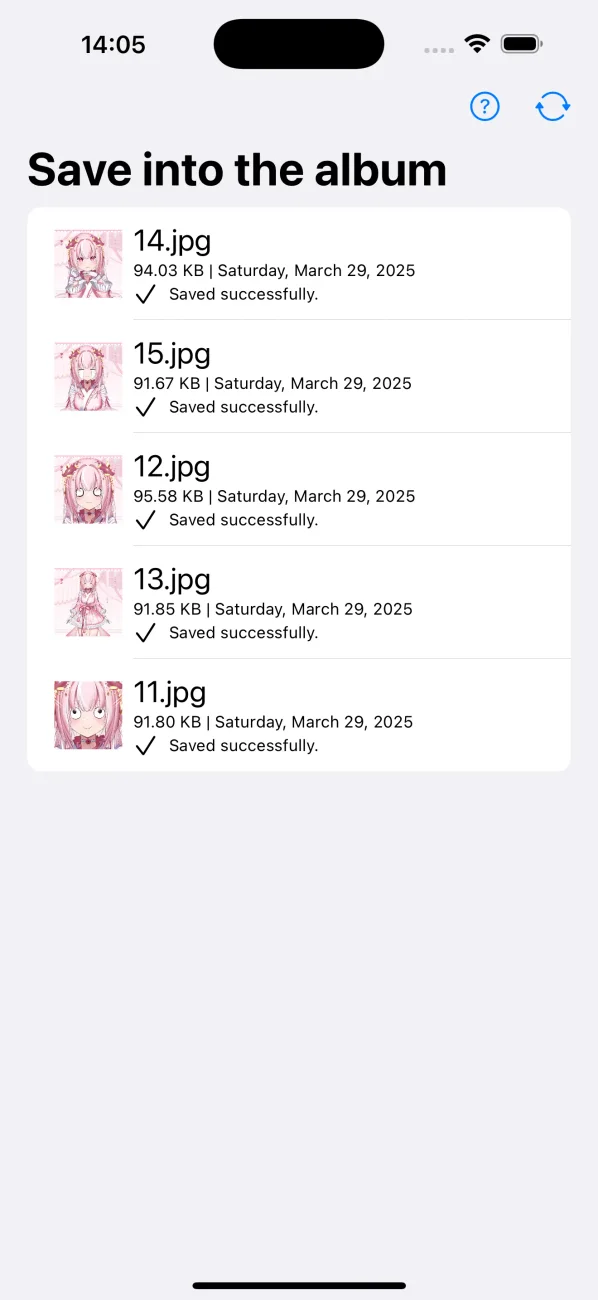
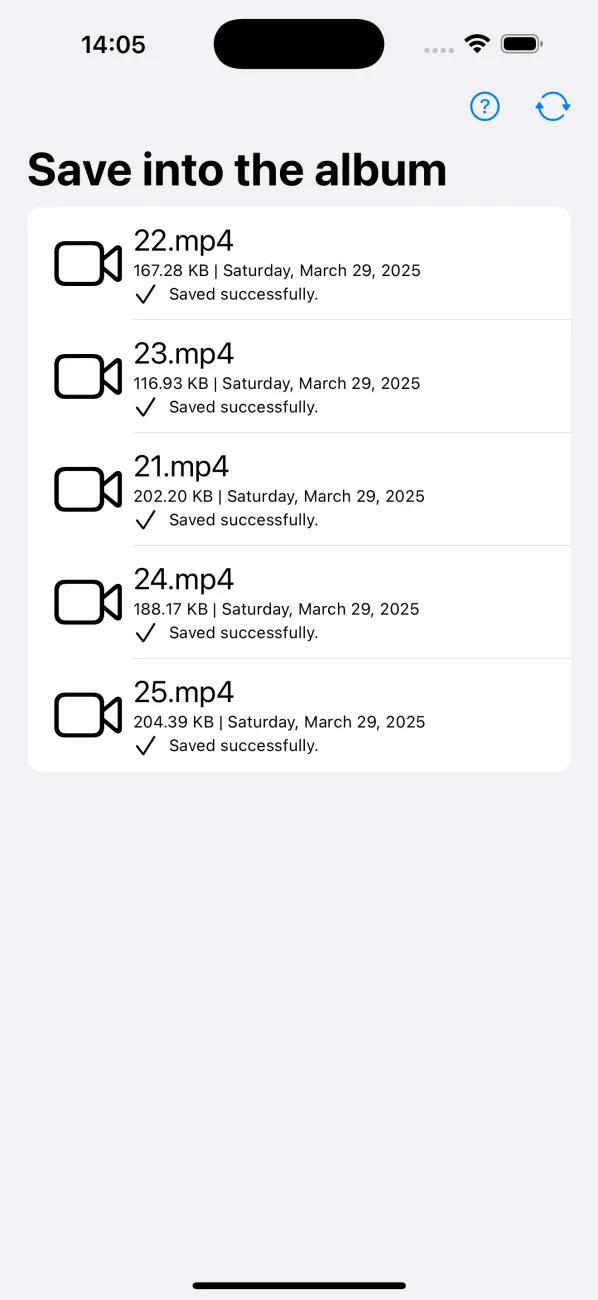
Transferring photos or videos to your device's album may be a hassle when there is no Internet and LAN connection and only a data cable to connect to your PC. This tool can make you accomplish this task more easily.
Windows:
0. Download and install this software.
1. Connect the device to the computer via USB.
2. Open `iTunes`.
3. Click on the phone icon button above `iTunes` and you will see your device information page.
4. Click `File Sharing' on the left and select `iUImport'.
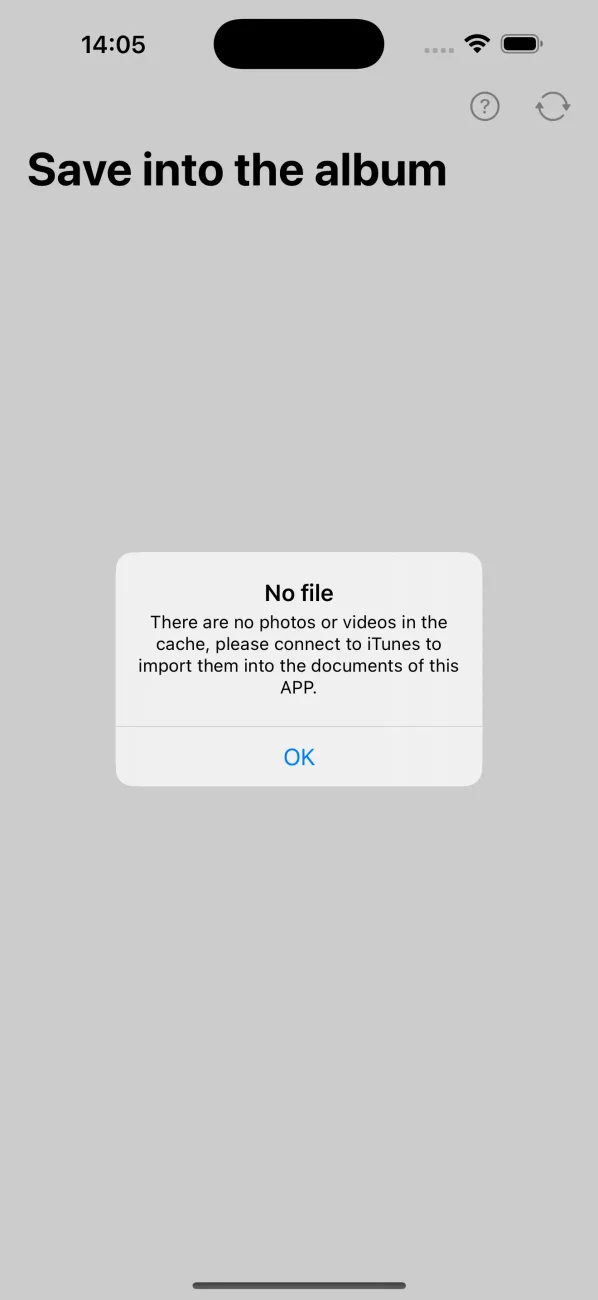
5. Drag and drop the picture or video file you want to copy into the file list box.
6. Start the program. If this program has already started, press the Refresh button in the upper right corner to import a new file.
macOS:
0. Download and install this software.
1. Connect the device to the computer via USB.
2. Open `Finder'.
3. Select your device in the `Finder` left sidebar to access your device information page.
4. Click `File' at the top and select `iUImport'.
5. Drag the image or video file you want to copy to the `iUImport` item.
6. Start the program. If this program has already started, press the Refresh button in the upper right corner to import a new file.
7. The program will automatically copy the files you just imported into the album.
This software is open source at: https://github.com/kagurazakayashi/iUImport
App privacy
What XIAOCHI CHEN declares on the App Store about how this app handles data.
-
Data not collected
The developer does not collect any data from this app.
Privacy practices may vary, for example with the features you use or your age.
Information
- Seller
- XIAOCHI CHEN
- Category
- Utilities
- Version
- 1.0
- Updated
- Apr 8, 2025
- Released
- Apr 8, 2025
- Size
- 1.5 MB
- Requires
- iOS 15.0 or later
- Age rating
- 4+
- Price
- Free
- Languages
- English, Japanese, Simplified Chinese, Traditional Chinese
- Copyright
- © 2024 KagurazakaMiyabi (KagurazakaYashi)
You might also like
-
 PCTransferWiFi File Transfer & Manager
-
 Illuminance Pulsation MeterFind the flicker of light
-
 Radio Code Opel GMRadio Decode for Opel GM
-
 Better Camera ImportSD Card & Camera Photo Import
-
 Deduply - Duplicate CleanerRemove Similar Photos & Videos
-
 Vokivo: Audio TranscriberMeetings, Lectures, Ideas
-
 USB FileUtilities
-
 WiFi File Transfer: From PCSend & Receive Files, No Cable
-
 PDF to JPG & Image: PdfShotSave PDF Pages as PNG Photos
-
 Smart Transfer: Copy My DataPhone Clone, Switch & Contacts