
Pingoo: SMS Sync
Your Android SMS, on iPhone
Conçue pour iPhone, iPad, iPod touch
Gratuit
- Classification d’âge4+
- CatégorieUtilitaires
- DéveloppeurMuhammad Shoaib
- LanguesAnglais
- Taille34,8 Mo
Renvoie vers la page App Store officielle
Download.org n’héberge aucun fichier de Pingoo: SMS Sync. Le bouton ouvre la page de l’application sur App Store, où Muhammad Shoaib la publie. Fiche vérifiée pour la dernière fois le 23/11/2026.
Captures d’écran
À propos
Le développeur n’a pas fourni ce texte dans votre langue.
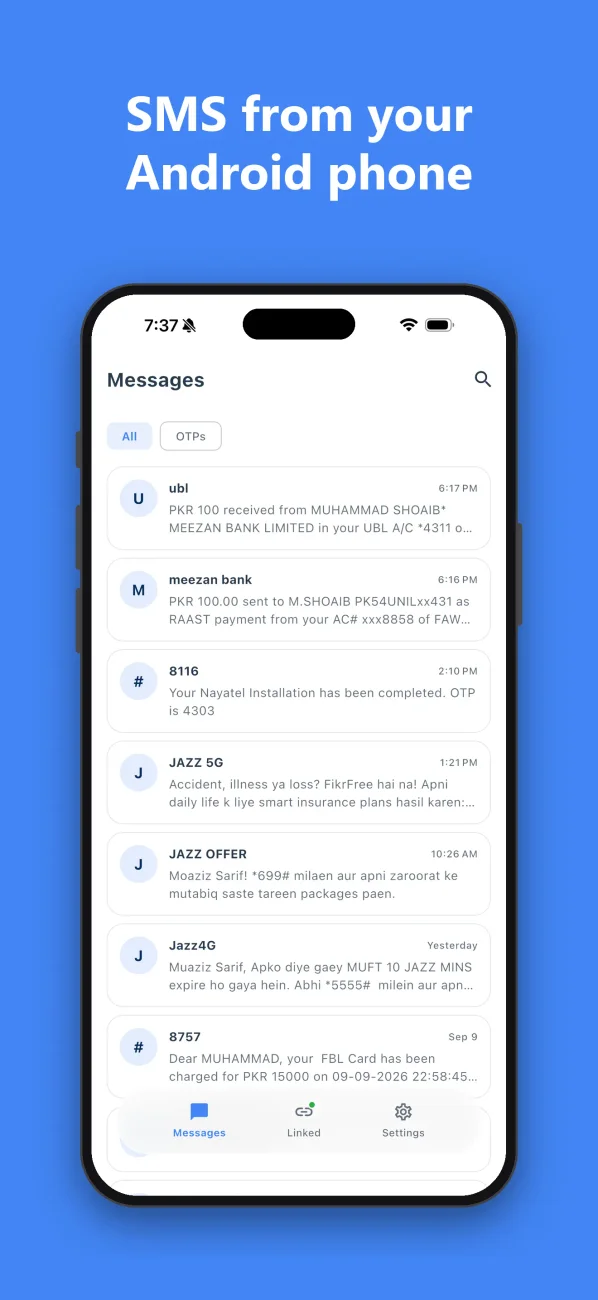
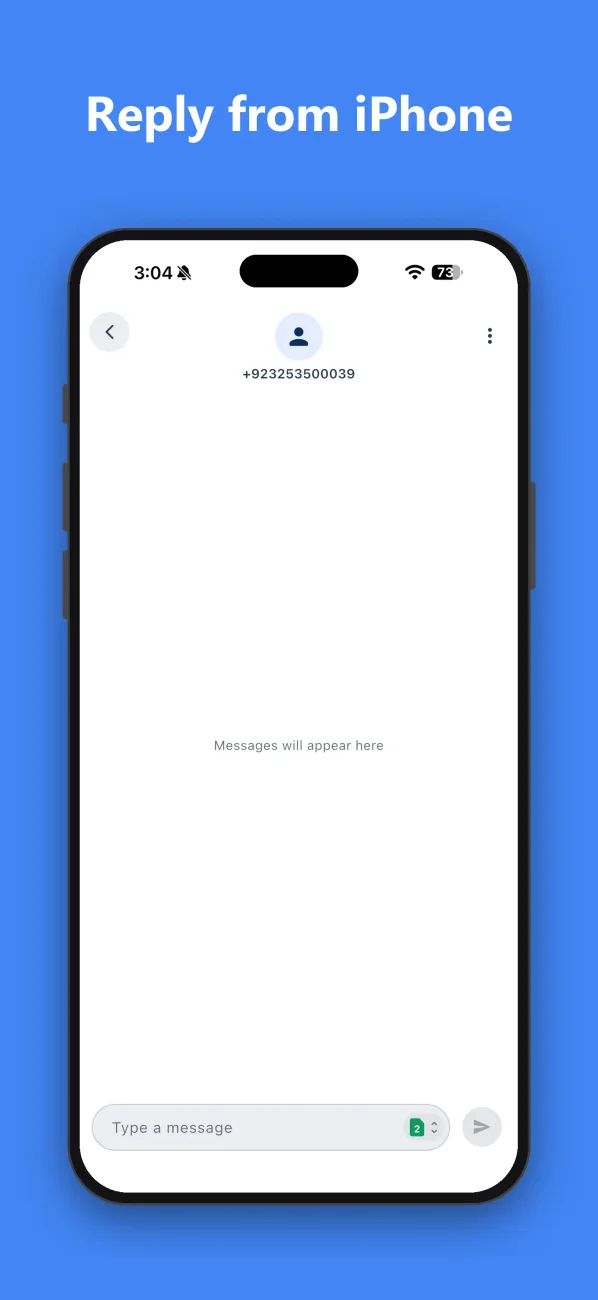
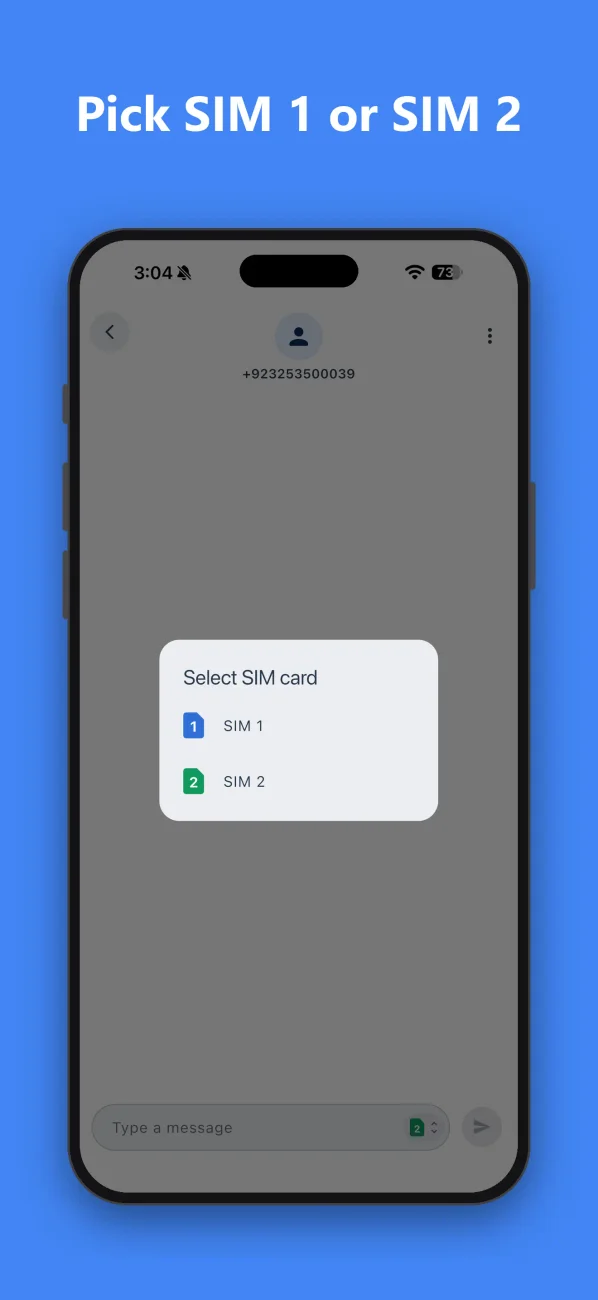
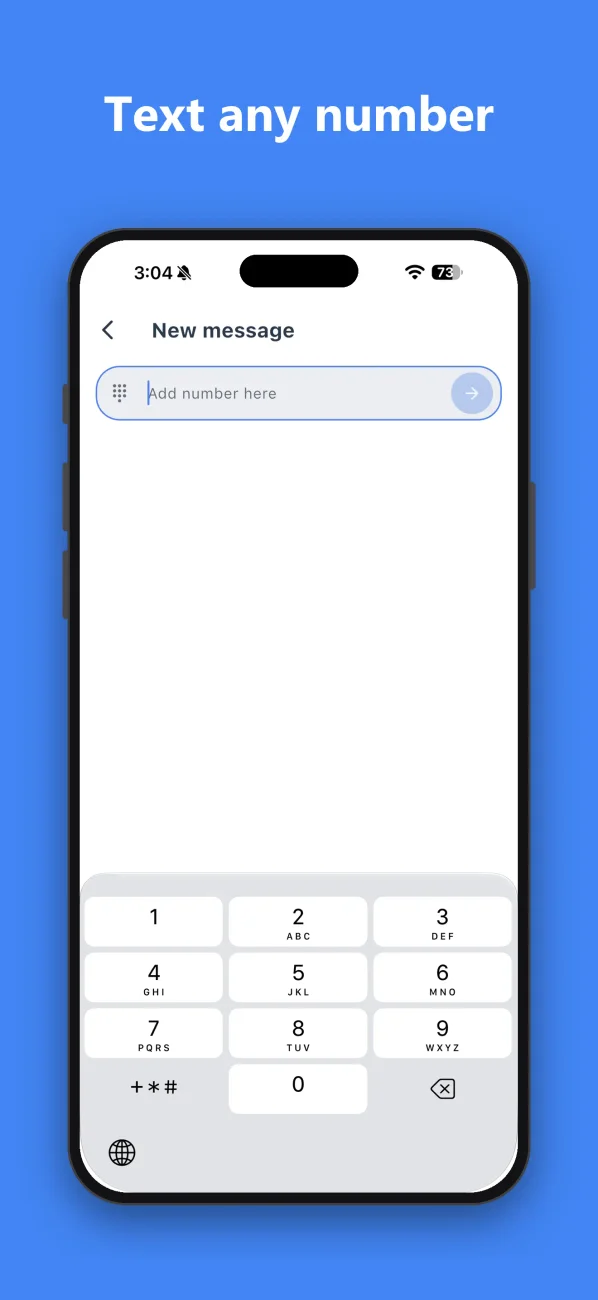
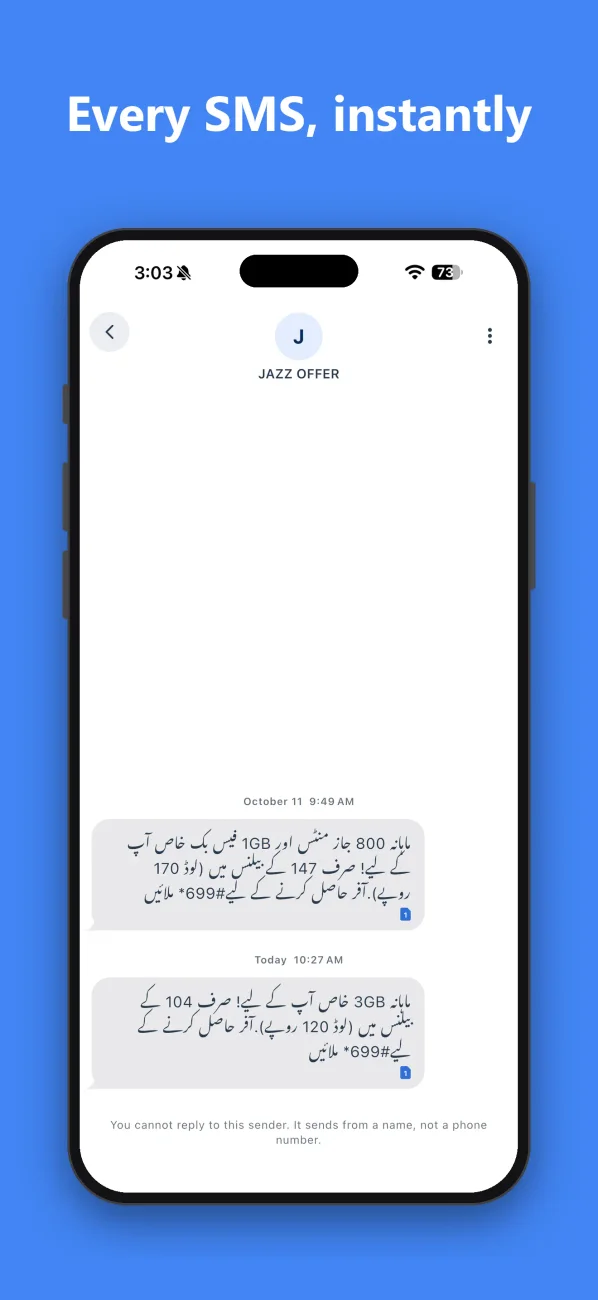
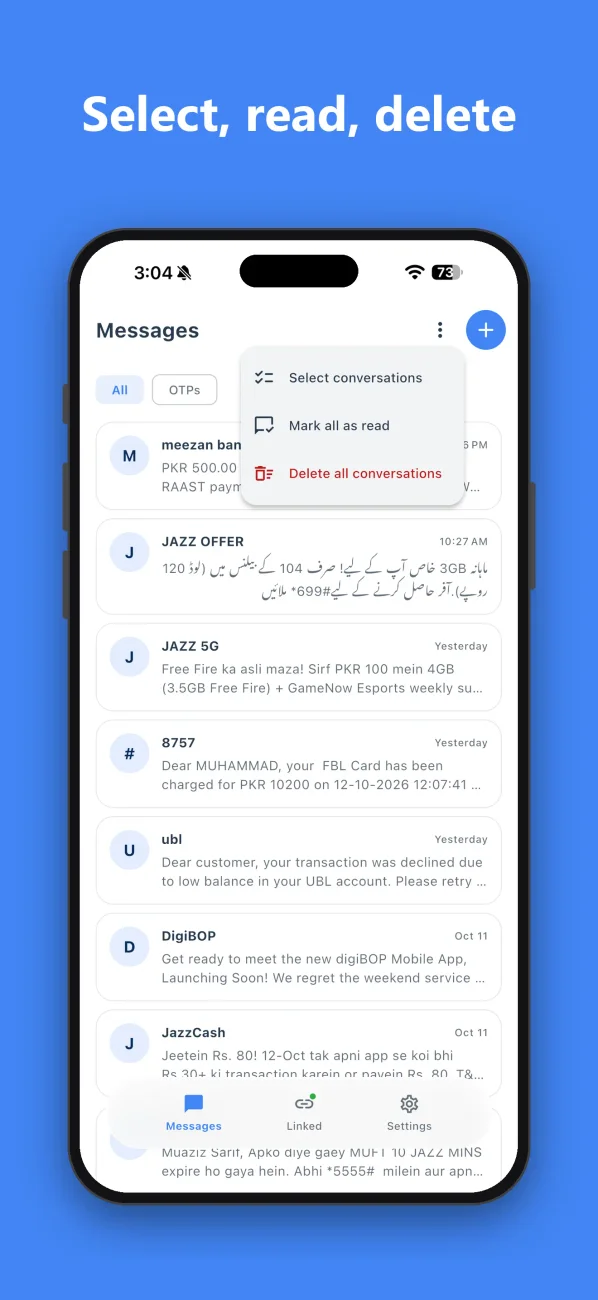
Pingoo brings the SMS from the phone that holds your SIM to the iPhone in your hand. Keep the SIM in your Android phone, and read every message on your iPhone the moment it arrives, even if the iPhone has no SIM at all.
HOW IT WORKS
1. Install Pingoo on both phones: this app on your iPhone, and Pingoo on the Android phone with the SIM (Google Play).
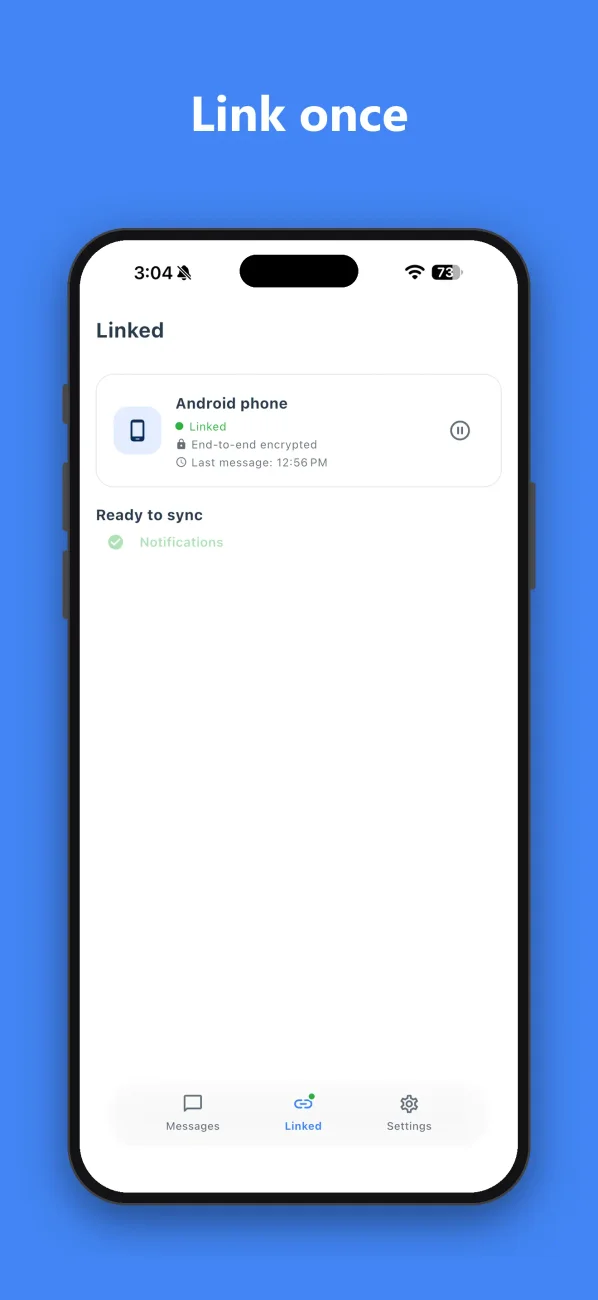
2. On the Android phone choose "This SIM phone shares SMS". On the iPhone choose "Receive SMS on this phone" and scan the QR code. The two phones create a private key that only they share.
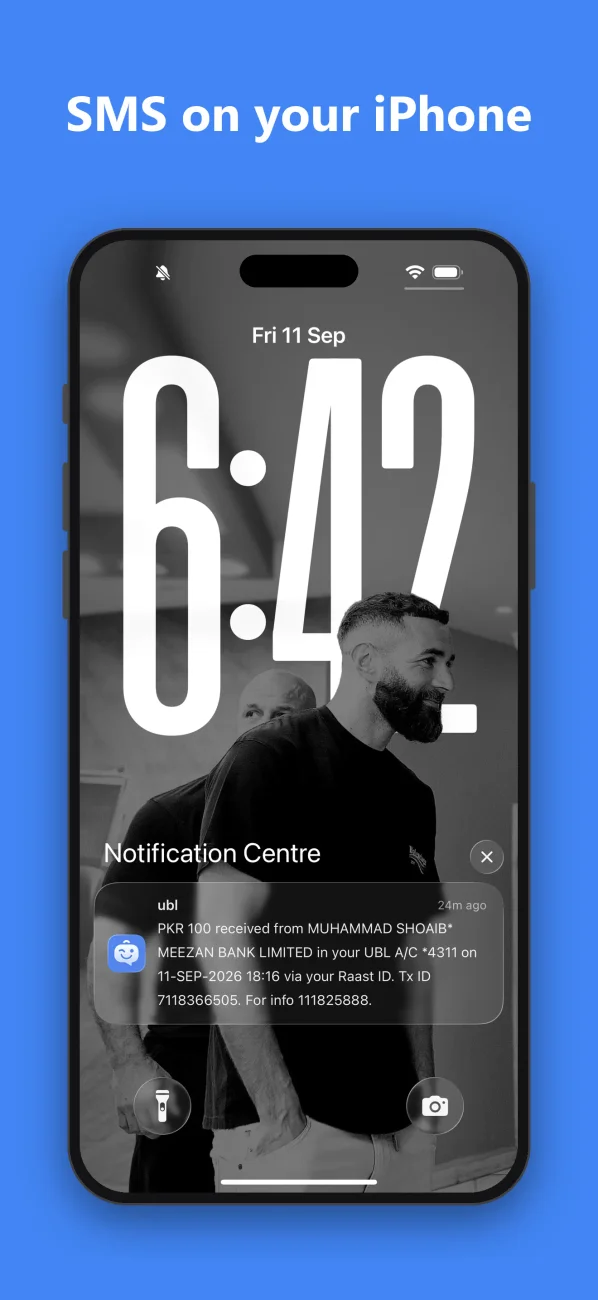
3. That is it. New SMS appear on your iPhone within seconds, with a notification that shows the message on the lock screen.
PRIVATE BY DESIGN
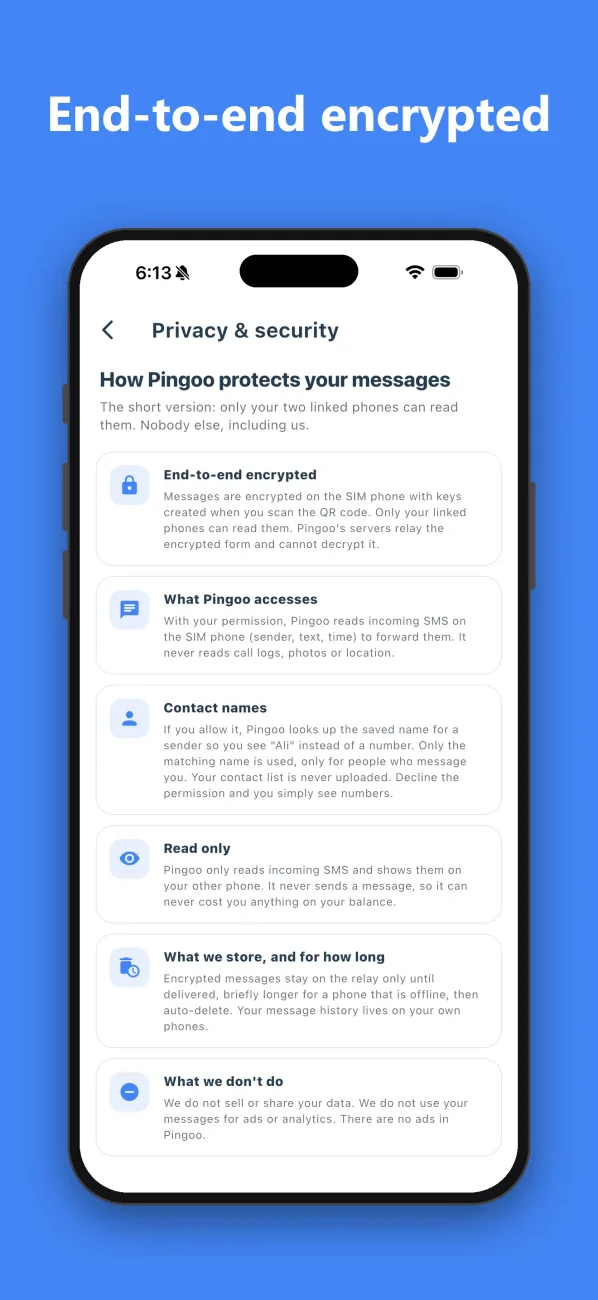
- End-to-end encrypted: messages are encrypted on the Android phone and decrypted on your iPhone. Nobody in between can read them, including us.
- No account, no phone number, no sign-up.
- Unlink any time from either phone.
WHAT YOU GET
- Every SMS, in real time, with the sender's name from your contacts.
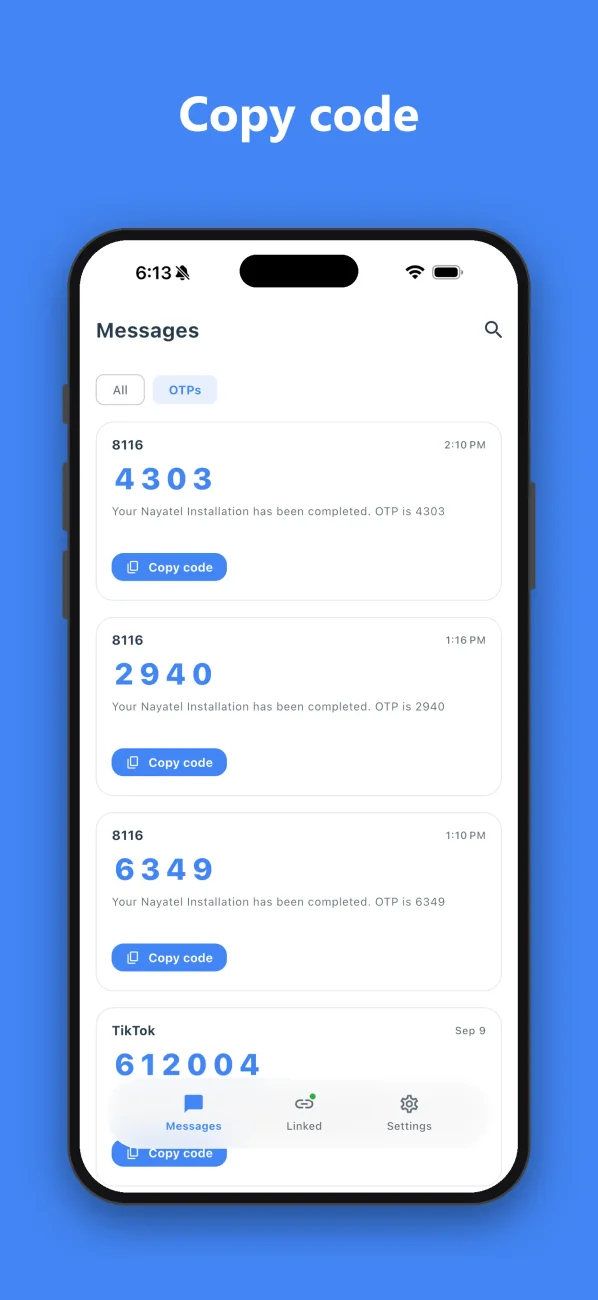
- One-tap copy for verification codes.
- Conversations grouped by sender, unread badges.
- Choose how much history to show: only new, 7 days, 30 days, or all.
- Delete an SMS on the Android phone and it disappears here too.
- English, Urdu, Arabic, Hindi, Spanish and Chinese.
REQUIRES
An Android phone with the SIM and the Pingoo app installed from Google Play. The iPhone app receives; it cannot send SMS or read the iPhone's own SMS.
Nouveautés
Version 3.1.1 · 19/11/2026
Linking your phones now works even when the Android SIM phone's date or time is wrong. If it is off, the code screen asks you to turn on automatic date and time.
Smaller fixes.
Confidentialité de l’application
Ce que Muhammad Shoaib déclare sur l’App Store au sujet du traitement des données par cette application.
-
Données n’établissant aucun lien avec vous
Peuvent être collectées, mais ne sont pas liées à votre identité.
- Contenu utilisateur
- Identifiants
Les pratiques en matière de confidentialité peuvent varier, notamment en fonction des fonctionnalités que vous utilisez ou de votre âge.
Informations
- Vendeur
- Muhammad Shoaib
- Catégorie
- Utilitaires
- Version
- 3.1.1
- Mis à jour
- 19/11/2026
- Publié
- 24/09/2026
- Taille
- 34,8 Mo
- Nécessite
- iOS 15.0 ou version ultérieure
- Classification d’âge
- 4+
- Prix
- Gratuit
- Langues
- Anglais
- Copyright
- © 2026 Pingoo
Vous aimerez peut-être aussi
-
 SMS View: Sync MessagesUtilitaires
-
 SMS Forwarder - 2nd PhoneUtilitaires
-
 WowText : Second NuméroNuméro US : codes et appels
-
 UCODE: Numéro Virtuel pour SMSCode de Vérification · Privé
-
 My-ZongUtilitaires
-
 SMSVerified: SMS VerificationUtilitaires
-
 VSim - Vérification SMSRecevez des SMS en ligne
-
 Get SMS Code - VerifyUtilitaires
-
 Receive SMS Online 2nd NumberUtilitaires
-
 Unlisted - 2nd NuméroSMS privés et appels WiFi