
Pingoo: SMS Sync
Your Android SMS, on iPhone
Designed for iPhone, iPad, iPod touch
Free
- Age rating4+
- CategoryUtilities
- DeveloperMuhammad Shoaib
- LanguagesEnglish
- Size34.8 MB
Links to the official App Store page
Download.org hosts no file of Pingoo: SMS Sync. The button opens its official App Store page, published by Muhammad Shoaib. Listing last checked on Nov 23, 2026.
Screenshots





About
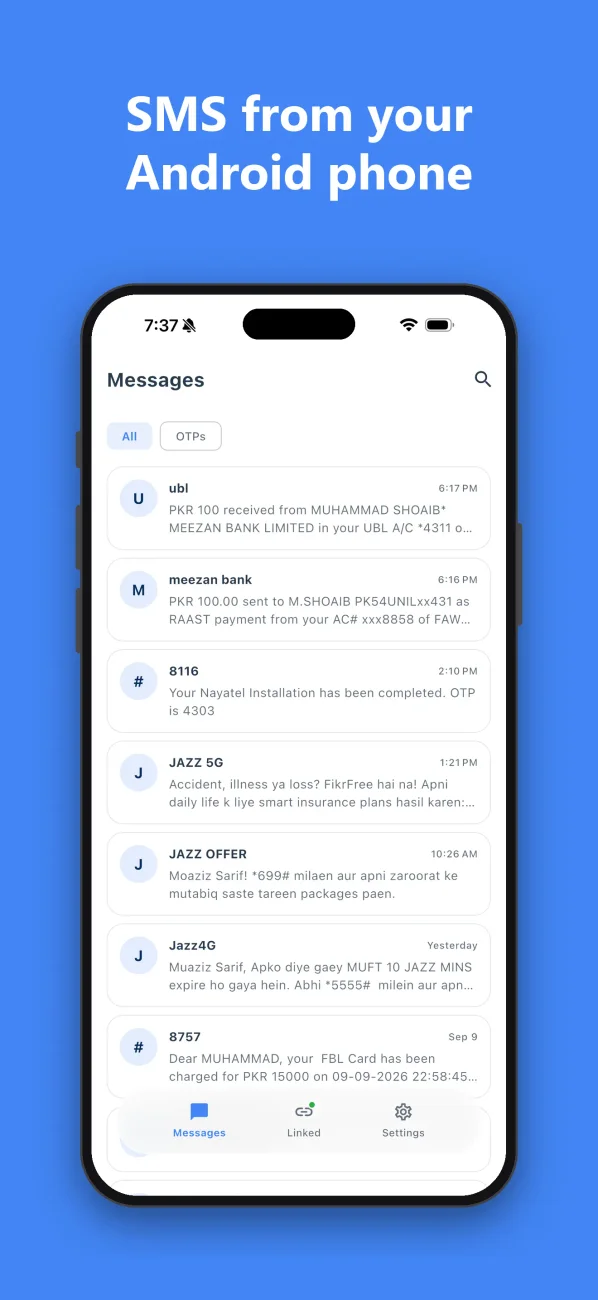
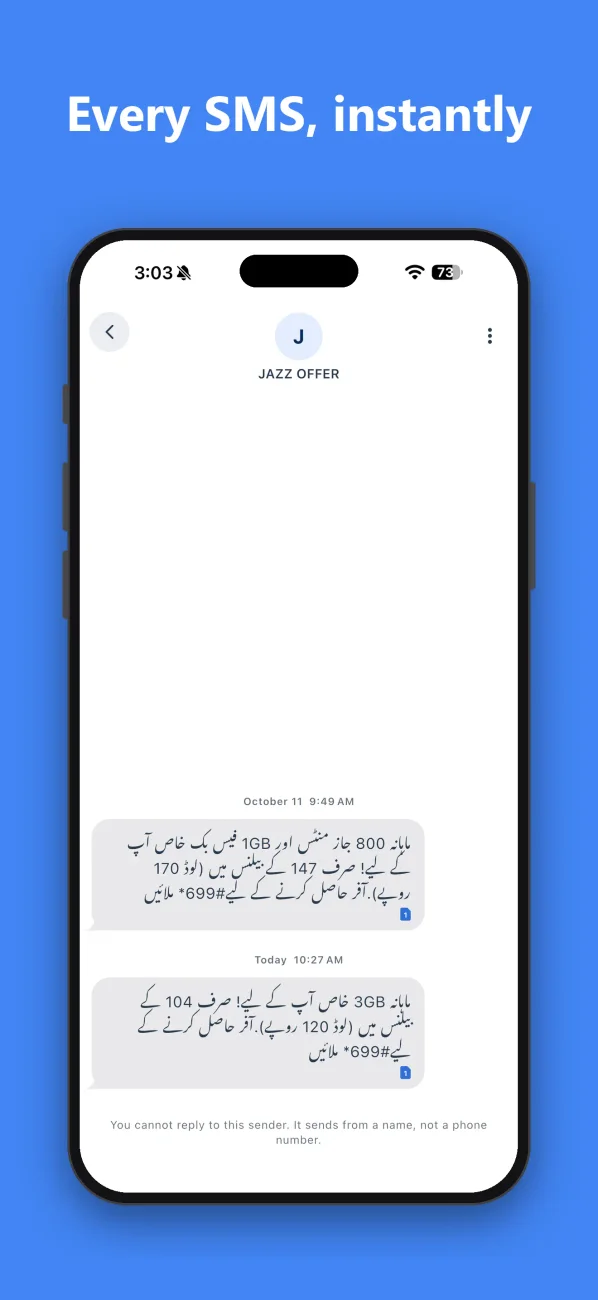
Pingoo brings the SMS from the phone that holds your SIM to the iPhone in your hand. Keep the SIM in your Android phone, and read every message on your iPhone the moment it arrives, even if the iPhone has no SIM at all.
HOW IT WORKS
1. Install Pingoo on both phones: this app on your iPhone, and Pingoo on the Android phone with the SIM (Google Play).
2. On the Android phone choose "This SIM phone shares SMS". On the iPhone choose "Receive SMS on this phone" and scan the QR code. The two phones create a private key that only they share.
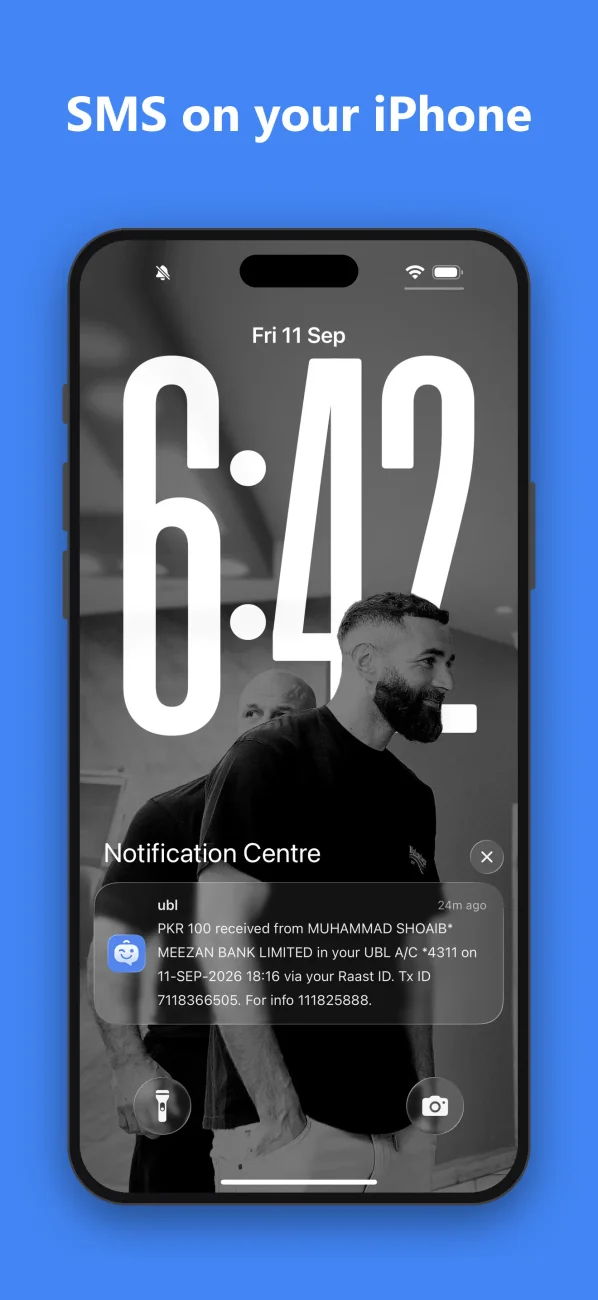
3. That is it. New SMS appear on your iPhone within seconds, with a notification that shows the message on the lock screen.
PRIVATE BY DESIGN
- End-to-end encrypted: messages are encrypted on the Android phone and decrypted on your iPhone. Nobody in between can read them, including us.
- No account, no phone number, no sign-up.
- Unlink any time from either phone.
WHAT YOU GET
- Every SMS, in real time, with the sender's name from your contacts.
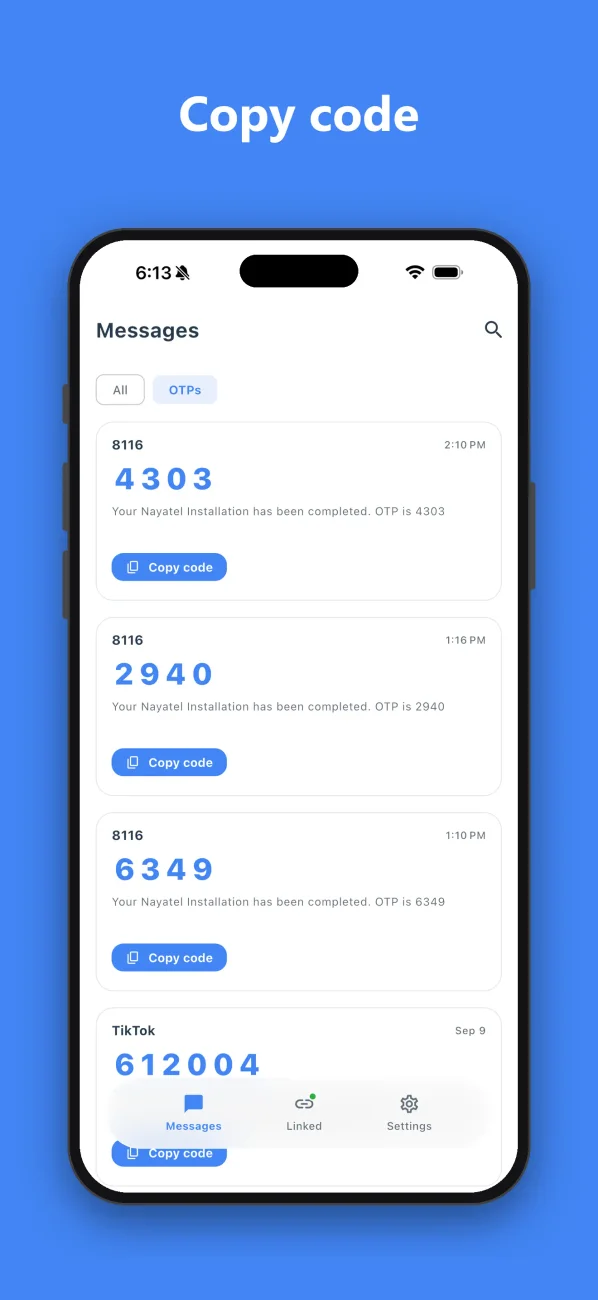
- One-tap copy for verification codes.
- Conversations grouped by sender, unread badges.
- Choose how much history to show: only new, 7 days, 30 days, or all.
- Delete an SMS on the Android phone and it disappears here too.
- English, Urdu, Arabic, Hindi, Spanish and Chinese.
REQUIRES
An Android phone with the SIM and the Pingoo app installed from Google Play. The iPhone app receives; it cannot send SMS or read the iPhone's own SMS.
What’s new
Version 3.1.1 · Nov 19, 2026
Linking your phones now works even when the Android SIM phone's date or time is wrong. If it is off, the code screen asks you to turn on automatic date and time.
Smaller fixes.
App privacy
What Muhammad Shoaib declares on the App Store about how this app handles data.
-
Data not linked to you
May be collected but is not linked to your identity.
- User content
- Identifiers
Privacy practices may vary, for example with the features you use or your age.
Information
- Seller
- Muhammad Shoaib
- Category
- Utilities
- Version
- 3.1.1
- Updated
- Nov 19, 2026
- Released
- Sep 24, 2026
- Size
- 34.8 MB
- Requires
- iOS 15.0 or later
- Age rating
- 4+
- Price
- Free
- Languages
- English
- Copyright
- © 2026 Pingoo
You might also like
-
 SMS View: Sync MessagesView SMS from your other phone
-
 SMS Forwarder - 2nd PhoneYour other phone's texts, here
-
 WowText: Second Phone NumberVirtual Number for SMS Codes
-
 UCODE: SMS Verification CodeVirtual Number & Second Phone
-
 My-ZongUtilities
-
 SMSVerified: SMS VerificationReceive Text Code Online
-
 VSim: SMS Verification CodeVirtual Phone Number to Verify
-
 Get SMS Code - VerifyFor Whatsapp, Tinder, etc.
-
 Receive SMS Online 2nd NumberVirtual phone temporary number
-
 Second Texting Number:UnlistedPrivate line, unlimited calls