- Classification d’âge17+
- CatégorieUtilitaires
- DéveloppeurPOSTEK
- LanguesAnglais+ 3 de plus
- Taille175,0 Mo
Renvoie vers la page App Store officielle
Download.org n’héberge aucun fichier de POSTEK. Le bouton ouvre la page de l’application sur App Store, où POSTEK la publie. Fiche vérifiée pour la dernière fois le 17/11/2026.
Captures d’écran


À propos
Le développeur n’a pas fourni ce texte dans votre langue.
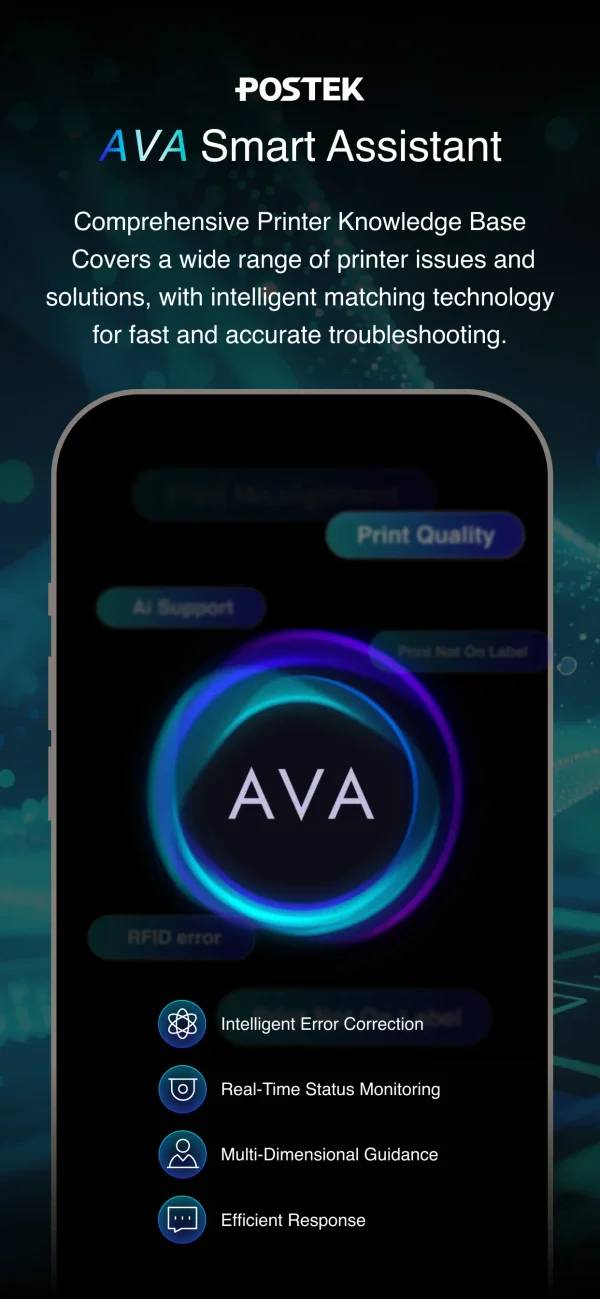
POSTEK is the official smart assistant for POSTEK barcode and label printers.
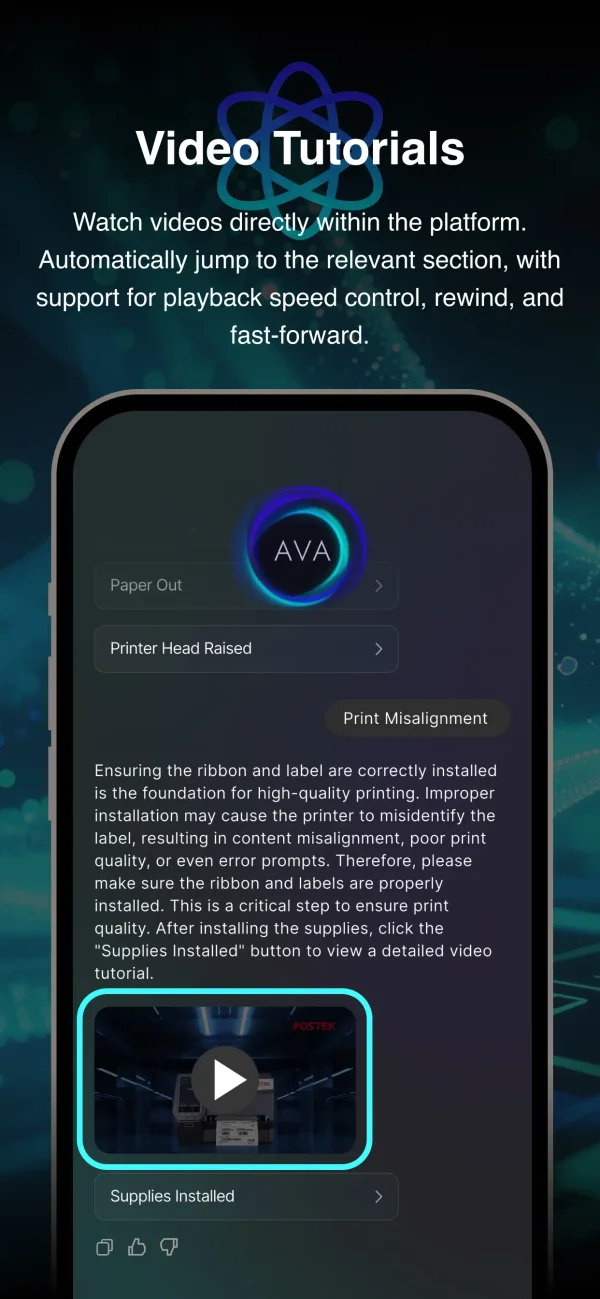
With POSTEK, you can monitor printer status, diagnose common printing issues, access troubleshooting guides, and get help when you need it.
Core Features:
- Real-time printer status monitoring
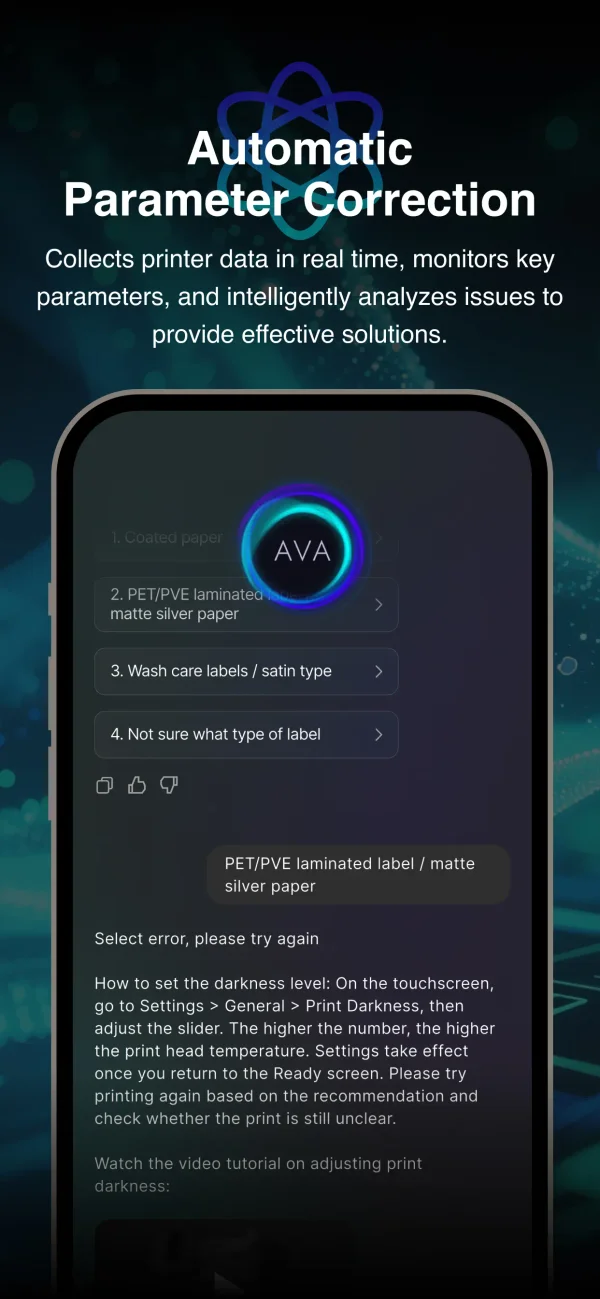
- Smart diagnosis for common setup and printing issues
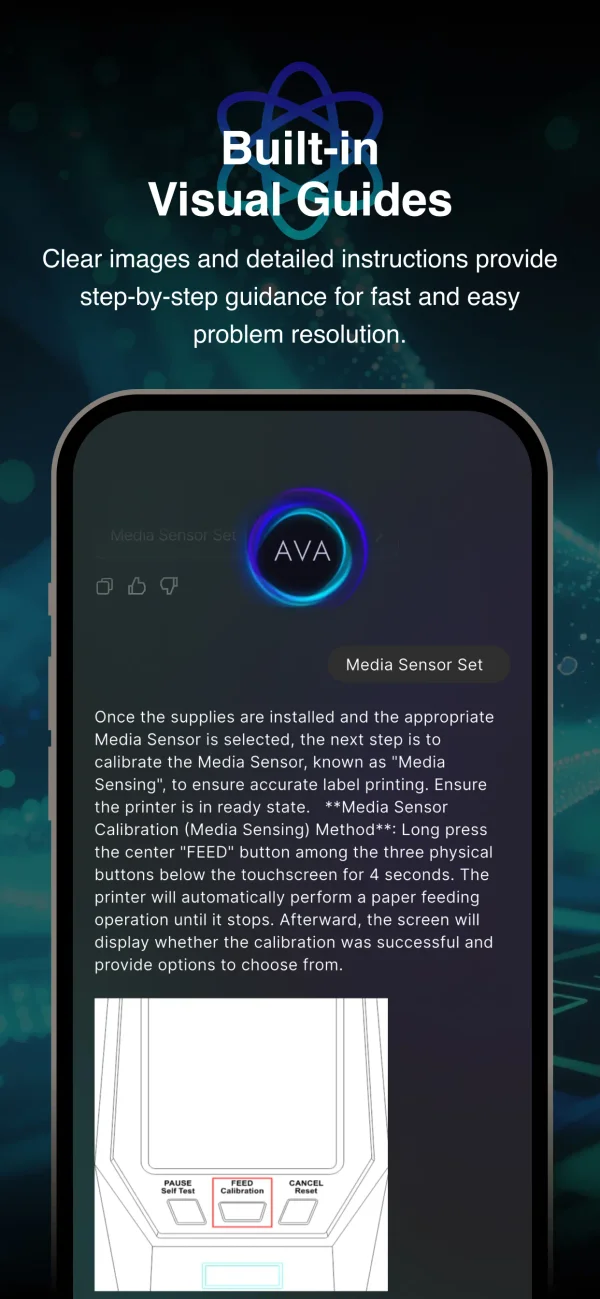
- Guidance for speed, darkness, media, and paper jam troubleshooting
- Step-by-step image and video tutorials
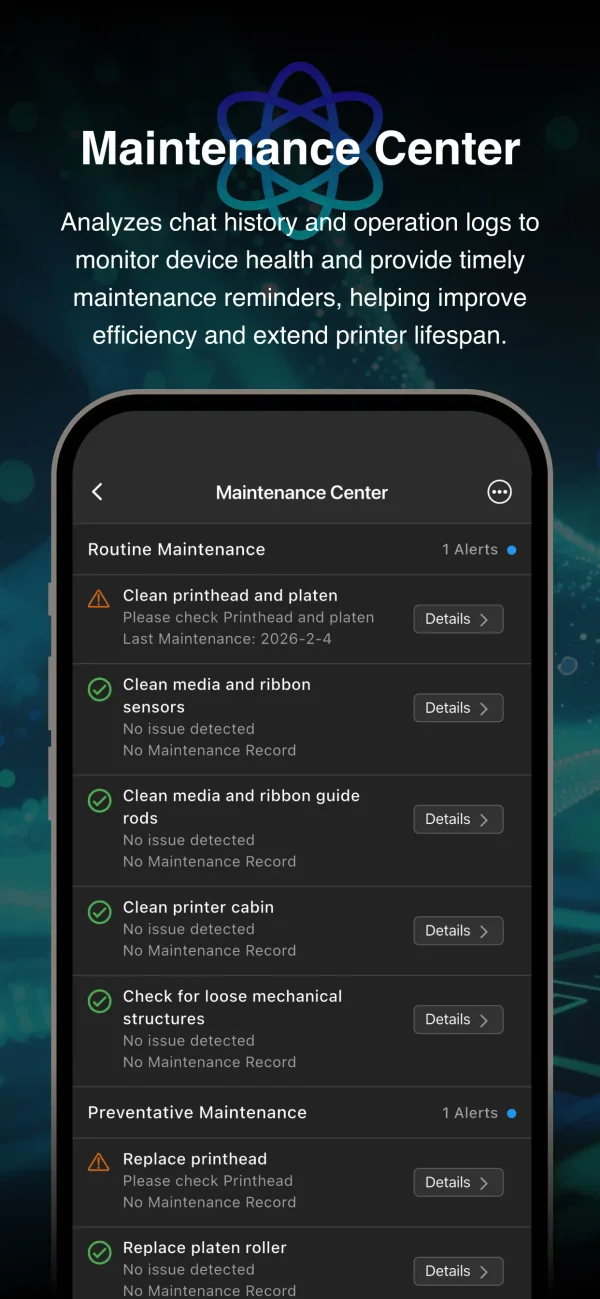
- Device status and troubleshooting history
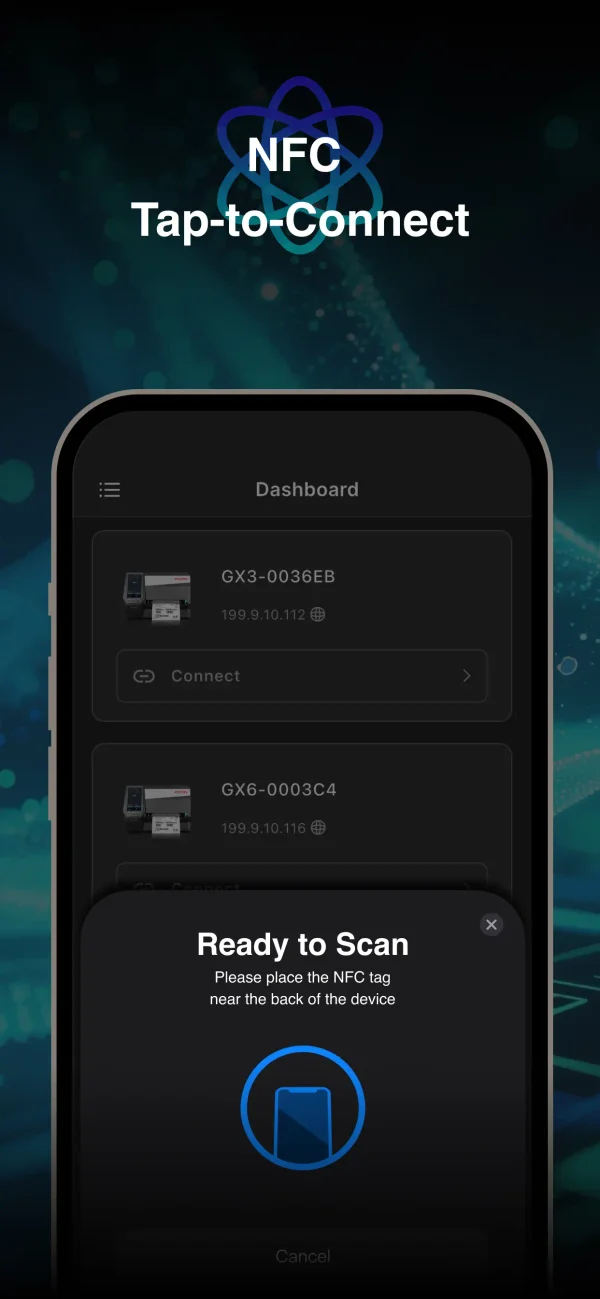
- NFC tap-to-connect for supported models
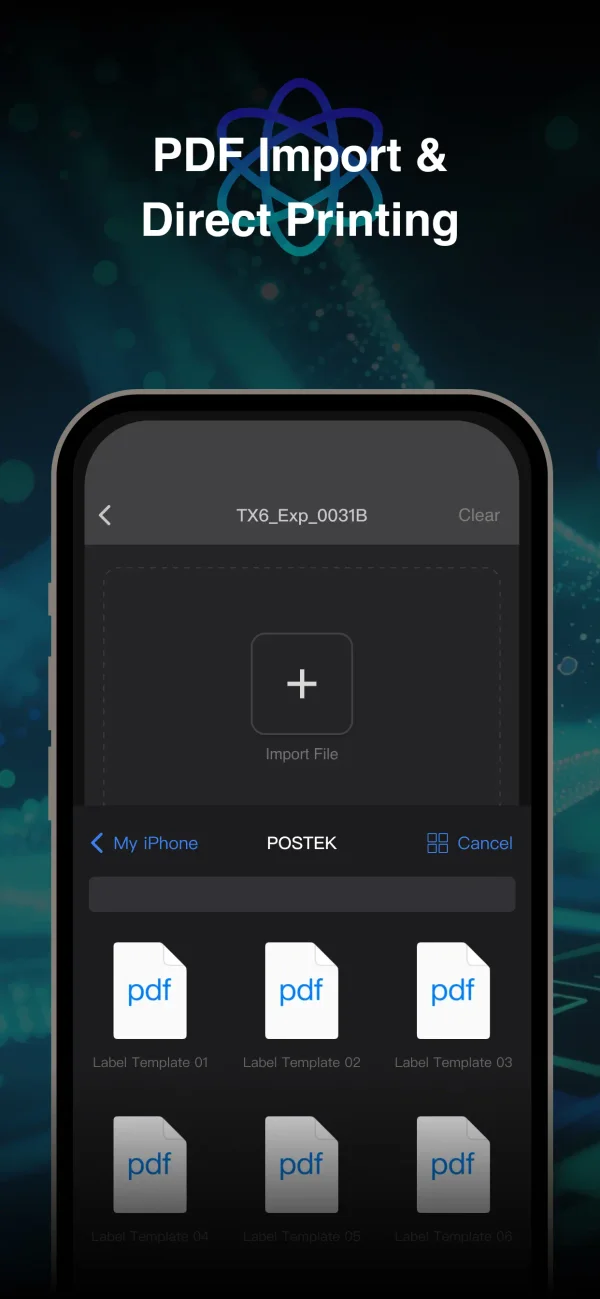
- One-tap PDF printing
- Optional log sharing to help technicians analyze issues
Why Use POSTEK:
- Built for POSTEK barcode and label printers
- Easy setup and simple daily maintenance
- Helpful troubleshooting guidance for common faults
- No account registration required for basic use
- Designed with privacy and data protection in mind
Nouveautés
Version 2.3.15 · 03/11/2026
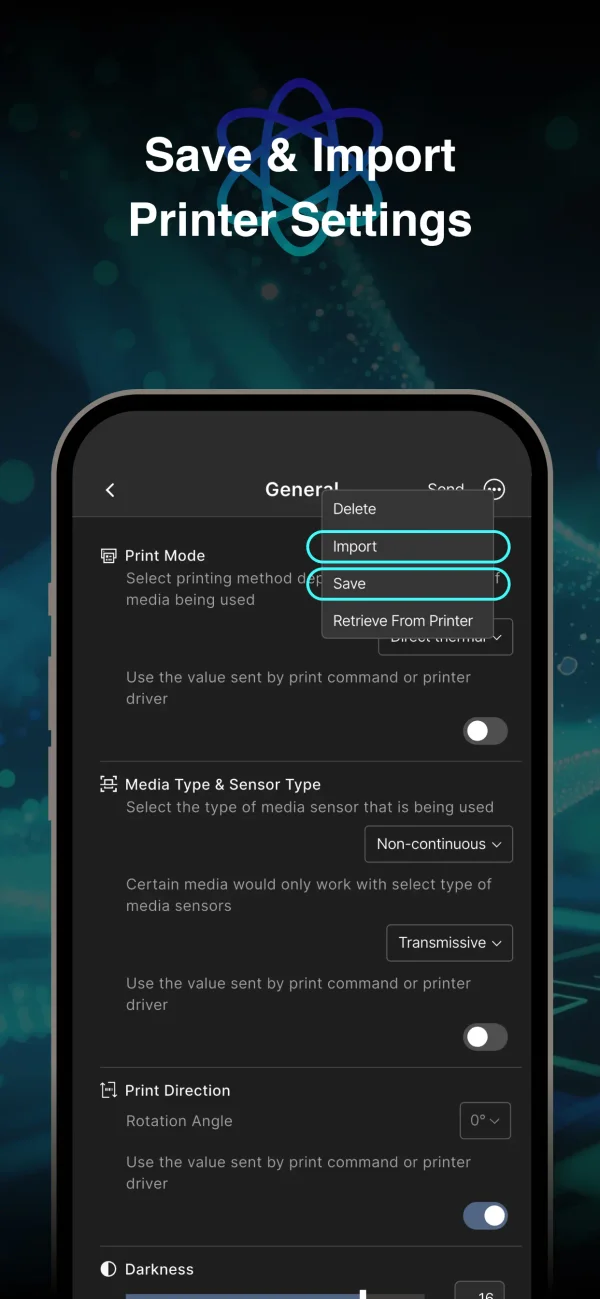
The all-new label editor is now available, with feature parity with the desktop version: it uses the draft list as its entry point and supports creating, renaming, duplicating, and deleting labels, thumbnails, and autosave. The canvas supports two-finger zoom and drag-to-pan, and the element types match those on desktop (text, including curved layout; lines; shapes; images, including cropping and PDF import; tables, including rotation; barcodes and QR codes; and RFID). Data linking supports importing Excel, serial numbers, dates, input variables, and shared variables; you can use the camera to scan codes and fill in content directly, and a GS1 Application Identifier builder is provided. Label size, multiple columns, and units (mm and inches) are adjustable. Preview before printing and check connection and print quality; Bluetooth and network printing are supported, along with speed and darkness settings. Older models can enter compatibility mode to print directly. Labels can be saved as .ptke or PNG and shared to other apps, and .ptke files created on desktop can be opened for cross-platform use; an illustrated manual is built in.
Confidentialité de l’application
Ce que POSTEK déclare sur l’App Store au sujet du traitement des données par cette application.
-
Données établissant un lien avec vous
Peuvent être collectées et liées à votre identité.
- Coordonnées
- Identifiants
Les pratiques en matière de confidentialité peuvent varier, notamment en fonction des fonctionnalités que vous utilisez ou de votre âge.
Informations
- Vendeur
- POSTEK Electronics Co., Ltd.
- Catégorie
- Utilitaires
- Version
- 2.3.15
- Mis à jour
- 03/11/2026
- Publié
- 16/06/2025
- Taille
- 175,0 Mo
- Nécessite
- iOS 15.0 ou version ultérieure
- Classification d’âge
- 17+
- Prix
- Gratuit
- Langues
- Anglais, Tchèque, Chinois simplifié, Espagnol
- Copyright
- Copyright © 2025 by Postek Electronics Co., Ltd. All rights reserved.