- Batasan usia17+
- KategoriKegunaan
- PengembangPOSTEK
- BahasaInggris+ 3 lainnya
- Ukuran175,0 MB
Tertaut ke halaman resmi App Store
Download.org tidak menyimpan file POSTEK apa pun. Tombol ini membuka halaman aplikasi di App Store, tempat POSTEK menerbitkannya. Halaman terakhir diperiksa pada 17/11/2026.
Tangkapan layar


Tentang
Pengembang belum menyediakan teks ini dalam bahasa Anda.
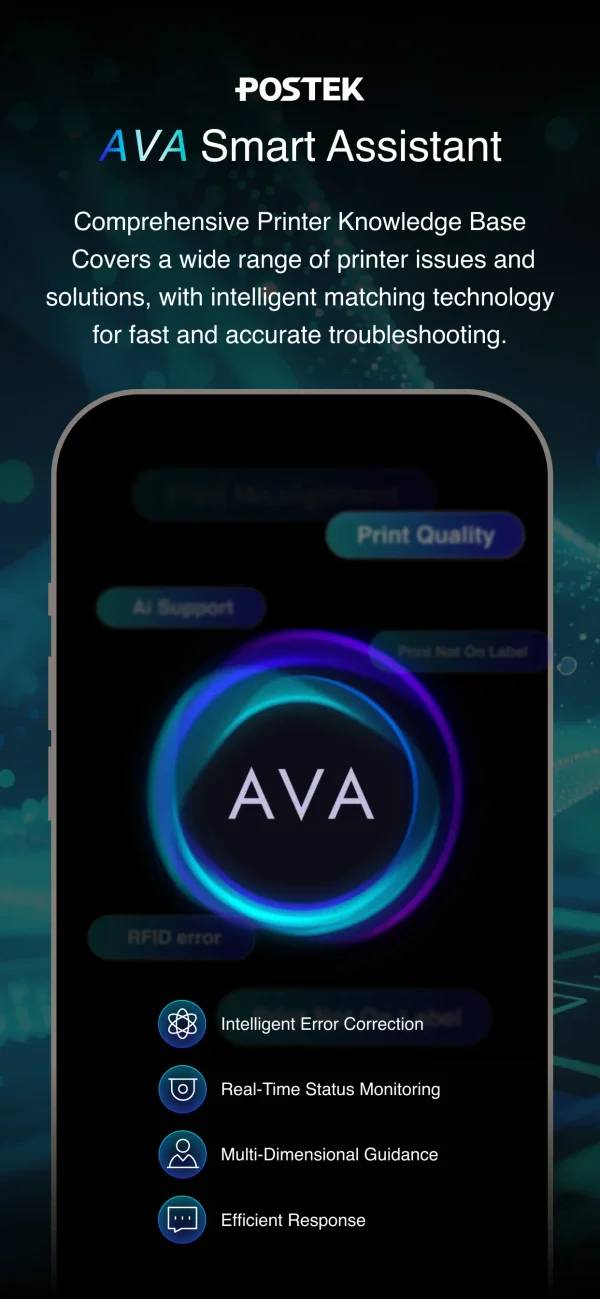
POSTEK is the official smart assistant for POSTEK barcode and label printers.
With POSTEK, you can monitor printer status, diagnose common printing issues, access troubleshooting guides, and get help when you need it.
Core Features:
- Real-time printer status monitoring
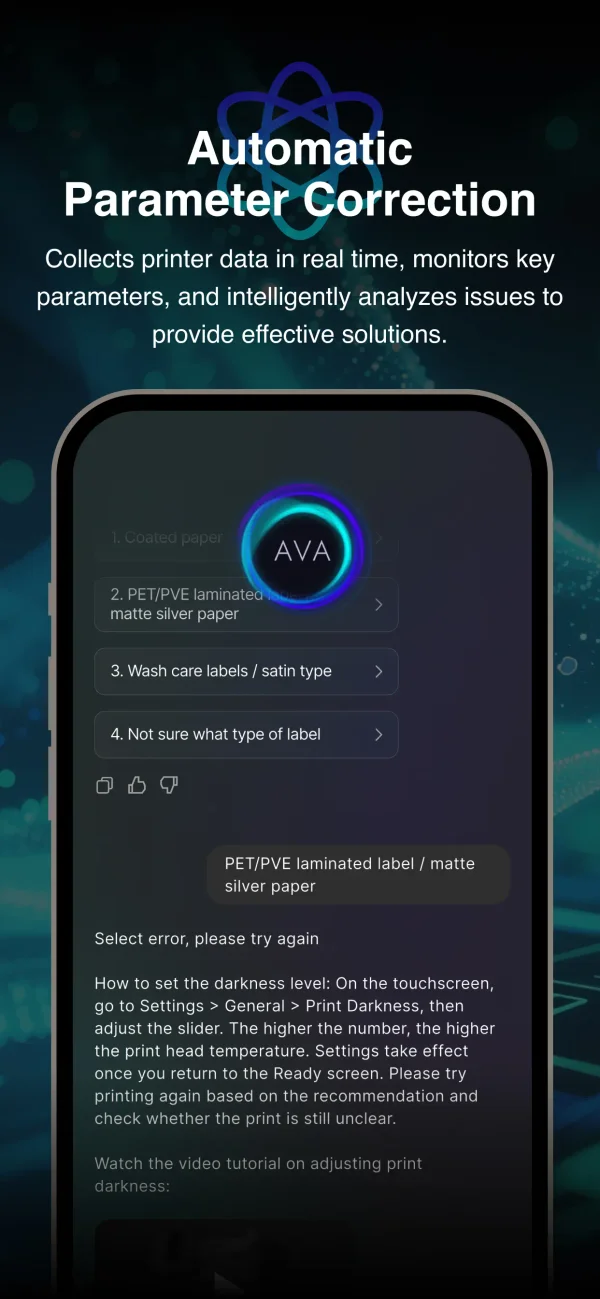
- Smart diagnosis for common setup and printing issues
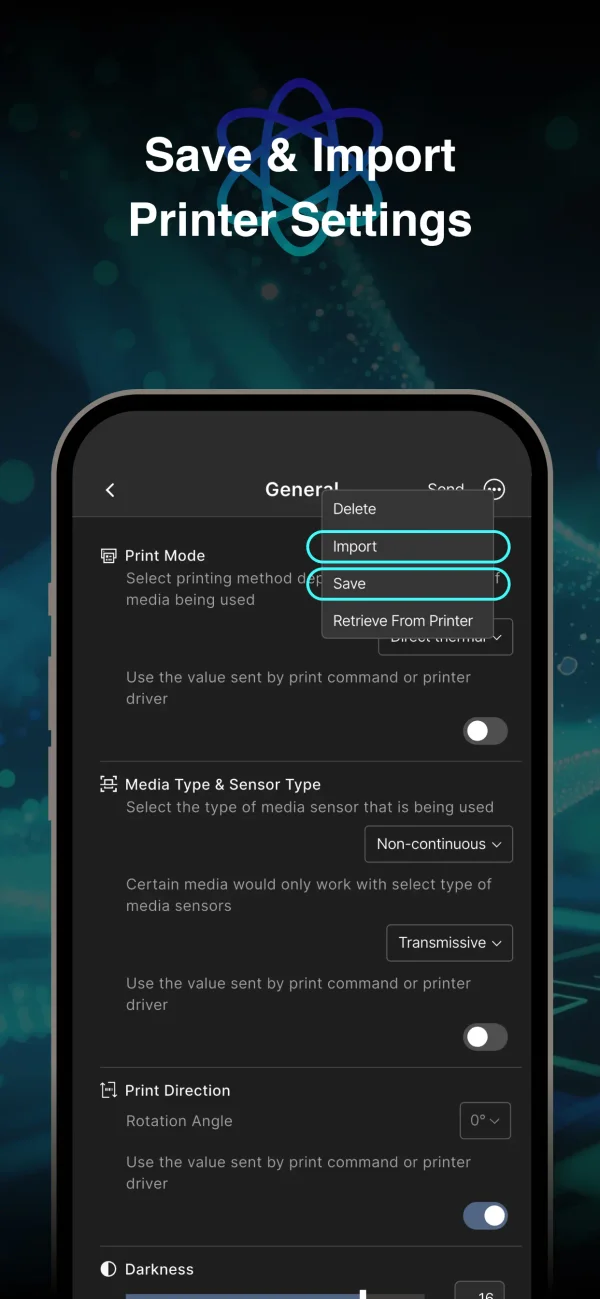
- Guidance for speed, darkness, media, and paper jam troubleshooting
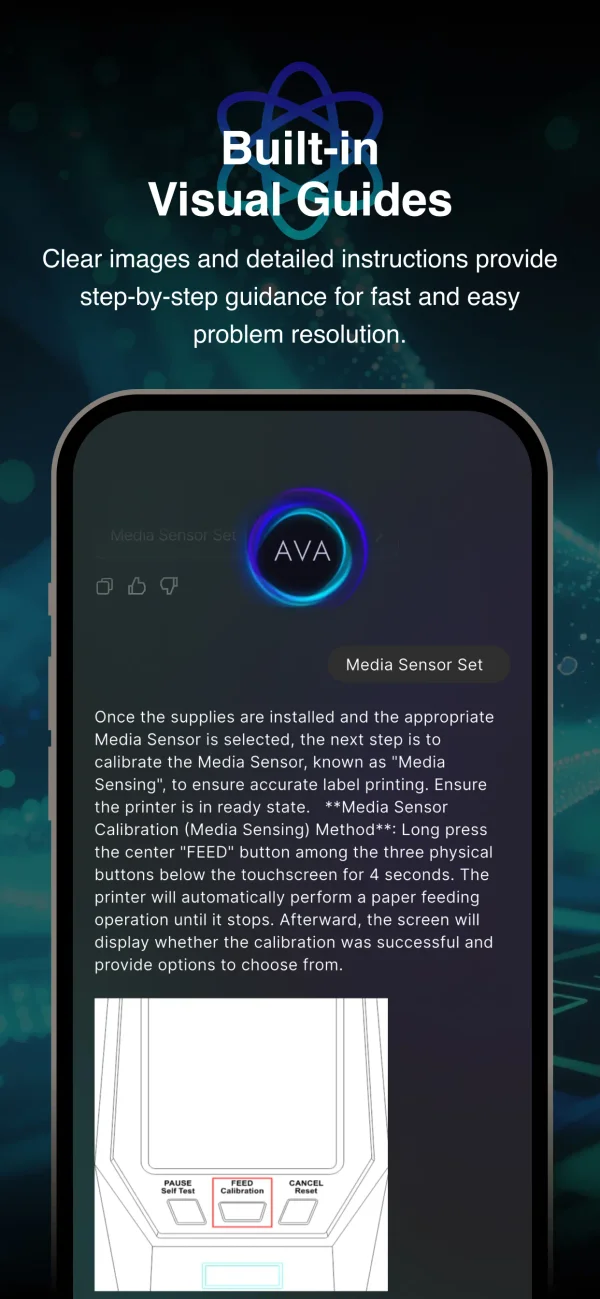
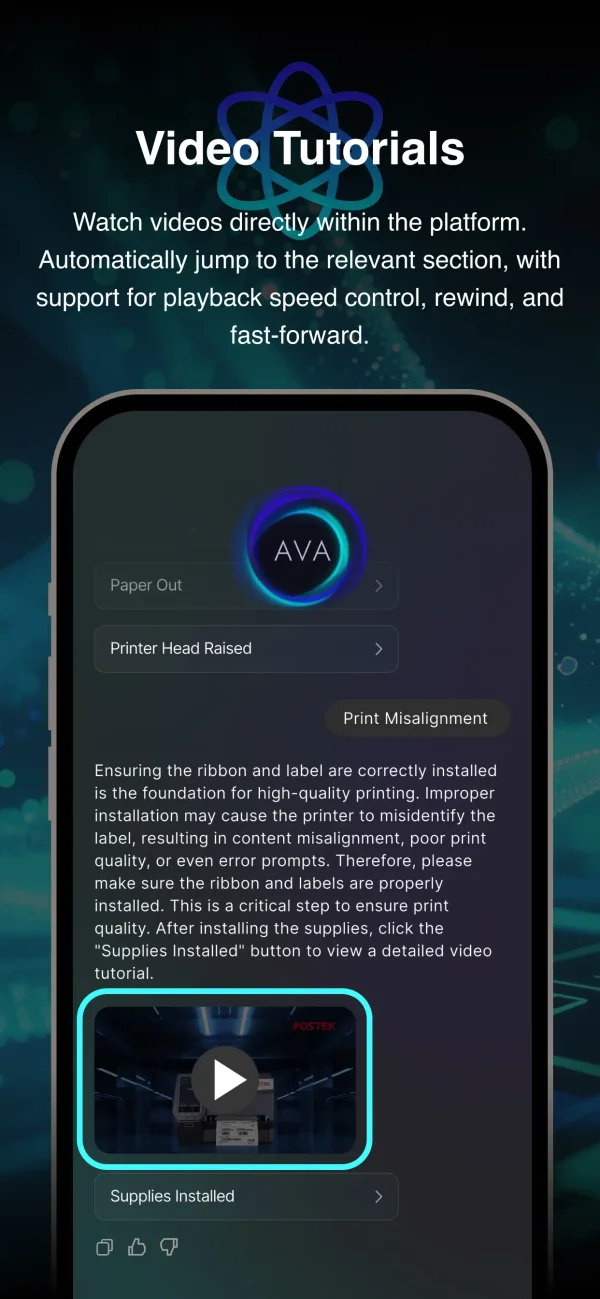
- Step-by-step image and video tutorials
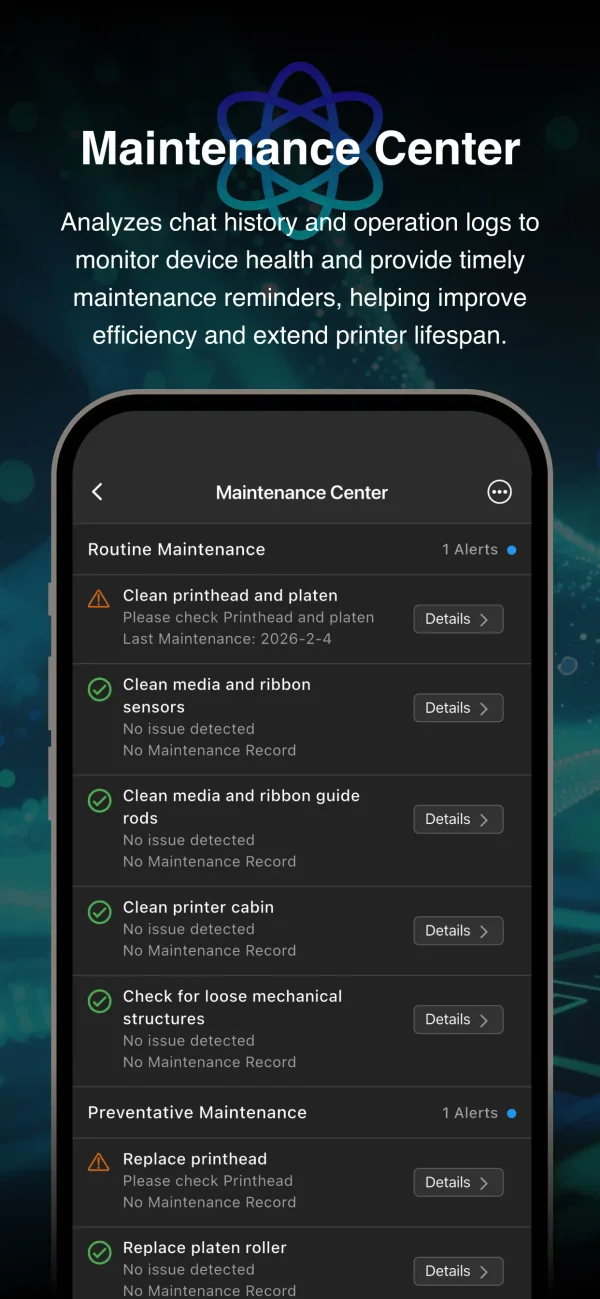
- Device status and troubleshooting history
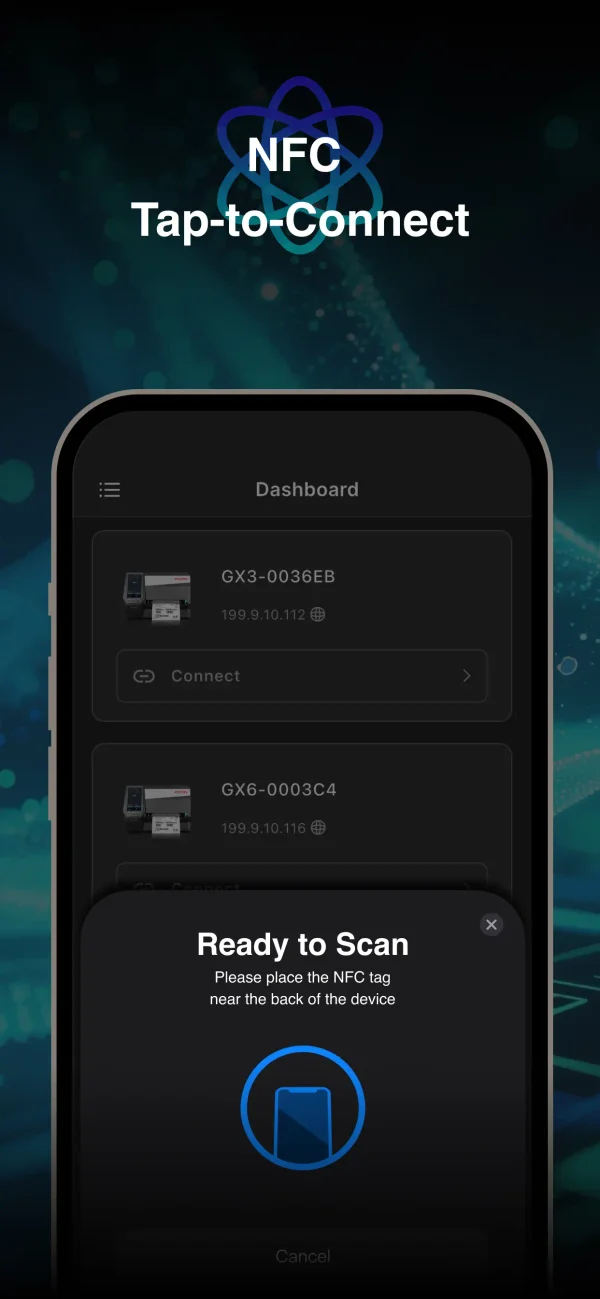
- NFC tap-to-connect for supported models
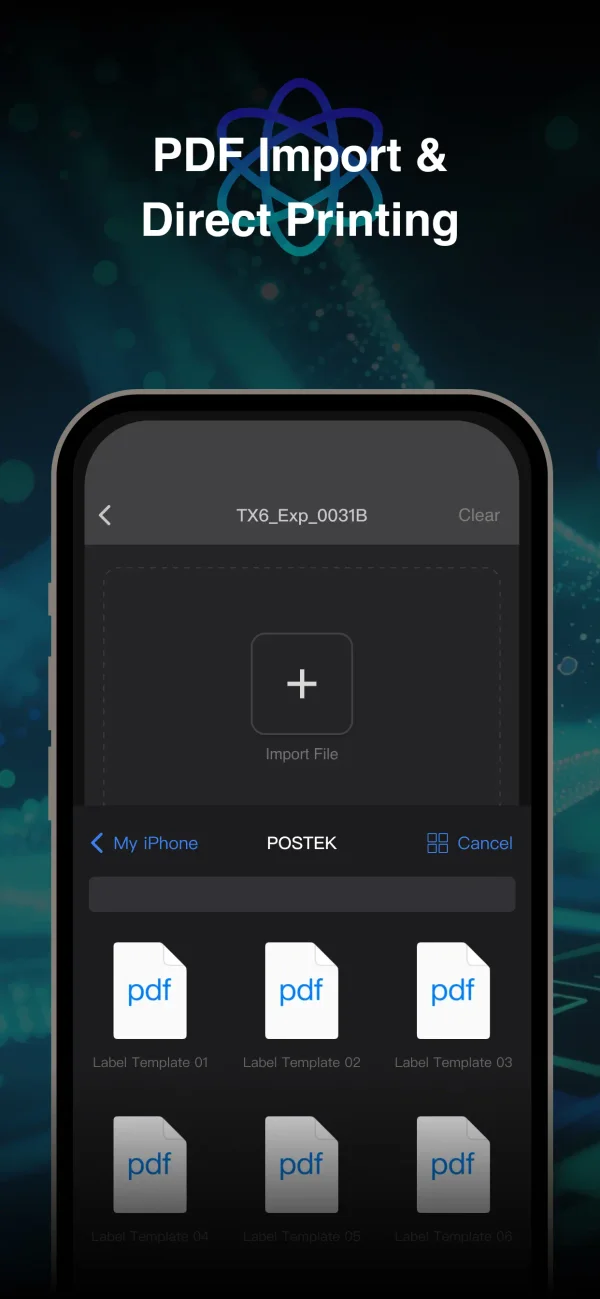
- One-tap PDF printing
- Optional log sharing to help technicians analyze issues
Why Use POSTEK:
- Built for POSTEK barcode and label printers
- Easy setup and simple daily maintenance
- Helpful troubleshooting guidance for common faults
- No account registration required for basic use
- Designed with privacy and data protection in mind
Yang baru
Versi 2.3.15 · 3/11/2026
The all-new label editor is now available, with feature parity with the desktop version: it uses the draft list as its entry point and supports creating, renaming, duplicating, and deleting labels, thumbnails, and autosave. The canvas supports two-finger zoom and drag-to-pan, and the element types match those on desktop (text, including curved layout; lines; shapes; images, including cropping and PDF import; tables, including rotation; barcodes and QR codes; and RFID). Data linking supports importing Excel, serial numbers, dates, input variables, and shared variables; you can use the camera to scan codes and fill in content directly, and a GS1 Application Identifier builder is provided. Label size, multiple columns, and units (mm and inches) are adjustable. Preview before printing and check connection and print quality; Bluetooth and network printing are supported, along with speed and darkness settings. Older models can enter compatibility mode to print directly. Labels can be saved as .ptke or PNG and shared to other apps, and .ptke files created on desktop can be opened for cross-platform use; an illustrated manual is built in.
Privasi aplikasi
Yang dinyatakan POSTEK di App Store tentang cara aplikasi ini menangani data.
-
Data yang ditautkan dengan Anda
Dapat dikumpulkan dan ditautkan dengan identitas Anda.
- Info kontak
- Pengenal
Praktik privasi dapat bervariasi, misalnya berdasarkan fitur yang Anda gunakan atau usia Anda.
Informasi
- Penjual
- POSTEK Electronics Co., Ltd.
- Kategori
- Kegunaan
- Versi
- 2.3.15
- Diperbarui
- 3/11/2026
- Dirilis
- 16/6/2025
- Ukuran
- 175,0 MB
- Memerlukan
- iOS 15.0 atau yang lebih baru
- Batasan usia
- 17+
- Harga
- Gratis
- Bahasa
- Inggris, Cheska (Republik Cheska), Tionghoa Sederhana, Spanyol
- Hak cipta
- Copyright © 2025 by Postek Electronics Co., Ltd. All rights reserved.