
- Classification d’âge4+
- CatégorieÉducation
- DéveloppeurKai Chen
- LanguesAnglais+ 7 de plus
- Taille9,9 Mo
Renvoie vers la page App Store officielle
Download.org n’héberge aucun fichier de PrintPaper. Le bouton ouvre la page de l’application sur App Store, où Kai Chen la publie. Fiche vérifiée pour la dernière fois le 18/11/2026.
Captures d’écran


À propos
Le développeur n’a pas fourni ce texte dans votre langue.
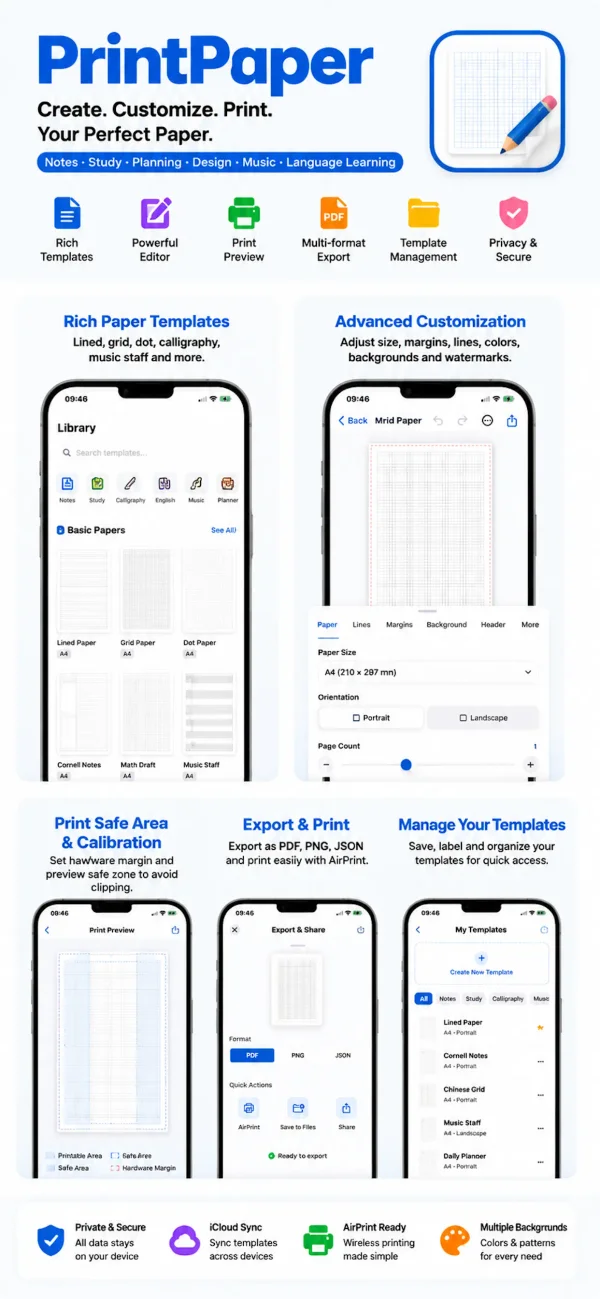
PrintPaper is a highly customizable printable paper template maker designed for handwriting notes, study practice, drawing, planning, music writing and language learning.
Start with a built-in paper template or create your own by adjusting paper size, margins, line spacing, colors, background, watermark, headers and footers. When your template is ready, export it as PDF, PNG or JSON, or print it directly with AirPrint.
【Built-in Paper Templates】
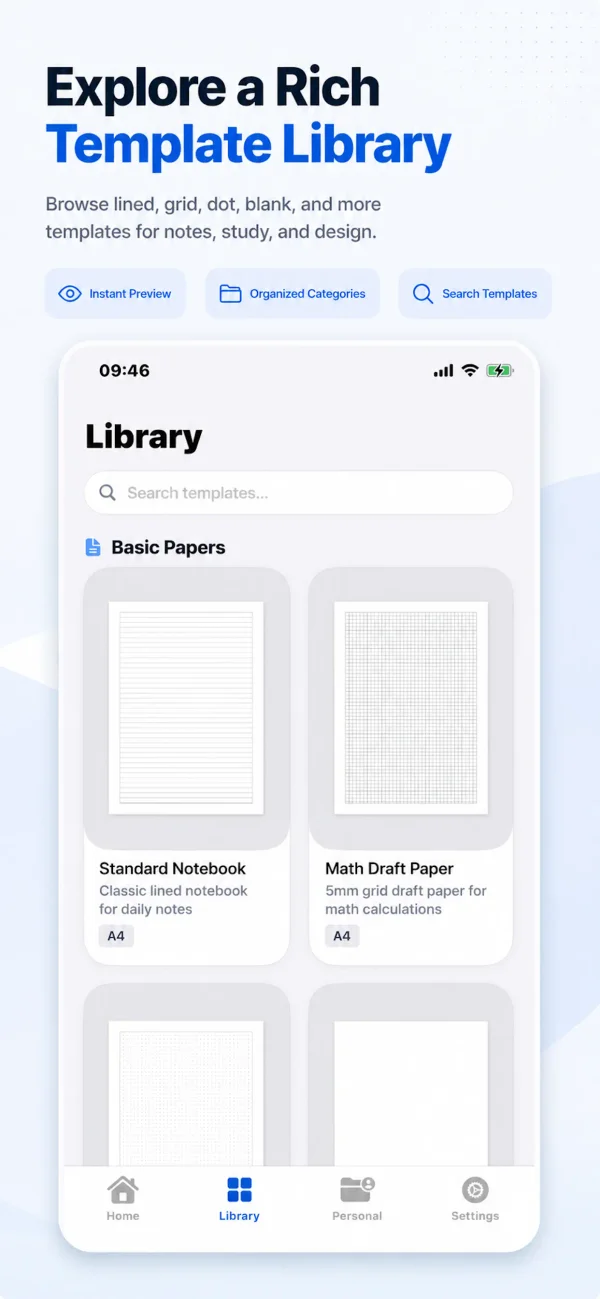
PrintPaper includes a wide range of practical and professional paper templates:
Basic Paper: lined paper, grid paper, dot paper, blank paper and vertical line paper.
Study Templates: Cornell notes, handwriting practice sheets and student note paper.
Design & Drafting: isometric grid paper, perspective grid paper, hexagon grid paper and storyboard paper.
Calligraphy & Languages: Chinese character grids, Tian Zi grid, Mi Zi grid, nine-square grid, Genkoyoushi paper and other writing practice layouts.
Planner Templates: daily planning pages with priority, task list, shopping list and goal sections.
Music Paper: music staff paper for practice, notation and composition.
【Advanced Custom Editor】
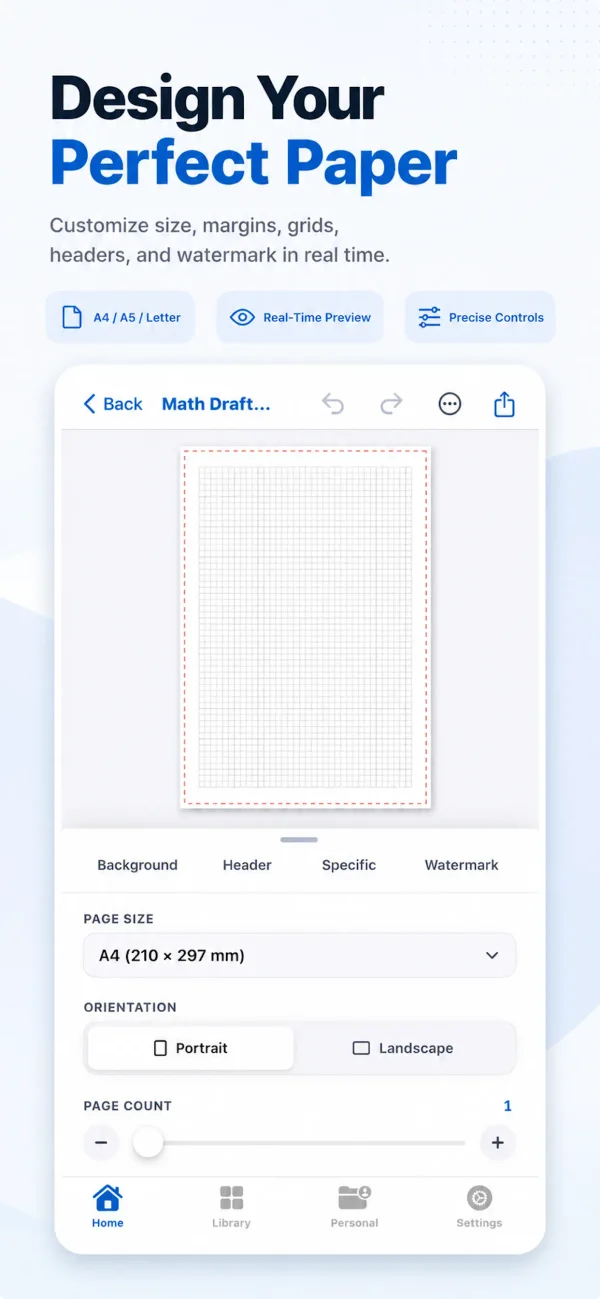
Customize every detail with real-time preview:
Choose A4, A5, Letter and other paper sizes.
Create custom paper width and height in millimeters.
Switch between portrait and landscape layout.
Adjust top, bottom, left and right margins.
Reserve binding or hole-punch margins.
Choose solid, dashed or dotted line styles.
Customize line color, opacity, width and spacing.
Add major grid lines every N cells.
Set background color, pattern and opacity.
Add title, name, date and class fields.
Configure page numbers and their position.
Add custom watermark text with adjustable opacity and placement.
【My Templates & Tags】
Save frequently used settings as your own templates.
Add templates to favorites.
Access recently used templates.
Organize templates with custom tags.
Rename, edit and delete saved templates.
Export and import JSON template files.
【Export & Print】
PrintPaper supports multiple output options:
Export high-quality PDF files.
Export high-resolution PNG images.
Export JSON template settings.
Print wirelessly with AirPrint.
Share to Files, Mail, cloud drives or note-taking apps.
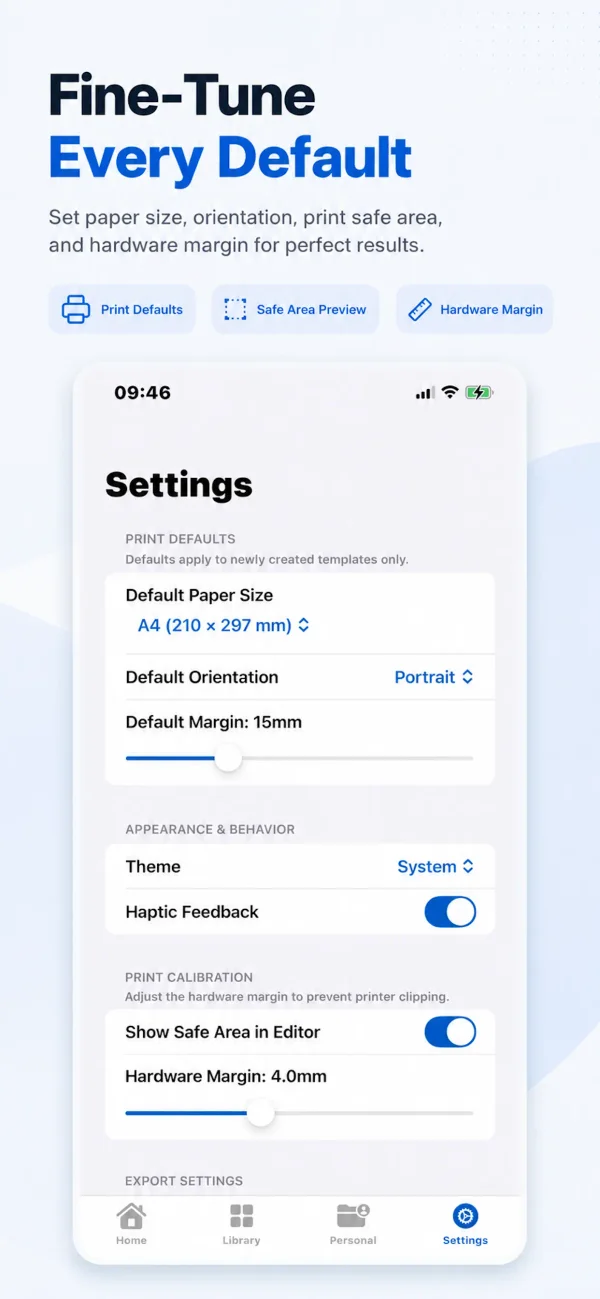
【Print Safe Area & Hardware Margin】
Different printers may have physical non-printable margins. PrintPaper lets you configure hardware margins and preview the print safe area in the editor, helping you avoid clipped or misaligned output.
【Perfect For】
Students taking notes.
Parents printing handwriting sheets for kids.
Teachers creating worksheets.
Designers sketching layouts and perspective drawings.
Music learners printing staff paper.
Planner users creating custom planning pages.
Language learners practicing English, Chinese, Japanese or other handwriting systems.
PrintPaper helps you create, save, share and print paper templates exactly the way you need them.
What’s New
PrintPaper is now available.
Create customizable printable paper templates with built-in templates, real-time editing, PDF export, PNG export, JSON import and export, AirPrint support, hardware margin settings and print safe area preview.
Confidentialité de l’application
Ce que Kai Chen déclare sur l’App Store au sujet du traitement des données par cette application.
-
Données non collectées
Le développeur ne collecte aucune donnée à partir de cette application.
Les pratiques en matière de confidentialité peuvent varier, notamment en fonction des fonctionnalités que vous utilisez ou de votre âge.
Informations
- Vendeur
- Kai Chen
- Catégorie
- Éducation
- Version
- 1.0
- Mis à jour
- 23/06/2026
- Publié
- 23/06/2026
- Taille
- 9,9 Mo
- Nécessite
- iOS 18.6 ou version ultérieure
- Classification d’âge
- 4+
- Prix
- 9,99 €
- Langues
- Anglais, Français, Allemand, Japonais, Coréen, Portugais, Chinois simplifié, Espagnol
- Copyright
- © CXY Studio
Vous aimerez peut-être aussi
-
 Zenkhi FlashCardsÉducation
-
 GroundfallÉducation
-
 Abnormal TranslatorÉducation
-
 Potager BIOPotager bio, IA et lune
-
 IGCSE Chemistry 0620: AI TutorÉducation
-
 Pill Identifier - PillenceRéférences
-
 Electric Field ExplorerÉducation
-
 School Attendance RegisterÉducation
-
 Manage My DojoÉducation
-
 Dyslexia BrowserThe Web Browser for Dyslexics