PureWrite: Writing Studio
Screenplay & Markdown Writer
Conçue pour iPhone, iPad, Mac, iPod touch
Gratuit · Achats intégrés
- Classification d’âge4+
- CatégorieProductivité
- DéveloppeurYechiel Ben David
- LanguesAnglais+ 4 de plus
- Taille6,7 Mo
Renvoie vers la page App Store officielle
Download.org n’héberge aucun fichier de PureWrite: Writing Studio. Le bouton ouvre la page de l’application sur App Store, où Yechiel Ben David la publie. Fiche vérifiée pour la dernière fois le 12/11/2026.
Captures d’écran
À propos
Le développeur n’a pas fourni ce texte dans votre langue.
PureWrite is a writing tool with no distractions. Your documents are Markdown files in your own folder, and other apps such as Obsidian can edit them too. Writing and exporting are free.
Writing Studio, a one-time purchase, is for making a longer work: a screenplay, a novel or a paper.
The free app:
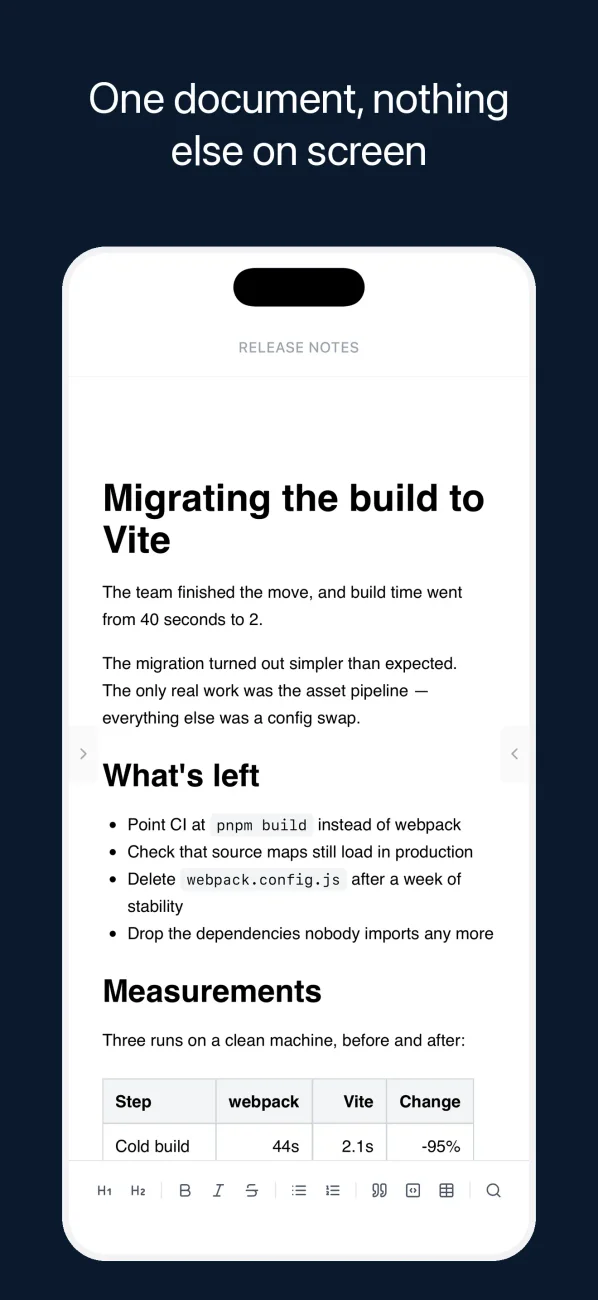
• Start typing and the file sidebar and the table of contents leave the screen. Move the pointer back and they return.
• Open a folder you already have. There is no import step and no database, and the folder can stay an Obsidian vault or a git repository.
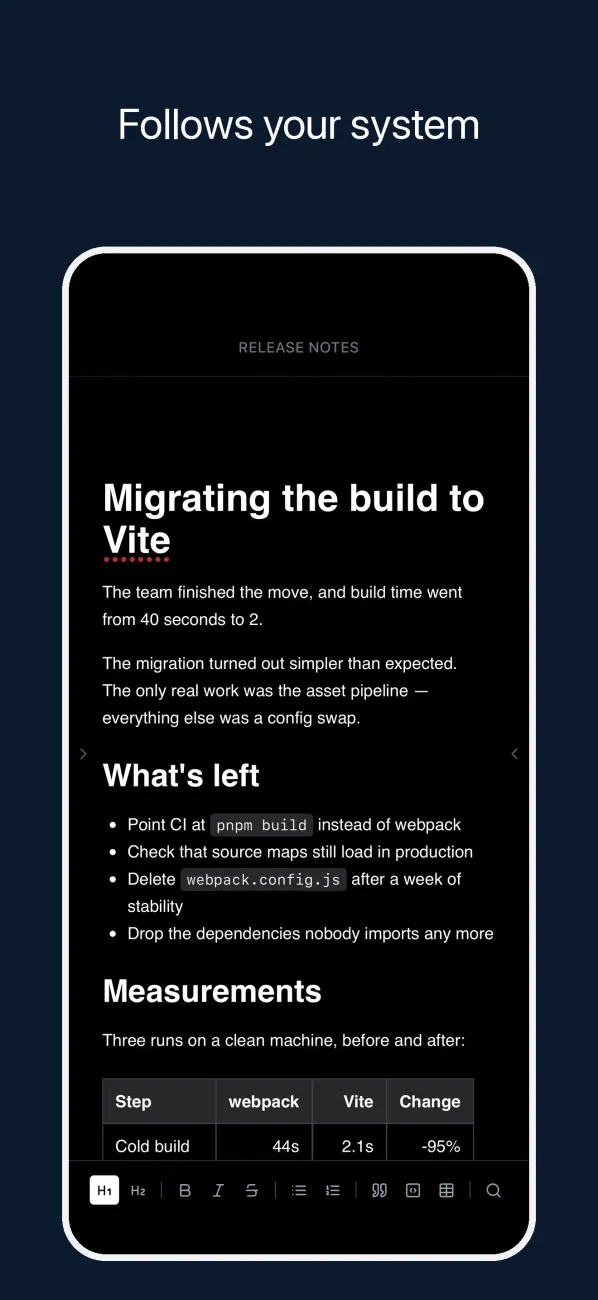
• Edit the document as it looks, while the file on disk stays ordinary Markdown, tables and links included.
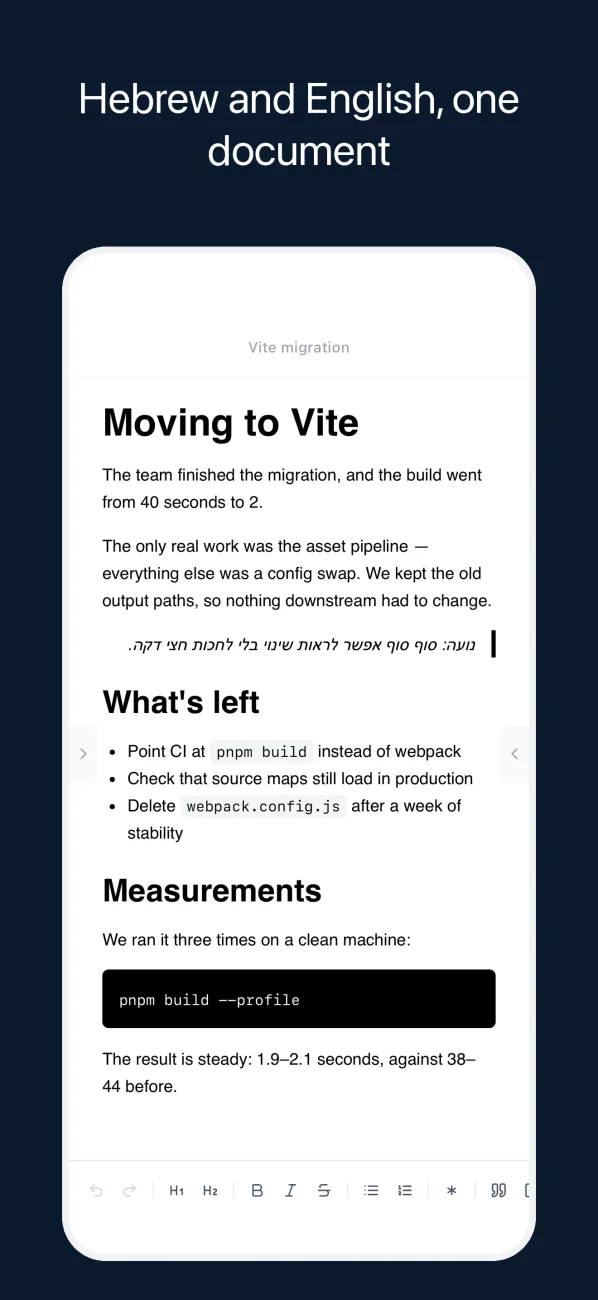
• Hebrew and English in one document: each paragraph takes its own direction, and nothing is written into the file to do it.
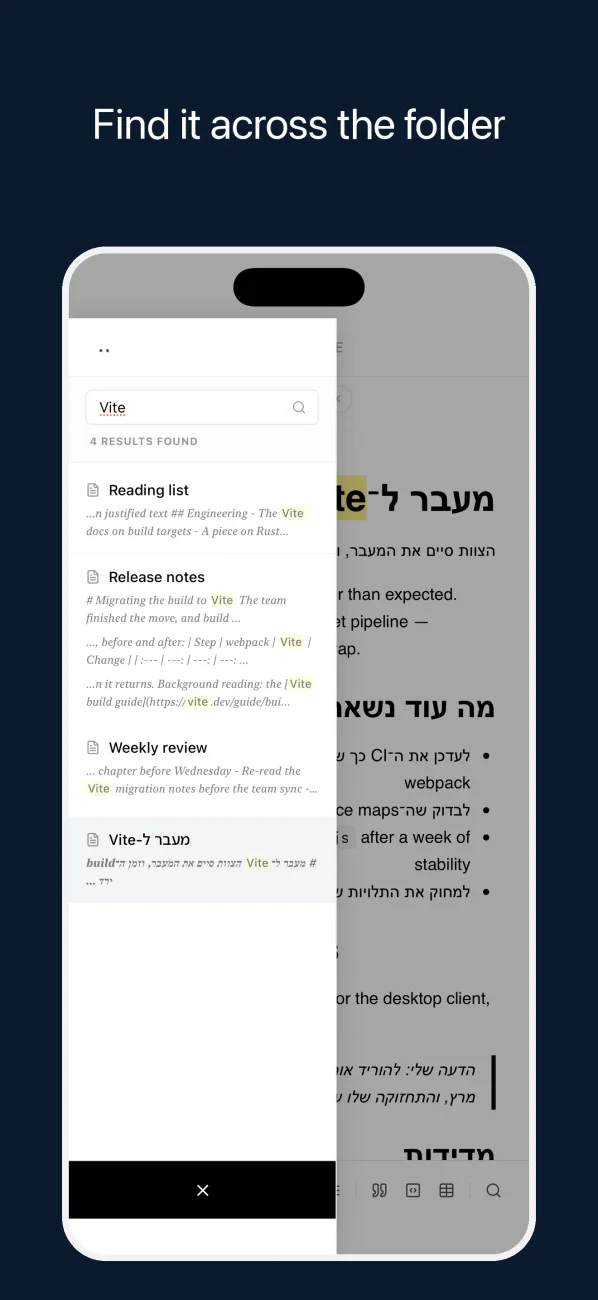
• Search the whole folder, with the context around every match.
• Keep footnotes and images in the file as you wrote them.
• Use focus mode, typewriter scrolling, find and replace, and quick open.
• Export a folder or a single document as Word, PDF or EPUB.
• Autosave runs a second after you stop typing.
Writing Studio:
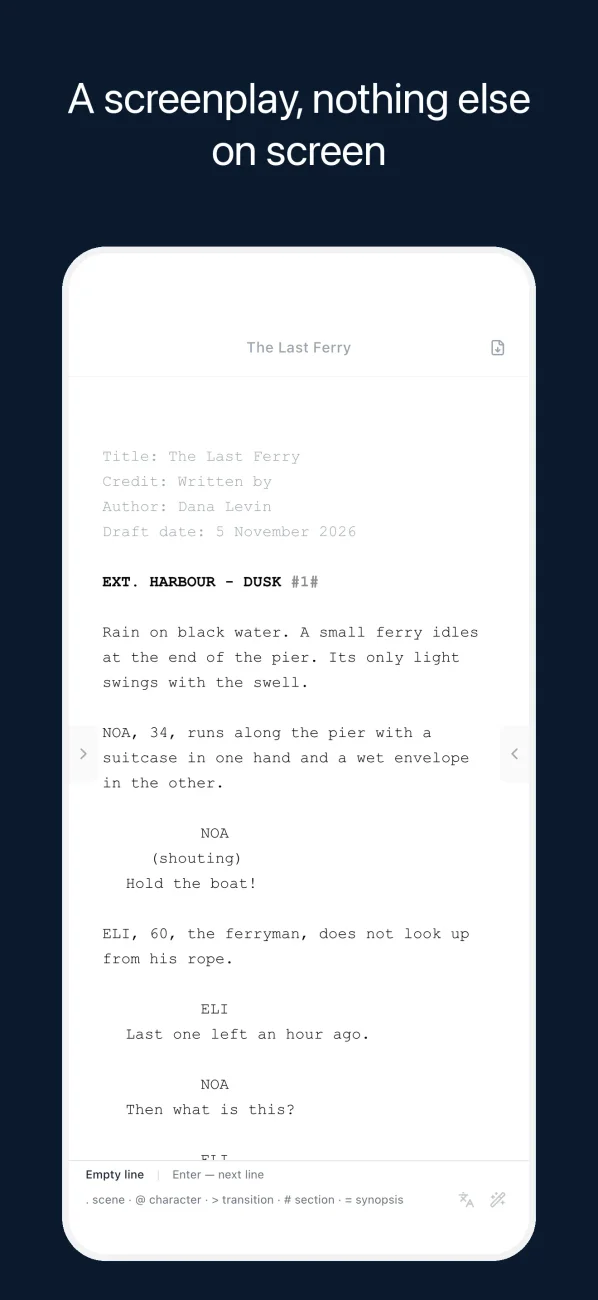
• Screenplays in the standard page format: Courier 12, (MORE) and (CONT'D), dual dialogue, locked scene numbers and production revision marks. Scripts are plain Fountain files, written with nothing else on screen.
• Export to PDF, Word and Final Draft, and import from Final Draft. Final Draft does not support right-to-left text, so a Hebrew or Arabic script goes out as PDF or Word.
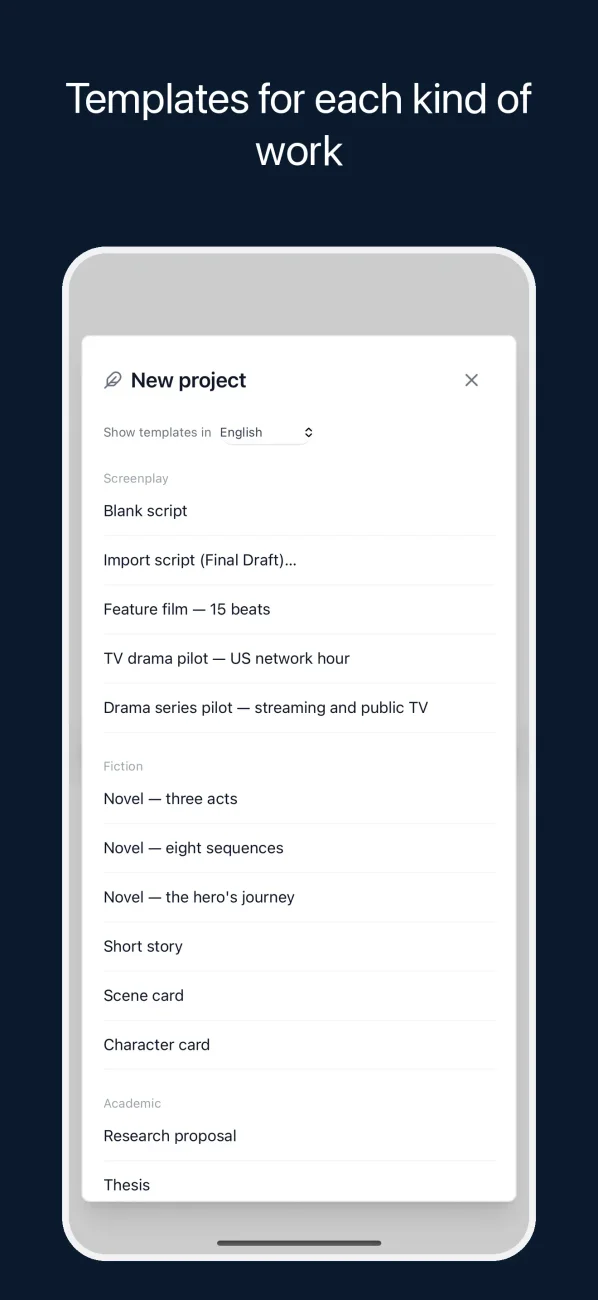
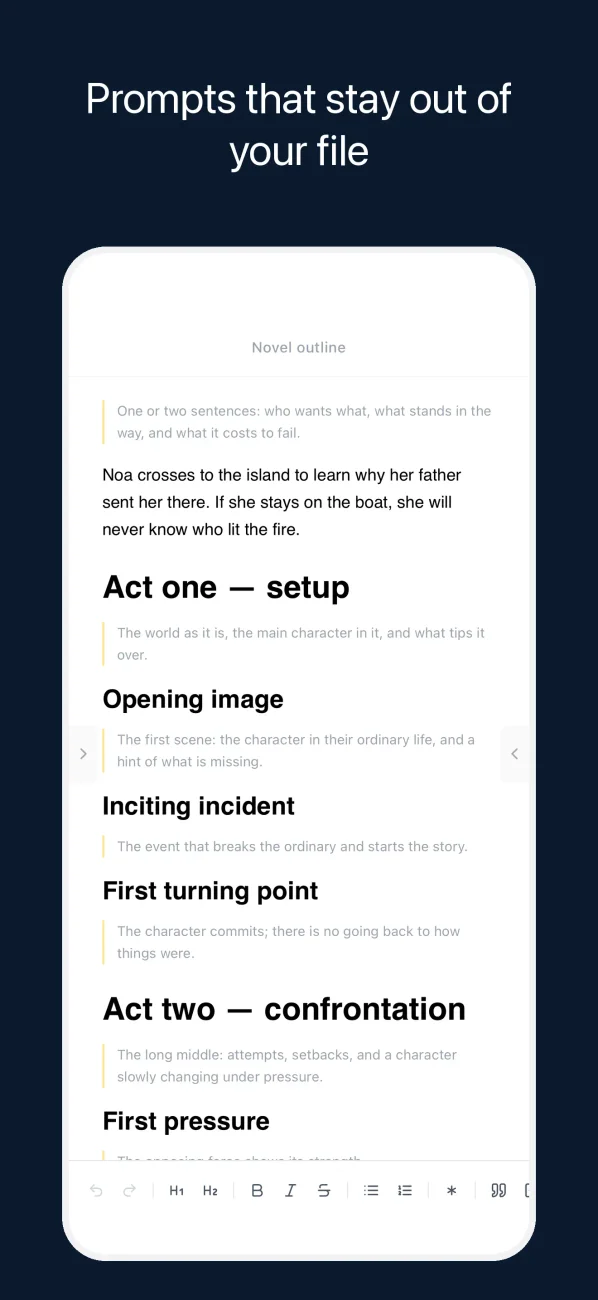
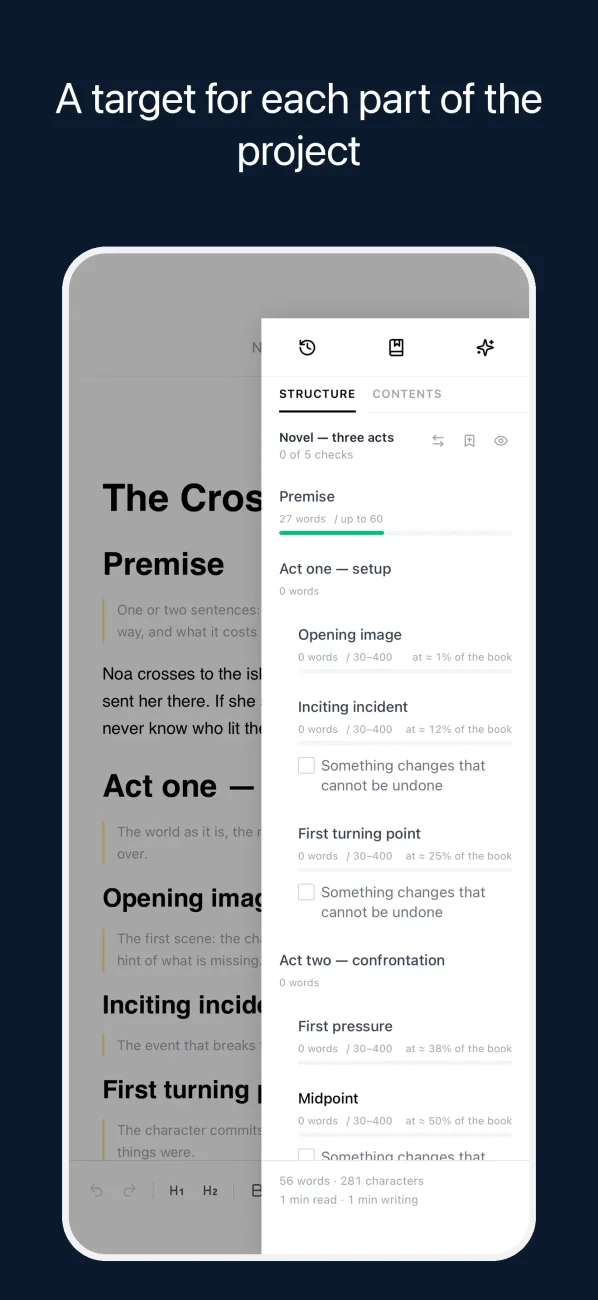
• Templates for fiction, life stories, academic work, Torah study and screenplays, with questions and a length target for each part. The prompts appear in the editor and stay out of your files, so you can switch structure without touching your text.
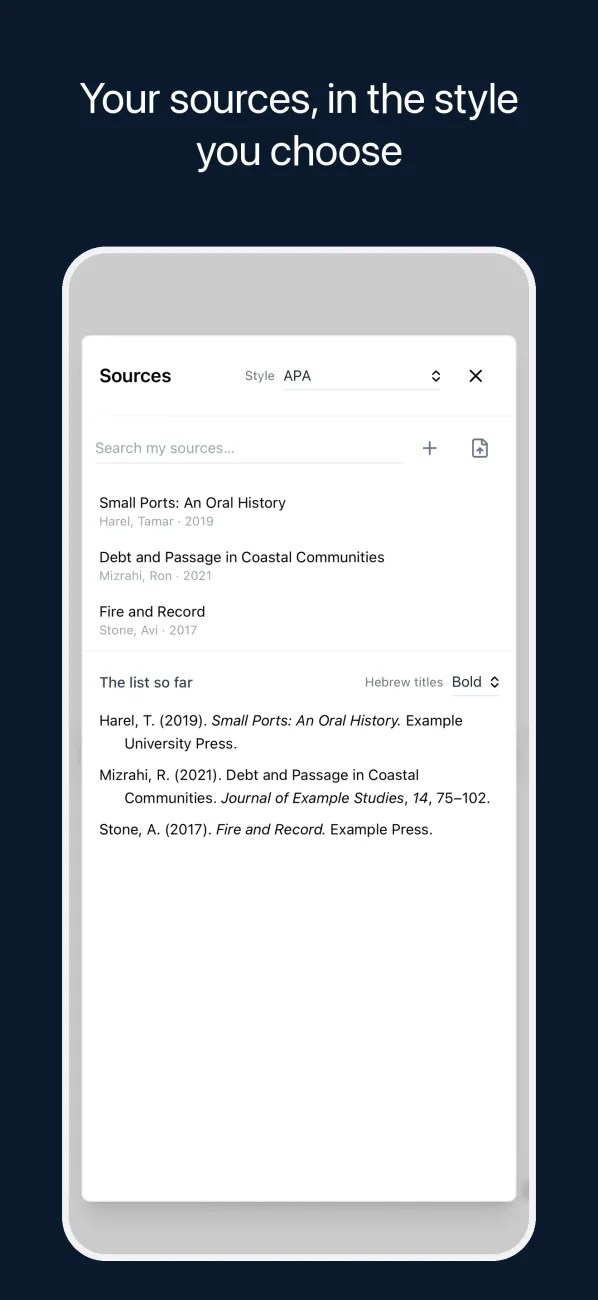
• A sources desk: keep a passage with its source, and leave a short reference in the document. Citations come in seven styles, and a source is looked up only when you ask.
• Two languages side by side: a document and its translation, each in its own file, with the matching paragraph marked.
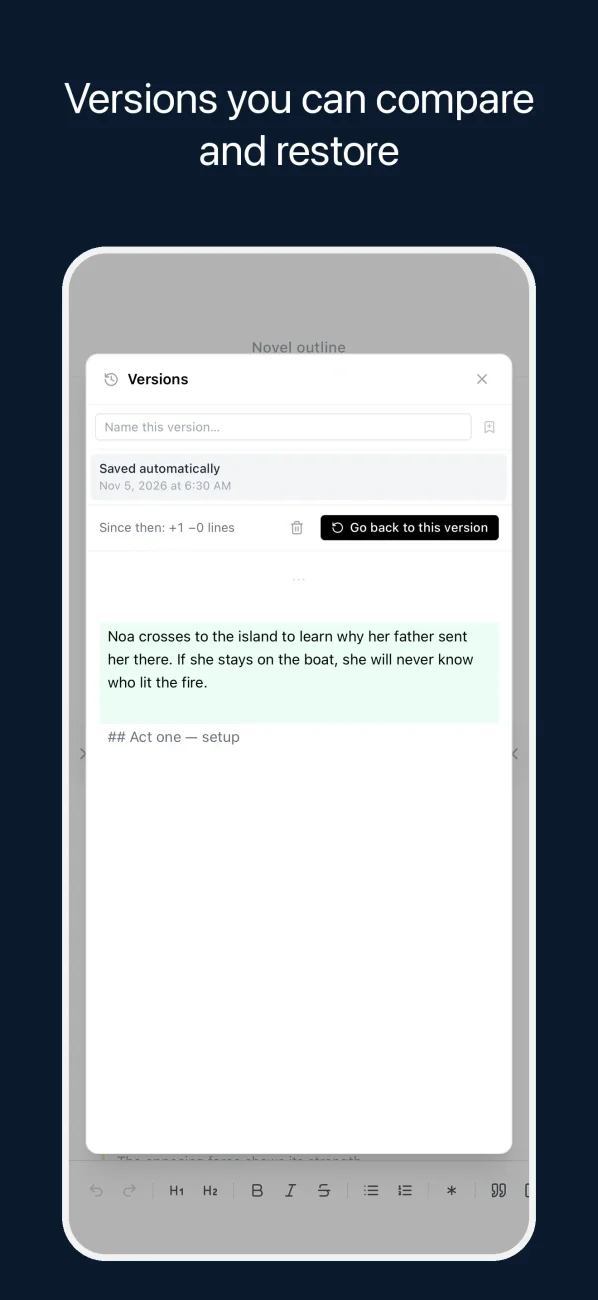
• Versions of a document, saved as you write, compared word by word and restored.
• An on-device assistant: translate, reword or shorten a selection, then compare the result with your original. Ask a question about the folder, or look for contradictions between chapters. It needs Apple Intelligence on a supported device.
PureWrite never sends your documents anywhere: no account, no telemetry. The network is used only when you ask the studio to look up a source.
macOS, iPhone and iPad. The download is free. Writing Studio is a one-time purchase, not a subscription, shared across your devices with the same Apple Account.
Nouveautés
Version 2.0.0 · 07/11/2026
PureWrite 2.0 adds Writing Studio, a one-time purchase for long work. Everything you had stays free, including writing, editing and exporting.
Writing Studio:
• Writing templates for fiction, academic work, life stories, Torah study and screenplays, with a prompt and a length target for each part.
• Screenwriting in Fountain, with Final Draft import and export.
• A sources desk with citations in seven styles.
• Versions of a document, compared and restored.
• A document and its translation side by side.
• An on-device writing assistant, on devices with Apple Intelligence.
Also new, and free: export a single document as Word, PDF or EPUB, not only a whole folder. In edit mode, each document has its own export button.
Fixed: text typed just before switching files always reaches the file it was typed in, and a save that fails now says so.
Confidentialité de l’application
Ce que Yechiel Ben David déclare sur l’App Store au sujet du traitement des données par cette application.
-
Données non collectées
Le développeur ne collecte aucune donnée à partir de cette application.
Les pratiques en matière de confidentialité peuvent varier, notamment en fonction des fonctionnalités que vous utilisez ou de votre âge.
Informations
- Vendeur
- Yechiel Ben David
- Catégorie
- Productivité
- Version
- 2.0.0
- Mis à jour
- 07/11/2026
- Publié
- 25/08/2026
- Taille
- 6,7 Mo
- Nécessite
- iOS 15.0 ou version ultérieure
- Classification d’âge
- 4+
- Prix
- Gratuit
- Achats intégrés
- Oui
- Langues
- Anglais, Arabe, Allemand, Hébreu, Japonais
- Copyright
- © 2026 Y. Ben David
Vous aimerez peut-être aussi
-
 Inkstone: AI Knowledge BaseProductivité
-
 Folio: Notes, PDFs & CanvasProductivité
-
 PDFDockProductivité
-
 Narratives: Private AI NotesProductivité
-
 Nodus - ZettelkastenProductivité
-
 OkojoProductivité
-
 Space4LinksProductivité
-
 Anycap: Capture & BookmarksProductivité
-
 Kasten - Zettelkasten CardsProductivité
-
 Relay Shortcut TriggerProductivité