
PureWrite: Writing Studio
Screenplay & Markdown Writer
Được thiết kế cho iPhone, iPad, Mac, iPod touch
Miễn phí · Mua hàng trong ứng dụng
- Độ tuổi4+
- Danh mụcHiệu Suất
- Nhà phát triểnYechiel Ben David
- Ngôn ngữTiếng Anh+ 4 ngôn ngữ khác
- Kích thước6,7 MB
Liên kết đến trang App Store chính thức
Download.org không lưu trữ tệp nào của PureWrite: Writing Studio. Nút này mở trang ứng dụng trên App Store, nơi Yechiel Ben David phát hành ứng dụng. Trang được kiểm tra lần cuối: 12/11/2026.
Ảnh chụp màn hình
Giới thiệu
Nhà phát triển chưa cung cấp nội dung này bằng ngôn ngữ của bạn.
PureWrite is a writing tool with no distractions. Your documents are Markdown files in your own folder, and other apps such as Obsidian can edit them too. Writing and exporting are free.
Writing Studio, a one-time purchase, is for making a longer work: a screenplay, a novel or a paper.
The free app:
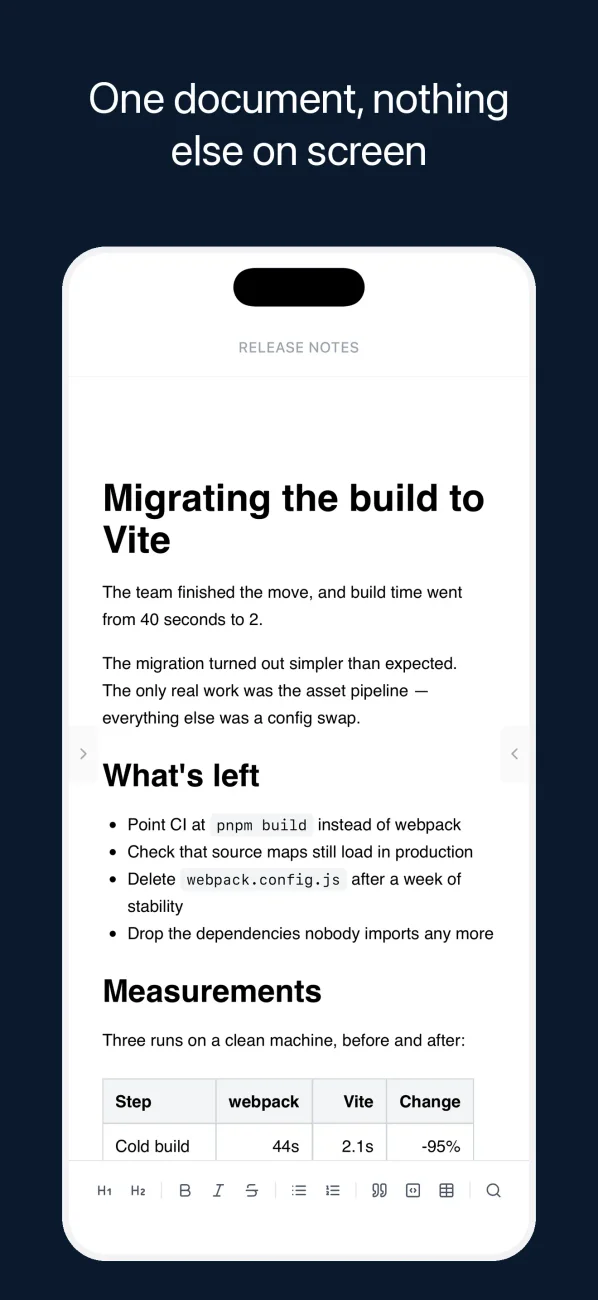
• Start typing and the file sidebar and the table of contents leave the screen. Move the pointer back and they return.
• Open a folder you already have. There is no import step and no database, and the folder can stay an Obsidian vault or a git repository.
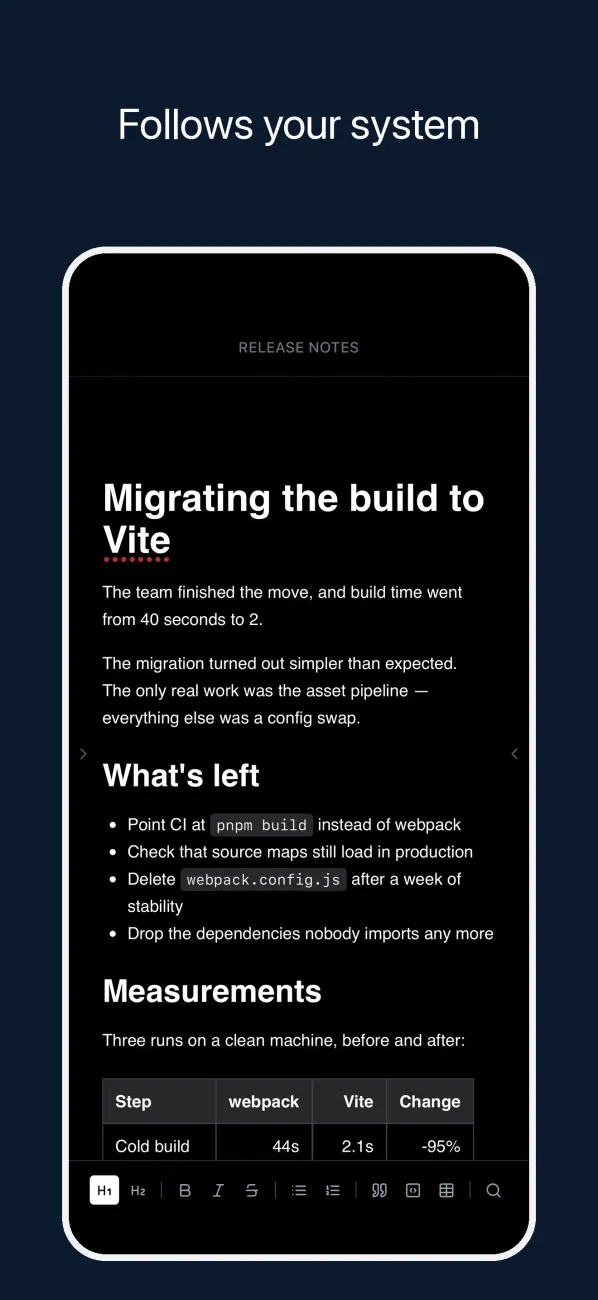
• Edit the document as it looks, while the file on disk stays ordinary Markdown, tables and links included.
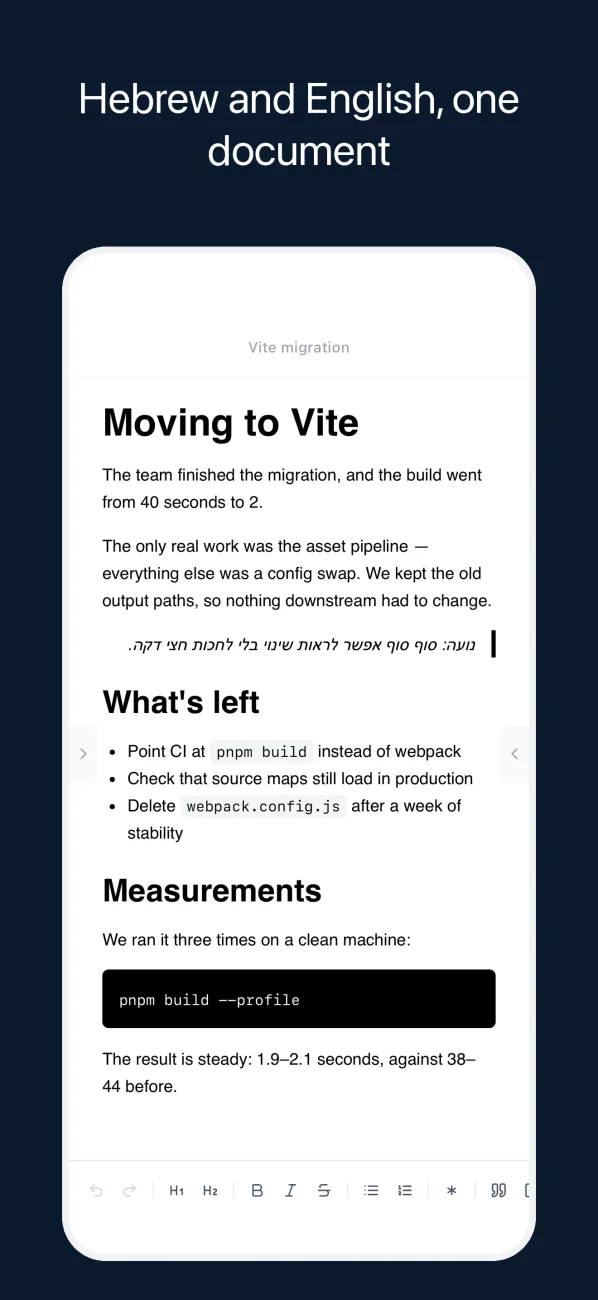
• Hebrew and English in one document: each paragraph takes its own direction, and nothing is written into the file to do it.
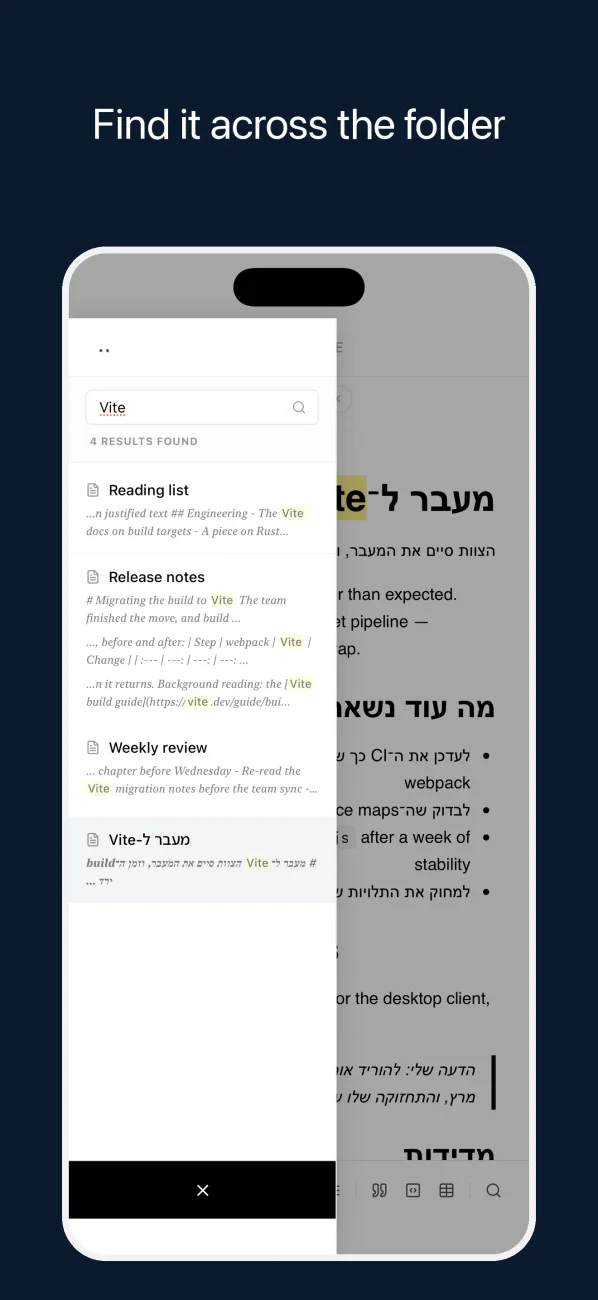
• Search the whole folder, with the context around every match.
• Keep footnotes and images in the file as you wrote them.
• Use focus mode, typewriter scrolling, find and replace, and quick open.
• Export a folder or a single document as Word, PDF or EPUB.
• Autosave runs a second after you stop typing.
Writing Studio:
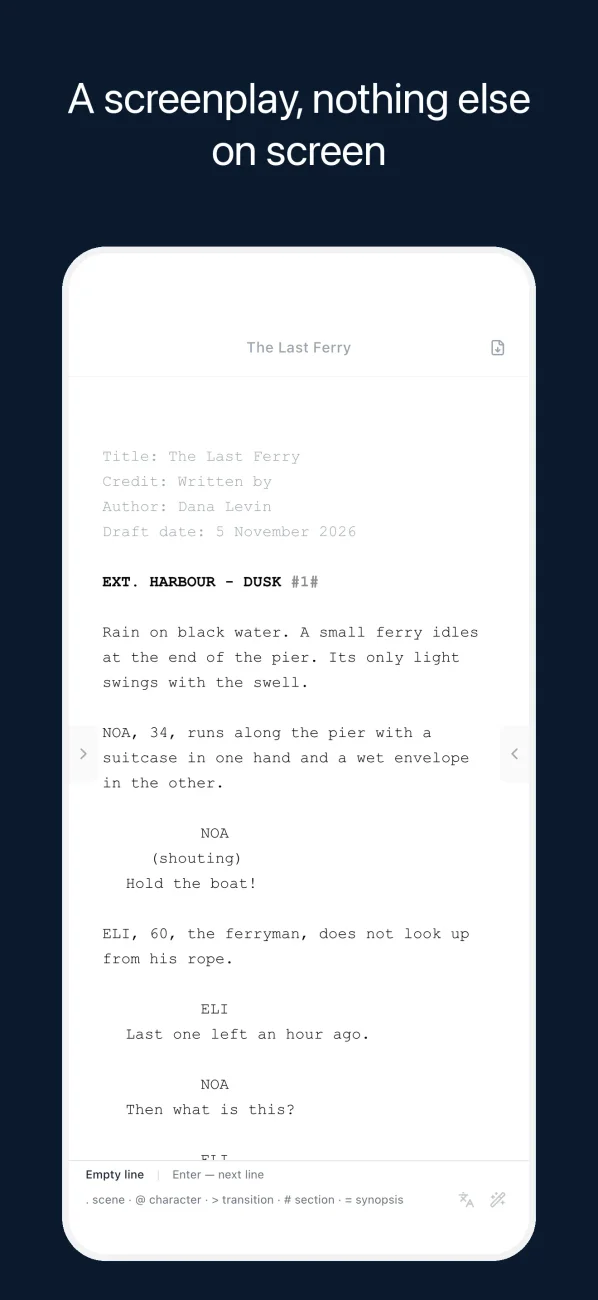
• Screenplays in the standard page format: Courier 12, (MORE) and (CONT'D), dual dialogue, locked scene numbers and production revision marks. Scripts are plain Fountain files, written with nothing else on screen.
• Export to PDF, Word and Final Draft, and import from Final Draft. Final Draft does not support right-to-left text, so a Hebrew or Arabic script goes out as PDF or Word.
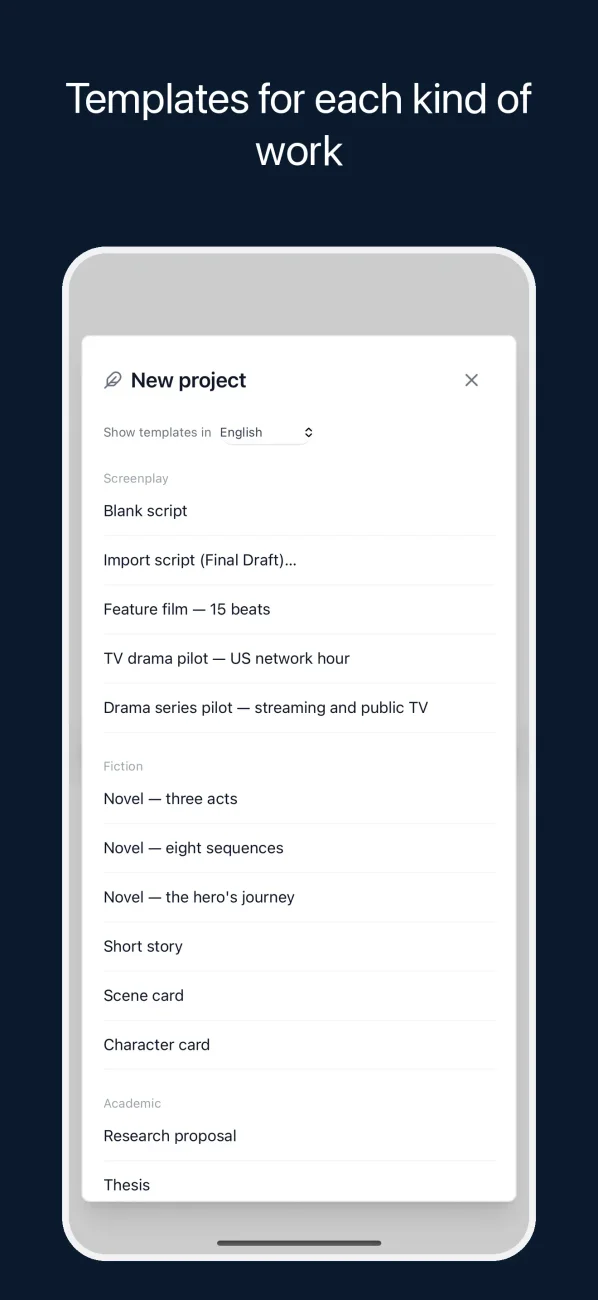
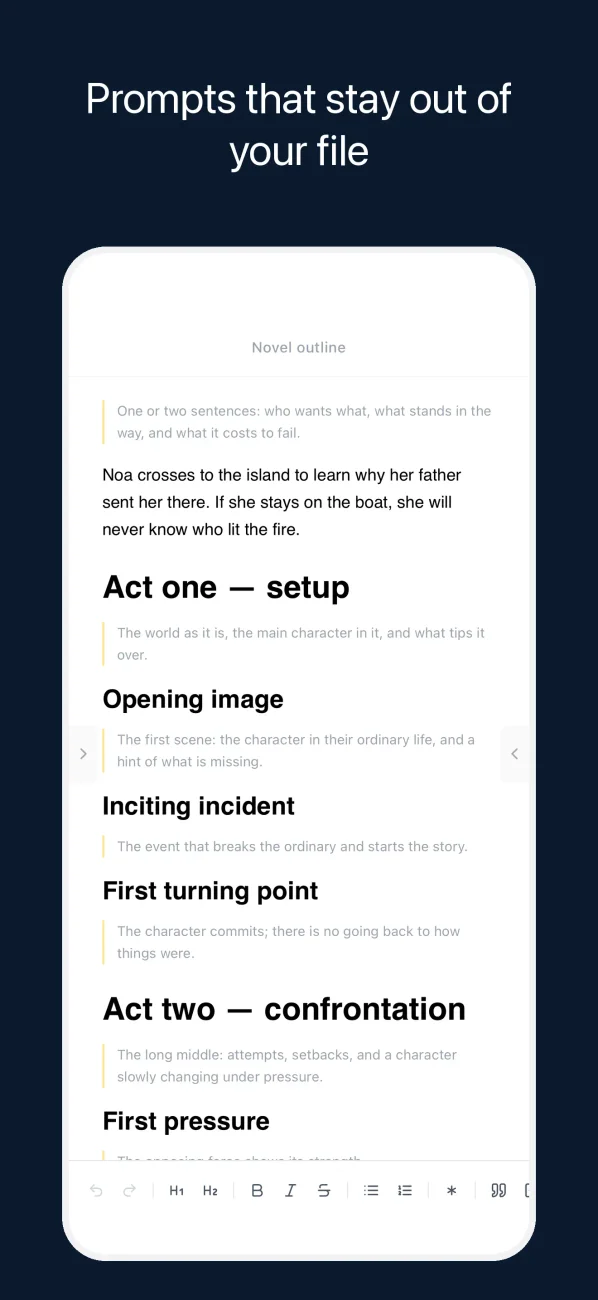
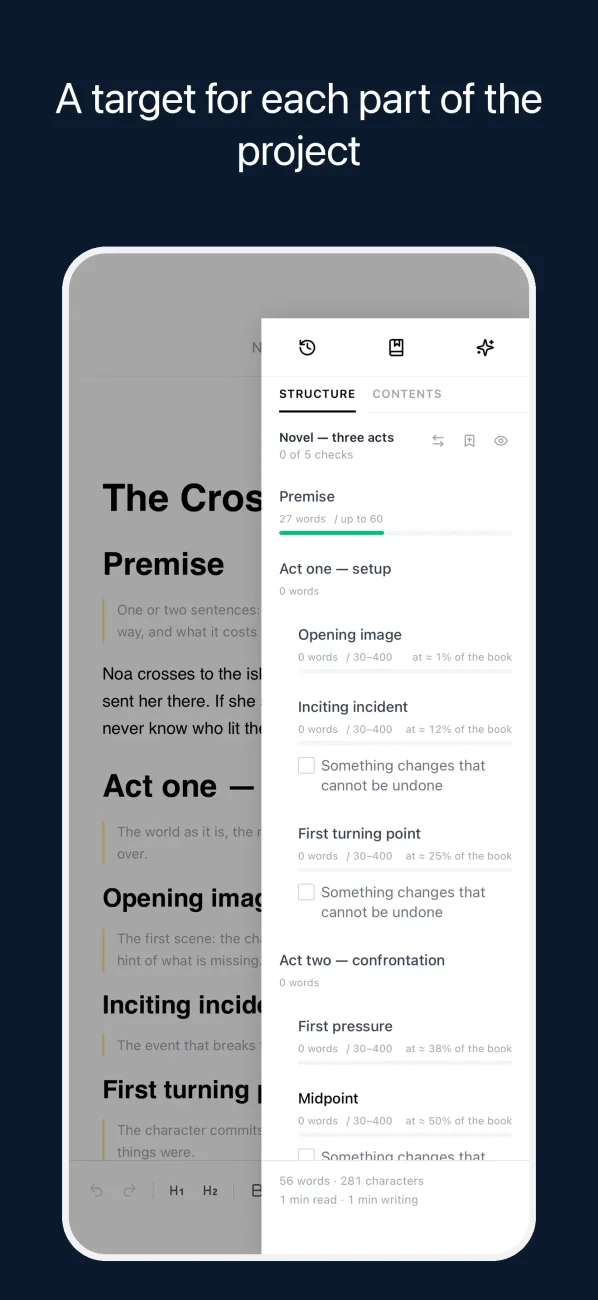
• Templates for fiction, life stories, academic work, Torah study and screenplays, with questions and a length target for each part. The prompts appear in the editor and stay out of your files, so you can switch structure without touching your text.
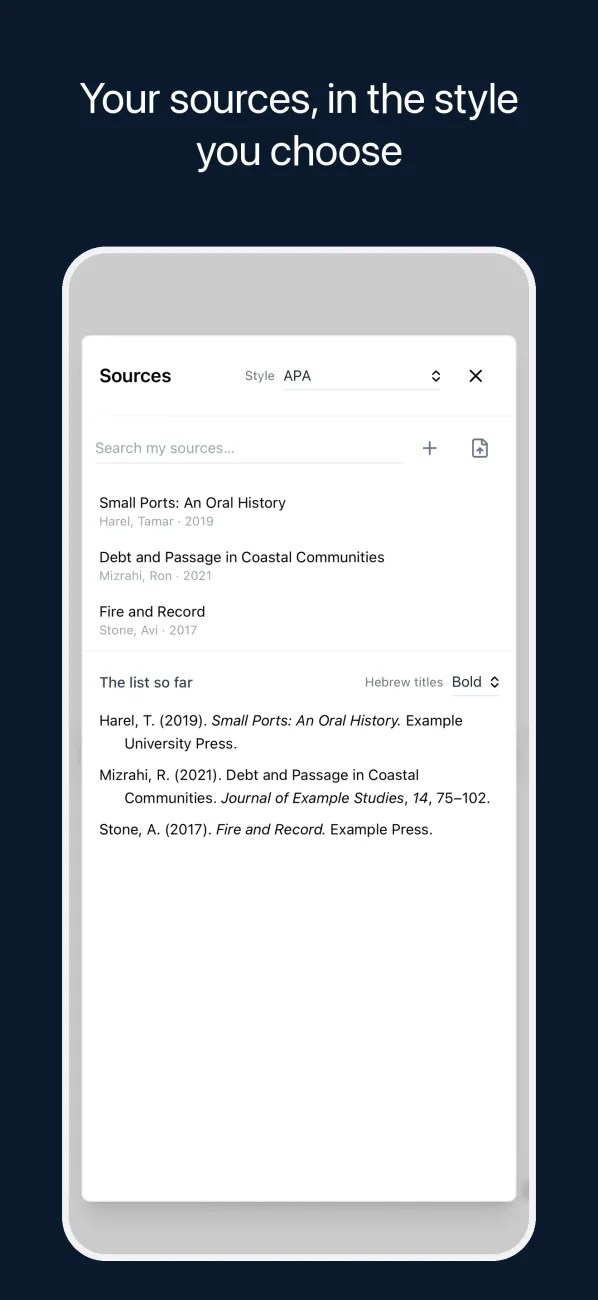
• A sources desk: keep a passage with its source, and leave a short reference in the document. Citations come in seven styles, and a source is looked up only when you ask.
• Two languages side by side: a document and its translation, each in its own file, with the matching paragraph marked.
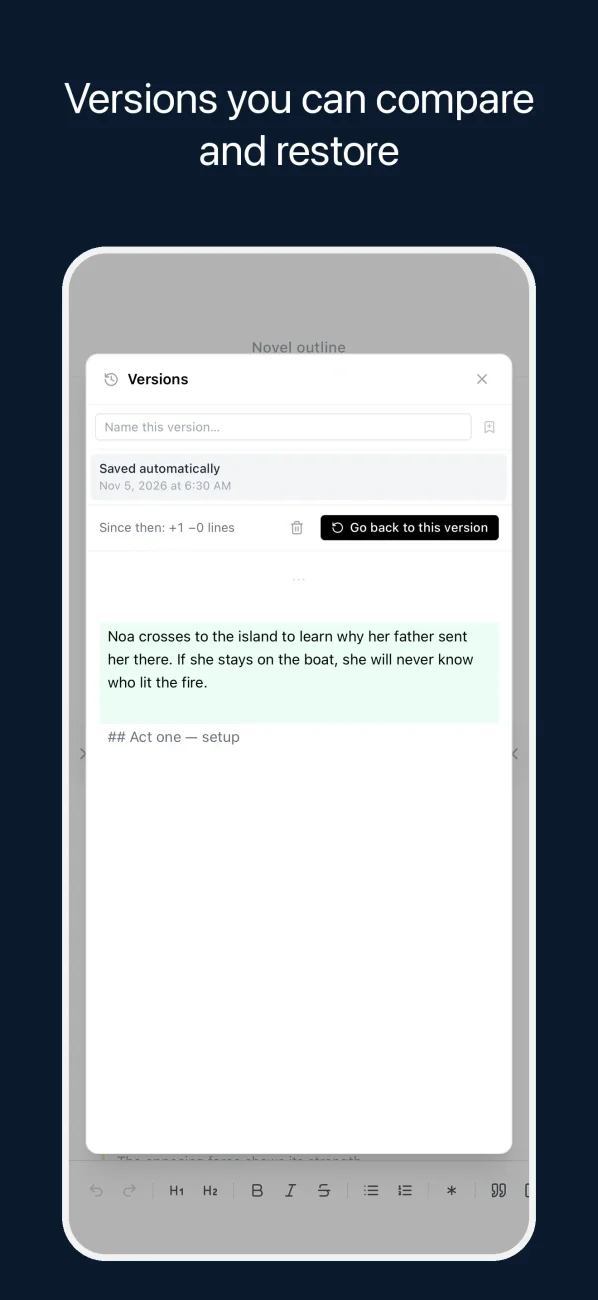
• Versions of a document, saved as you write, compared word by word and restored.
• An on-device assistant: translate, reword or shorten a selection, then compare the result with your original. Ask a question about the folder, or look for contradictions between chapters. It needs Apple Intelligence on a supported device.
PureWrite never sends your documents anywhere: no account, no telemetry. The network is used only when you ask the studio to look up a source.
macOS, iPhone and iPad. The download is free. Writing Studio is a one-time purchase, not a subscription, shared across your devices with the same Apple Account.
Có gì mới
Phiên bản 2.0.0 · 07/11/2026
PureWrite 2.0 adds Writing Studio, a one-time purchase for long work. Everything you had stays free, including writing, editing and exporting.
Writing Studio:
• Writing templates for fiction, academic work, life stories, Torah study and screenplays, with a prompt and a length target for each part.
• Screenwriting in Fountain, with Final Draft import and export.
• A sources desk with citations in seven styles.
• Versions of a document, compared and restored.
• A document and its translation side by side.
• An on-device writing assistant, on devices with Apple Intelligence.
Also new, and free: export a single document as Word, PDF or EPUB, not only a whole folder. In edit mode, each document has its own export button.
Fixed: text typed just before switching files always reaches the file it was typed in, and a save that fails now says so.
Quyền riêng tư của ứng dụng
Những gì Yechiel Ben David khai báo trên App Store về cách ứng dụng này xử lý dữ liệu.
-
Dữ liệu không được thu thập
Nhà phát triển không thu thập bất kỳ dữ liệu nào từ ứng dụng này.
Phương thức đảm bảo quyền riêng tư có thể khác nhau, chẳng hạn như tuỳ theo các tính năng bạn sử dụng hoặc độ tuổi của bạn.
Thông tin
- Người bán
- Yechiel Ben David
- Danh mục
- Hiệu Suất
- Phiên bản
- 2.0.0
- Cập nhật
- 07/11/2026
- Phát hành
- 25/08/2026
- Kích thước
- 6,7 MB
- Yêu cầu
- iOS 15.0 trở lên
- Độ tuổi
- 4+
- Giá
- Miễn phí
- Mua hàng trong ứng dụng
- Có
- Ngôn ngữ
- Tiếng Anh, Tiếng Ả Rập, Tiếng Đức, Tiếng Do Thái, Tiếng Nhật
- Bản quyền
- © 2026 Y. Ben David
Có thể bạn cũng thích
-
 Inkstone: AI Knowledge BaseHiệu Suất
-
 Folio: Notes, PDFs & CanvasHiệu Suất
-
 PDFDockHiệu Suất
-
 Narratives: Private AI NotesHiệu Suất
-
 Nodus - ZettelkastenHiệu Suất
-
 OkojoHiệu Suất
-
 Space4LinksHiệu Suất
-
 Anycap: Capture & BookmarksHiệu Suất
-
 Kasten - Zettelkasten CardsHiệu Suất
-
 Relay Shortcut TriggerHiệu Suất