- Classification d’âge4+
- CatégorieSports
- DéveloppeurStreaming Rat
- LanguesAnglais
- Taille21,6 Mo
Puttcard n’est peut-être pas disponible sur App Store pour le moment
La fiche de la boutique était inaccessible lors de notre dernière vérification. Le lien mène toujours à la page App Store officielle.
Captures d’écran


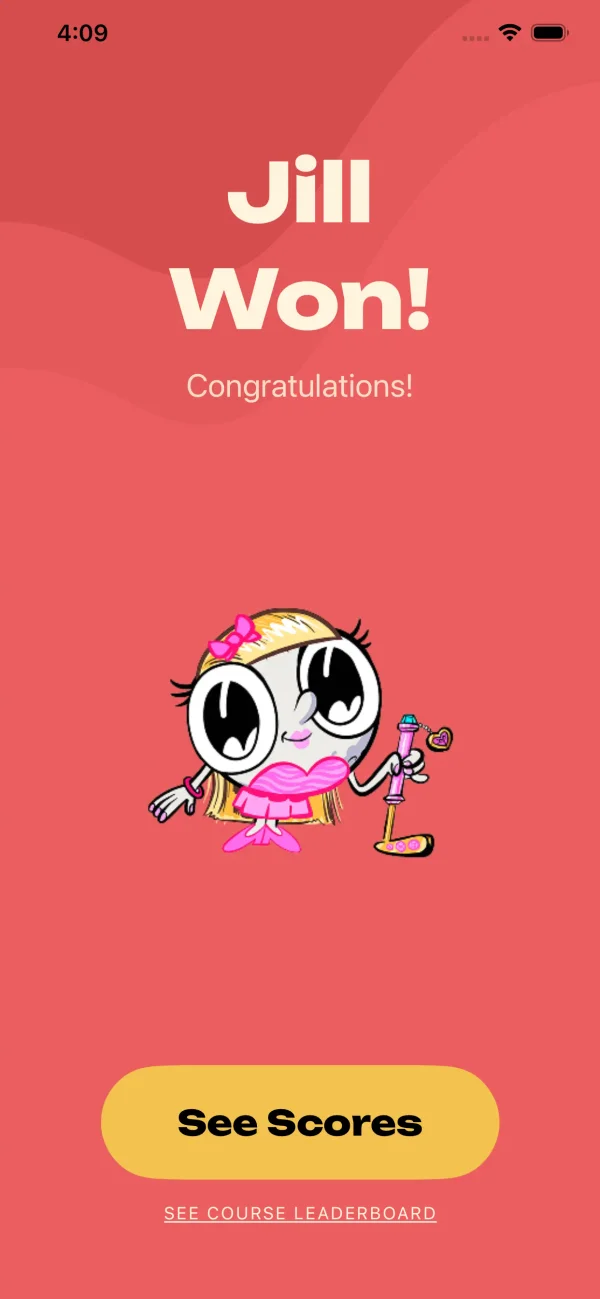
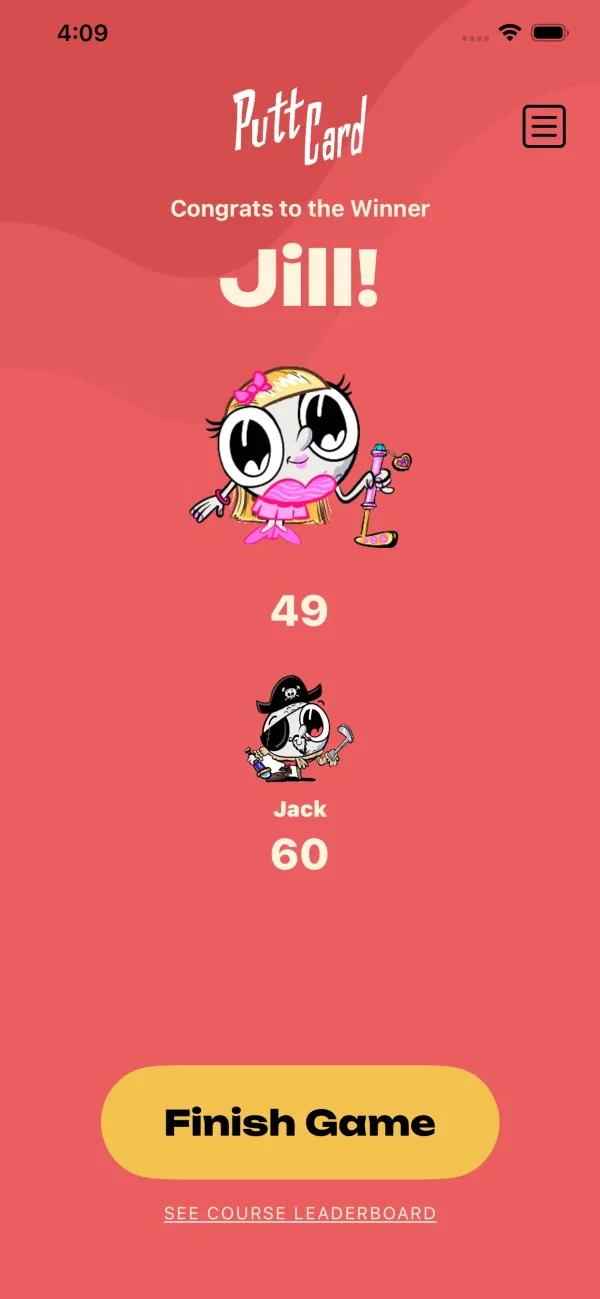
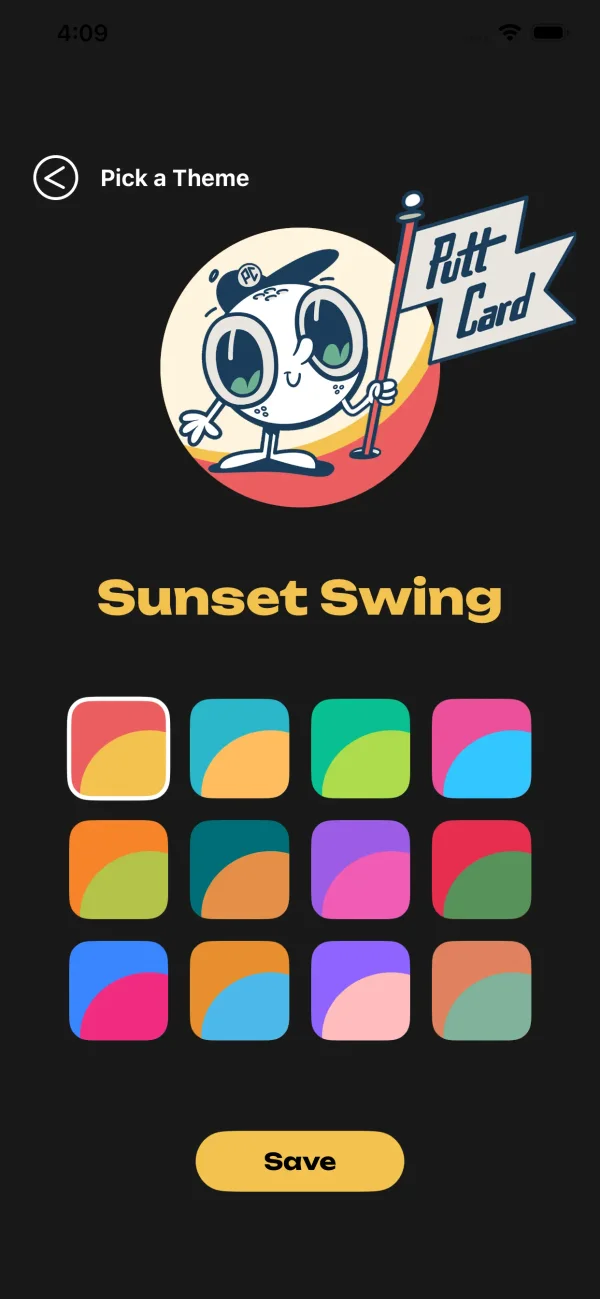

À propos
Le développeur n’a pas fourni ce texte dans votre langue.
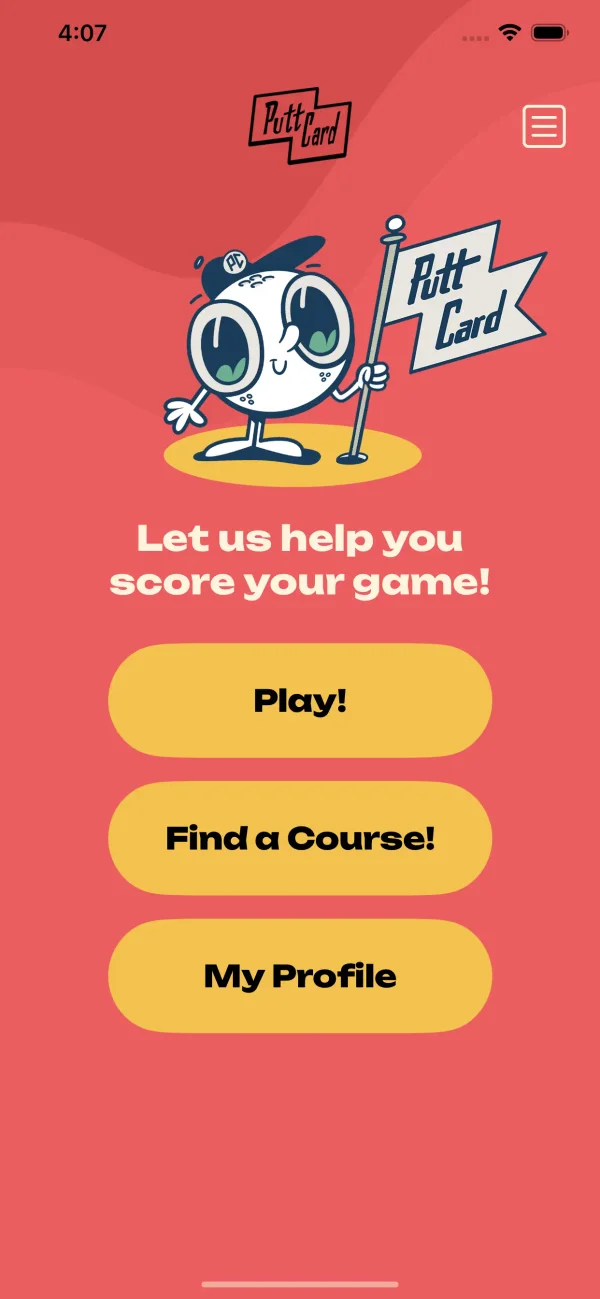
Keep score on every hole, no pencil required.
Puttcard is the simplest way to track mini-golf scores with friends and family.
Just pick your course, add your players, and start tapping.
Features:
• Nearby courses — Puttcard finds mini-golf courses close to you automatically
• Custom courses — playing somewhere we don't have? Just type a name and go
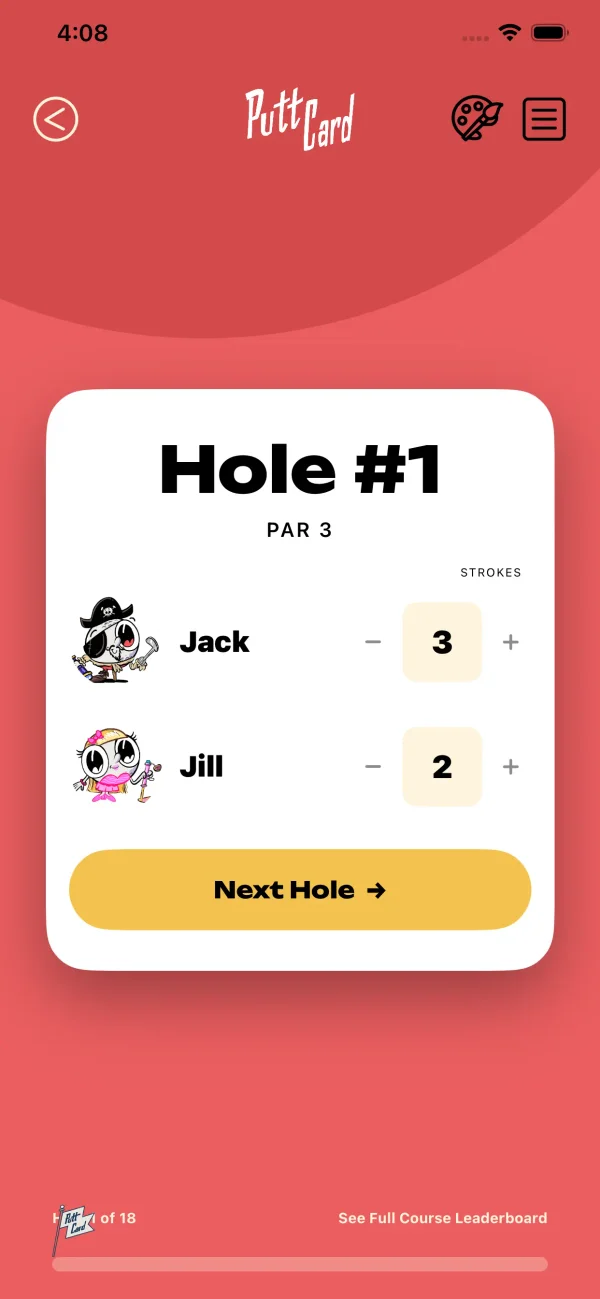
• Easy scoring — tap + and − to set strokes per player per hole
• Full scorecard — see the complete grid of every hole and every player at a glance
• Game history — your past rounds are saved so you can look back on them later
• Multiple themes — choose the look that fits your mood: ocean, forest,
sunset, or dark
How it works:
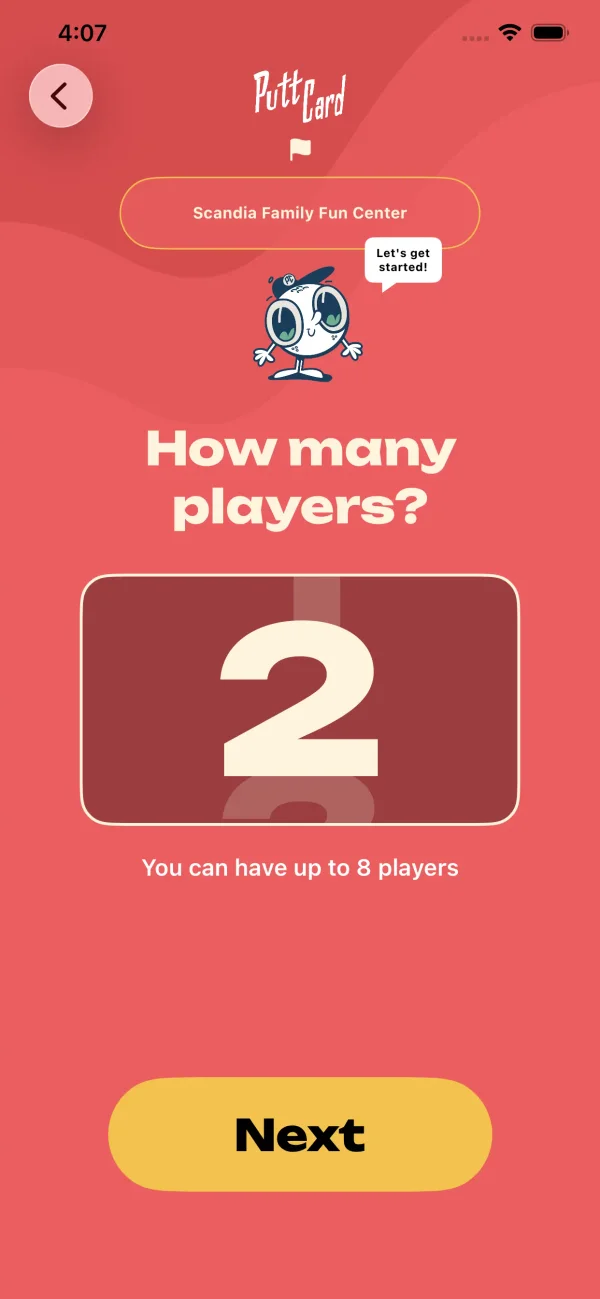
1. Select a nearby course or enter a custom name
2. Add everyone in your group
3. Tap through each hole, setting strokes as you go
4. View the full scorecard anytime during or after the round
Whether you're out for a casual round with the kids or keeping a friendly rivalry alive, Puttcard stays out of the way and lets you focus on the game.
Nouveautés
Version 1.1.0 · 04/11/2026
What's new in Puttcard 1.1:
- Past game details: tap a past game in Past Scores to see who won and the full hole-by-hole scorecard.
- Tablet layouts: Puttcard now uses the full screen on iPad, with roomier screens and multi-column course and badge grids.
- Suggest a missing course: when you start a custom game for a course we don't list yet, we save the name so we can add it.
- About screen: your profile now has an About option that shows the app version.
- Search by zip from the keyboard: start a zip-code course search right from the Search key.
- Scorecard buttons: the palette button opens the theme picker, and the menu button opens the full scoresheet.
- Simpler custom-game start: the course-name entry and its Start custom game button are always available.
- The keyboard no longer covers the course-name field on the find-a-course screen.
- Security update: Puttcard's secure connection to its servers no longer trusts a compromised certificate authority, keeping your scores and account safe.
Confidentialité de l’application
Ce que Streaming Rat déclare sur l’App Store au sujet du traitement des données par cette application.
-
Données établissant un lien avec vous
Peuvent être collectées et liées à votre identité.
- Coordonnées
- Contenu utilisateur
- Identifiants
-
Données n’établissant aucun lien avec vous
Peuvent être collectées, mais ne sont pas liées à votre identité.
- Emplacement
- Identifiants
- Données d’utilisation
- Diagnostic
Les pratiques en matière de confidentialité peuvent varier, notamment en fonction des fonctionnalités que vous utilisez ou de votre âge.
Informations
- Vendeur
- Streaming Rat Solutions LLC
- Catégorie
- Sports
- Version
- 1.1.0
- Mis à jour
- 04/11/2026
- Publié
- 18/06/2026
- Taille
- 21,6 Mo
- Nécessite
- iOS 26.2 ou version ultérieure
- Classification d’âge
- 4+
- Langues
- Anglais
- Copyright
- © 2026 Streaming Rat Solutions LLC
Vous aimerez peut-être aussi
-
 Mini Golf ScorekeeperSports
-
 Mini Golf Score TrackerSports
-
 Mini-Golf Score Card - GolfieSports
-
 Perfect Putt 360Disc golf. Chaque putt compte.
-
 Carte de Score de Mini-GolfPas besoin de papier !
-
 ESPN ChicagoSports
-
 F1 Las VegasSports
-
 Mountain ProjectSports
-
 Fishbrain - Fishing AppCartes de pêche, prév. et plus