
- Batasan usia4+
- KategoriOlahraga
- PengembangStreaming Rat
- BahasaInggris
- Ukuran21,6 MB
Puttcard mungkin sedang tidak tersedia di App Store
Halaman di toko tidak dapat dijangkau saat terakhir kami periksa. Tautan tetap mengarah ke halaman resmi App Store.
Tangkapan layar



Tentang
Pengembang belum menyediakan teks ini dalam bahasa Anda.
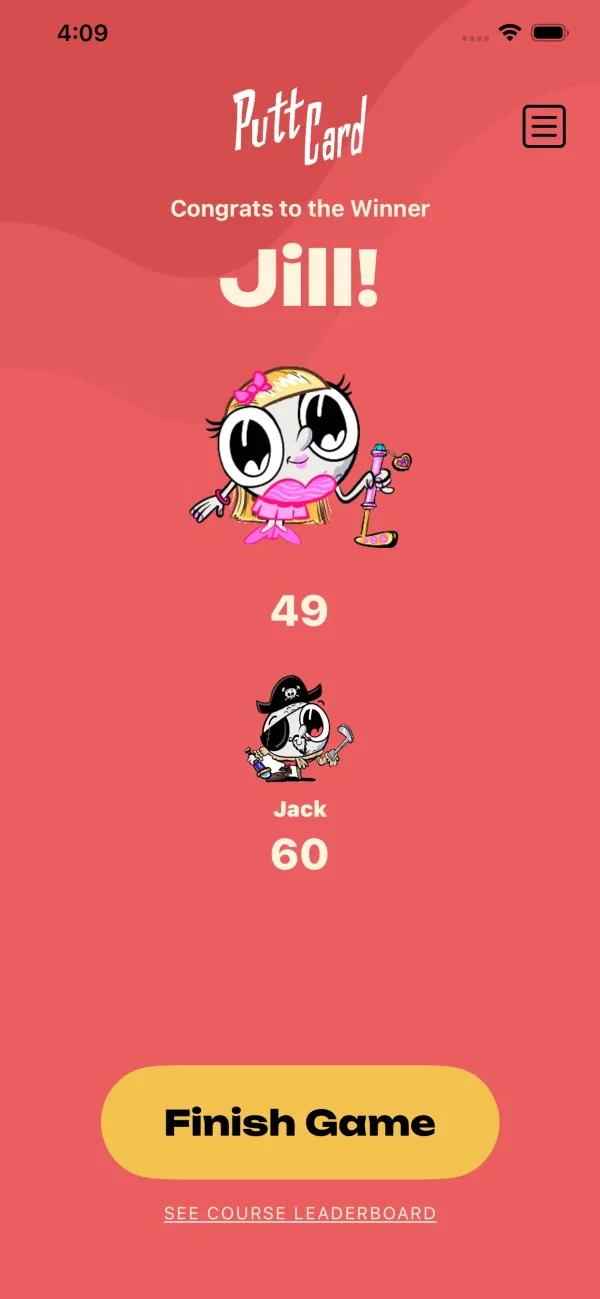
Keep score on every hole, no pencil required.
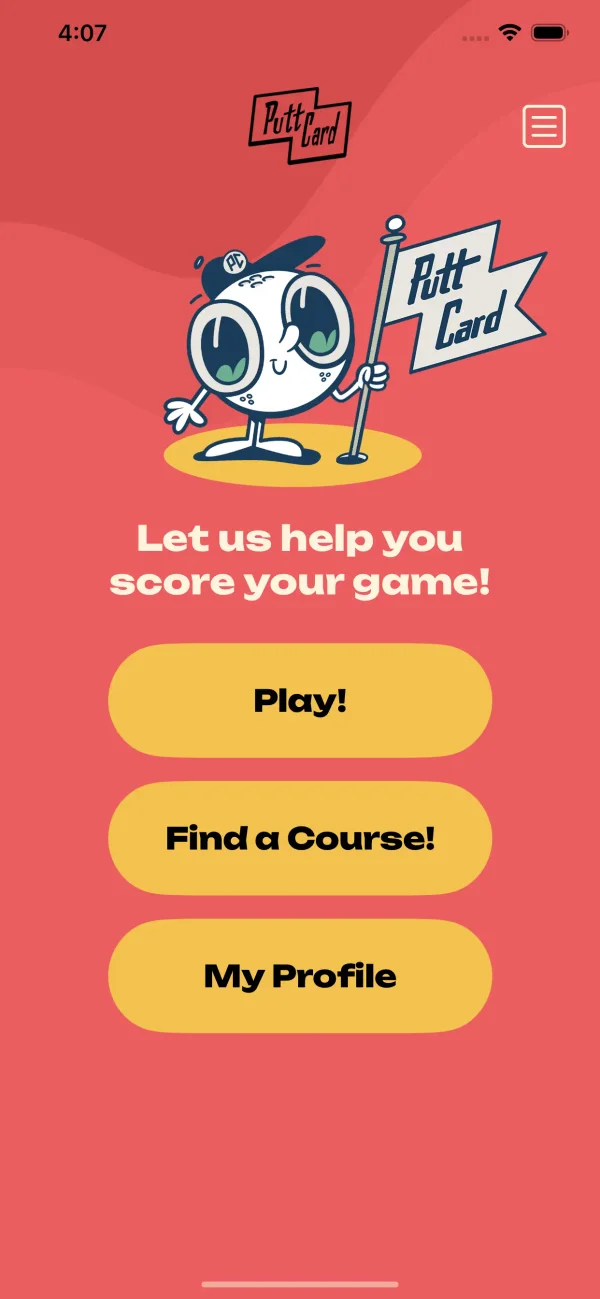
Puttcard is the simplest way to track mini-golf scores with friends and family.
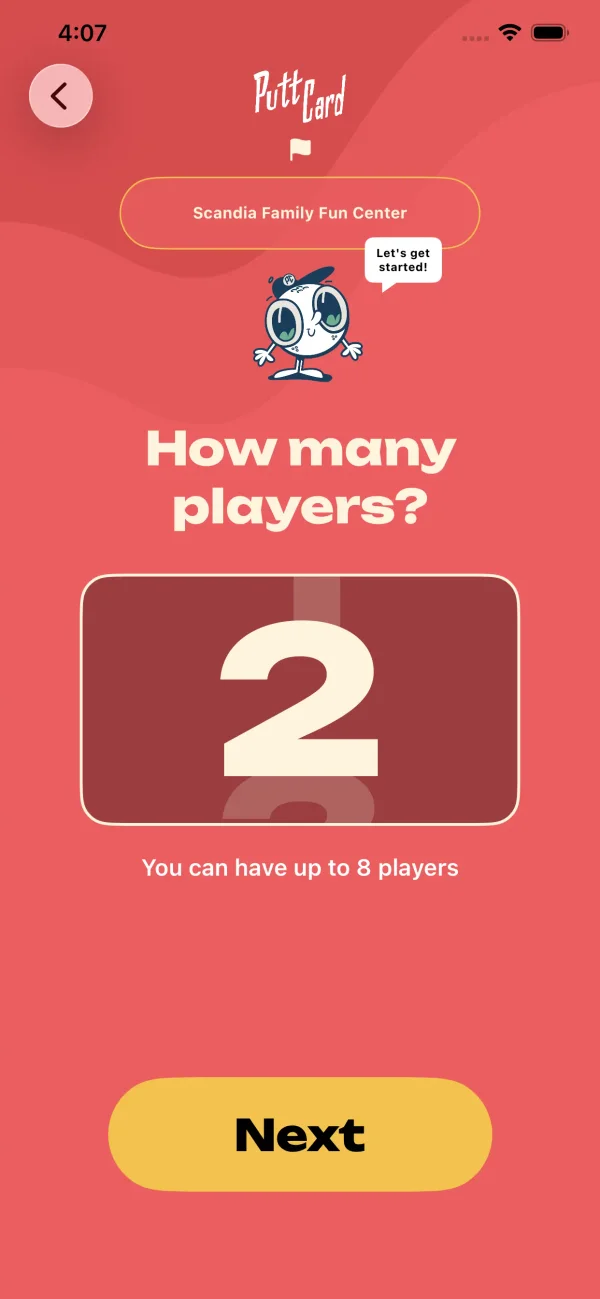
Just pick your course, add your players, and start tapping.
Features:
• Nearby courses — Puttcard finds mini-golf courses close to you automatically
• Custom courses — playing somewhere we don't have? Just type a name and go
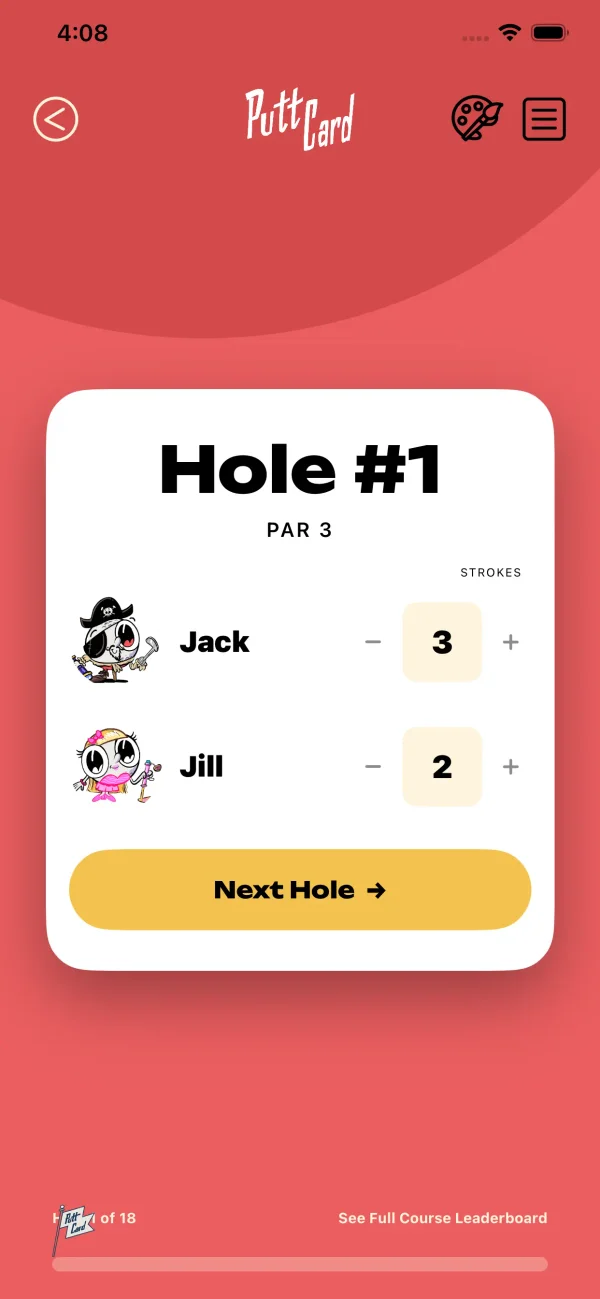
• Easy scoring — tap + and − to set strokes per player per hole
• Full scorecard — see the complete grid of every hole and every player at a glance
• Game history — your past rounds are saved so you can look back on them later
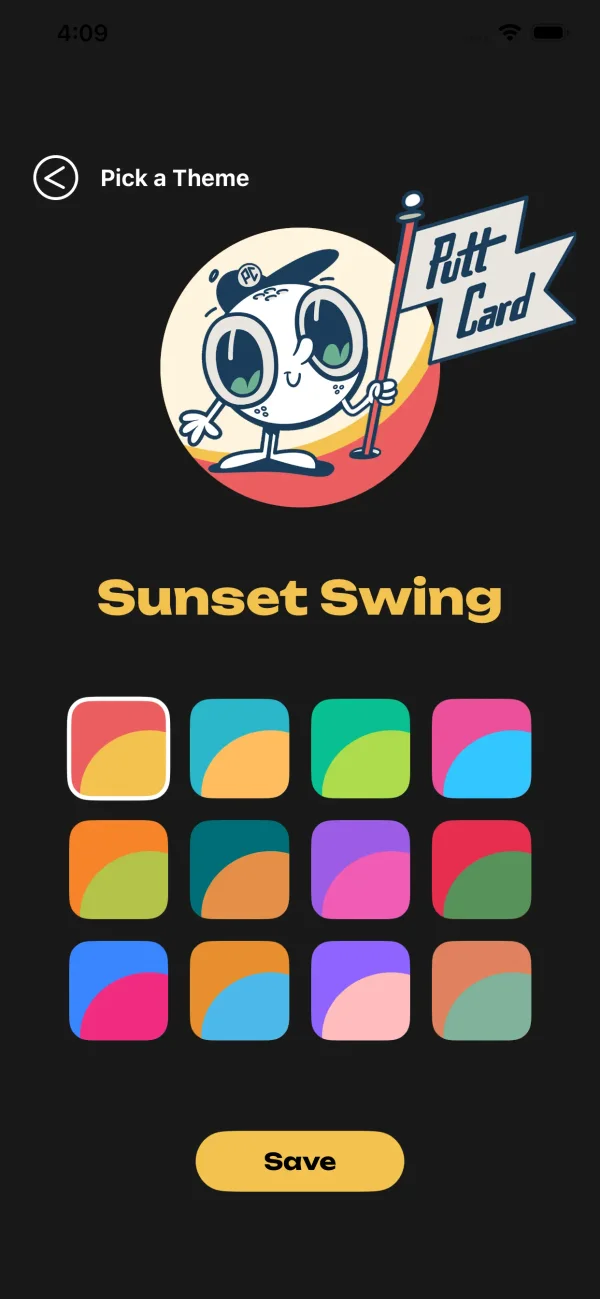
• Multiple themes — choose the look that fits your mood: ocean, forest,
sunset, or dark
How it works:
1. Select a nearby course or enter a custom name
2. Add everyone in your group
3. Tap through each hole, setting strokes as you go
4. View the full scorecard anytime during or after the round
Whether you're out for a casual round with the kids or keeping a friendly rivalry alive, Puttcard stays out of the way and lets you focus on the game.
Yang baru
Versi 1.1.0 · 4/11/2026
What's new in Puttcard 1.1:
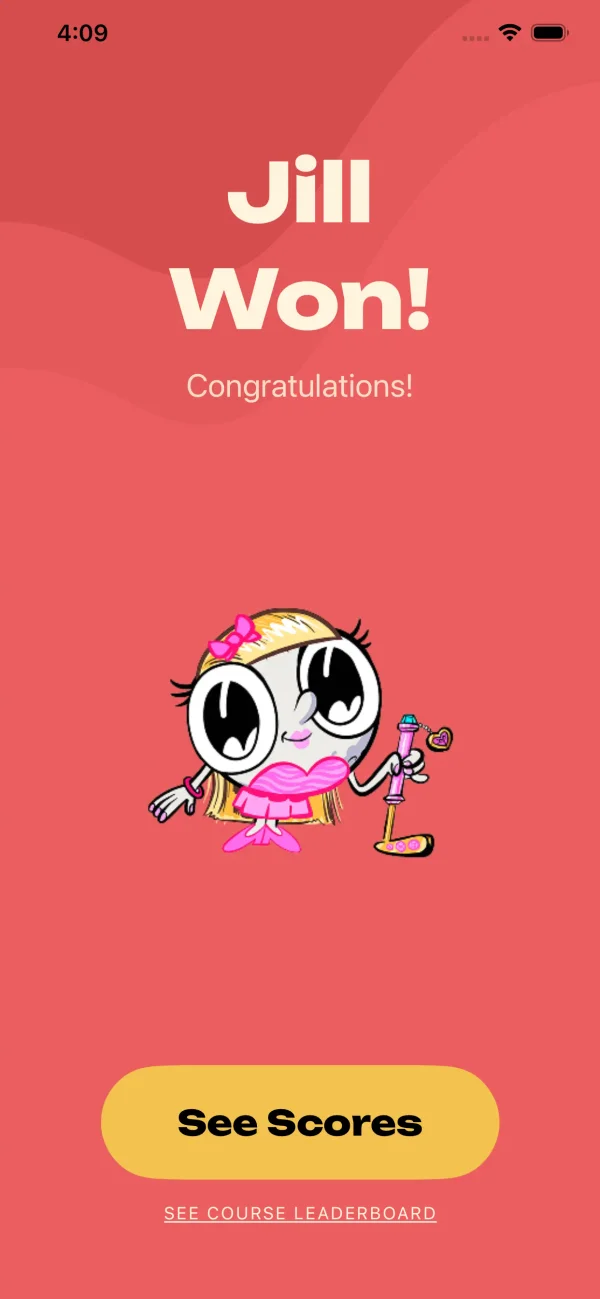
- Past game details: tap a past game in Past Scores to see who won and the full hole-by-hole scorecard.
- Tablet layouts: Puttcard now uses the full screen on iPad, with roomier screens and multi-column course and badge grids.
- Suggest a missing course: when you start a custom game for a course we don't list yet, we save the name so we can add it.
- About screen: your profile now has an About option that shows the app version.
- Search by zip from the keyboard: start a zip-code course search right from the Search key.
- Scorecard buttons: the palette button opens the theme picker, and the menu button opens the full scoresheet.
- Simpler custom-game start: the course-name entry and its Start custom game button are always available.
- The keyboard no longer covers the course-name field on the find-a-course screen.
- Security update: Puttcard's secure connection to its servers no longer trusts a compromised certificate authority, keeping your scores and account safe.
Privasi aplikasi
Yang dinyatakan Streaming Rat di App Store tentang cara aplikasi ini menangani data.
-
Data yang ditautkan dengan Anda
Dapat dikumpulkan dan ditautkan dengan identitas Anda.
- Info kontak
- Konten pengguna
- Pengenal
-
Data yang tidak ditautkan dengan Anda
Dapat dikumpulkan, tetapi tidak ditautkan dengan identitas Anda.
- Lokasi
- Pengenal
- Data penggunaan
- Diagnostik
Praktik privasi dapat bervariasi, misalnya berdasarkan fitur yang Anda gunakan atau usia Anda.
Informasi
- Penjual
- Streaming Rat Solutions LLC
- Kategori
- Olahraga
- Versi
- 1.1.0
- Diperbarui
- 4/11/2026
- Dirilis
- 18/6/2026
- Ukuran
- 21,6 MB
- Memerlukan
- iOS 26.2 atau yang lebih baru
- Batasan usia
- 4+
- Bahasa
- Inggris
- Hak cipta
- © 2026 Streaming Rat Solutions LLC