PyStudio - Learn & Run Python
Python Compiler IDE for mobile
Conçue pour iPhone, iPad, iPod touch
Gratuit
- Classification d’âge4+
- CatégorieOutils de développement
- DéveloppeurGanesh Kalwane
- LanguesAnglais
- Taille41,1 Mo
Renvoie vers la page App Store officielle
Download.org n’héberge aucun fichier de PyStudio - Learn & Run Python. Le bouton ouvre la page de l’application sur App Store, où Ganesh Kalwane la publie. Fiche vérifiée pour la dernière fois le 12/11/2026.
Captures d’écran
À propos
Le développeur n’a pas fourni ce texte dans votre langue.
PyStudio - Python Compiler, Python IDE & Python Code Editor
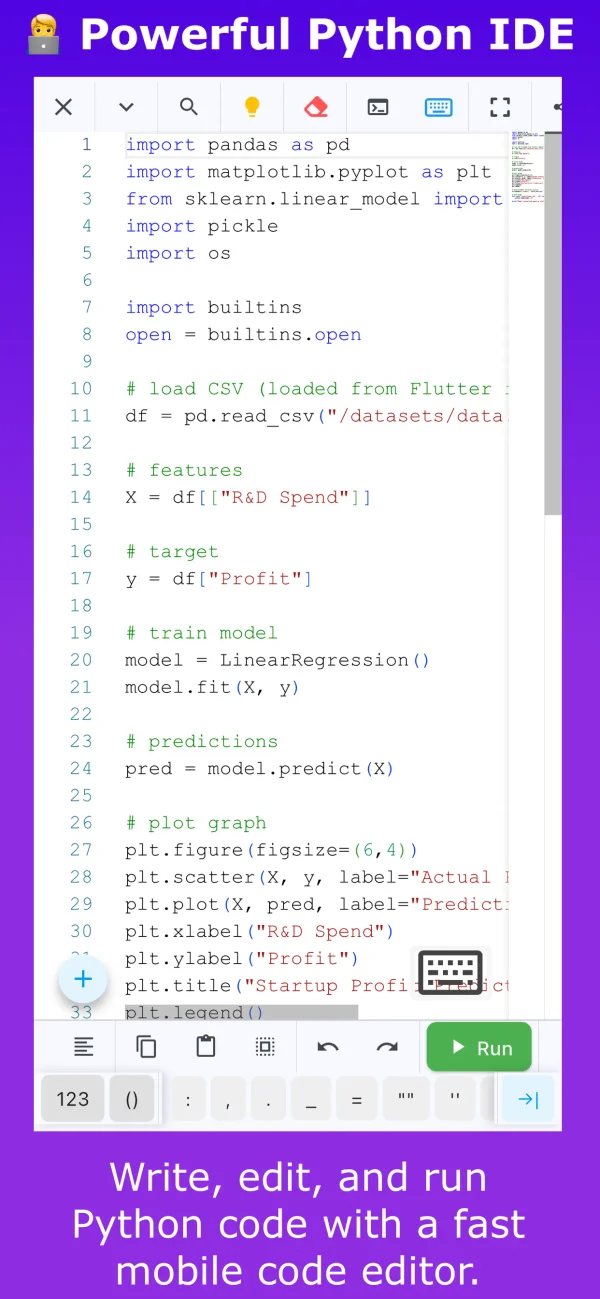
PyStudio is a powerful Python Compiler, Python IDE, and Python Code Editor for developers, students, data science learners, and anyone who wants to write, run, debug, and learn Python on mobile.
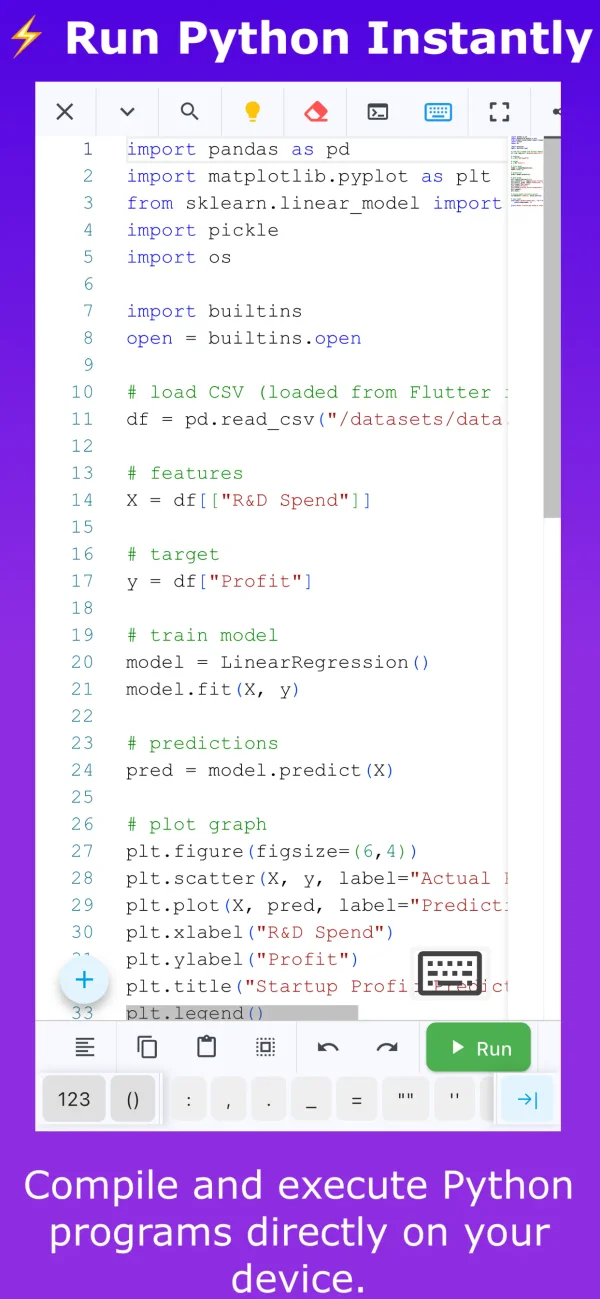
Powered by the Pyodide Python 3 Interpreter, PyStudio lets you compile, execute, and test Python code directly on your device without relying on a remote server.
Write Python scripts, practice algorithms, analyze datasets, create charts, and build machine learning projects anytime, anywhere.
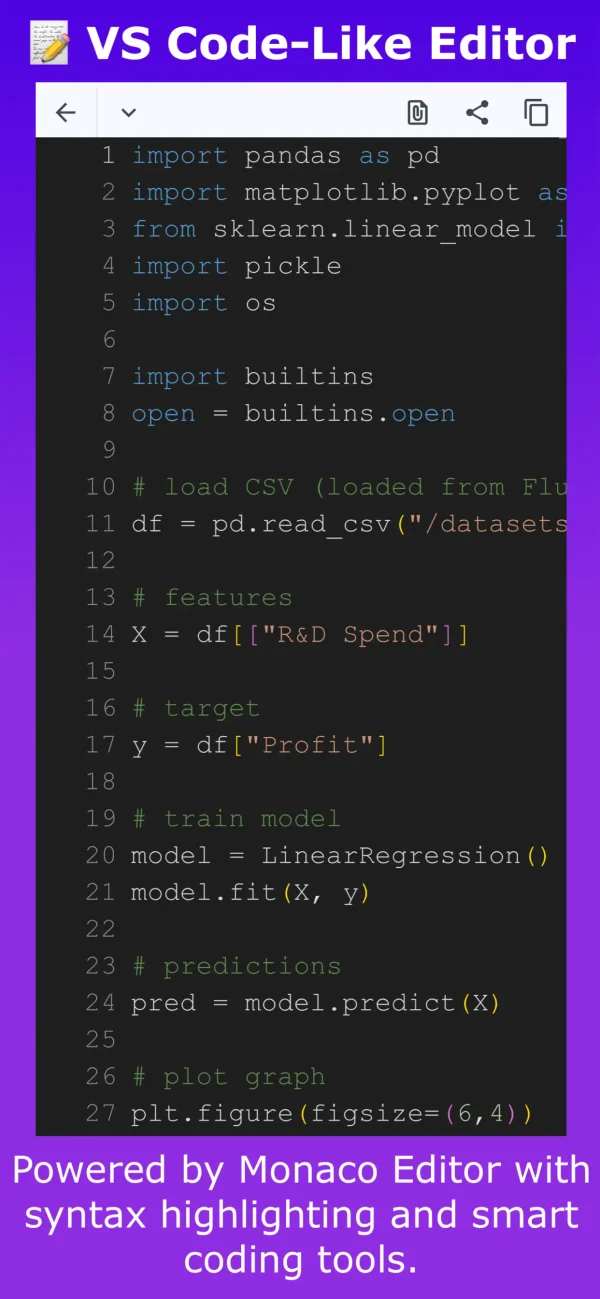
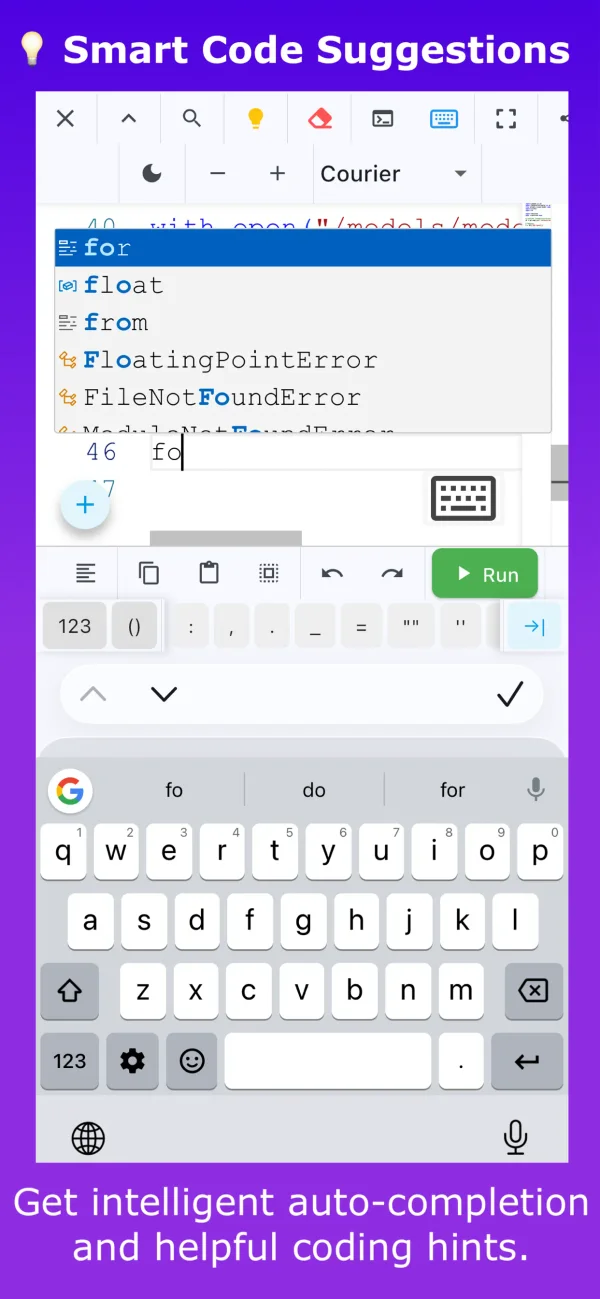
Using the Monaco Editor (the editor behind VS Code), PyStudio provides a smooth coding experience with syntax highlighting, intelligent code suggestions, fast execution, and a clean interface.
Python Compiler & Interpreter
• Run Python 3 programs instantly
• Compile and execute Python code in real time
• Built-in Python interpreter powered by Pyodide
• Supports Python standard library modules
• Fast execution on mobile
Advanced Python Code Editor
• Monaco Editor with a VS Code-like experience
• Python syntax highlighting
• Smart auto-completion and code suggestions
• Error detection and helpful code hints
• Undo & redo support
• Custom editor themes, fonts, and colors
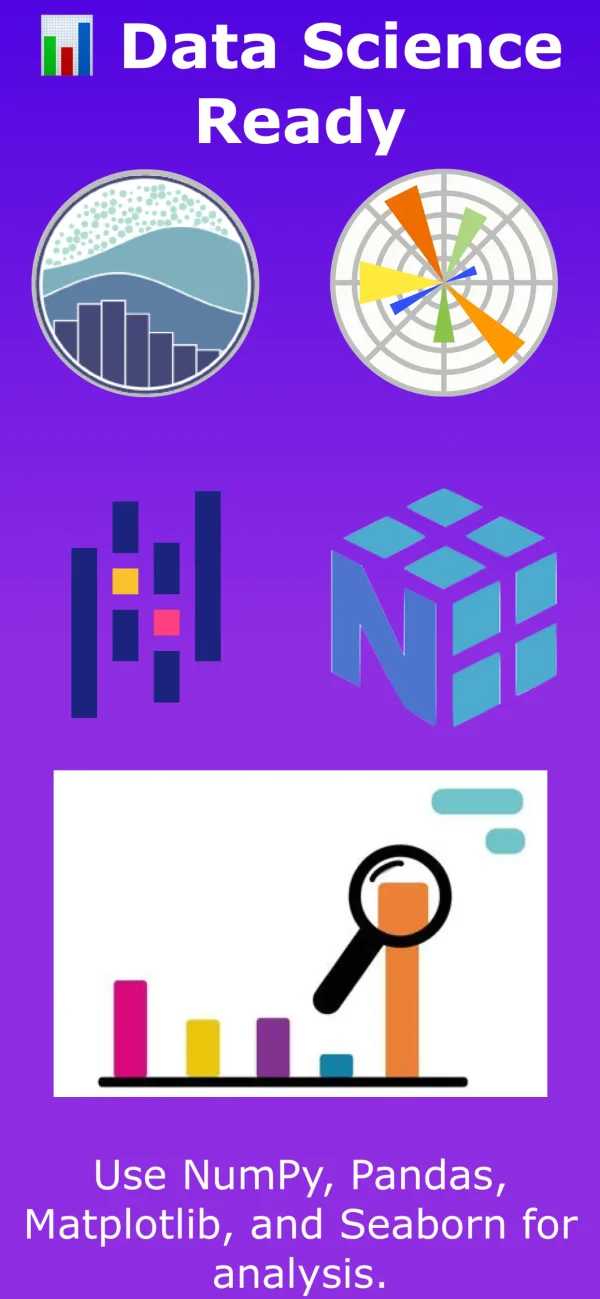
Data Science Support
Use popular Python libraries directly in the app:
• NumPy
• Pandas
• Matplotlib
• Seaborn
Analyze data, perform calculations, and create charts without leaving the app.
Machine Learning
• Train ML models with Python
• Import CSV datasets
• Process data with NumPy & Pandas
• Build and evaluate models
• Export trained models as PKL (.pkl)
Import & Export
• Import CSV datasets
• Analyze data with Pandas
• Export trained ML models as PKL files
Debug Python Code
• Step-by-step debugging
• Identify runtime errors
• Track program execution
• Inspect variables while debugging
Smart Code Assistance
• Intelligent coding suggestions
• Helpful programming tips
• Error guidance for faster debugging
Save & Manage Projects
• Save multiple Python programs
• Program history
• Add names, notes, and tags
• Search and organize projects
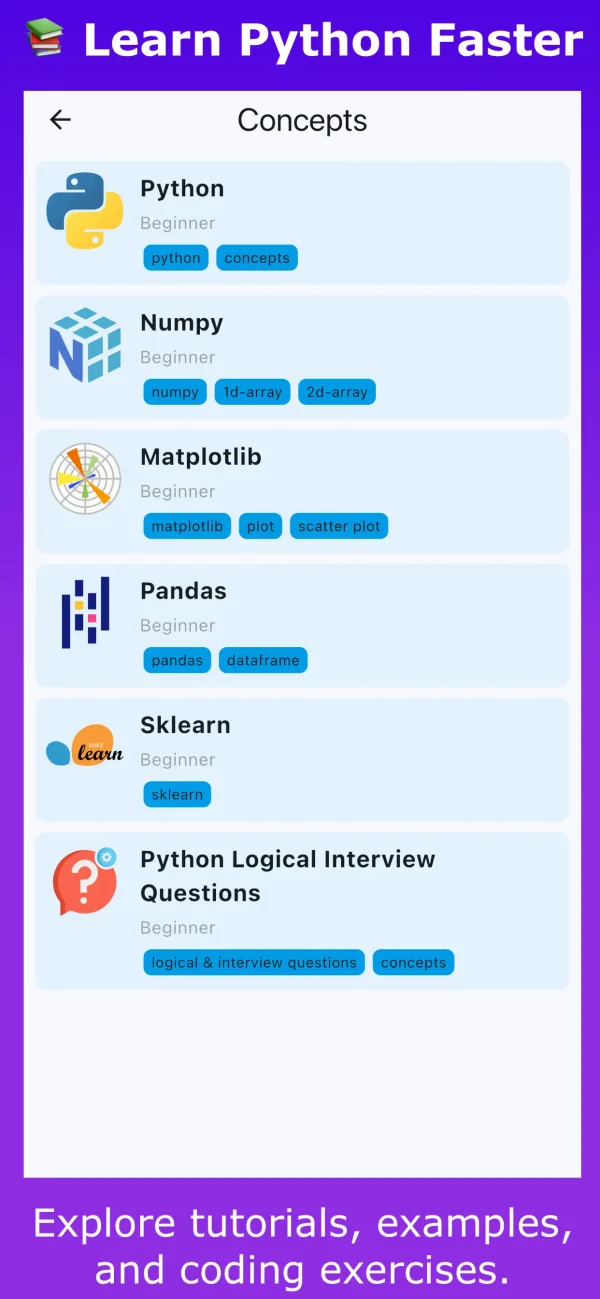
Learn Python Every Day
Build your Python skills with built-in learning resources and
Daily Python Content.
Receive a new Python lesson every day covering:
• Python basics & syntax
• Variables & data types
• Loops & conditions
• Functions & classes
• Object-Oriented Programming (OOP)
• File handling & exceptions
• NumPy, Pandas & Matplotlib
• Python best practices
• Practical daily examples
Practice Python
• Programming challenges
• Logical coding questions
• Practice exercises
• Python interview questions
• Real-world examples
Fast & Lightweight
PyStudio is optimized for speed with a responsive UI, fast execution, and a portable Python environment for coding anywhere.
Who Should Use PyStudio?
• Beginners learning Python
• Students practicing coding
• Python developers
• Data science & machine learning learners
• Anyone looking for a mobile Python Compiler & IDE
Disclaimer
PyStudio is an independent application and is not affiliated with or endorsed by the Python Software Foundation. Python is a registered trademark of the Python Software Foundation.
Open-Source Acknowledgements
This app uses:
• Monaco Editor (MIT License)
• Pyodide (Mozilla Public License 2.0)
Why Choose PyStudio?
PyStudio combines a Python Compiler, Python Interpreter, Python IDE, Python Code Editor, data science libraries, machine learning support, Daily Python Learning, and coding practice in one mobile app.
Instead of relying servers, the integrated Pyodide runtime executes Python directly on your device, enabling fast execution, offline learning, and convenient coding while traveling, studying, or practicing programming.
Whether you want to learn Python, practice coding, run Python scripts, analyze data with NumPy and Pandas, visualize data with Matplotlib, or explore machine learning, PyStudio provides everything you need in one lightweight and powerful mobile application.
Nouveautés
Version 1.0.15 · 12/08/2026
1. Daily Python content functionality added
Confidentialité de l’application
Ce que Ganesh Kalwane déclare sur l’App Store au sujet du traitement des données par cette application.
-
Données utilisées pour vous suivre
Peuvent être utilisées pour vous suivre sur des applications et des sites web appartenant à d’autres sociétés.
- Identifiants
- Données d’utilisation
-
Données établissant un lien avec vous
Peuvent être collectées et liées à votre identité.
- Identifiants
- Données d’utilisation
Les pratiques en matière de confidentialité peuvent varier, notamment en fonction des fonctionnalités que vous utilisez ou de votre âge.
Informations
- Vendeur
- Ganesh Kalwane
- Catégorie
- Outils de développement
- Version
- 1.0.15
- Mis à jour
- 12/08/2026
- Publié
- 19/01/2026
- Taille
- 41,1 Mo
- Nécessite
- iOS 15.0 ou version ultérieure
- Classification d’âge
- 4+
- Prix
- Gratuit
- Langues
- Anglais
- Copyright
- © All Rights Reserved
Vous aimerez peut-être aussi
-
 Python Coding Editor & IDEOutils de développement
-
 Pythona - Python 3 IDEPython hors ligne : IA & code
-
 Pytonic: Python Compiler & IDEOutils de développement
-
 Python Editor: Code & RunOutils de développement
-
 Python Studio - Code PyOutil de développement
-
 Python simpleÉditez et exécutez du Python
-
 PychampStudioOutils de développement
-
 Python Code App - IDE & EditorPython code, execution, debug
-
 PythonIDE – éditeur Python, IACodez hors ligne, Jupyter, SSH
-
 Code IDE: Python Java C++ HtmlOutils de développement