PyStudio - Learn & Run Python
Python Compiler IDE for mobile
Designed for iPhone, iPad, iPod touch
Free
- Age rating4+
- CategoryDeveloper Tools
- DeveloperGanesh Kalwane
- LanguagesEnglish
- Size41.1 MB
Links to the official App Store page
Download.org hosts no file of PyStudio - Learn & Run Python. The button opens its official App Store page, published by Ganesh Kalwane. Listing last checked on Nov 12, 2026.
Screenshots
About
PyStudio - Python Compiler, Python IDE & Python Code Editor
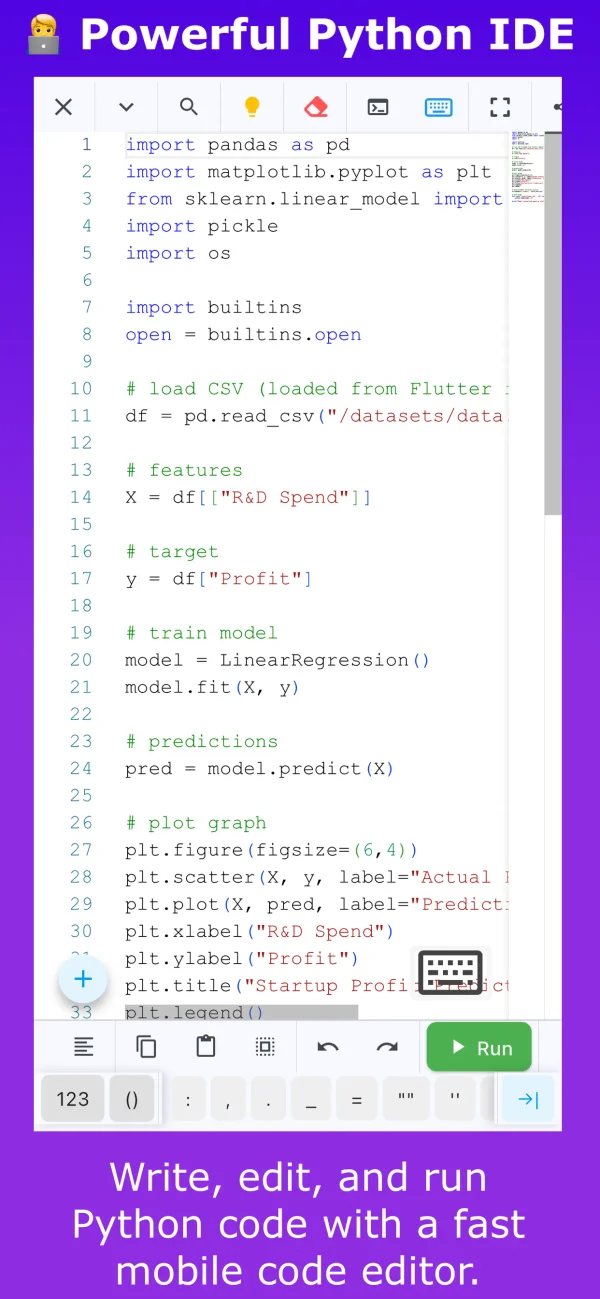
PyStudio is a powerful Python Compiler, Python IDE, and Python Code Editor for developers, students, data science learners, and anyone who wants to write, run, debug, and learn Python on mobile.
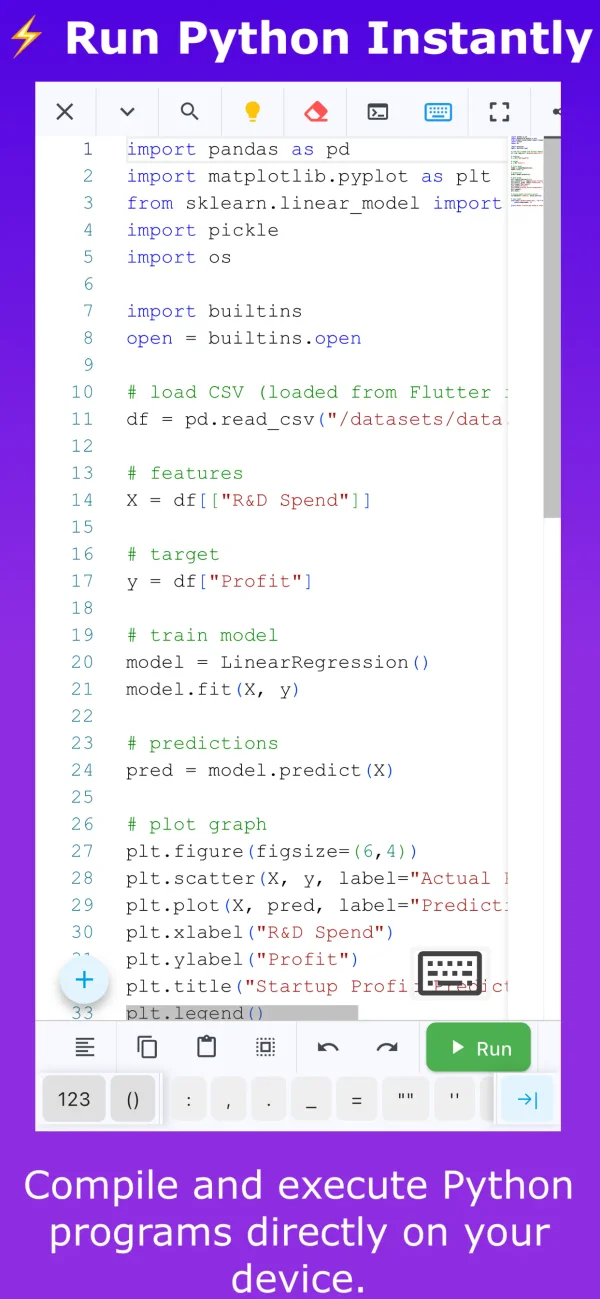
Powered by the Pyodide Python 3 Interpreter, PyStudio lets you compile, execute, and test Python code directly on your device without relying on a remote server.
Write Python scripts, practice algorithms, analyze datasets, create charts, and build machine learning projects anytime, anywhere.
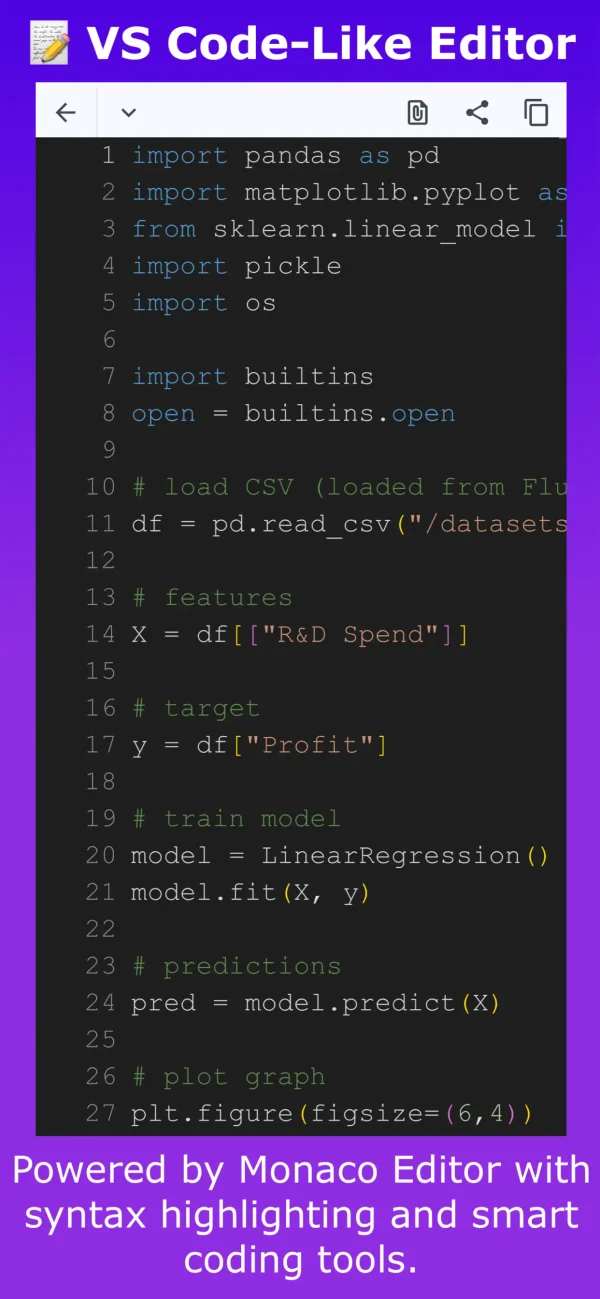
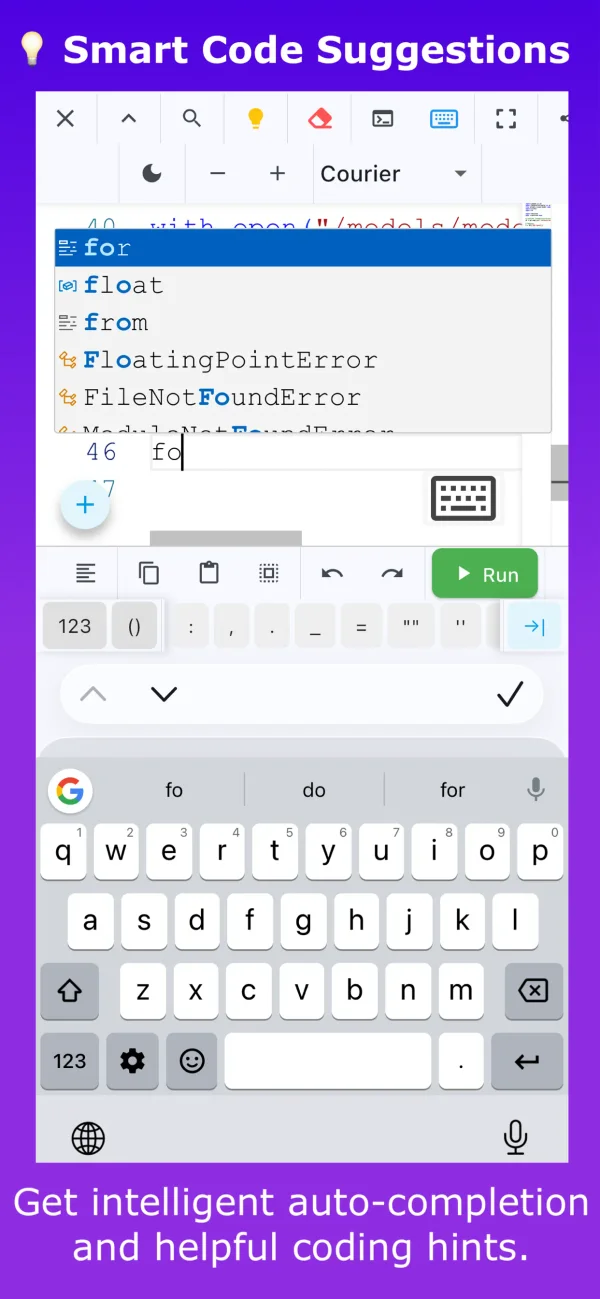
Using the Monaco Editor (the editor behind VS Code), PyStudio provides a smooth coding experience with syntax highlighting, intelligent code suggestions, fast execution, and a clean interface.
Python Compiler & Interpreter
• Run Python 3 programs instantly
• Compile and execute Python code in real time
• Built-in Python interpreter powered by Pyodide
• Supports Python standard library modules
• Fast execution on mobile
Advanced Python Code Editor
• Monaco Editor with a VS Code-like experience
• Python syntax highlighting
• Smart auto-completion and code suggestions
• Error detection and helpful code hints
• Undo & redo support
• Custom editor themes, fonts, and colors
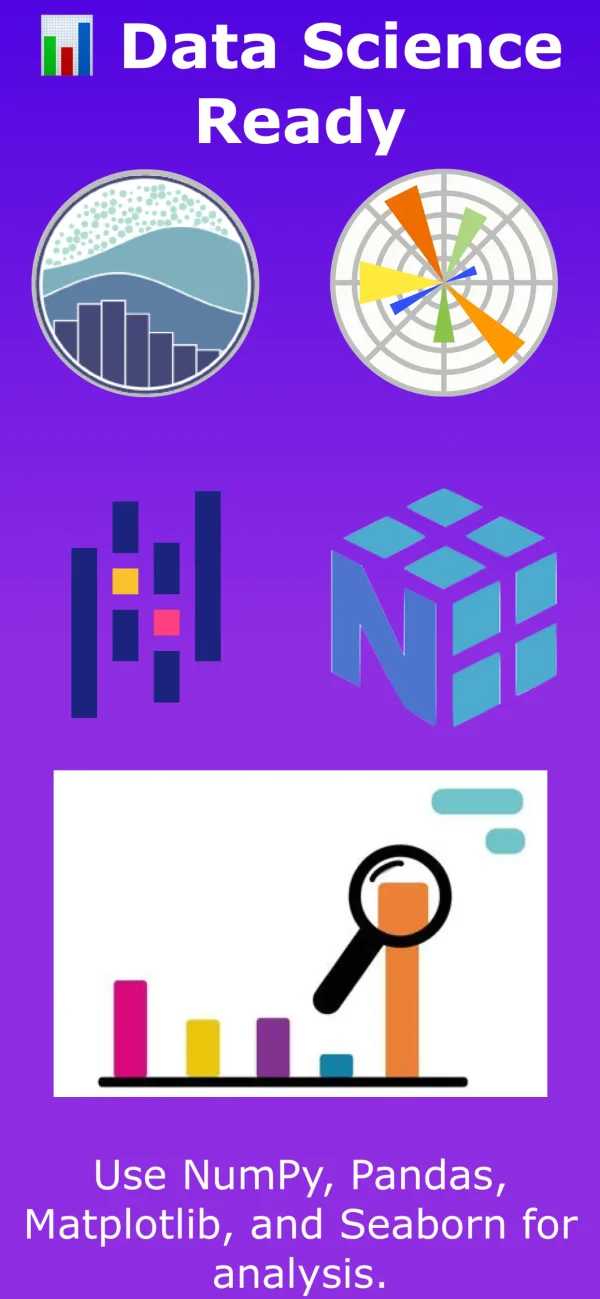
Data Science Support
Use popular Python libraries directly in the app:
• NumPy
• Pandas
• Matplotlib
• Seaborn
Analyze data, perform calculations, and create charts without leaving the app.
Machine Learning
• Train ML models with Python
• Import CSV datasets
• Process data with NumPy & Pandas
• Build and evaluate models
• Export trained models as PKL (.pkl)
Import & Export
• Import CSV datasets
• Analyze data with Pandas
• Export trained ML models as PKL files
Debug Python Code
• Step-by-step debugging
• Identify runtime errors
• Track program execution
• Inspect variables while debugging
Smart Code Assistance
• Intelligent coding suggestions
• Helpful programming tips
• Error guidance for faster debugging
Save & Manage Projects
• Save multiple Python programs
• Program history
• Add names, notes, and tags
• Search and organize projects
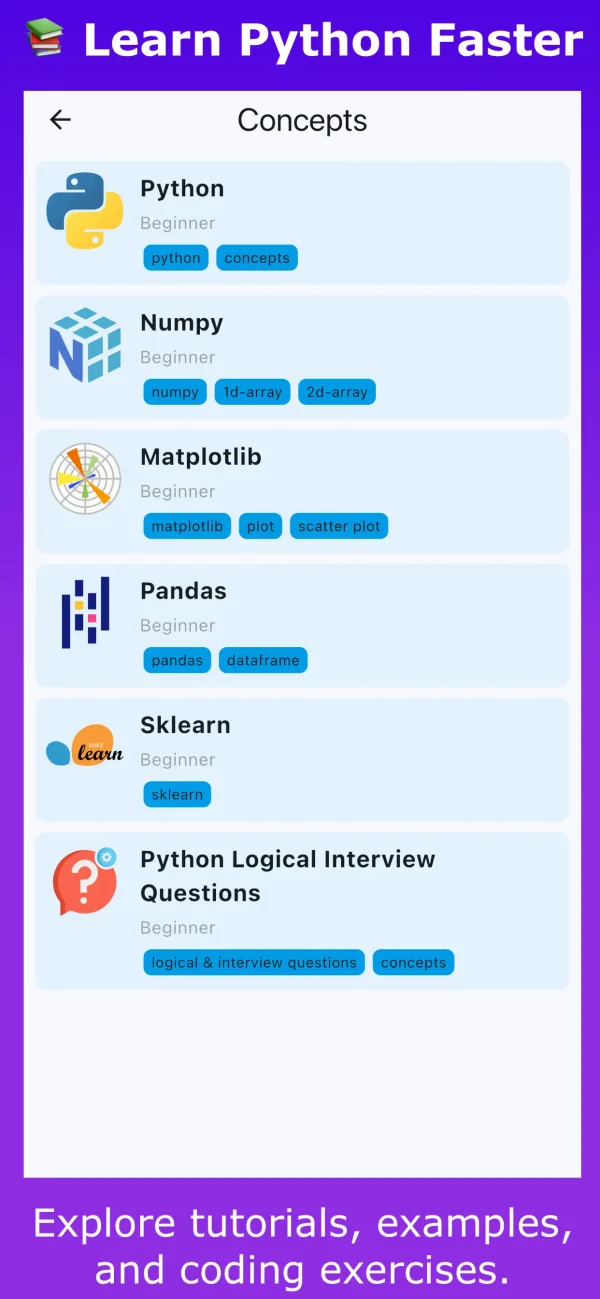
Learn Python Every Day
Build your Python skills with built-in learning resources and
Daily Python Content.
Receive a new Python lesson every day covering:
• Python basics & syntax
• Variables & data types
• Loops & conditions
• Functions & classes
• Object-Oriented Programming (OOP)
• File handling & exceptions
• NumPy, Pandas & Matplotlib
• Python best practices
• Practical daily examples
Practice Python
• Programming challenges
• Logical coding questions
• Practice exercises
• Python interview questions
• Real-world examples
Fast & Lightweight
PyStudio is optimized for speed with a responsive UI, fast execution, and a portable Python environment for coding anywhere.
Who Should Use PyStudio?
• Beginners learning Python
• Students practicing coding
• Python developers
• Data science & machine learning learners
• Anyone looking for a mobile Python Compiler & IDE
Disclaimer
PyStudio is an independent application and is not affiliated with or endorsed by the Python Software Foundation. Python is a registered trademark of the Python Software Foundation.
Open-Source Acknowledgements
This app uses:
• Monaco Editor (MIT License)
• Pyodide (Mozilla Public License 2.0)
Why Choose PyStudio?
PyStudio combines a Python Compiler, Python Interpreter, Python IDE, Python Code Editor, data science libraries, machine learning support, Daily Python Learning, and coding practice in one mobile app.
Instead of relying servers, the integrated Pyodide runtime executes Python directly on your device, enabling fast execution, offline learning, and convenient coding while traveling, studying, or practicing programming.
Whether you want to learn Python, practice coding, run Python scripts, analyze data with NumPy and Pandas, visualize data with Matplotlib, or explore machine learning, PyStudio provides everything you need in one lightweight and powerful mobile application.
What’s new
Version 1.0.15 · Aug 12, 2026
1. Daily Python content functionality added
App privacy
What Ganesh Kalwane declares on the App Store about how this app handles data.
-
Data used to track you
May be used to track you across apps and websites owned by other companies.
- Identifiers
- Usage data
-
Data linked to you
May be collected and linked to your identity.
- Identifiers
- Usage data
Privacy practices may vary, for example with the features you use or your age.
Information
- Seller
- Ganesh Kalwane
- Category
- Developer Tools
- Version
- 1.0.15
- Updated
- Aug 12, 2026
- Released
- Jan 19, 2026
- Size
- 41.1 MB
- Requires
- iOS 15.0 or later
- Age rating
- 4+
- Price
- Free
- Languages
- English
- Copyright
- © All Rights Reserved
You might also like
-
 Python Coding Editor & IDELearn Python 3, IDE & Compiler
-
 Pythona - Python 3 IDEPython Code Editor & AI Agent
-
 Pytonic: Python Compiler & IDELearn to Code, Practice DSA
-
 Python Editor: Code & RunPractice scripts with examples
-
 Python Studio - Python CodingPython Coding Platform
-
 Simple PythonPython Code Editor / Runtime
-
 PychampStudioDeveloper Tools
-
 Python Code App - IDE & EditorPython coding, run, debug
-
 PythonIDE Python 3 Code EditorOffline IDE, Jupyter, SSH & AI
-
 Code IDE: Python Java C++ HtmlAI Code Editor & Compiler