QR Code Reader & PDF Scanner
Docs & Barcode: Scаn and Share
Conçue pour iPhone, iPod touch
Gratuit · Achats intégrés
- Classification d’âge4+
- CatégorieÉconomie et entreprise
- DéveloppeurPrimeForm OU
- LanguesAnglais+ 8 de plus
- Taille274,7 Mo
Renvoie vers la page App Store officielle
Download.org n’héberge aucun fichier de QR Code Reader & PDF Scanner. Le bouton ouvre la page de l’application sur App Store, où PrimeForm OU la publie. Fiche vérifiée pour la dernière fois le 12/11/2026.
Captures d’écran

À propos
Le développeur n’a pas fourni ce texte dans votre langue.
"Scanner App makes my operations with documents much faster and easier."
— Feedback from one of our first users.
Turn your iPhone into a powerful portable scanner with Scanner App: Documents to PDF!
Scanner App is a versatile scanner app for documents and images that instantly converts paper documents into high-quality digital files. Whether you're scanning personal notes, business papers, or photos, you can do it quickly and effortlessly.
Need to scan a QR code or barcode? Just point your iPhone’s camera at the code and let the app do the rest — what happens next depends on what’s inside. Open a link, view the text, or pull up the details behind the code, all in a couple of taps.
Scan QR codes and barcodes on:
• Posters and flyers
• Product packaging and labels
• Business cards
• Tickets and receipts and much more!
Perfect for scanning:
• Paper notes and sketches
• IDs and passports
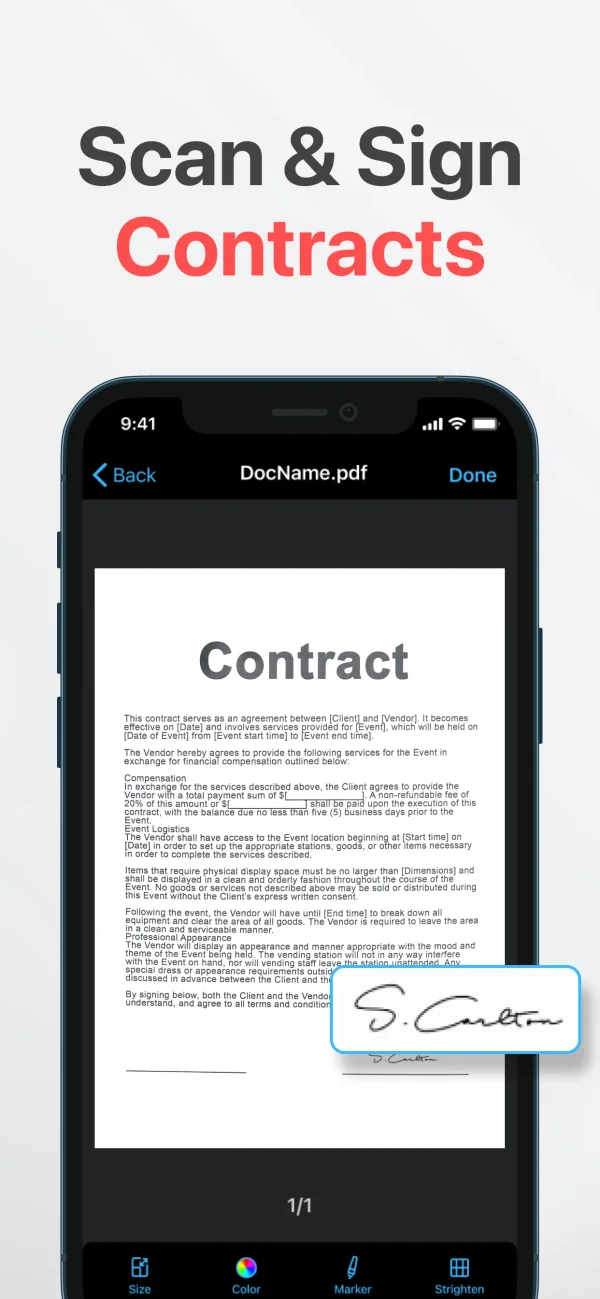
• Agreements and contracts
• Book pages
• Business cards
• Receipts and much more!
If you're running a business or simply want to stay organized, this PDF scanner app is a must-have on your smartphone.
Our application includes free features and features available for users with the subscription.
Enjoy the following free features:
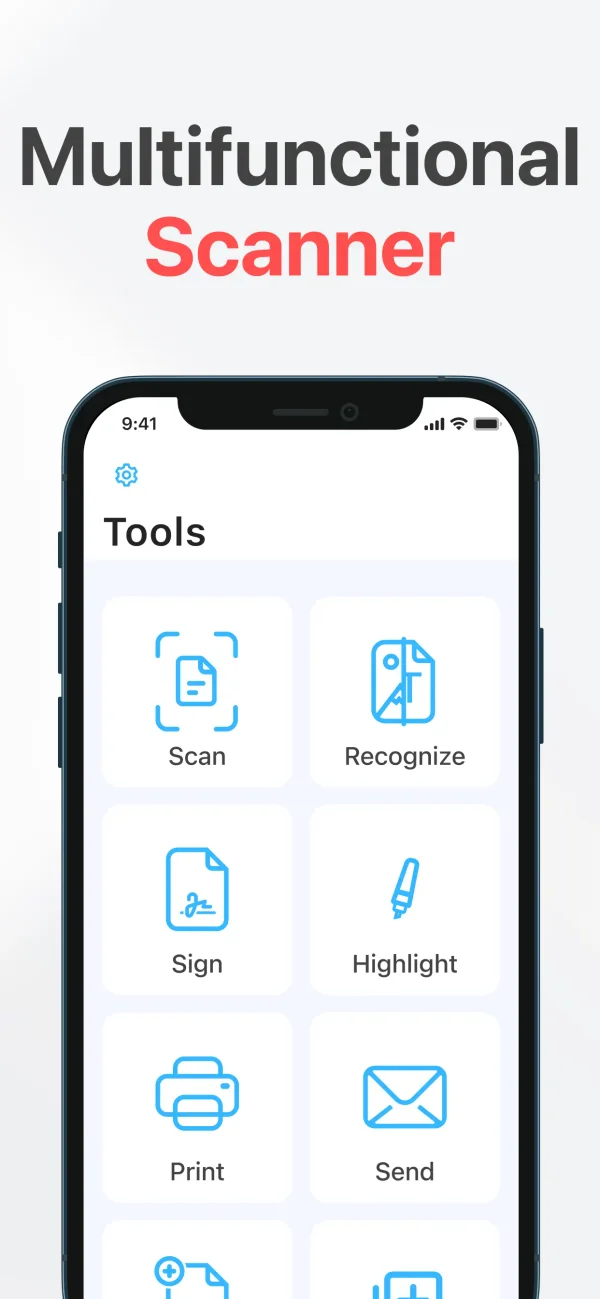
• Scan Everything: Digitize documents, IDs, and passports in seconds.
• Import & Organize: Easily import documents and images from your gallery, rename files, and search by document name.
• Professional Editing: Filter, rotate, straighten, and crop your scans for the perfect look.
• Tools: Highlight key details, erase imperfections, and lock confidential documents.
Unlock the following features with the subscription:
• Text Recognition (OCR): Recognize text from documents to copy and edit.
• E-Signature: Sign documents directly on your device.
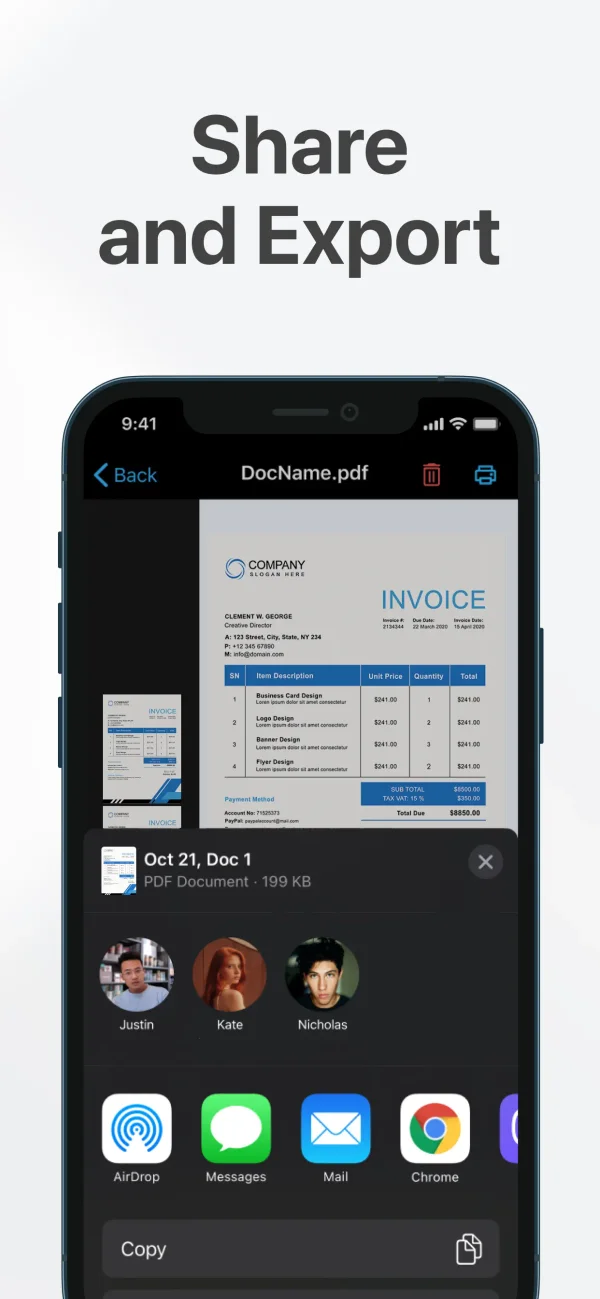
• Advanced Export: Share your scans, print documents, or convert them to Word.
• Document Editing: Add pages, insert text or images, and apply custom watermarks.
Why choose Scanner App?
Because it's one of the most useful tools you can have on your phone, helping you manage documents quickly, efficiently, and anywhere you need.
Don't wait — download Scanner App now and make scanning and managing documents easier than ever!
Privacy Policy: https://pp.scannerapp.online/
Terms of Use: https://tou.scannerapp.online/
Nouveautés
Version 3.5.5 · 05/11/2026
Bug fixes and improvements
Confidentialité de l’application
Ce que PrimeForm OU déclare sur l’App Store au sujet du traitement des données par cette application.
-
Données utilisées pour vous suivre
Peuvent être utilisées pour vous suivre sur des applications et des sites web appartenant à d’autres sociétés.
- Emplacement
- Identifiants
- Données d’utilisation
-
Données établissant un lien avec vous
Peuvent être collectées et liées à votre identité.
- Achats
- Emplacement
- Identifiants
- Données d’utilisation
-
Données n’établissant aucun lien avec vous
Peuvent être collectées, mais ne sont pas liées à votre identité.
- Contenu utilisateur
- Diagnostic
Les pratiques en matière de confidentialité peuvent varier, notamment en fonction des fonctionnalités que vous utilisez ou de votre âge.
Informations
- Vendeur
- PrimeForm OU
- Catégorie
- Économie et entreprise
- Version
- 3.5.5
- Mis à jour
- 05/11/2026
- Publié
- 29/03/2022
- Taille
- 274,7 Mo
- Nécessite
- iOS 15.0 ou version ultérieure
- Classification d’âge
- 4+
- Prix
- Gratuit
- Achats intégrés
- Oui
- Langues
- Anglais, Français, Allemand, Indonésien, Japonais, Malais, Portugais, Chinois simplifié, Espagnol
- Copyright
- © PrimeForm OU
Vous aimerez peut-être aussi
-
 Scanner PDF・Scanner DocumentSigner, OCR, Carte d'identité
-
 Convertisseur PDF - Foto a PDFConvertir Photo en PDF en JPG
-
 Scan Hero: Scanner PDFScanneur de document et photo
-
 Convertisseur d'image en PDFConversion de PDF illimitée
-
 Convertisseur PDF-Image en PDFScanner de PDF, JPG en PDF
-
 Numérisez en PDF - TapScannerScanner et convertir document
-
 Photos PDF: Scanner ConvertirConvertisseur image & document
-
 PDF Convertisseur・Scan・ÉditeurDoc Scanner・Convertir Photo
-
 PDF Scanner : Scan DocumentNumériser les docs & OCR
-
 Lecteur PDF et éditeur PDFLisez, éditez, signez des PDF