QR Code Reader & PDF Scanner
Docs & Barcode: Scаn and Share
iPhone, iPod touch向けに設計
無料 · アプリ内課金
- 対象年齢4+
- カテゴリビジネス
- 開発元PrimeForm OU
- 言語英語ほか8言語
- サイズ274.7 MB
App Storeの公式ページにリンクしています
Download.orgはQR Code Reader & PDF Scannerのファイルを一切ホストしていません。ボタンを押すと、PrimeForm OUが公開しているApp Storeのアプリページが開きます。ページの最終確認:2026/11/12。
スクリーンショット

概要
開発元はこのテキストをお使いの言語で提供していません。
"Scanner App makes my operations with documents much faster and easier."
— Feedback from one of our first users.
Turn your iPhone into a powerful portable scanner with Scanner App: Documents to PDF!
Scanner App is a versatile scanner app for documents and images that instantly converts paper documents into high-quality digital files. Whether you're scanning personal notes, business papers, or photos, you can do it quickly and effortlessly.
Need to scan a QR code or barcode? Just point your iPhone’s camera at the code and let the app do the rest — what happens next depends on what’s inside. Open a link, view the text, or pull up the details behind the code, all in a couple of taps.
Scan QR codes and barcodes on:
• Posters and flyers
• Product packaging and labels
• Business cards
• Tickets and receipts and much more!
Perfect for scanning:
• Paper notes and sketches
• IDs and passports
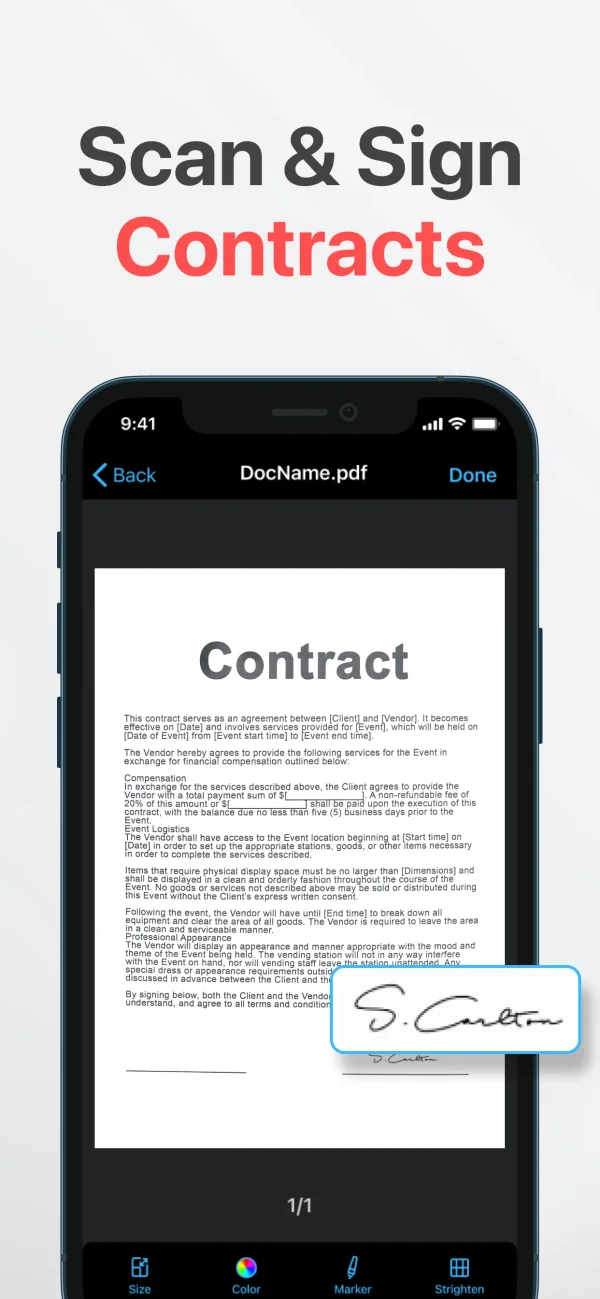
• Agreements and contracts
• Book pages
• Business cards
• Receipts and much more!
If you're running a business or simply want to stay organized, this PDF scanner app is a must-have on your smartphone.
Our application includes free features and features available for users with the subscription.
Enjoy the following free features:
• Scan Everything: Digitize documents, IDs, and passports in seconds.
• Import & Organize: Easily import documents and images from your gallery, rename files, and search by document name.
• Professional Editing: Filter, rotate, straighten, and crop your scans for the perfect look.
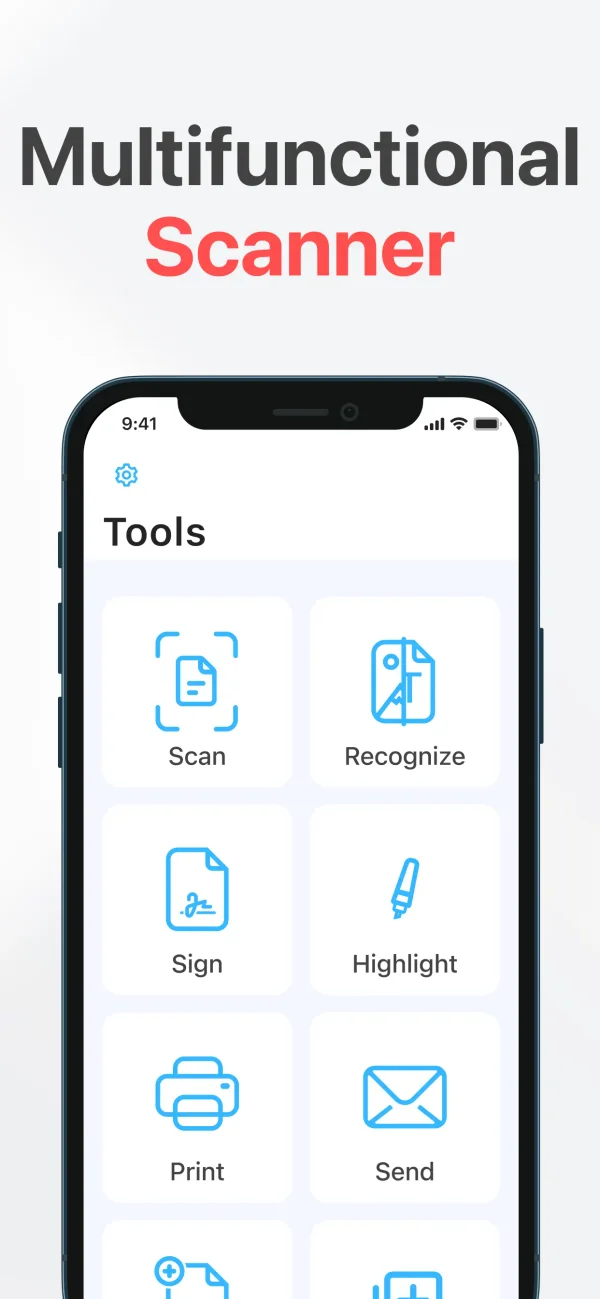
• Tools: Highlight key details, erase imperfections, and lock confidential documents.
Unlock the following features with the subscription:
• Text Recognition (OCR): Recognize text from documents to copy and edit.
• E-Signature: Sign documents directly on your device.
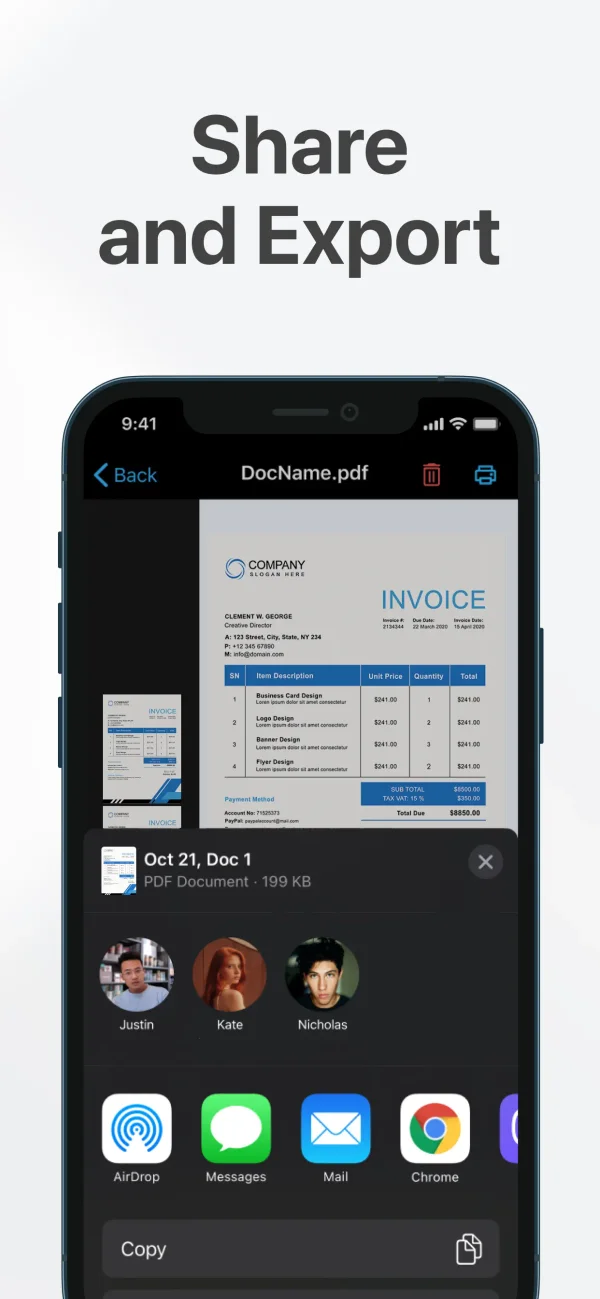
• Advanced Export: Share your scans, print documents, or convert them to Word.
• Document Editing: Add pages, insert text or images, and apply custom watermarks.
Why choose Scanner App?
Because it's one of the most useful tools you can have on your phone, helping you manage documents quickly, efficiently, and anywhere you need.
Don't wait — download Scanner App now and make scanning and managing documents easier than ever!
Privacy Policy: https://pp.scannerapp.online/
Terms of Use: https://tou.scannerapp.online/
新機能
バージョン 3.5.5 · 2026/11/5
Bug fixes and improvements
アプリのプライバシー
このアプリのデータの取り扱いについて、PrimeForm OUがApp Storeで申告している内容です。
-
ユーザーのトラッキングに使用されるデータ
他社のアプリやウェブサイトを横断してユーザーをトラッキングする目的で使用される場合があります。
- 位置情報
- ID
- 使用状況データ
-
ユーザーに関連付けられたデータ
収集され、ユーザーの識別情報に関連付けられる場合があります。
- 購入
- 位置情報
- ID
- 使用状況データ
-
ユーザーに関連付けられないデータ
収集される場合がありますが、ユーザーの識別情報には関連付けられません。
- ユーザーコンテンツ
- 診断
プライバシーの取り扱いは、ご利用の機能やお客様の年齢などに応じて異なる場合があります。
情報
- 販売元
- PrimeForm OU
- カテゴリ
- ビジネス
- バージョン
- 3.5.5
- 更新日
- 2026/11/5
- リリース
- 2022/3/29
- サイズ
- 274.7 MB
- 必要条件
- iOS 15.0以降
- 対象年齢
- 4+
- 価格
- 無料
- アプリ内課金
- あり
- 言語
- 英語, フランス語, ドイツ語, インドネシア語, 日本語, マレー語, ポルトガル語, 簡体字中国語, スペイン語
- 著作権
- © PrimeForm OU
こちらもおすすめ
-
 スキャナーアプリ PDF・カメラスキャナー・文書 スキャン画像をスキャンして PDF に変換する
-
 PDF変換 -画像文字とドキュメント変 換- JPEG 変換PDF化と 書類 作成 - 写 真 pdf 変 換とメーカー
-
 Scan Hero: 簡単PDFスキャナーで書類をスキャン文書および名刺PDFスキャナー
-
 画像からPDFへのコンバーター無制限PDF変換
-
 PDFコンバーター - 画像をPDFにPDFスキャナーアプリ、JPGをPDFに
-
 TapScanner: スキャナーアプリOCR 付モバイルスキャンで文書と写真を PDF に変換
-
 Photos PDF : Scanner Converter仕事効率化
-
 PDF変換 | 書類スキャン | PDF編集文書作成 | ファイルを変換 | PDF文書を編集
-
 スキャナーアプリ – 書類や写真をスキャン文書作成、テキストと画像 PDF 変換
-
 PDFリーダー&エディタPDFファイルの閲覧、編集、署名