
QRtrav
QR Code ID for Luggage, Travel
Conçue pour iPhone, iPad, iPod touch
Gratuit
- Classification d’âge4+
- CatégorieVoyages
- DéveloppeurQRtrav OU
- LanguesAnglais
- Taille30,7 Mo
Renvoie vers la page App Store officielle
Download.org n’héberge aucun fichier de QRtrav. Le bouton ouvre la page de l’application sur App Store, où QRtrav OU la publie. Fiche vérifiée pour la dernière fois le 20/11/2026.
Captures d’écran


À propos
Le développeur n’a pas fourni ce texte dans votre langue.
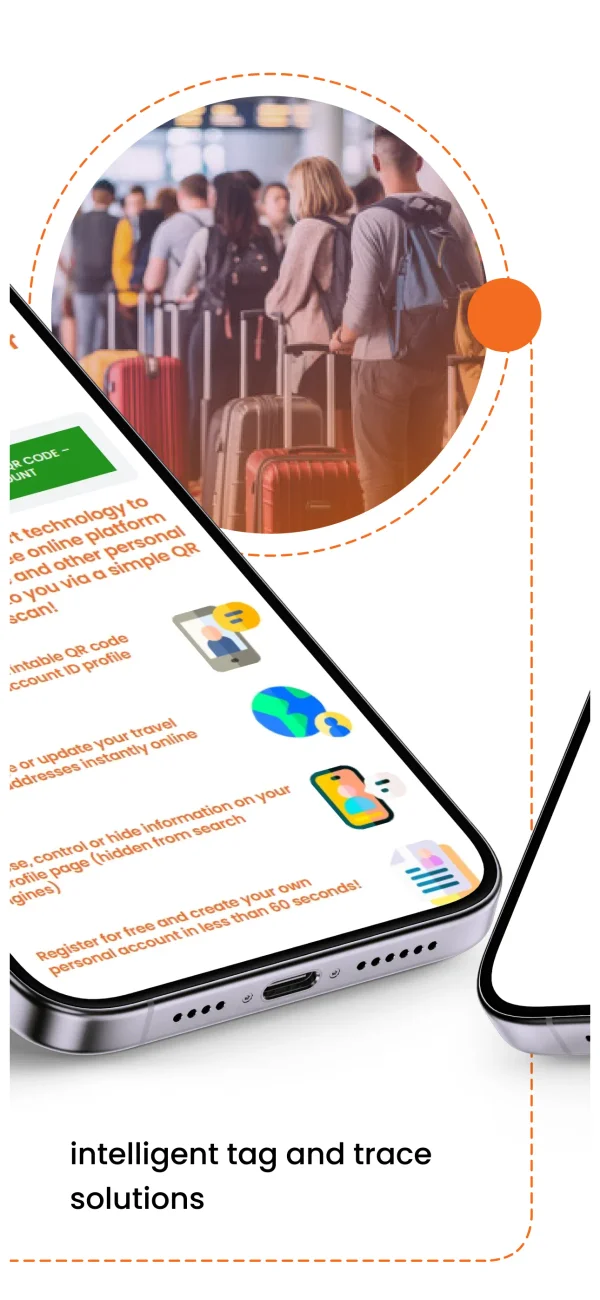
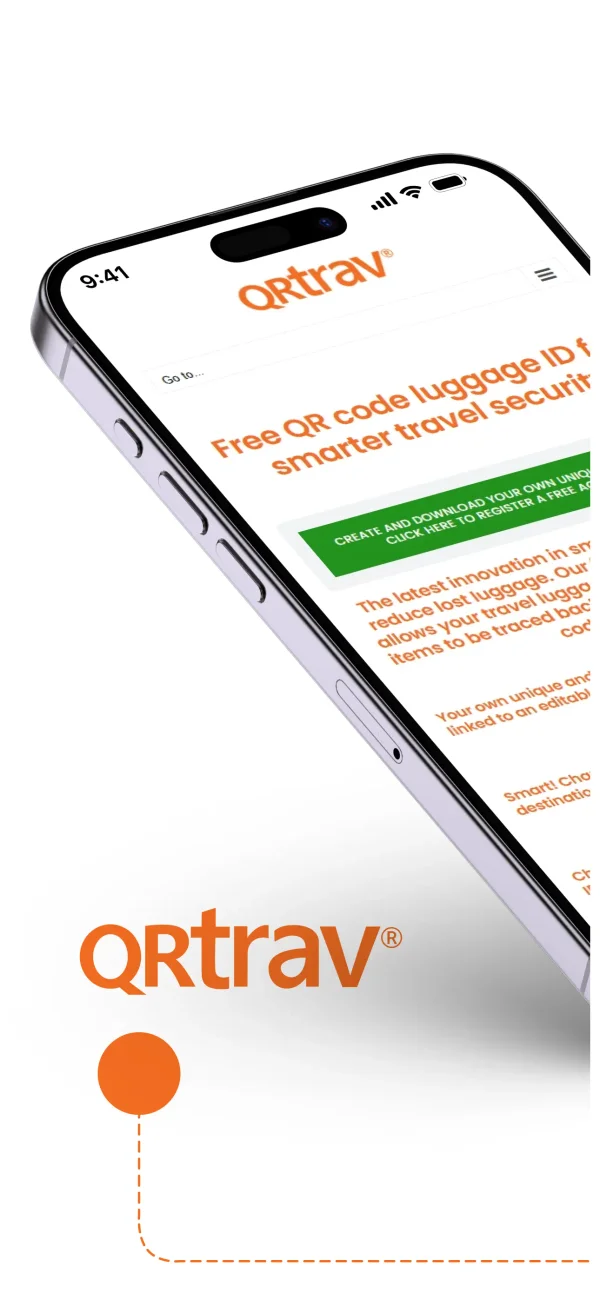
QRtrav was created to help reduce lost luggage issues for international travellers by offering a free QR code tagging solution for suitcases and personal items.
With our app, you can easily create a unique QR code that links to your unique QRtrav profile ID for smarter travel security. You can easily create your own, unique profile ID page, which works in conjunction with your own, automatically generated, personalised QR code.
When you create a new profile on our app, you will be assigned your own unique QR code and all QRtrav accounts are automatically assigned their own unique profile ID number. Your profile ID number corresponds to your user ID page and works in conjunction with your QR code, which helps with authenticating entries.
This is useful when the profile ID number of a lost suitcase or luggage is scanned/traced, as matching the unique ID number on the physical luggage to the online profile ID makes it a certainty that the owner of the luggage shown is indisputable.
When your personalised QR code is remotely scanned by a device that can read the QR code (example: a smartphone) it automatically connects to your unique profile ID page. Your QR code is always connected to your unique profile ID page and can be tested by scanning it when logged out of your account.
By printing and adding your personalised QR code to a physical item (or items) that you own, this gives you a secure and unique way for your personal belongings (that have your QR code attached) to be identified back to you (via a third-party scan).
Your unique profile ID by default displays your name and email address, and for security it’s optional to add a contact mobile phone number to your account.
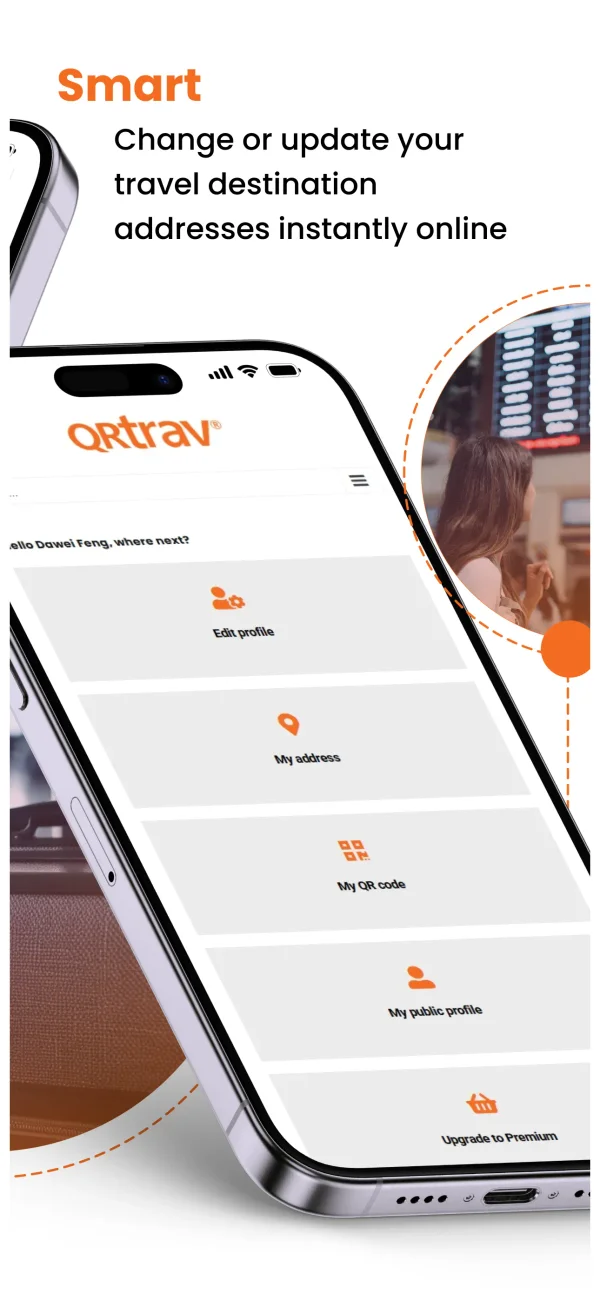
When it comes to physical address information, users can login to their online account and easily add, change or delete the location address information depending on which physical address you decide to show.
This feature is very useful if you’re about to go on holiday as you can input and show your holiday address details (hotel, apartment, country etc). Once you’re ready to return home then switching the details back to your main or home address is done in seconds by clearing the address information and then re-entering any address you wish to display.
All unique frontend user profile ID information is randomised and ID data is concealed from ALL major search engines for increased security. Setting up your free QRtrav profile ID, downloading your QR code, printing and attaching it to your luggage or personal belongings takes no time at all.
Create your free account today with QRtrav!
Nouveautés
Version 1.05.2026 · 25/05/2026
- minor update
Confidentialité de l’application
Ce que QRtrav OU déclare sur l’App Store au sujet du traitement des données par cette application.
-
Données non collectées
Le développeur ne collecte aucune donnée à partir de cette application.
Les pratiques en matière de confidentialité peuvent varier, notamment en fonction des fonctionnalités que vous utilisez ou de votre âge.
Informations
- Vendeur
- QRtrav OU
- Catégorie
- Voyages
- Version
- 1.05.2026
- Mis à jour
- 25/05/2026
- Publié
- 29/05/2025
- Taille
- 30,7 Mo
- Nécessite
- iOS 12.0 ou version ultérieure
- Classification d’âge
- 4+
- Prix
- Gratuit
- Langues
- Anglais
- Copyright
- © 2025 QRtrav OU
Vous aimerez peut-être aussi
-
 QR Code Valise & Clés: TagTrekÉtiquette bagage, objet perdu
-
 Smooth-RideVoyages
-
 Jurni: Trip PlannerItinéraire et frais partagés
-
 BeThere TravelVoyages
-
 Homy — rent is simpleVoyages
-
 SkyNexus | Your Flight HistoryVoyages
-
 TDL Wait Times & Crowd GuideVoyages
-
 Ville de Luxembourg TourismeCarte et balades à votre goût
-
 Toilet Finder WayLooNavigation
-
 Lordos HotelsVoyages