
- 対象年齢4+
- カテゴリ旅行
- 開発元QRtrav OU
- 言語英語
- サイズ30.7 MB
App Storeの公式ページにリンクしています
Download.orgはQRtravのファイルを一切ホストしていません。ボタンを押すと、QRtrav OUが公開しているApp Storeのアプリページが開きます。ページの最終確認:2026/11/20。
スクリーンショット


概要
開発元はこのテキストをお使いの言語で提供していません。
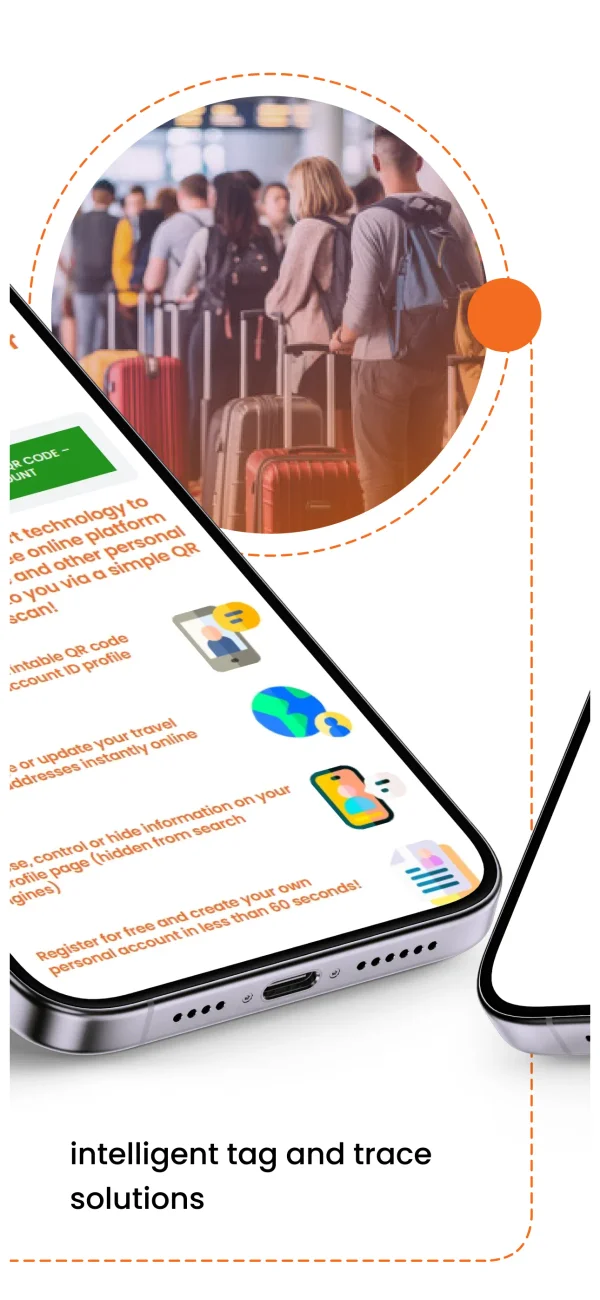
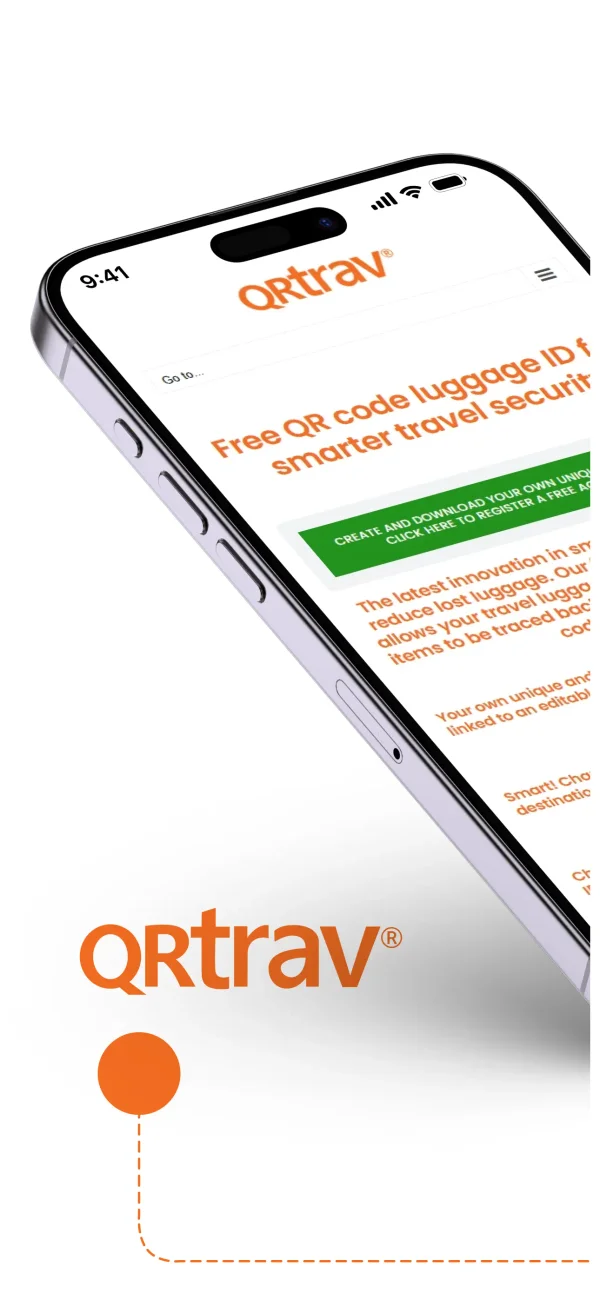
QRtrav was created to help reduce lost luggage issues for international travellers by offering a free QR code tagging solution for suitcases and personal items.
With our app, you can easily create a unique QR code that links to your unique QRtrav profile ID for smarter travel security. You can easily create your own, unique profile ID page, which works in conjunction with your own, automatically generated, personalised QR code.
When you create a new profile on our app, you will be assigned your own unique QR code and all QRtrav accounts are automatically assigned their own unique profile ID number. Your profile ID number corresponds to your user ID page and works in conjunction with your QR code, which helps with authenticating entries.
This is useful when the profile ID number of a lost suitcase or luggage is scanned/traced, as matching the unique ID number on the physical luggage to the online profile ID makes it a certainty that the owner of the luggage shown is indisputable.
When your personalised QR code is remotely scanned by a device that can read the QR code (example: a smartphone) it automatically connects to your unique profile ID page. Your QR code is always connected to your unique profile ID page and can be tested by scanning it when logged out of your account.
By printing and adding your personalised QR code to a physical item (or items) that you own, this gives you a secure and unique way for your personal belongings (that have your QR code attached) to be identified back to you (via a third-party scan).
Your unique profile ID by default displays your name and email address, and for security it’s optional to add a contact mobile phone number to your account.
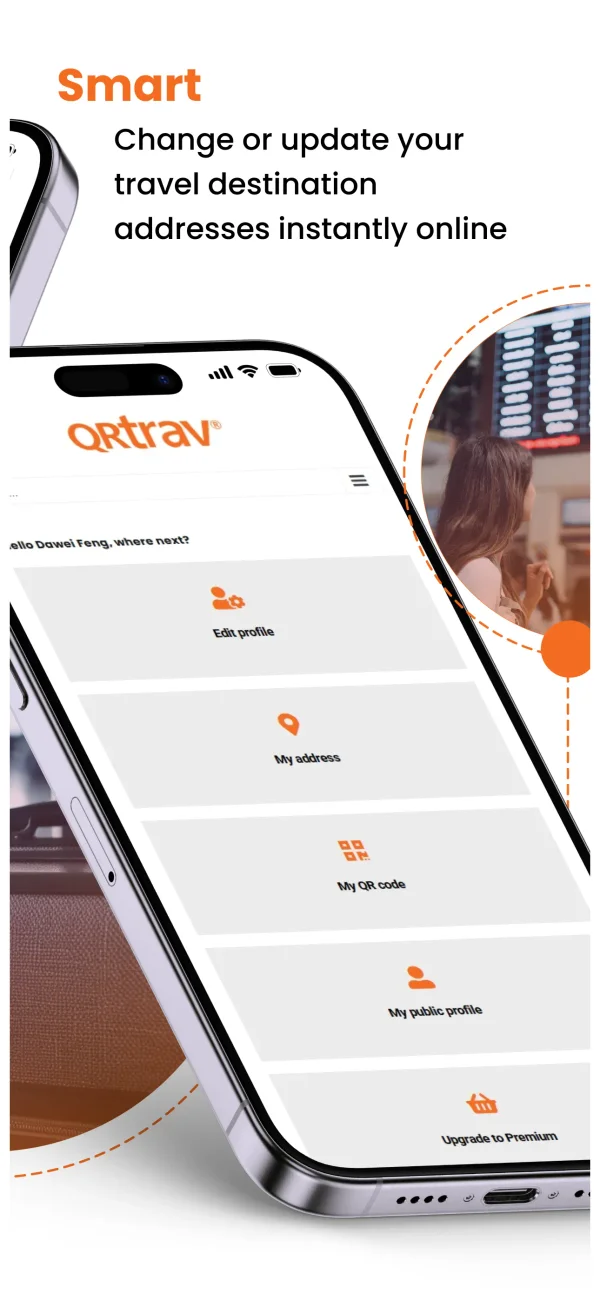
When it comes to physical address information, users can login to their online account and easily add, change or delete the location address information depending on which physical address you decide to show.
This feature is very useful if you’re about to go on holiday as you can input and show your holiday address details (hotel, apartment, country etc). Once you’re ready to return home then switching the details back to your main or home address is done in seconds by clearing the address information and then re-entering any address you wish to display.
All unique frontend user profile ID information is randomised and ID data is concealed from ALL major search engines for increased security. Setting up your free QRtrav profile ID, downloading your QR code, printing and attaching it to your luggage or personal belongings takes no time at all.
Create your free account today with QRtrav!
新機能
バージョン 1.05.2026 · 2026/5/25
- minor update
アプリのプライバシー
このアプリのデータの取り扱いについて、QRtrav OUがApp Storeで申告している内容です。
-
データの収集なし
開発元はこのアプリからデータを収集しません。
プライバシーの取り扱いは、ご利用の機能やお客様の年齢などに応じて異なる場合があります。
情報
- 販売元
- QRtrav OU
- カテゴリ
- 旅行
- バージョン
- 1.05.2026
- 更新日
- 2026/5/25
- リリース
- 2025/5/29
- サイズ
- 30.7 MB
- 必要条件
- iOS 12.0以降
- 対象年齢
- 4+
- 価格
- 無料
- 言語
- 英語
- 著作権
- © 2025 QRtrav OU