ReflowPDF: PDF Reader Mode
Scanned Pages, Offline OCR
Conçue pour iPhone, iPad
Achats intégrés
- Classification d’âge4+
- CatégorieProductivité
- Développeur亚雄 邹
- LanguesAnglais+ 4 de plus
- Taille8,3 Mo
ReflowPDF: PDF Reader Mode n’est peut-être pas disponible sur App Store pour le moment
La fiche de la boutique était inaccessible lors de notre dernière vérification. Le lien mène toujours à la page App Store officielle.
Captures d’écran
À propos
Le développeur n’a pas fourni ce texte dans votre langue.
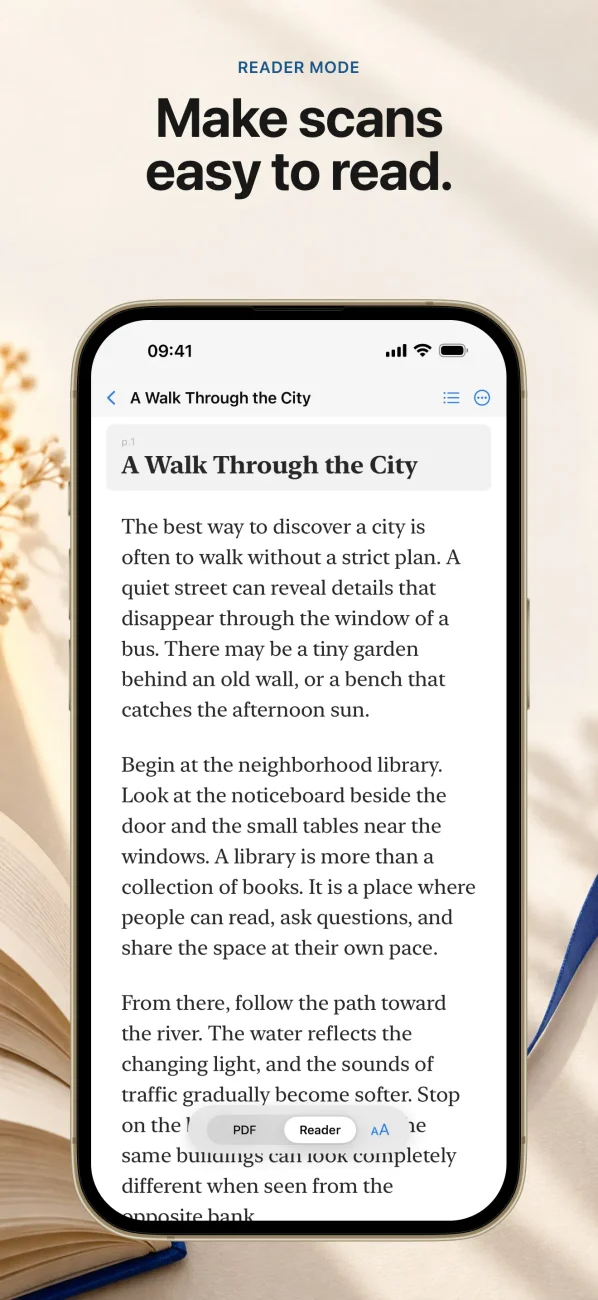
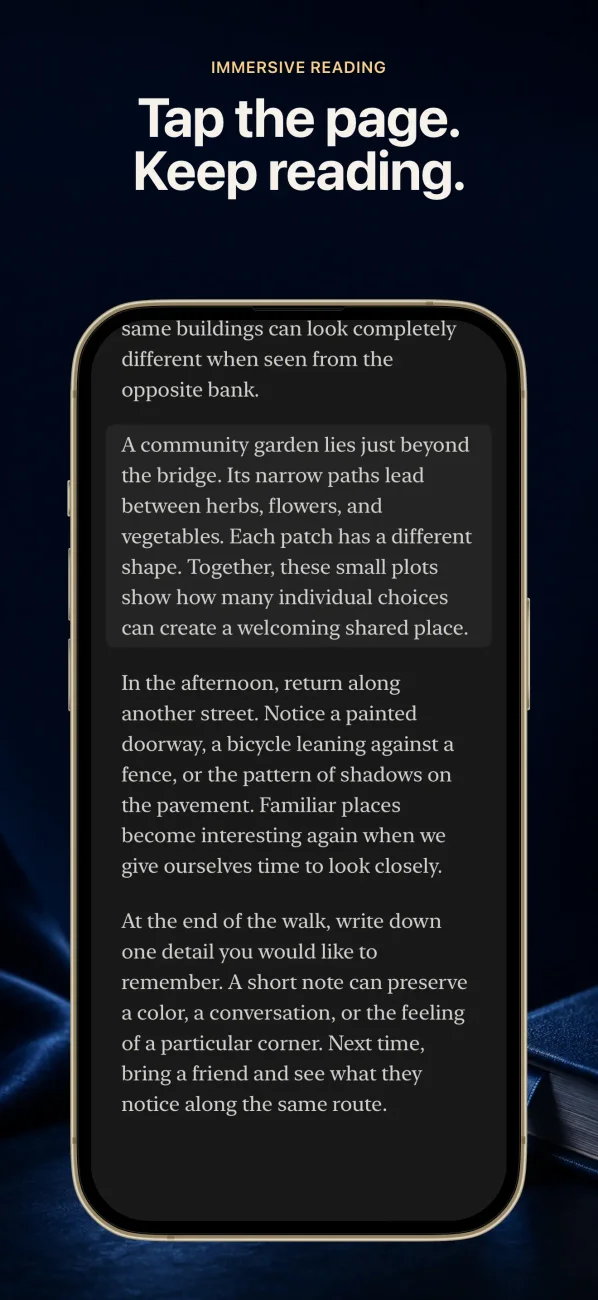
Read scanned PDFs without zooming. Scanned pages should be as comfortable to read as any article.
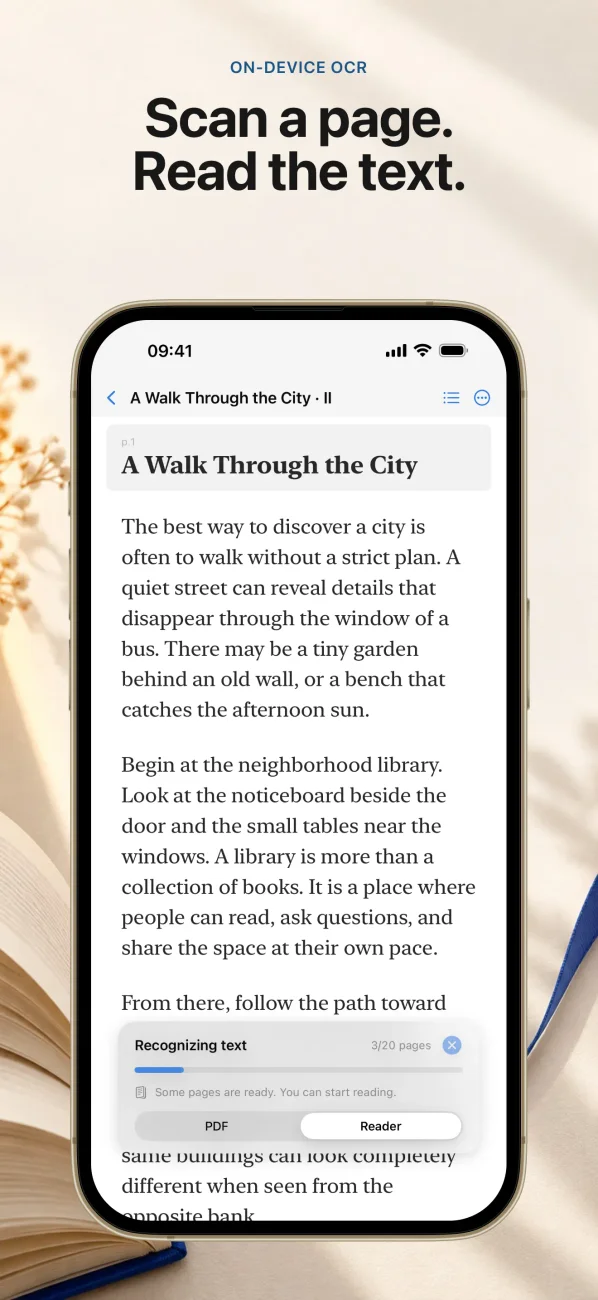
ReflowPDF turns scanned books, papers, archives, and regular PDFs into clean, reflowed text designed for your iPhone and iPad. Import a document, process it on device, and read without constantly zooming or panning.
READER MODE FOR PDFS
• Reflow scanned and text-based PDFs into adjustable text
• Choose font size, typeface, line spacing, and reading theme
• Keep your reading progress and return where you left off
CHECK THE ORIGINAL ANY TIME
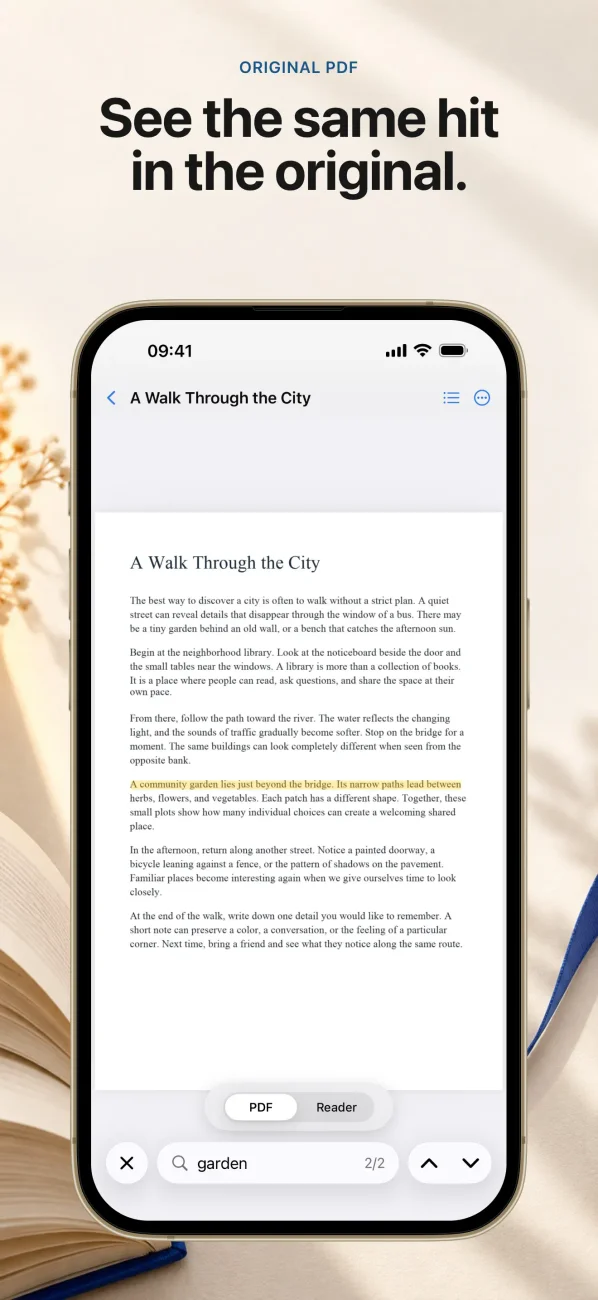
• Move between Reader Mode and the source PDF
• Jump from a paragraph to its original page for quick verification
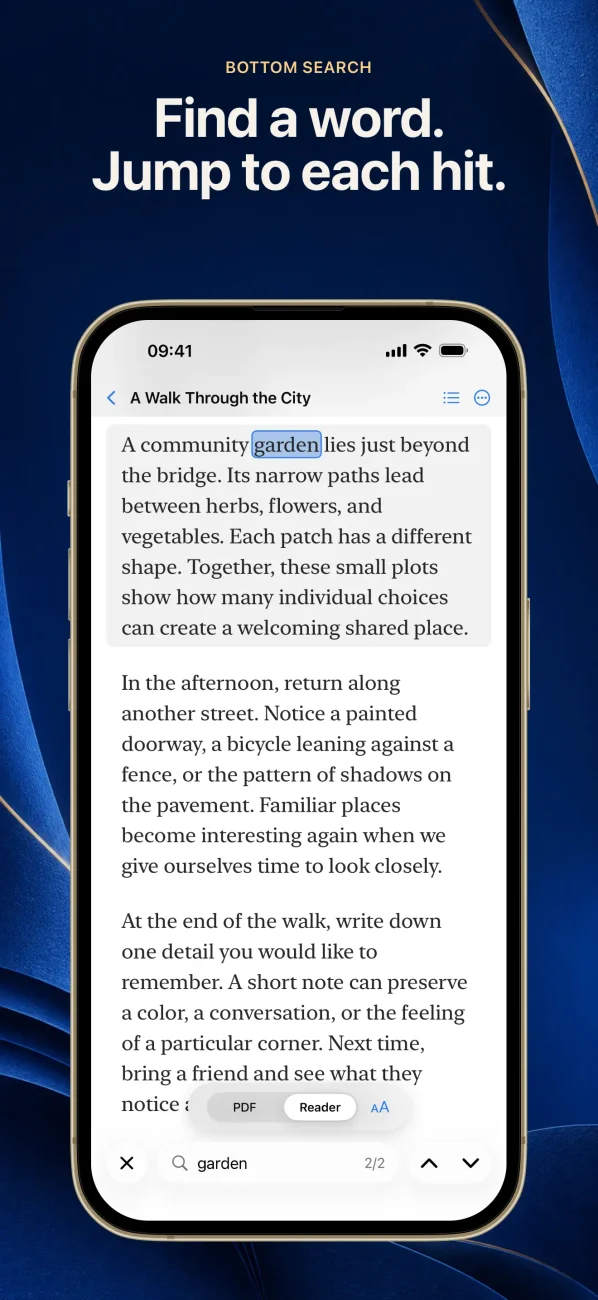
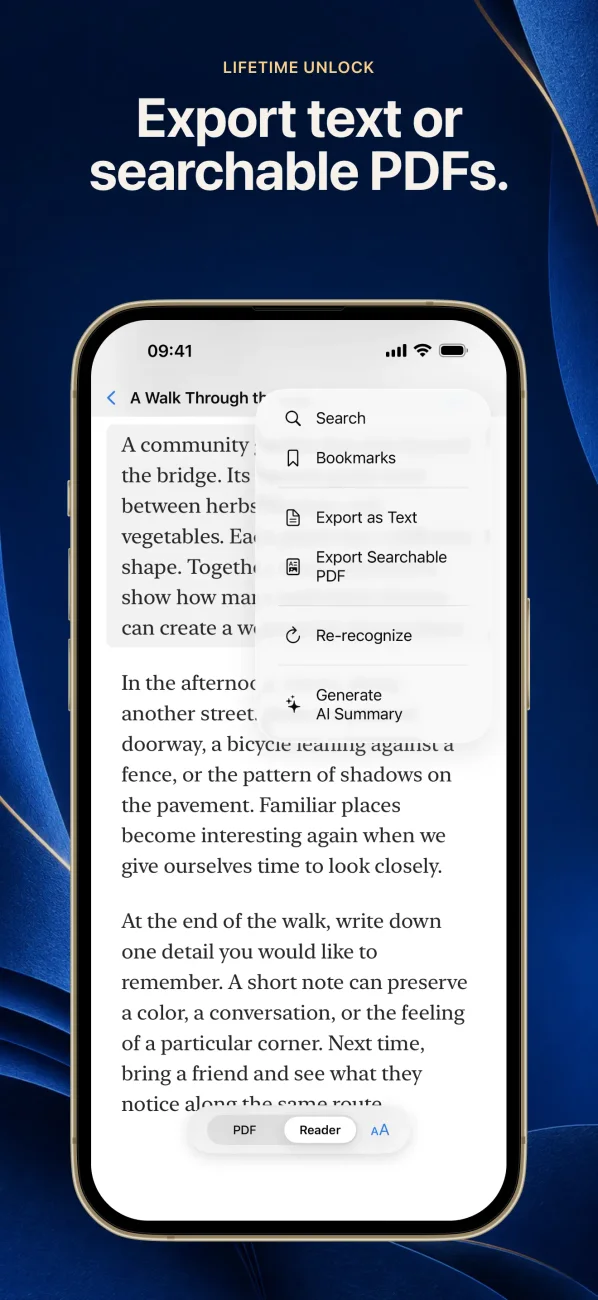
• Search text, add bookmarks, and navigate document headings
PRIVATE BY DESIGN
• OCR and document processing happen on your device
• Your PDFs and recognized text are not uploaded
• No account, in-app analytics, advertising, or tracking
USE YOUR RESULTS
• Export recognized text as TXT
• Create a searchable PDF while preserving the original pages
• On supported devices, generate an on-device summary with Apple Intelligence
The free version includes full processing for three standard documents. An optional one-time Lifetime unlock removes document limits and unlocks full large-document processing and export.
OCR and document structure accuracy depend on scan quality, language, and page layout.
Nouveautés
Version 1.6 · 27/11/2026
Search, rebuilt
• The search bar sits at the bottom of the screen, within easy reach.
• Step through matches one at a time. The current match is outlined.
• Switch to the original PDF to see the same match on its page.
Optimized for iPhone Duo
• ReflowPDF fills the screen whether the phone is closed or open. Read reflowed text on the outer display, or open it up for a full page of a scanned book.
• Your place in the original PDF is kept when you fold, unfold or rotate. The same applies when you rotate an iPhone or iPad.
Other improvements
• The document list no longer gets squeezed at large text sizes or with long status labels.
• VoiceOver now reads the search buttons in your language.
Confidentialité de l’application
Ce que 亚雄 邹 déclare sur l’App Store au sujet du traitement des données par cette application.
-
Données non collectées
Le développeur ne collecte aucune donnée à partir de cette application.
Les pratiques en matière de confidentialité peuvent varier, notamment en fonction des fonctionnalités que vous utilisez ou de votre âge.
Informations
- Vendeur
- 亚雄 邹
- Catégorie
- Productivité
- Version
- 1.6
- Mis à jour
- 27/11/2026
- Publié
- 02/08/2026
- Taille
- 8,3 Mo
- Nécessite
- iOS 26.0 ou version ultérieure
- Classification d’âge
- 4+
- Achats intégrés
- Oui
- Langues
- Anglais, Japonais, Coréen, Chinois simplifié, Chinois traditionnel
- Copyright
- © 2026 YAXIONG ZOU
Vous aimerez peut-être aussi
-
 PDF ReflowProductivité
-
 Artiful Reader: Read & ListenProductivité
-
 PDF Reader - Edit & ScanProductivité
-
 Eclipse: Dark Mode PDF ReaderProductivité
-
 Pageless: PDF Reader ModeProductivité
-
 Reflow: Planning & RecoveryProductivité
-
 P&P PDF ReaderProductivité
-
 Do or Die: AccountabilityProductivité
-
 Recto WriterProductivité
-
 ReadplaceProductivité