ReflowPDF: PDF Reader Mode
Scanned Pages, Offline OCR
Designed for iPhone, iPad
Free · In-app purchases
- Age rating4+
- CategoryProductivity
- Developer亚雄 邹
- LanguagesEnglish+ 4 more
- Size8.3 MB
Links to the official App Store page
Download.org hosts no file of ReflowPDF: PDF Reader Mode. The button opens its official App Store page, published by 亚雄 邹. Listing last checked on Nov 23, 2026.
Screenshots
About
Read scanned PDFs without zooming. Scanned pages should be as comfortable to read as any article.
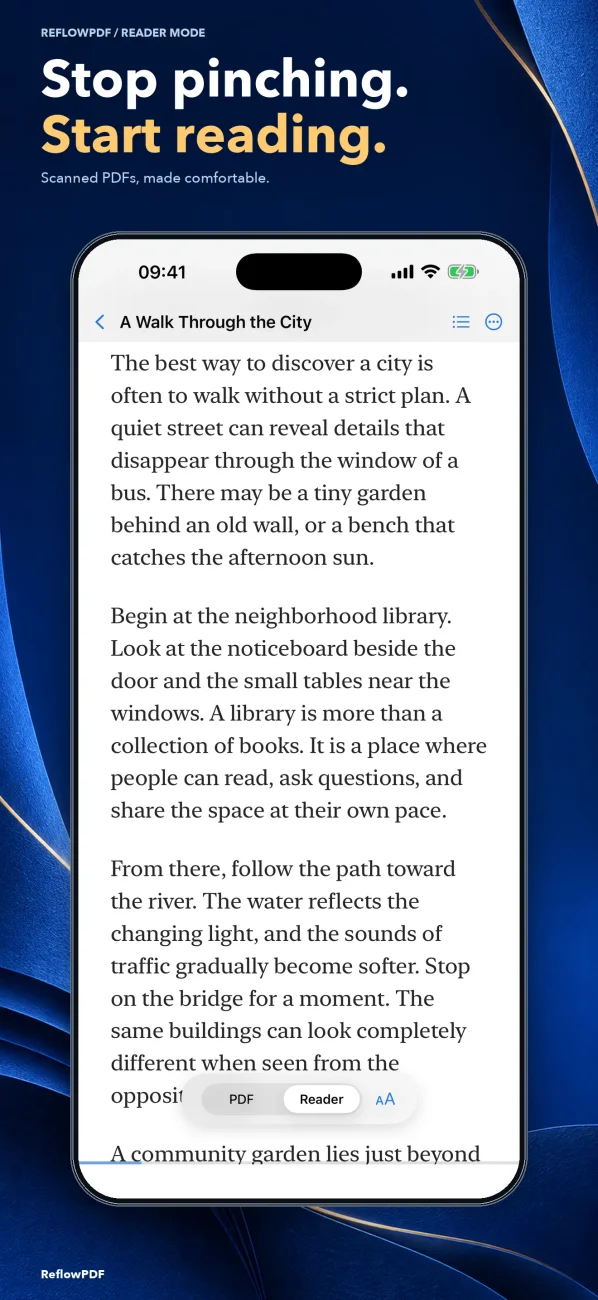
ReflowPDF turns scanned books, papers, archives, and regular PDFs into clean, reflowed text designed for your iPhone and iPad. Import a document, process it on device, and read without constantly zooming or panning.
READER MODE FOR PDFS
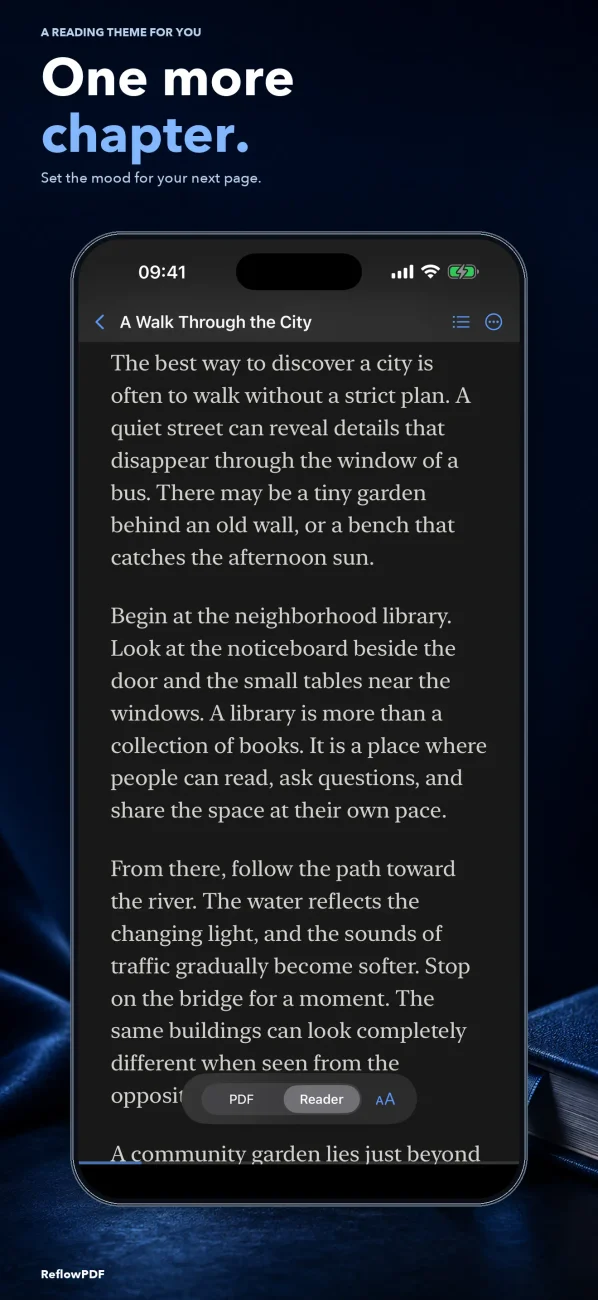
• Reflow scanned and text-based PDFs into adjustable text
• Choose font size, typeface, line spacing, and reading theme
• Keep your reading progress and return where you left off
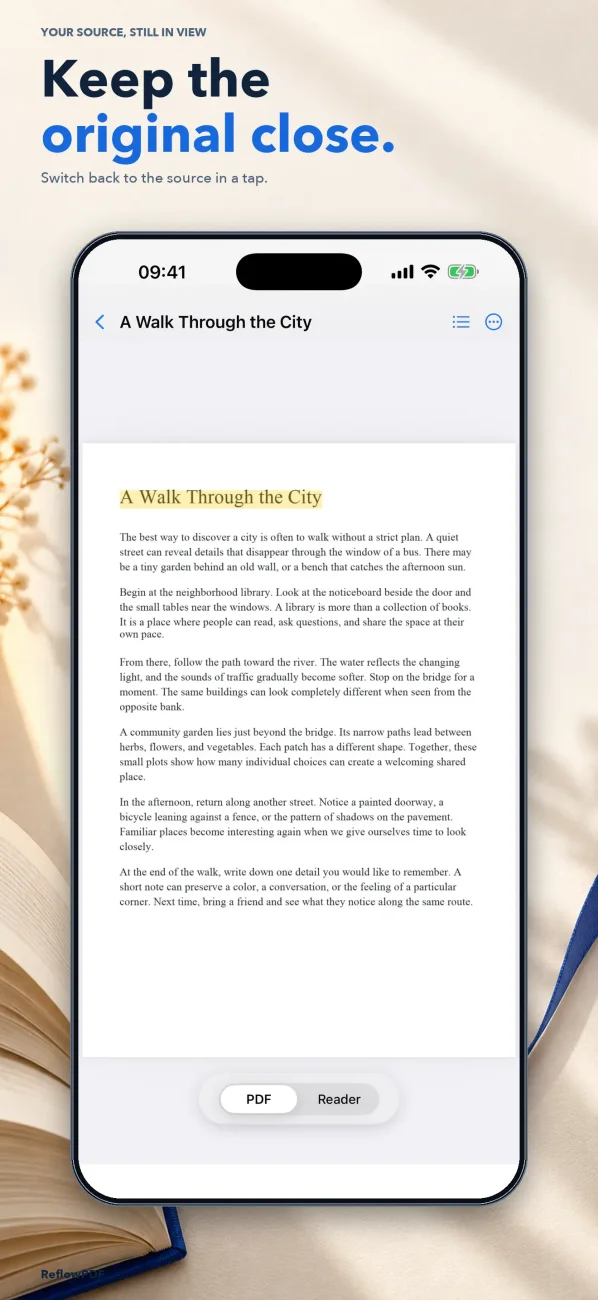
CHECK THE ORIGINAL ANY TIME
• Move between Reader Mode and the source PDF
• Jump from a paragraph to its original page for quick verification
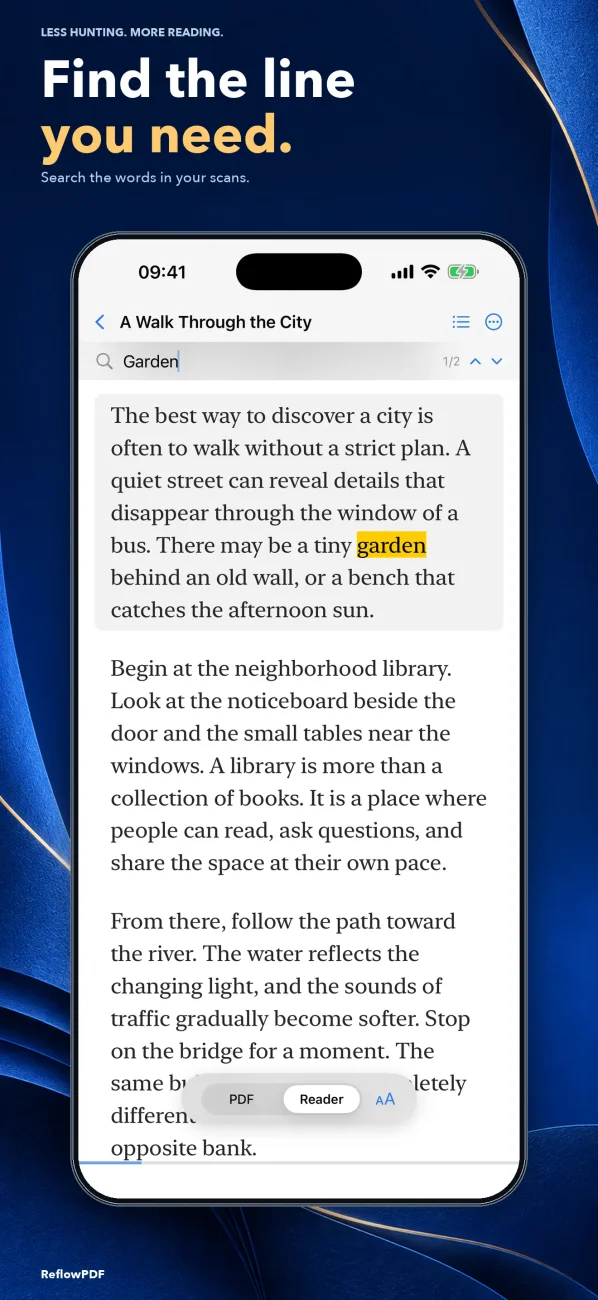
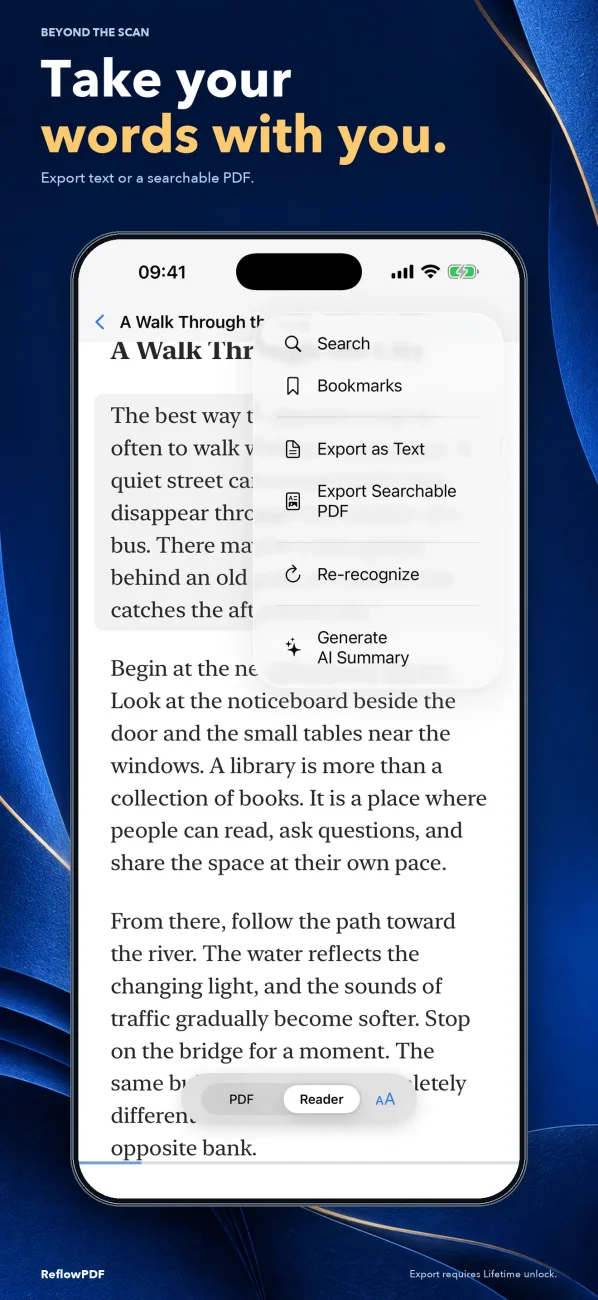
• Search text, add bookmarks, and navigate document headings
PRIVATE BY DESIGN
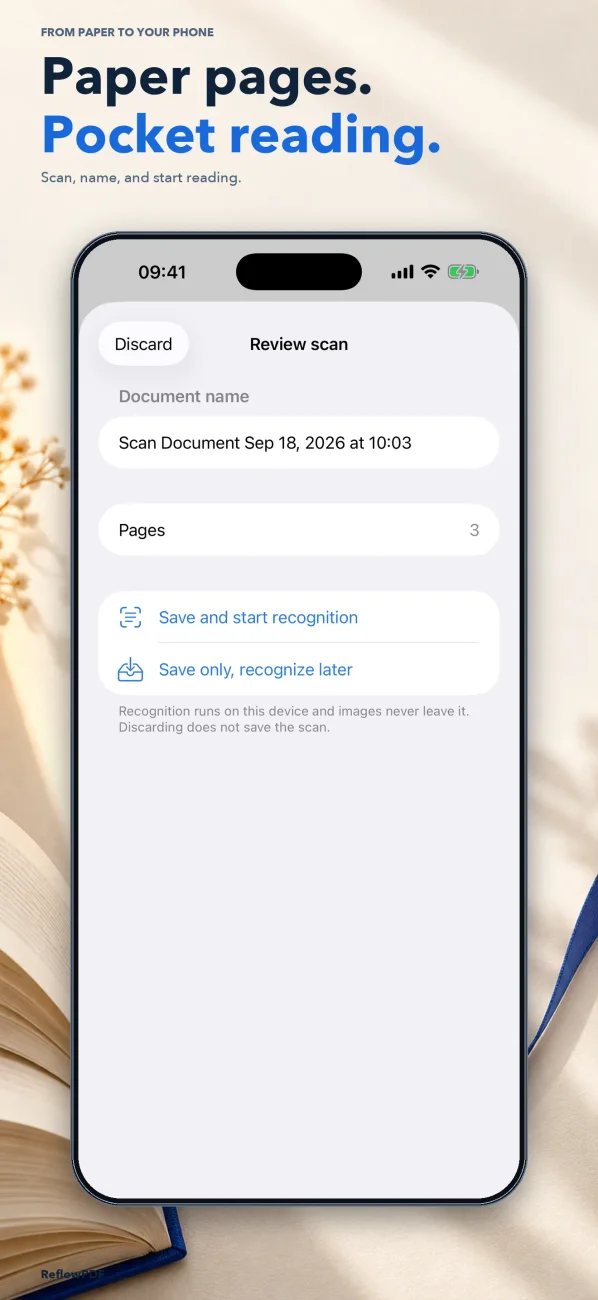
• OCR and document processing happen on your device
• Your PDFs and recognized text are not uploaded
• No account, in-app analytics, advertising, or tracking
USE YOUR RESULTS
• Export recognized text as TXT
• Create a searchable PDF while preserving the original pages
• On supported devices, generate an on-device summary with Apple Intelligence
The free version includes full processing for three standard documents. An optional one-time Lifetime unlock removes document limits and unlocks full large-document processing and export.
OCR and document structure accuracy depend on scan quality, language, and page layout.
What’s new
Version 1.5 · Nov 21, 2026
Better book scanning
• You can now start a scan straight from the home screen, without opening the menu.
Fixes
• The reading progress bar at the bottom of Reader mode is visible again.
• Fixed a strip of Reader mode showing on the right edge when viewing a PDF in landscape.
• More accurate free-document counting, and more reliable purchase state syncing.
App privacy
What 亚雄 邹 declares on the App Store about how this app handles data.
-
Data not collected
The developer does not collect any data from this app.
Privacy practices may vary, for example with the features you use or your age.
Information
- Seller
- 亚雄 邹
- Category
- Productivity
- Version
- 1.5
- Updated
- Nov 21, 2026
- Released
- Aug 2, 2026
- Size
- 8.3 MB
- Requires
- iOS 26.0 or later
- Age rating
- 4+
- Price
- Free
- In-app purchases
- Yes
- Languages
- English, Japanese, Korean, Simplified Chinese, Traditional Chinese
- Copyright
- © 2026 YAXIONG ZOU
You might also like
-
 PDF ReflowRead PDFs without zooming
-
 Artiful Reader: Read & ListenArticles, Books, Unlimited TTS
-
 Falcon PDF: Reader & EditorPDF Scanner, Sign & Convert
-
 Eclipse: Dark Mode PDF ReaderNight-Friendly PDF Viewer
-
 Pageless: PDF Reader ModePapers & model cards on the go
-
 Reflow: Planning & RecoveryWhen the day slips, reflow it
-
 P&P PDF ReaderPDF Reader & Annotator
-
 Do or Die: AccountabilityPut Something on the Line
-
 Recto WriterA quiet place to write a book
-
 ReadplaceSave articles, read later