- Classification d’âge4+
- CatégorieÉducation
- DéveloppeurRelution GmbH
- LanguesAllemand+ 5 de plus
- Taille37,9 Mo
Renvoie vers la page App Store officielle
Download.org n’héberge aucun fichier de Relution Parent. Le bouton ouvre la page de l’application sur App Store, où Relution GmbH la publie. Fiche vérifiée pour la dernière fois le 12/11/2026.
Captures d’écran

À propos
Le développeur n’a pas fourni ce texte dans votre langue.
The Relution Parent App extends the scope of Relution's Mobile Device Management (MDM) system with a user-friendly solution for parents and to increase the protection of children in the digital age.
The app enables you to manage the use of children's devices outside of school hours by allowing you to remotely select which apps your children are allowed to use.
By connecting the Relution Parent App (on your end device) and the Relution Agent App (on the child's device), you can easily control apps and allow or block them.
Advantages:
- Comprehensive overview: Decide remotely which apps your child is allowed to use on their device.
- Easy to use: Easily restrict the use of game apps to ensure your child is safe online and not distracted.
- Flexibility: Once an app has been blocked, it can be unblocked at any time.
- Data sovereignty: The parents' private device is not managed by Relution; there is no external access.
- Data protection: double-secured release process.
- No restriction to parents: Several parents can also control a student device, as one device can be managed by up to 5 parent apps.
- Unlimited management options: Any number of "children" can be managed and added in the parent app.
- Cross-school use: The children's devices do not have to be registered in the same school and on the same Relution server.
General conditions:
- Reliable internet connection: All devices should have unrestricted access to a stable internet connection, whether mobile or via WiFi.
- Management of the student device with Relution: The child's device must be managed by the school using Relution's Mobile Device Management.
- Prepared student devices: The children's devices have already been approved by the administrators of the respective school for device pairing with parent devices.
This is how it works:
Student device - Agent app:
- Scan QR code: in the Agent App of the student device, you will find the menu item "Parent App" under the navigation "Device information", where you will find the QR code required for the connection.
Important: If you have any problems, please contact the respective school administrator. The Relution team cannot help you with this.
Parent device - Parent App:
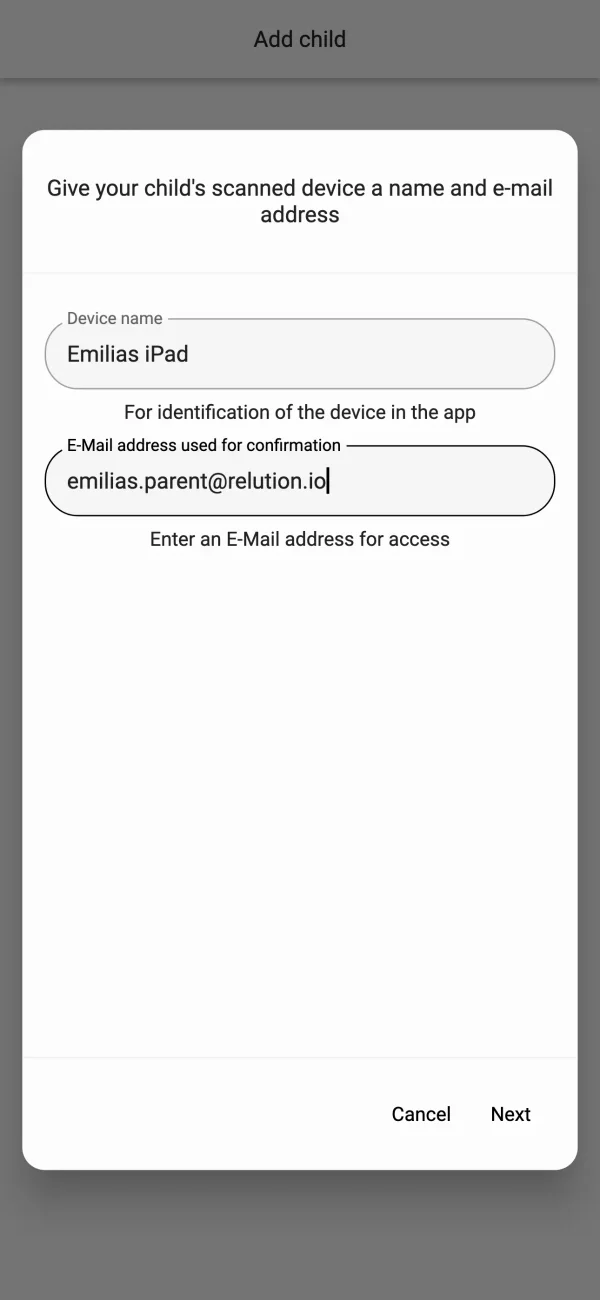
- Add device: Name your device in the app. Here you have the option to enter a free text for the school administrator.
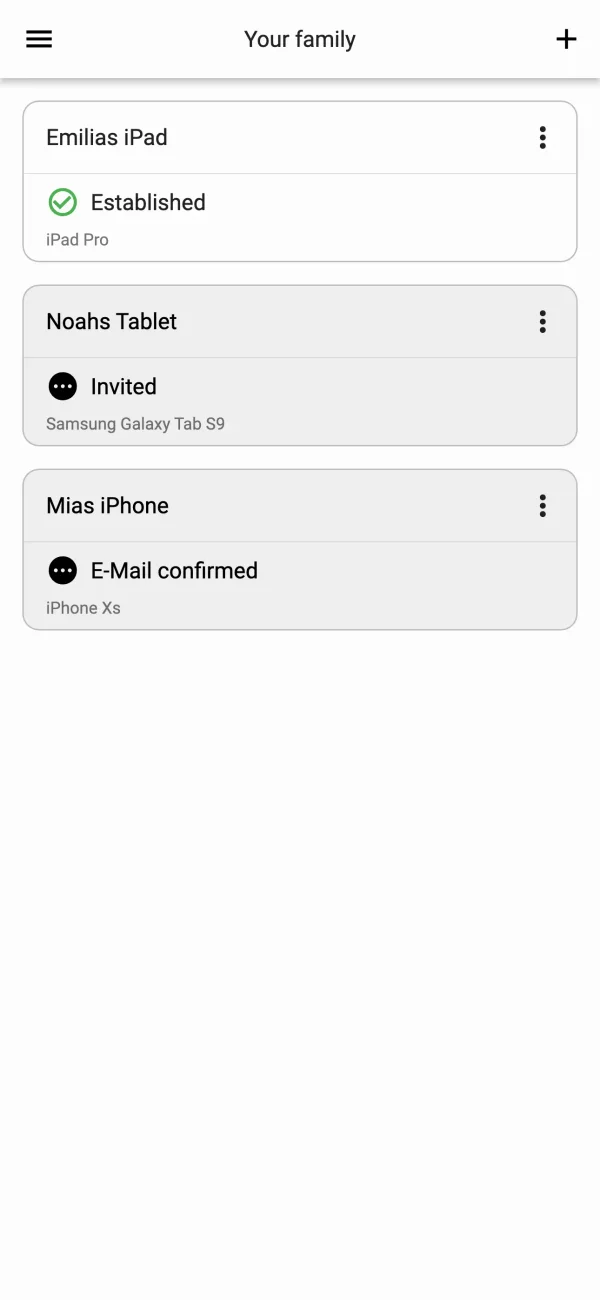
- Send information: The information you enter will be sent to the school administrator. The "Invited" status is displayed in your Relution Parent app.
- Confirm link: Immediately after submitting your device information, you will receive an automated email from Relution. Click on the link in the email to confirm your email address. This will change the status in your Relution Parent App to "Email confirmed".
- Approval of the request: The request for your activation will be sent to the school's device administrator for review and confirmation.
- Linking the apps: After approval, the parent app changes to "Established". The apps are successfully linked and you have access to all apps installed on the student device. From this point on, apps can be blocked and allowed again.
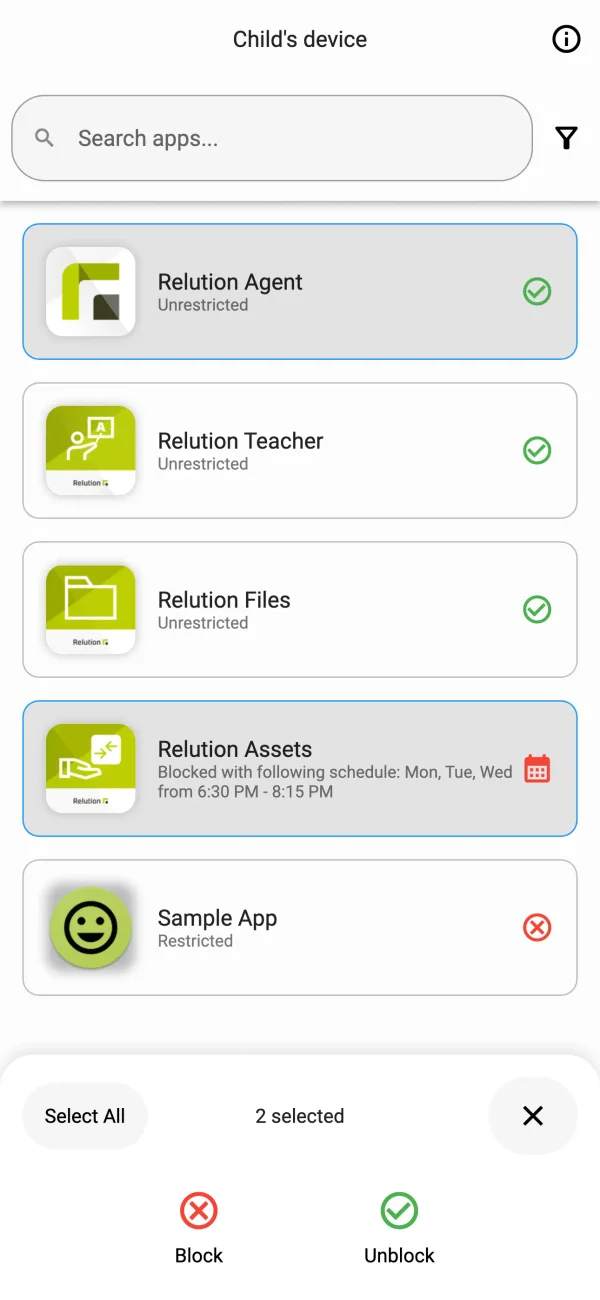
- App control: With the Relution Parent app, you now have full control over the apps on the student device. You can select an app and the options "Unblock" or "Block" will appear. This allows you to block or allow the apps on the student device.
Nouveautés
Version 26.0.0 · 08/02/2026
In this version:
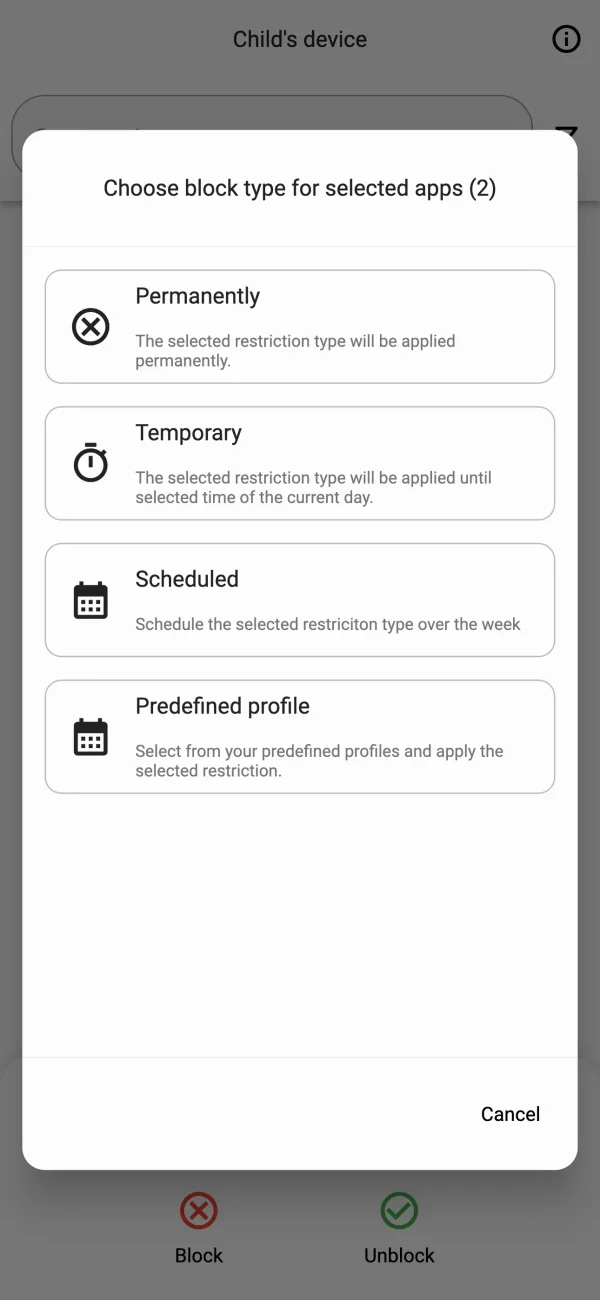
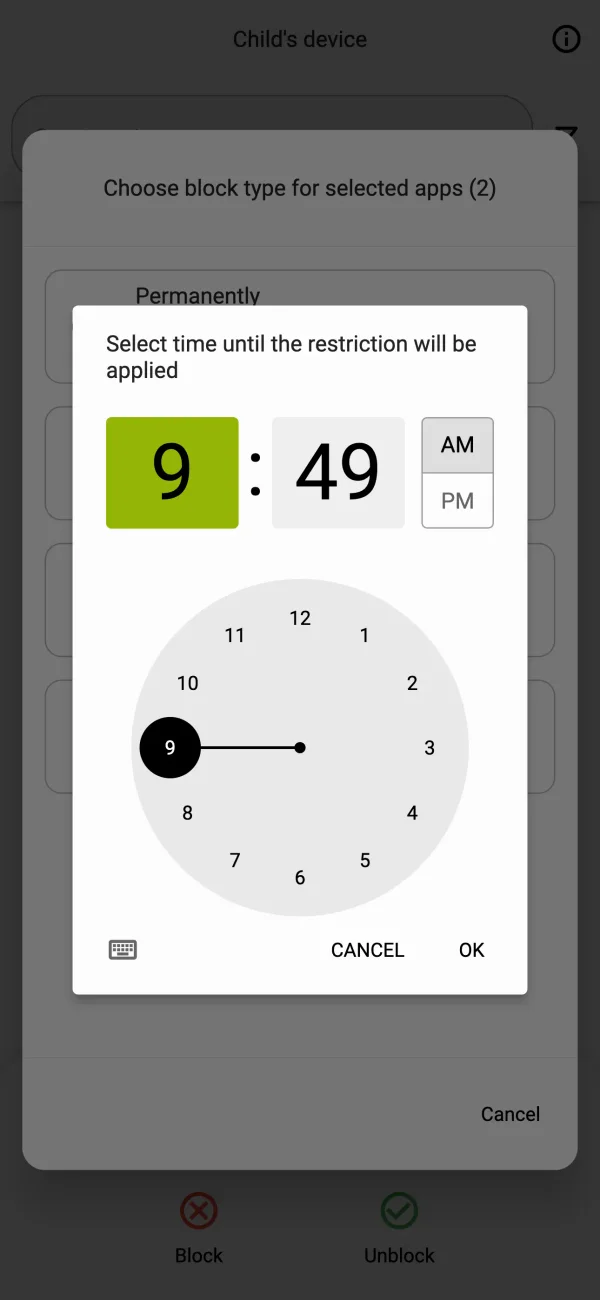
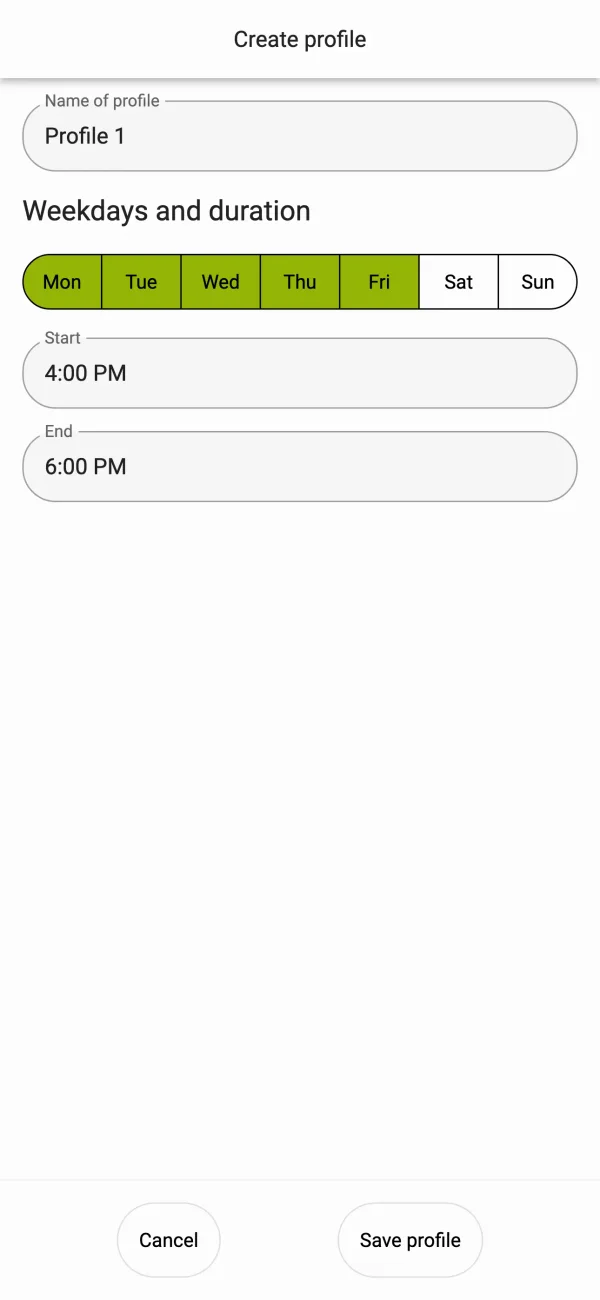
- Add support for time-based app restrictions
- Imprint updated
Confidentialité de l’application
Ce que Relution GmbH déclare sur l’App Store au sujet du traitement des données par cette application.
-
Données non collectées
Le développeur ne collecte aucune donnée à partir de cette application.
Les pratiques en matière de confidentialité peuvent varier, notamment en fonction des fonctionnalités que vous utilisez ou de votre âge.
Informations
- Vendeur
- Relution GmbH
- Catégorie
- Éducation
- Version
- 26.0.0
- Mis à jour
- 08/02/2026
- Publié
- 25/06/2024
- Taille
- 37,9 Mo
- Nécessite
- iOS 13.0 ou version ultérieure
- Classification d’âge
- 4+
- Prix
- Gratuit
- Langues
- Allemand, Anglais, Français, Italien, Espagnol, Turc
- Copyright
- © 2026 Relution GmbH