- Độ tuổi4+
- Danh mụcGiáo Dục
- Nhà phát triểnRelution GmbH
- Ngôn ngữTiếng Đức+ 5 ngôn ngữ khác
- Kích thước37,9 MB
Liên kết đến trang App Store chính thức
Download.org không lưu trữ tệp nào của Relution Parent. Nút này mở trang ứng dụng trên App Store, nơi Relution GmbH phát hành ứng dụng. Trang được kiểm tra lần cuối: 12/11/2026.
Ảnh chụp màn hình

Giới thiệu
Nhà phát triển chưa cung cấp nội dung này bằng ngôn ngữ của bạn.
The Relution Parent App extends the scope of Relution's Mobile Device Management (MDM) system with a user-friendly solution for parents and to increase the protection of children in the digital age.
The app enables you to manage the use of children's devices outside of school hours by allowing you to remotely select which apps your children are allowed to use.
By connecting the Relution Parent App (on your end device) and the Relution Agent App (on the child's device), you can easily control apps and allow or block them.
Advantages:
- Comprehensive overview: Decide remotely which apps your child is allowed to use on their device.
- Easy to use: Easily restrict the use of game apps to ensure your child is safe online and not distracted.
- Flexibility: Once an app has been blocked, it can be unblocked at any time.
- Data sovereignty: The parents' private device is not managed by Relution; there is no external access.
- Data protection: double-secured release process.
- No restriction to parents: Several parents can also control a student device, as one device can be managed by up to 5 parent apps.
- Unlimited management options: Any number of "children" can be managed and added in the parent app.
- Cross-school use: The children's devices do not have to be registered in the same school and on the same Relution server.
General conditions:
- Reliable internet connection: All devices should have unrestricted access to a stable internet connection, whether mobile or via WiFi.
- Management of the student device with Relution: The child's device must be managed by the school using Relution's Mobile Device Management.
- Prepared student devices: The children's devices have already been approved by the administrators of the respective school for device pairing with parent devices.
This is how it works:
Student device - Agent app:
- Scan QR code: in the Agent App of the student device, you will find the menu item "Parent App" under the navigation "Device information", where you will find the QR code required for the connection.
Important: If you have any problems, please contact the respective school administrator. The Relution team cannot help you with this.
Parent device - Parent App:
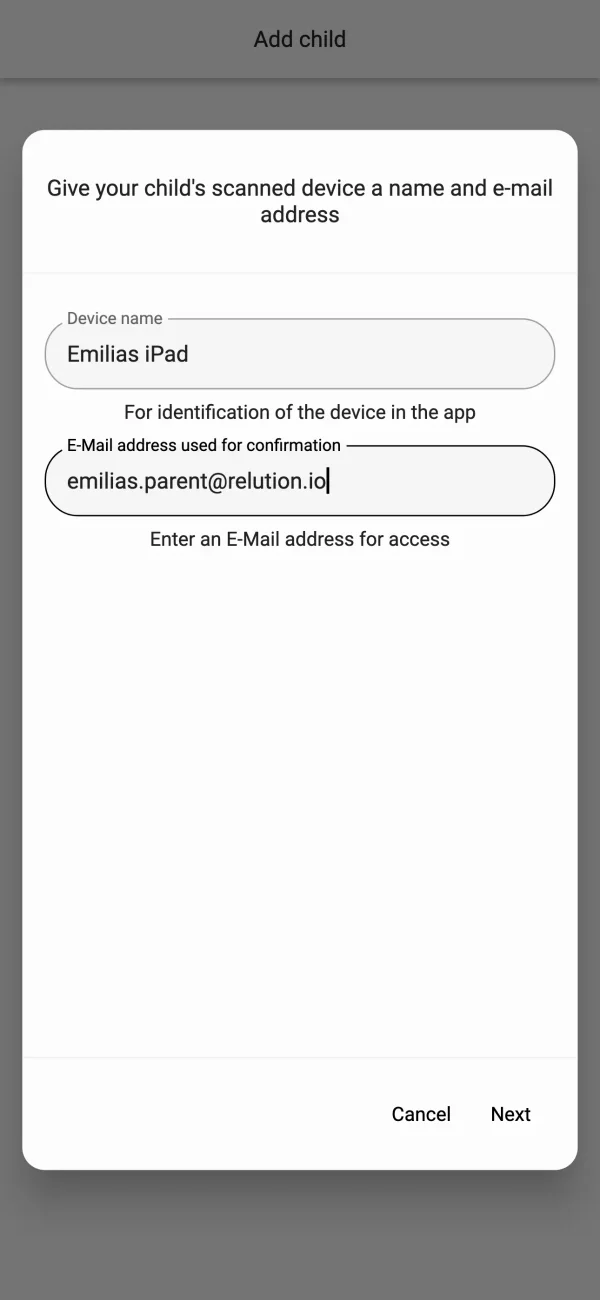
- Add device: Name your device in the app. Here you have the option to enter a free text for the school administrator.
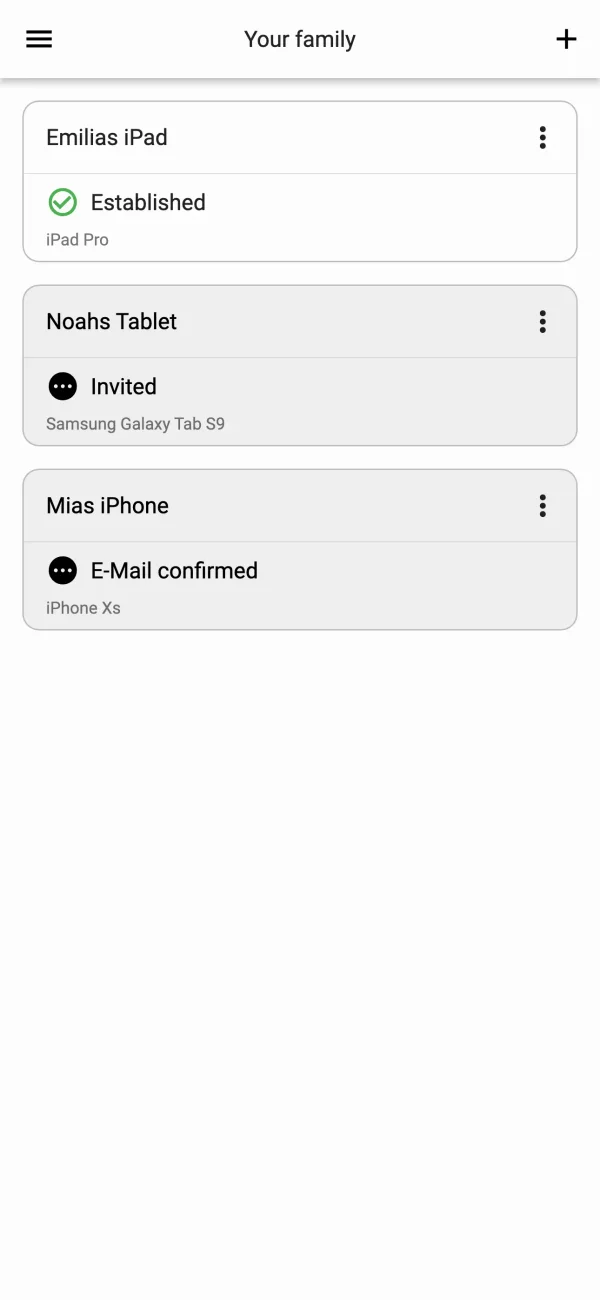
- Send information: The information you enter will be sent to the school administrator. The "Invited" status is displayed in your Relution Parent app.
- Confirm link: Immediately after submitting your device information, you will receive an automated email from Relution. Click on the link in the email to confirm your email address. This will change the status in your Relution Parent App to "Email confirmed".
- Approval of the request: The request for your activation will be sent to the school's device administrator for review and confirmation.
- Linking the apps: After approval, the parent app changes to "Established". The apps are successfully linked and you have access to all apps installed on the student device. From this point on, apps can be blocked and allowed again.
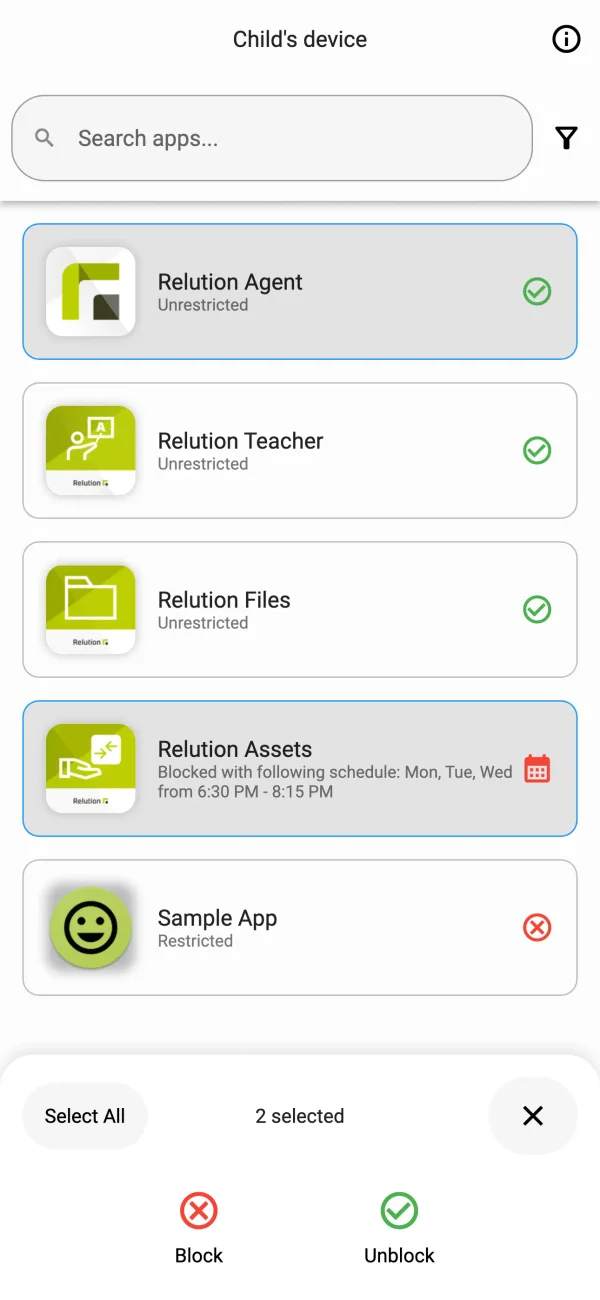
- App control: With the Relution Parent app, you now have full control over the apps on the student device. You can select an app and the options "Unblock" or "Block" will appear. This allows you to block or allow the apps on the student device.
Có gì mới
Phiên bản 26.0.0 · 08/02/2026
In this version:
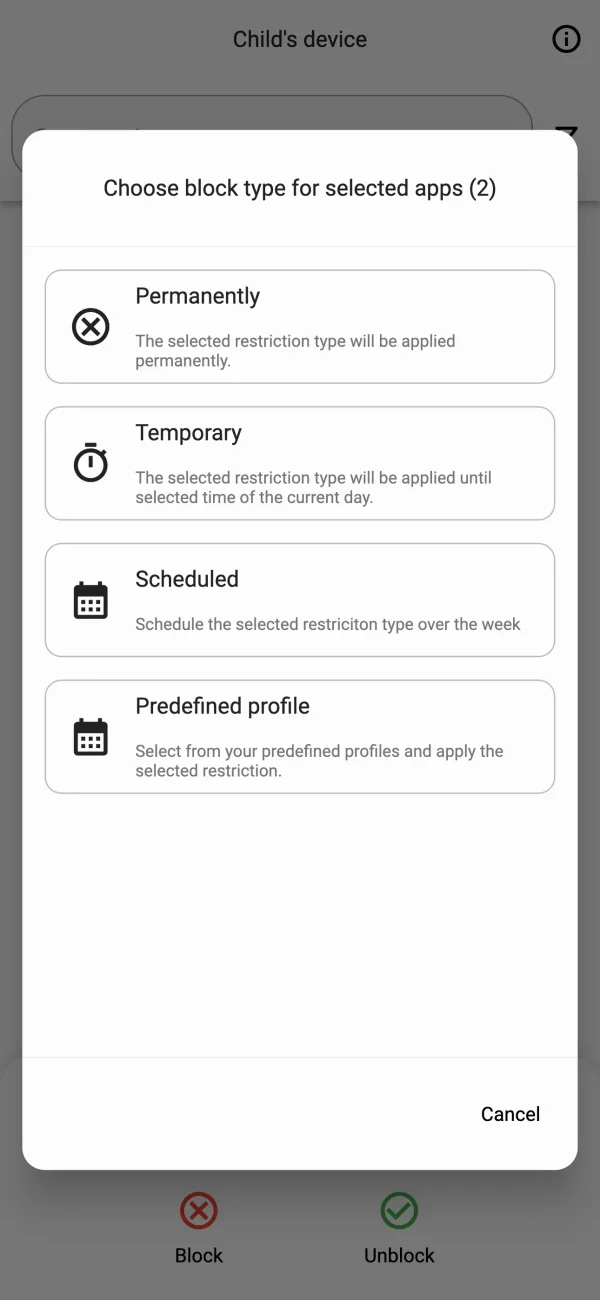
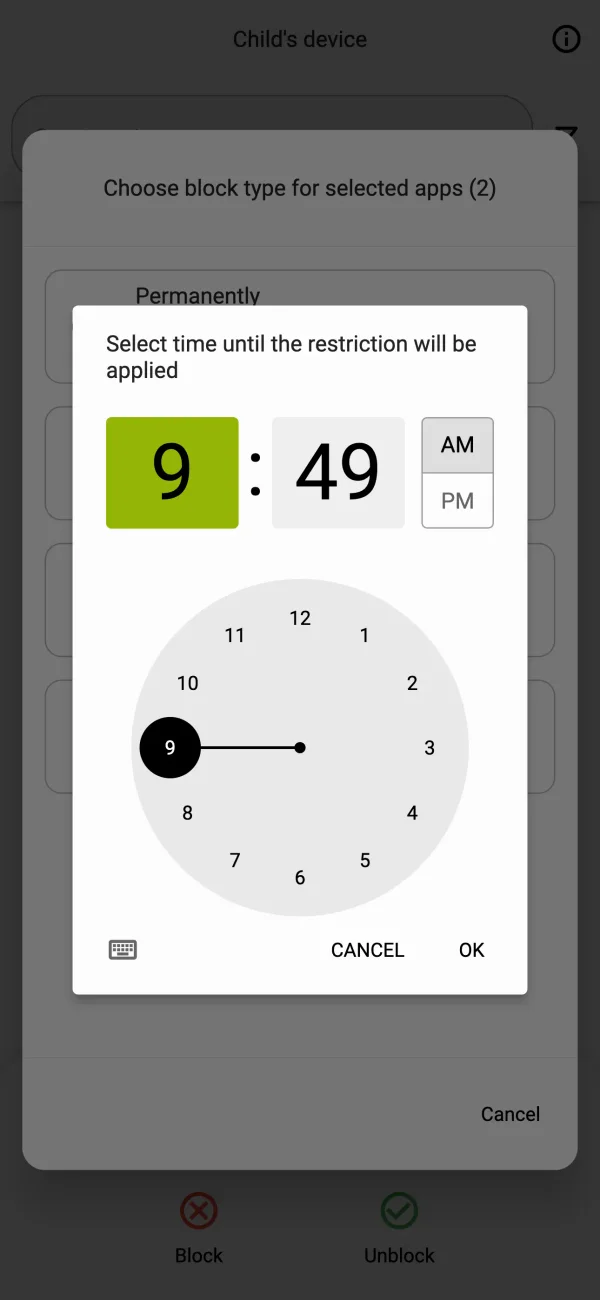
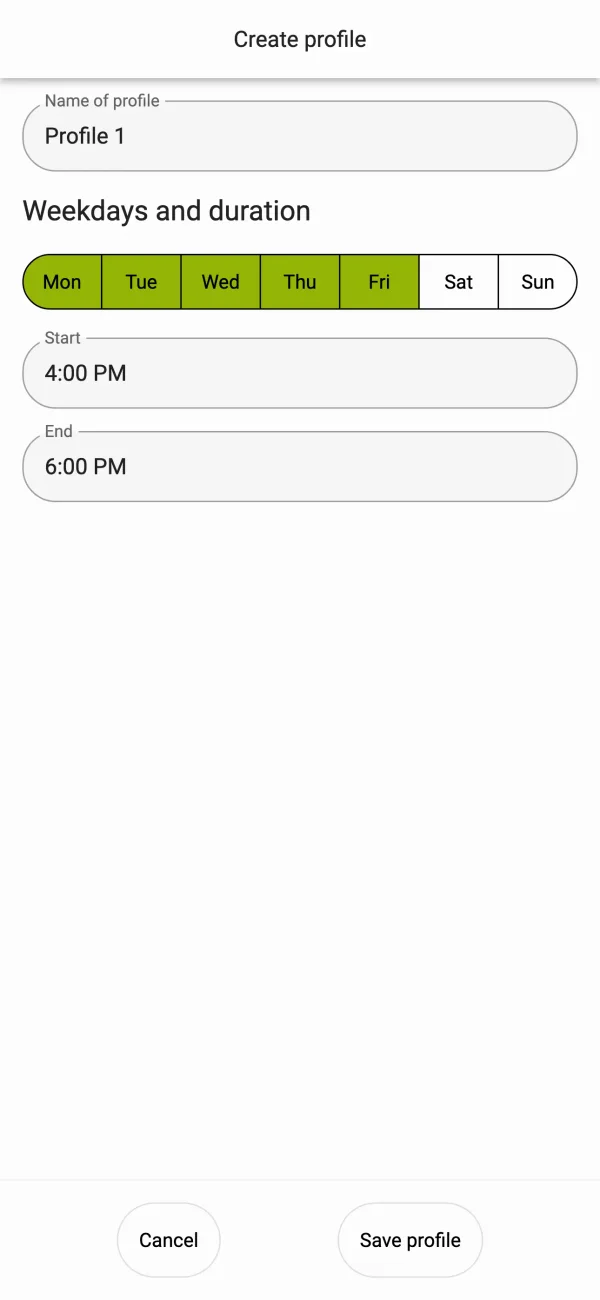
- Add support for time-based app restrictions
- Imprint updated
Quyền riêng tư của ứng dụng
Những gì Relution GmbH khai báo trên App Store về cách ứng dụng này xử lý dữ liệu.
-
Dữ liệu không được thu thập
Nhà phát triển không thu thập bất kỳ dữ liệu nào từ ứng dụng này.
Phương thức đảm bảo quyền riêng tư có thể khác nhau, chẳng hạn như tuỳ theo các tính năng bạn sử dụng hoặc độ tuổi của bạn.
Thông tin
- Người bán
- Relution GmbH
- Danh mục
- Giáo Dục
- Phiên bản
- 26.0.0
- Cập nhật
- 08/02/2026
- Phát hành
- 25/06/2024
- Kích thước
- 37,9 MB
- Yêu cầu
- iOS 13.0 trở lên
- Độ tuổi
- 4+
- Giá
- Miễn phí
- Ngôn ngữ
- Tiếng Đức, Tiếng Anh, Tiếng Pháp, Tiếng Ý, Tiếng Tây Ban Nha, Tiếng Thổ Nhĩ Kỳ
- Bản quyền
- © 2026 Relution GmbH