
- Classification d’âge4+
- CatégorieGraphisme et design
- DéveloppeurLe Giang Nam
- LanguesAnglais
- Taille6,1 Mo
Renvoie vers la page App Store officielle
Download.org n’héberge aucun fichier de Resize Video. Le bouton ouvre la page de l’application sur App Store, où Le Giang Nam la publie. Fiche vérifiée pour la dernière fois le 08/11/2026.
Captures d’écran


À propos
Le développeur n’a pas fourni ce texte dans votre langue.
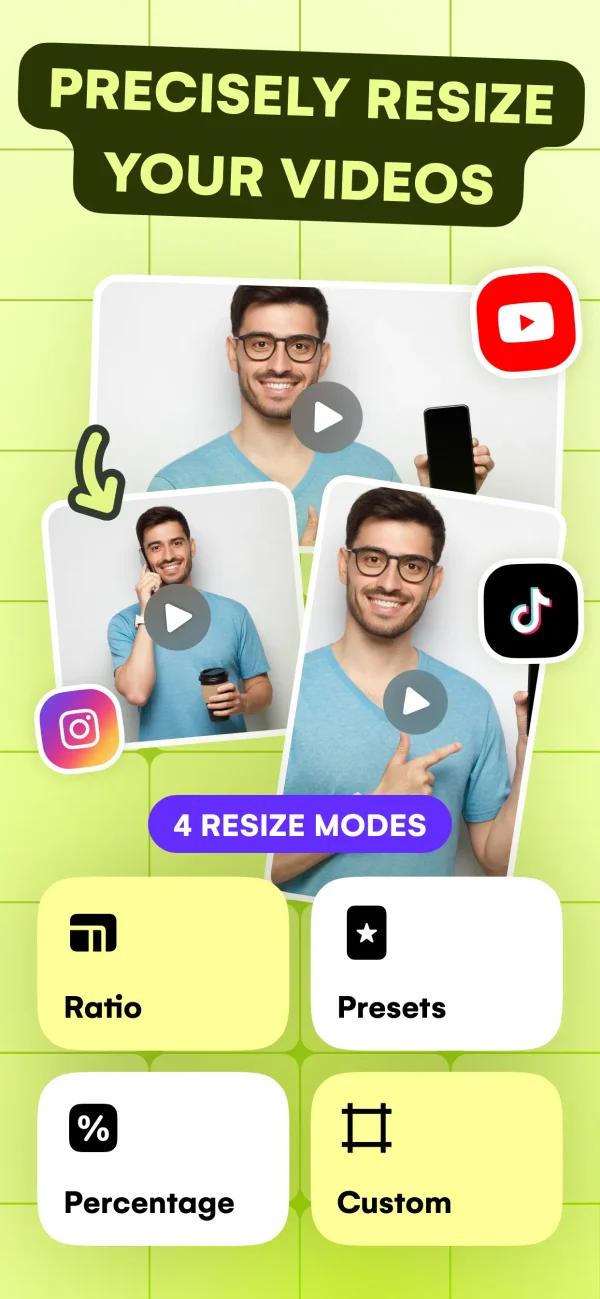
Resize Video is the ultimate solution for all your video resizing needs. With a variety of powerful features, Resize Video ensures your videos are perfectly tailored for any social platform, allowing you to create stunning visuals that stand out.
Key Features:
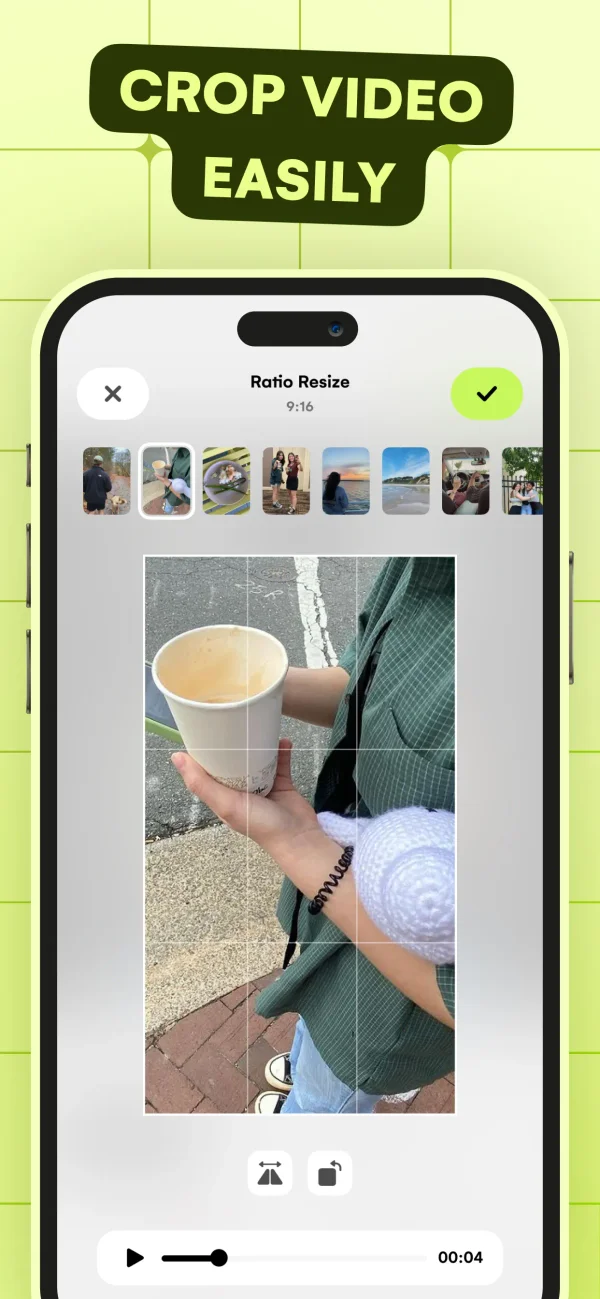
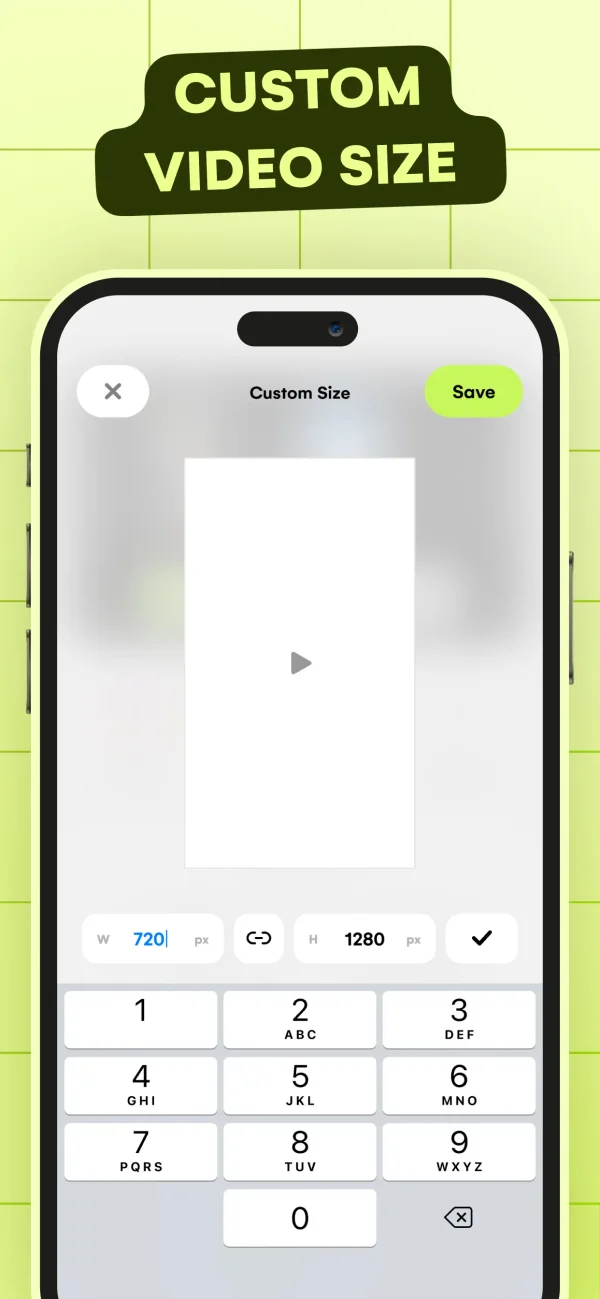
- Crop Video by Size: Precisely define video dimensions for perfect framing.
- Social Media Video Size Preset: Instantly resize videos for popular social media platforms.
- Batch Resize: Save time by resizing multiple videos at once.
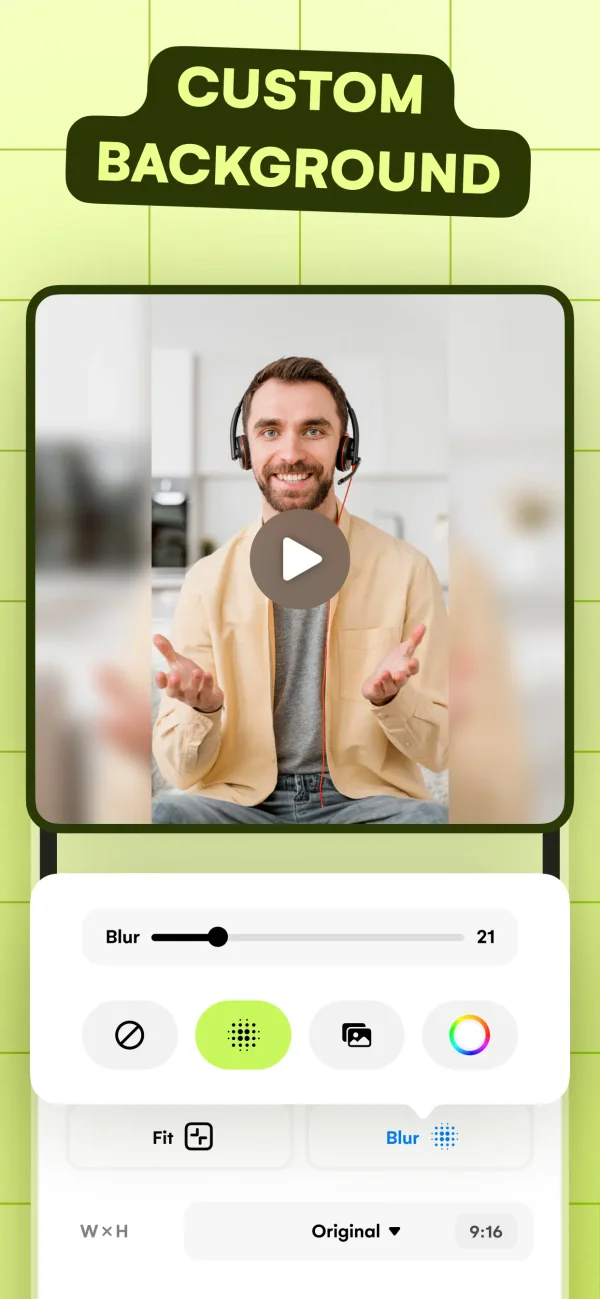
- Edit Background: Customize your video background with colors, blur, or images.
- Percentage Resize: Adjust your video size by specific percentages for exact control.
This tool seamlessly trim your videos to the perfect dimensions, ensuring that it fits perfectly wherever you need it. With just a few taps, you can precisely adjust the size to highlight the most important aspects of your content, ensuring your audience sees exactly what you want them to see.
For those who regularly post on social media, our social media video size presets are a game-changer. We’ve preloaded all the popular dimensions used by platforms like Instagram, Facebook, and TikTok, etc. These presets guarantee your videos will look their best, no matter where you share them.
Batch resize feature made it easy for you to resize multiple videos at once. Upload your batch, set the desired dimensions, and watch the magic happen. This feature streamlines your workflow, allowing you to produce consistent, high-quality videos without the repetitive task of resizing each one individually.
Resize Video also offers an Edit Background feature, giving you the flexibility to enhance the aesthetics of your videos. Whether you want to add a colorful backdrop, a blurred effect, or any other visual element, this feature provides endless possibilities to elevate your video content. Additionally, the Percentage Resize option lets you adjust the size of your videos by a specific percentage, offering precise control over the final output.
Nouveautés
Version 1.2 · 19/06/2026
Improvements & bug fixes
Confidentialité de l’application
Ce que Le Giang Nam déclare sur l’App Store au sujet du traitement des données par cette application.
-
Données non collectées
Le développeur ne collecte aucune donnée à partir de cette application.
Les pratiques en matière de confidentialité peuvent varier, notamment en fonction des fonctionnalités que vous utilisez ou de votre âge.
Informations
- Vendeur
- Le Giang Nam
- Catégorie
- Graphisme et design
- Version
- 1.2
- Mis à jour
- 19/06/2026
- Publié
- 12/06/2024
- Taille
- 6,1 Mo
- Nécessite
- iOS 15.0 ou version ultérieure
- Classification d’âge
- 4+
- Prix
- 2,99 €
- Langues
- Anglais
- Copyright
- © RockyBrain
Vous aimerez peut-être aussi
-
 Image Resizer.Graphisme et design
-
 Highlight Cover Maker ・Insta Templates, Collage, Text
-
 WatermarkX - Markup photos appGraphisme et design
-
 SizeSnap: Cotes sur photosMesures de chantier, PDF/JPG
-
 Passport Photo+Graphisme et design
-
 Themes & Widgets - ThemeScapeGraphisme et design
-
 PieChart MakerGraphisme et design
-
 VividPic - AI Video GeneratorGraphisme et design
-
 Kiko: Typographie générateurTexte, Citation, Affiches
-
 AI Video & Photo GeneratorGraphisme et design