
- Độ tuổi4+
- Danh mụcĐồ Họa & Thiết Kế
- Nhà phát triểnLe Giang Nam
- Ngôn ngữTiếng Anh
- Kích thước6,1 MB
Resize Video hiện có thể không có trên App Store
Ở lần kiểm tra gần nhất, chúng tôi không truy cập được trang trên cửa hàng. Liên kết vẫn dẫn đến trang App Store chính thức.
Ảnh chụp màn hình


Giới thiệu
Nhà phát triển chưa cung cấp nội dung này bằng ngôn ngữ của bạn.
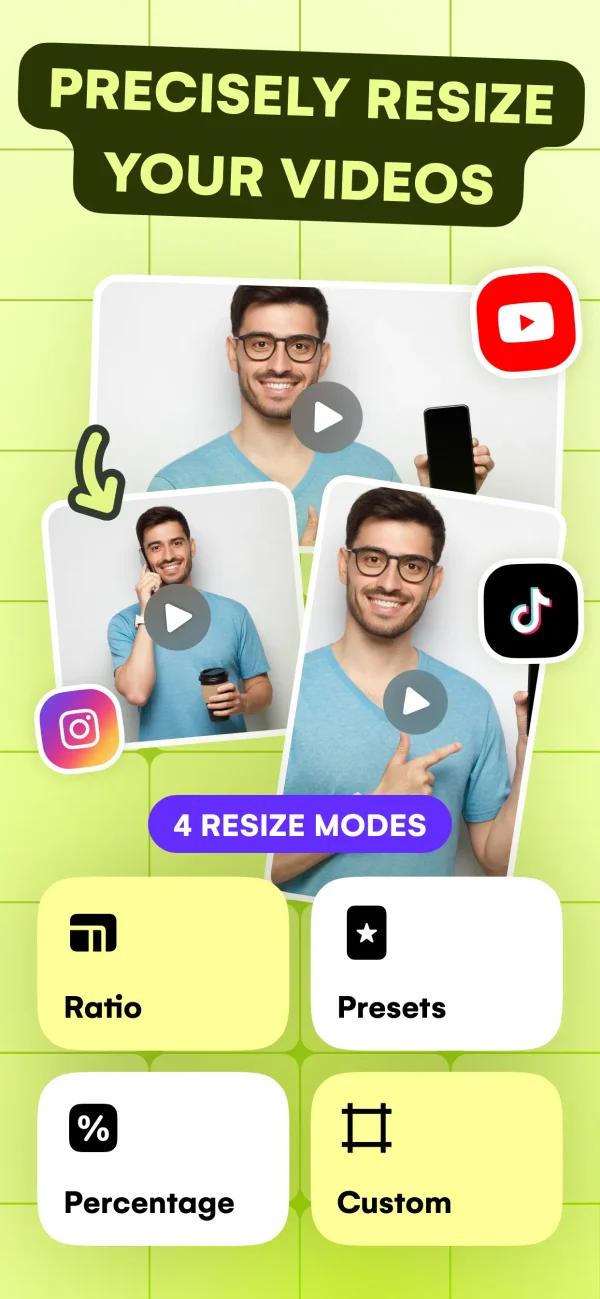
Resize Video is the ultimate solution for all your video resizing needs. With a variety of powerful features, Resize Video ensures your videos are perfectly tailored for any social platform, allowing you to create stunning visuals that stand out.
Key Features:
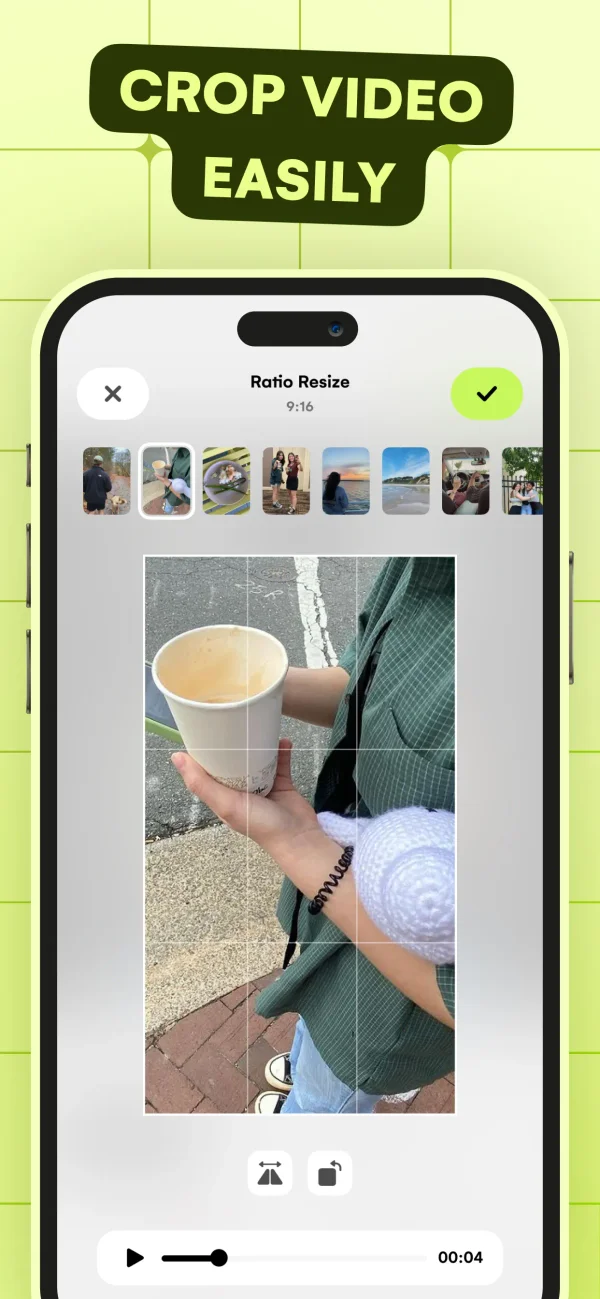
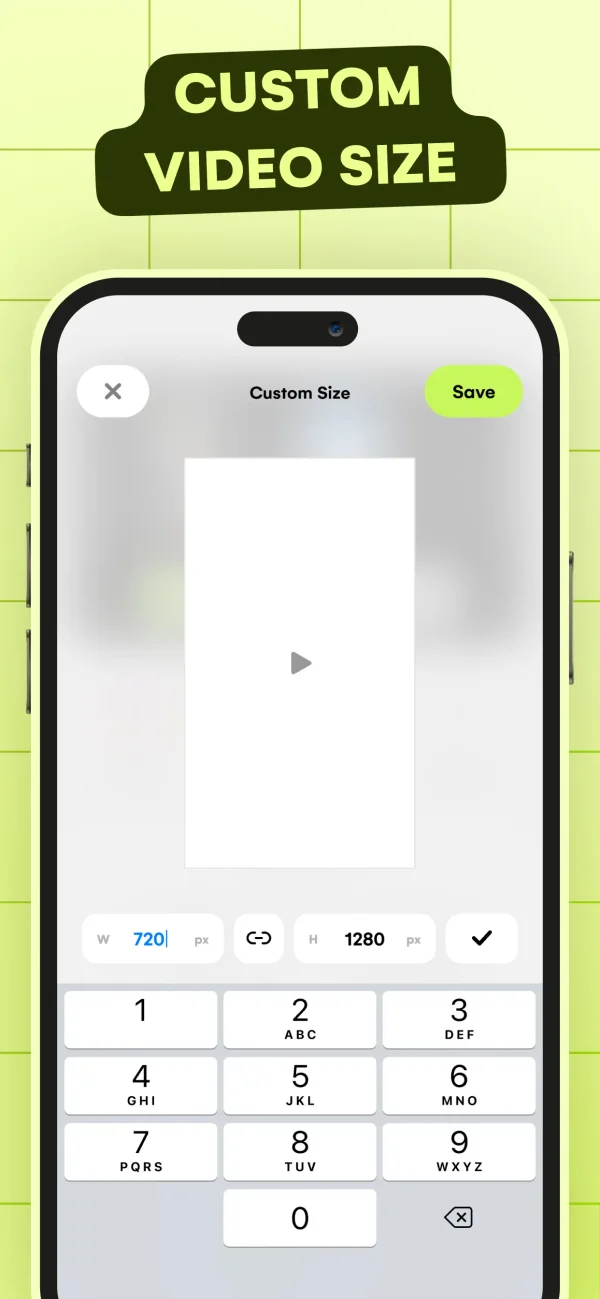
- Crop Video by Size: Precisely define video dimensions for perfect framing.
- Social Media Video Size Preset: Instantly resize videos for popular social media platforms.
- Batch Resize: Save time by resizing multiple videos at once.
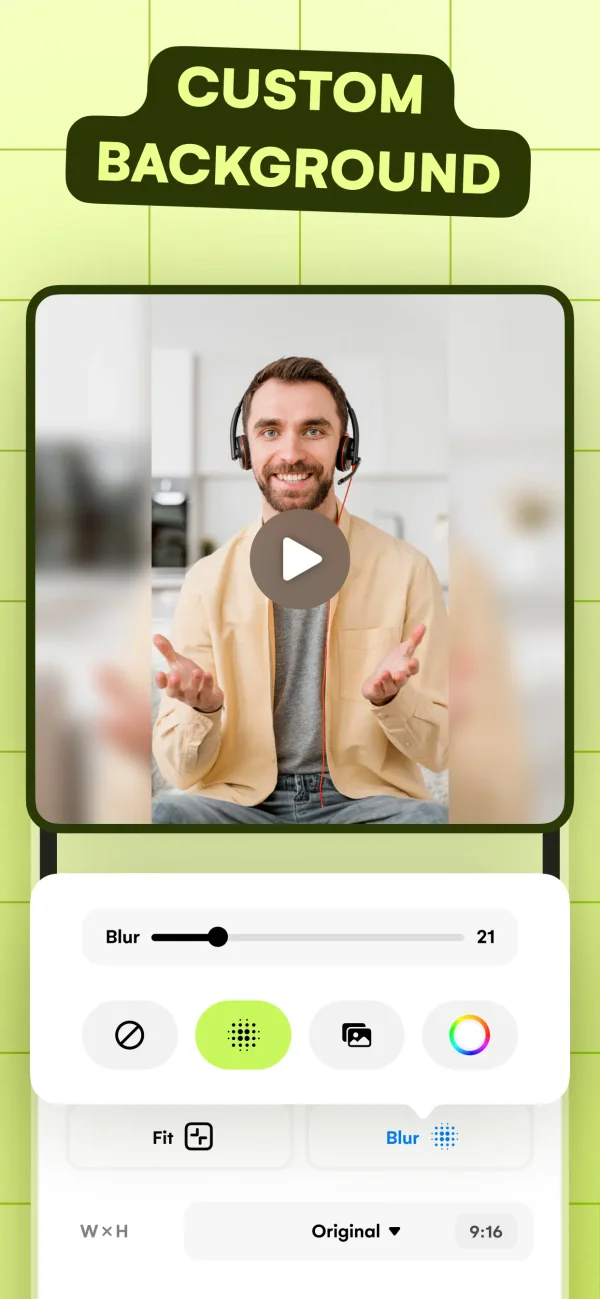
- Edit Background: Customize your video background with colors, blur, or images.
- Percentage Resize: Adjust your video size by specific percentages for exact control.
This tool seamlessly trim your videos to the perfect dimensions, ensuring that it fits perfectly wherever you need it. With just a few taps, you can precisely adjust the size to highlight the most important aspects of your content, ensuring your audience sees exactly what you want them to see.
For those who regularly post on social media, our social media video size presets are a game-changer. We’ve preloaded all the popular dimensions used by platforms like Instagram, Facebook, and TikTok, etc. These presets guarantee your videos will look their best, no matter where you share them.
Batch resize feature made it easy for you to resize multiple videos at once. Upload your batch, set the desired dimensions, and watch the magic happen. This feature streamlines your workflow, allowing you to produce consistent, high-quality videos without the repetitive task of resizing each one individually.
Resize Video also offers an Edit Background feature, giving you the flexibility to enhance the aesthetics of your videos. Whether you want to add a colorful backdrop, a blurred effect, or any other visual element, this feature provides endless possibilities to elevate your video content. Additionally, the Percentage Resize option lets you adjust the size of your videos by a specific percentage, offering precise control over the final output.
Có gì mới
Phiên bản 1.2 · 19/06/2026
Improvements & bug fixes
Quyền riêng tư của ứng dụng
Những gì Le Giang Nam khai báo trên App Store về cách ứng dụng này xử lý dữ liệu.
-
Dữ liệu không được thu thập
Nhà phát triển không thu thập bất kỳ dữ liệu nào từ ứng dụng này.
Phương thức đảm bảo quyền riêng tư có thể khác nhau, chẳng hạn như tuỳ theo các tính năng bạn sử dụng hoặc độ tuổi của bạn.
Thông tin
- Người bán
- Le Giang Nam
- Danh mục
- Đồ Họa & Thiết Kế
- Phiên bản
- 1.2
- Cập nhật
- 19/06/2026
- Phát hành
- 12/06/2024
- Kích thước
- 6,1 MB
- Yêu cầu
- iOS 15.0 trở lên
- Độ tuổi
- 4+
- Ngôn ngữ
- Tiếng Anh
- Bản quyền
- © RockyBrain
Có thể bạn cũng thích
-
 Image Resizer.Đồ Họa & Thiết Kế
-
 Graphic Design・Logo MakerĐồ Họa & Thiết Kế
-
 WatermarkX - Markup photos appĐồ Họa & Thiết Kế
-
 SizeSnap: kích thước trên ảnhGhi kích thước và xuất PDF
-
 Passport Photo+Đồ Họa & Thiết Kế
-
 Themes & Widgets - ThemeScapeĐồ Họa & Thiết Kế
-
 PieChart MakerĐồ Họa & Thiết Kế
-
 VividPic - AI Video GeneratorĐồ Họa & Thiết Kế
-
 Kiko Card:Text Post & CarouselĐồ Họa & Thiết Kế
-
 AI Video & Photo GeneratorĐồ Họa & Thiết Kế