Rest Easy - Sleep Timer
White noise, fan & rain sounds
Conçue pour iPhone, iPad
Gratuit · Achats intégrés
- Classification d’âge4+
- CatégorieForme et santé
- DéveloppeurMatthew Strickland
- LanguesAnglais
- Taille4,2 Mo
Renvoie vers la page App Store officielle
Download.org n’héberge aucun fichier de Rest Easy - Sleep Timer. Le bouton ouvre la page de l’application sur App Store, où Matthew Strickland la publie. Fiche vérifiée pour la dernière fois le 23/11/2026.
Captures d’écran

À propos
Le développeur n’a pas fourni ce texte dans votre langue.
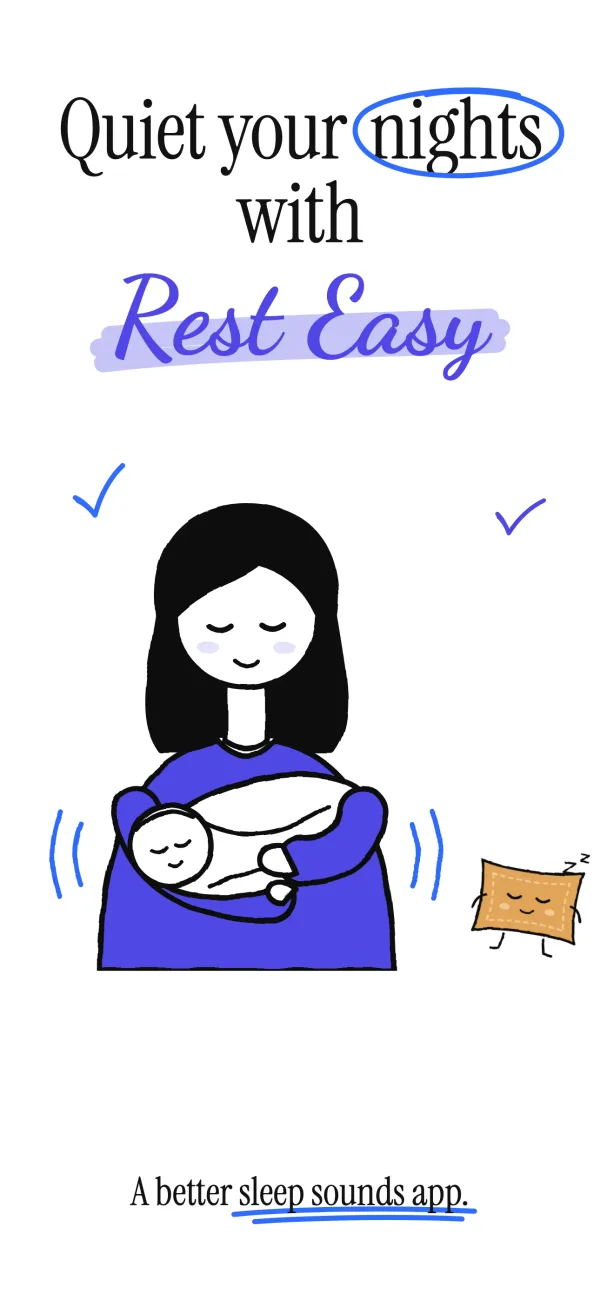
Rest Easy mixes calm sounds for sleep, then fades them out once you've drifted off. On iPhone and iPad.
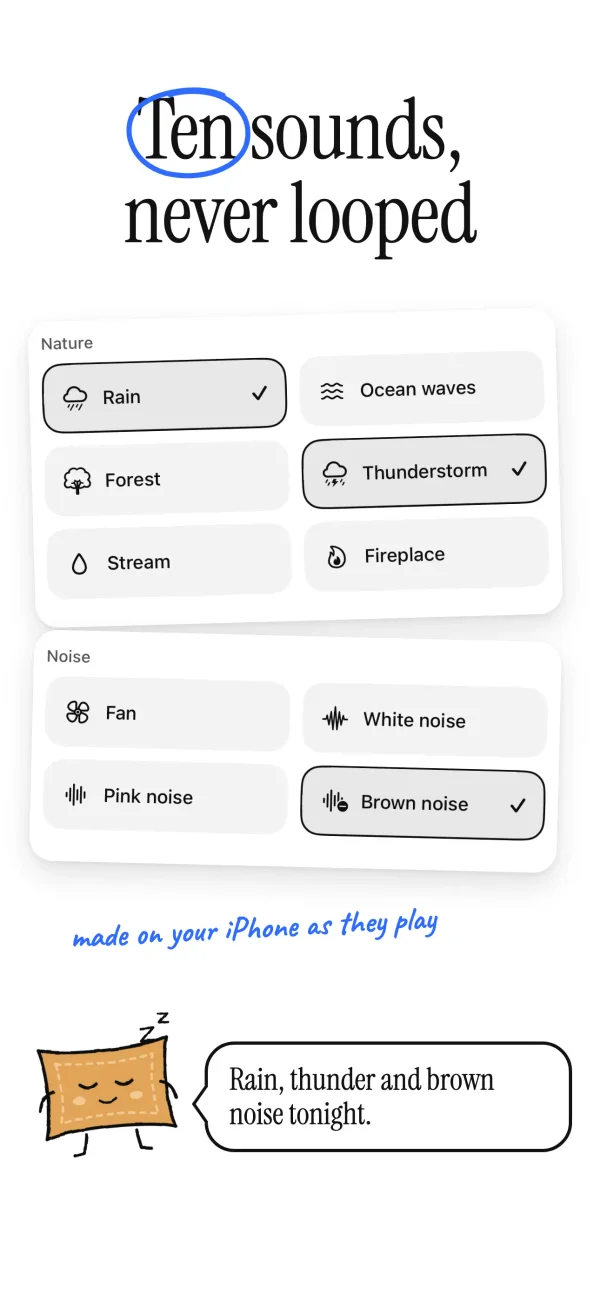
Ten sounds, made as they play
Rain, ocean waves, forest, thunderstorm, a running stream and a fireplace, plus a box fan and white, pink and brown noise. Every sound is synthesized on your iPhone or iPad in stereo as it plays, so there are no loops, no gaps and nothing to download.
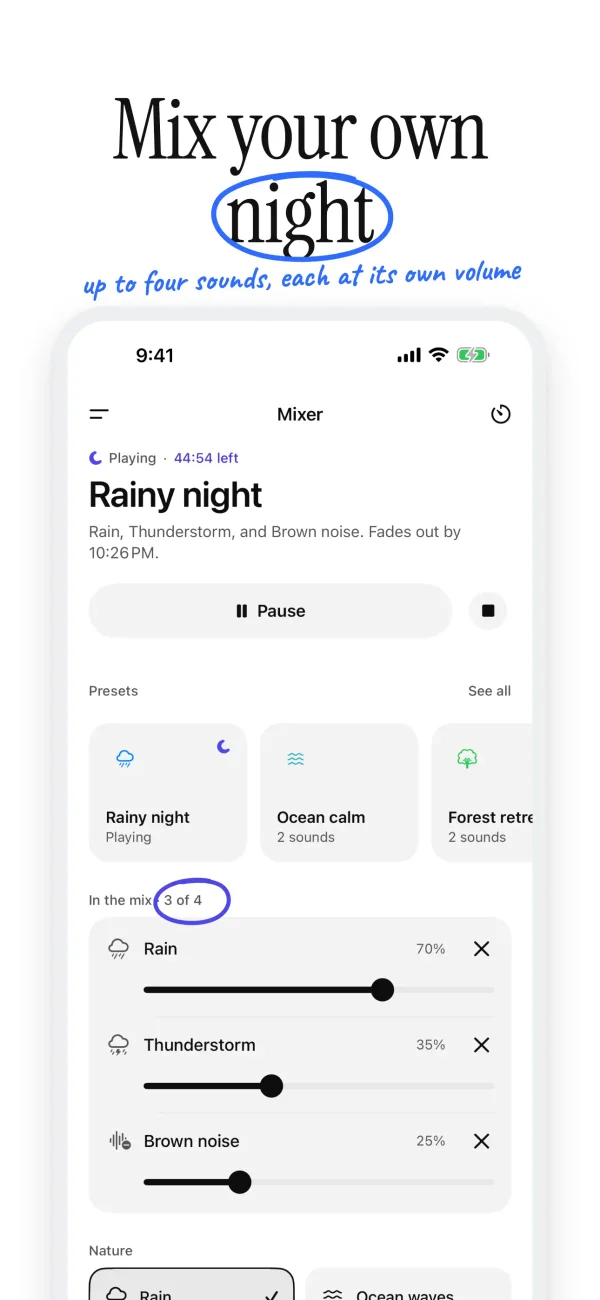
A mixer for your night
Layer up to four sounds and set each one's volume. Tap a sound to add it, and tap it again to take it out. Sounds fade in and out instead of starting or stopping abruptly. On iPad, your mix, the sleep timer and your presets sit beside every sound, so the whole night is on one screen by the bed.
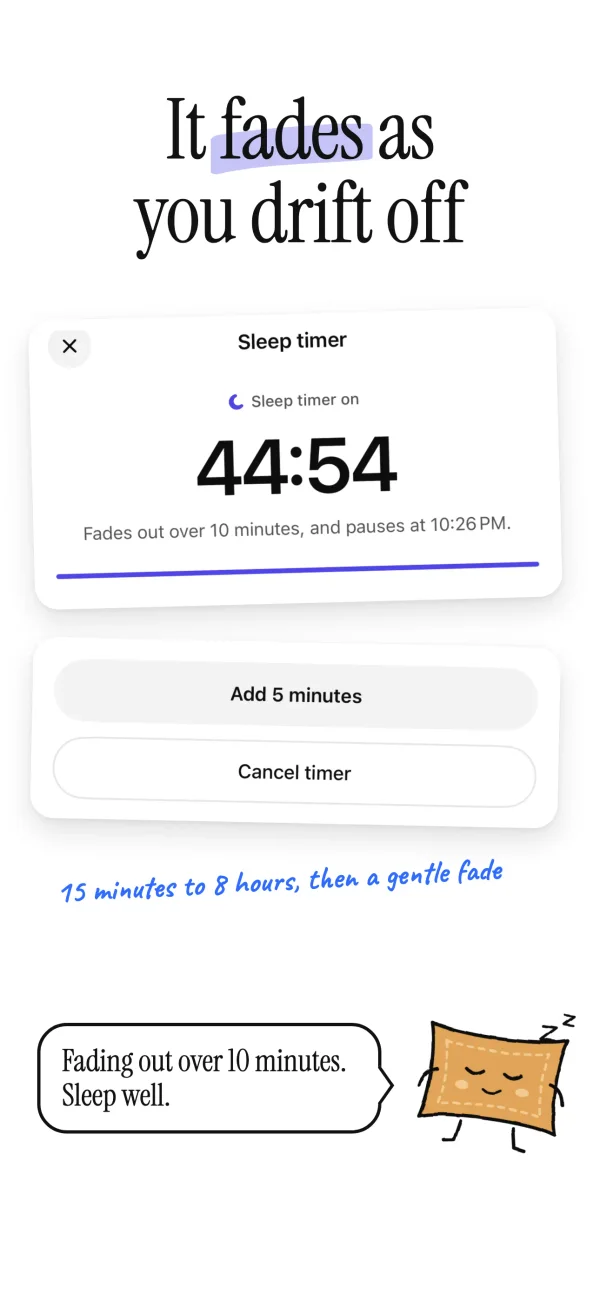
A sleep timer that fades gently
Choose 15 minutes to 8 hours, and a fade of 30 seconds to 15 minutes. The sounds ease down, then pause, and your mix is ready again tomorrow night.
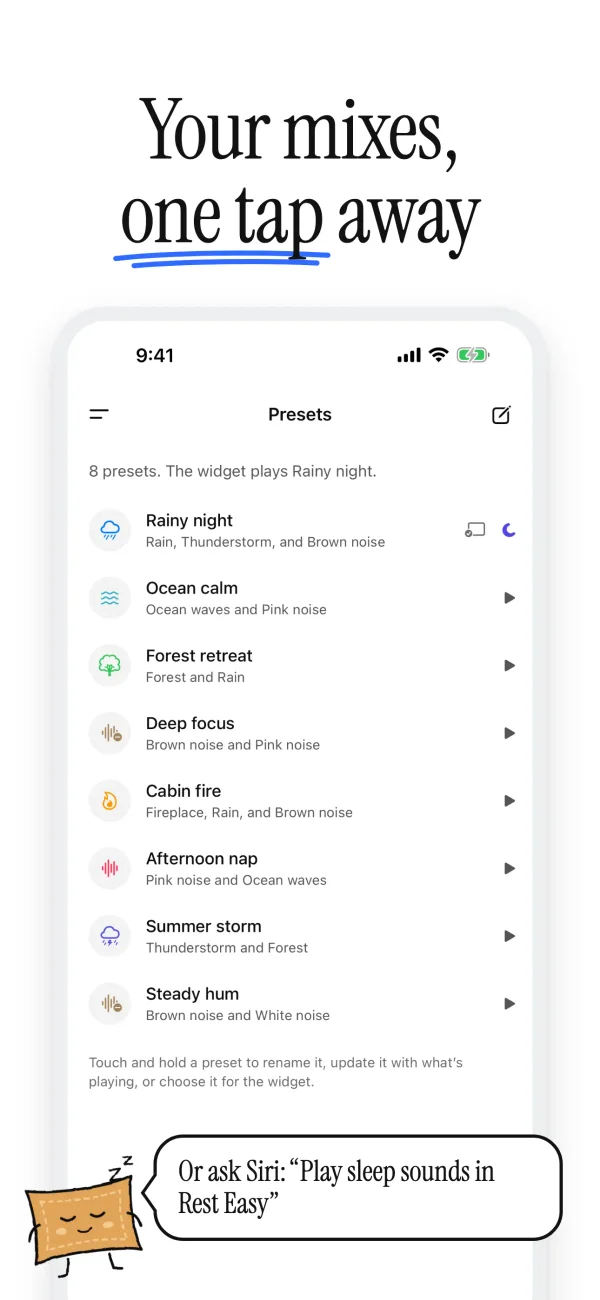
Presets, one tap away
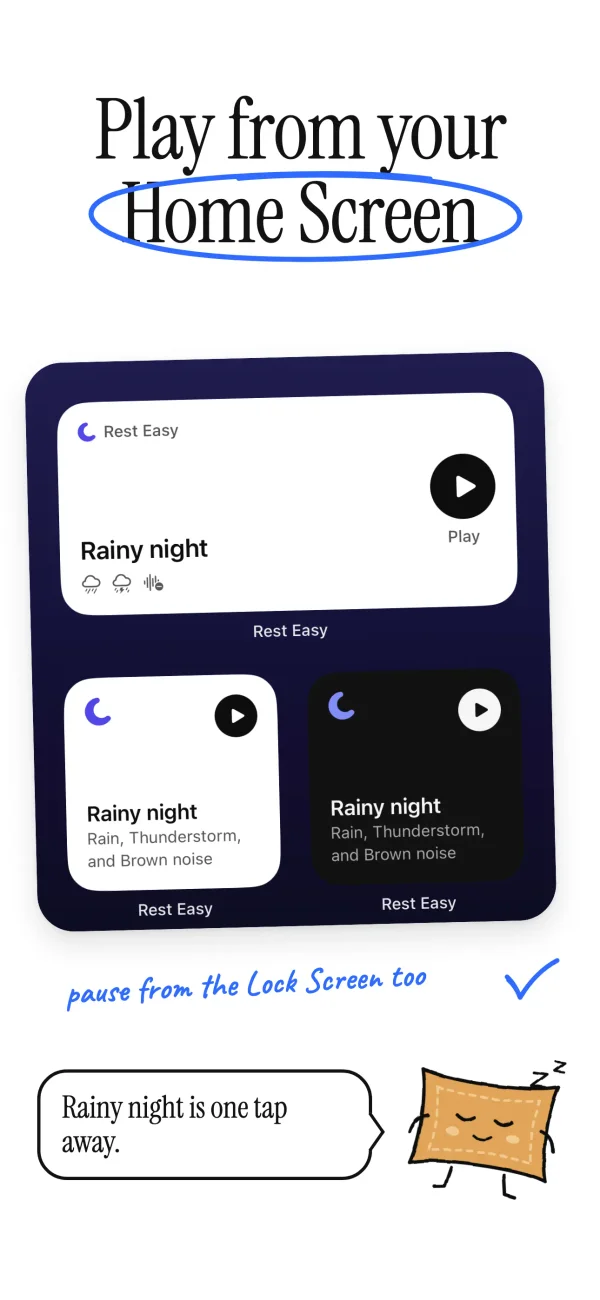
Save a mix as a preset and play it from the mixer, the menu or the Home Screen widget. Four starter presets help you begin.
Ask Siri, or build a bedtime shortcut
Say "Play sleep sounds in Rest Easy", or ask for a preset by name. In the Shortcuts app, play a preset with a sleep timer from a bedtime automation or a single tap.
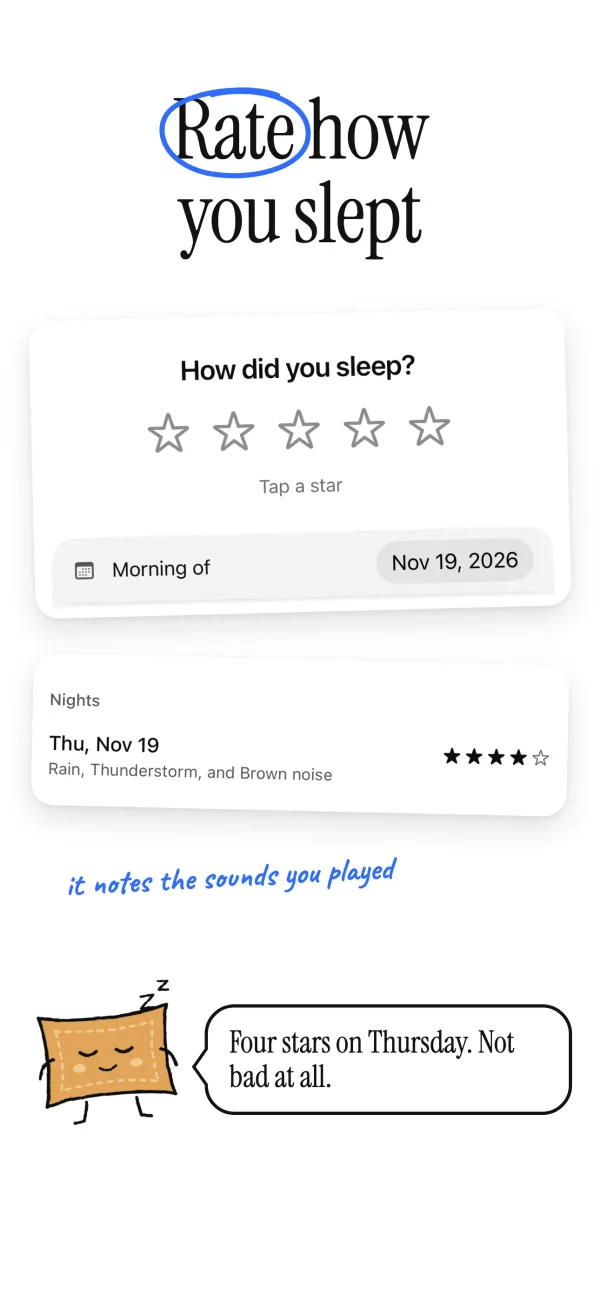
A simple sleep log
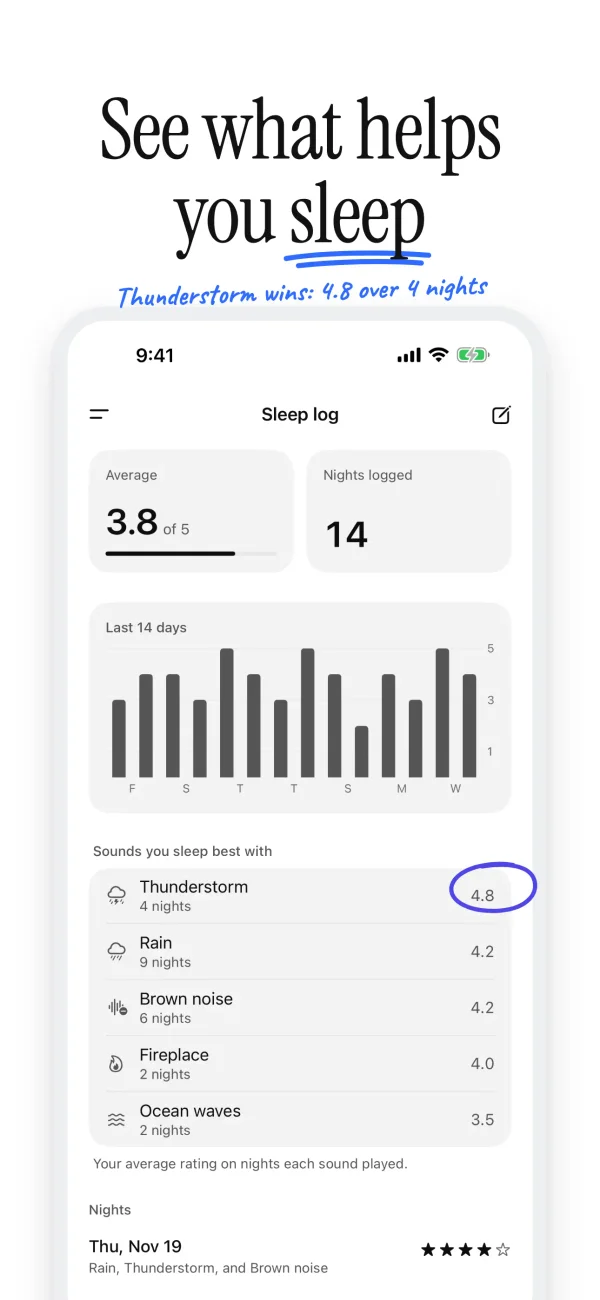
Each morning, rate how you slept. Rest Easy notes the sounds you played and shows which ones you sleep best with.
Made for the dark
Dark and Black are the defaults, and nothing bright glows while sound plays. Pause and play from the Lock Screen, and the sounds carry on with the screen off. Pick from eight accents, each with a matching icon.
Your nights stay yours
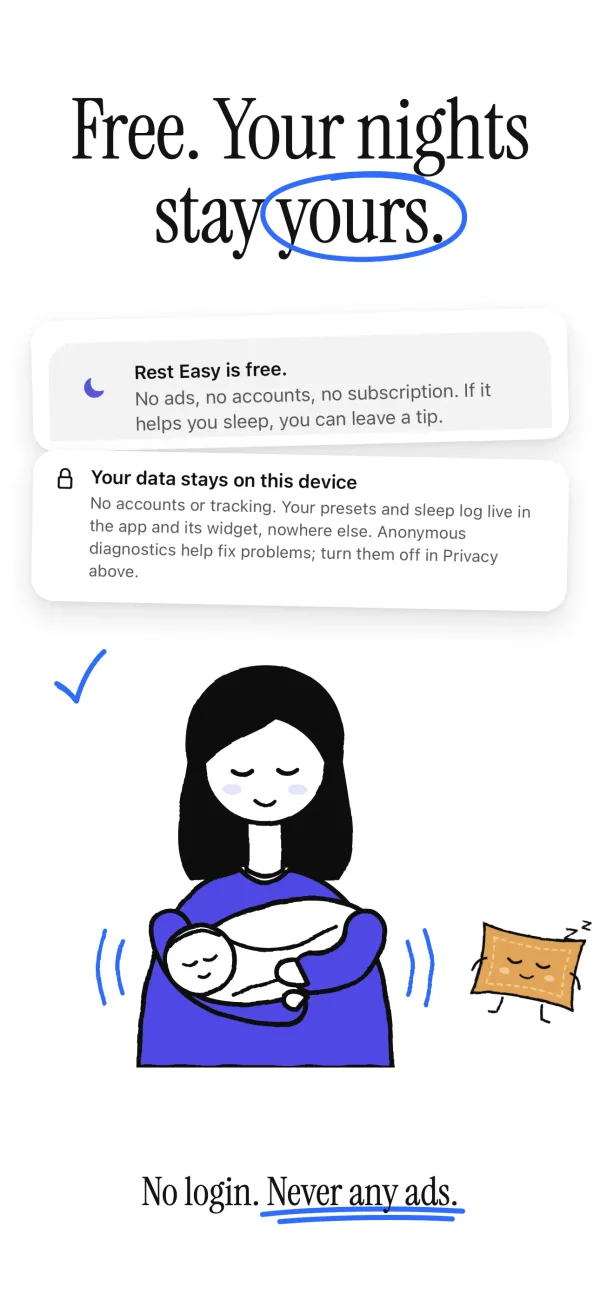
Rest Easy doesn't want a login and never shows ads. Presets and the sleep log never leave the iPhone or iPad on your nightstand. To help fix bugs, Rest Easy sends anonymous diagnostics, like a crash report or the screen that was open. They never include your nights or presets, and you can turn them off in Settings.
A tip, if you like
Rest Easy is free and has nothing to unlock. If it helps you sleep, you can leave a one-time tip in Settings: a Pillow, a Blanket, a Dream or Starlight. A tip is paid through the App Store and unlocks nothing: every sound stays free.
Nouveautés
Version 1.6 · 20/11/2026
Now on iPad, with a layout made for the nightstand: your mix and its levels, the sleep timer and your presets sit beside every sound, so you pick sounds and see your mix at once. The sleep log puts the last 14 days beside every night you've rated. It works in any orientation, in Split View and Stage Manager, with keyboard shortcuts, and sound keeps playing with the screen locked, with controls on the Lock Screen.
On iPhone Duo unfolded, the mixer and the sleep log use the same side-by-side layout.
Confidentialité de l’application
Ce que Matthew Strickland déclare sur l’App Store au sujet du traitement des données par cette application.
-
Données n’établissant aucun lien avec vous
Peuvent être collectées, mais ne sont pas liées à votre identité.
- Données d’utilisation
- Diagnostic
Les pratiques en matière de confidentialité peuvent varier, notamment en fonction des fonctionnalités que vous utilisez ou de votre âge.
Informations
- Vendeur
- Matthew Strickland
- Catégorie
- Forme et santé
- Version
- 1.6
- Mis à jour
- 20/11/2026
- Publié
- 20/02/2026
- Taille
- 4,2 Mo
- Nécessite
- iOS 17.0 ou version ultérieure
- Classification d’âge
- 4+
- Prix
- Gratuit
- Achats intégrés
- Oui
- Langues
- Anglais
- Copyright
- © 2026 Idle Fusion LLC
Vous aimerez peut-être aussi
-
 DreamNoise: Sleep & FocusForme et santé
-
 HushLab: White Noise SleepForme et santé
-
 Fibermaxxing Diet Coach AIForme et santé
-
 Sleep Softly : bruit blancSons pour dormir
-
 DreamTone - Sleep SoundsForme et santé
-
 Dozio: Sons pour dormirA cozy corner for sleep
-
 Night Quiet: Relax & SleepForme et santé
-
 Sleep Timer: No Subs AppsGentle Alarm & Calm Sounds
-
 RLS Coach – Sleep BetterForme et santé
-
 Liquid Noise: White & BrownForme et santé