Rest Easy - Sleep Timer
White noise, fan & rain sounds
Được thiết kế cho iPhone, iPad
Miễn phí · Mua hàng trong ứng dụng
- Độ tuổi4+
- Danh mụcSức Khỏe & Thể Dục
- Nhà phát triểnMatthew Strickland
- Ngôn ngữTiếng Anh
- Kích thước4,2 MB
Liên kết đến trang App Store chính thức
Download.org không lưu trữ tệp nào của Rest Easy - Sleep Timer. Nút này mở trang ứng dụng trên App Store, nơi Matthew Strickland phát hành ứng dụng. Trang được kiểm tra lần cuối: 23/11/2026.
Ảnh chụp màn hình

Giới thiệu
Nhà phát triển chưa cung cấp nội dung này bằng ngôn ngữ của bạn.
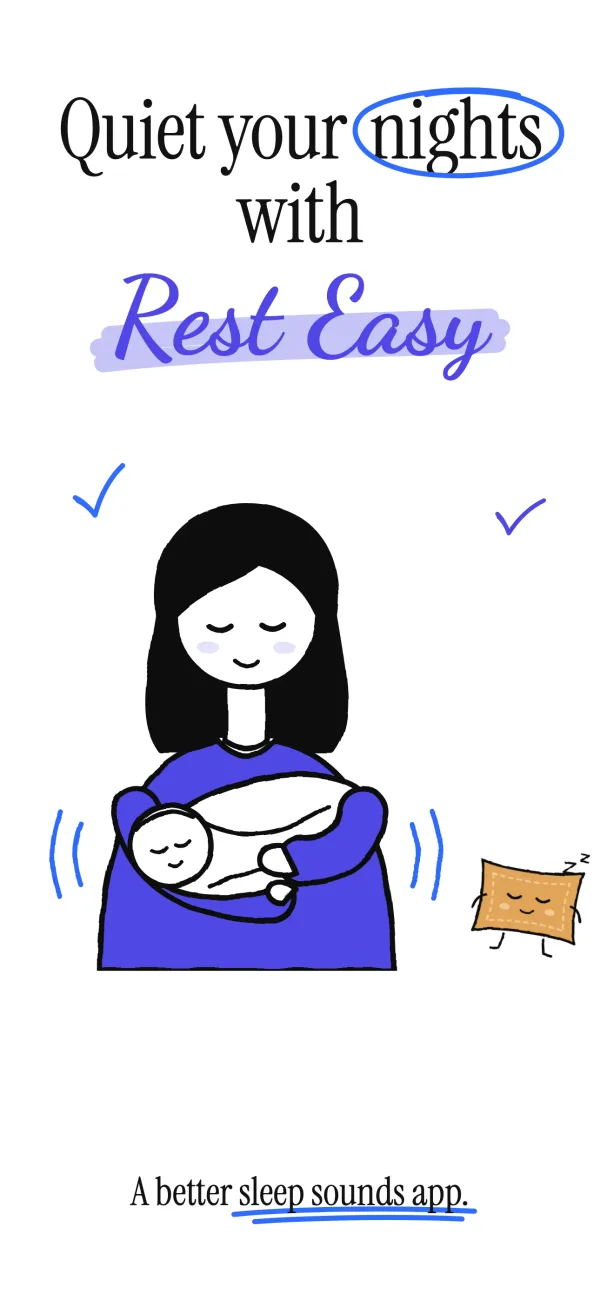
Rest Easy mixes calm sounds for sleep, then fades them out once you've drifted off. On iPhone and iPad.
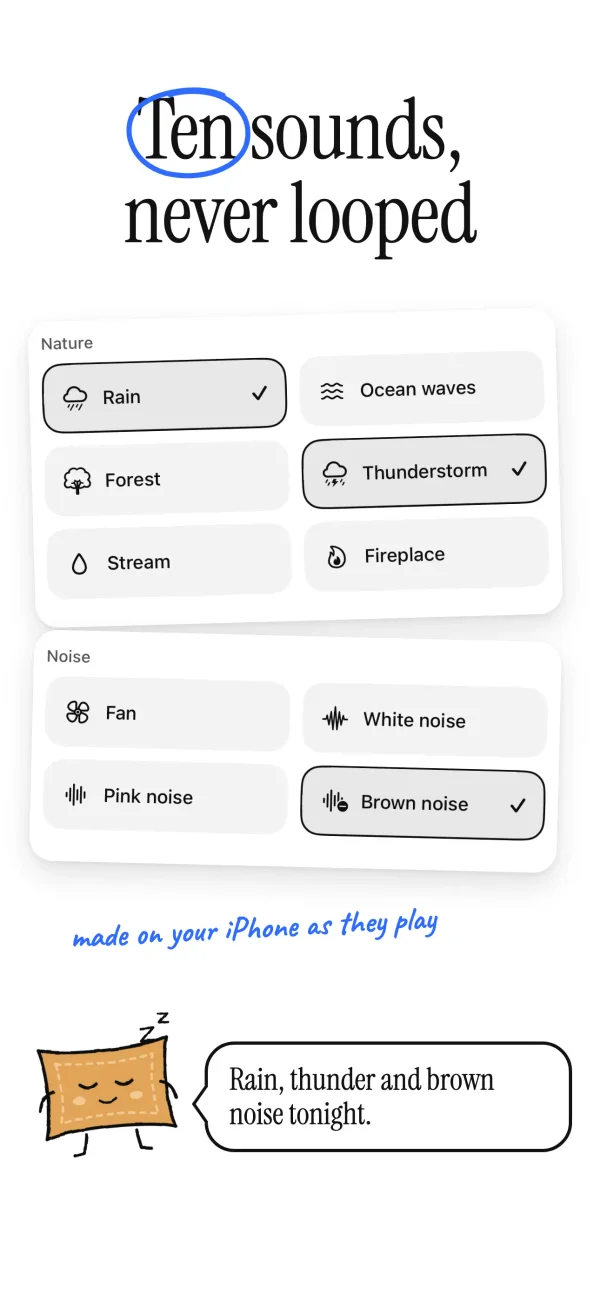
Ten sounds, made as they play
Rain, ocean waves, forest, thunderstorm, a running stream and a fireplace, plus a box fan and white, pink and brown noise. Every sound is synthesized on your iPhone or iPad in stereo as it plays, so there are no loops, no gaps and nothing to download.
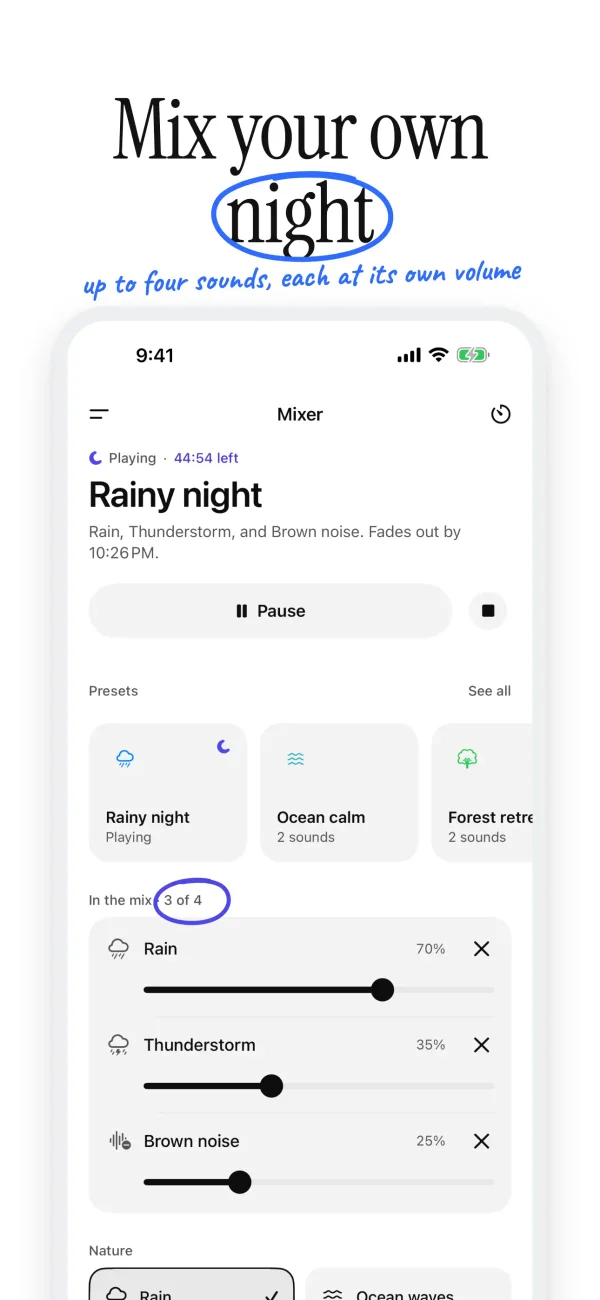
A mixer for your night
Layer up to four sounds and set each one's volume. Tap a sound to add it, and tap it again to take it out. Sounds fade in and out instead of starting or stopping abruptly. On iPad, your mix, the sleep timer and your presets sit beside every sound, so the whole night is on one screen by the bed.
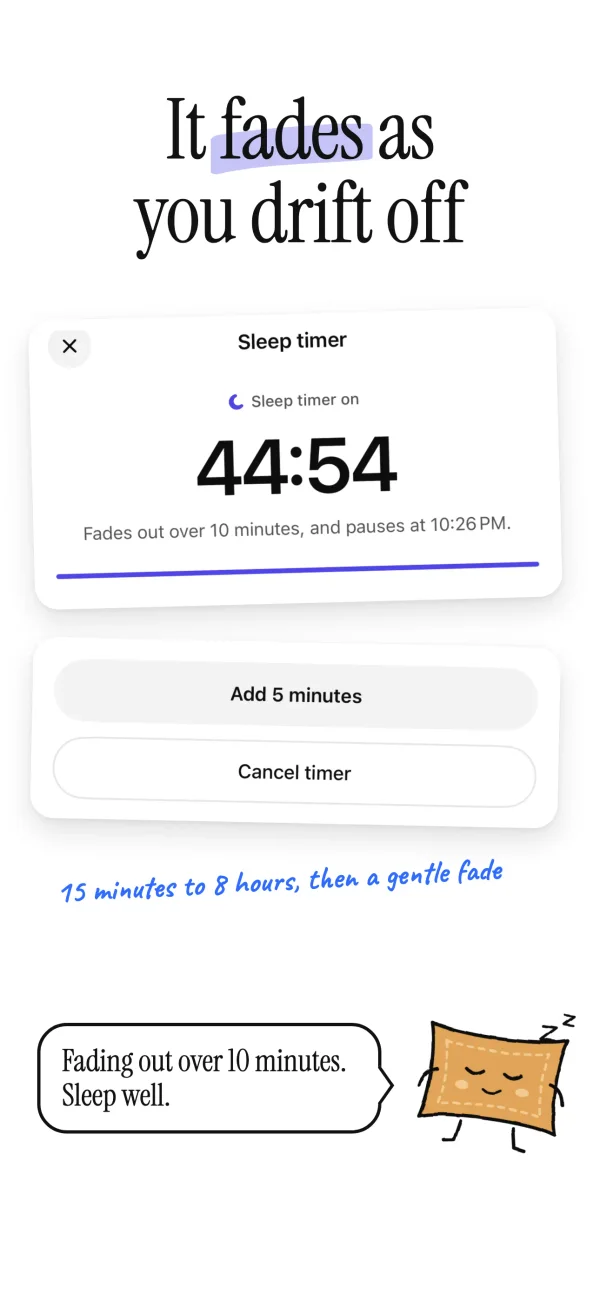
A sleep timer that fades gently
Choose 15 minutes to 8 hours, and a fade of 30 seconds to 15 minutes. The sounds ease down, then pause, and your mix is ready again tomorrow night.
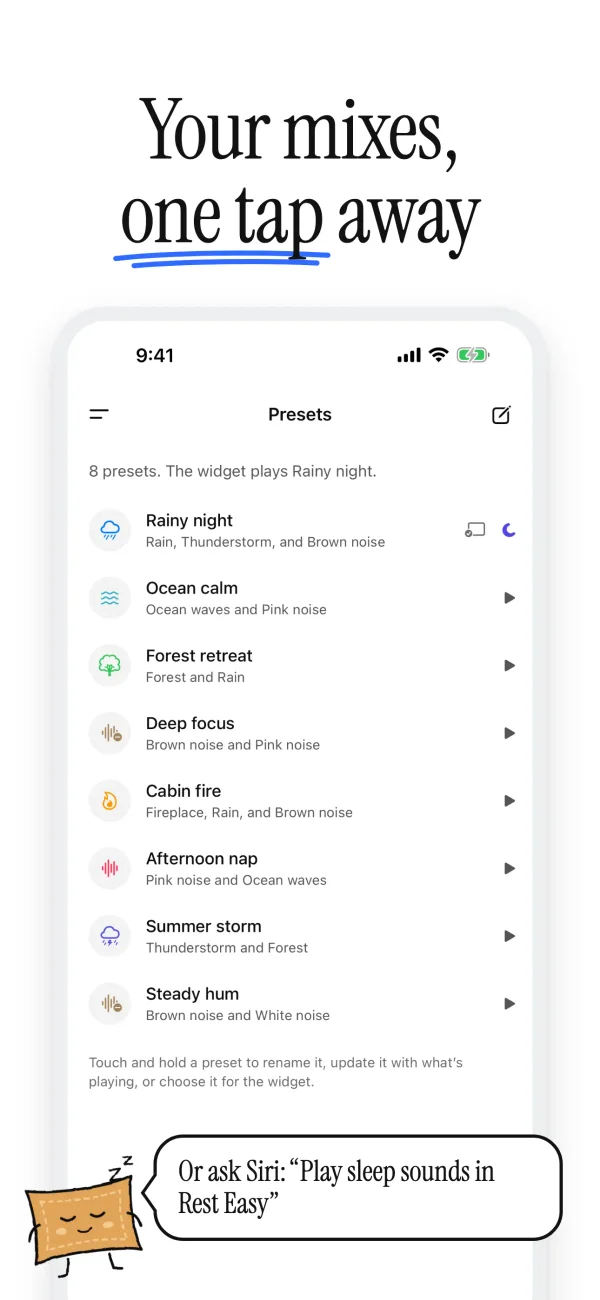
Presets, one tap away
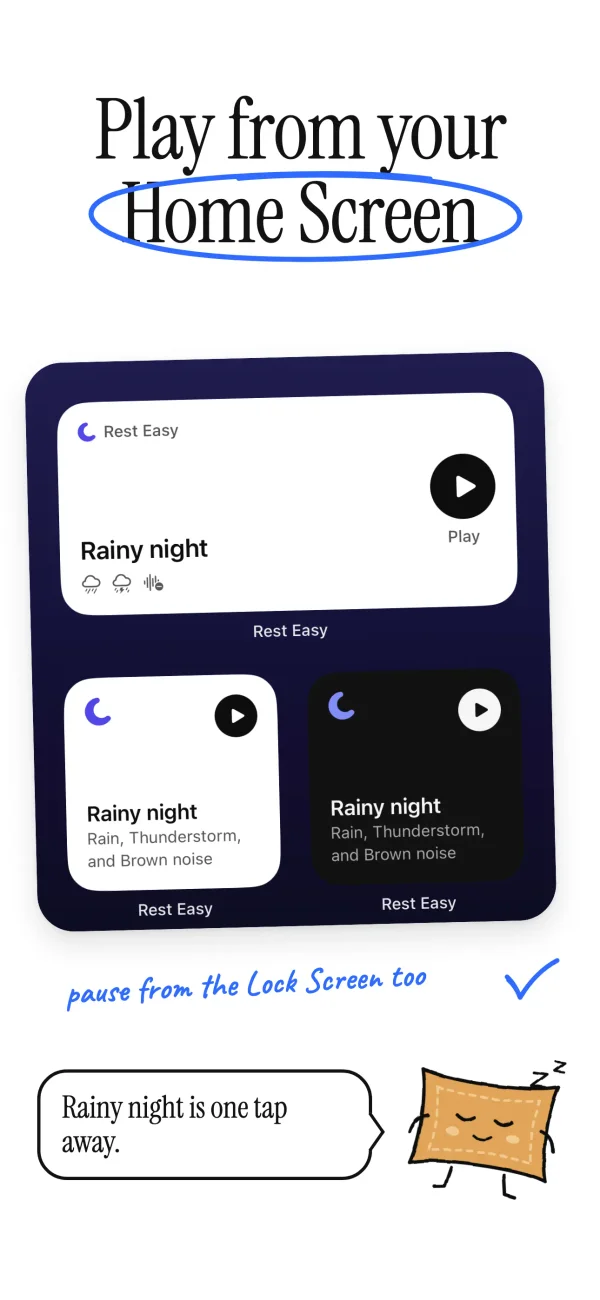
Save a mix as a preset and play it from the mixer, the menu or the Home Screen widget. Four starter presets help you begin.
Ask Siri, or build a bedtime shortcut
Say "Play sleep sounds in Rest Easy", or ask for a preset by name. In the Shortcuts app, play a preset with a sleep timer from a bedtime automation or a single tap.
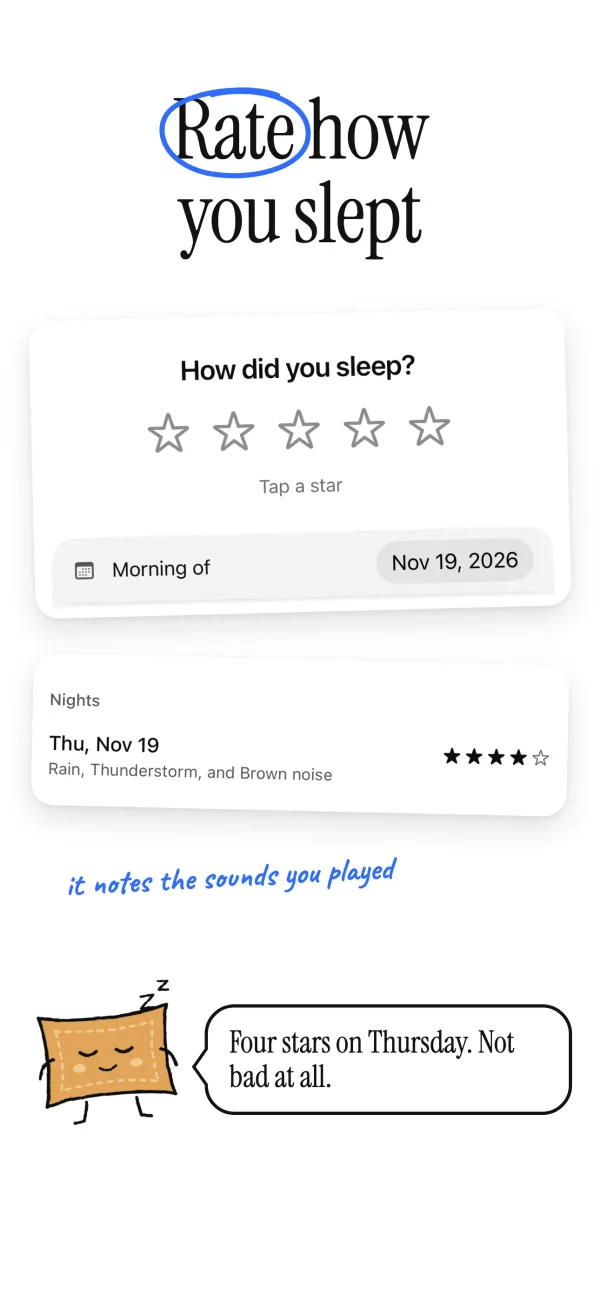
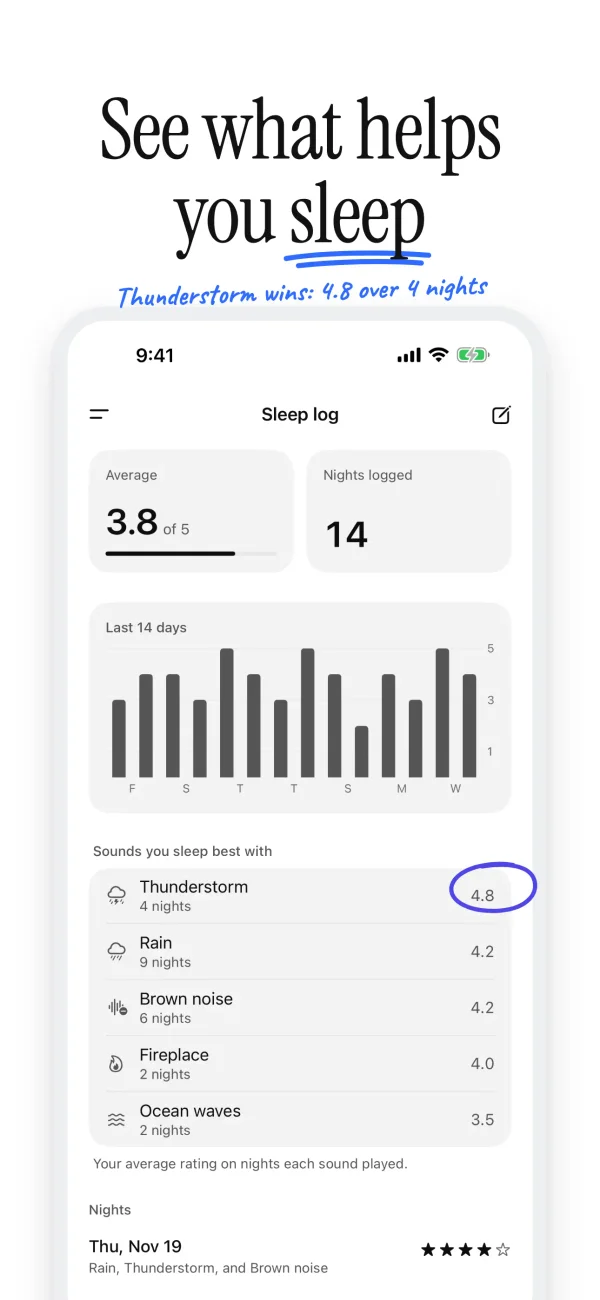
A simple sleep log
Each morning, rate how you slept. Rest Easy notes the sounds you played and shows which ones you sleep best with.
Made for the dark
Dark and Black are the defaults, and nothing bright glows while sound plays. Pause and play from the Lock Screen, and the sounds carry on with the screen off. Pick from eight accents, each with a matching icon.
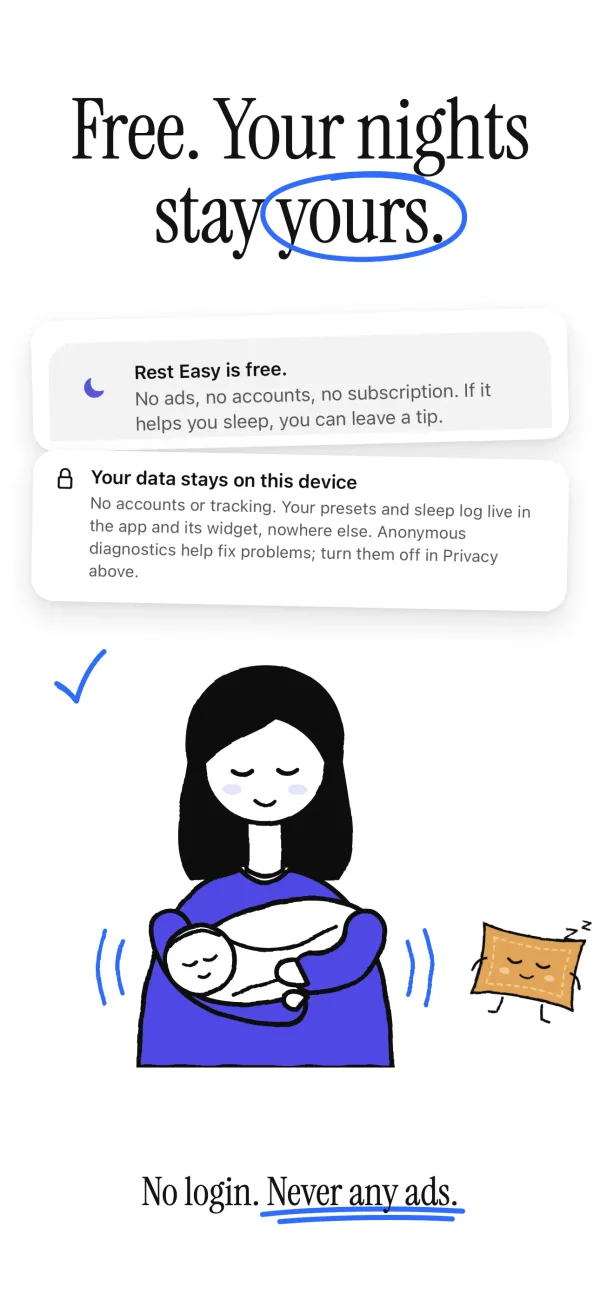
Your nights stay yours
Rest Easy doesn't want a login and never shows ads. Presets and the sleep log never leave the iPhone or iPad on your nightstand. To help fix bugs, Rest Easy sends anonymous diagnostics, like a crash report or the screen that was open. They never include your nights or presets, and you can turn them off in Settings.
A tip, if you like
Rest Easy is free and has nothing to unlock. If it helps you sleep, you can leave a one-time tip in Settings: a Pillow, a Blanket, a Dream or Starlight. A tip is paid through the App Store and unlocks nothing: every sound stays free.
Có gì mới
Phiên bản 1.6 · 20/11/2026
Now on iPad, with a layout made for the nightstand: your mix and its levels, the sleep timer and your presets sit beside every sound, so you pick sounds and see your mix at once. The sleep log puts the last 14 days beside every night you've rated. It works in any orientation, in Split View and Stage Manager, with keyboard shortcuts, and sound keeps playing with the screen locked, with controls on the Lock Screen.
On iPhone Duo unfolded, the mixer and the sleep log use the same side-by-side layout.
Quyền riêng tư của ứng dụng
Những gì Matthew Strickland khai báo trên App Store về cách ứng dụng này xử lý dữ liệu.
-
Dữ liệu không liên kết với bạn
Có thể được thu thập nhưng không liên kết với danh tính của bạn.
- Dữ liệu sử dụng
- Chẩn đoán
Phương thức đảm bảo quyền riêng tư có thể khác nhau, chẳng hạn như tuỳ theo các tính năng bạn sử dụng hoặc độ tuổi của bạn.
Thông tin
- Người bán
- Matthew Strickland
- Danh mục
- Sức Khỏe & Thể Dục
- Phiên bản
- 1.6
- Cập nhật
- 20/11/2026
- Phát hành
- 20/02/2026
- Kích thước
- 4,2 MB
- Yêu cầu
- iOS 17.0 trở lên
- Độ tuổi
- 4+
- Giá
- Miễn phí
- Mua hàng trong ứng dụng
- Có
- Ngôn ngữ
- Tiếng Anh
- Bản quyền
- © 2026 Idle Fusion LLC
Có thể bạn cũng thích
-
 DreamNoise: Sleep & FocusSức Khỏe & Thể Dục
-
 HushLab: White Noise SleepSức Khỏe & Thể Dục
-
 Fibermaxxing Diet Coach AISức Khỏe & Thể Dục
-
 White Noise & Fan Sleep SoftlySức Khỏe & Thể Dục
-
 DreamTone - Sleep SoundsSức Khỏe & Thể Dục
-
 Dozio: Âm thanh ngủ ngonA cozy corner for sleep
-
 Night Quiet: Relax & SleepSức Khỏe & Thể Dục
-
 Sleep Timer: No Subs AppsGentle Alarm & Calm Sounds
-
 RLS Coach – Sleep BetterSức Khỏe & Thể Dục
-
 Liquid Noise: White & BrownSức Khỏe & Thể Dục