
ReWeb - Allowlist Browser
Only the web you allow
Conçue pour iPhone, iPad
Gratuit · Achats intégrés
- Classification d’âge4+
- CatégorieUtilitaires
- Développeur易 秦
- LanguesAnglais+ 5 de plus
- Taille4,0 Mo
Renvoie vers la page App Store officielle
Download.org n’héberge aucun fichier de ReWeb - Allowlist Browser. Le bouton ouvre la page de l’application sur App Store, où 易 秦 la publie. Fiche vérifiée pour la dernière fois le 23/11/2026.
Captures d’écran
À propos
Le développeur n’a pas fourni ce texte dans votre langue.
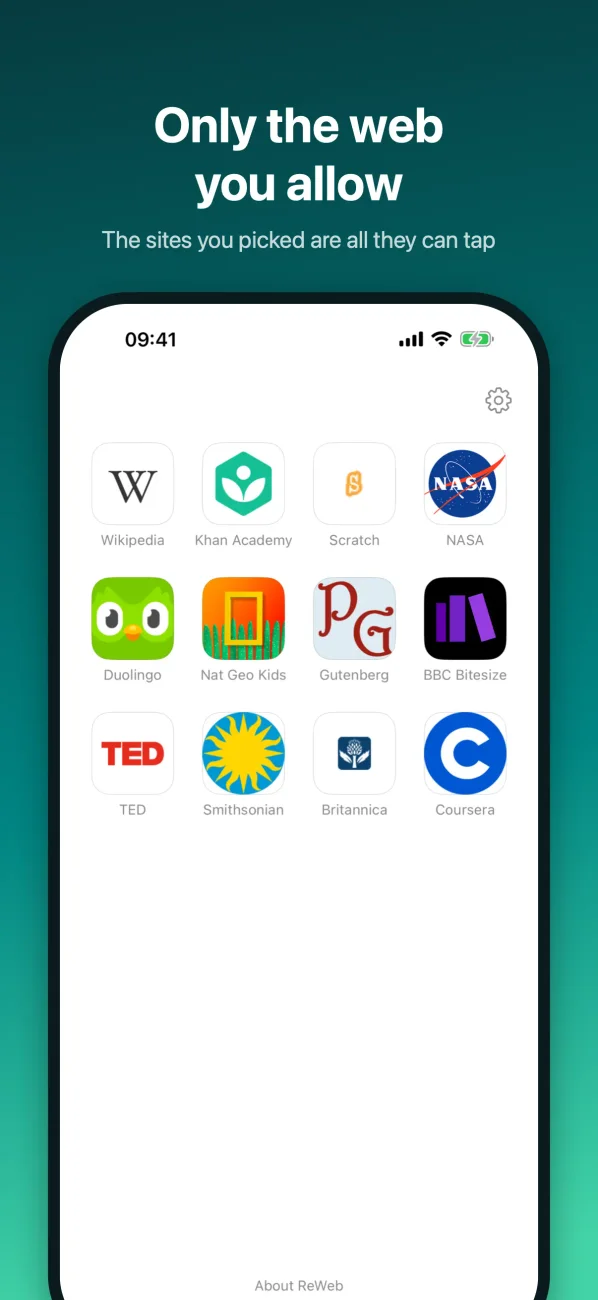
ReWeb (Restricted Web) is a browser with an allowlist: it opens the sites on your list and nothing else.
Free to download: browsing, the site allowlist and browsing limits are free forever. The Pro features that turn a device into a dedicated terminal – default site, full-screen display, offline static websites, unattended recovery and remote configuration – are free to try for 14 days, then a one-time purchase unlocks them for good, with Family Sharing.
There's no "mode" switch. One set of settings describes very different devices: keep the address bar hidden and it's a kids' browser. List your intranet domains and it's a company portal. Pin a default site in full screen and it's a kiosk. Tick "Scanner" on a site and it's a barcode gun.
FAMILIES – a tablet that only has the sites you picked
• Add cartoons, an encyclopedia and a few learning sites. The address bar is off by default, so those icons are all your child can tap
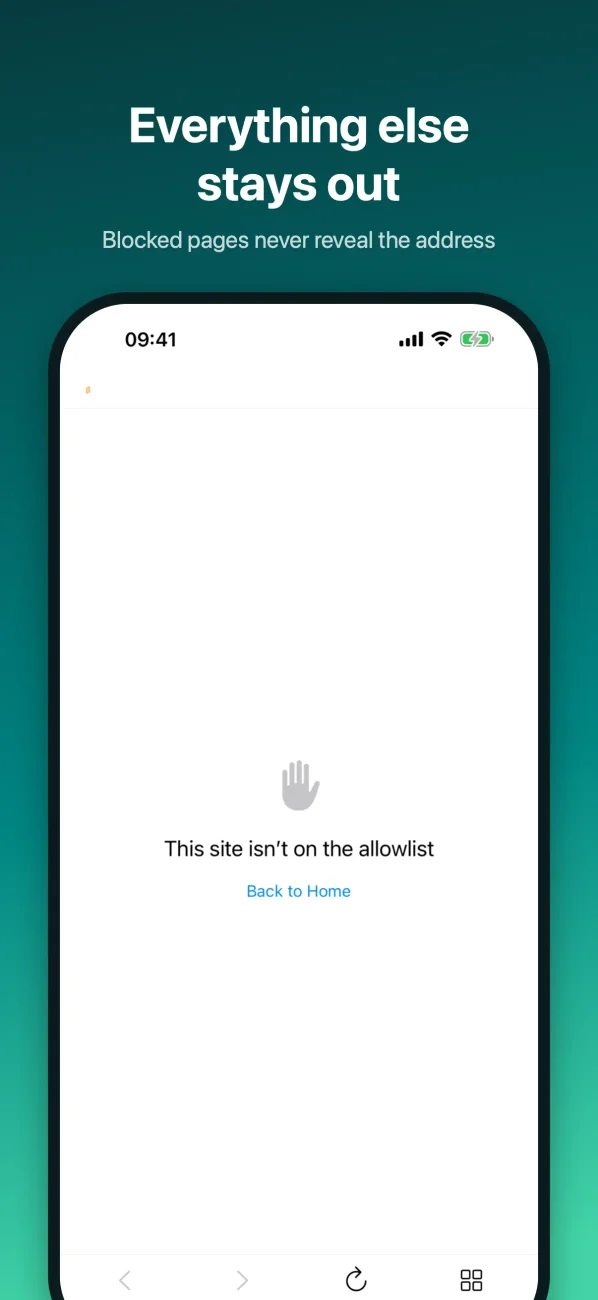
• Links that wander off are stopped, and the notice never shows the blocked address – so there's nothing to go and search for
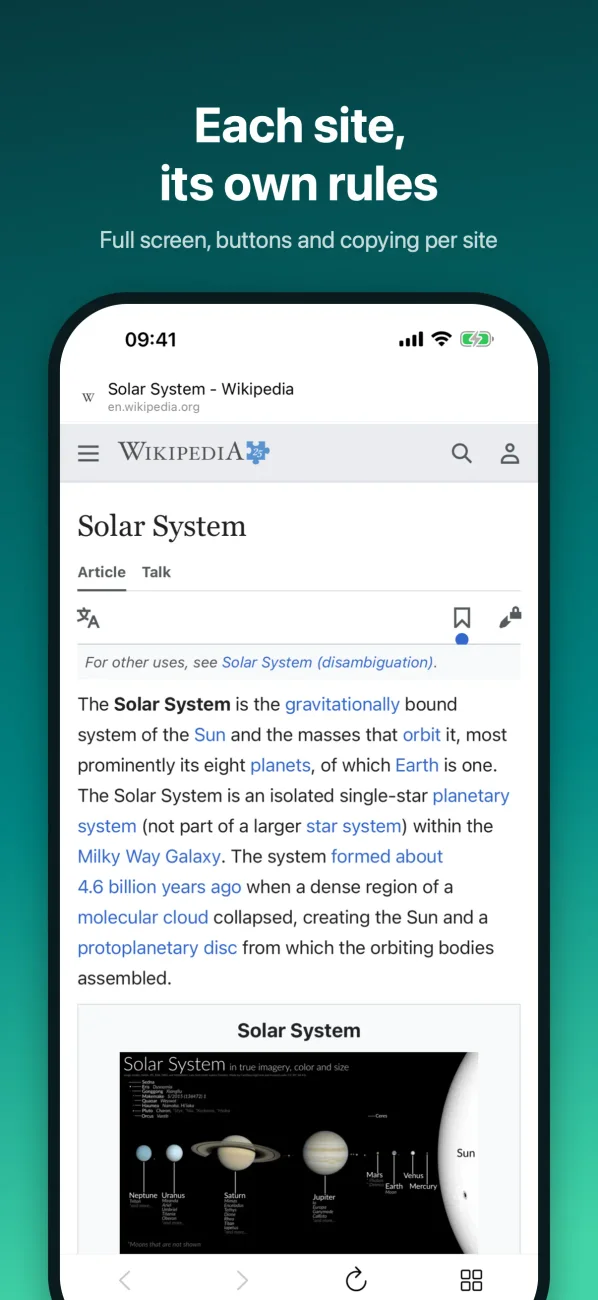
• Down to the path: allow one section of a site without opening up the whole site
• Selection and copy are off by default, along with escape hatches like "Open in browser"
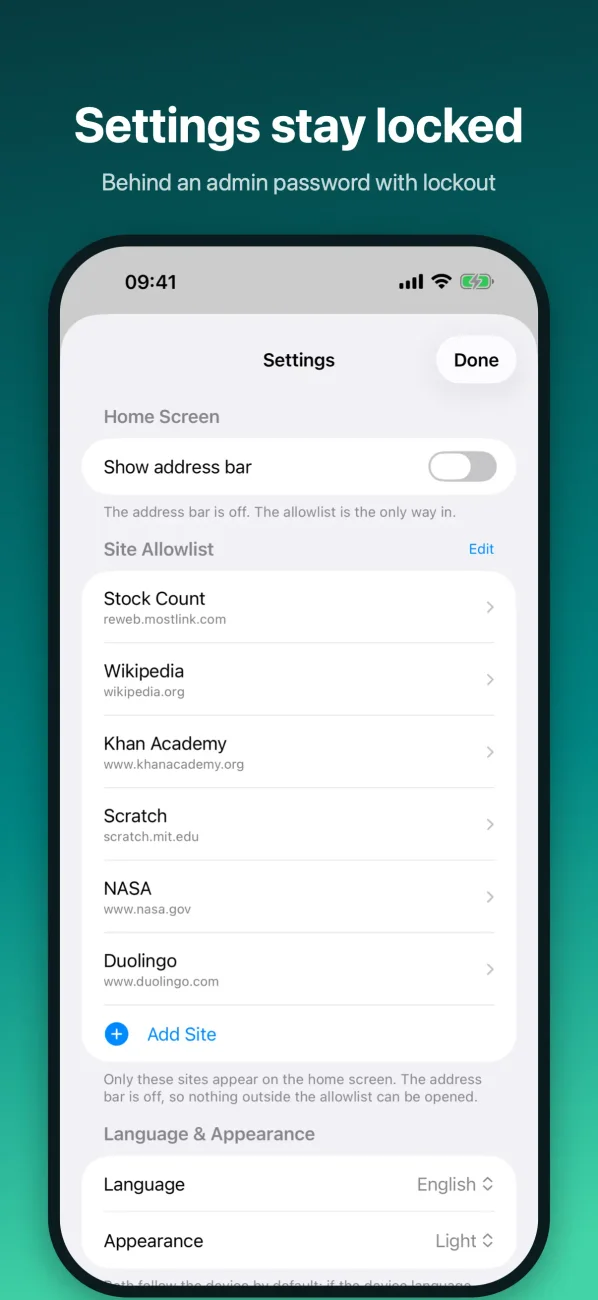
• Settings need a password. Wrong guesses back off step by step, and force-quitting the app doesn't reset the count
BUSINESS – an intranet portal that stays inside the company
• List the domains for approvals, expenses, tickets and your wiki, and turn on "Include subdomains" so new internal tools work without being registered one by one
• Strict page resources: images and scripts load only from your own and allowlisted domains
• The domain stays visible at the top of every page
• Addresses typed into the address bar are one-off visits and never slip into the allowlist
KIOSKS – booths, stores and lobbies that run unattended
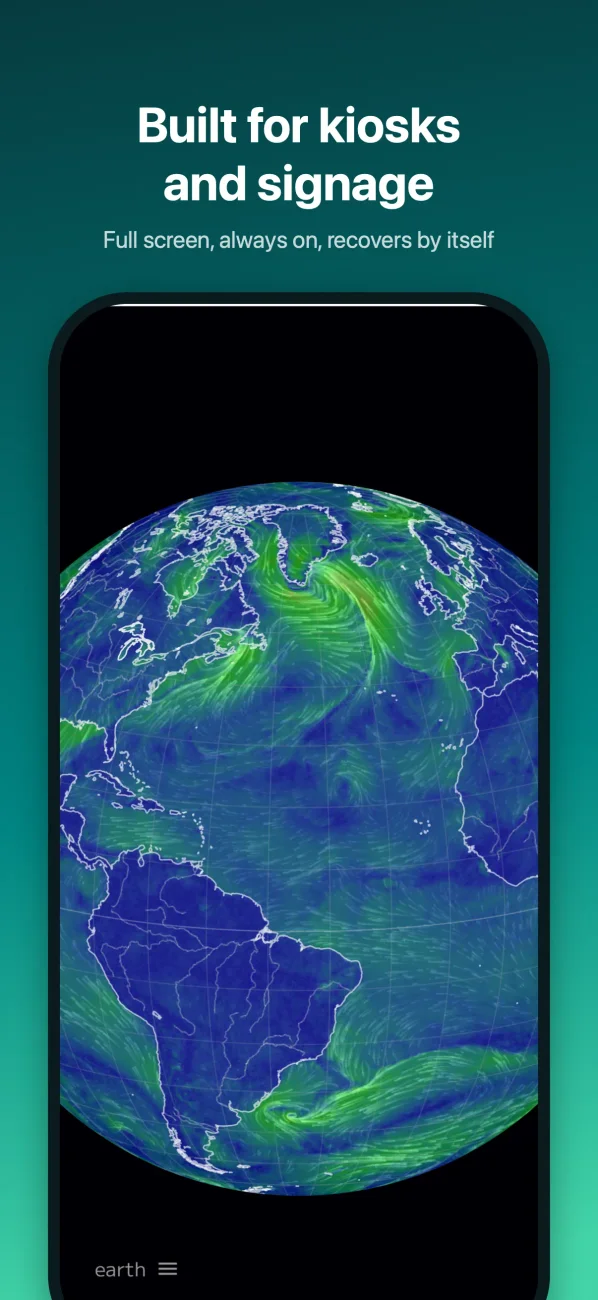
• Pick a default site and it opens full screen, keeps the display awake and refreshes on a timer
• Network drops, blank pages and crashed pages recover on their own: retries after 2s, 5s, 15s, 60s, then once a minute
• No buttons, no address bar, and leaving full screen asks for the password again
STATIC WEBSITES – your own HTML, served from the device (Pro)
• Put a folder of HTML, CSS, JavaScript, images and video on the device – it opens with no internet at all, ideal for trade shows and showrooms
• Copy it in with Finder, or upload it from a computer's browser over WiFi, protected by a one-time 6-digit code
• Videos can be scrubbed, and your pages can still scan, snap and record
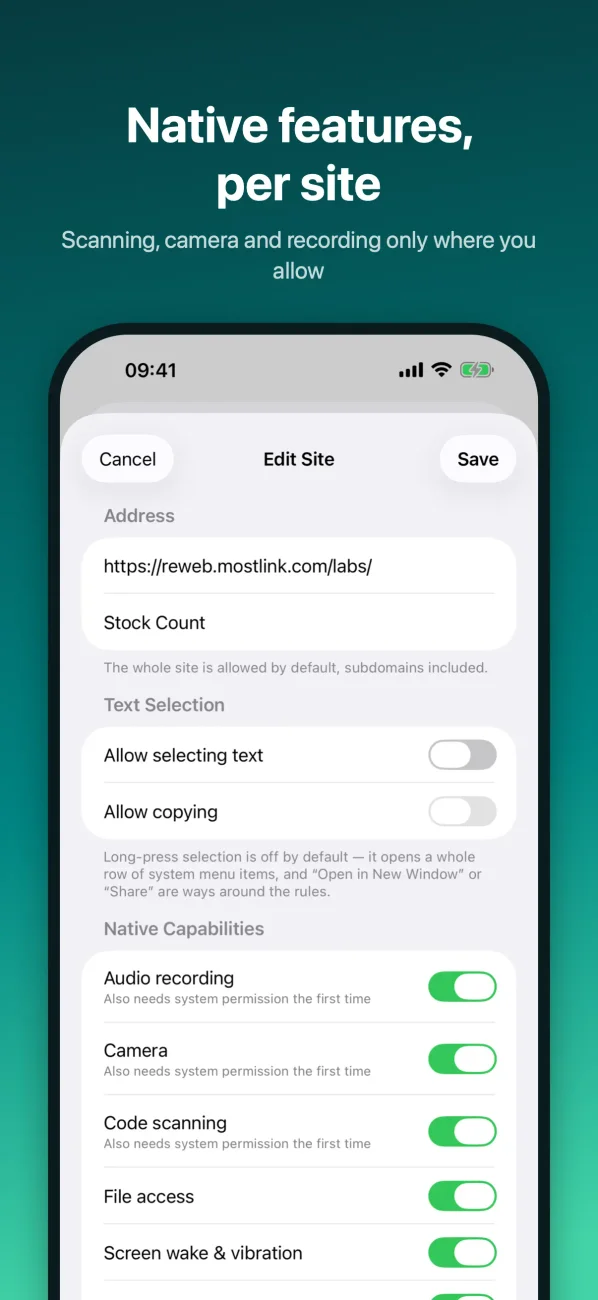
NATIVE FEATURES – your web app, and every phone is a scanner
• Scanning: QR, Code 128, EAN-13, PDF417, Data Matrix and more, with continuous scanning, de-duplication and torch control
• Camera: front, back or photo library – delivery slips and damaged goods go straight back to your app
• Long recordings: keep going with the screen off or the app in the background, and uploads finish in the background. A banner stays visible the whole time
• Per-site permissions: a site gets only the features ticked for it, and a feature does nothing until the page calls it
SECURITY BY DESIGN
• Fails closed: an empty allowlist or a broken configuration blocks everything – it never lets everything through
• Known bypasses covered: user@host tricks, look-alike suffixes, pasted javascript:, path traversal
• The admin password is stored with PBKDF2 (310,000 iterations) in the system keychain, plus a one-time recovery code
• ReWeb itself collects nothing, tracks nothing and shows no ads
ALSO
• Works on iPhone and iPad, in portrait and landscape
• Just for yourself? Skip the admin password at setup and add one in Settings any time
• Available in English, 简体中文, 日本語, 한국어, Français and Deutsch, with light and dark appearance following the system
• Combine it with the system's Guided Access to keep the device locked inside ReWeb
Feedback and partnerships: info@mostlink.com
Nouveautés
Version 1.0.2 · 18/11/2026
• Local Sites (Pro): put a website's files on your iPhone or iPad and open it with no internet at all. Copy a folder in with Finder, or upload it from a computer on the same WiFi in Settings > Local Sites. Then add it in the allowlist as a "Local site".
• No password needed for personal use: during first setup you can now choose to use ReWeb without an admin password. You can add one any time in Settings > Security.
• Safer by default: on new installs the address bar now starts hidden, so only the sites on your list can be opened. Turn it on in Settings > Home Screen.
Confidentialité de l’application
Ce que 易 秦 déclare sur l’App Store au sujet du traitement des données par cette application.
-
Données non collectées
Le développeur ne collecte aucune donnée à partir de cette application.
Les pratiques en matière de confidentialité peuvent varier, notamment en fonction des fonctionnalités que vous utilisez ou de votre âge.
Informations
- Vendeur
- 易 秦
- Catégorie
- Utilitaires
- Version
- 1.0.2
- Mis à jour
- 18/11/2026
- Publié
- 04/11/2026
- Taille
- 4,0 Mo
- Nécessite
- iOS 16.0 ou version ultérieure
- Classification d’âge
- 4+
- Prix
- Gratuit
- Achats intégrés
- Oui
- Langues
- Anglais, Français, Allemand, Japonais, Coréen, Chinois simplifié
- Copyright
- © Mostlink