
ReWeb - Allowlist Browser
Only the web you allow
Được thiết kế cho iPhone, iPad
Miễn phí · Mua hàng trong ứng dụng
- Độ tuổi4+
- Danh mụcTiện Ích
- Nhà phát triển易 秦
- Ngôn ngữTiếng Anh+ 5 ngôn ngữ khác
- Kích thước4,0 MB
Liên kết đến trang App Store chính thức
Download.org không lưu trữ tệp nào của ReWeb - Allowlist Browser. Nút này mở trang ứng dụng trên App Store, nơi 易 秦 phát hành ứng dụng. Trang được kiểm tra lần cuối: 23/11/2026.
Ảnh chụp màn hình

Giới thiệu
Nhà phát triển chưa cung cấp nội dung này bằng ngôn ngữ của bạn.
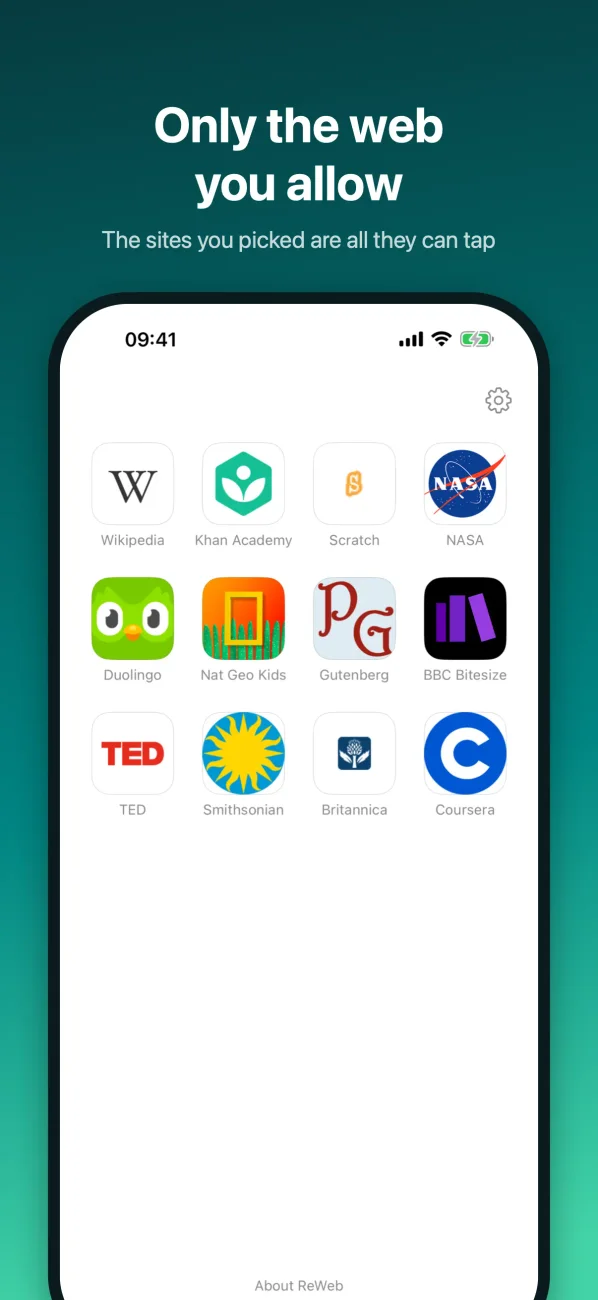
ReWeb (Restricted Web) is a browser with an allowlist: it opens the sites on your list and nothing else.
Free to download: browsing, the site allowlist and browsing limits are free forever. The Pro features that turn a device into a dedicated terminal – default site, full-screen display, offline static websites, unattended recovery and remote configuration – are free to try for 14 days, then a one-time purchase unlocks them for good, with Family Sharing.
There's no "mode" switch. One set of settings describes very different devices: keep the address bar hidden and it's a kids' browser. List your intranet domains and it's a company portal. Pin a default site in full screen and it's a kiosk. Tick "Scanner" on a site and it's a barcode gun.
FAMILIES – a tablet that only has the sites you picked
• Add cartoons, an encyclopedia and a few learning sites. The address bar is off by default, so those icons are all your child can tap
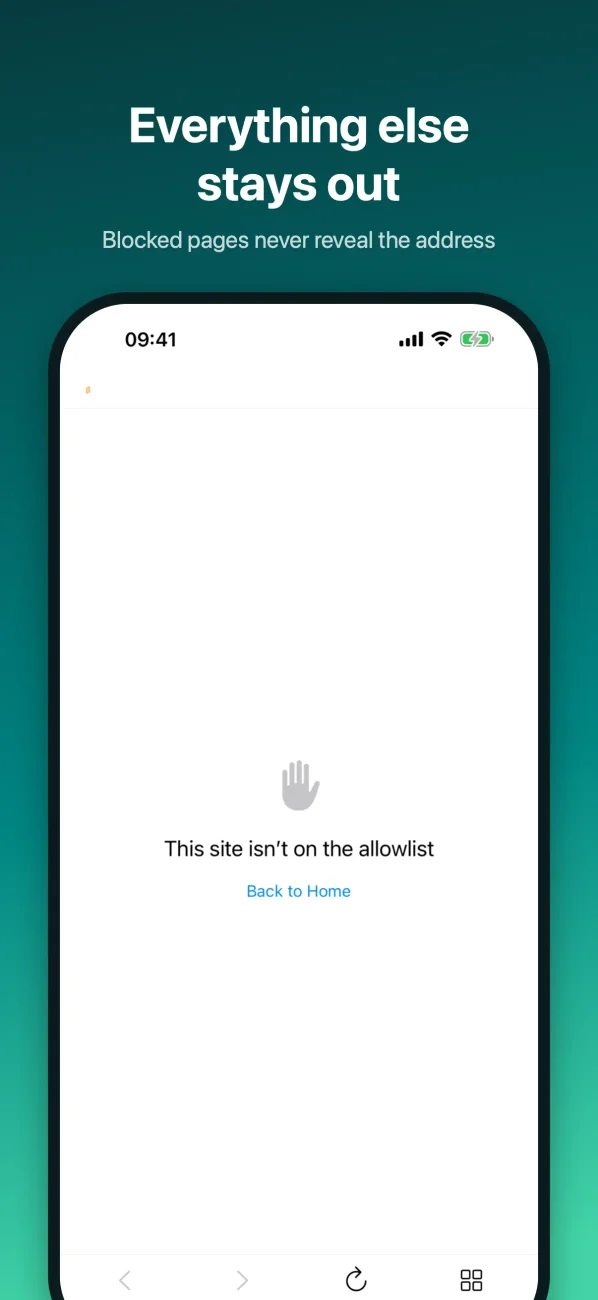
• Links that wander off are stopped, and the notice never shows the blocked address – so there's nothing to go and search for
• Down to the path: allow one section of a site without opening up the whole site
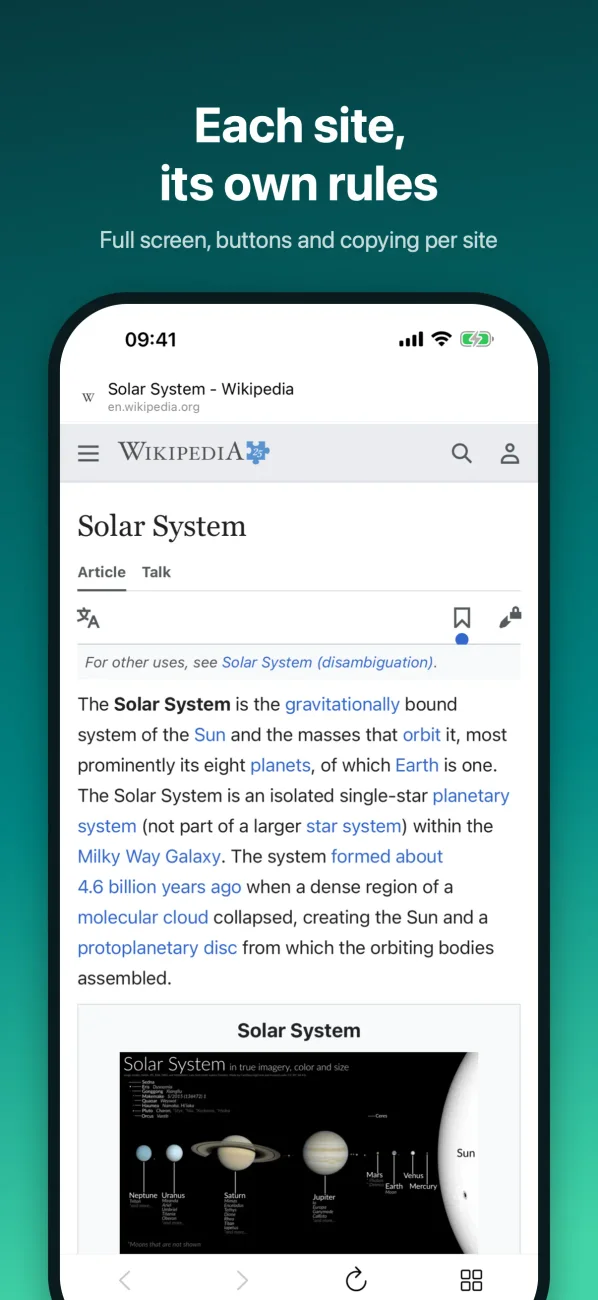
• Selection and copy are off by default, along with escape hatches like "Open in browser"
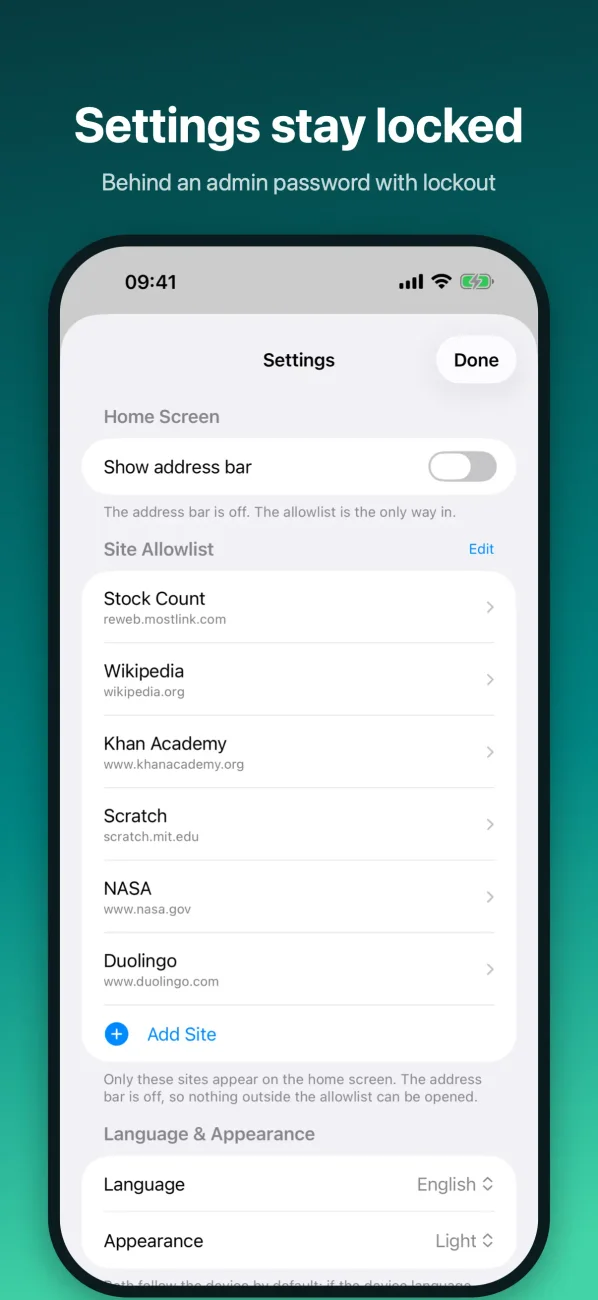
• Settings need a password. Wrong guesses back off step by step, and force-quitting the app doesn't reset the count
BUSINESS – an intranet portal that stays inside the company
• List the domains for approvals, expenses, tickets and your wiki, and turn on "Include subdomains" so new internal tools work without being registered one by one
• Strict page resources: images and scripts load only from your own and allowlisted domains
• The domain stays visible at the top of every page
• Addresses typed into the address bar are one-off visits and never slip into the allowlist
KIOSKS – booths, stores and lobbies that run unattended
• Pick a default site and it opens full screen, keeps the display awake and refreshes on a timer
• Network drops, blank pages and crashed pages recover on their own: retries after 2s, 5s, 15s, 60s, then once a minute
• No buttons, no address bar, and leaving full screen asks for the password again
STATIC WEBSITES – your own HTML, served from the device (Pro)
• Put a folder of HTML, CSS, JavaScript, images and video on the device – it opens with no internet at all, ideal for trade shows and showrooms
• Copy it in with Finder, or upload it from a computer's browser over WiFi, protected by a one-time 6-digit code
• Videos can be scrubbed, and your pages can still scan, snap and record
NATIVE FEATURES – your web app, and every phone is a scanner
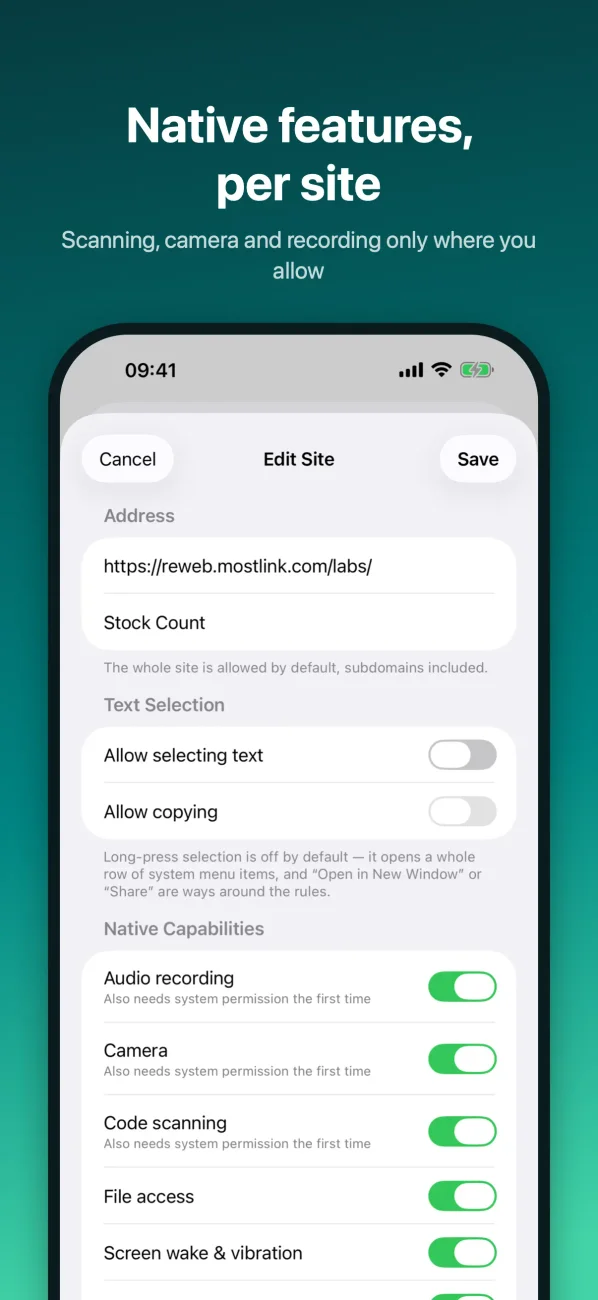
• Scanning: QR, Code 128, EAN-13, PDF417, Data Matrix and more, with continuous scanning, de-duplication and torch control
• Camera: front, back or photo library – delivery slips and damaged goods go straight back to your app
• Long recordings: keep going with the screen off or the app in the background, and uploads finish in the background. A banner stays visible the whole time
• Per-site permissions: a site gets only the features ticked for it, and a feature does nothing until the page calls it
SECURITY BY DESIGN
• Fails closed: an empty allowlist or a broken configuration blocks everything – it never lets everything through
• Known bypasses covered: user@host tricks, look-alike suffixes, pasted javascript:, path traversal
• The admin password is stored with PBKDF2 (310,000 iterations) in the system keychain, plus a one-time recovery code
• ReWeb itself collects nothing, tracks nothing and shows no ads
ALSO
• Works on iPhone and iPad, in portrait and landscape
• Just for yourself? Skip the admin password at setup and add one in Settings any time
• Available in English, 简体中文, 日本語, 한국어, Français and Deutsch, with light and dark appearance following the system
• Combine it with the system's Guided Access to keep the device locked inside ReWeb
Feedback and partnerships: info@mostlink.com
Có gì mới
Phiên bản 1.0.2 · 18/11/2026
• Local Sites (Pro): put a website's files on your iPhone or iPad and open it with no internet at all. Copy a folder in with Finder, or upload it from a computer on the same WiFi in Settings > Local Sites. Then add it in the allowlist as a "Local site".
• No password needed for personal use: during first setup you can now choose to use ReWeb without an admin password. You can add one any time in Settings > Security.
• Safer by default: on new installs the address bar now starts hidden, so only the sites on your list can be opened. Turn it on in Settings > Home Screen.
Quyền riêng tư của ứng dụng
Những gì 易 秦 khai báo trên App Store về cách ứng dụng này xử lý dữ liệu.
-
Dữ liệu không được thu thập
Nhà phát triển không thu thập bất kỳ dữ liệu nào từ ứng dụng này.
Phương thức đảm bảo quyền riêng tư có thể khác nhau, chẳng hạn như tuỳ theo các tính năng bạn sử dụng hoặc độ tuổi của bạn.
Thông tin
- Người bán
- 易 秦
- Danh mục
- Tiện Ích
- Phiên bản
- 1.0.2
- Cập nhật
- 18/11/2026
- Phát hành
- 04/11/2026
- Kích thước
- 4,0 MB
- Yêu cầu
- iOS 16.0 trở lên
- Độ tuổi
- 4+
- Giá
- Miễn phí
- Mua hàng trong ứng dụng
- Có
- Ngôn ngữ
- Tiếng Anh, Tiếng Pháp, Tiếng Đức, Tiếng Nhật, Tiếng Hàn, Tiếng Trung Giản thể
- Bản quyền
- © Mostlink