
Runny: Run Effectively
Be more effective runner
Conçue pour iPhone, iPod touch
Gratuit
- Classification d’âge4+
- CatégorieSports
- DéveloppeurFilip Vabrousek
- LanguesAnglais
- Taille37,9 Mo
Renvoie vers la page App Store officielle
Download.org n’héberge aucun fichier de Runny: Run Effectively. Le bouton ouvre la page de l’application sur App Store, où Filip Vabrousek la publie. Fiche vérifiée pour la dernière fois le 15/11/2026.
Captures d’écran
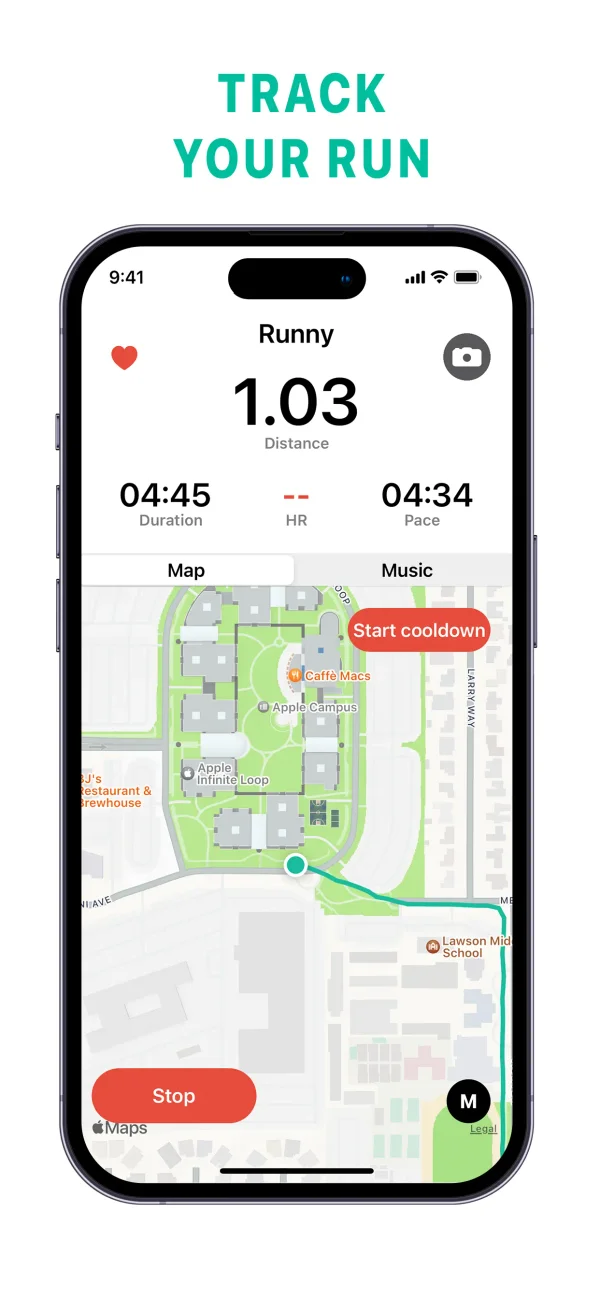


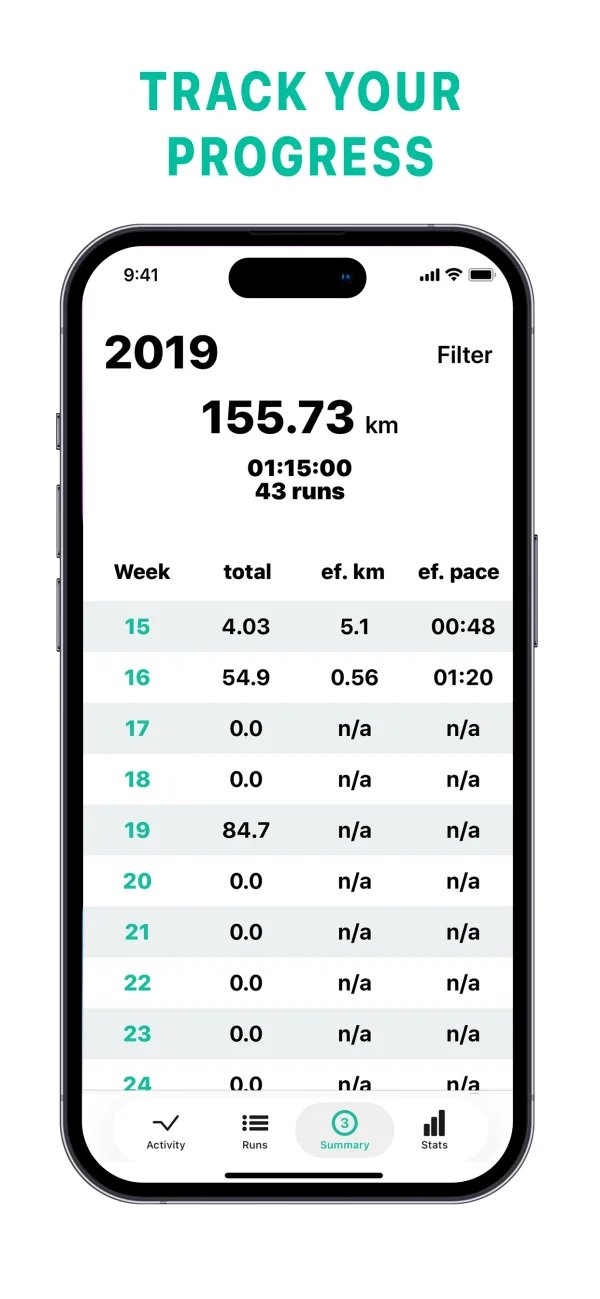
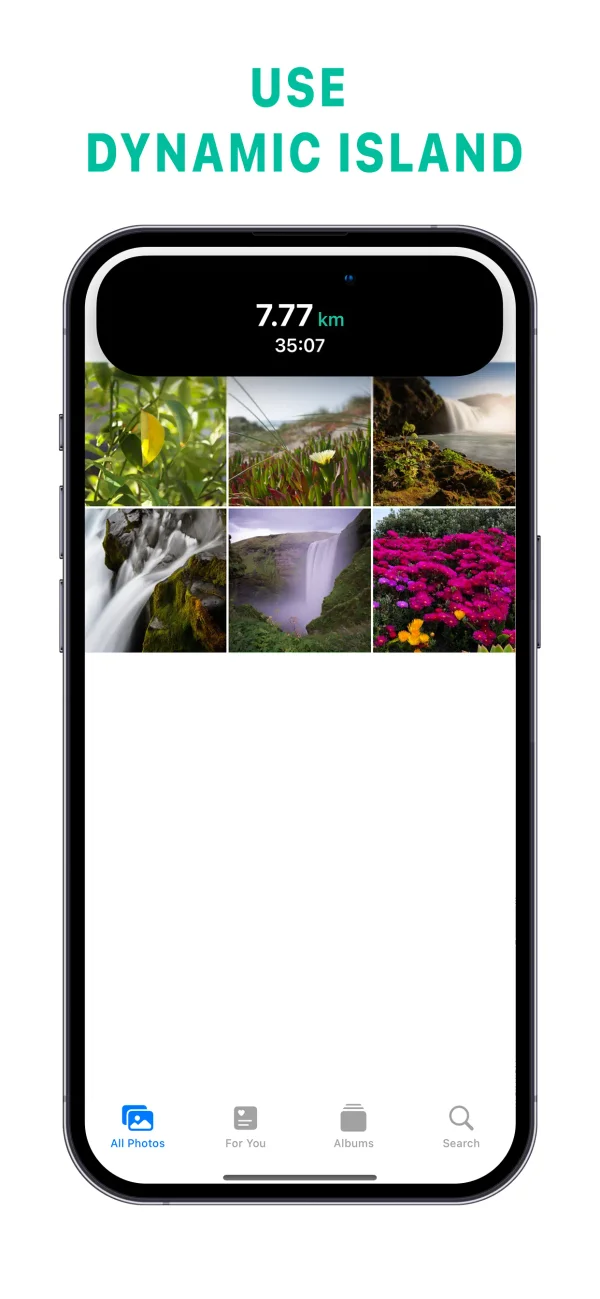
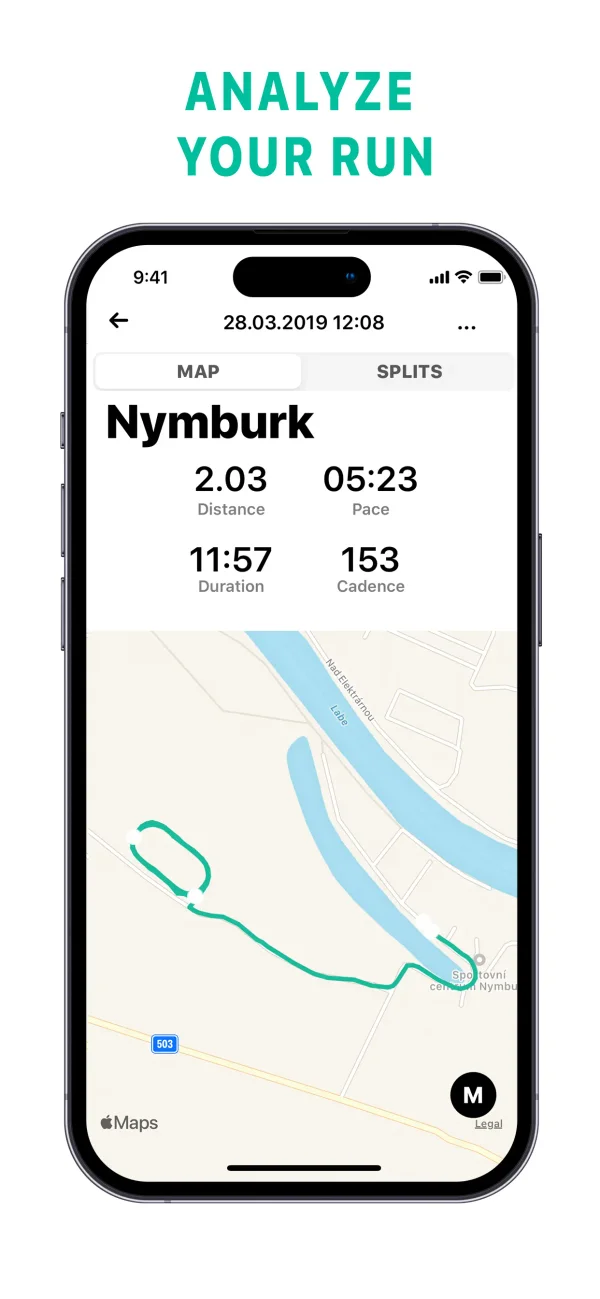

À propos
Le développeur n’a pas fourni ce texte dans votre langue.
The most effective run tracking app on the market.
We emphasise the importance of warm-up and cool down and provide you with effective pace, which reflects the real core of your session.
We respect your privacy. Nobody will ever see your data, unless you decide to share it yourself.
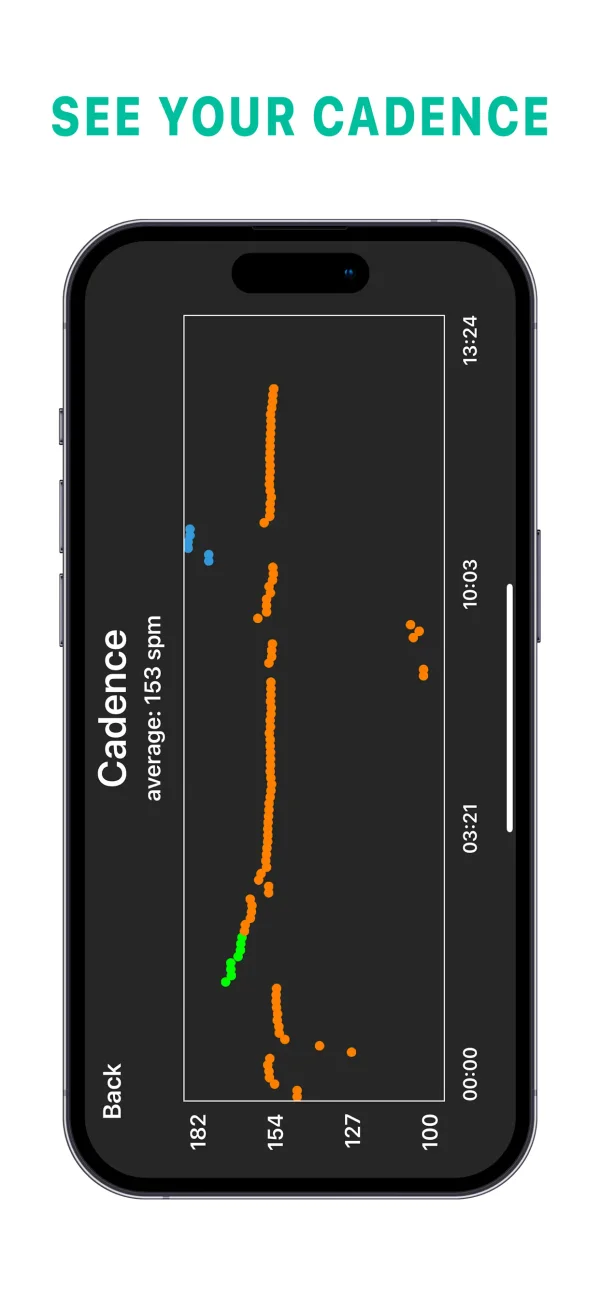
The app uses the HealthKit data to measure the running cadence accurately.
FEATURES:
Effective pace, heart rate and cadence (taken purely between warm-up and cooldown)
Cadence included in the app itself
Heart rate with optional Bluetooth compatible HR belt
Custom goal setting
Weekly, monthly, yearly detailed stats
Manual activity entry option
Music player
Desired cadence related playlist
Real-time mapping
Generating image from your activity to share on your social network
This app uses Bluetooth and location updates in background, which can dramatically decrease battery life.
Nouveautés
Version 4.0 · 14/10/2026
Made for iPhone Duo
Runny now fills the iPhone Duo's inner display. Turn it sideways and the tabs and map controls move into the side bar along the edge. On the cover display, map style, camera and heart-rate pairing sit in the side bar too. Fold it and the cover display goes back to portrait, even if you were holding the inner display sideways.
Your run, your way round
On the inner display, hold the phone upright and a run's stats sit above its map. Turn it sideways and the map runs beside them.
Heart rate on the map
Your average heart rate now floats over the route in a Liquid Glass capsule, on every iPhone.
Everything within reach
On the inner display, Map and Music stay in the header, where your thumb can get to them, and the map style button no longer hides behind the tab bar. On the cover display, the back button and the Map | Splits switch stay clear of the screen's corner and the clock, and every stat sits right above its label.
Apple Watch
In a run's details, the laps you marked are now simply called Laps, and the buttons are centred on the screen.
Keep running with us!
Confidentialité de l’application
Ce que Filip Vabrousek déclare sur l’App Store au sujet du traitement des données par cette application.
-
Données n’établissant aucun lien avec vous
Peuvent être collectées, mais ne sont pas liées à votre identité.
- Santé et forme
- Emplacement
- Contenu utilisateur
- Diagnostic
Les pratiques en matière de confidentialité peuvent varier, notamment en fonction des fonctionnalités que vous utilisez ou de votre âge.
Informations
- Vendeur
- Filip Vabrousek
- Catégorie
- Sports
- Version
- 4.0
- Mis à jour
- 14/10/2026
- Publié
- 23/04/2019
- Taille
- 37,9 Mo
- Nécessite
- iOS 15.0 ou version ultérieure
- Classification d’âge
- 4+
- Prix
- Gratuit
- Langues
- Anglais
- Copyright
- © Filip Vabrousek
Vous aimerez peut-être aussi
-
 Runscope — Analyse RunningPlan, stats & coach IA
-
 CrushThisCourse: Race StrategySports
-
 loipeSports
-
 A-List Dance & AcrobaticsSports
-
 Golfcount: Simple golf countSports
-
 HuntTrailCarte chasse · Traces · Appels
-
 XTERRASports
-
 Pushlapp: Lap AnalysisSports
-
 TriPace Triathlon CalculatorSports
-
 TrackdaysplannerSports