Screenshot Editor & Stitcher
Screen Taker & Image Merger
Conçue pour iPhone, iPod touch
Gratuit · Achats intégrés
- Classification d’âge4+
- CatégorieUtilitaires
- DéveloppeurSOFTIZO UNIVERSE
- LanguesAnglais+ 18 de plus
- Taille47,7 Mo
Renvoie vers la page App Store officielle
Download.org n’héberge aucun fichier de Screenshot Editor & Stitcher. Le bouton ouvre la page de l’application sur App Store, où SOFTIZO UNIVERSE la publie. Fiche vérifiée pour la dernière fois le 16/11/2026.
Captures d’écran
À propos
Le développeur n’a pas fourni ce texte dans votre langue.
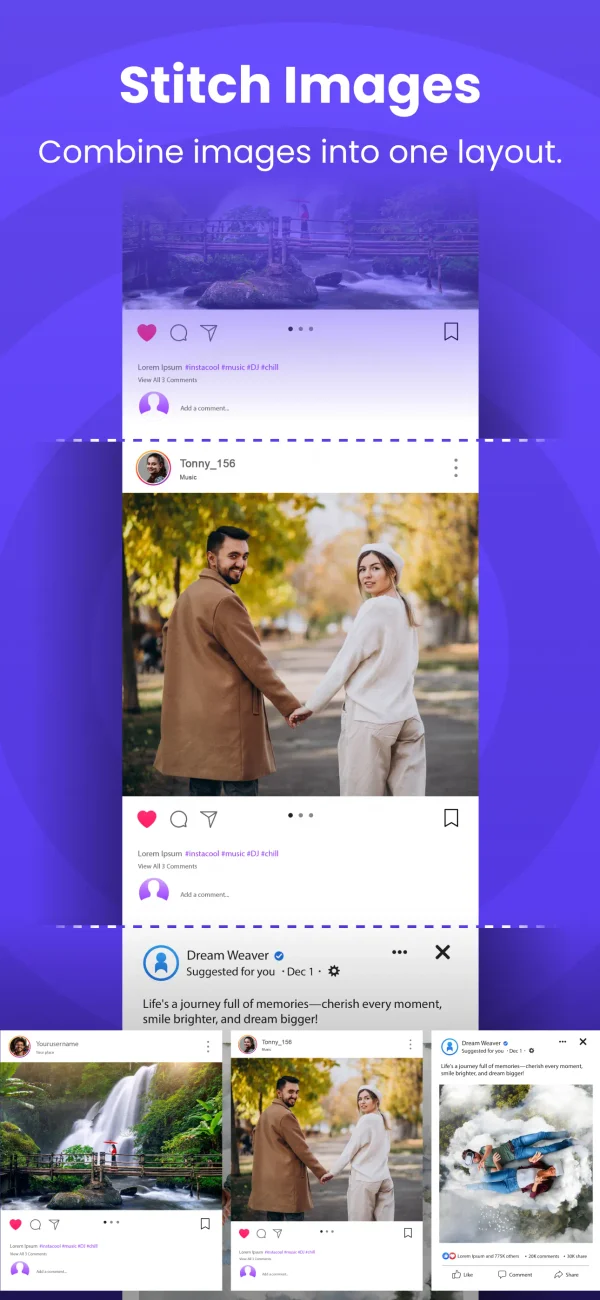
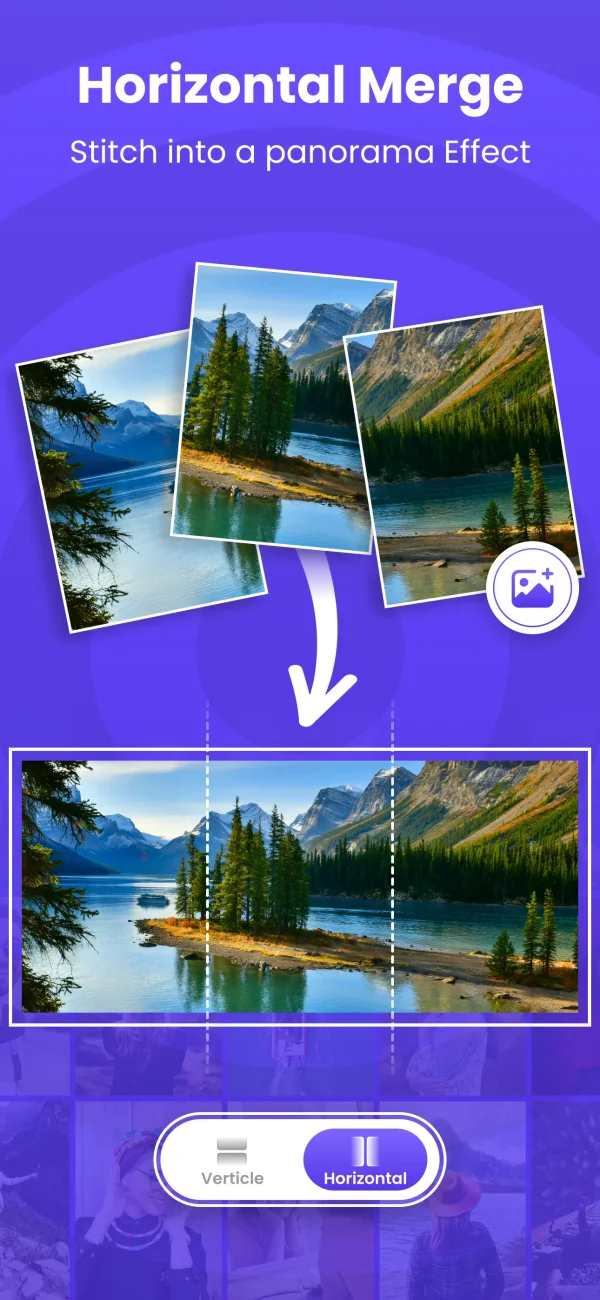
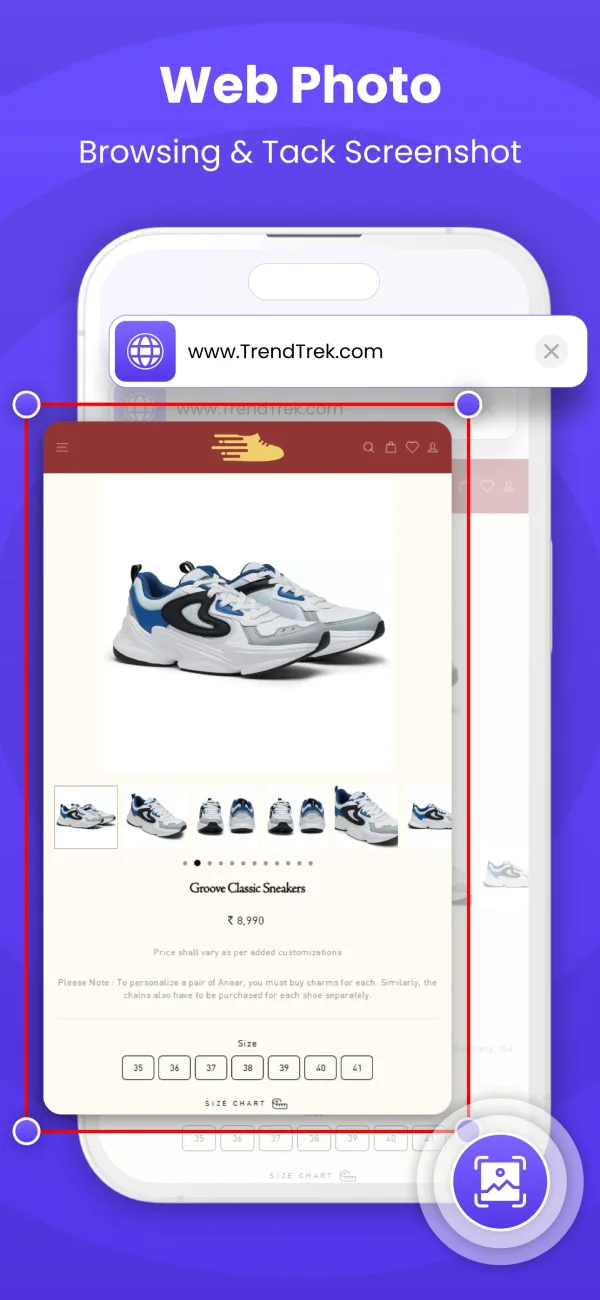
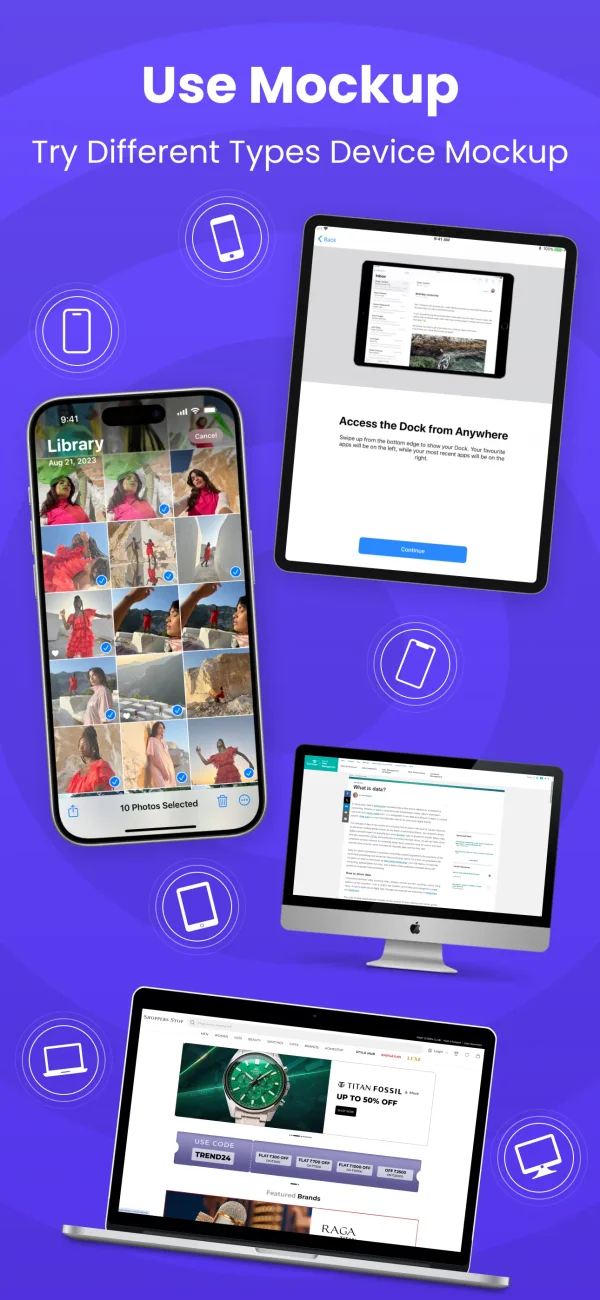
The Screenshot Editor & Stitcher app is a versatile tool to capture, edit, and manage screenshots and images on your devices. This app is perfect for merging your two or more images with ease; just select your choice of image from the gallery. Select and set an image as per your choice in horizontal or vertical view, crop it as per your choice, and tap the merge button to get all the images in one merge photo. It also allows the merging of web photos and screenshots easily with a simple tap on the device screen.
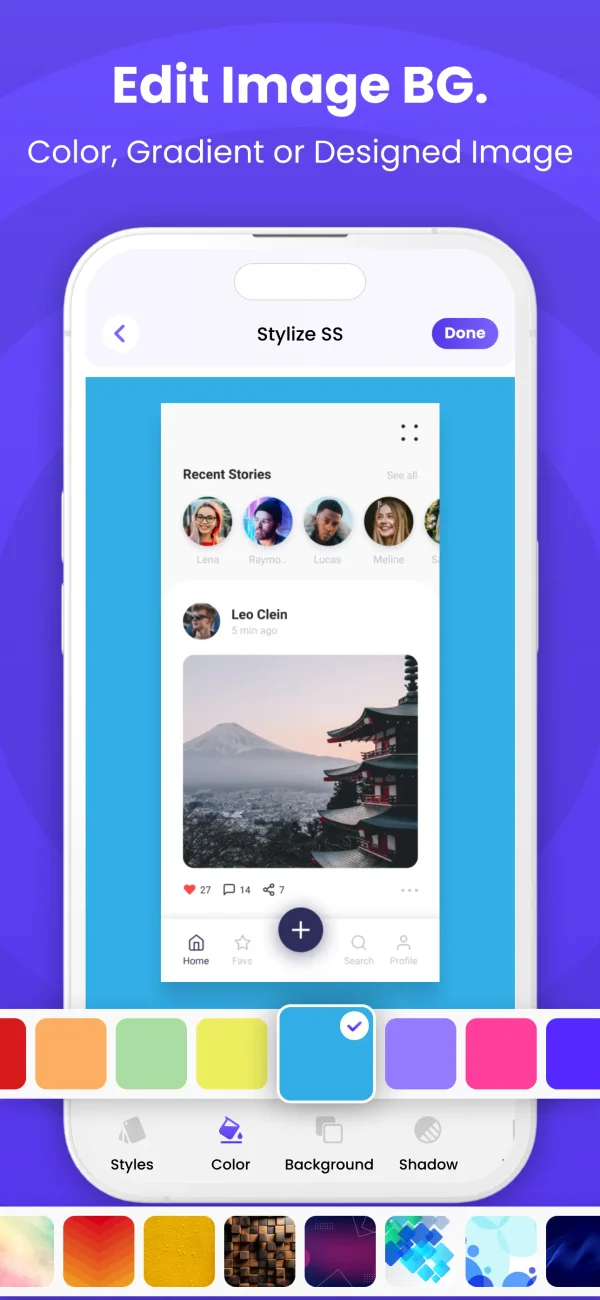
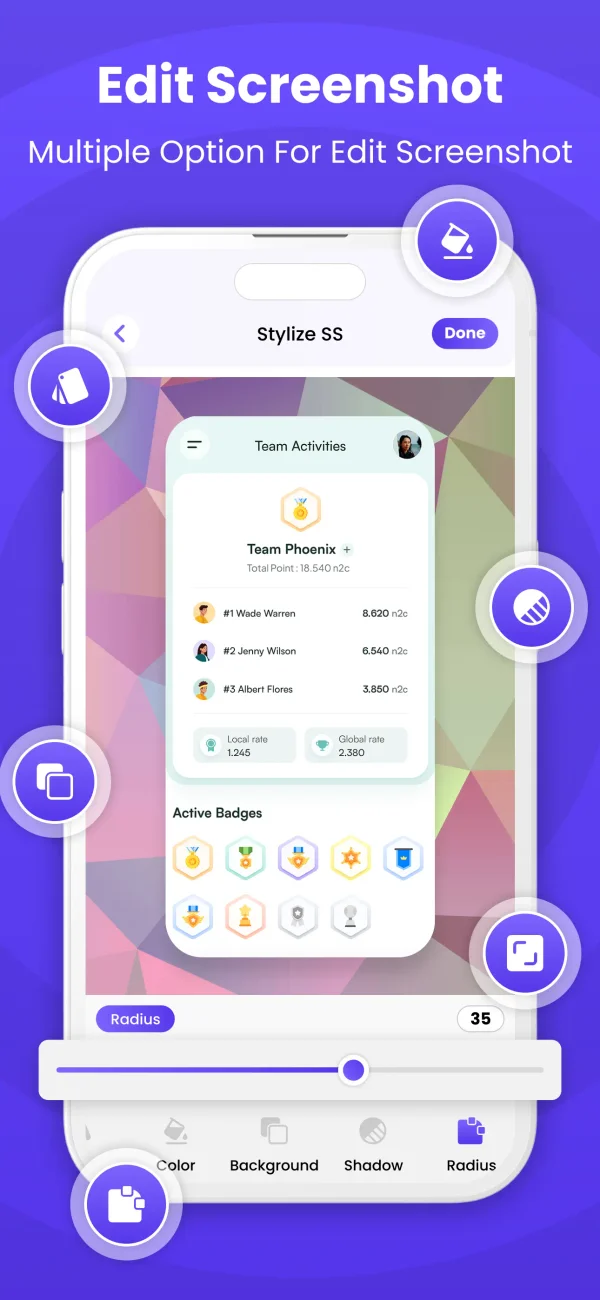
Additionally, the Screenshot Editor & Stitcher app comes with the Stylez screenshot tool with which you can enhance your photo look with different social media look styles by different photo styles, various colors, and stylish backgrounds, or enhance it with shadows and radius as per your choice of view and save it in your choice of photo ratio. Now easily merge, edit, and enhance your image look by using this Screenshot Editor & Stitcher app. Save all your created photos in the creation folder and share them with anyone or on your social media.
Features:
Effortlessly merge two or more images.
Choose images from your gallery and set images in horizontal or vertical view.
Simple cropping options to adjust images as desired.
One-tap merge functionality for creating seamless merged photos.
Allows to merge web photos and screenshots with ease.
Enhance photos with stylish backgrounds and social media-inspired styles.
Customize your photo's look using various colors, shadows, and radius effects.
Save photos in your preferred ratio for easy sharing and use.
Adjust and enhance your image appearance with advanced editing tools.
Crop, resize, and style images effortlessly.
Automatically save all edited and merged photos in the Creation Folder.
Easy sharing options for social media or with friends and family.
To find out more about automatic subscription renewals:
Ad-free version
Unlimited access of Screenshot editor
Premium Subscription :
Screenshot One Week - 7.99 USD
Screenshot One Year - 49.99 USD
Your payment will be charged to your iTunes Account.The app offering is auto-renewable subscriptions
For More Information :
Privacy Policy : http://softizouniverse.com/pages/Privacy%20Policy.html
Terms of Use : http://softizouniverse.com/pages/Terms%20Of%20Use.html
Confidentialité de l’application
Ce que SOFTIZO UNIVERSE déclare sur l’App Store au sujet du traitement des données par cette application.
-
Données utilisées pour vous suivre
Peuvent être utilisées pour vous suivre sur des applications et des sites web appartenant à d’autres sociétés.
- Identifiants
- Données d’utilisation
-
Données n’établissant aucun lien avec vous
Peuvent être collectées, mais ne sont pas liées à votre identité.
- Identifiants
- Données d’utilisation
- Diagnostic
Les pratiques en matière de confidentialité peuvent varier, notamment en fonction des fonctionnalités que vous utilisez ou de votre âge.
Informations
- Vendeur
- Softizo Universe FZE
- Catégorie
- Utilitaires
- Version
- 1.0
- Mis à jour
- 27/11/2024
- Publié
- 26/11/2024
- Taille
- 47,7 Mo
- Nécessite
- iOS 14.0 ou version ultérieure
- Classification d’âge
- 4+
- Prix
- Gratuit
- Achats intégrés
- Oui
- Langues
- Anglais, Arabe, Néerlandais, Français, Allemand, Hindi, Indonésien, Italien, Japonais, Coréen, Malais, Portugais + 7 de plus
- Copyright
- © SOFTIZO UNIVERSE FZE
Vous aimerez peut-être aussi
-
 Quick Screenshot EditorUtilitaires
-
 ScreenBroom: Clean ScreenshotsUtilitaires
-
 PDF Snap– Scan,Compress & SignUtilitaires
-
 Flashback – ScreenshotsRetrouve vite tes Screenshots
-
 Image Merger & ConverterUtilitaires
-
 3D Earth Maps: GPS SpeedometerUtilitaires
-
 SnapTailorUtilitaires
-
 VoiceCraft AI : Texte en voixTexte en audio et voix IA
-
 Alarme Antivol: TéléphoneNe touche pas, trouve mobile
-
 Mocktail: Screenshot to MockupUtilitaires