Quick Screenshot Editor
Screenshot Editor,Screen Cut
Conçue pour iPhone, iPod touch
Gratuit · Achats intégrés
- Classification d’âge4+
- CatégorieUtilitaires
- DéveloppeurCortal Globtech
- LanguesAnglais+ 16 de plus
- Taille132,6 Mo
Renvoie vers la page App Store officielle
Download.org n’héberge aucun fichier de Quick Screenshot Editor. Le bouton ouvre la page de l’application sur App Store, où Cortal Globtech la publie. Fiche vérifiée pour la dernière fois le 14/11/2026.
Captures d’écran
À propos
Le développeur n’a pas fourni ce texte dans votre langue.
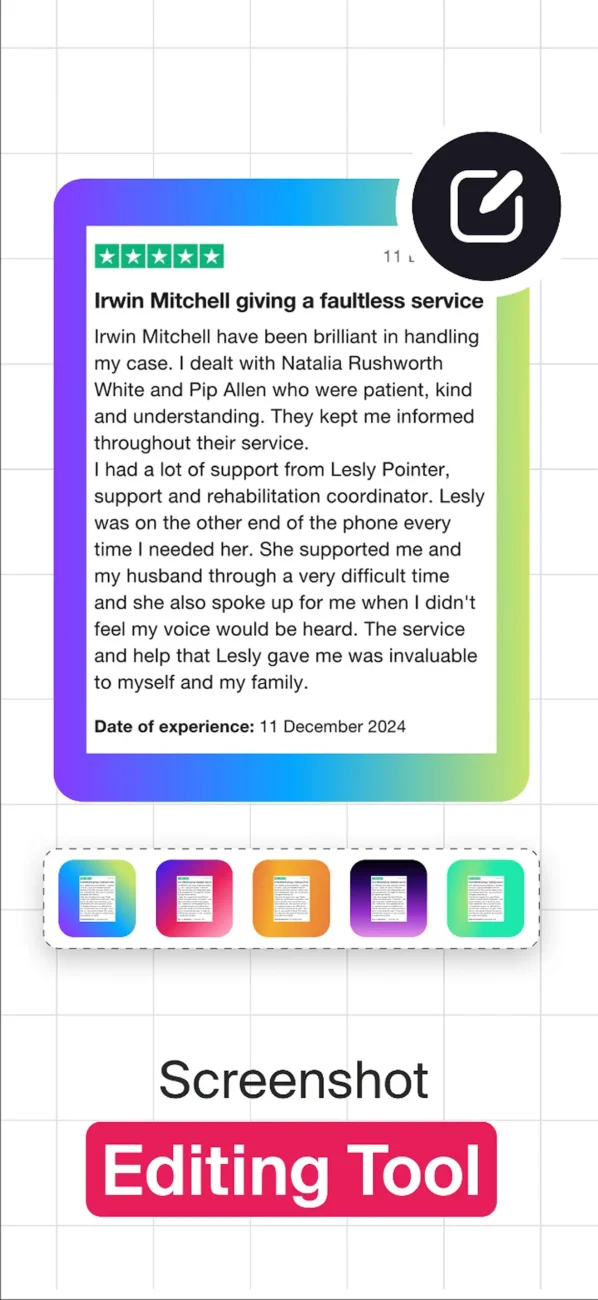
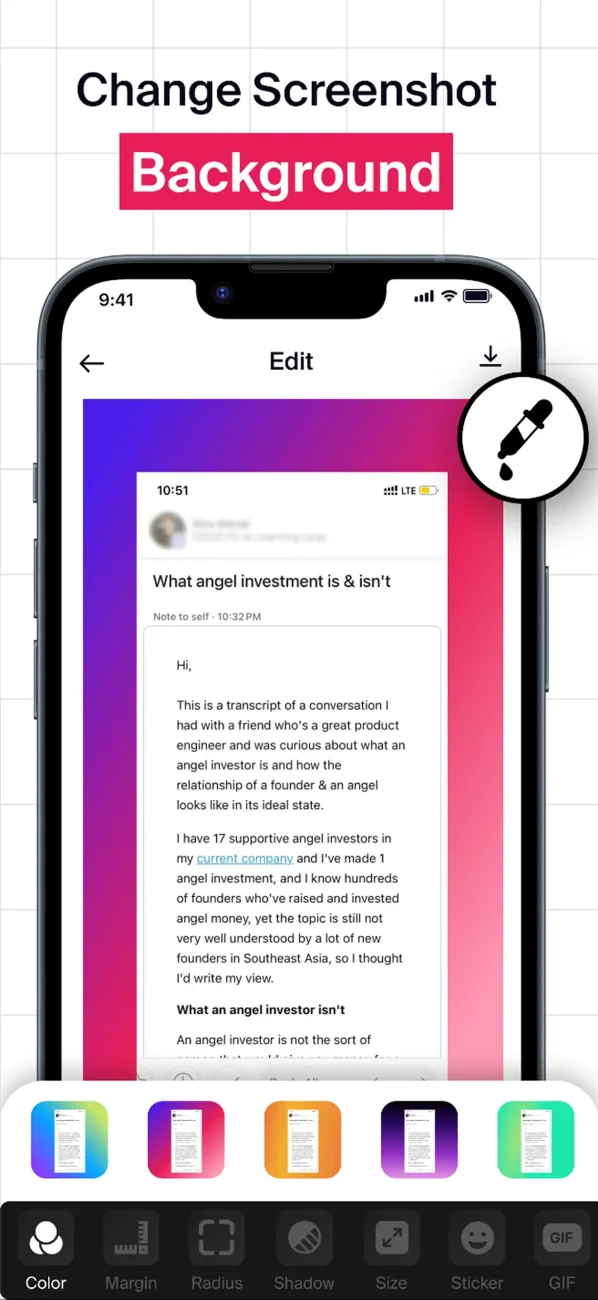
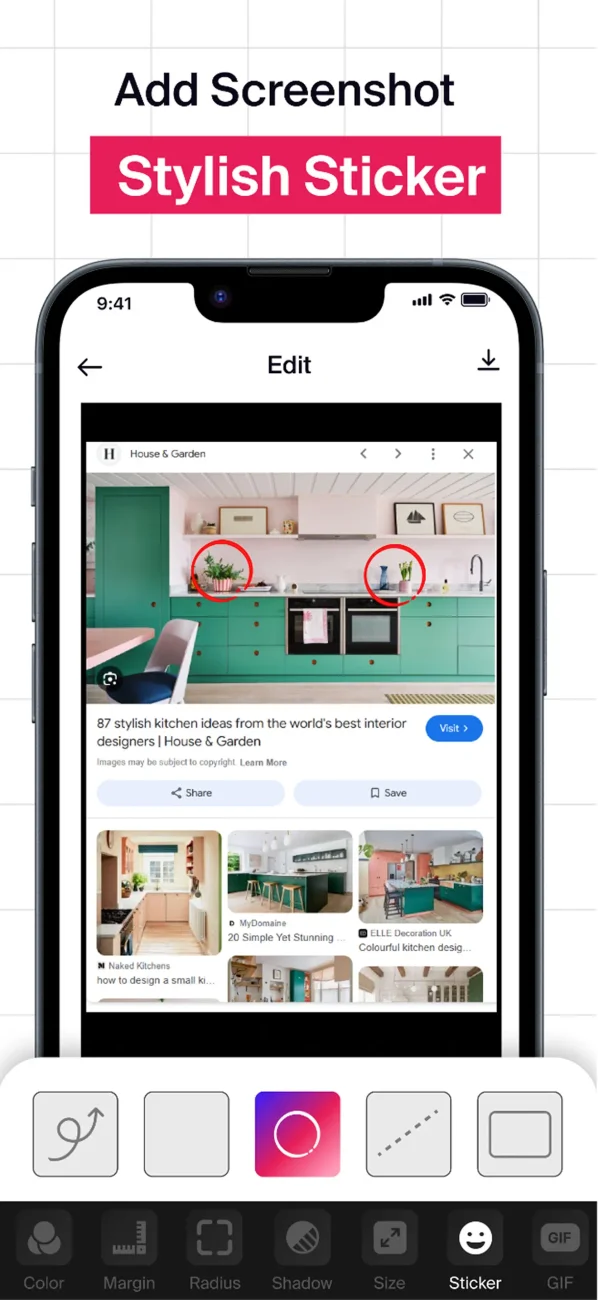
Quick Screenshot Editor is an app designed to make screenshot editing fast, simple, and highly effective. Whether you're working on a project, creating tutorials, or just organizing your saved images, this Screenshot Editor app gives you all the tools you need to transform your screenshots into clean, clear, and visually appealing content. One of the key features is the ability to easily change the background of your screenshots, allowing you to remove distractions or add a new style that fits your purpose. This Quick Screenshot editor is great for creating polished images for presentations, reports, or social media posts.
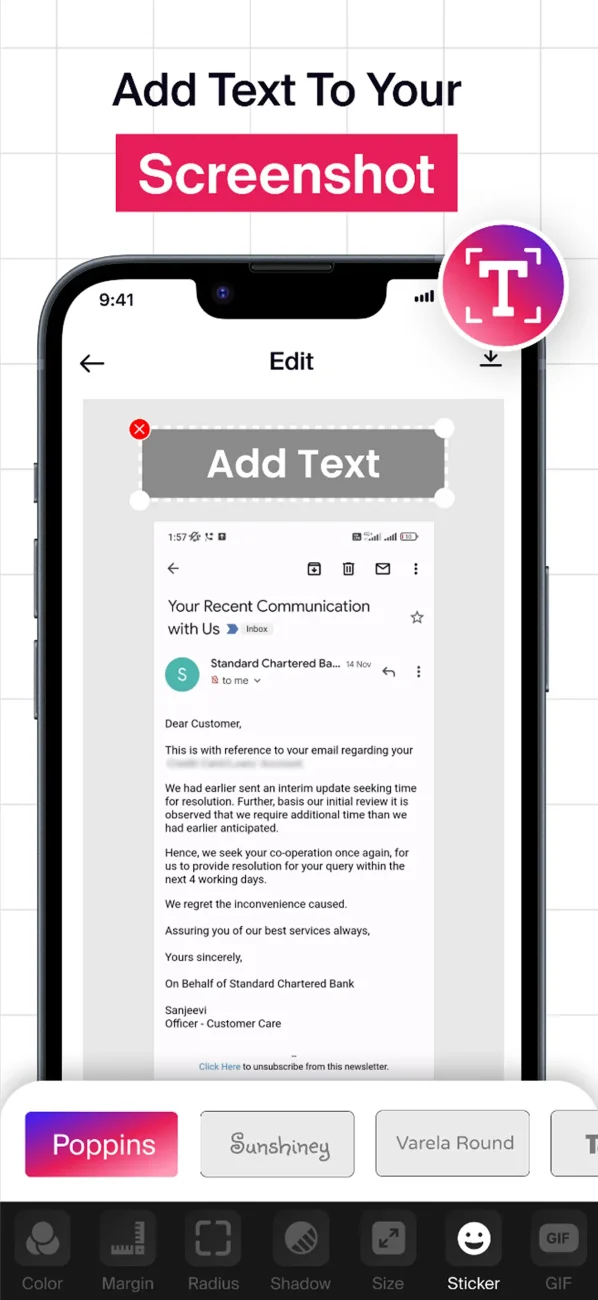
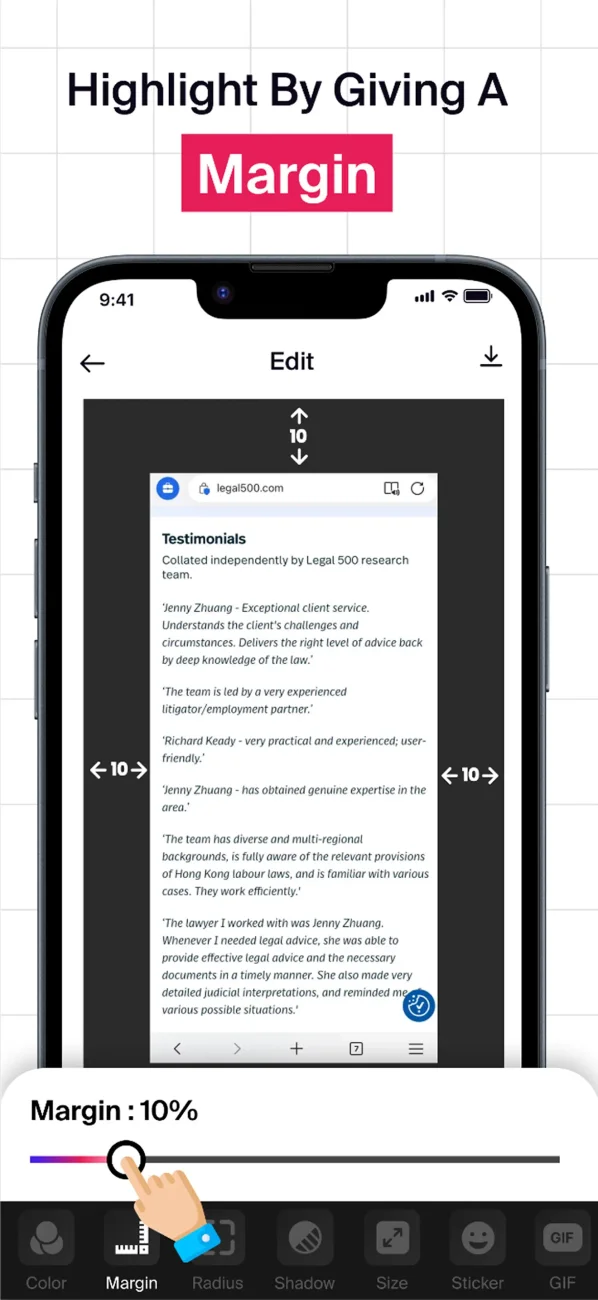
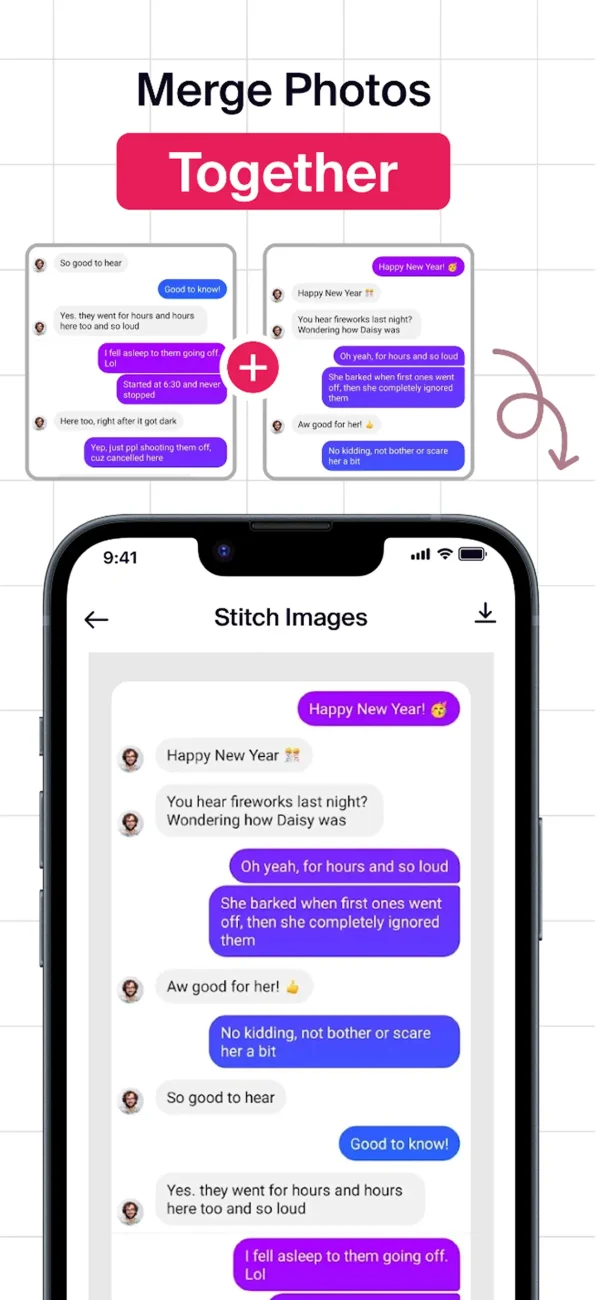
Quick Screenshot Editor app also includes options to highlight important areas of a screenshot by adding margins, which draws attention to key sections without needing complex editing. You can add text to any part of your screenshot or photo to explain, label, or provide context, which is especially useful for instructional content. With screenshot merging, you can combine multiple images into one cohesive layout, and with the image stitching tool, you can join images vertically or horizontally, making it perfect for showing step-by-step flows, long chats, or full-page captures. Quick Screenshot Editor is more than just a screenshot tool—it's a complete editing solution that lets you create, customize, and share your edited screenshots effortlessly.
Features:
Screenshot editor to easily edit the screenshot by your choice
Easily change or remove the background of your screenshots.
Add margins to highlight important areas.
Insert text to explain, label, or provide context on screenshots and photos.
Combine multiple screenshots into one clean layout.
Join images vertically or horizontally to show full conversations or step-by-step views.
Edit quickly without needing complex software.
Create polished images for projects, tutorials, or social media.
Intuitive design makes screenshot editing fast and hassle-free.
Ideal for tutorials, reports, presentations, and more.
Customize and share your edited screenshots with ease.
User need to buy Premium plans to use all features effortlessly.
Premium Plans:
- Screenshot Edit One Week - 3.99 $
- Screenshot Edit One Year - 44.99 $
This app offering is auto-renewable subscriptions
For More Information :
Privacy - http://www.cortalglobtech.com/pages/privacy_policy.html
Term Of Use - http://www.cortalglobtech.com/pages/terms_of_use.html
Confidentialité de l’application
Ce que Cortal Globtech déclare sur l’App Store au sujet du traitement des données par cette application.
-
Données utilisées pour vous suivre
Peuvent être utilisées pour vous suivre sur des applications et des sites web appartenant à d’autres sociétés.
- Identifiants
- Données d’utilisation
-
Données n’établissant aucun lien avec vous
Peuvent être collectées, mais ne sont pas liées à votre identité.
- Identifiants
- Données d’utilisation
- Diagnostic
Les pratiques en matière de confidentialité peuvent varier, notamment en fonction des fonctionnalités que vous utilisez ou de votre âge.
Informations
- Vendeur
- Cortal Globtech FZE
- Catégorie
- Utilitaires
- Version
- 1.0
- Mis à jour
- 15/05/2025
- Publié
- 15/05/2025
- Taille
- 132,6 Mo
- Nécessite
- iOS 14.0 ou version ultérieure
- Classification d’âge
- 4+
- Prix
- Gratuit
- Achats intégrés
- Oui
- Langues
- Anglais, Arabe, Français, Allemand, Hindi, Indonésien, Japonais, Coréen, Malais, Portugais, Pendjabi, Russe + 5 de plus
- Copyright
- © Cortal Globtech
Vous aimerez peut-être aussi
-
 Screenshot Editor & StitcherUtilitaires
-
 ScreenshotAI-AI assistantUtilitaires
-
 Éditeur de Texte PhotoEditez le texte sur images
-
 ScreenshotUtilitaires
-
 Screenshot Manager - OrganizerUtilitaires
-
 Screenshot PRO Screenshots AppUtilitaires
-
 Captr・Screenshot OrganizerUtilitaires
-
 Stitch It: Captures longuesAssembler photos et images
-
 StitchShot - ScreenShotCaptureUtilitaires
-
 StitchPics-Stitch ScreenshotsUtilitaires