Scroll hands free - Scrollly
Auto Scrolling PDF Reader
Conçue pour iPhone, iPad
Gratuit · Achats intégrés
- Classification d’âge4+
- CatégorieProductivité
- DéveloppeurSobhi Arood
- LanguesAnglais+ 1 de plus
- Taille62,2 Mo
Renvoie vers la page App Store officielle
Download.org n’héberge aucun fichier de Scroll hands free - Scrollly. Le bouton ouvre la page de l’application sur App Store, où Sobhi Arood la publie. Fiche vérifiée pour la dernière fois le 28/11/2026.
Captures d’écran
À propos
Le développeur n’a pas fourni ce texte dans votre langue.
Transform the way you read.
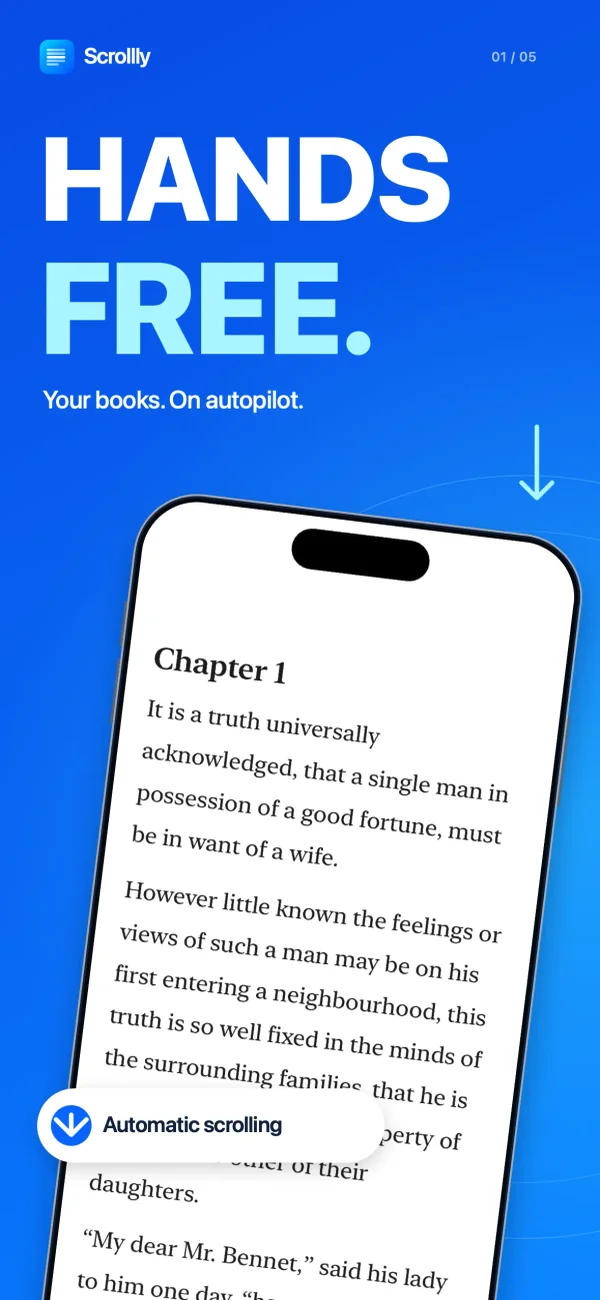
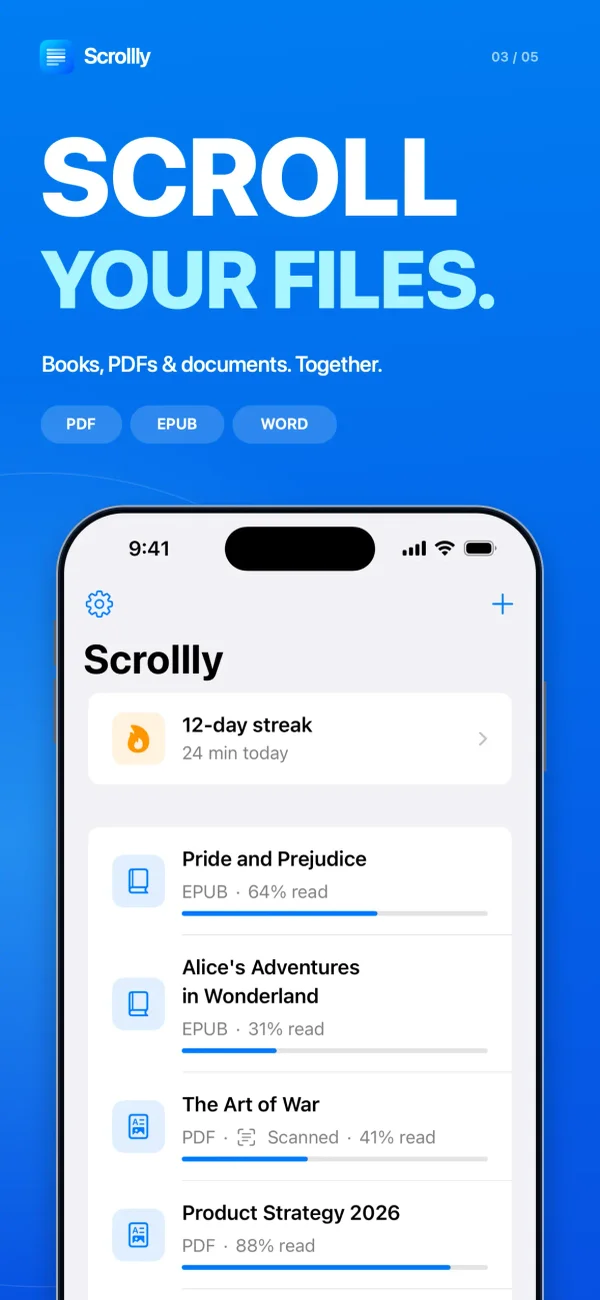
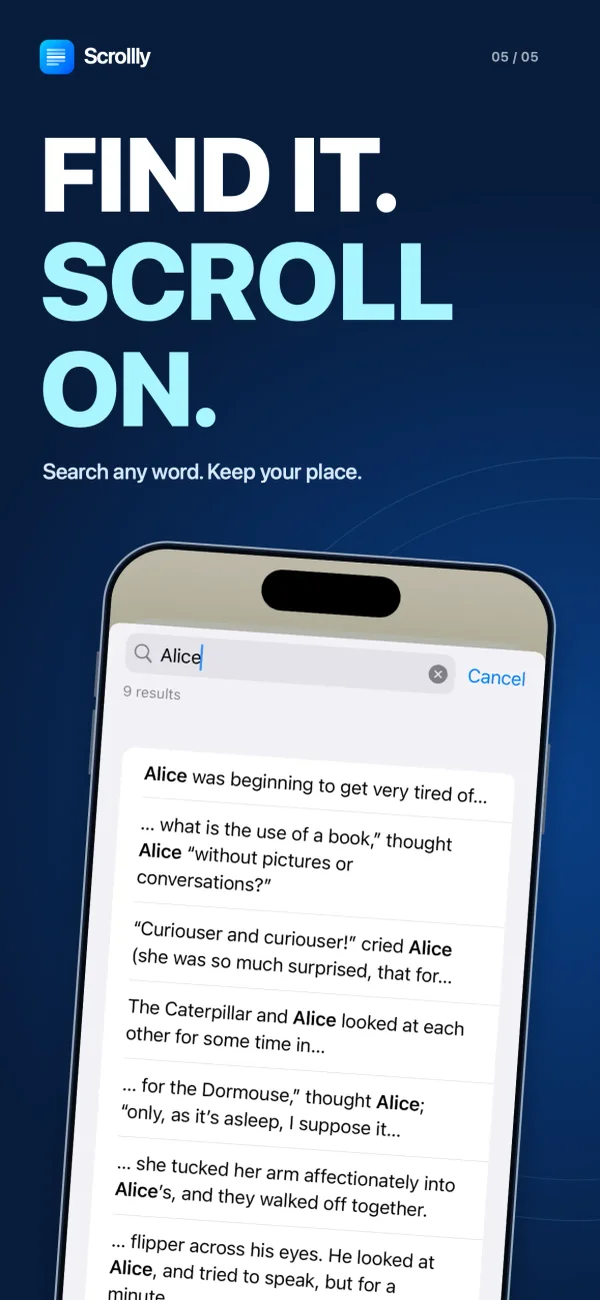
Scrollly lets you read without constantly swiping the screen. Import PDF files, extract text from images with AI, or paste any text, then enjoy a smooth, hands-free reading experience with automatic scrolling.
Perfect for reading articles, books, study notes, scripts, speeches, documents, and any text you want to read comfortably.
Features:
• AI-powered text extraction from images (OCR)
• Import PDF documents
• Paste or type any text
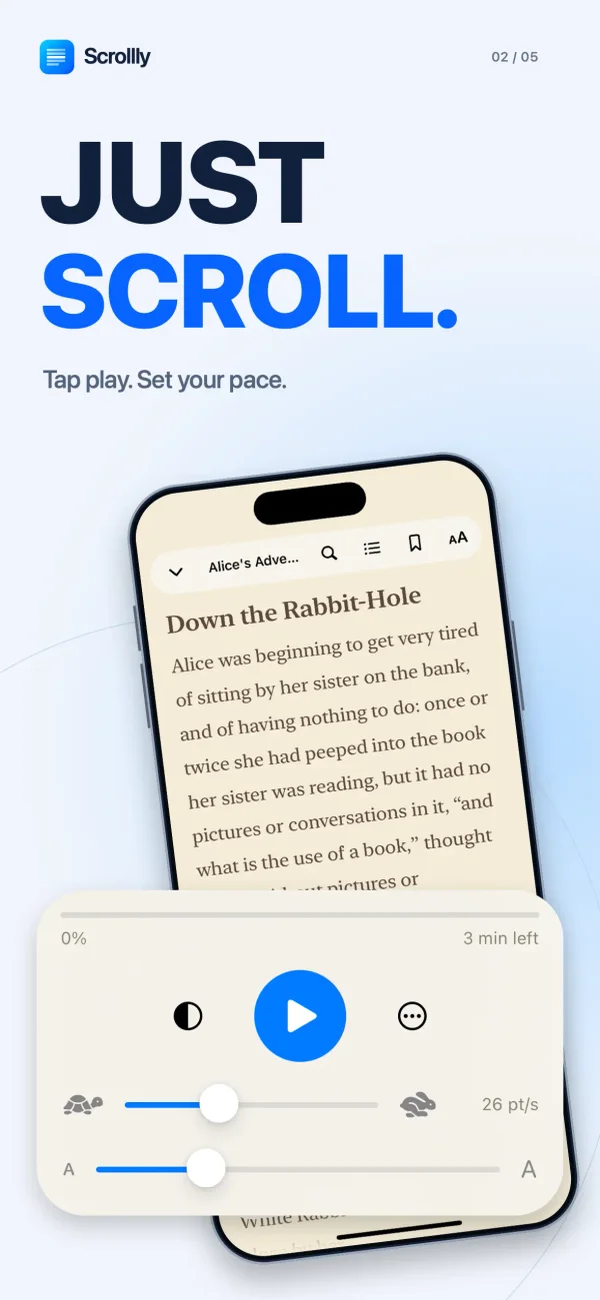
• Smooth automatic scrolling
• Adjustable scrolling speed
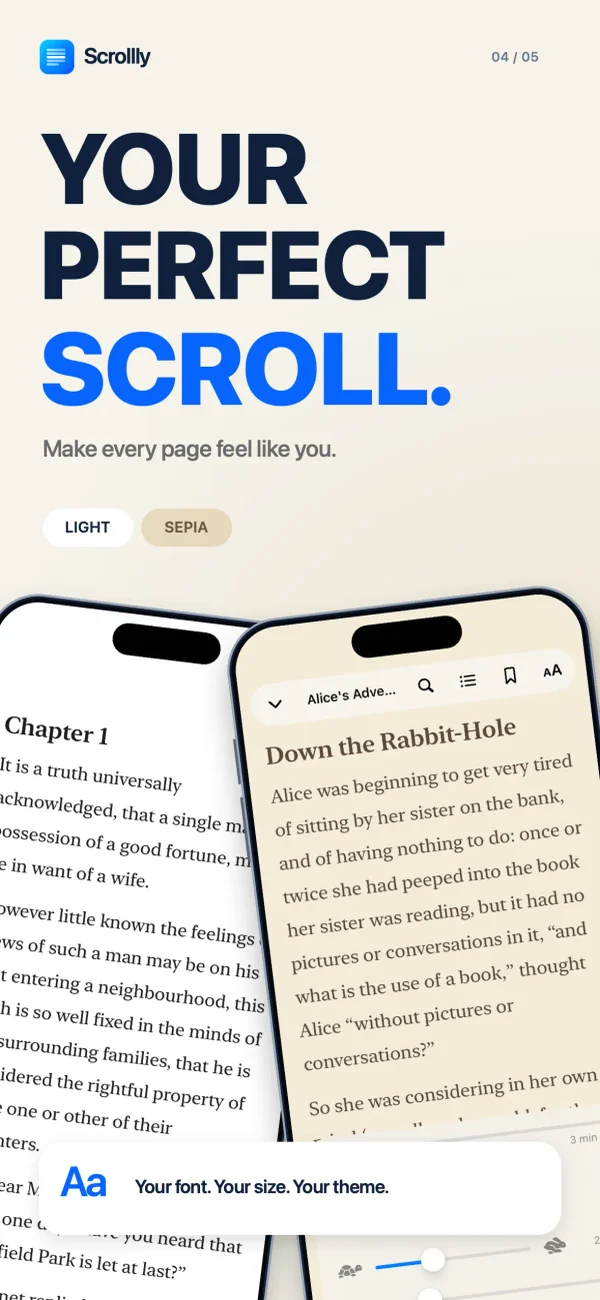
• Multiple font sizes
• Dark Mode for comfortable night reading
• Save your favorite texts to read later
• Clean, distraction-free reading interface
• Fast and lightweight
Upgrade to Scrollly Premium to unlock the complete reading experience with premium features, AI tools, and future updates.
Terms of Use (EULA):
https://www.apple.com/legal/internet-services/itunes/dev/stdeula/
Privacy Policy:
https://sobhi-portfolio.netlify.app/scrollly_pp
Nouveautés
Version 2.2.0 · 27/11/2026
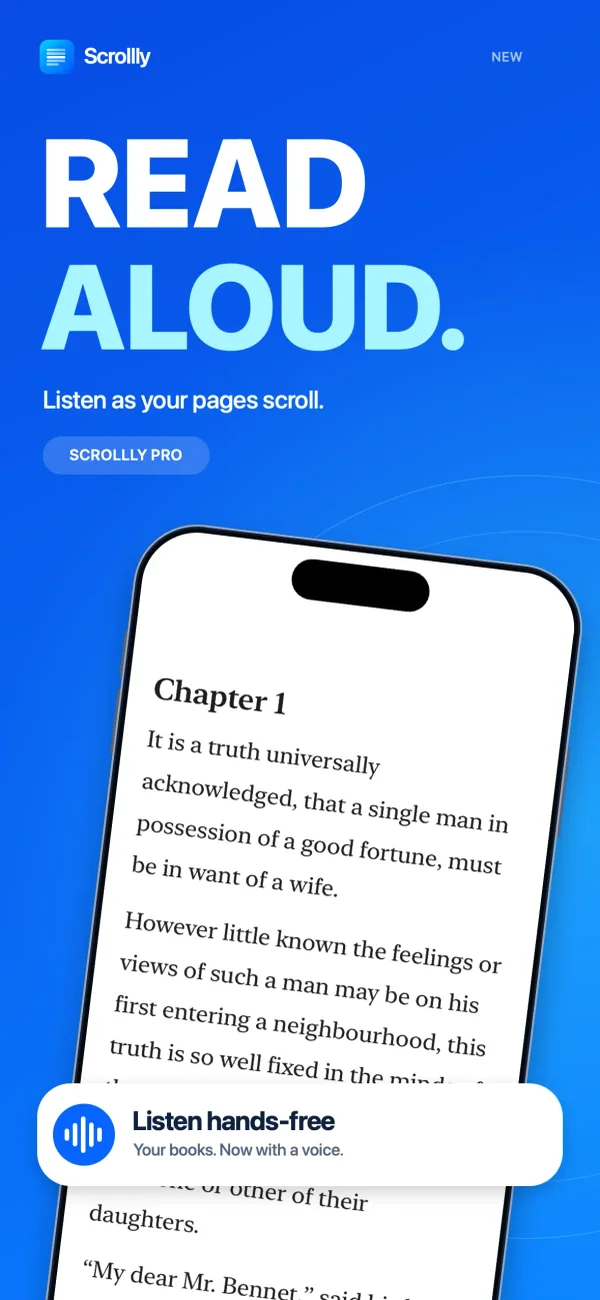
Scrollly can now read to you.
NEW: READ ALOUD (Pro)
• Listen to any document while the text scrolls along with the voice. The sentence being read is highlighted, so you never lose your place.
• Natural AI voices: lifelike English voices that run entirely on your iPhone. A one-time free download, no account, nothing sent online.
• Keeps reading with the screen locked. Pause and skip from the Lock Screen, headphones or AirPods.
• Adjust the speed from 0.5× to 2× and pick any voice installed on your device.
NEW: READING AIDS (free for everyone)
• Reading ruler: dims everything except the lines you're reading.
• Bold word starts: bolds the first letters of each word to guide your eyes.
• OpenDyslexic font, designed to make reading easier with dyslexia.
NEW: HANDS-FREE CONTROLS
• Keyboard shortcuts on iPad and with Bluetooth keyboards: space to play or pause, arrows to change speed or turn the page.
• Works with Bluetooth page-turner pedals, great for musicians and presenters.
• Siri & Shortcuts: "Continue reading in Scrollly" picks up right where you left off.
Plus a quick tour of what's new, an Acknowledgements page in Settings, and many small improvements.
Enjoying Scrollly? A rating on the App Store helps a lot. Thank you!
Confidentialité de l’application
Ce que Sobhi Arood déclare sur l’App Store au sujet du traitement des données par cette application.
-
Données non collectées
Le développeur ne collecte aucune donnée à partir de cette application.
Les pratiques en matière de confidentialité peuvent varier, notamment en fonction des fonctionnalités que vous utilisez ou de votre âge.
Informations
- Vendeur
- Sobhi Arood
- Catégorie
- Productivité
- Version
- 2.2.0
- Mis à jour
- 27/11/2026
- Publié
- 17/05/2022
- Taille
- 62,2 Mo
- Nécessite
- iOS 18.0 ou version ultérieure
- Classification d’âge
- 4+
- Prix
- Gratuit
- Achats intégrés
- Oui
- Langues
- Anglais, Néerlandais
- Copyright
- © Sobhi Arood
Vous aimerez peut-être aussi
-
 AirCue - Pro TeleprompterProductivité
-
 Inquir: AI Notes You Can AskProductivité
-
 Scroll Patrol: App LimitsProductivité
-
 Sayso: AI Voice AssistantProductivité
-
 Auto Scroll PDFProductivité
-
 Teleprompter ScrollProductivité
-
 Grooply: Tâches & NotesTâches, Rappels & Notes
-
 Des géo-rappelsRappels de localisation
-
 Laws of Power: Daily DeckProductivité
-
 AutoScroll: Hands-Free ReadingProductivité