- 対象年齢4+
- カテゴリ仕事効率化
- 開発元Sobhi Arood
- 言語英語ほか1言語
- サイズ62.2 MB
App Storeの公式ページにリンクしています
Download.orgはScroll hands free - Scrolllyのファイルを一切ホストしていません。ボタンを押すと、Sobhi Aroodが公開しているApp Storeのアプリページが開きます。ページの最終確認:2026/11/28。
スクリーンショット
概要
開発元はこのテキストをお使いの言語で提供していません。
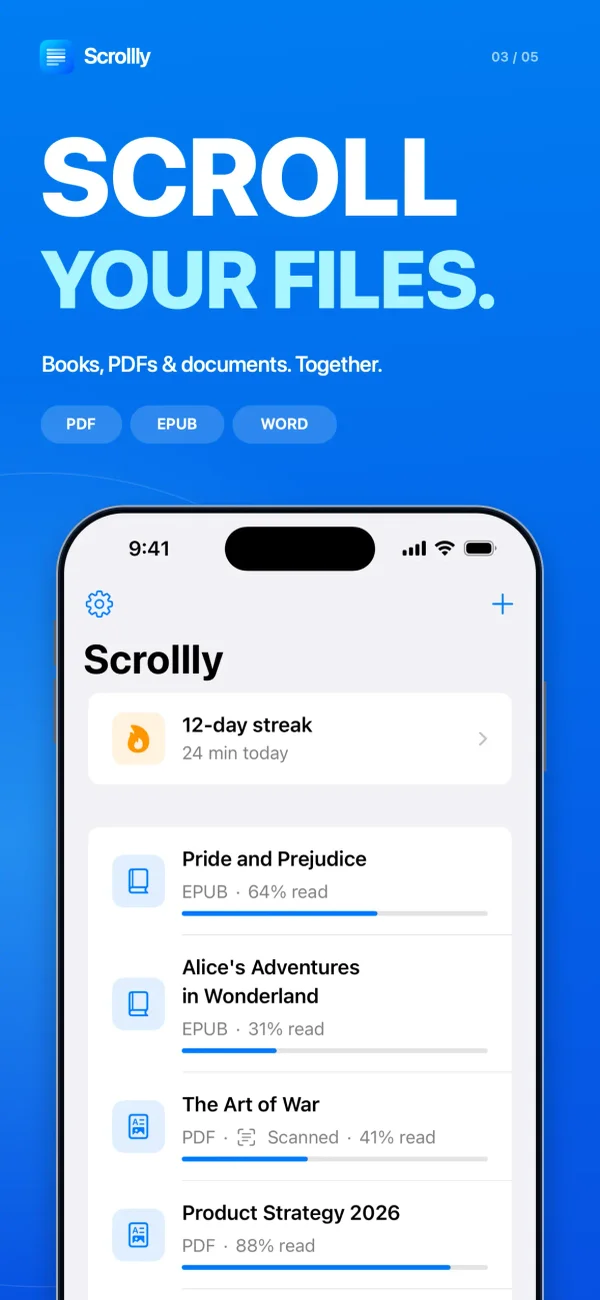
Transform the way you read.
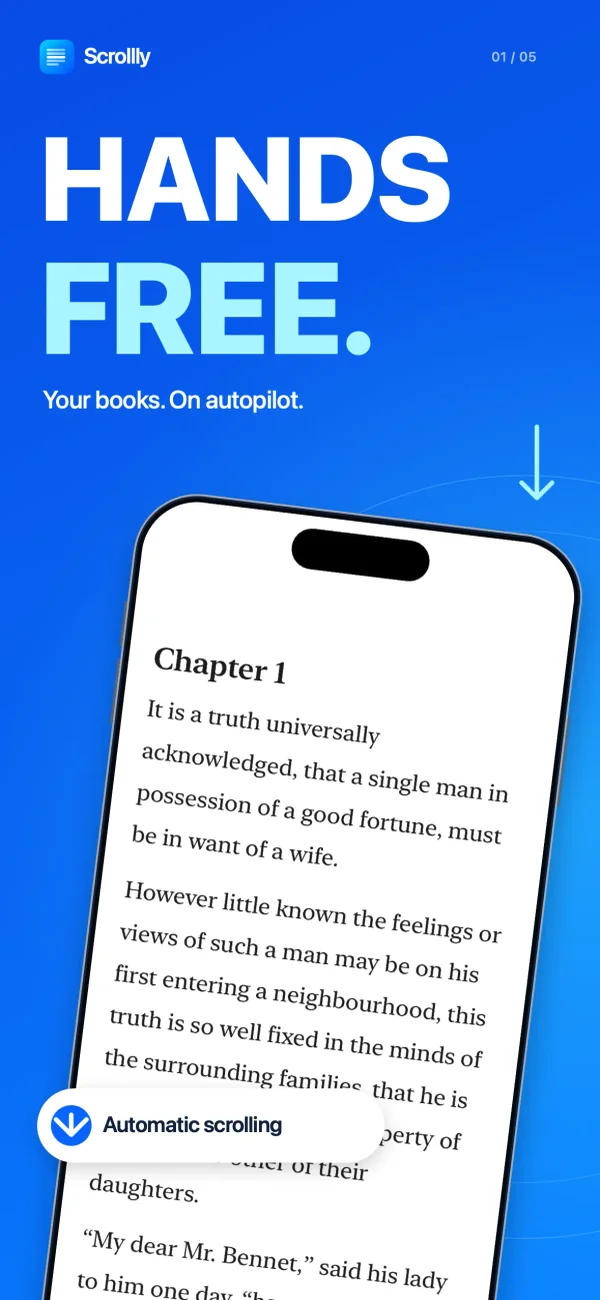
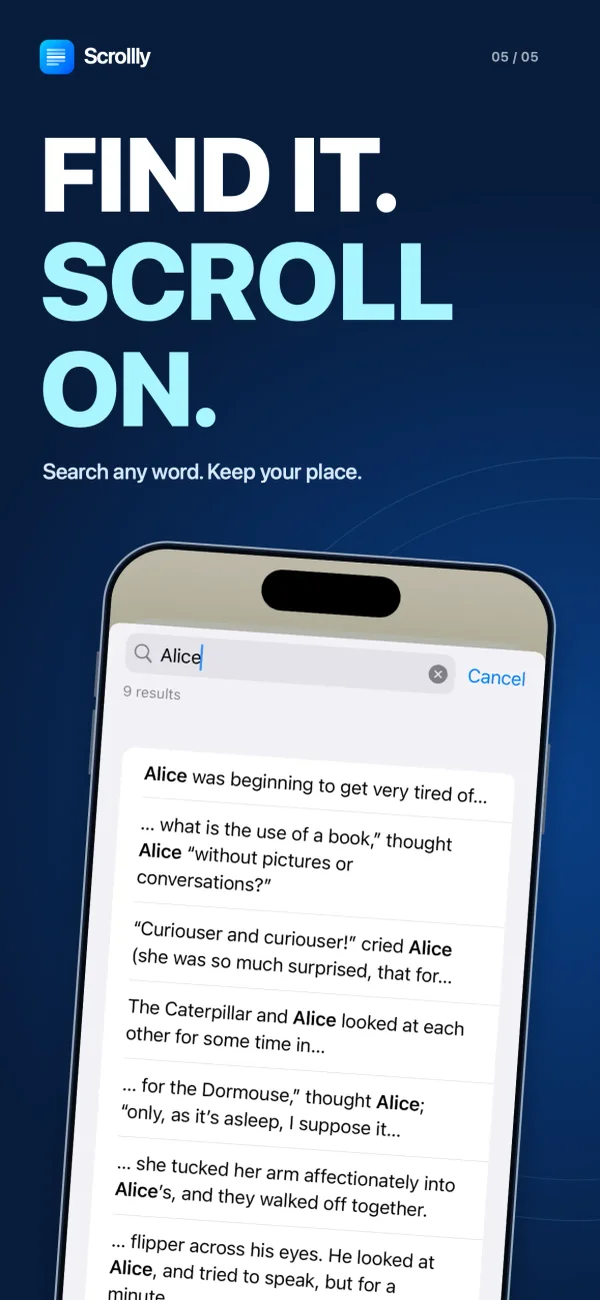
Scrollly lets you read without constantly swiping the screen. Import PDF files, extract text from images with AI, or paste any text, then enjoy a smooth, hands-free reading experience with automatic scrolling.
Perfect for reading articles, books, study notes, scripts, speeches, documents, and any text you want to read comfortably.
Features:
• AI-powered text extraction from images (OCR)
• Import PDF documents
• Paste or type any text
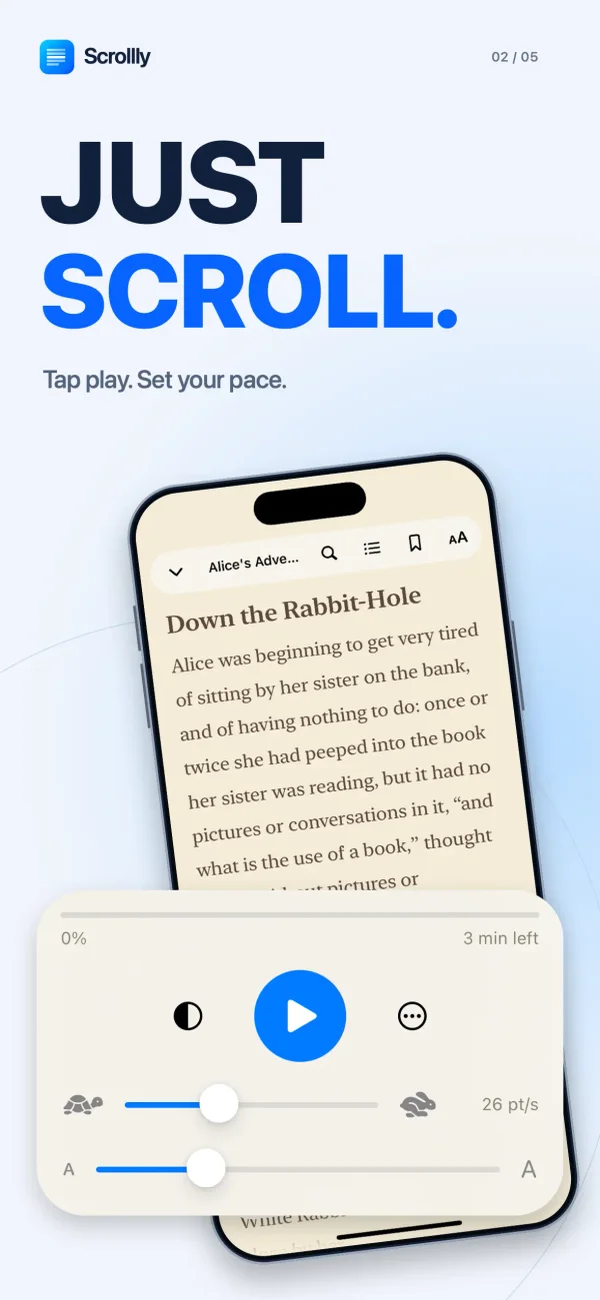
• Smooth automatic scrolling
• Adjustable scrolling speed
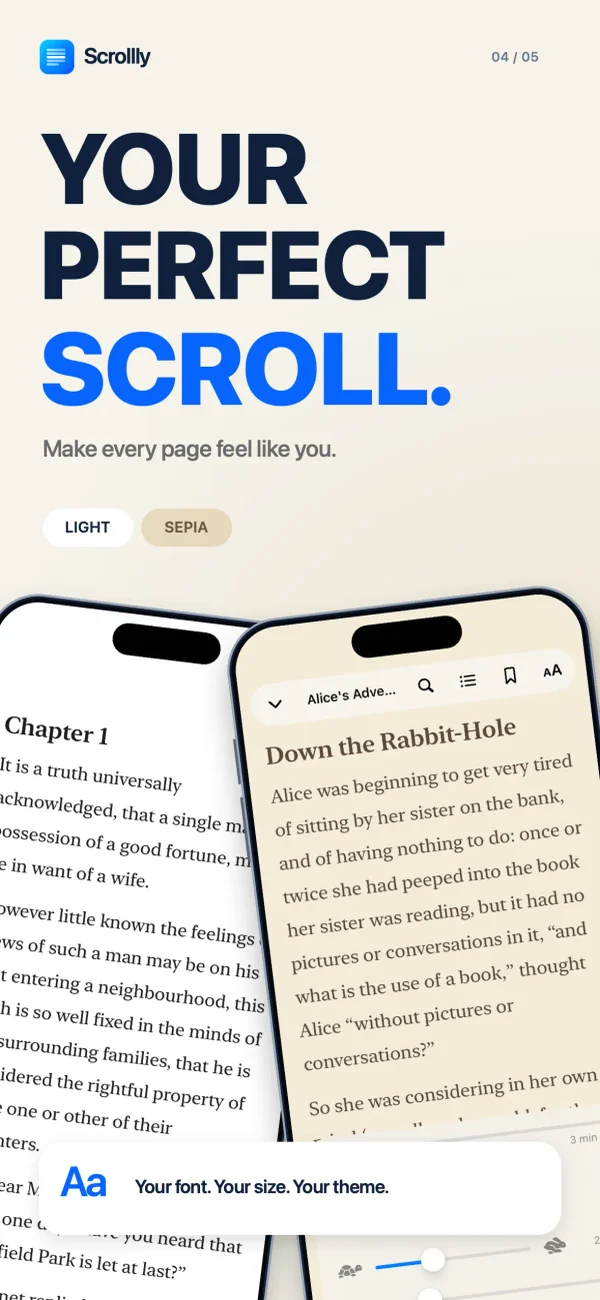
• Multiple font sizes
• Dark Mode for comfortable night reading
• Save your favorite texts to read later
• Clean, distraction-free reading interface
• Fast and lightweight
Upgrade to Scrollly Premium to unlock the complete reading experience with premium features, AI tools, and future updates.
Terms of Use (EULA):
https://www.apple.com/legal/internet-services/itunes/dev/stdeula/
Privacy Policy:
https://sobhi-portfolio.netlify.app/scrollly_pp
新機能
バージョン 2.2.0 · 2026/11/27
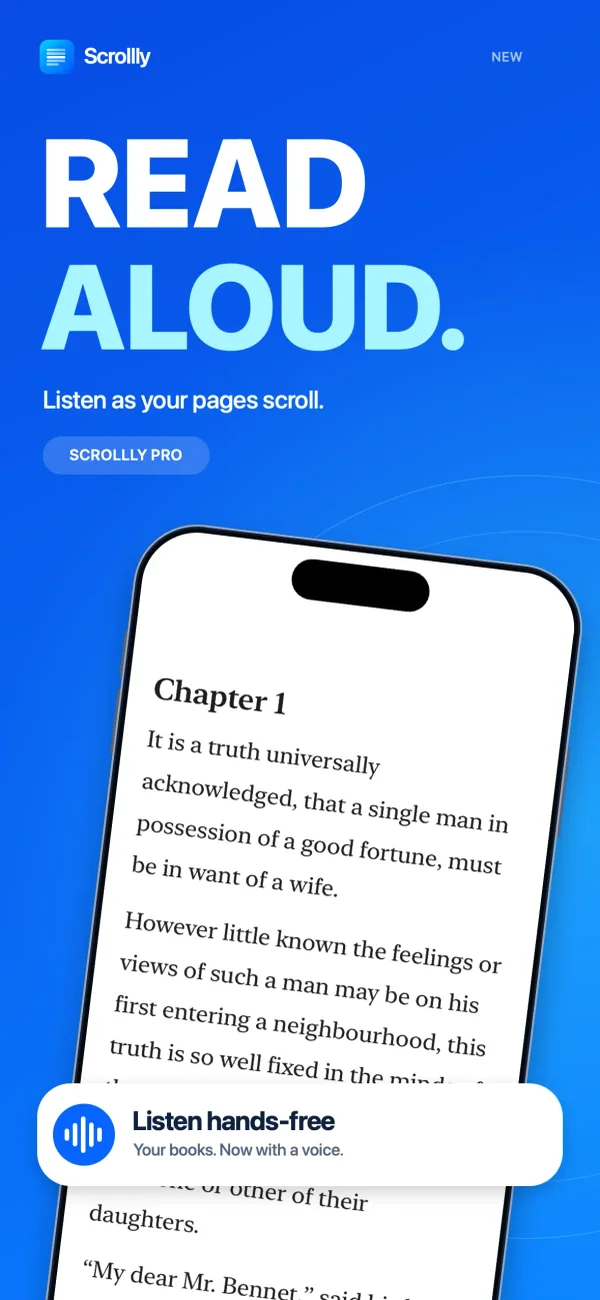
Scrollly can now read to you.
NEW: READ ALOUD (Pro)
• Listen to any document while the text scrolls along with the voice. The sentence being read is highlighted, so you never lose your place.
• Natural AI voices: lifelike English voices that run entirely on your iPhone. A one-time free download, no account, nothing sent online.
• Keeps reading with the screen locked. Pause and skip from the Lock Screen, headphones or AirPods.
• Adjust the speed from 0.5× to 2× and pick any voice installed on your device.
NEW: READING AIDS (free for everyone)
• Reading ruler: dims everything except the lines you're reading.
• Bold word starts: bolds the first letters of each word to guide your eyes.
• OpenDyslexic font, designed to make reading easier with dyslexia.
NEW: HANDS-FREE CONTROLS
• Keyboard shortcuts on iPad and with Bluetooth keyboards: space to play or pause, arrows to change speed or turn the page.
• Works with Bluetooth page-turner pedals, great for musicians and presenters.
• Siri & Shortcuts: "Continue reading in Scrollly" picks up right where you left off.
Plus a quick tour of what's new, an Acknowledgements page in Settings, and many small improvements.
Enjoying Scrollly? A rating on the App Store helps a lot. Thank you!
アプリのプライバシー
このアプリのデータの取り扱いについて、Sobhi AroodがApp Storeで申告している内容です。
-
データの収集なし
開発元はこのアプリからデータを収集しません。
プライバシーの取り扱いは、ご利用の機能やお客様の年齢などに応じて異なる場合があります。
情報
- 販売元
- Sobhi Arood
- カテゴリ
- 仕事効率化
- バージョン
- 2.2.0
- 更新日
- 2026/11/27
- リリース
- 2022/5/17
- サイズ
- 62.2 MB
- 必要条件
- iOS 18.0以降
- 対象年齢
- 4+
- 価格
- 無料
- アプリ内課金
- あり
- 言語
- 英語, オランダ語
- 著作権
- © Sobhi Arood
こちらもおすすめ
-
 AirCue - Pro Teleprompter仕事効率化
-
 Inquir: AI Notes You Can Ask仕事効率化
-
 Scroll Patrol: App Limits仕事効率化
-
 Sayso: AI Voice Assistant仕事効率化
-
 PDF自動スクロール手が離せない時にPDFを自動送り
-
 Teleprompter Scroll仕事効率化
-
 Grooply: ToDoリスト&ノートToDoリスト、リマインダー&ノート
-
 シンプルで使いやすい地理リマインダー場所のリマインダー
-
 Laws of Power: Daily Deck仕事効率化
-
 AutoScroll: Hands-Free Reading仕事効率化