
- Classification d’âge4+
- CatégorieProductivité
- DéveloppeurDAIN JUN
- LanguesAnglais+ 4 de plus
- Taille13,3 Mo
Renvoie vers la page App Store officielle
Download.org n’héberge aucun fichier de Siggu. Le bouton ouvre la page de l’application sur App Store, où DAIN JUN la publie. Fiche vérifiée pour la dernière fois le 23/11/2026.
Captures d’écran
À propos
Le développeur n’a pas fourni ce texte dans votre langue.
Your day, arranged your way.
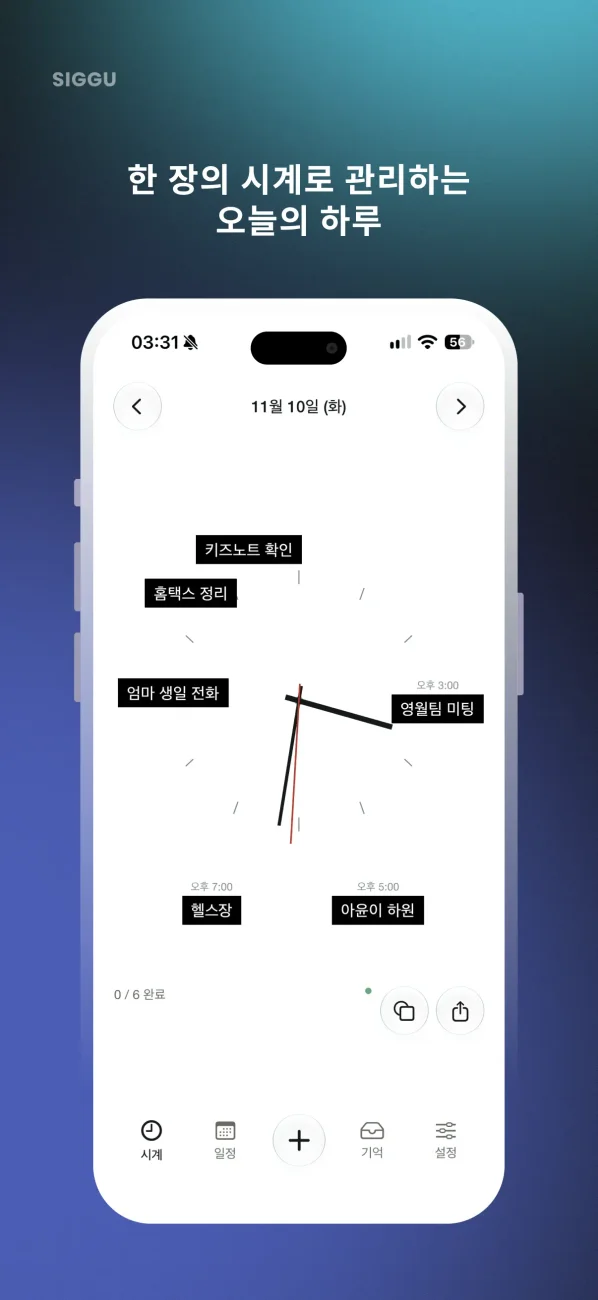
siggu brings your plans and memories together on a clock you can make your own. See what’s ahead, keep track of what you’ve done, and give each day a personal touch.
PLAN YOUR DAY
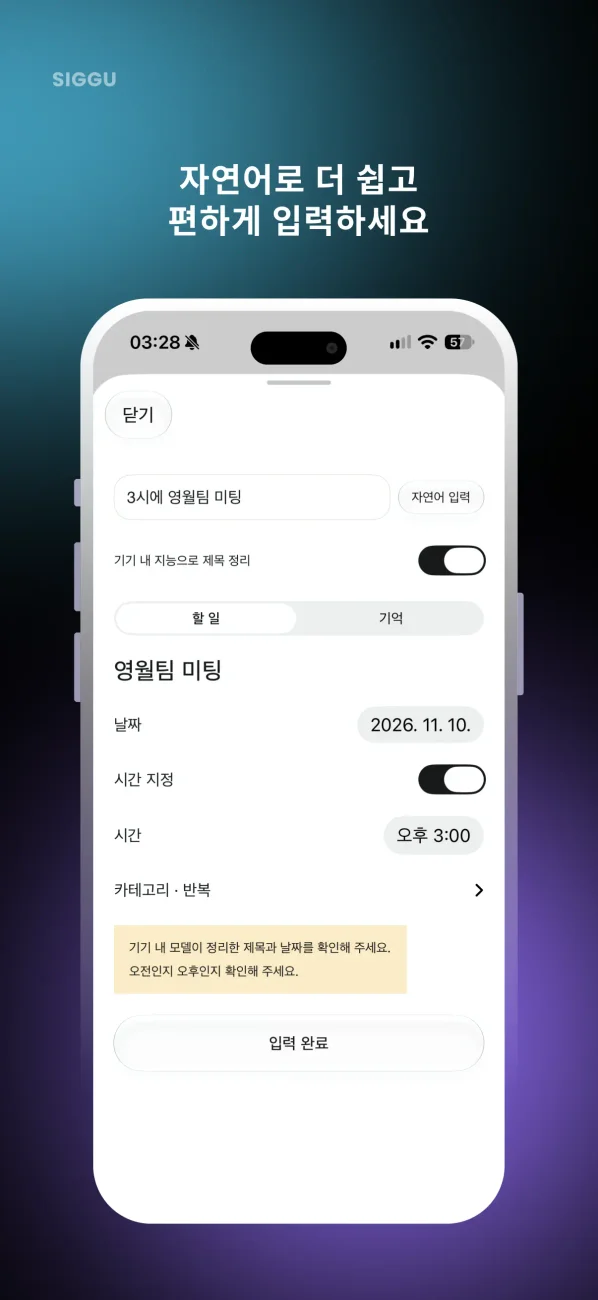
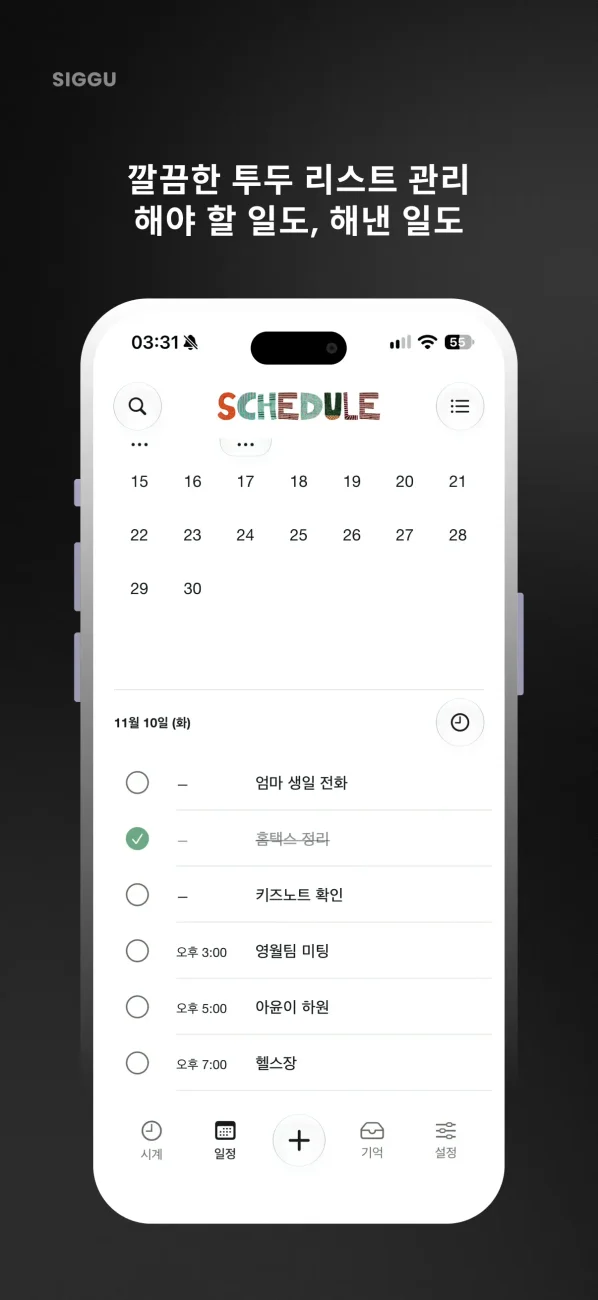
Place task labels around an analog clock. Add dates, times, categories, and repeating schedules, or use the calendar and list views to see your days at a glance.
MAKE IT YOURS
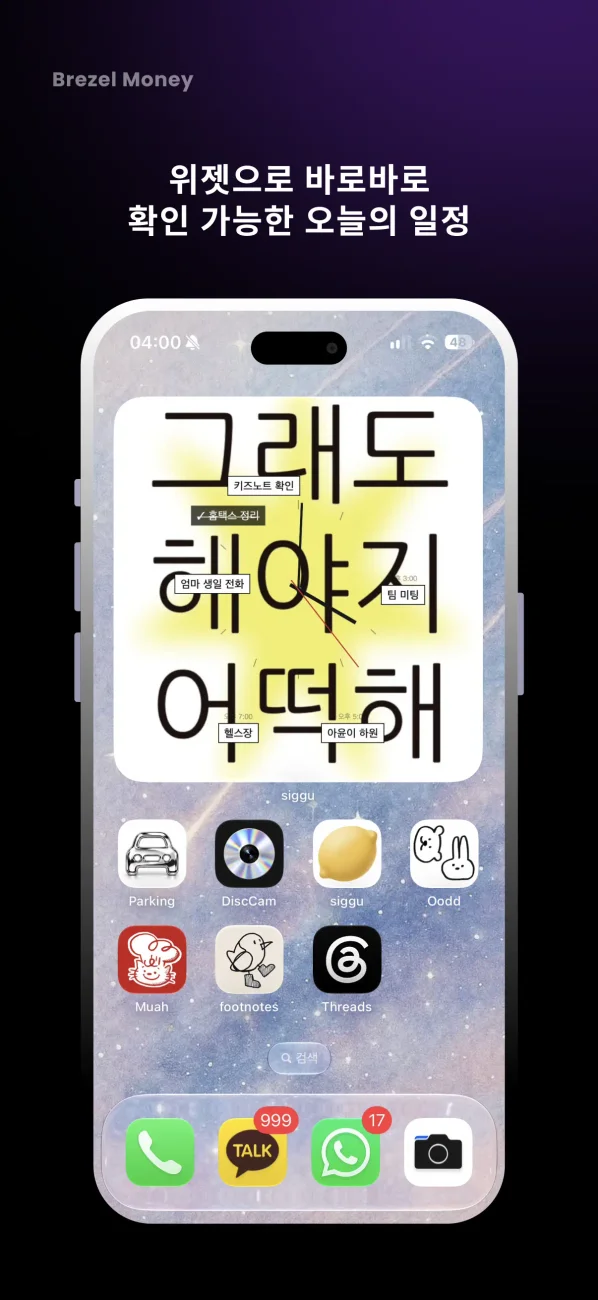
Choose a background color or photo. Add photo stickers, adjust their size and rotation, edit their cutouts, and use a favorite image as the center of your clock. Decorations belong to the day you add them.
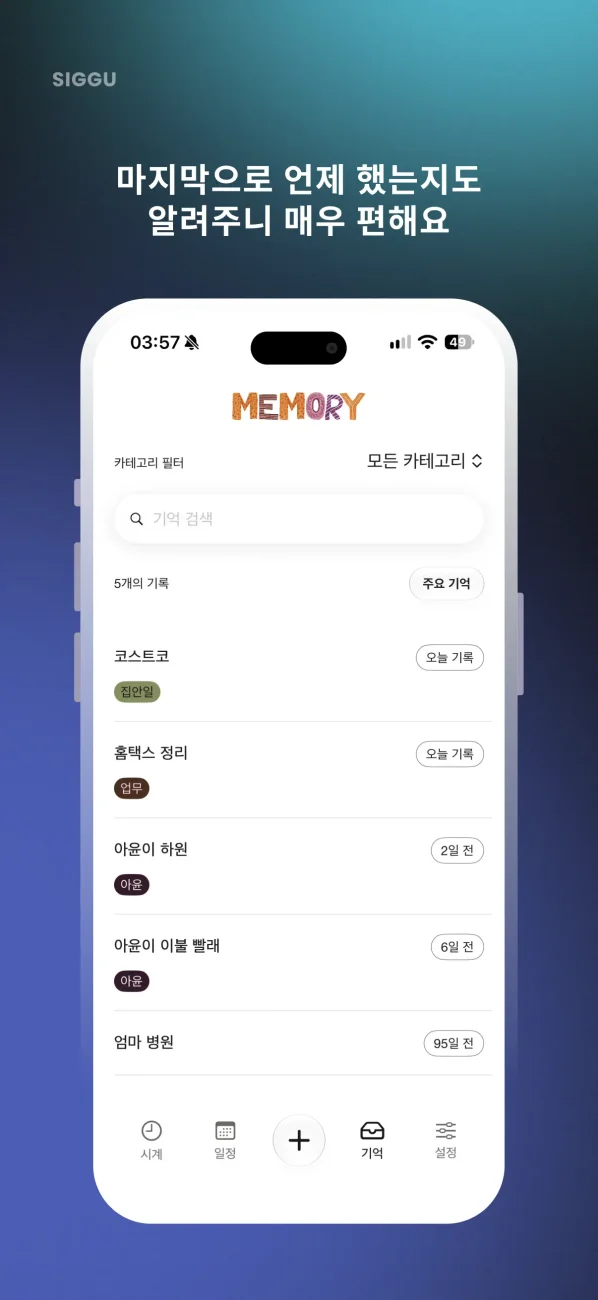
KEEP THE LITTLE MOMENTS
Record something you did, find it later with search, and see how long it has been. View completed tasks and memories alongside your plans in the calendar.
TAKE YOUR CLOCK WITH YOU
Display your decorated clock in a Home Screen widget. Save it to Photos or share it as an image. When sharing, you can replace task details with playful phrases.
CONNECT YOUR CALENDAR
Sync schedules in both directions with a selected Apple Calendar, including an iCloud calendar.
siggu supports English, Korean, Japanese, Simplified Chinese, and Traditional Chinese.
Widget updates are managed by iOS. Clock hands in widgets do not animate continuously.
Nouveautés
Version 1.2 · 11/11/2026
• Added sticker layers so you can place stickers behind labels or clock hands.
• Adjust photo backgrounds to be lighter or darker. Clock hands and tick marks adapt to the background brightness.
• Kept the widget clock's center and size consistent and improved edge spacing.
• Aligned the app's composition with the large widget and added zooming and two-finger panning in the app.
• Updated widget transitions to reduce overlapping images and clock hands during refreshes.
Confidentialité de l’application
Ce que DAIN JUN déclare sur l’App Store au sujet du traitement des données par cette application.
-
Données non collectées
Le développeur ne collecte aucune donnée à partir de cette application.
Les pratiques en matière de confidentialité peuvent varier, notamment en fonction des fonctionnalités que vous utilisez ou de votre âge.
Informations
- Vendeur
- DAIN JUN
- Catégorie
- Productivité
- Version
- 1.2
- Mis à jour
- 11/11/2026
- Publié
- 06/11/2026
- Taille
- 13,3 Mo
- Nécessite
- iOS 17.0 ou version ultérieure
- Classification d’âge
- 4+
- Prix
- 1,99 €
- Langues
- Anglais, Japonais, Coréen, Chinois simplifié, Chinois traditionnel
- Copyright
- © 2026 Dajak
Vous aimerez peut-être aussi
-
 Kikko: AI Family AssistantProductivité
-
 Quest NotesNotes, listes et scanner
-
 Recto MDProductivité
-
 All Notes AsideProductivité
-
 Synca · Sync Your Aha MomentProductivité
-
 Mote : Notes écran verrouilléMémos rapides et rappels
-
 SnipMark : Saisie d’écranAnnoter, compresser, renommer
-
 Linearama - Smart notesProductivité
-
 Mon Planning - Gestion ShiftCycle Heures Salaire Timeline
-
 SnagID - Snagging and DefectsProductivité