- Age rating4+
- CategoryProductivity
- DeveloperDAIN JUN
- LanguagesEnglish+ 4 more
- Size13.3 MB
Links to the official App Store page
Download.org hosts no file of Siggu. The button opens its official App Store page, published by DAIN JUN. Listing last checked on Nov 23, 2026.
Screenshots
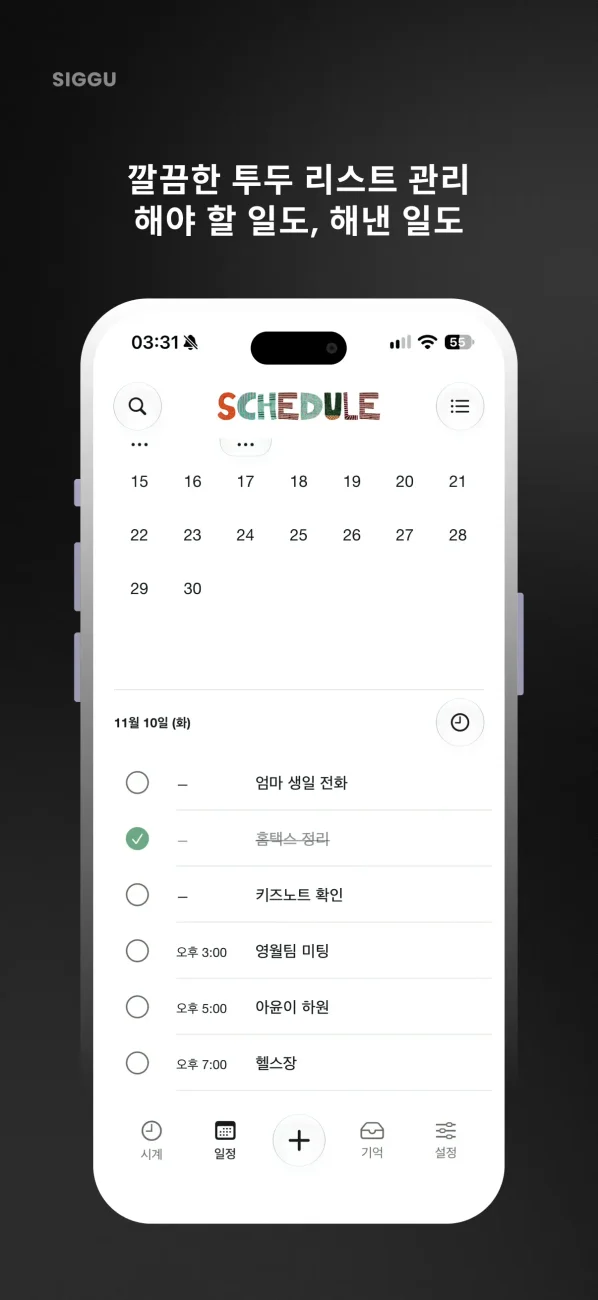
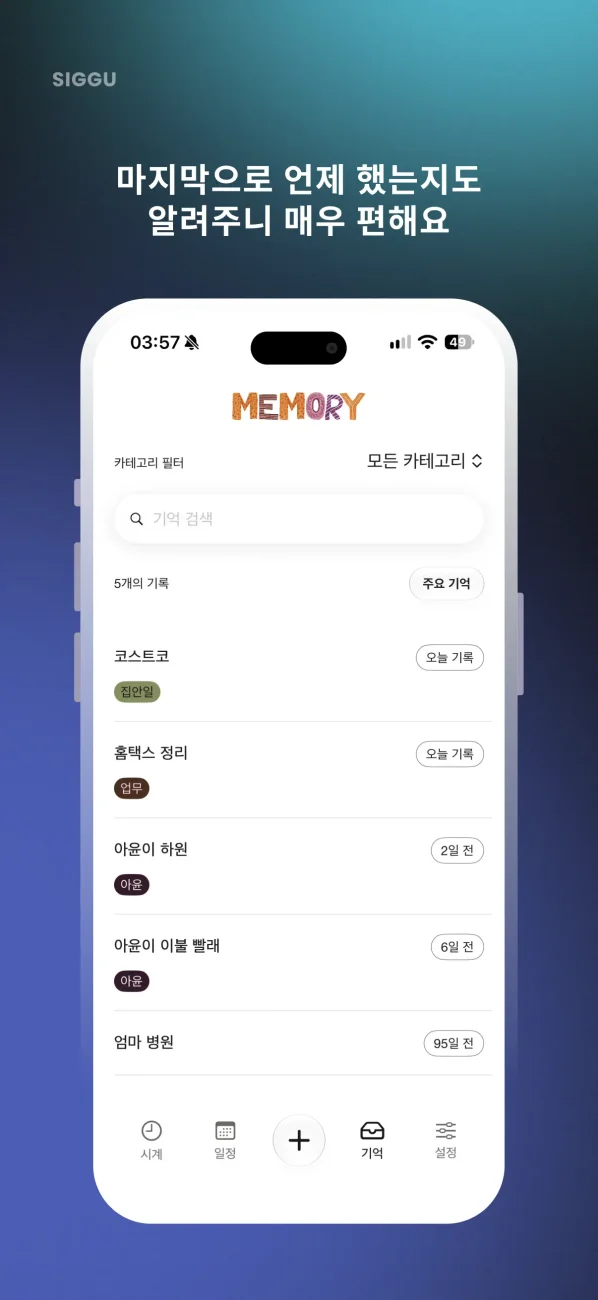
About
Your day, arranged your way.
siggu brings your plans and memories together on a clock you can make your own. See what’s ahead, keep track of what you’ve done, and give each day a personal touch.
PLAN YOUR DAY
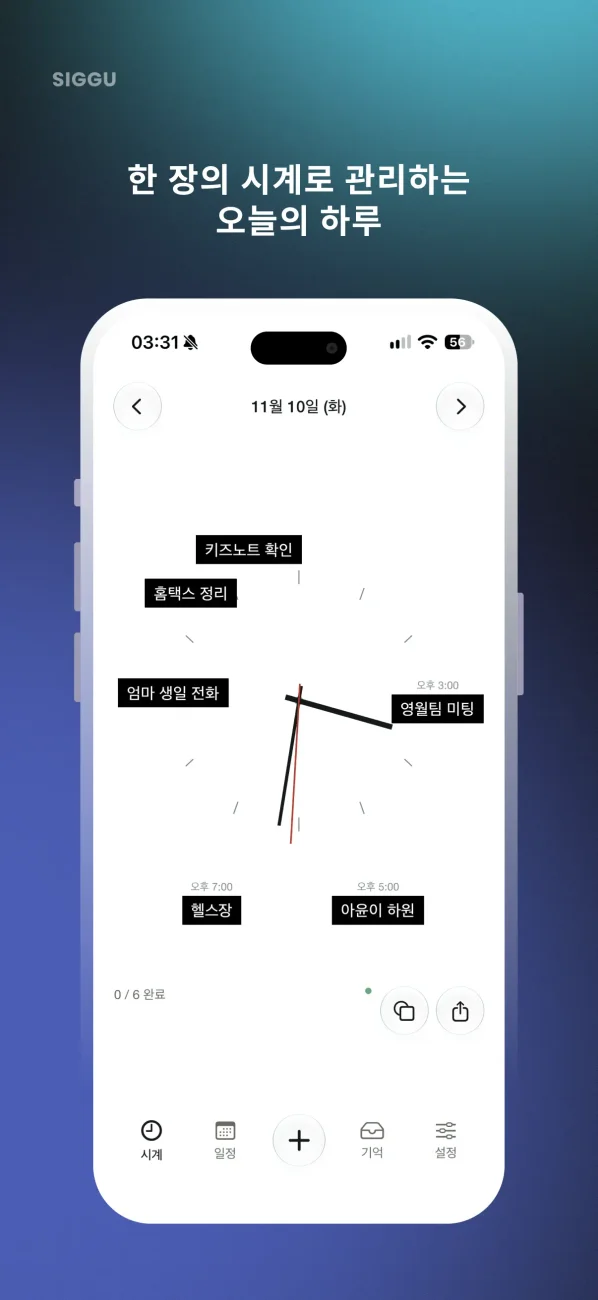
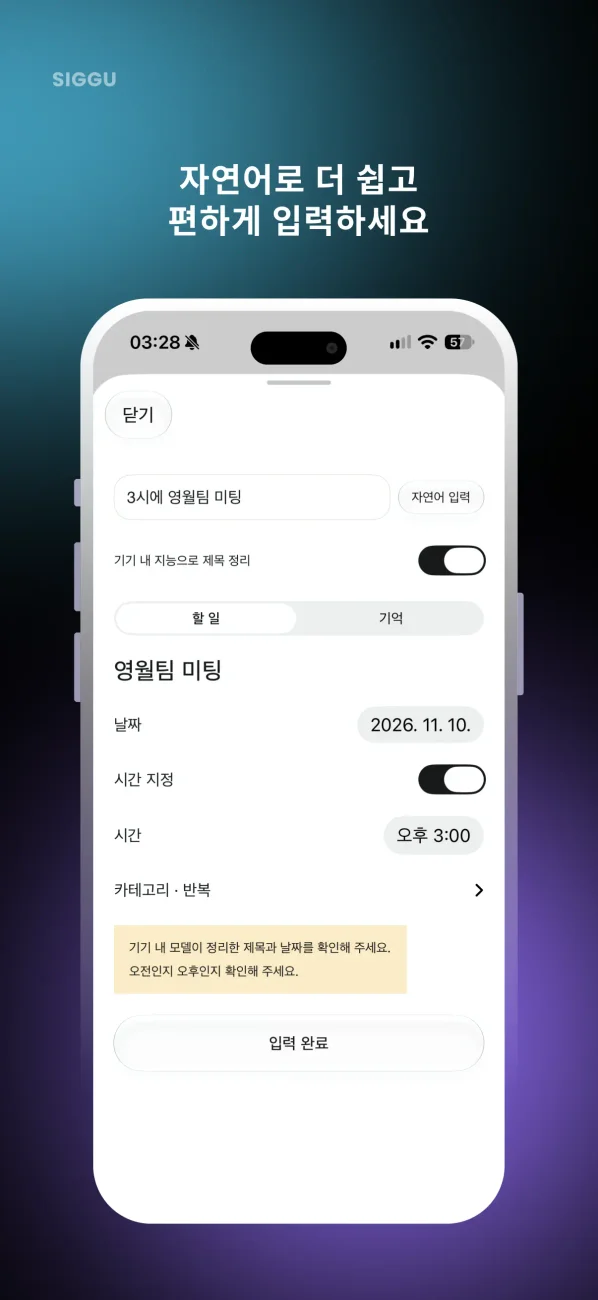
Place task labels around an analog clock. Add dates, times, categories, and repeating schedules, or use the calendar and list views to see your days at a glance.
MAKE IT YOURS
Choose a background color or photo. Add photo stickers, adjust their size and rotation, edit their cutouts, and use a favorite image as the center of your clock. Decorations belong to the day you add them.
KEEP THE LITTLE MOMENTS
Record something you did, find it later with search, and see how long it has been. View completed tasks and memories alongside your plans in the calendar.
TAKE YOUR CLOCK WITH YOU
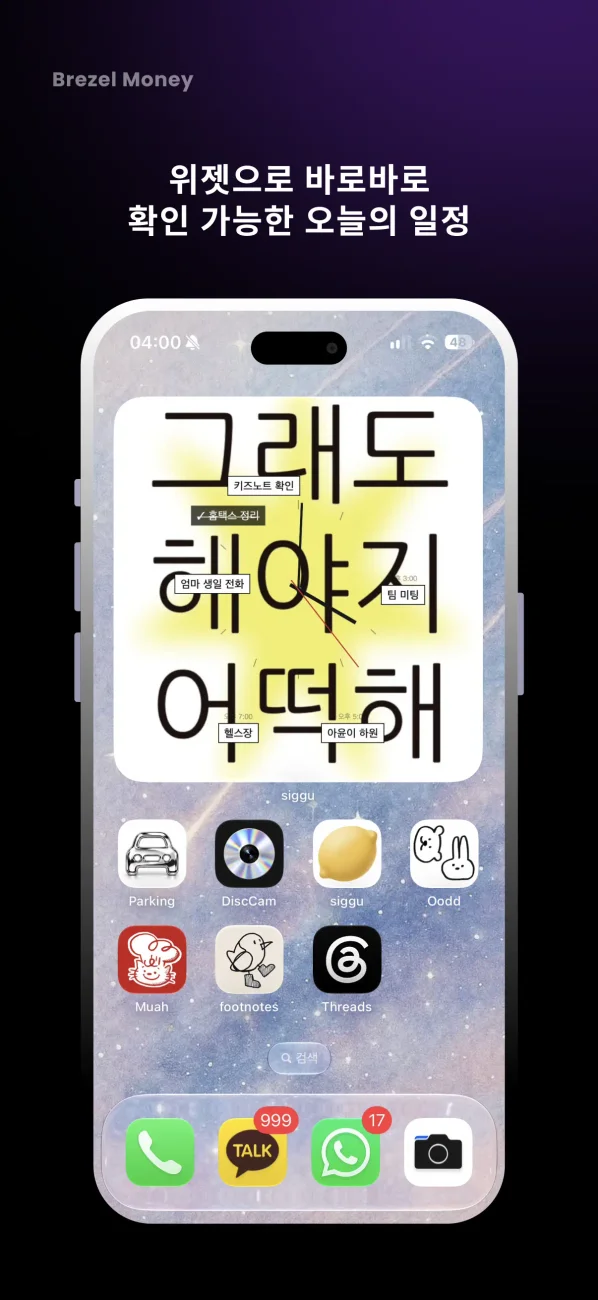
Display your decorated clock in a Home Screen widget. Save it to Photos or share it as an image. When sharing, you can replace task details with playful phrases.
CONNECT YOUR CALENDAR
Sync schedules in both directions with a selected Apple Calendar, including an iCloud calendar.
siggu supports English, Korean, Japanese, Simplified Chinese, and Traditional Chinese.
Widget updates are managed by iOS. Clock hands in widgets do not animate continuously.
What’s new
Version 1.2 · Nov 11, 2026
• Added sticker layers so you can place stickers behind labels or clock hands.
• Adjust photo backgrounds to be lighter or darker. Clock hands and tick marks adapt to the background brightness.
• Kept the widget clock's center and size consistent and improved edge spacing.
• Aligned the app's composition with the large widget and added zooming and two-finger panning in the app.
• Updated widget transitions to reduce overlapping images and clock hands during refreshes.
App privacy
What DAIN JUN declares on the App Store about how this app handles data.
-
Data not collected
The developer does not collect any data from this app.
Privacy practices may vary, for example with the features you use or your age.
Information
- Seller
- DAIN JUN
- Category
- Productivity
- Version
- 1.2
- Updated
- Nov 11, 2026
- Released
- Nov 6, 2026
- Size
- 13.3 MB
- Requires
- iOS 17.0 or later
- Age rating
- 4+
- Price
- $1.99
- Languages
- English, Japanese, Korean, Simplified Chinese, Traditional Chinese
- Copyright
- © 2026 Dajak
You might also like
-
 Kikko: AI Family AssistantShared Calendar & School Email
-
 Quest NotesNotes, Checklists & Scanner
-
 Recto MDA calm Markdown reader
-
 All Notes AsideANA(All Notes Aside)
-
 Synca · Sync Your Aha MomentCapture Ideas, Synced Anywhere
-
 Mote: Lock Screen NotesSimple reminders, clear mind
-
 SnipMark: Screenshot MarkupAnnotate, compress, rename
-
 Linearama - Smart notesSimple and effortless notes
-
 Shift Planner - Work RosterCycle Hours Pay Timeline Stats
-
 SnagID - Snagging and DefectsSnag List Site Audit Reports