
SIMO : MATLAB programming app
100% on-device computation
Conçue pour iPhone, iPad, iPod touch
5,99 €
- Classification d’âge4+
- CatégorieÉducation
- DéveloppeurNumerical Co.
- LanguesAnglais+ 1 de plus
- Taille61,1 Mo
Renvoie vers la page App Store officielle
Download.org n’héberge aucun fichier de SIMO : MATLAB programming app. Le bouton ouvre la page de l’application sur App Store, où Numerical Co. la publie. Fiche vérifiée pour la dernière fois le 15/11/2026.
Captures d’écran




À propos
Le développeur n’a pas fourni ce texte dans votre langue.
~~~~~~~~~
Check out our FREE app Console, which is powered by SIMO's MATLAB interpreter. If you find Console useful, SIMO is definitely suitable for you.
~~~~~~~~~
SIMO is a feature-rich development environment for MATLAB. We have developed a version of MATLAB interpreter that works for commonly used language syntax and functions for beginners.
[+] Who will find SIMO useful?
- Students learning the basics of MATLAB.
- Course instructors of fundamental MATLAB courses.
- Individuals whose works do not depend on specialised toolboxes and advanced language syntax.
[+] What is SIMO?
- It is an integrated environment for running MATLAB.
- It allows you to create, edit, and run MATLAB code on iOS devices.
- Unlike other apps that compute on the cloud, it performs computation entirely locally on device. No internet connection is needed. You don't miss a single app feature even if you are offline.
[+] What SIMO cannot do?
- It does not completely replace MATLAB, as it has only a subset of built-in functions of MATLAB.
- It does not support advanced features such as Simulink or creating user-interface.
[+] One app, all platforms
- You will be amazed at how much work you can do on a phone. The app is designed to let you work effectively on smaller screens.
- The iPad app features a split-screen layout. You can enjoy a full-screen workspace, or work on two views simultaneously.
- The iPad app runs on Macs with Apple silicon as well. Buy one app and it works on all of the platforms.
[+] MATLAB interpreter
- The interpreter works for language syntax that is essential to survive a MATLAB course. It provides the most commonly used built-in functions for learners.
- The interpreter computes on your device locally. You will not miss a single app feature even if you go completely offline.
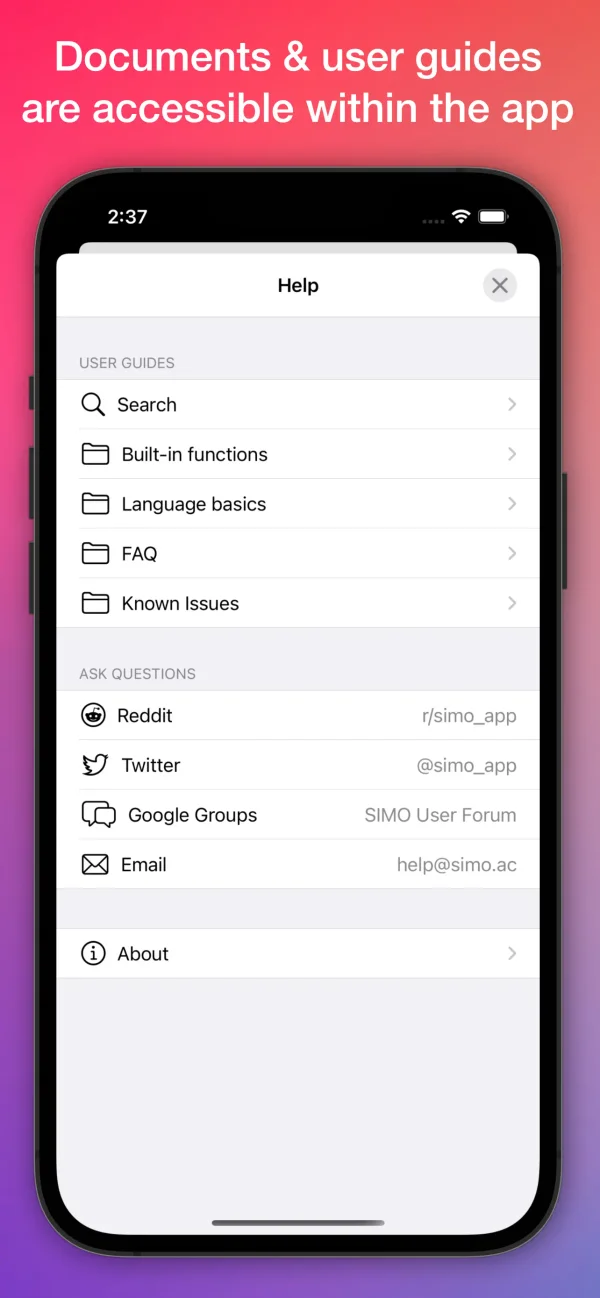
- SIMO comes with a full set of documentation and user guides. It is offline accessible and full-text searchable.
[+] Visualization tool
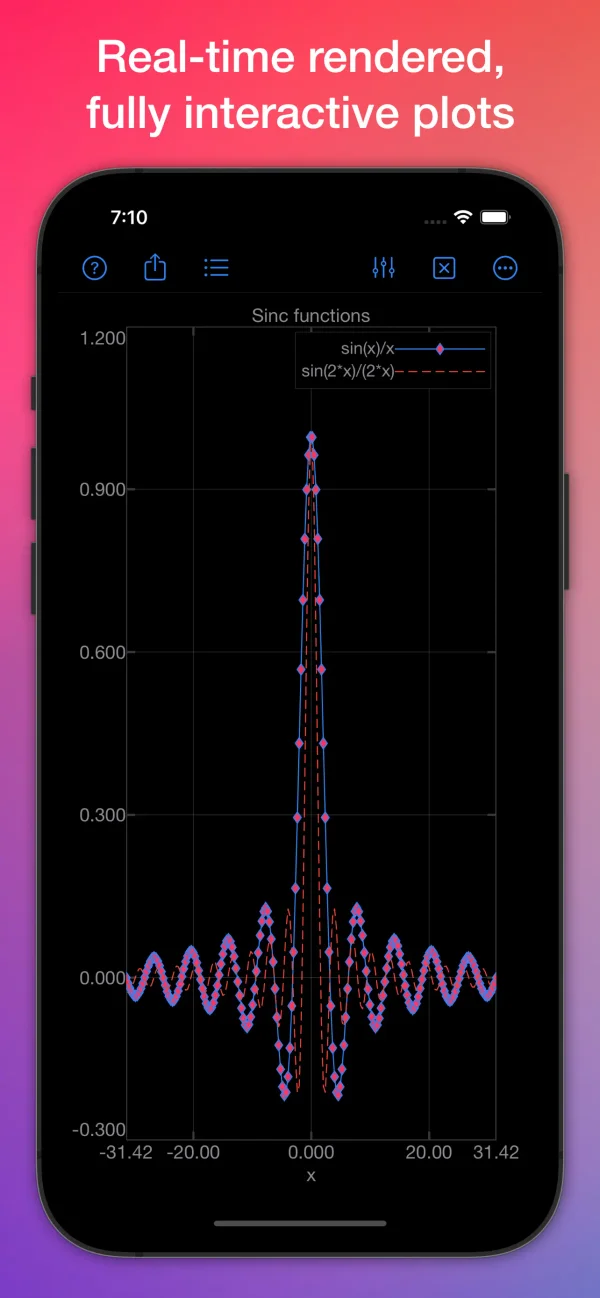
- Plots are rendered in real-time using your device's computing power. Operations such as updating line attributes, pan and zoom are fast and responsive.
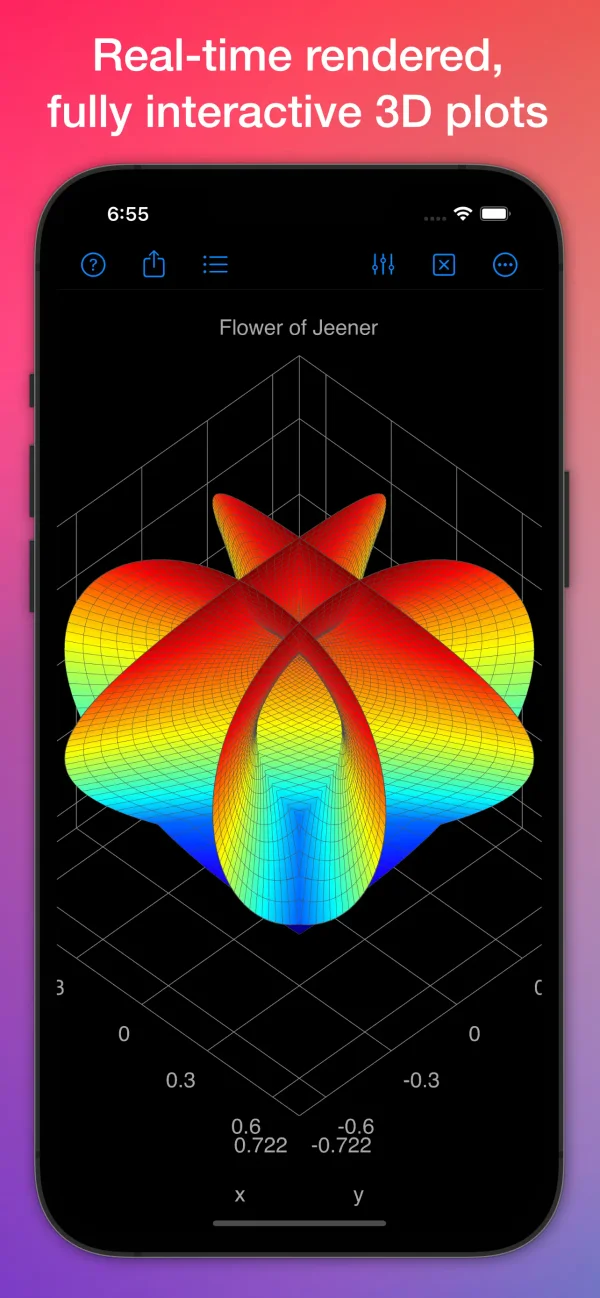
- Stunning 3D plots are rendered by the device's GPU in real-time. Pan, zoom or rotate with multi-touch gestures, trackpad or keyboard shortcuts.
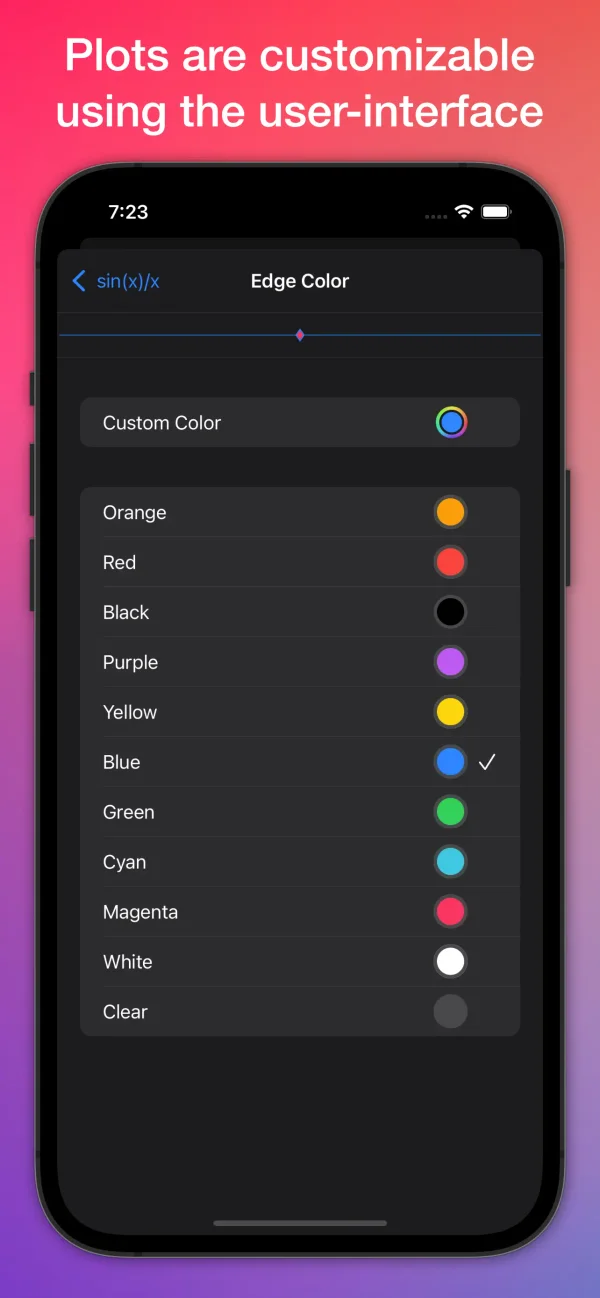
- Plot attributes are editable through the built-in user-interface. You can improvise with different styles without entering a single line of code.
[+] Command console
- You can run one or many lines of code from the command console. It supports line numbering, auto-intent and syntax highlighting.
- Search over thousand lines of output data instantly. You'll never get overwhelmed by the sea of numbers.
- Output data are formatted automatically to fit the screen size or app window. Data are always neatly presented however you resize the app.
[+] File manager
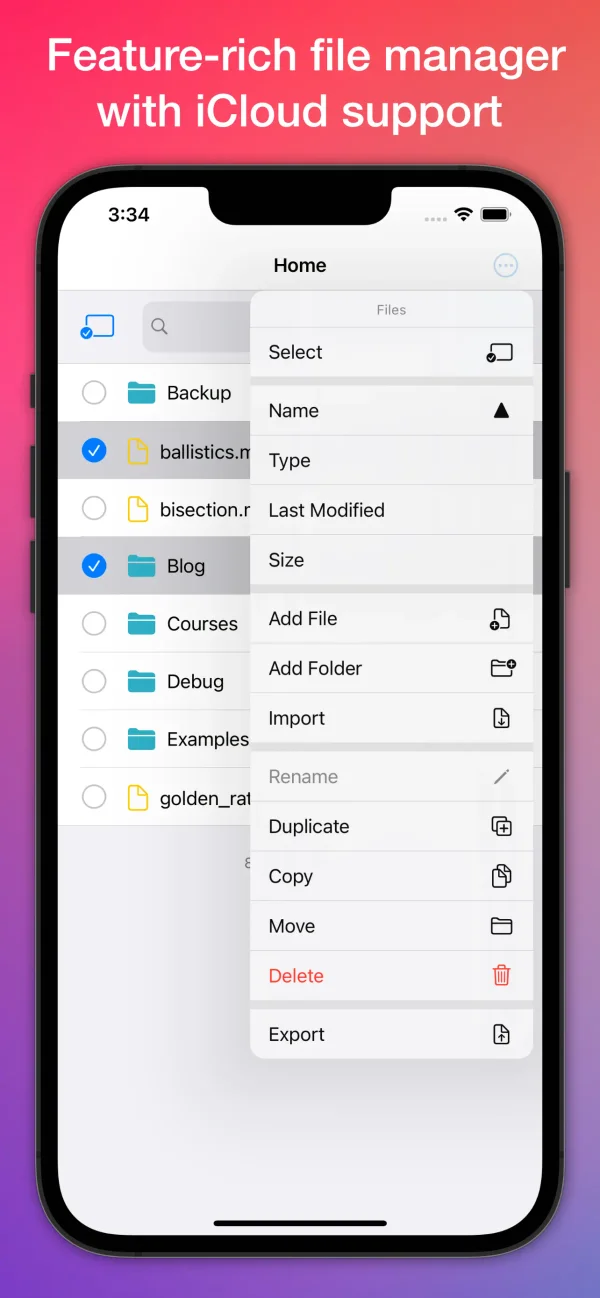
- Files can be synced across all of your iCloud Drive enabled devices (iPhone, iPad, Mac). Or, you can store them locally on device.
- Tons of files buried in tons of folders? No worries. The search feature will help you find an item instantly.
- It has features you expect from a useful file manager. Add, copy, delete, duplicate, move, rename, sort and more.
[+] Script editor
- It has features you expect from a useful script editor. Syntax highlight, auto-indent, line numbers and more.
- Search for a word in a script. Replace occurrences with another word.
- Recent items are accessible from your finger tip. It is a useful feature for navigating through frequently accessed files.
Nouveautés
Version 3.1.7 · 13/02/2024
- New functions: cot, cotd, coth, acot, acotd, acoth.
- Various improvement and fixes.
Confidentialité de l’application
Ce que Numerical Co. déclare sur l’App Store au sujet du traitement des données par cette application.
-
Données non collectées
Le développeur ne collecte aucune donnée à partir de cette application.
Les pratiques en matière de confidentialité peuvent varier, notamment en fonction des fonctionnalités que vous utilisez ou de votre âge.
Informations
- Vendeur
- Numerical Co.
- Catégorie
- Éducation
- Version
- 3.1.7
- Mis à jour
- 13/02/2024
- Publié
- 02/12/2014
- Taille
- 61,1 Mo
- Nécessite
- iOS 14.0 ou version ultérieure
- Classification d’âge
- 4+
- Prix
- 5,99 €
- Langues
- Anglais, Chinois traditionnel
- Copyright
- © 2022 Numerical Co.
Vous aimerez peut-être aussi
-
 Learn Matlab ProgrammingÉducation
-
 Madona: Run MATLAB/Octave codeÉducation
-
 iCircuitÉducation
-
 PocketCAS : calculatriceGraphiques 2D et 3D, dérivées
-
 Learn to Code – TinkerstellarÉducation
-
 Calculatrice Maple: SolveurAide aux devoirs pas à pas
-
 R Programming CompilerÉducation
-
 EE ToolKitÉducation
-
 Calculatrice NumWorksÉducation
-
 GeoGebra Calculatrice 3D3D, Graphe, Surface, Géométrie