
SIMO : MATLAB programming app
100% on-device computation
Được thiết kế cho iPhone, iPad, iPod touch
149.000đ
- Độ tuổi4+
- Danh mụcGiáo Dục
- Nhà phát triểnNumerical Co.
- Ngôn ngữTiếng Anh+ 1 ngôn ngữ khác
- Kích thước61,1 MB
Liên kết đến trang App Store chính thức
Download.org không lưu trữ tệp nào của SIMO : MATLAB programming app. Nút này mở trang ứng dụng trên App Store, nơi Numerical Co. phát hành ứng dụng. Trang được kiểm tra lần cuối: 15/11/2026.
Ảnh chụp màn hình




Giới thiệu
Nhà phát triển chưa cung cấp nội dung này bằng ngôn ngữ của bạn.
~~~~~~~~~
Check out our FREE app Console, which is powered by SIMO's MATLAB interpreter. If you find Console useful, SIMO is definitely suitable for you.
~~~~~~~~~
SIMO is a feature-rich development environment for MATLAB. We have developed a version of MATLAB interpreter that works for commonly used language syntax and functions for beginners.
[+] Who will find SIMO useful?
- Students learning the basics of MATLAB.
- Course instructors of fundamental MATLAB courses.
- Individuals whose works do not depend on specialised toolboxes and advanced language syntax.
[+] What is SIMO?
- It is an integrated environment for running MATLAB.
- It allows you to create, edit, and run MATLAB code on iOS devices.
- Unlike other apps that compute on the cloud, it performs computation entirely locally on device. No internet connection is needed. You don't miss a single app feature even if you are offline.
[+] What SIMO cannot do?
- It does not completely replace MATLAB, as it has only a subset of built-in functions of MATLAB.
- It does not support advanced features such as Simulink or creating user-interface.
[+] One app, all platforms
- You will be amazed at how much work you can do on a phone. The app is designed to let you work effectively on smaller screens.
- The iPad app features a split-screen layout. You can enjoy a full-screen workspace, or work on two views simultaneously.
- The iPad app runs on Macs with Apple silicon as well. Buy one app and it works on all of the platforms.
[+] MATLAB interpreter
- The interpreter works for language syntax that is essential to survive a MATLAB course. It provides the most commonly used built-in functions for learners.
- The interpreter computes on your device locally. You will not miss a single app feature even if you go completely offline.
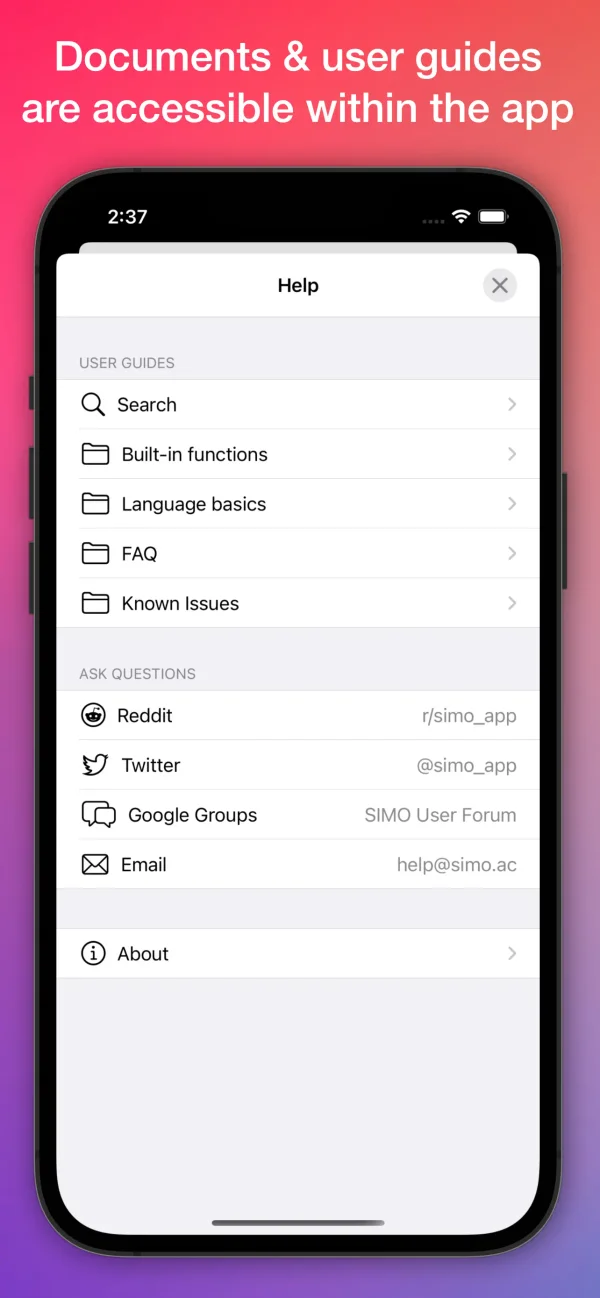
- SIMO comes with a full set of documentation and user guides. It is offline accessible and full-text searchable.
[+] Visualization tool
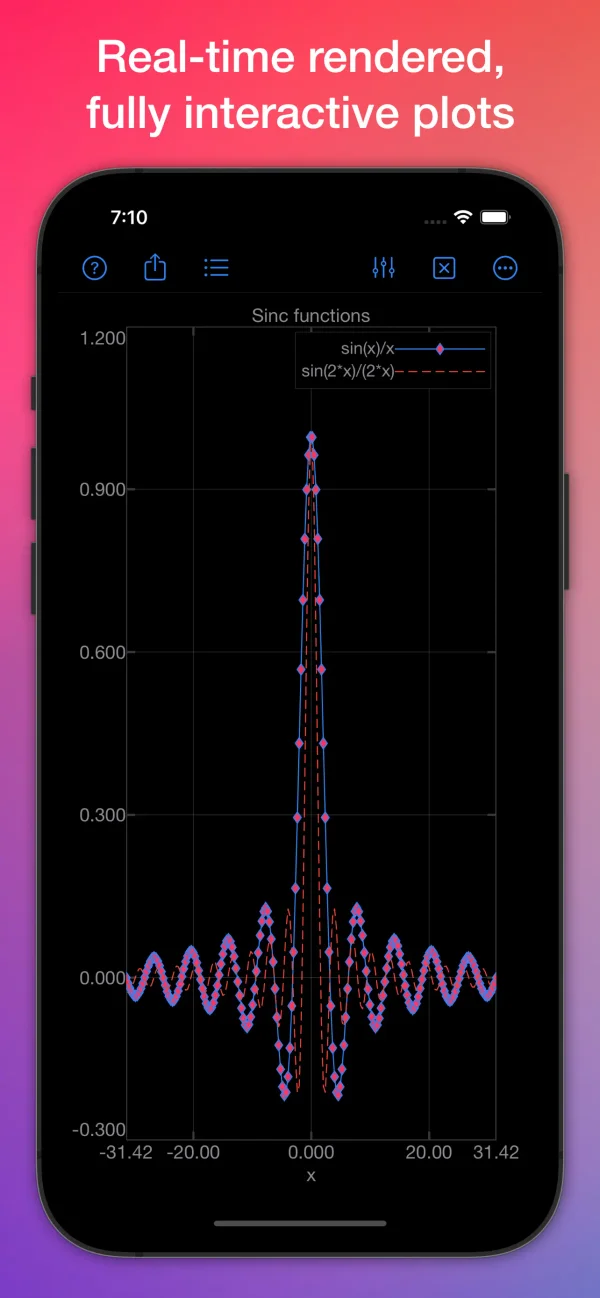
- Plots are rendered in real-time using your device's computing power. Operations such as updating line attributes, pan and zoom are fast and responsive.
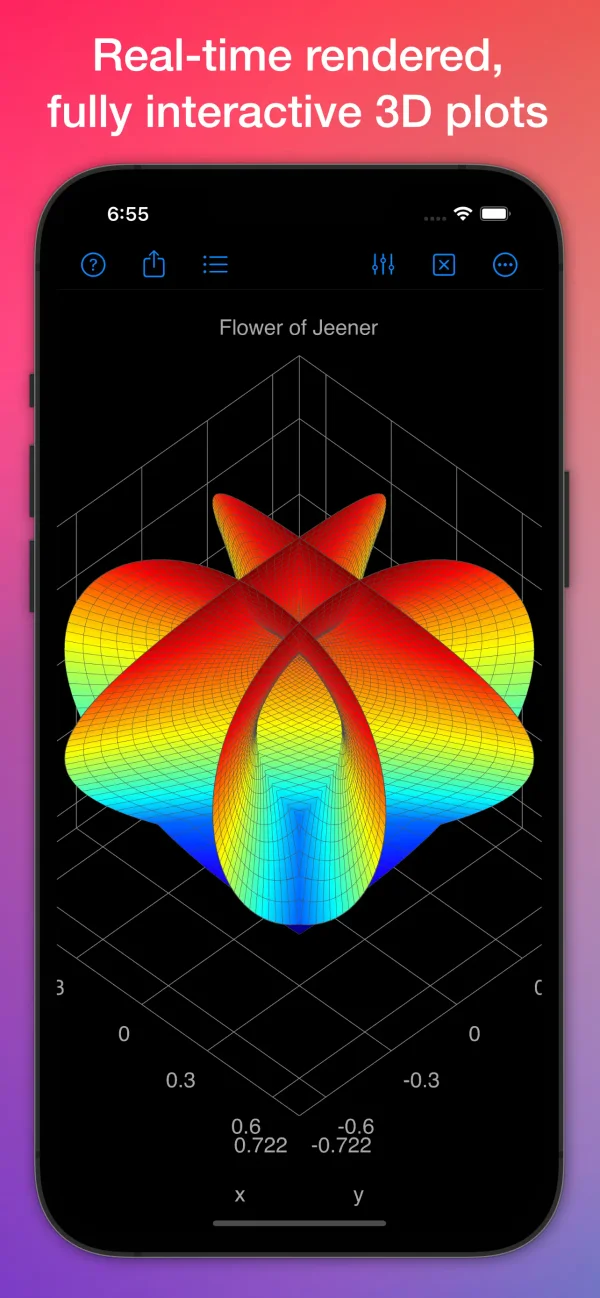
- Stunning 3D plots are rendered by the device's GPU in real-time. Pan, zoom or rotate with multi-touch gestures, trackpad or keyboard shortcuts.
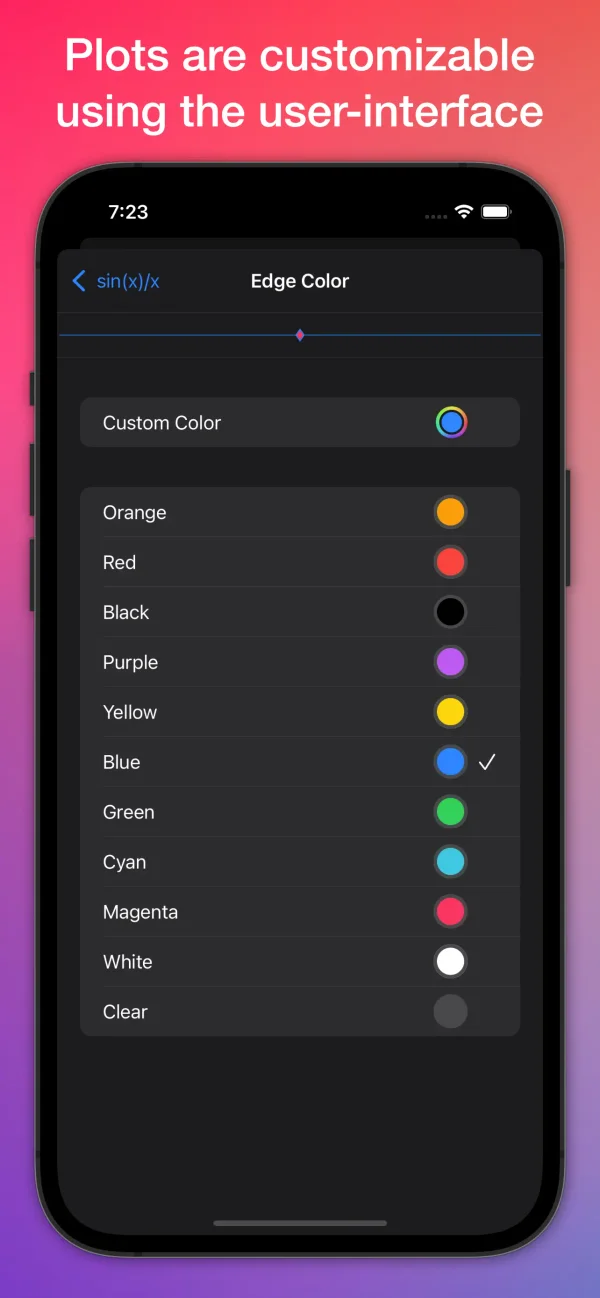
- Plot attributes are editable through the built-in user-interface. You can improvise with different styles without entering a single line of code.
[+] Command console
- You can run one or many lines of code from the command console. It supports line numbering, auto-intent and syntax highlighting.
- Search over thousand lines of output data instantly. You'll never get overwhelmed by the sea of numbers.
- Output data are formatted automatically to fit the screen size or app window. Data are always neatly presented however you resize the app.
[+] File manager
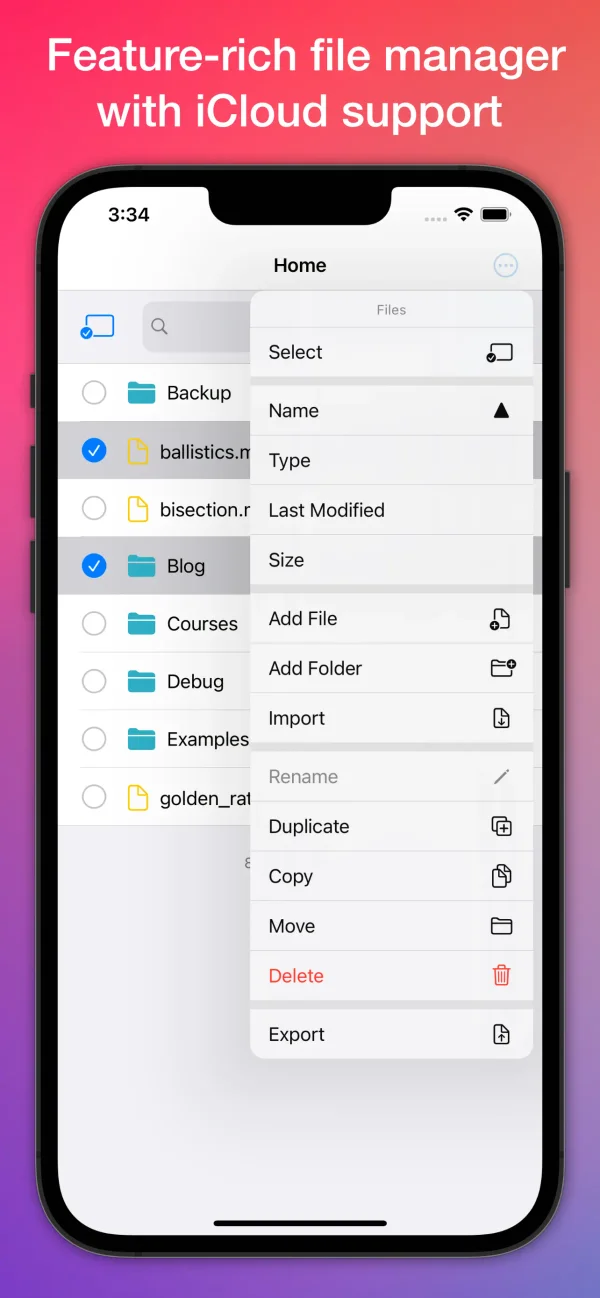
- Files can be synced across all of your iCloud Drive enabled devices (iPhone, iPad, Mac). Or, you can store them locally on device.
- Tons of files buried in tons of folders? No worries. The search feature will help you find an item instantly.
- It has features you expect from a useful file manager. Add, copy, delete, duplicate, move, rename, sort and more.
[+] Script editor
- It has features you expect from a useful script editor. Syntax highlight, auto-indent, line numbers and more.
- Search for a word in a script. Replace occurrences with another word.
- Recent items are accessible from your finger tip. It is a useful feature for navigating through frequently accessed files.
Có gì mới
Phiên bản 3.1.7 · 13/02/2024
- New functions: cot, cotd, coth, acot, acotd, acoth.
- Various improvement and fixes.
Quyền riêng tư của ứng dụng
Những gì Numerical Co. khai báo trên App Store về cách ứng dụng này xử lý dữ liệu.
-
Dữ liệu không được thu thập
Nhà phát triển không thu thập bất kỳ dữ liệu nào từ ứng dụng này.
Phương thức đảm bảo quyền riêng tư có thể khác nhau, chẳng hạn như tuỳ theo các tính năng bạn sử dụng hoặc độ tuổi của bạn.
Thông tin
- Người bán
- Numerical Co.
- Danh mục
- Giáo Dục
- Phiên bản
- 3.1.7
- Cập nhật
- 13/02/2024
- Phát hành
- 02/12/2014
- Kích thước
- 61,1 MB
- Yêu cầu
- iOS 14.0 trở lên
- Độ tuổi
- 4+
- Giá
- 149.000đ
- Ngôn ngữ
- Tiếng Anh, Tiếng Trung Phồn thể
- Bản quyền
- © 2022 Numerical Co.
Có thể bạn cũng thích
-
 Learn Matlab ProgrammingGiáo Dục
-
 Madona: Run MATLAB/Octave codeGiáo Dục
-
 iCircuitGiáo Dục
-
 PocketCAS: Graphing CalculatorGiáo Dục
-
 Learn to Code – TinkerstellarGiáo Dục
-
 Maple Calculator: Math SolverGiáo Dục
-
 R Programming CompilerGiáo Dục
-
 EE ToolKitGiáo Dục
-
 NumWorks Graphing CalculatorGiáo Dục
-
 GeoGebra 3D CalculatorGiáo Dục