
Smart-Fi
No more Wi-Fi dead zones!
Conçue pour iPhone, iPad, iPod touch
Gratuit
- Classification d’âge4+
- CatégorieUtilitaires
- DéveloppeurMobophiles Inc.
- LanguesAnglais
- Taille66,0 Mo
Renvoie vers la page App Store officielle
Download.org n’héberge aucun fichier de Smart-Fi. Le bouton ouvre la page de l’application sur App Store, où Mobophiles Inc. la publie. Fiche vérifiée pour la dernière fois le 14/11/2026.
Captures d’écran
À propos
Le développeur n’a pas fourni ce texte dans votre langue.
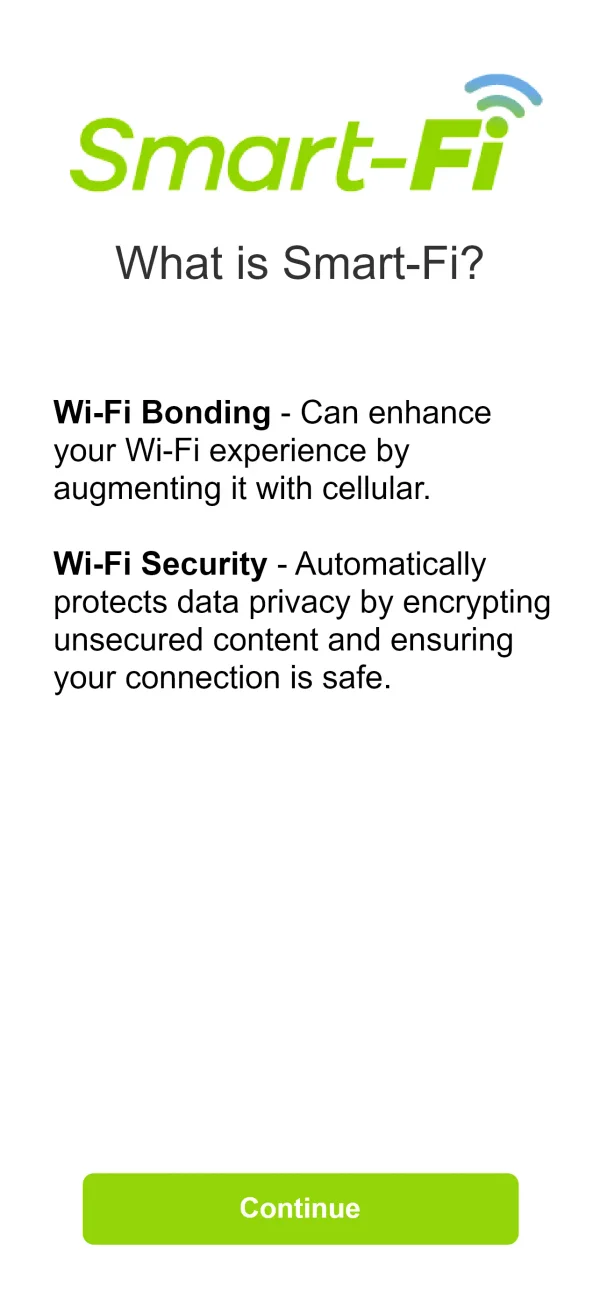
Smart-Fi helps ensure your data stays connected and protected when you’re using Wi-Fi at home, work or on the move by intelligently protecting your connections and leveraging the cellular network when needed to maintain your data connectivity. It automatically turns on and off with your Wi-Fi connections which makes using Smart-Fi simple and easy to use.
Wi-Fi & Cellular, better together. Smart.
Smart-Fi provides two great features:
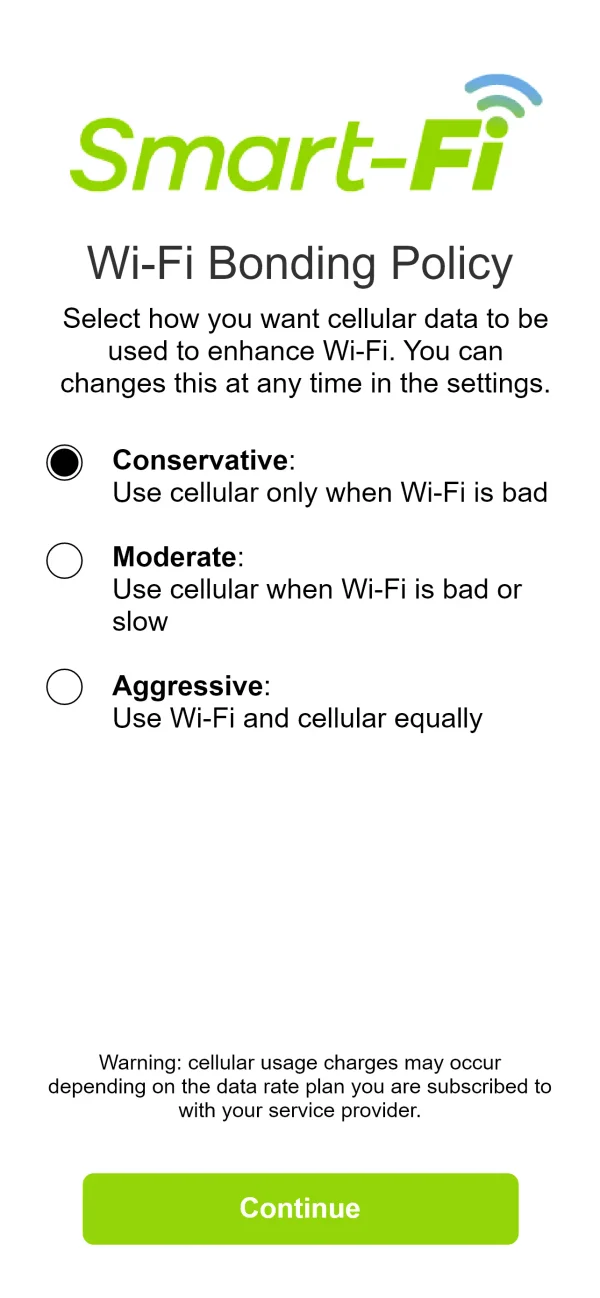
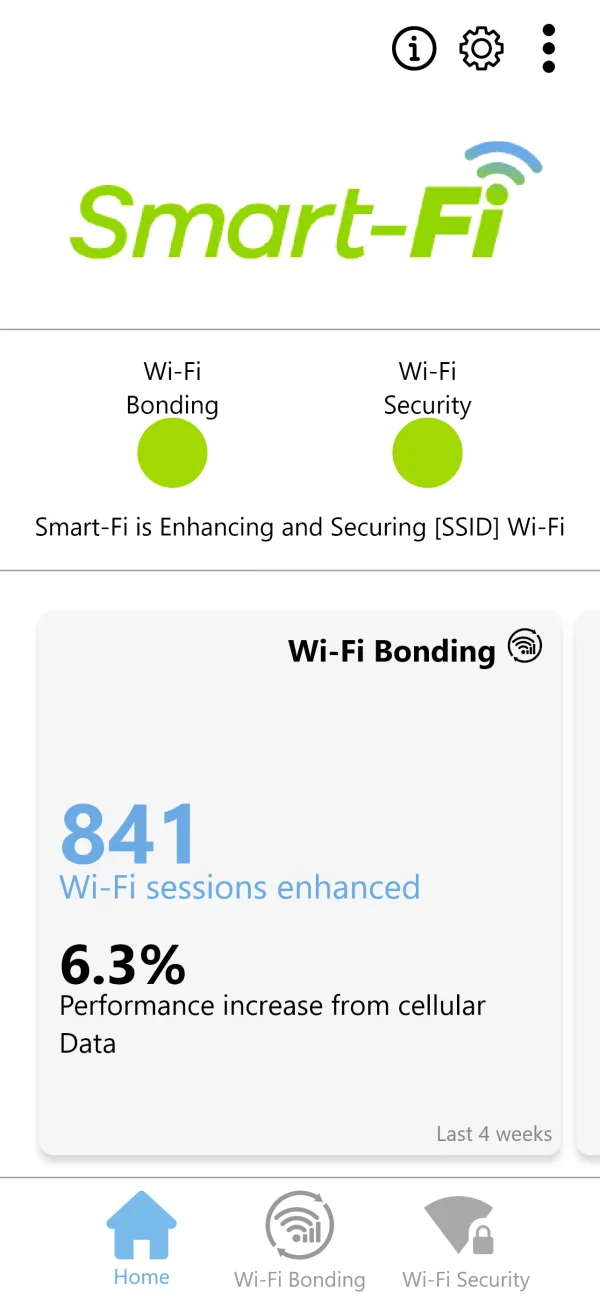
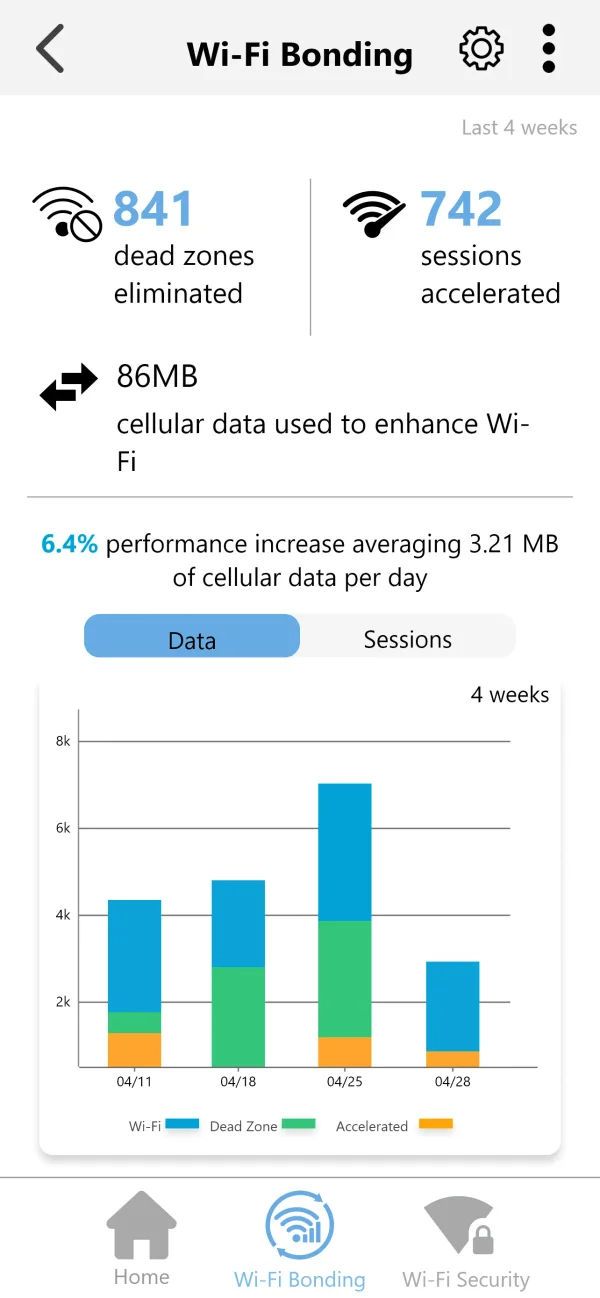
Wi-Fi Bonding
• Provides the best possible data connection by leveraging both the Wi-Fi and cellular data networks to keep your apps and services running.
• By intelligently augmenting poor performing Wi-Fi with cellular data, Wi-Fi dead zones are eliminated. Congested Wi-Fi is unclogged with load-balancing of Wi-Fi and cellular which provides seamless transitions when moving from Wi-Fi to cellular coverage for most apps and services.
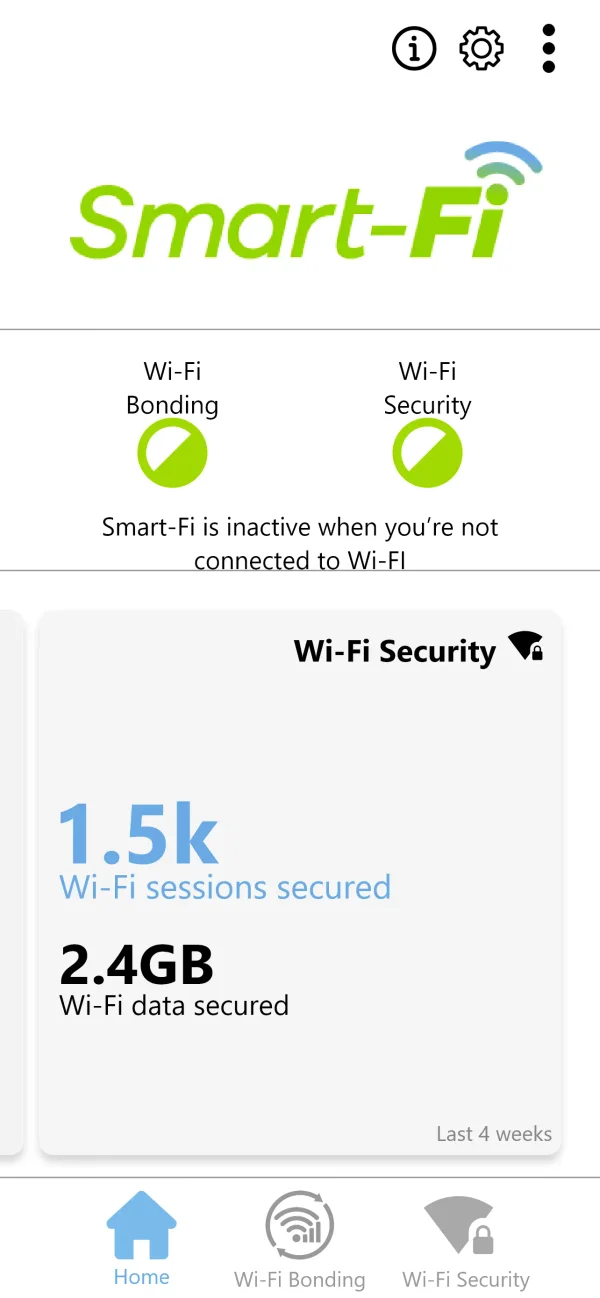
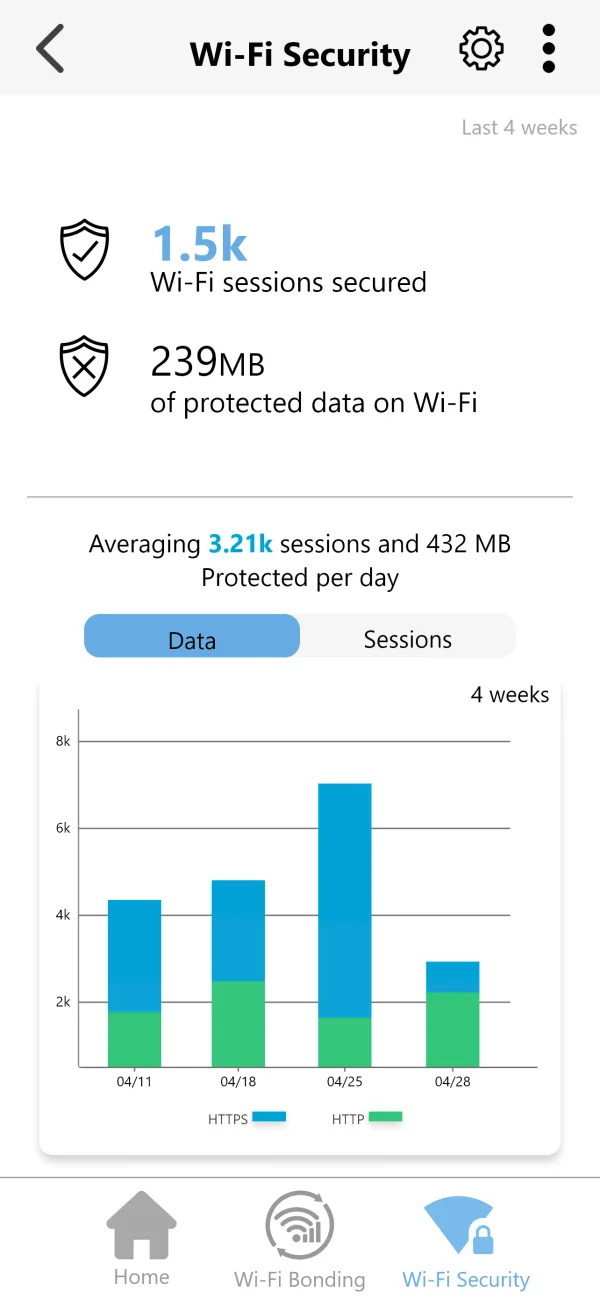
Wi-Fi Security
• Protects your data privacy when using Wi-Fi by automatically encrypting unsecured content and ensuring your Wi-Fi connection is safe.
• Works without breaking most VPN sensitive apps like streaming video services.
Notes and FAQs:
• Please check the FAQs before submitting an issue. FAQs can be found here: https://www.mobolize.com/faqs/smart-fi/
• The VPN Icon (VPN active) will be visible on the Status Bar while any of features are running. You will also see occasional notifications when status changes in the app and as you connect and disconnect from Wi-Fi.
• The Wi-Fi logo may disappear when the VPN is running, even though you are still connected to Wi-Fi. This is a known occurrence for all VPNs. To check you are still on Wi-Fi tap on your iPhone settings app and look at the Wi-Fi status.
• Occasionally the app will notify you that “Poor Wi-Fi data connection has been detected” This can happen anywhere and anytime, even on your home Wi-Fi if the data connection is having trouble.
• Reporting an issue with the application is performed by tapping the Menu (upper right corner of the app) and then tapping ‘Report problem.’ When reporting a problem, please be as specific as you can.
• Please note that if you check the data or battery usage on your phone, it may appear as though this app is using a lot of data and battery. However, this app isn’t actually using all that data/battery. Reporting for the data/battery usage has been shifted from your other apps to this one, because your data now passes through this app so it can manage your security and connectivity. Actual battery usage will be minimal – on average 0.1%.
Nouveautés
Version 6.1.0 · 04/04/2025
• Enhanced security with support for the newest TLS 1.3
• Improved activity-aware handoffs to cellular
• Latest bug fixes and performance enhancements
Confidentialité de l’application
Ce que Mobophiles Inc. déclare sur l’App Store au sujet du traitement des données par cette application.
-
Données établissant un lien avec vous
Peuvent être collectées et liées à votre identité.
- Contenu utilisateur
-
Données n’établissant aucun lien avec vous
Peuvent être collectées, mais ne sont pas liées à votre identité.
- Diagnostic
Les pratiques en matière de confidentialité peuvent varier, notamment en fonction des fonctionnalités que vous utilisez ou de votre âge.
Informations
- Vendeur
- Mobophiles, Inc
- Catégorie
- Utilitaires
- Version
- 6.1.0
- Mis à jour
- 04/04/2025
- Publié
- 04/09/2019
- Taille
- 66,0 Mo
- Nécessite
- iOS 14.0 ou version ultérieure
- Classification d’âge
- 4+
- Prix
- Gratuit
- Langues
- Anglais
- Copyright
- © Mobophiles, Inc.
Vous aimerez peut-être aussi
-
 who is using my wifi scannerUtilitaires
-
 PRIVATE WiFi - personal VPNUtilitaires
-
 Wi-Fi DeadspotUtilitaires
-
 Smart Wifi ACUtilitaires
-
 NetTools - Network AnalyzerBoîte à outils réseau pro
-
 MightyWifi CLOUDUtilitaires
-
 Connect MeUtilitaires
-
 WiFi Guard - Scanner réseauQui est connecté à mon Wi-Fi ?
-
 Net Optimizer : Optimize PingUtilitaires
-
 CL Tel Wi-FiUtilitaires