Smart-Fi
No more Wi-Fi dead zones!
Được thiết kế cho iPhone, iPad, iPod touch
Miễn phí
- Độ tuổi4+
- Danh mụcTiện Ích
- Nhà phát triểnMobophiles Inc.
- Ngôn ngữTiếng Anh
- Kích thước66,0 MB
Liên kết đến trang App Store chính thức
Download.org không lưu trữ tệp nào của Smart-Fi. Nút này mở trang ứng dụng trên App Store, nơi Mobophiles Inc. phát hành ứng dụng. Trang được kiểm tra lần cuối: 14/11/2026.
Ảnh chụp màn hình
Giới thiệu
Nhà phát triển chưa cung cấp nội dung này bằng ngôn ngữ của bạn.
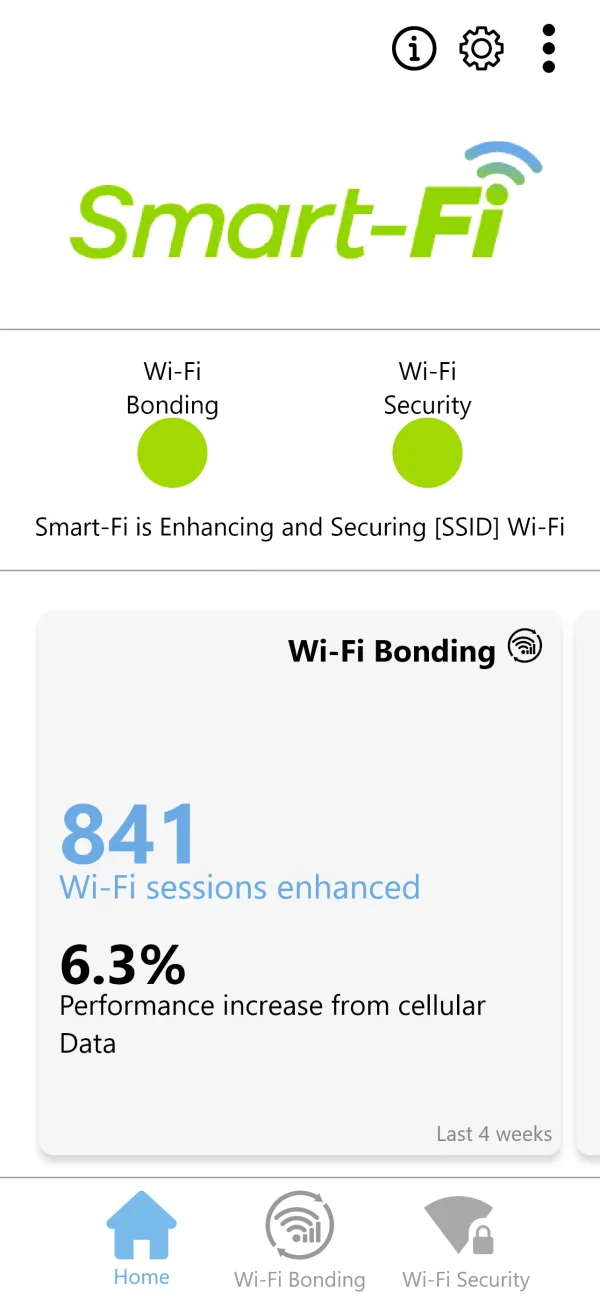
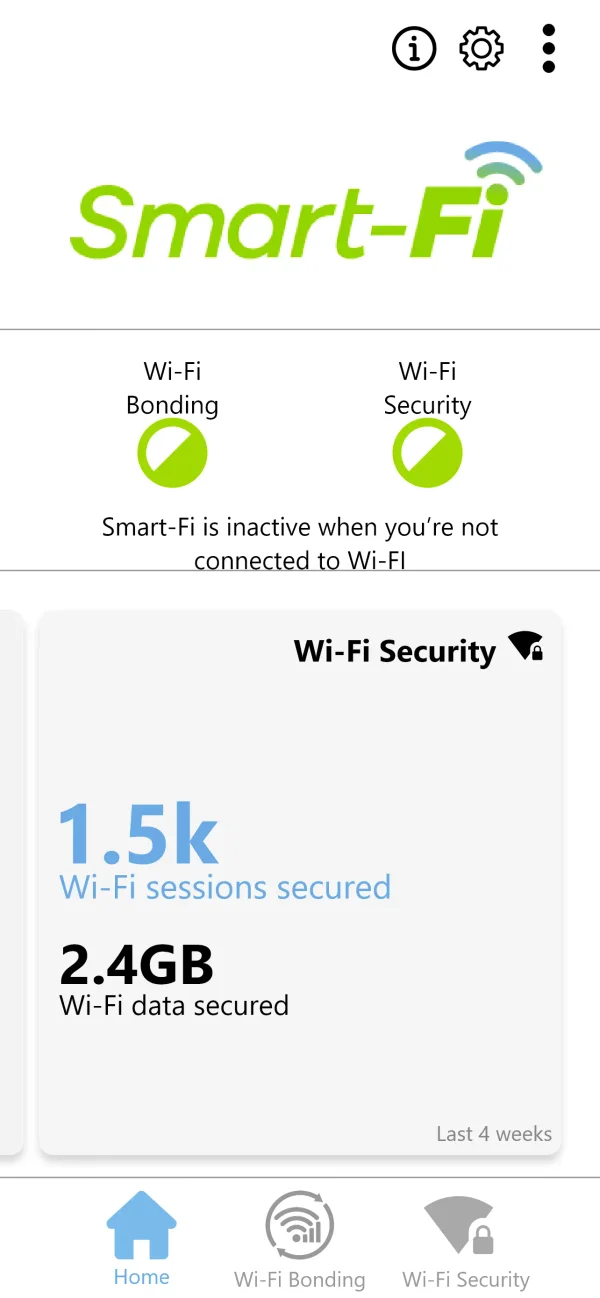
Smart-Fi helps ensure your data stays connected and protected when you’re using Wi-Fi at home, work or on the move by intelligently protecting your connections and leveraging the cellular network when needed to maintain your data connectivity. It automatically turns on and off with your Wi-Fi connections which makes using Smart-Fi simple and easy to use.
Wi-Fi & Cellular, better together. Smart.
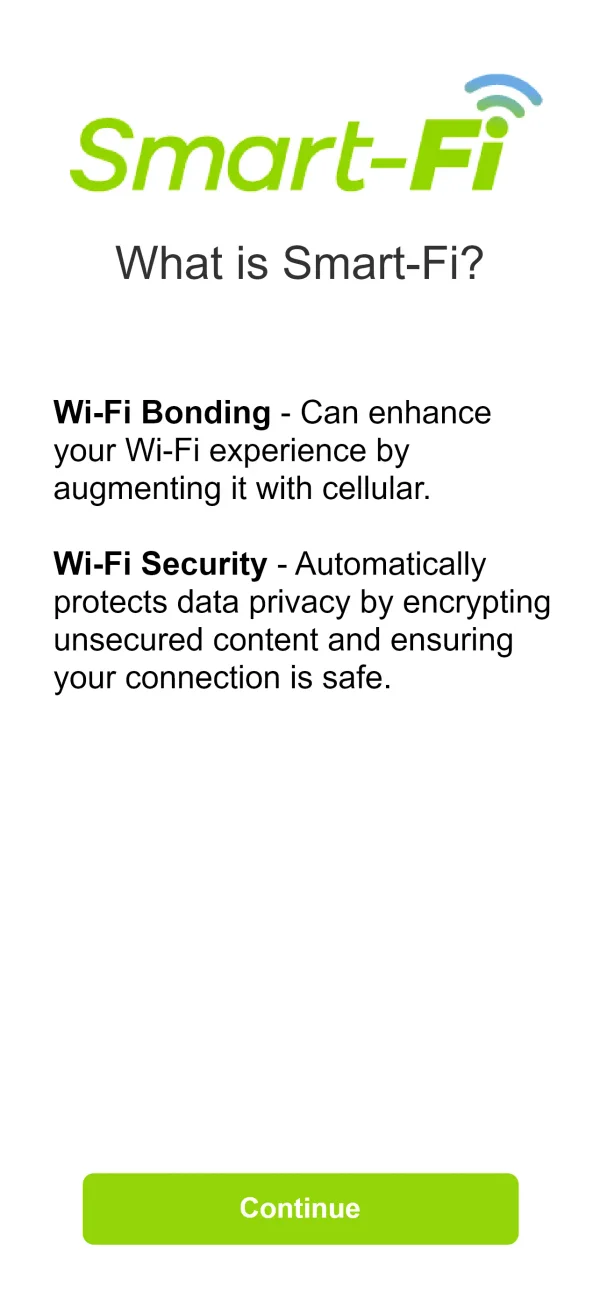
Smart-Fi provides two great features:
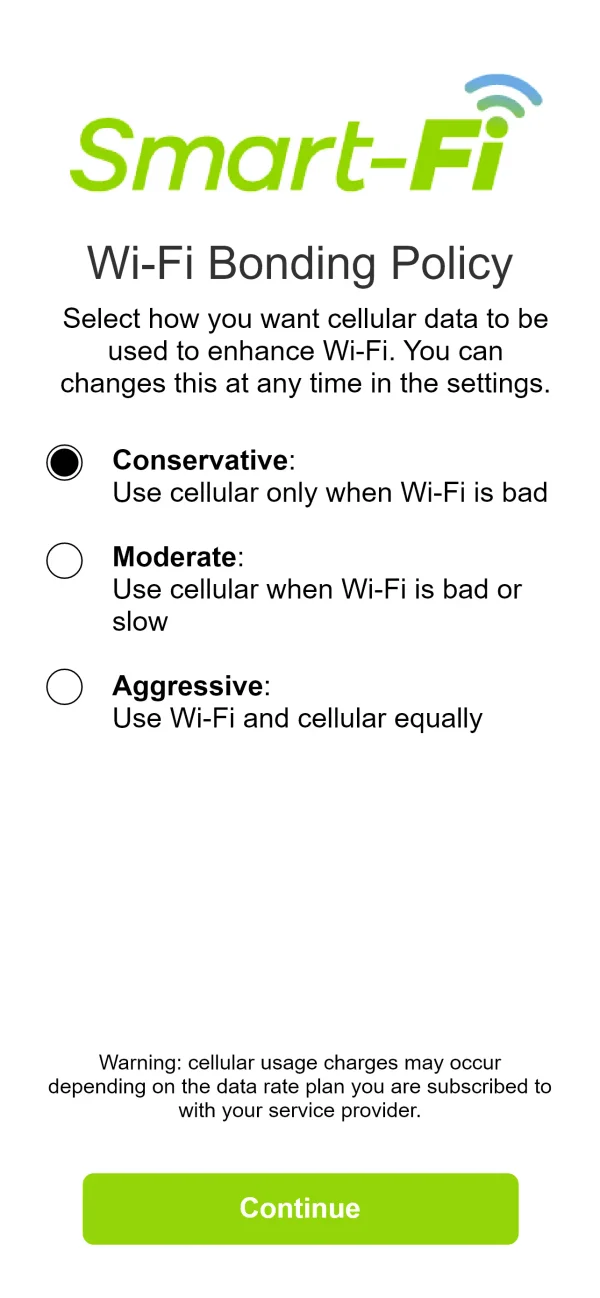
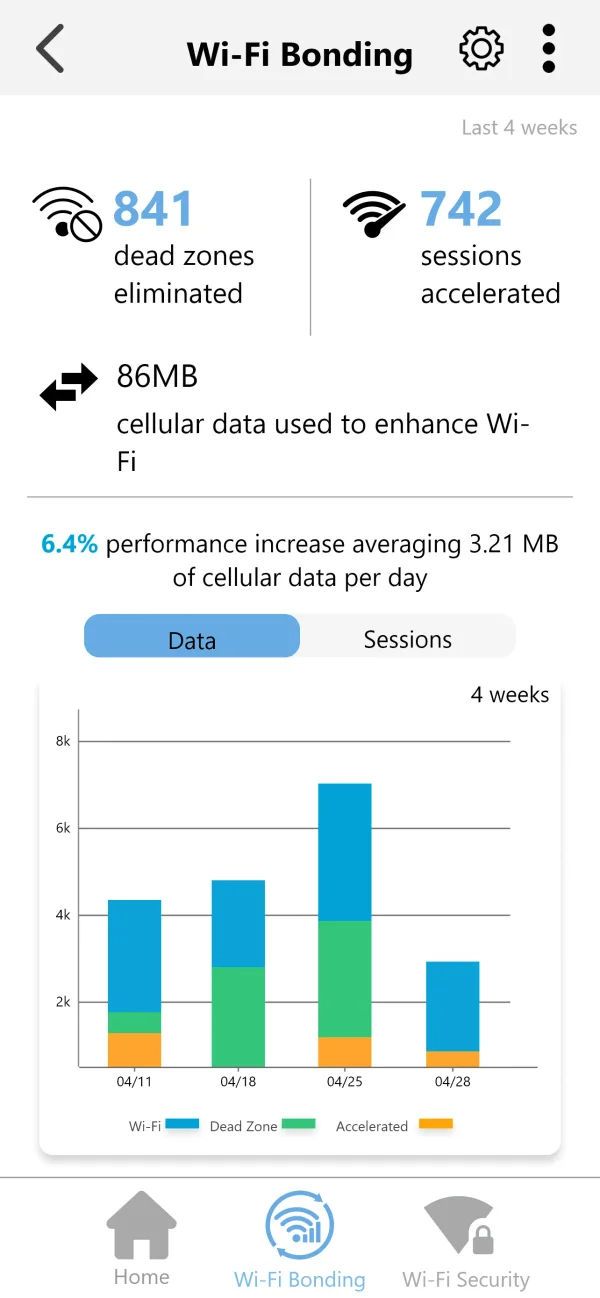
Wi-Fi Bonding
• Provides the best possible data connection by leveraging both the Wi-Fi and cellular data networks to keep your apps and services running.
• By intelligently augmenting poor performing Wi-Fi with cellular data, Wi-Fi dead zones are eliminated. Congested Wi-Fi is unclogged with load-balancing of Wi-Fi and cellular which provides seamless transitions when moving from Wi-Fi to cellular coverage for most apps and services.
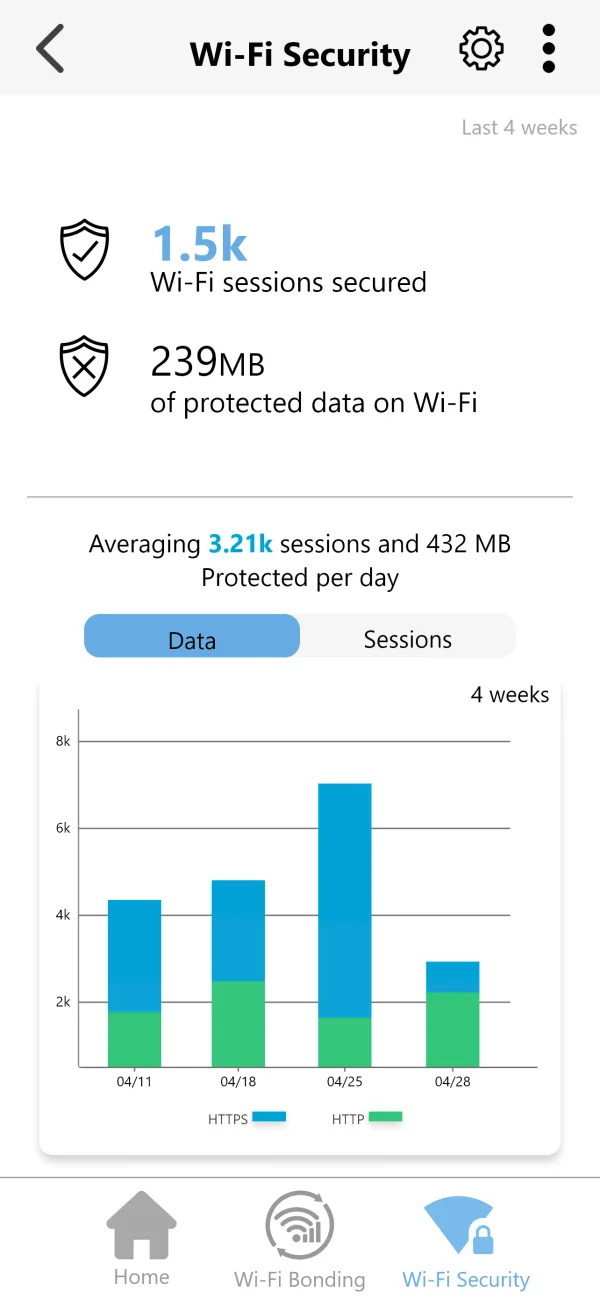
Wi-Fi Security
• Protects your data privacy when using Wi-Fi by automatically encrypting unsecured content and ensuring your Wi-Fi connection is safe.
• Works without breaking most VPN sensitive apps like streaming video services.
Notes and FAQs:
• Please check the FAQs before submitting an issue. FAQs can be found here: https://www.mobolize.com/faqs/smart-fi/
• The VPN Icon (VPN active) will be visible on the Status Bar while any of features are running. You will also see occasional notifications when status changes in the app and as you connect and disconnect from Wi-Fi.
• The Wi-Fi logo may disappear when the VPN is running, even though you are still connected to Wi-Fi. This is a known occurrence for all VPNs. To check you are still on Wi-Fi tap on your iPhone settings app and look at the Wi-Fi status.
• Occasionally the app will notify you that “Poor Wi-Fi data connection has been detected” This can happen anywhere and anytime, even on your home Wi-Fi if the data connection is having trouble.
• Reporting an issue with the application is performed by tapping the Menu (upper right corner of the app) and then tapping ‘Report problem.’ When reporting a problem, please be as specific as you can.
• Please note that if you check the data or battery usage on your phone, it may appear as though this app is using a lot of data and battery. However, this app isn’t actually using all that data/battery. Reporting for the data/battery usage has been shifted from your other apps to this one, because your data now passes through this app so it can manage your security and connectivity. Actual battery usage will be minimal – on average 0.1%.
Có gì mới
Phiên bản 6.1.0 · 04/04/2025
• Enhanced security with support for the newest TLS 1.3
• Improved activity-aware handoffs to cellular
• Latest bug fixes and performance enhancements
Quyền riêng tư của ứng dụng
Những gì Mobophiles Inc. khai báo trên App Store về cách ứng dụng này xử lý dữ liệu.
-
Dữ liệu liên kết với bạn
Có thể được thu thập và liên kết với danh tính của bạn.
- Nội dung của người dùng
-
Dữ liệu không liên kết với bạn
Có thể được thu thập nhưng không liên kết với danh tính của bạn.
- Chẩn đoán
Phương thức đảm bảo quyền riêng tư có thể khác nhau, chẳng hạn như tuỳ theo các tính năng bạn sử dụng hoặc độ tuổi của bạn.
Thông tin
- Người bán
- Mobophiles, Inc
- Danh mục
- Tiện Ích
- Phiên bản
- 6.1.0
- Cập nhật
- 04/04/2025
- Phát hành
- 04/09/2019
- Kích thước
- 66,0 MB
- Yêu cầu
- iOS 14.0 trở lên
- Độ tuổi
- 4+
- Giá
- Miễn phí
- Ngôn ngữ
- Tiếng Anh
- Bản quyền
- © Mobophiles, Inc.