Task Compass for Reminders
Pairwise Prioritization
Conçue pour iPhone, iPad, Mac
Gratuit
- Classification d’âge4+
- CatégorieProductivité
- DéveloppeurMaciej Blizinski
- LanguesAnglais+ 8 de plus
- Taille17,6 Mo
Renvoie vers la page App Store officielle
Download.org n’héberge aucun fichier de Task Compass for Reminders. Le bouton ouvre la page de l’application sur App Store, où Maciej Blizinski la publie. Fiche vérifiée pour la dernière fois le 17/11/2026.
Captures d’écran
À propos
Le développeur n’a pas fourni ce texte dans votre langue.
Task Compass is for you if:
- Have long to-do lists
- Need to choose what to work on next
- Want to keep the important task on top of list
- Want top task on the lock screen
This isn’t for you if you need complex project hierarchies, dependencies, or time tracking.
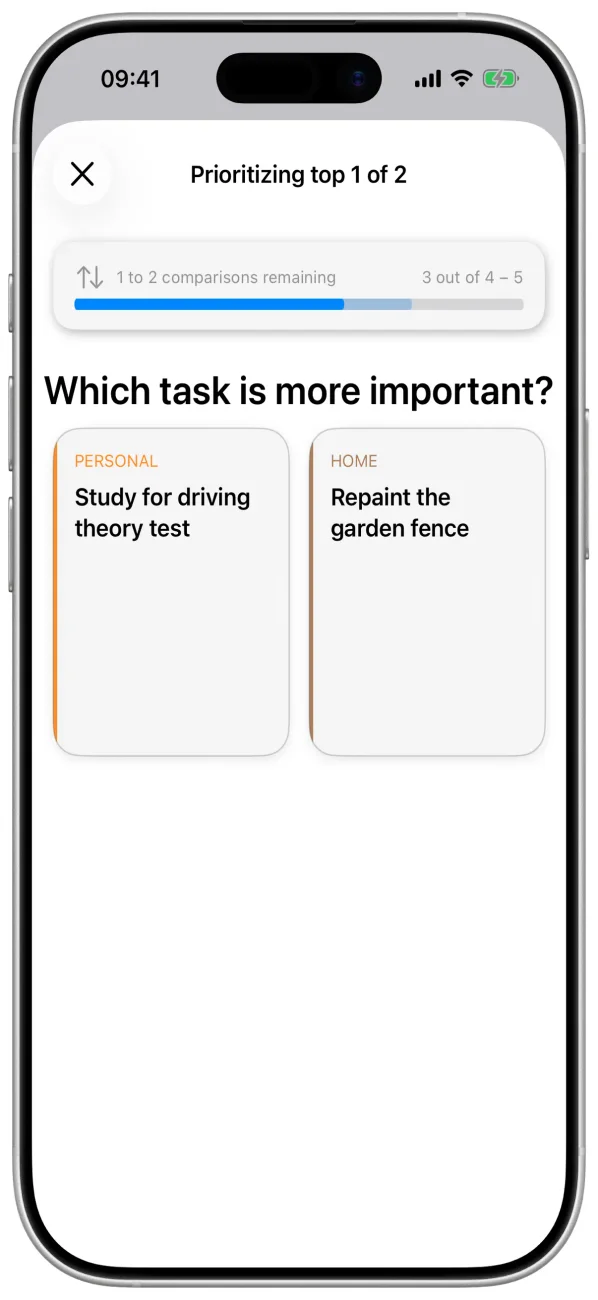
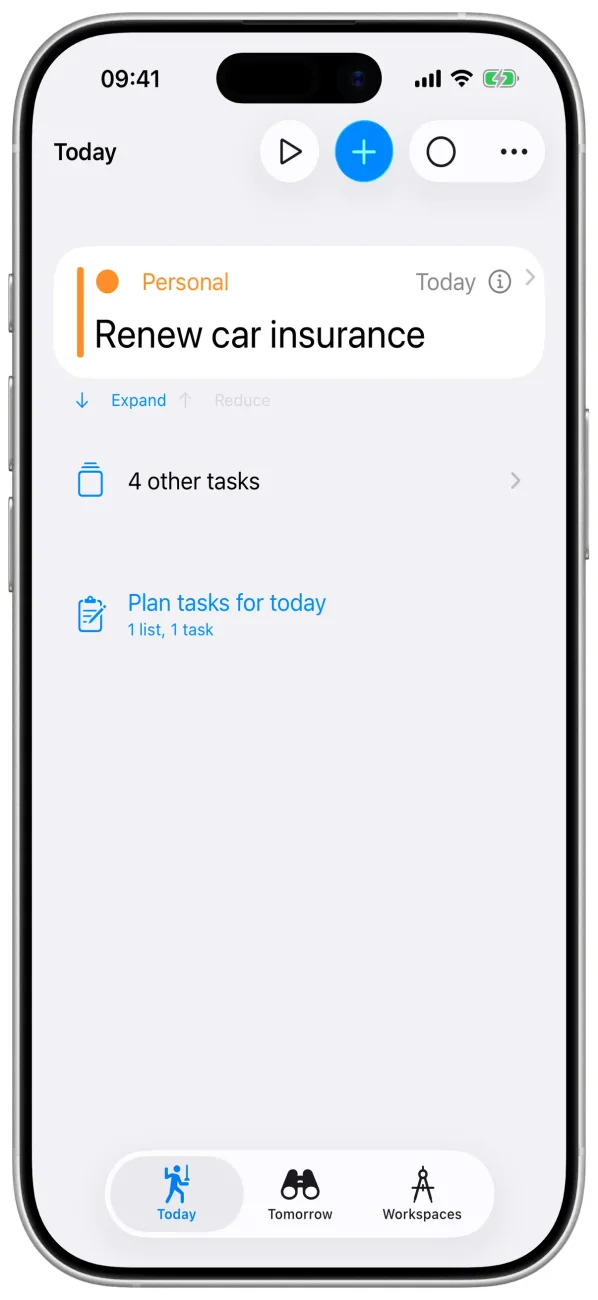
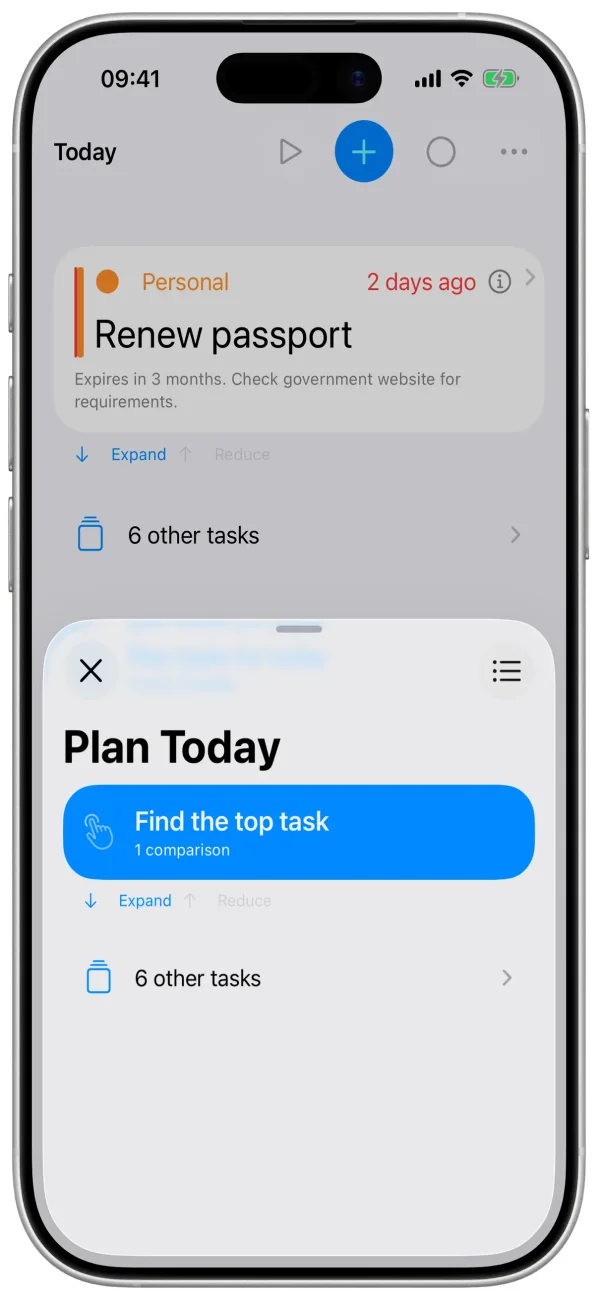
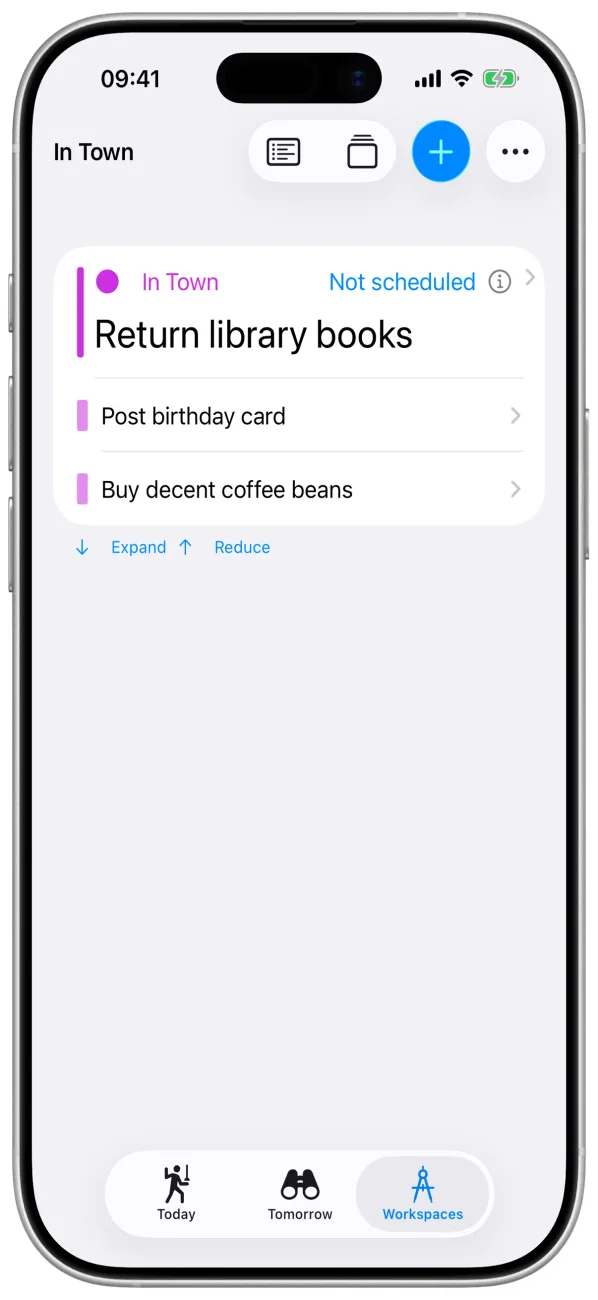
Task Compass prioritizes your tasks by asking you to compare two tasks. "Which task is more important?" The app finds and displays your top priority, in-app, in a widget, in a live activity, and in a lock screen widget.
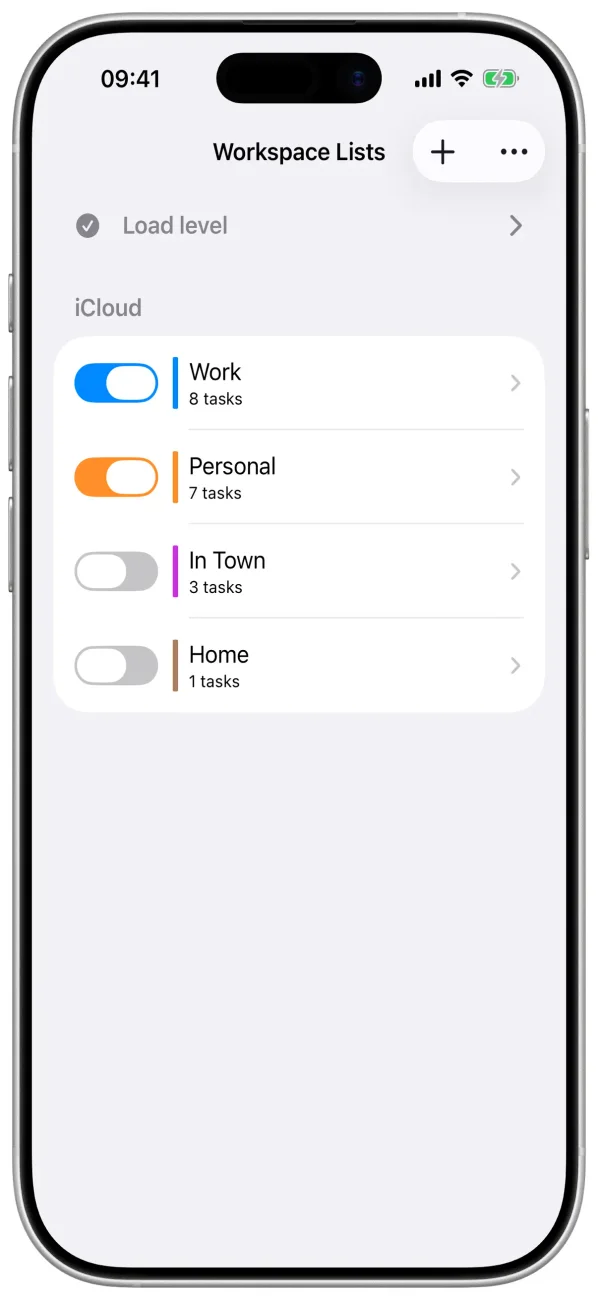
Always in sync with Apple Reminders.
No new accounts. Your data lives on your phone and in your iCloud account.
Terms of Use: Standard Apple Terms (https://www.apple.com/legal/internet-services/itunes/dev/stdeula/)
Nouveautés
Version 1.12.0 · 14/10/2026
# Added
Workspace Review: re-establish your #1 task using only fresh comparisons, so older ones don't weigh on the result. Start it from the overflow menu of a Compass workspace, Today or Tomorrow.
Why is this task on top? Tap the small "i" next to the top task's due date to see the comparisons behind its rank. Swipe a row to delete a comparison you disagree with.
More widget sizes: the Today widget now supports the circular Lock Screen accessory and the extra-large Home Screen sizes.
Undo when you complete a task from the Home Screen widget.
"Remove from Today" / "Remove from Tomorrow" as a left-swipe action on the other-tasks list.
The move-to-list menu groups lists that share a name prefix and shows each list's color.
New Reminder picks a smarter default list in Workspaces, Today and Tomorrow.
# Improved
Far fewer comparisons when you work through tasks one by one. In simulations, 12 reminders needed 31% fewer comparisons and 30 reminders needed 63% fewer.
Widgets adapt better to tinted, Lock Screen, Always-On, StandBy and CarPlay modes.
Widget due dates are shorter, and overdue dates are red.
The Deadlines widget shows the first line of each reminder's notes when you have three or fewer deadlines.
# Fixed
The widget no longer opens its own iCloud sync connection. This is meant to prevent sync problems when the widget is installed.
Comparisons made in the Lock Screen widget or Live Activity are now recognized on your other devices.
Comparison cleanup: cycles are removed automatically, your newest comparison is no longer overridden by older ones, and comparisons against deleted tasks are cleaned up.
In the Reassess sheet, deleting one comparison no longer hides others or deletes several at once.
Closing an untouched New Reminder form no longer asks "Discard Changes?".
Undo and Redo are shared across Today, Tomorrow and Compass.
The widget no longer says "No tasks to show" right after you complete a task.
Confidentialité de l’application
Ce que Maciej Blizinski déclare sur l’App Store au sujet du traitement des données par cette application.
-
Données non collectées
Le développeur ne collecte aucune donnée à partir de cette application.
Les pratiques en matière de confidentialité peuvent varier, notamment en fonction des fonctionnalités que vous utilisez ou de votre âge.
Informations
- Vendeur
- Maciej Blizinski
- Catégorie
- Productivité
- Version
- 1.12.0
- Mis à jour
- 14/10/2026
- Publié
- 19/10/2025
- Taille
- 17,6 Mo
- Nécessite
- iOS 18.6 ou version ultérieure
- Classification d’âge
- 4+
- Prix
- Gratuit
- Langues
- Anglais, Français, Allemand, Italien, Polonais, Portugais, Espagnol, Thaï, Ukrainien
- Copyright
- © 2026 Maciej Bliziński
Vous aimerez peut-être aussi
-
 MinDrop: Notes & RemindersProductivité
-
 Noter: Sticky NotesProductivité
-
 Thought Meadow - Private NotesProductivité
-
 NexReader: Markdown ReaderProductivité
-
 Cue — Read LaterProductivité
-
 PageCacheProductivité
-
 QuirepadProductivité
-
 Atelier DazzleProductivité
-
 Winter CalendarLa semaine écrite pour vous
-
 OneFocus: Deep WorkProductivité