theLAB - Mobile
Film Grain & Analog Editor
Conçue pour iPhone, iPad
Gratuit · Achats intégrés
- Classification d’âge4+
- CatégoriePhoto et vidéo
- DéveloppeurCaleb Salvadori
- Taille504,0 Mo
Renvoie vers la page App Store officielle
Download.org n’héberge aucun fichier de theLAB - Mobile. Le bouton ouvre la page de l’application sur App Store, où Caleb Salvadori la publie. Fiche vérifiée pour la dernière fois le 21/11/2026.
Captures d’écran



À propos
Le développeur n’a pas fourni ce texte dans votre langue.
theLAB is a film-inspired photo editor for building finished images with color, texture, and scan character.
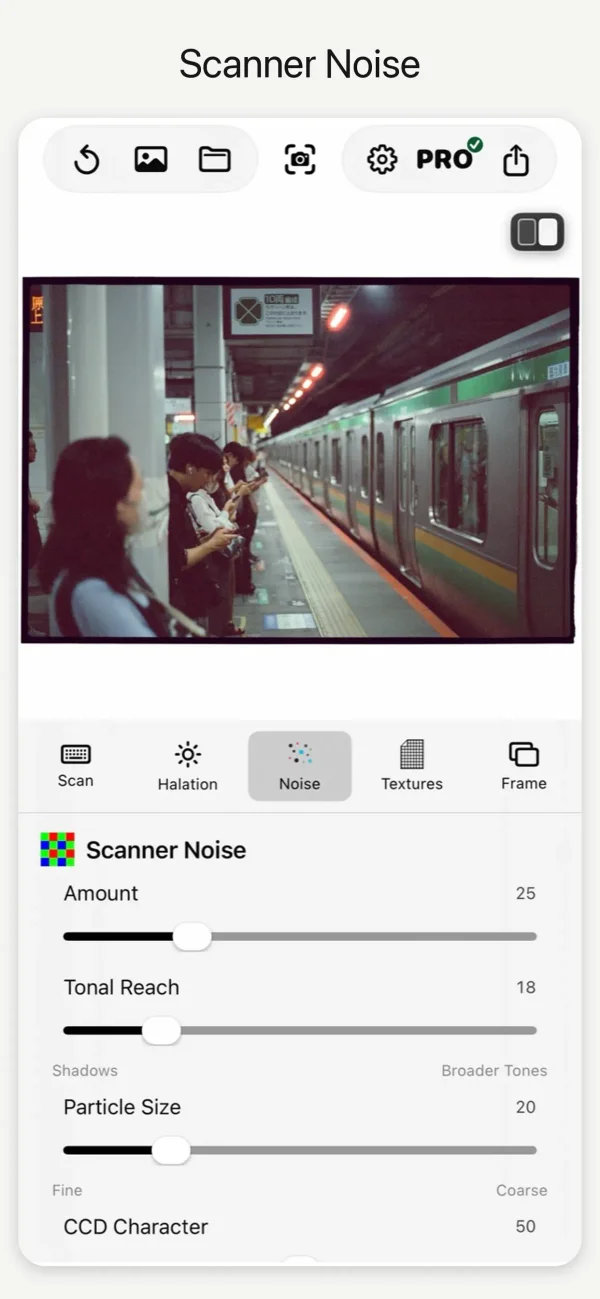
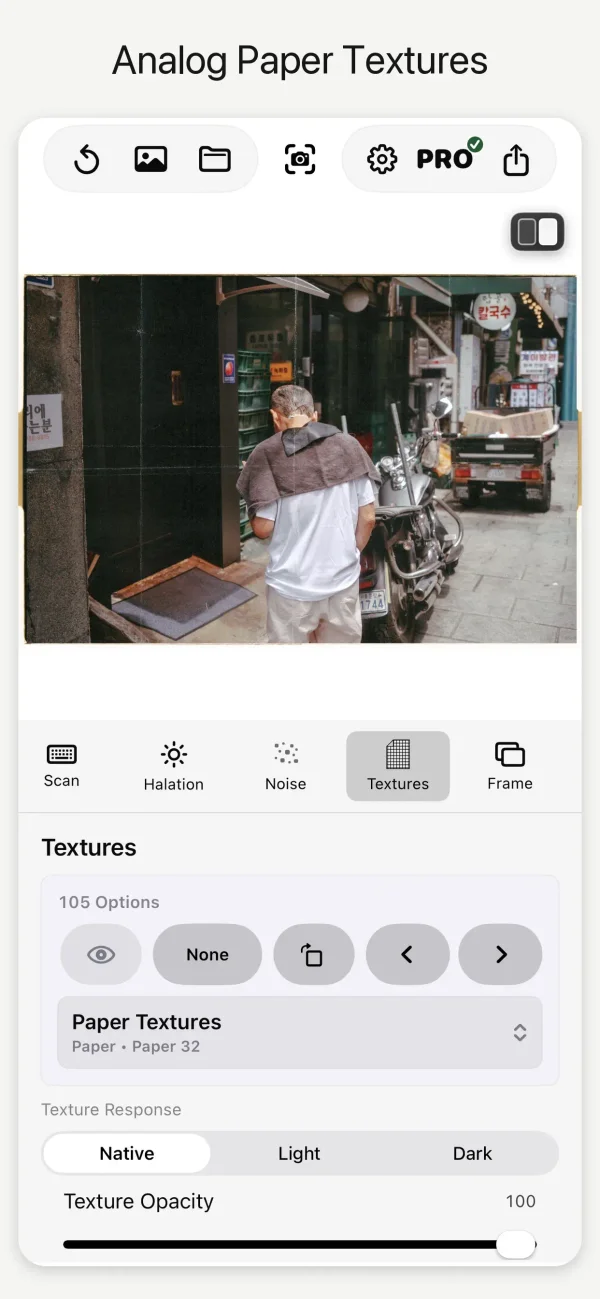
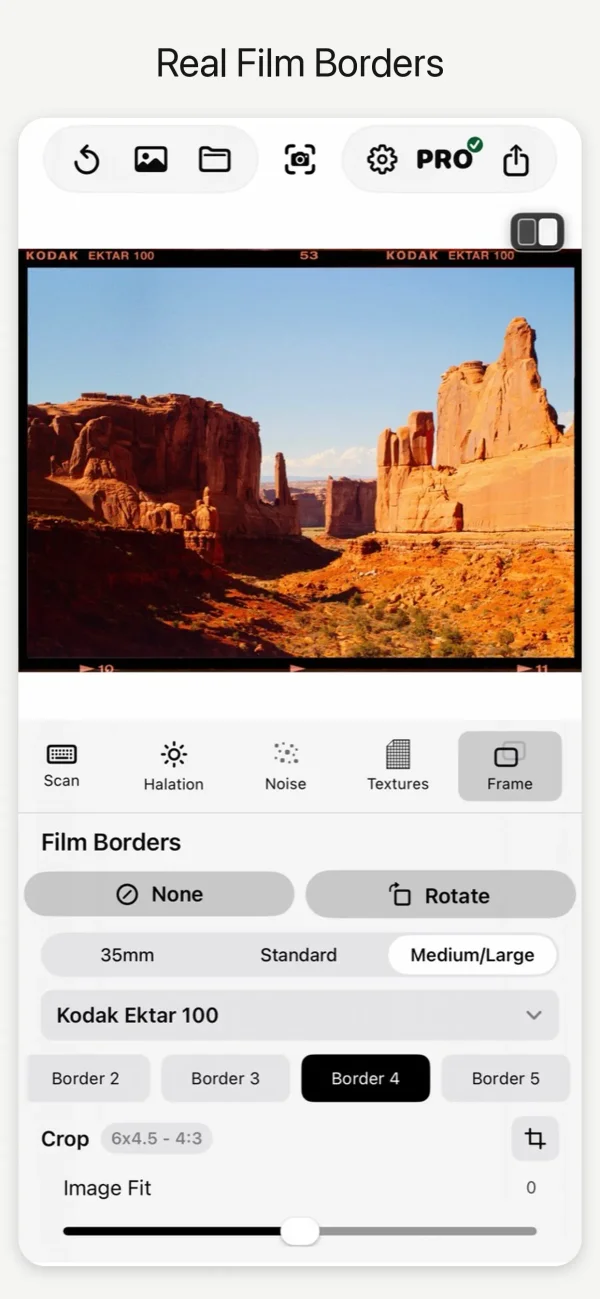
Import an image, then shape it with film looks, scanned grain, lab-style color, halation, borders, paper textures, light leaks, artifacts, and crop tools.
Designed for photographers who want more than a simple filter, theLAB gives you hands-on control over the feel of the image: density, warmth, tone bias, grain range, scan character, border placement, and finishing details.
Features include:
- Film-inspired color and monochrome looks
- Scanned grain and cinema-style grain options
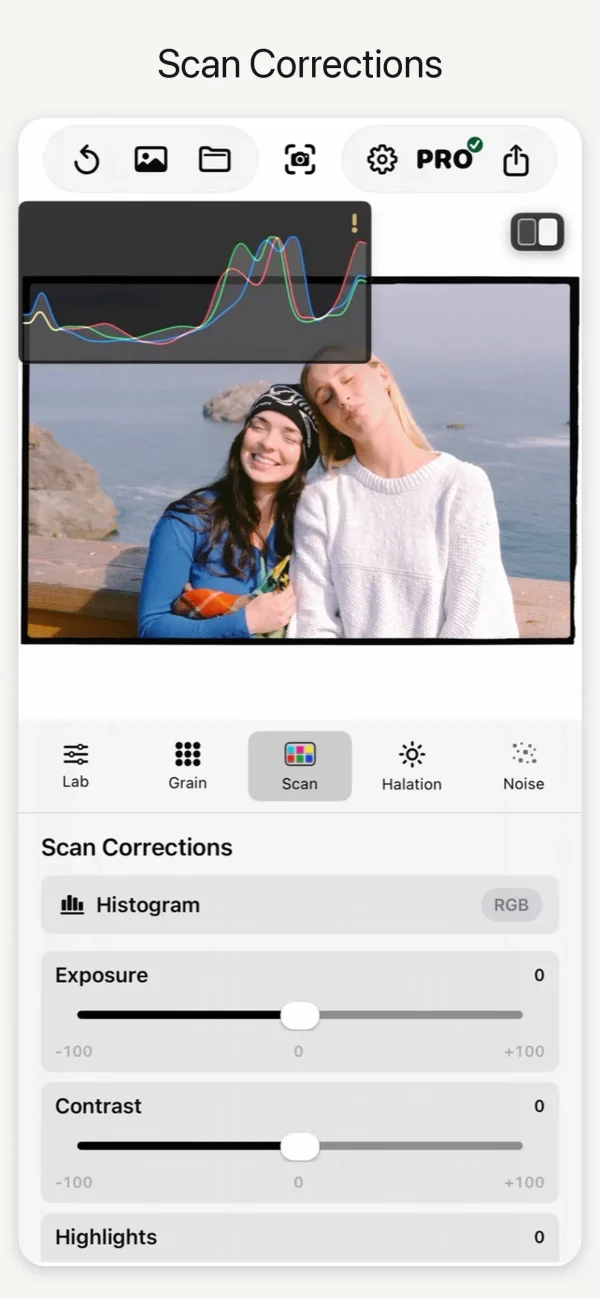
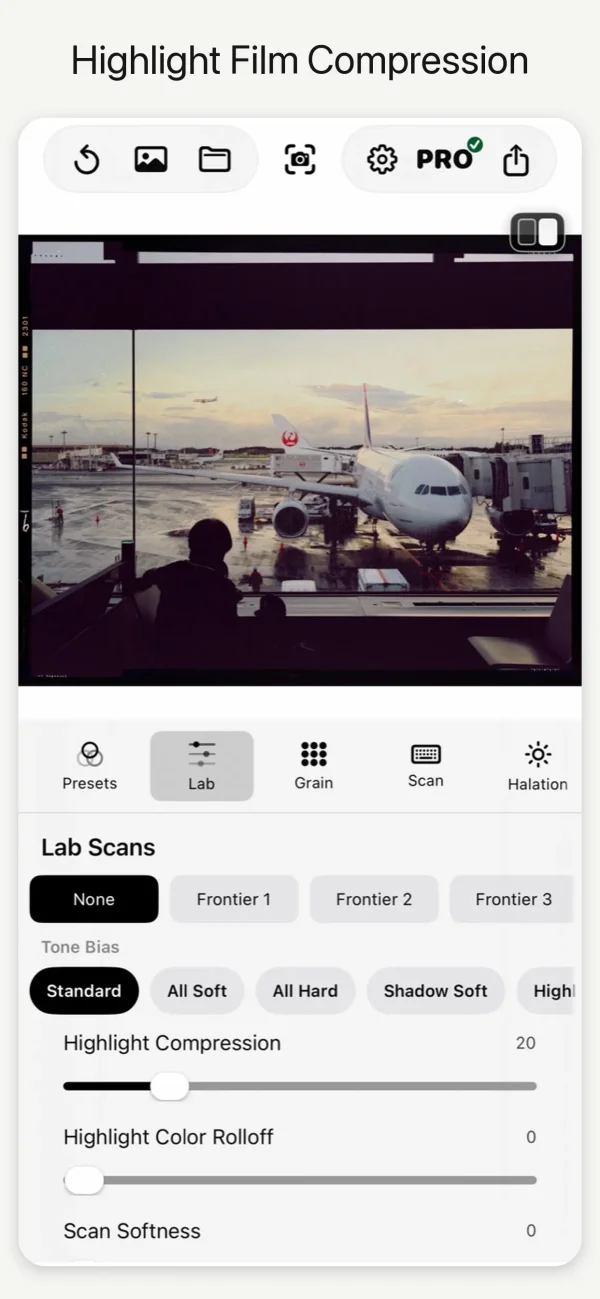
- Lab scan profiles and scan correction controls
- Halation, scanner noise, borders, textures, light leaks, and artifacts
- Camera capture, photo import, file import, and share tools
- Saved looks for building a repeatable editing style
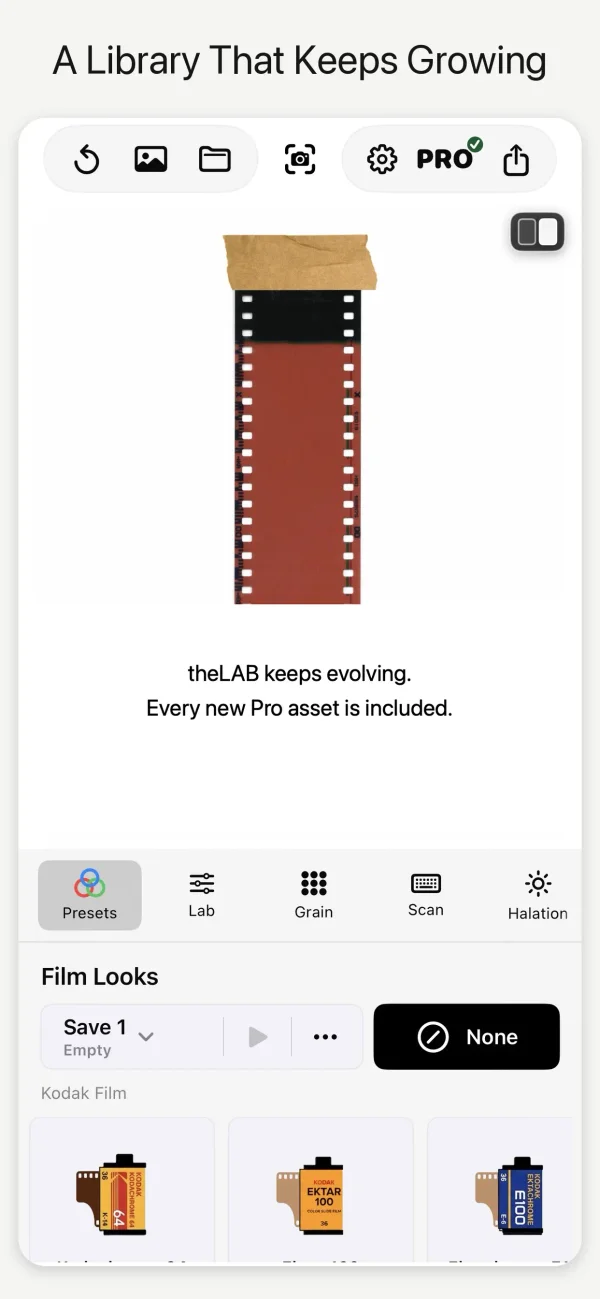
theLAB includes a free editing mode. theLAB Pro unlocks the full film stock library, advanced lab controls, additional grain scans, premium finishing assets, and high-quality export options.
Terms of Use (EULA): https://www.apple.com/legal/internet-services/itunes/dev/stdeula/
Privacy Policy: https://calebsalvadori.com/thelab
Nouveautés
Version 6.0 · 11/11/2026
theLAB 6.0 is our biggest update yet.
FILM, PROCESSED LIKE FILM
Our new film looks aren't a filter laid over your photo. Each one takes your image through the stages a real frame of film goes through:
• Exposure: your photo is exposed onto the negative, with RAW files entering as the light the camera captured, before any camera tone curve.
• Negative: the stock's own response to light and color shapes the image.
• Halation and grain: the glow forms inside the negative before printing, and each stock's own grain is built into the negative, so the film and print shape them too.
• Print: the negative is printed onto a print stock, then prepared for your screen.
• Film Exposure and Stock Balance let you change how the negative is exposed and how neutral the print is, stock by stock.
MORE FILM
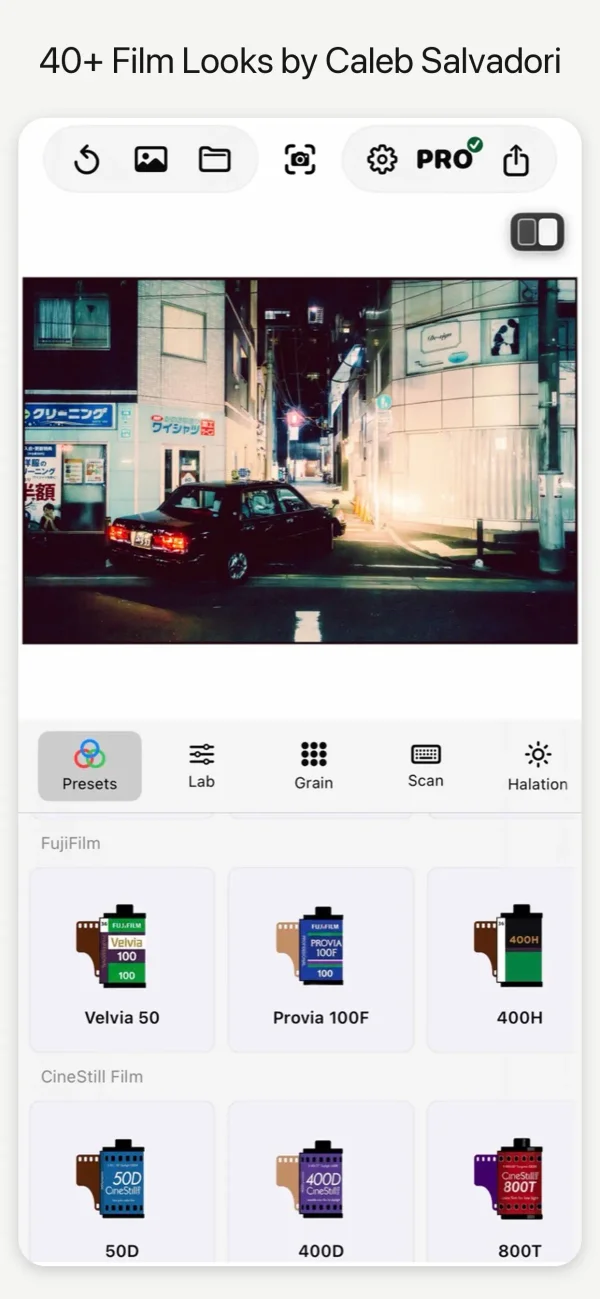
• Over 150 film looks, up from 59: color negative, slide, cinema, black-and-white, infrared, expired and instant.
• A new cinema collection, each stock matched to its reference.
• Refined color across existing looks for more natural skin, cleaner neutrals and truer blues.
• Find looks faster with film-type sections, a Brand filter and Favorites.
• Turn on Grain & Halation for each stock's own texture, or switch it off to use your own settings.
MASKS
• Select the sky, your subject, the background or people automatically.
• Paint with a brush, or draw linear and radial gradients.
• Select by brightness (Shadows, Midtones, Highlights) or by color.
• Adjust exposure, contrast, color and detail through each mask, and combine masks by adding, subtracting or intersecting.
• Mask sliders update the photo live as you drag, and brush strokes stay quick even on detailed masks.
A NEW DEVELOP
• A new RAW engine for new photos, with temperature and tint, highlights, shadows, whites, blacks and vibrance, all applied before the film.
• Sliders update the photo and histogram live as you drag.
• Lens corrections with profiles you import from Files.
PRINT LAB
• Give your photo the look of a real print, with paper response, density, contrast and color balance.
COMPARE AND FINE-TUNE
• One Before/After button: tap to compare with the original.
• Want split or side-by-side views? Turn them on in Settings, then touch and hold Before/After to choose one. Zoom and pan stay linked.
• Type exact slider values, or nudge with − and +.
• Edit selected photos together, and reset a whole selection in one step.
• More export options for format, size, quality and metadata.
FASTER AND SMALLER
• Quicker previews and lighter halation processing.
• A smaller download: the film color library installs separately.
Existing edits open exactly as you left them.
Confidentialité de l’application
Ce que Caleb Salvadori déclare sur l’App Store au sujet du traitement des données par cette application.
-
Données non collectées
Le développeur ne collecte aucune donnée à partir de cette application.
Les pratiques en matière de confidentialité peuvent varier, notamment en fonction des fonctionnalités que vous utilisez ou de votre âge.
Informations
- Vendeur
- Caleb Salvadori
- Catégorie
- Photo et vidéo
- Version
- 6.0
- Mis à jour
- 11/11/2026
- Publié
- 20/07/2026
- Taille
- 504,0 Mo
- Nécessite
- iOS 17.0 ou version ultérieure
- Classification d’âge
- 4+
- Prix
- Gratuit
- Achats intégrés
- Oui
- Copyright
- © 2026 Caleb Salvadori
Vous aimerez peut-être aussi
-
 Campera - Point & Shoot CameraCinématographique, sans effort
-
 KoloristikaCinema Color Science.
-
 Lumencam | Pocket CameraPhoto et vidéo
-
 Razr - Pro Street CameraStreet and Travel Photography
-
 FilmFold - Vintage CameraPhoto et vidéo
-
 WholegrainPhoto et vidéo
-
 The Moment by Latent StudiosPhoto et vidéo
-
 Reframe – Photo Layout EditorBordures pour les réseaux
-
 Film(ish) retouche photoRetouche fidèle à la pellicule
-
 Henshu — Éditeur photoAppareil, RAW et posemètre