theLAB - Mobile
Film Grain & Analog Editor
iPhone, iPad için tasarlandı
Ücretsiz · Uygulama içi satın alma
- Yaş sınırı4+
- KategoriFotoğraf ve Video
- GeliştiriciCaleb Salvadori
- Boyut504,0 MB
Resmi App Store sayfasına bağlanır
Download.org, theLAB - Mobile için hiçbir dosya barındırmaz. Düğme, uygulamanın App Store üzerindeki sayfasını açar; uygulamayı orada Caleb Salvadori yayınlar. Sayfanın son kontrolü: 21.11.2026.
Ekran görüntüleri



Hakkında
Geliştirici bu metni dilinizde sunmamış.
theLAB is a film-inspired photo editor for building finished images with color, texture, and scan character.
Import an image, then shape it with film looks, scanned grain, lab-style color, halation, borders, paper textures, light leaks, artifacts, and crop tools.
Designed for photographers who want more than a simple filter, theLAB gives you hands-on control over the feel of the image: density, warmth, tone bias, grain range, scan character, border placement, and finishing details.
Features include:
- Film-inspired color and monochrome looks
- Scanned grain and cinema-style grain options
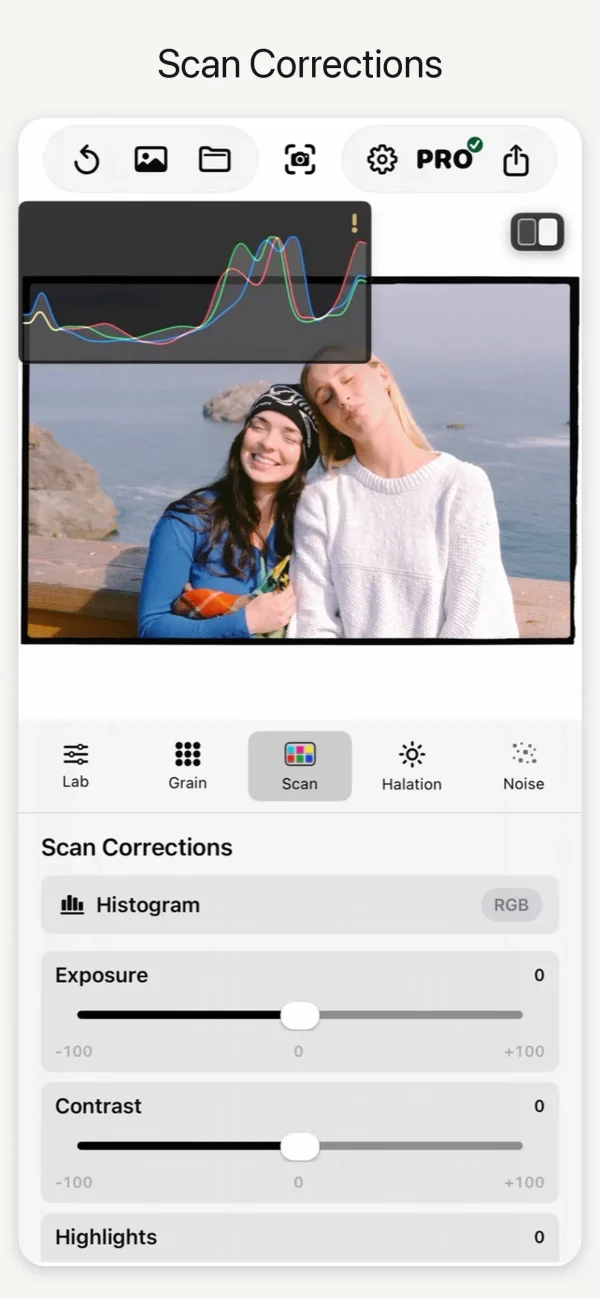
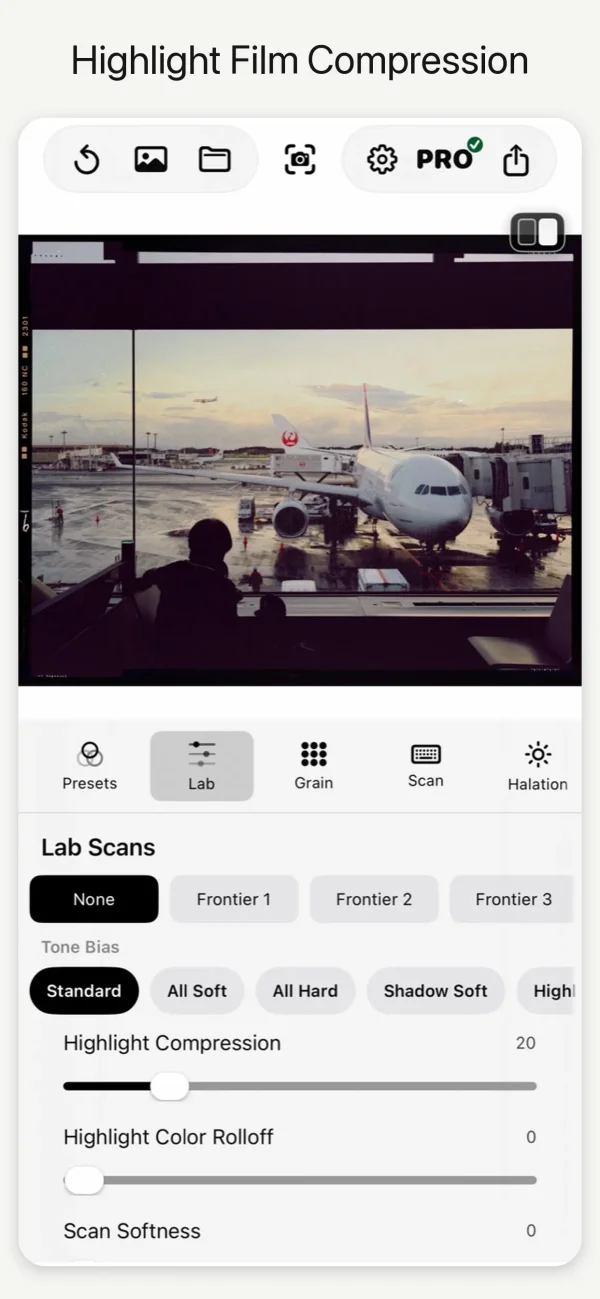
- Lab scan profiles and scan correction controls
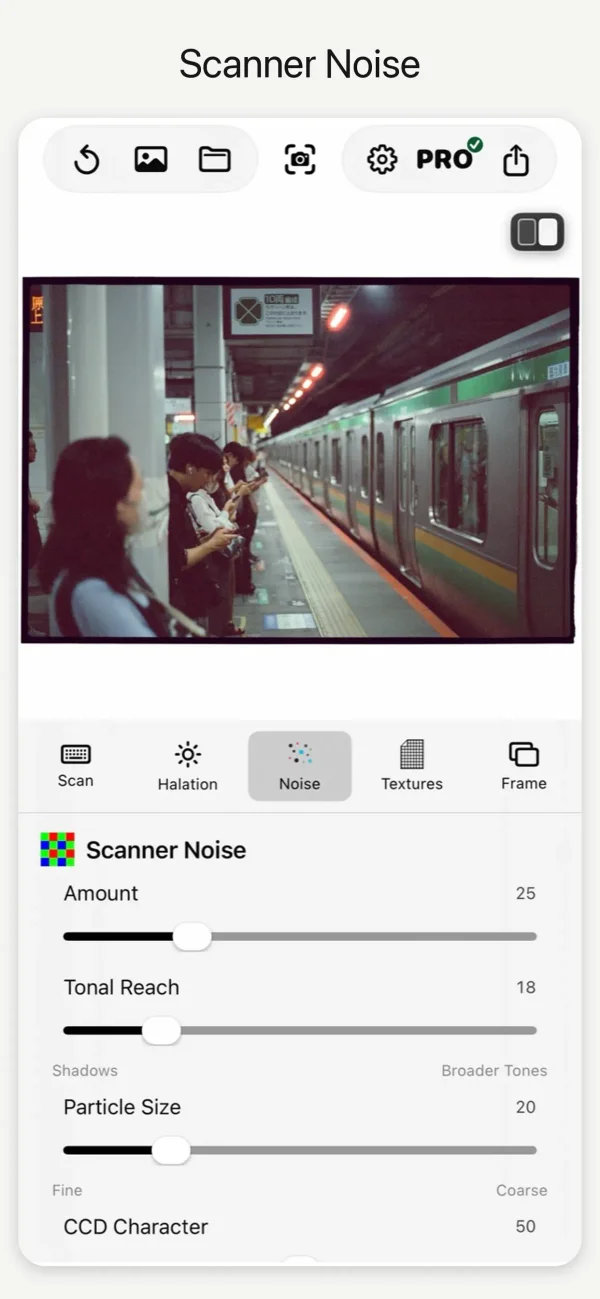
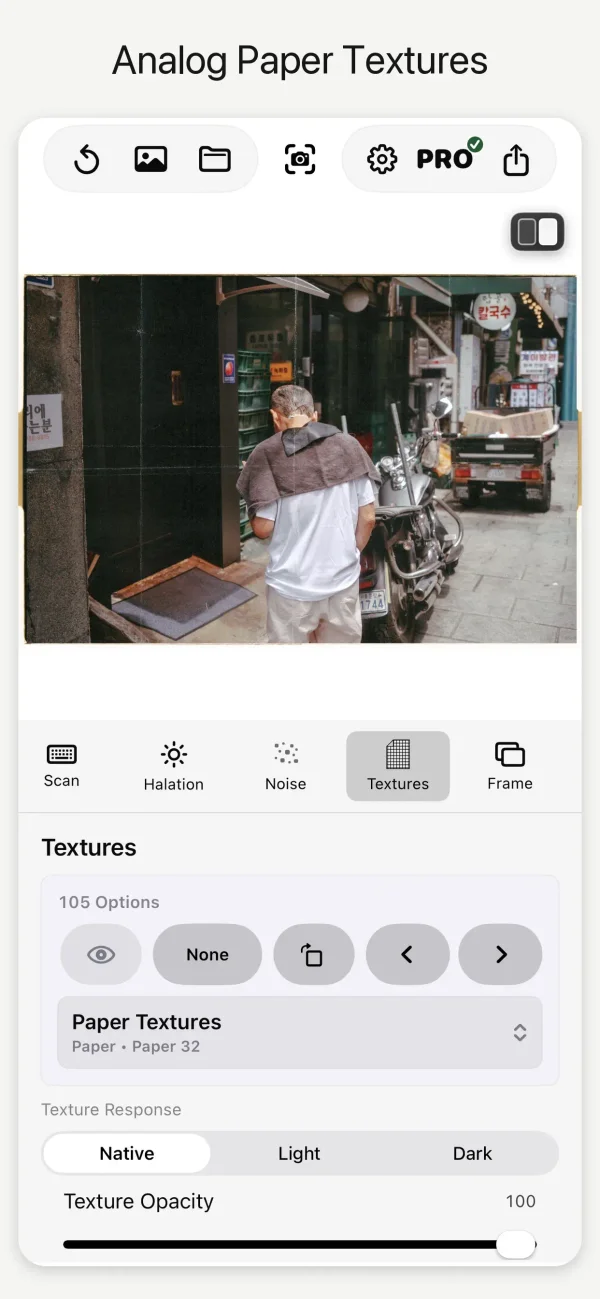
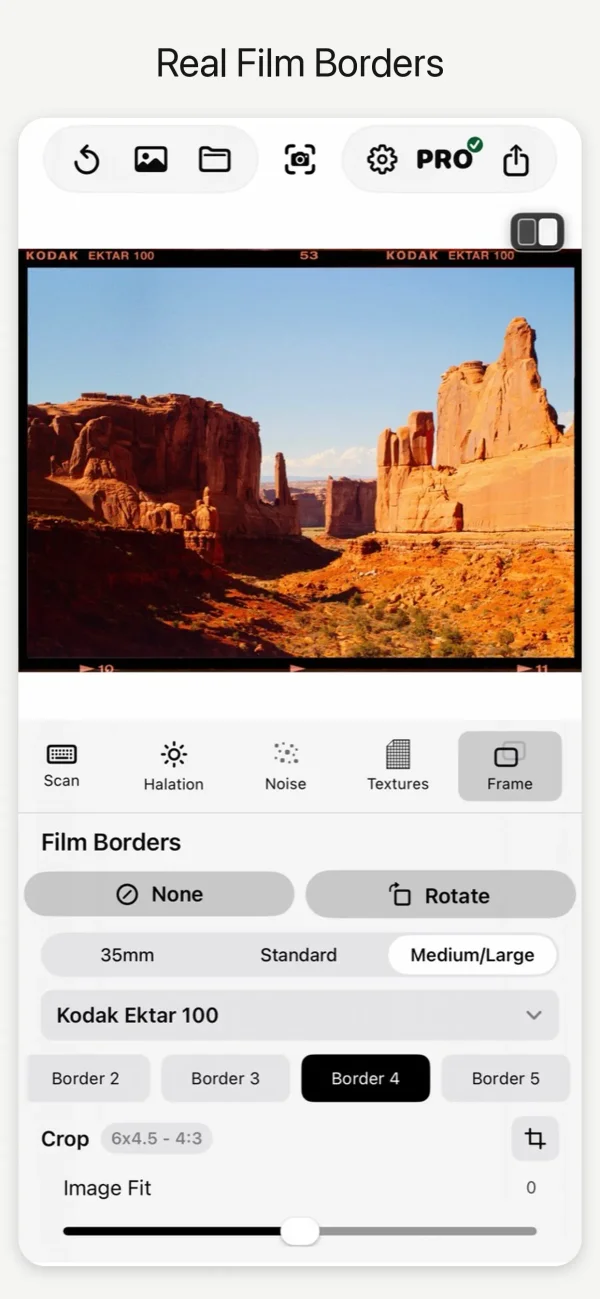
- Halation, scanner noise, borders, textures, light leaks, and artifacts
- Camera capture, photo import, file import, and share tools
- Saved looks for building a repeatable editing style
theLAB includes a free editing mode. theLAB Pro unlocks the full film stock library, advanced lab controls, additional grain scans, premium finishing assets, and high-quality export options.
Terms of Use (EULA): https://www.apple.com/legal/internet-services/itunes/dev/stdeula/
Privacy Policy: https://calebsalvadori.com/thelab
Yenilikler
Sürüm 6.0 · 11.11.2026
theLAB 6.0 is our biggest update yet.
FILM, PROCESSED LIKE FILM
Our new film looks aren't a filter laid over your photo. Each one takes your image through the stages a real frame of film goes through:
• Exposure: your photo is exposed onto the negative, with RAW files entering as the light the camera captured, before any camera tone curve.
• Negative: the stock's own response to light and color shapes the image.
• Halation and grain: the glow forms inside the negative before printing, and each stock's own grain is built into the negative, so the film and print shape them too.
• Print: the negative is printed onto a print stock, then prepared for your screen.
• Film Exposure and Stock Balance let you change how the negative is exposed and how neutral the print is, stock by stock.
MORE FILM
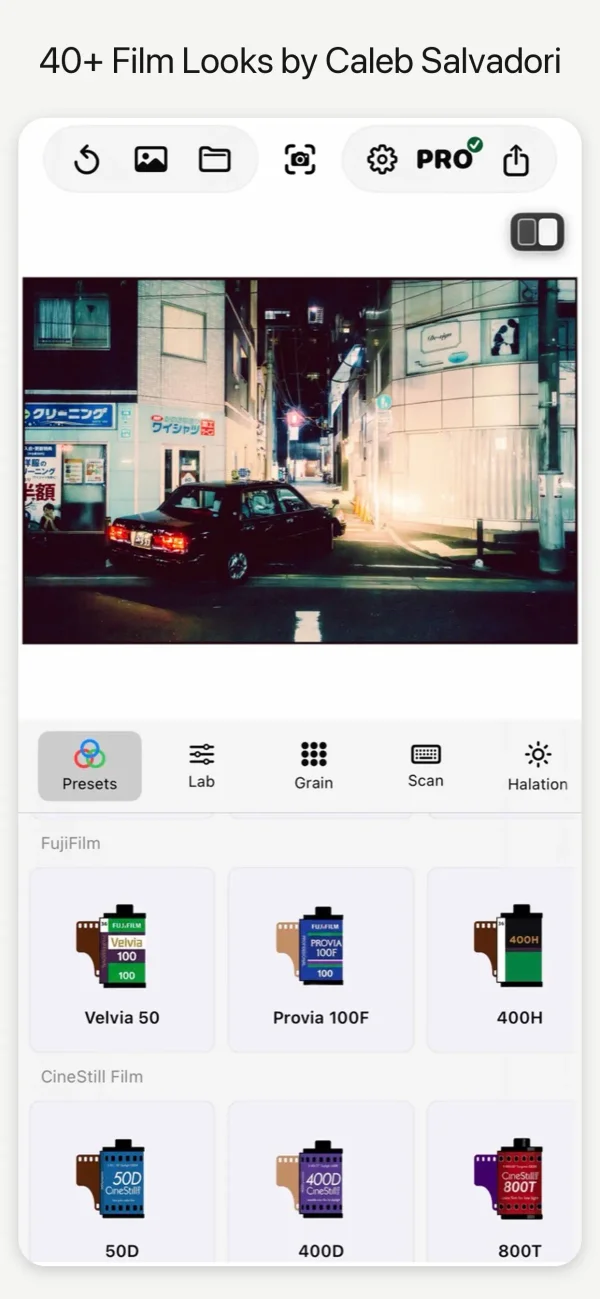
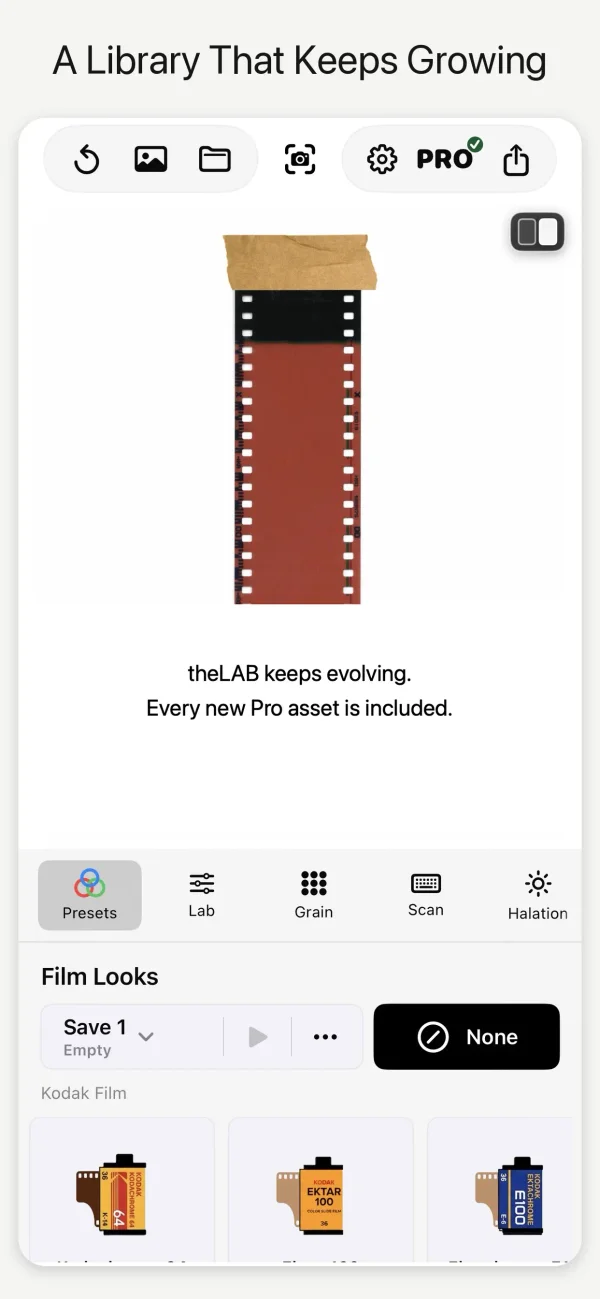
• Over 150 film looks, up from 59: color negative, slide, cinema, black-and-white, infrared, expired and instant.
• A new cinema collection, each stock matched to its reference.
• Refined color across existing looks for more natural skin, cleaner neutrals and truer blues.
• Find looks faster with film-type sections, a Brand filter and Favorites.
• Turn on Grain & Halation for each stock's own texture, or switch it off to use your own settings.
MASKS
• Select the sky, your subject, the background or people automatically.
• Paint with a brush, or draw linear and radial gradients.
• Select by brightness (Shadows, Midtones, Highlights) or by color.
• Adjust exposure, contrast, color and detail through each mask, and combine masks by adding, subtracting or intersecting.
• Mask sliders update the photo live as you drag, and brush strokes stay quick even on detailed masks.
A NEW DEVELOP
• A new RAW engine for new photos, with temperature and tint, highlights, shadows, whites, blacks and vibrance, all applied before the film.
• Sliders update the photo and histogram live as you drag.
• Lens corrections with profiles you import from Files.
PRINT LAB
• Give your photo the look of a real print, with paper response, density, contrast and color balance.
COMPARE AND FINE-TUNE
• One Before/After button: tap to compare with the original.
• Want split or side-by-side views? Turn them on in Settings, then touch and hold Before/After to choose one. Zoom and pan stay linked.
• Type exact slider values, or nudge with − and +.
• Edit selected photos together, and reset a whole selection in one step.
• More export options for format, size, quality and metadata.
FASTER AND SMALLER
• Quicker previews and lighter halation processing.
• A smaller download: the film color library installs separately.
Existing edits open exactly as you left them.
Uygulama gizliliği
Bu uygulamanın verileri nasıl işlediği hakkında Caleb Salvadori tarafından App Store üzerinde yapılan beyan.
-
Veri toplanmıyor
Geliştirici bu uygulamadan hiçbir veri toplamıyor.
Gizlilik uygulamaları, örneğin kullandığınız özelliklere veya yaşınıza göre değişiklik gösterebilir.
Bilgiler
- Satıcı
- Caleb Salvadori
- Kategori
- Fotoğraf ve Video
- Sürüm
- 6.0
- Güncellendi
- 11.11.2026
- Yayın tarihi
- 20.07.2026
- Boyut
- 504,0 MB
- Gereksinim
- iOS 17.0 veya sonrası
- Yaş sınırı
- 4+
- Fiyat
- Ücretsiz
- Uygulama içi satın alma
- Evet
- Telif hakkı
- © 2026 Caleb Salvadori
Bunları da beğenebilirsiniz
-
 Campera - Point & Shoot CameraFotoğraf ve Video
-
 KoloristikaCinema Color Science.
-
 Lumencam | Pocket CameraFotoğraf ve Video
-
 Razr - Street CameraFotoğraf ve Video
-
 FilmFold - Vintage CameraFotoğraf ve Video
-
 WholegrainFotoğraf ve Video
-
 The Moment by Latent StudiosFotoğraf ve Video
-
 Reframe – Photo Layout EditorFotoğraf ve Video
-
 Film(ish) photo video editingFotoğraf ve Video
-
 Henshu — Photo EditorFotoğraf ve Video