Tickframe: Time Lapse Camera
Stop Motion, 4K, No Watermark
Conçue pour iPhone
Gratuit · Achats intégrés
- Classification d’âge4+
- CatégoriePhoto et vidéo
- DéveloppeurMaksim Danilchenko
- LanguesAnglais
- Taille1,5 Mo
Renvoie vers la page App Store officielle
Download.org n’héberge aucun fichier de Tickframe: Time Lapse Camera. Le bouton ouvre la page de l’application sur App Store, où Maksim Danilchenko la publie. Fiche vérifiée pour la dernière fois le 16/11/2026.
Captures d’écran
À propos
Le développeur n’a pas fourni ce texte dans votre langue.
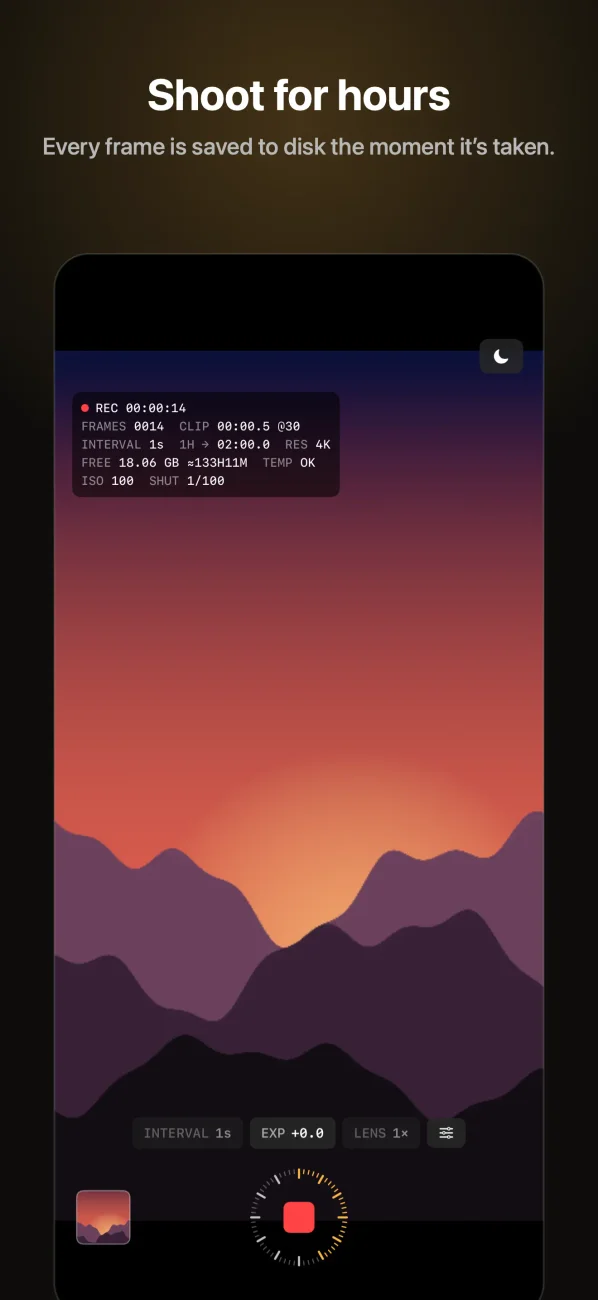
Tickframe shoots time-lapse and stop motion on iPhone and writes every frame to disk the moment it’s taken. If the app or the phone stops, the frames you already shot are still there.
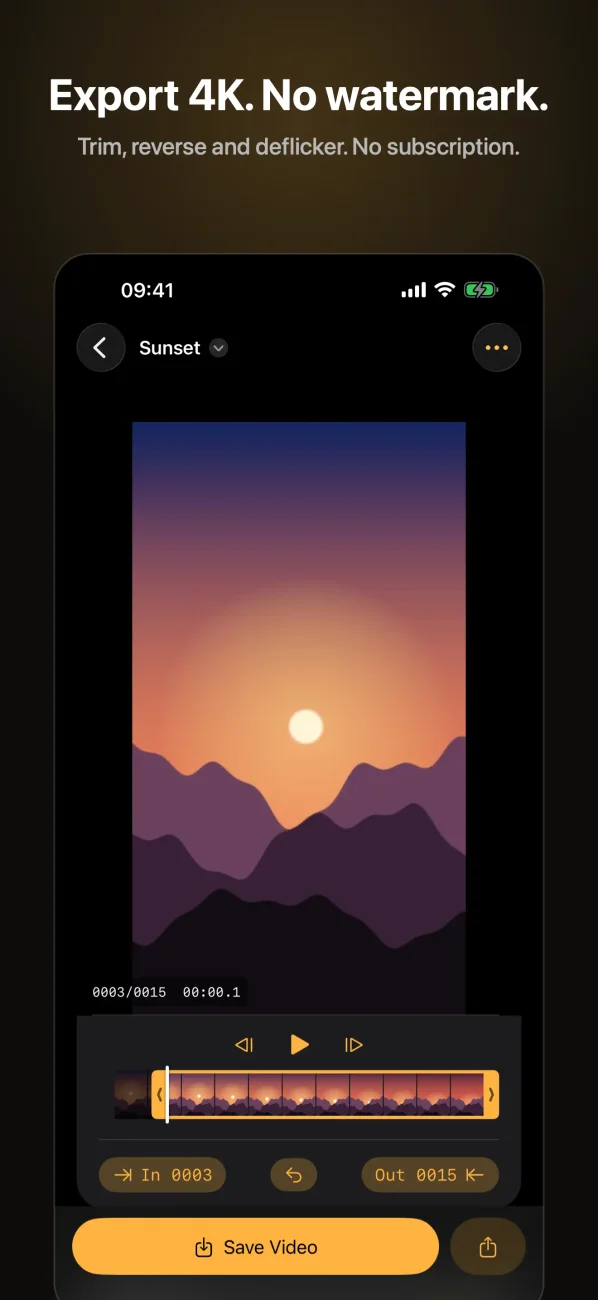
Free, with no watermark, no ads and no subscription. Export in 4K.
TIME-LAPSE
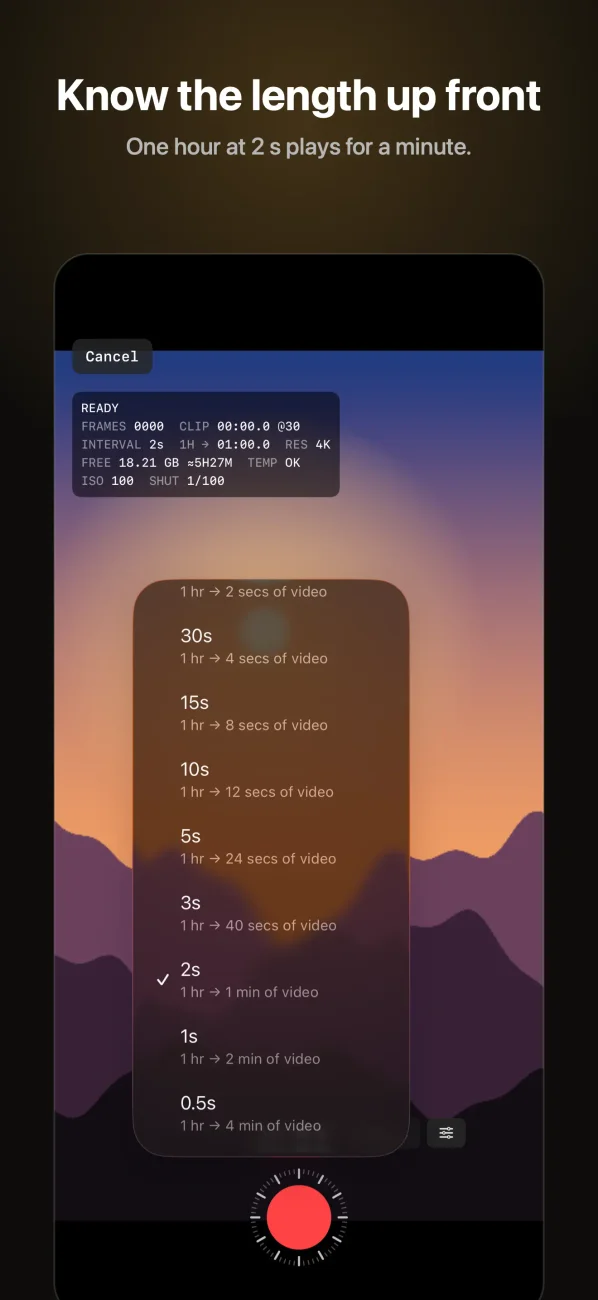
• Intervals from 0.5 s to 5 min. The interval menu shows how much video one hour of capture makes.
• Stop after a set time, or start after a delay.
• The readout shows frames, elapsed time, clip length, battery, temperature, and free space counted in hours of capture.
• During long captures the screen dims itself. Tap to wake it.
• Start with a volume button or Camera Control.
• Lock focus, exposure and white balance, or set exposure compensation.
STOP MOTION
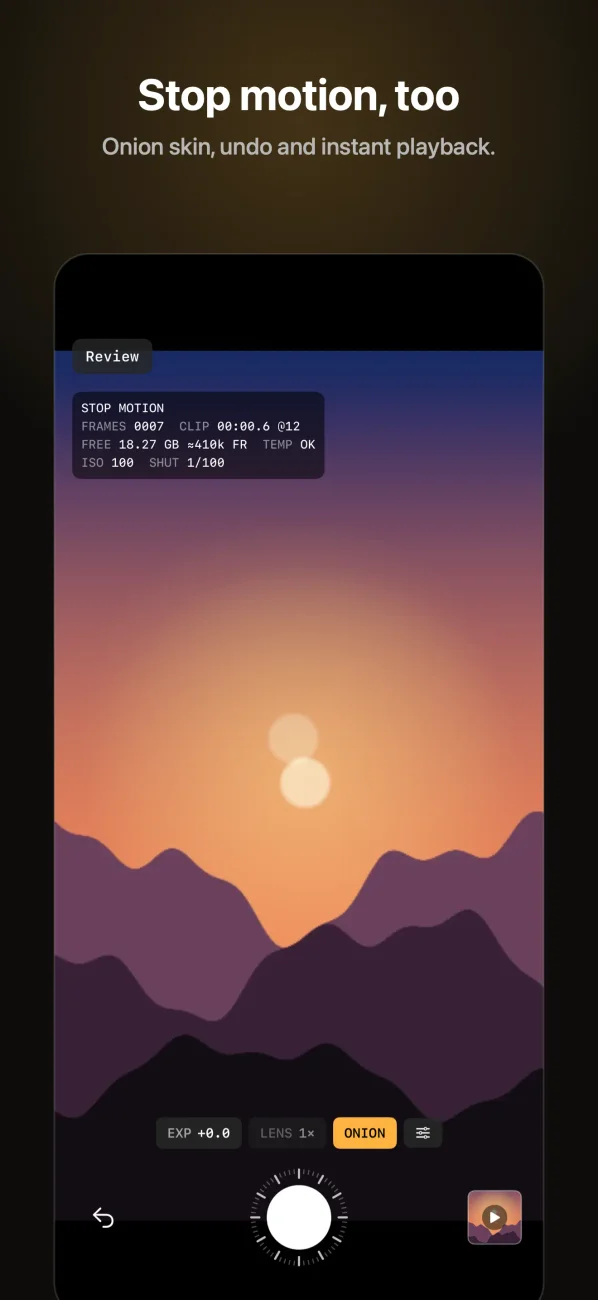
• Onion skin shows the last frame over the camera.
• Undo the last frame.
• Tap the thumbnail to play the last two seconds without leaving the camera.
EDIT AND EXPORT
• Trim with handles, reverse, deflicker.
• 12 to 60 fps. Source resolution, 4K, 1080p or 720p. HEVC or H.264.
• Save Video exports and saves to Photos in one step.
• Make a video from photos you already have, sorted by the time they were taken.
• Every project is a folder in the Files app. Share the frames or save them to Photos.
PRO, ONE-TIME PURCHASE
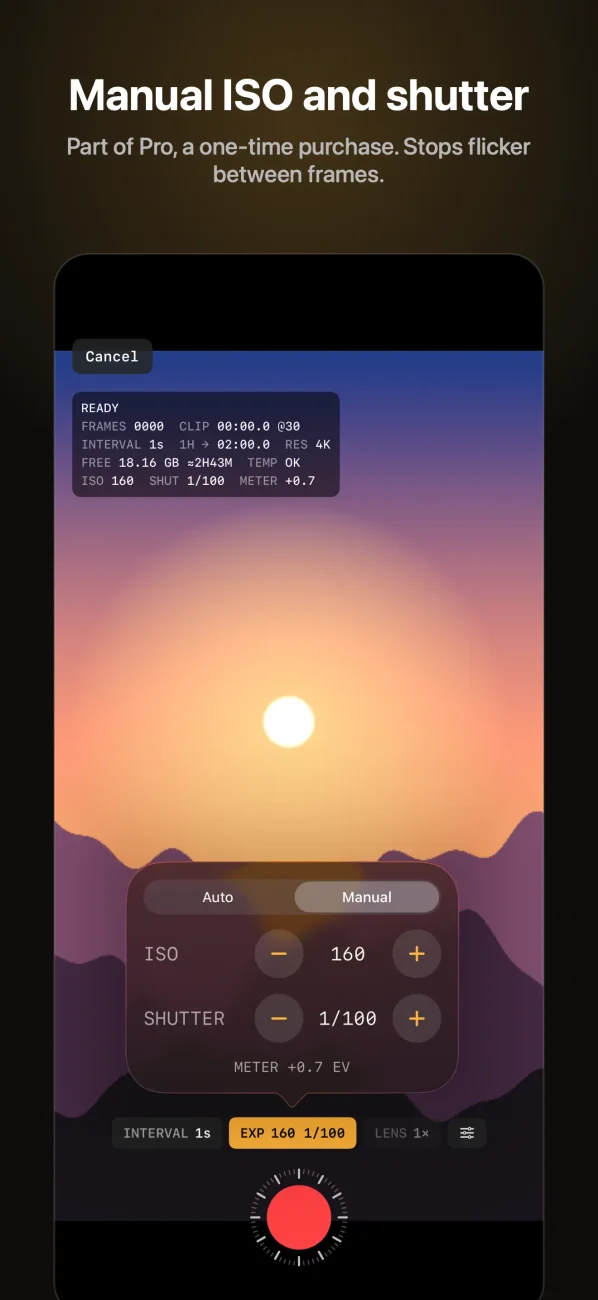
• Manual ISO and shutter speed in third stops.
• Start at a clock time, for sunrise. While the screen is dimmed, the camera stays off until two minutes before the start.
Try Pro settings in the viewfinder before you buy. Pro works with Family Sharing.
PRIVACY
Tickframe collects no data. Your frames stay on your iPhone.
Keep Tickframe open while it captures. iOS turns the camera off when the phone locks or another app comes to the front; capture picks up again when you come back.
Confidentialité de l’application
Ce que Maksim Danilchenko déclare sur l’App Store au sujet du traitement des données par cette application.
-
Données non collectées
Le développeur ne collecte aucune donnée à partir de cette application.
Les pratiques en matière de confidentialité peuvent varier, notamment en fonction des fonctionnalités que vous utilisez ou de votre âge.
Informations
- Vendeur
- Maksim Danilchenko
- Catégorie
- Photo et vidéo
- Version
- 1.0
- Mis à jour
- 30/10/2026
- Publié
- 29/10/2026
- Taille
- 1,5 Mo
- Nécessite
- iOS 18.0 ou version ultérieure
- Classification d’âge
- 4+
- Prix
- Gratuit
- Achats intégrés
- Oui
- Langues
- Anglais
- Copyright
- © 2026 Maksim Danilchenko
Vous aimerez peut-être aussi
-
 GR VibeShotPhoto et vidéo
-
 LapseArc : Timelapse 8K stableCaméra 8K et retouche RAW
-
 FrameFold : caméra stop motionGratuit. Déclenche tout seul
-
 Tickshot – IntervallomètreSéries de photos minutées
-
 ラプス帳 - タイムラプス・定点観測カメラPhoto et vidéo
-
 Interval Pro : Time Lapse 4KHyperlapse, accéléré, caméra
-
 Sentry Détecteur MouvementCaméra nocturne pour animaux
-
 Timelapse HelperPhoto et vidéo
-
 Video Stopwatch CameraPhoto et vidéo
-
 Simple Video SplitterPhoto et vidéo