TODO.md - Markdown Task List
Best UI for .md file to-dos
Conçue pour iPhone
Gratuit
- Classification d’âge4+
- CatégorieProductivité
- DéveloppeurAndriy Viychuk
- LanguesAnglais
- Taille16,3 Mo
Renvoie vers la page App Store officielle
Download.org n’héberge aucun fichier de TODO.md - Markdown Task List. Le bouton ouvre la page de l’application sur App Store, où Andriy Viychuk la publie. Fiche vérifiée pour la dernière fois le 25/11/2026.
Captures d’écran
À propos
Le développeur n’a pas fourni ce texte dans votre langue.
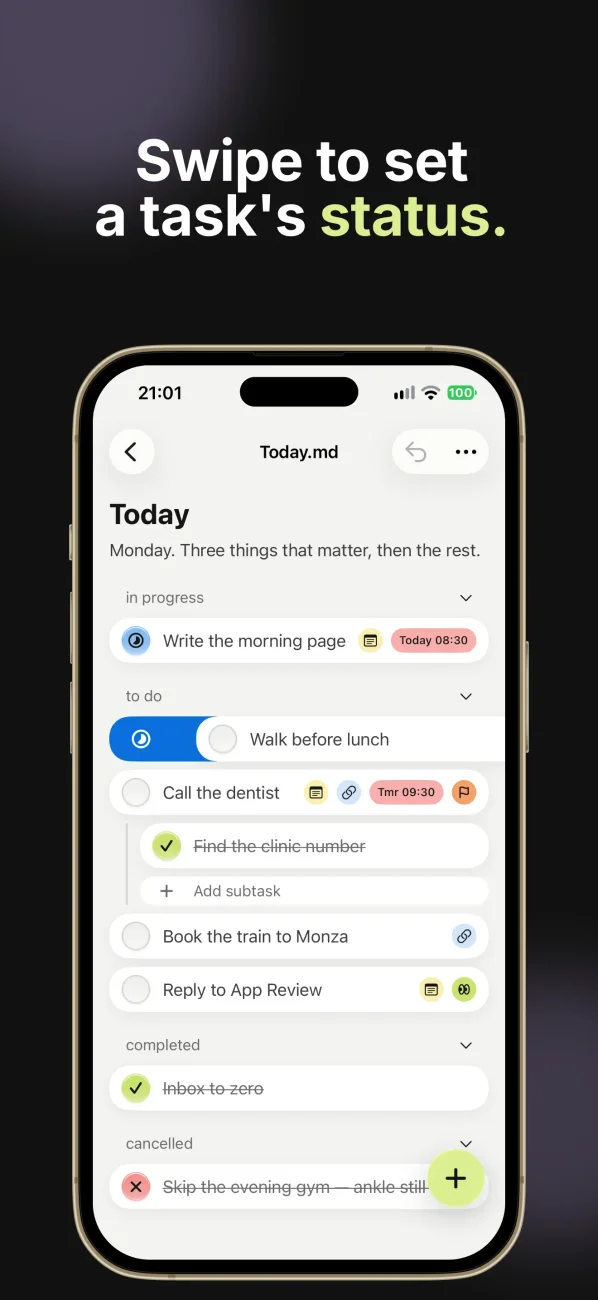
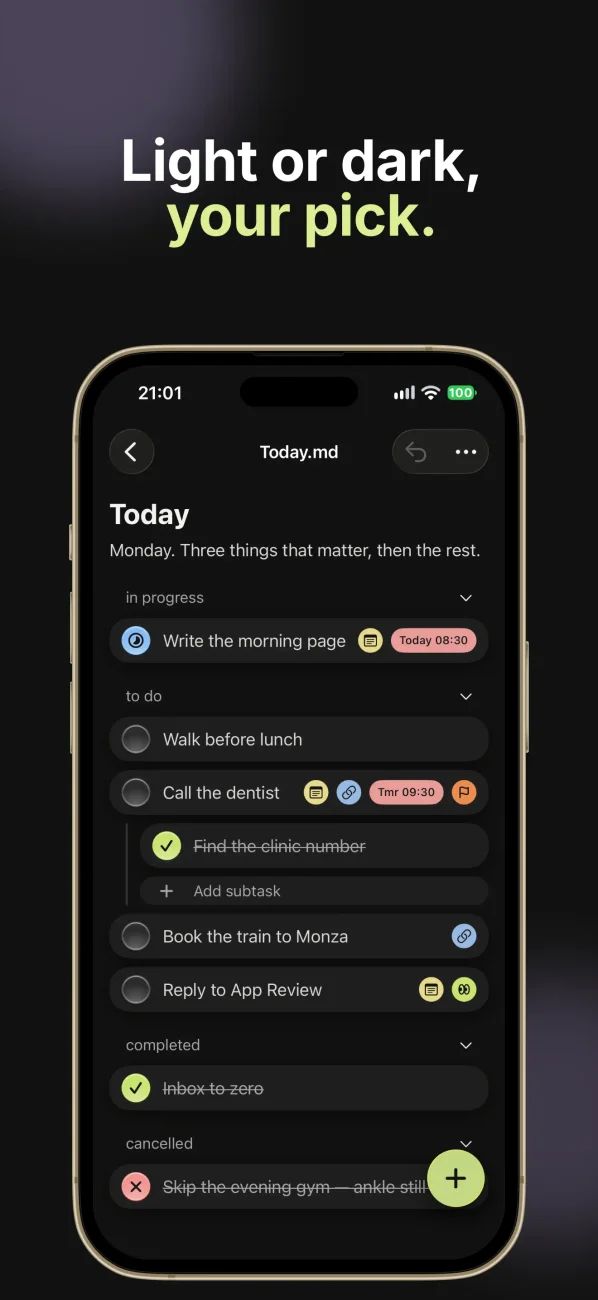
TODO.md is a to-do app for the tasks in your Markdown files. It gives them a nice, simple UI on your phone: check tasks off, swipe to set their status, drag to reorder, and add notes, links and pictures.
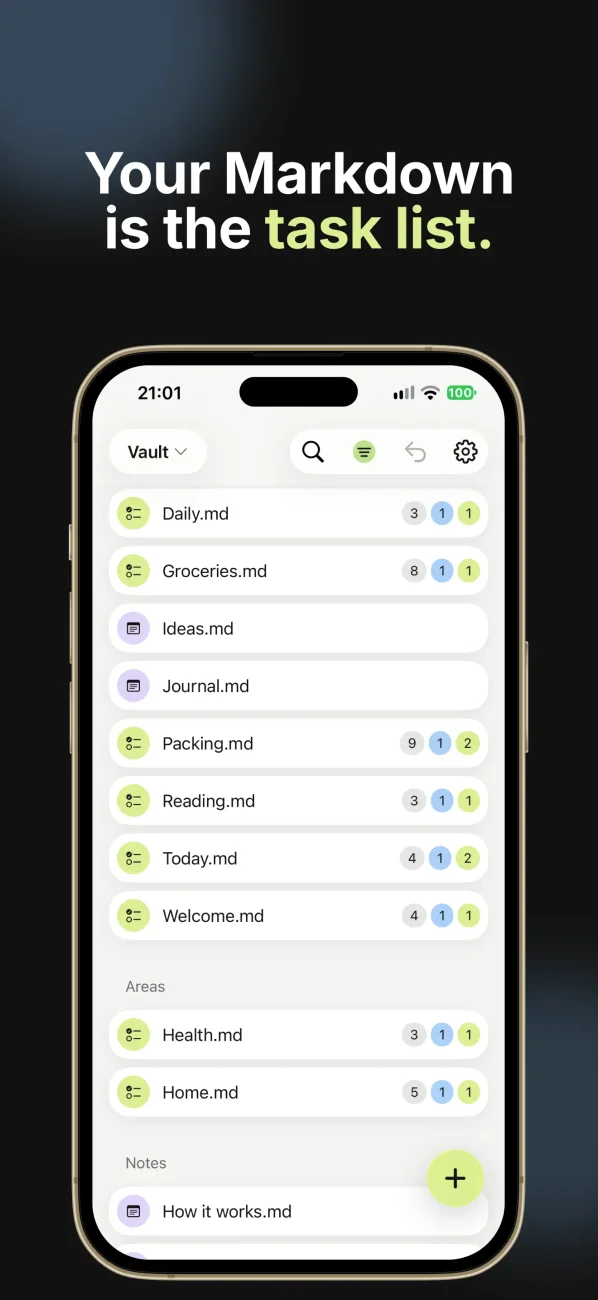
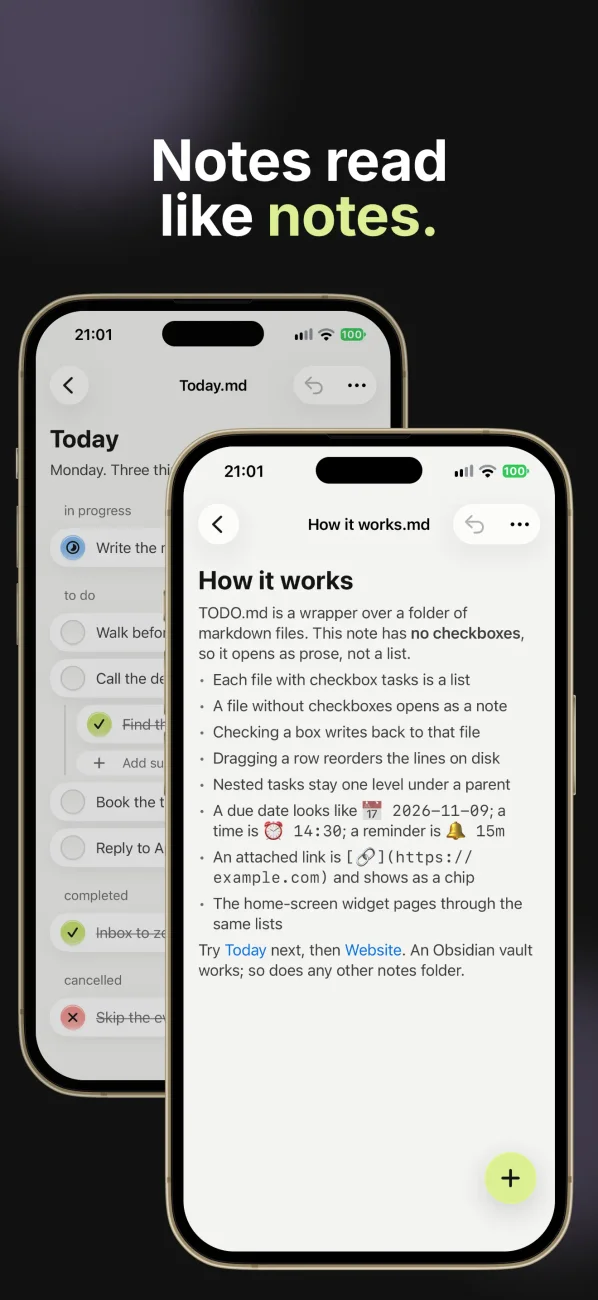
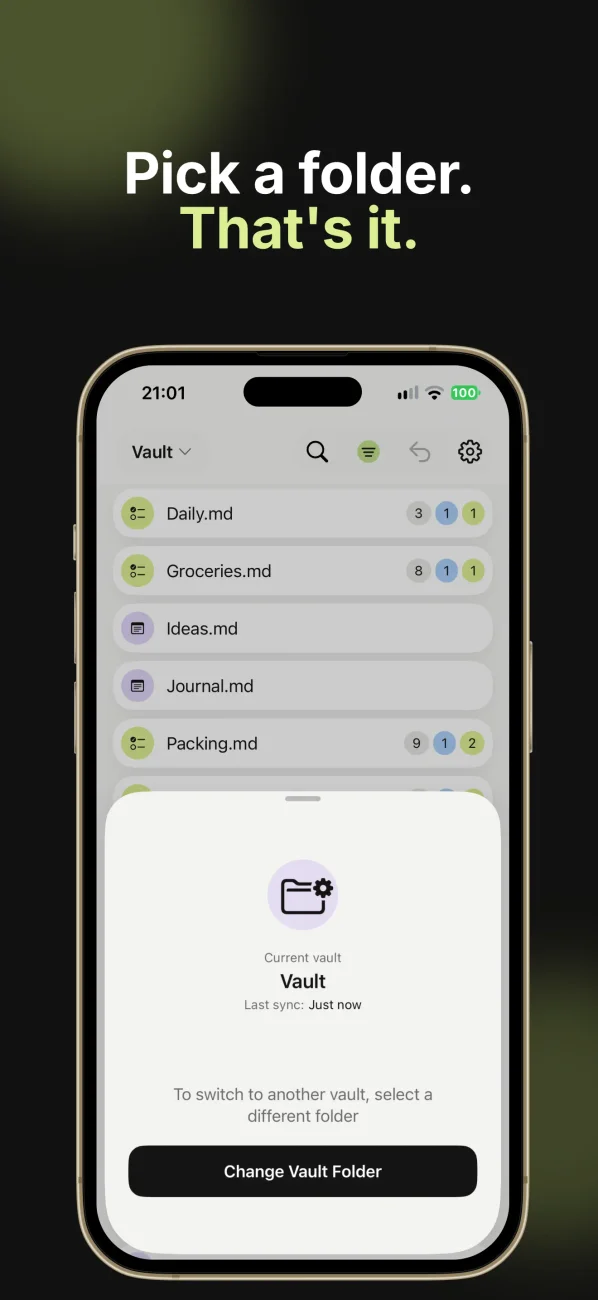
Choose a folder of markdown files. An Obsidian vault works; so does any other notes folder. Each file with checkbox tasks becomes a list, and the folder structure stays as it is on disk. Everything you do writes straight back to that file, so the files stay the source of truth.
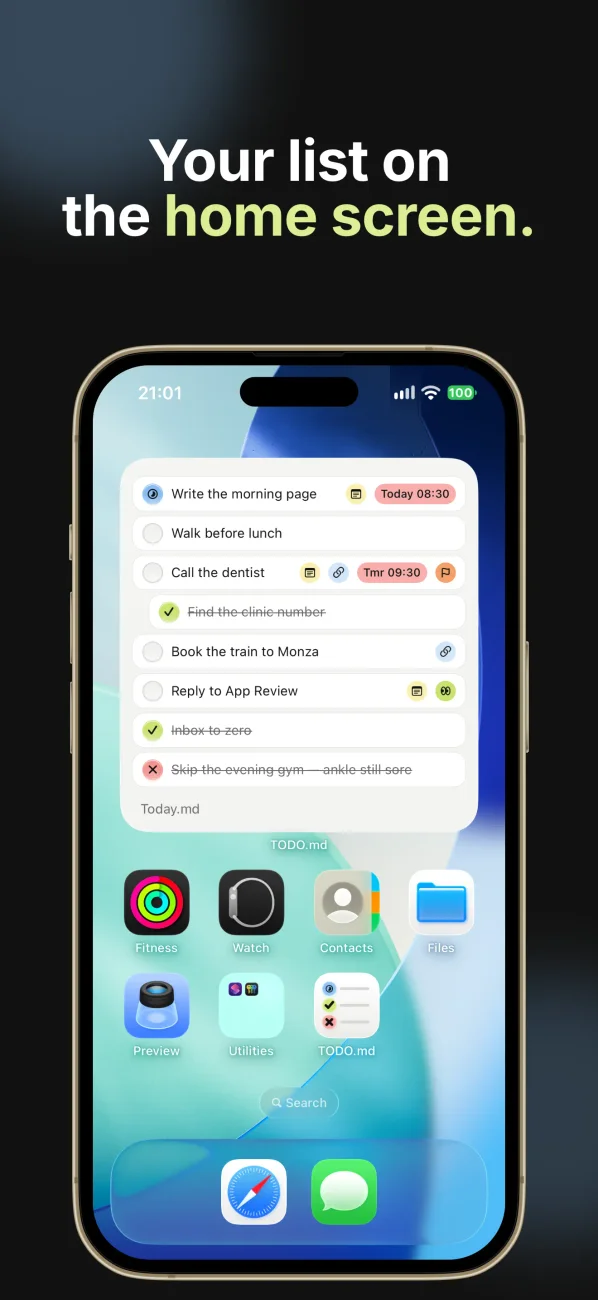
- Clickable home-screen widget that pages through your task list
- Swipe to set a task's status: to do, in progress, done or cancelled
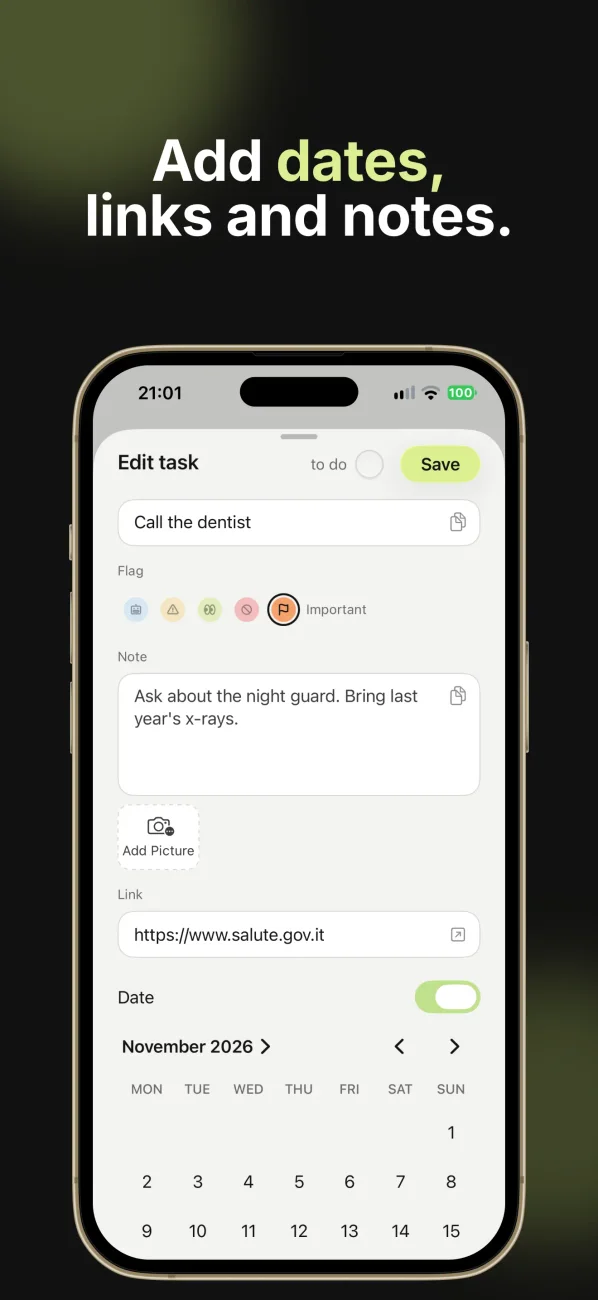
- Notes, links, due dates and pictures on any task
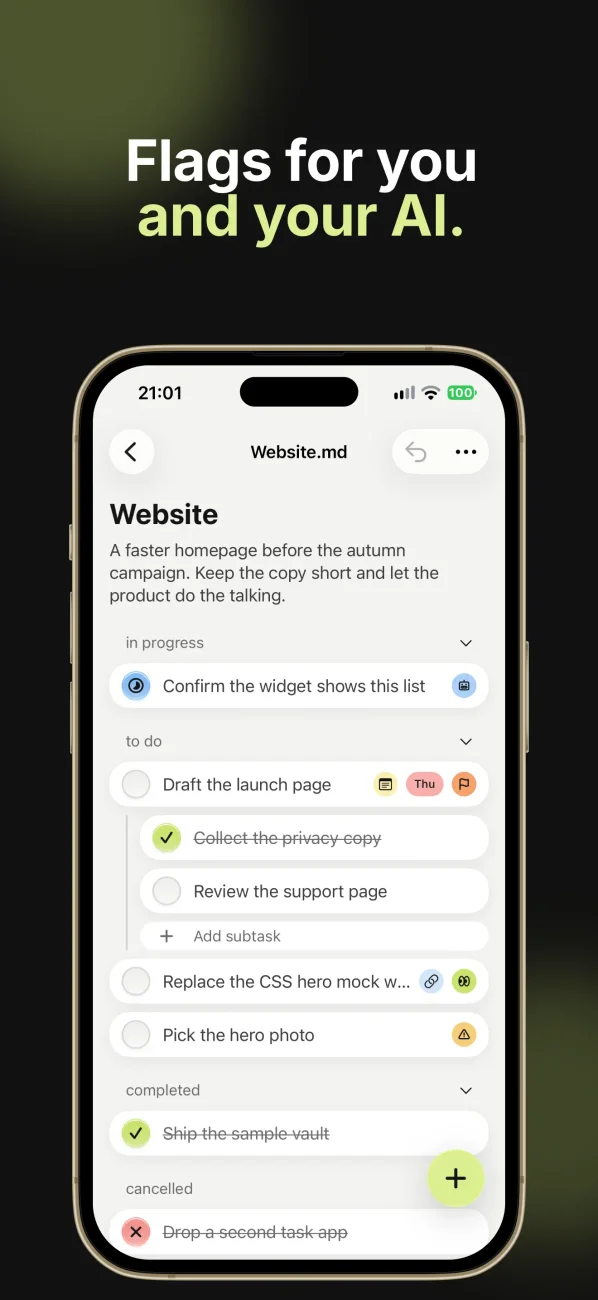
- Flags: Agent working, Needs input, Ready for review, Failed and Important
- A calendar mirror for tasks with a due date
- Capture from Siri and get Reminders into the note you choose
- Optional dictation for task and feedback text
Works with your AI agent
Because the lists are plain Markdown, an AI agent that edits files can work from the same lists. Give it a task by adding it to a list. When the agent marks a task Agent working, Needs input or Ready for review, you see the flag as a coloured chip on the list and on the widget.
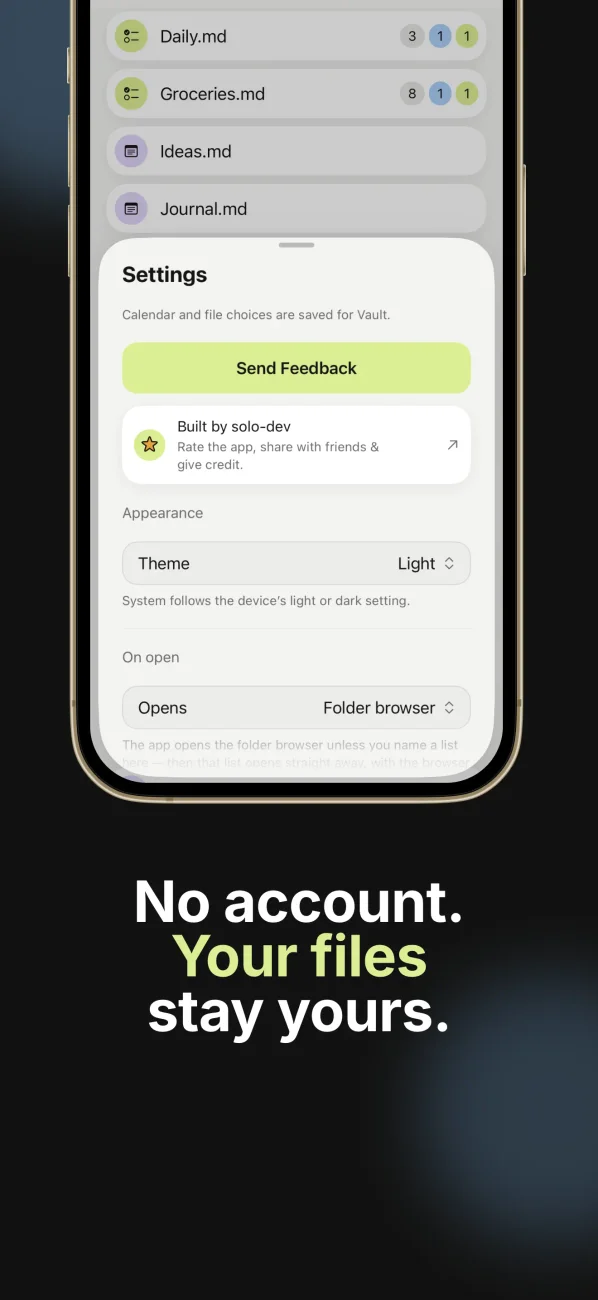
There is no account or import step, and the app itself runs no AI. Files stay where you put them, including iCloud Drive. Optional feedback goes through a support service and never uploads your vault.
By default, a file lists when its frontmatter includes the tag `todo`. You can change or turn off that filter in Settings.
Nouveautés
Version 1.5.0 · 24/11/2026
• Drop pictures onto a task: drag a screenshot or photo from another app into the new task or Edit task drawer. The Add Picture tile turns lime and reads "Drop here".
• Added pictures show in the note straight away. Hold a picture in the note and drag it to any line to move it.
• The picture viewer opens the picture you tapped, swipes between pictures, zooms with a pinch or double-tap, and closes with a swipe down.
• The widget shows a picture chip for tasks with pictures.
• Opening Completed or Cancelled keeps your place in the list.
• A lighter to-do circle in the light theme.
Confidentialité de l’application
Ce que Andriy Viychuk déclare sur l’App Store au sujet du traitement des données par cette application.
-
Données établissant un lien avec vous
Peuvent être collectées et liées à votre identité.
- Emplacement
- Coordonnées
- Contenu utilisateur
- Diagnostic
Les pratiques en matière de confidentialité peuvent varier, notamment en fonction des fonctionnalités que vous utilisez ou de votre âge.
Informations
- Vendeur
- Andriy Viychuk
- Catégorie
- Productivité
- Version
- 1.5.0
- Mis à jour
- 24/11/2026
- Publié
- 18/09/2026
- Taille
- 16,3 Mo
- Nécessite
- iOS 17.0 ou version ultérieure
- Classification d’âge
- 4+
- Prix
- Gratuit
- Langues
- Anglais
- Copyright
- © 2026 Andriy Viychuk
Vous aimerez peut-être aussi
-
 Noteline - Markdown NotesProductivité
-
 Properpad - Notepad & NotesProductivité
-
 Calendro: Calendar PlannerProductivité
-
 ZenNotes Web ClipperProductivité
-
 SayDay: All-in-One PlannerProductivité
-
 Noter: Sticky NotesProductivité
-
 SayFlow: AI Chat, TranslateProductivité
-
 MinDrop: Notes & RemindersProductivité
-
 Atelier LibrettoProductivité
-
 Triquid NotesVos notes Trilium, partout