TODO.md - Markdown Task List
Best UI for .md file to-dos
Dirancang untuk iPhone
Gratis
- Batasan usia4+
- KategoriProduktivitas
- PengembangAndriy Viychuk
- BahasaInggris
- Ukuran16,3 MB
Tertaut ke halaman resmi App Store
Download.org tidak menyimpan file TODO.md - Markdown Task List apa pun. Tombol ini membuka halaman aplikasi di App Store, tempat Andriy Viychuk menerbitkannya. Halaman terakhir diperiksa pada 25/11/2026.
Tangkapan layar
Tentang
Pengembang belum menyediakan teks ini dalam bahasa Anda.
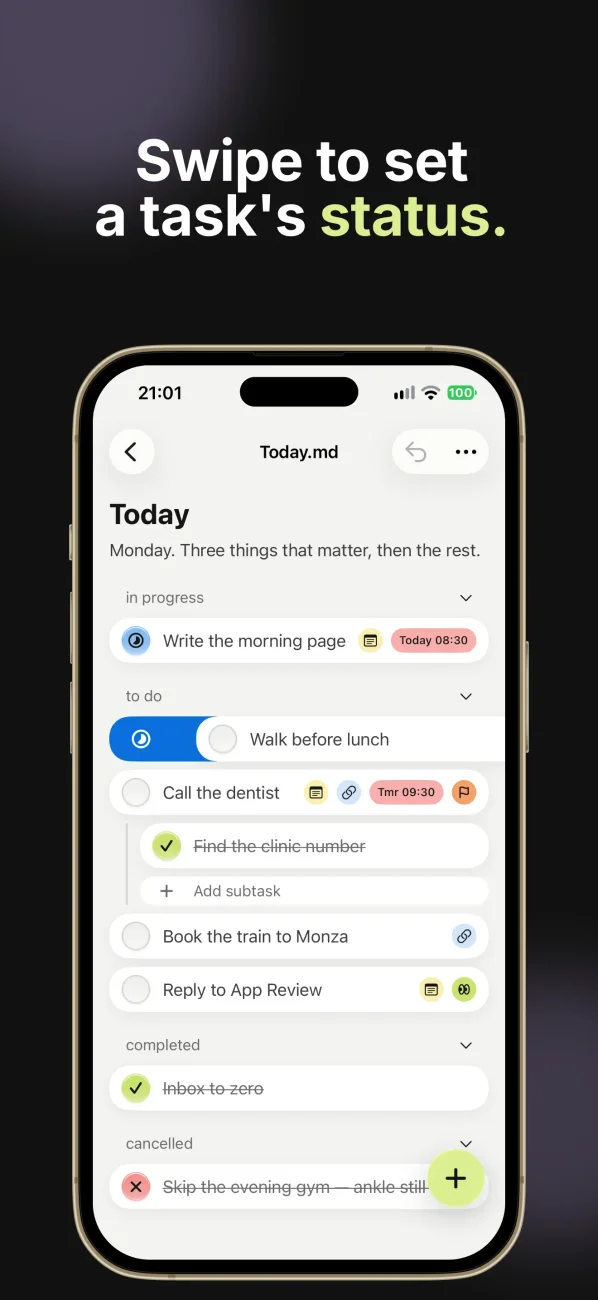
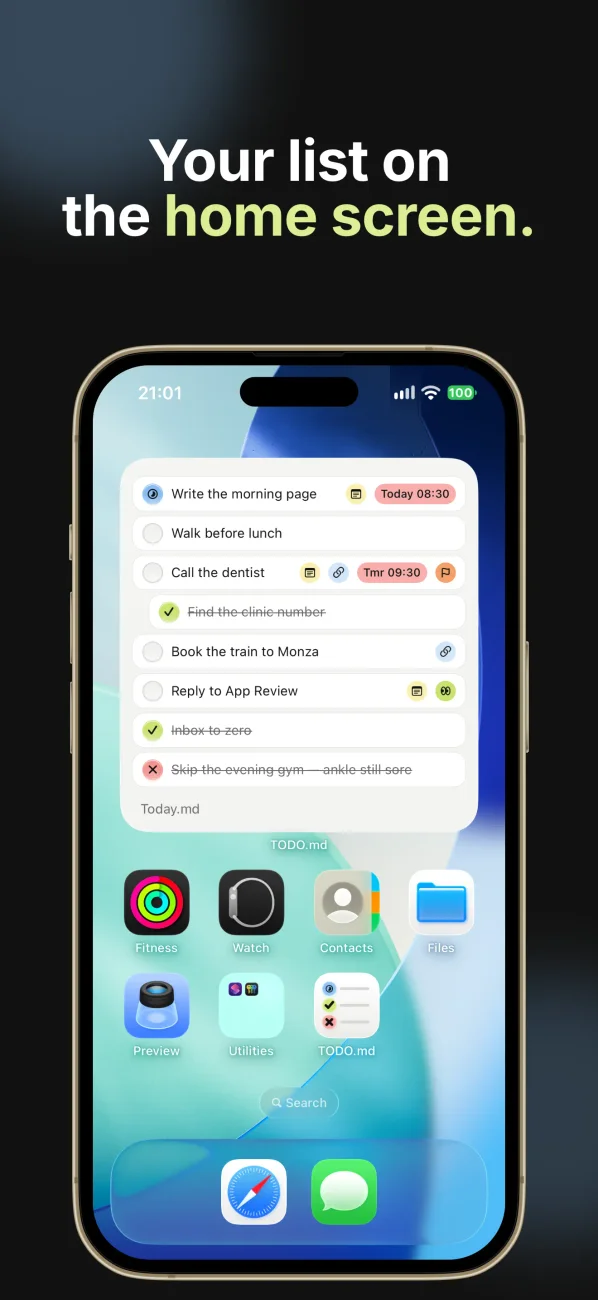
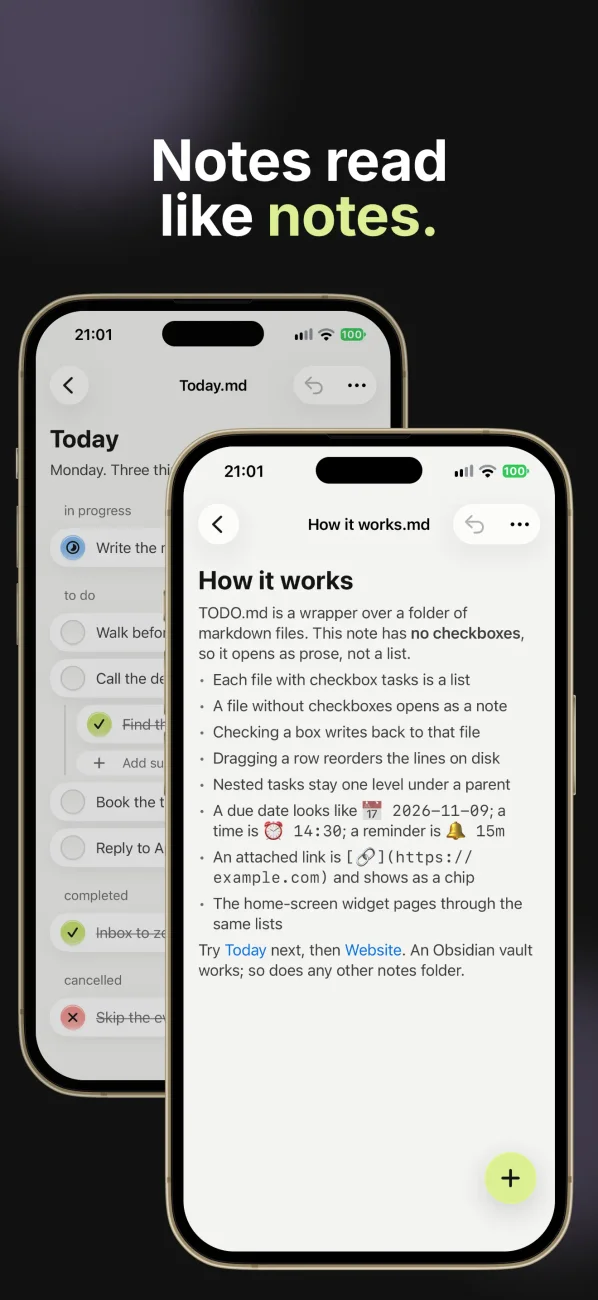
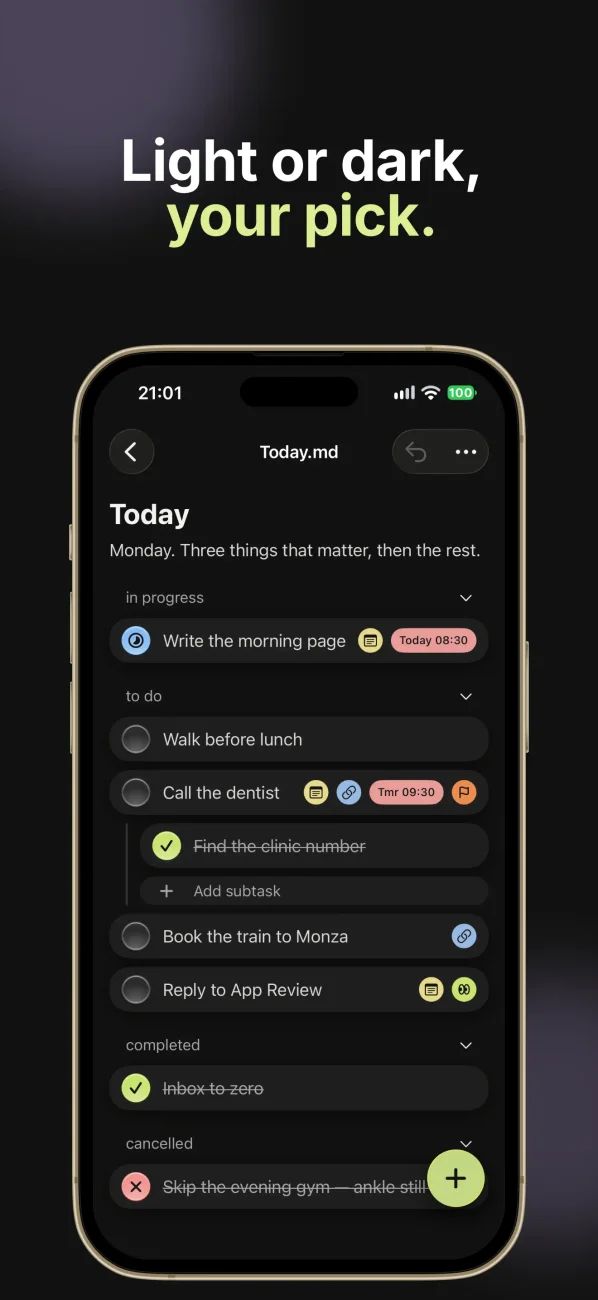
TODO.md is a to-do app for the tasks in your Markdown files. It gives them a nice, simple UI on your phone: check tasks off, swipe to set their status, drag to reorder, and add notes, links and pictures.
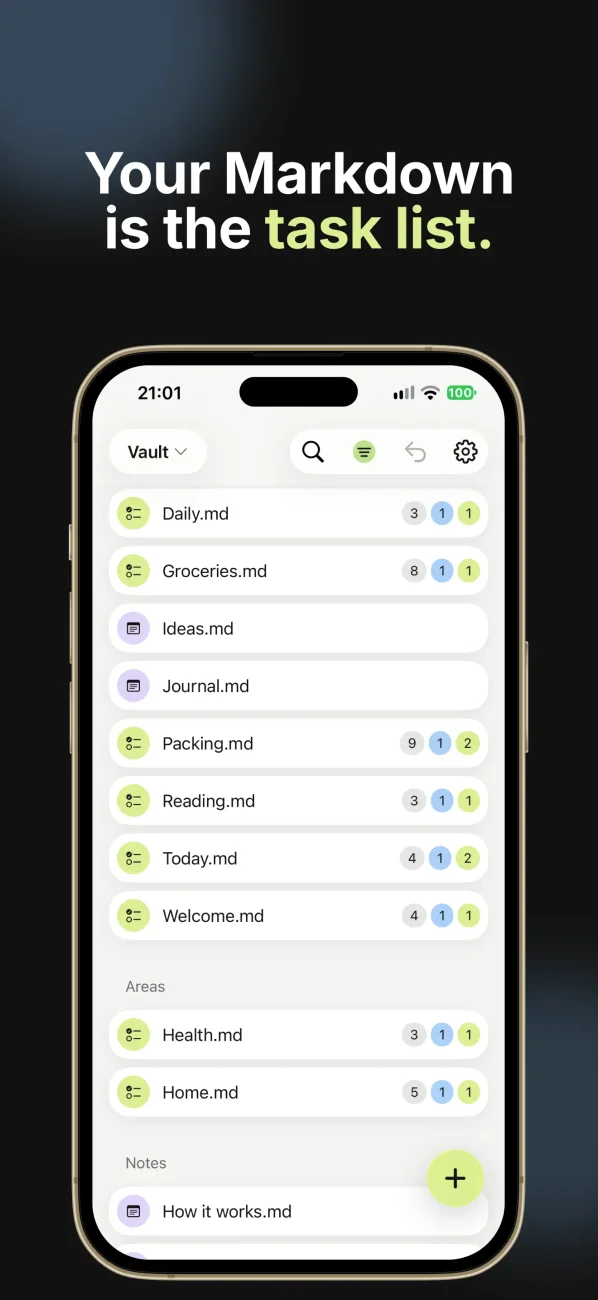
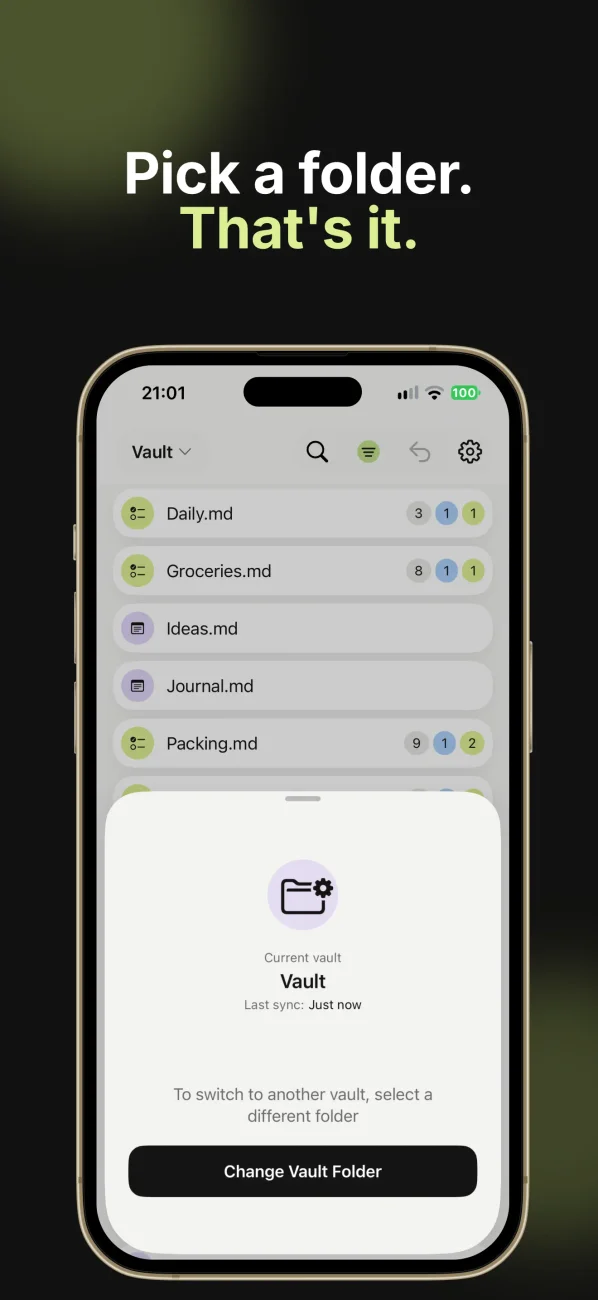
Choose a folder of markdown files. An Obsidian vault works; so does any other notes folder. Each file with checkbox tasks becomes a list, and the folder structure stays as it is on disk. Everything you do writes straight back to that file, so the files stay the source of truth.
- Clickable home-screen widget that pages through your task list
- Swipe to set a task's status: to do, in progress, done or cancelled
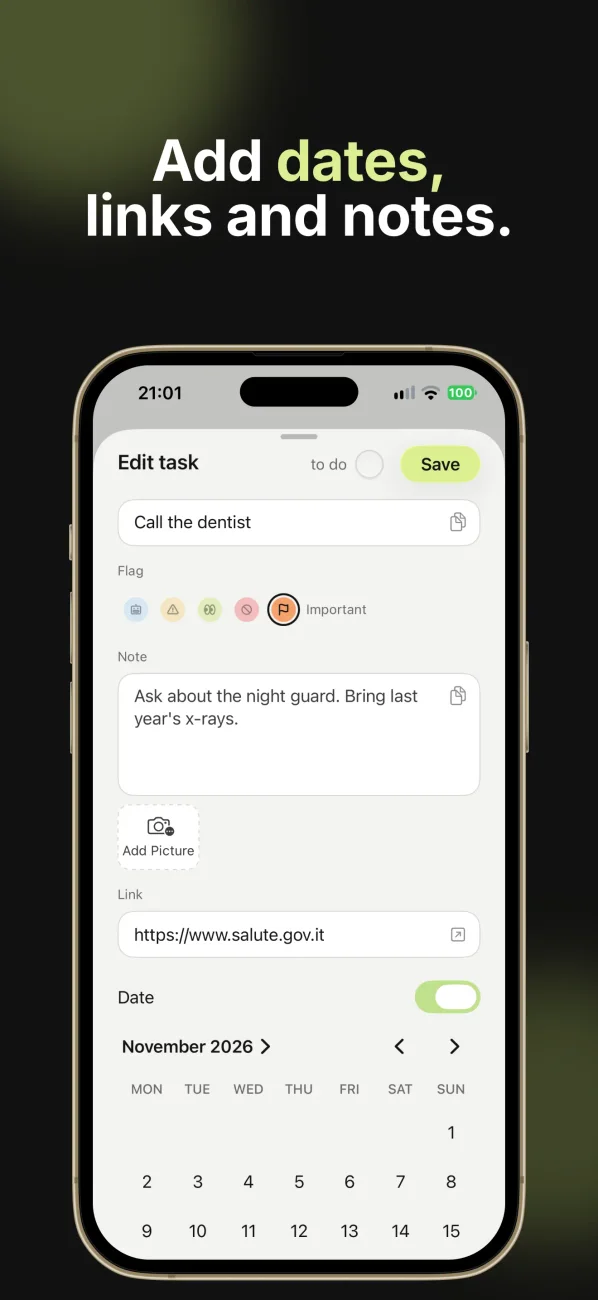
- Notes, links, due dates and pictures on any task
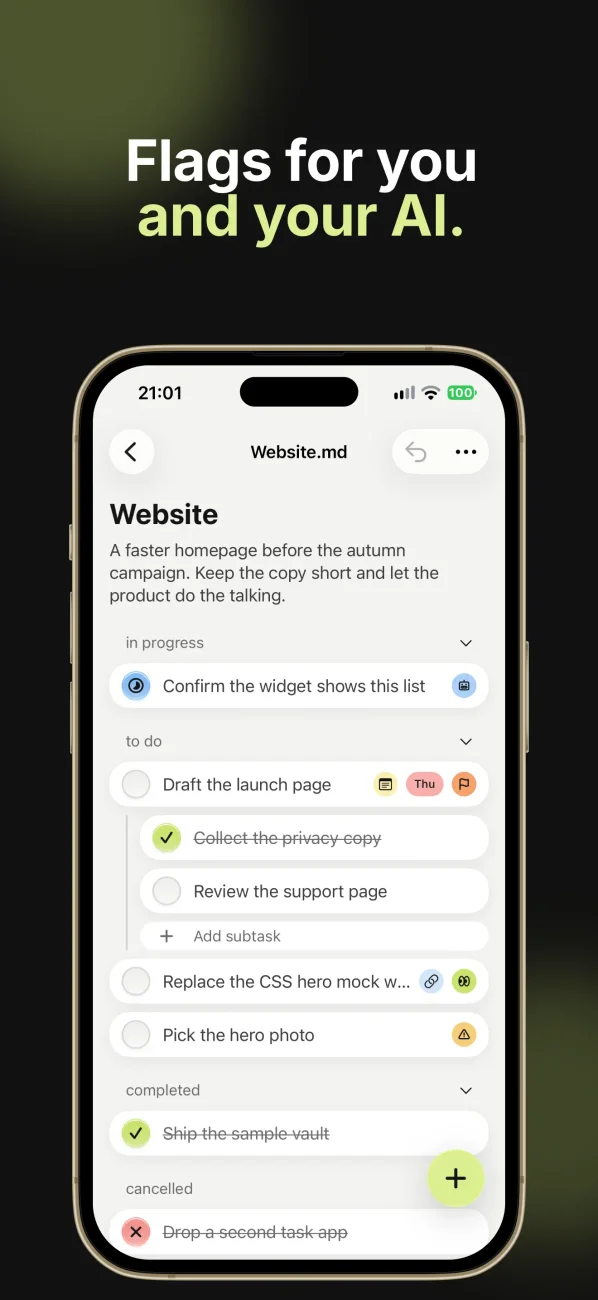
- Flags: Agent working, Needs input, Ready for review, Failed and Important
- A calendar mirror for tasks with a due date
- Capture from Siri and get Reminders into the note you choose
- Optional dictation for task and feedback text
Works with your AI agent
Because the lists are plain Markdown, an AI agent that edits files can work from the same lists. Give it a task by adding it to a list. When the agent marks a task Agent working, Needs input or Ready for review, you see the flag as a coloured chip on the list and on the widget.
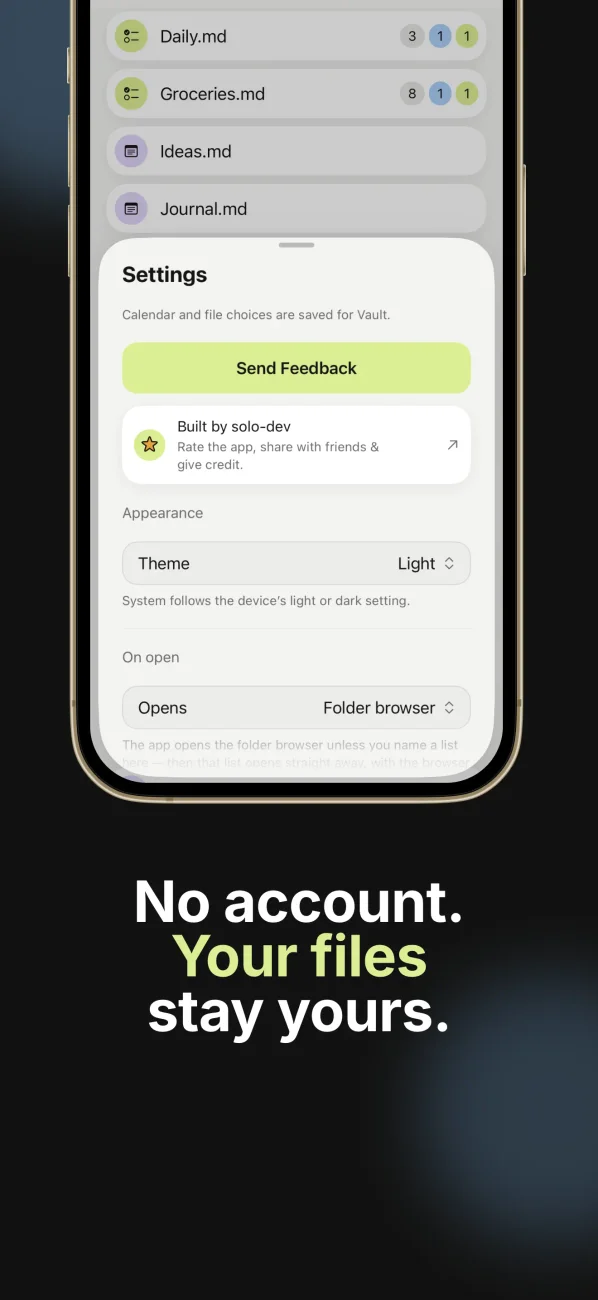
There is no account or import step, and the app itself runs no AI. Files stay where you put them, including iCloud Drive. Optional feedback goes through a support service and never uploads your vault.
By default, a file lists when its frontmatter includes the tag `todo`. You can change or turn off that filter in Settings.
Yang baru
Versi 1.5.0 · 24/11/2026
• Drop pictures onto a task: drag a screenshot or photo from another app into the new task or Edit task drawer. The Add Picture tile turns lime and reads "Drop here".
• Added pictures show in the note straight away. Hold a picture in the note and drag it to any line to move it.
• The picture viewer opens the picture you tapped, swipes between pictures, zooms with a pinch or double-tap, and closes with a swipe down.
• The widget shows a picture chip for tasks with pictures.
• Opening Completed or Cancelled keeps your place in the list.
• A lighter to-do circle in the light theme.
Privasi aplikasi
Yang dinyatakan Andriy Viychuk di App Store tentang cara aplikasi ini menangani data.
-
Data yang ditautkan dengan Anda
Dapat dikumpulkan dan ditautkan dengan identitas Anda.
- Lokasi
- Info kontak
- Konten pengguna
- Diagnostik
Praktik privasi dapat bervariasi, misalnya berdasarkan fitur yang Anda gunakan atau usia Anda.
Informasi
- Penjual
- Andriy Viychuk
- Kategori
- Produktivitas
- Versi
- 1.5.0
- Diperbarui
- 24/11/2026
- Dirilis
- 18/9/2026
- Ukuran
- 16,3 MB
- Memerlukan
- iOS 17.0 atau yang lebih baru
- Batasan usia
- 4+
- Harga
- Gratis
- Bahasa
- Inggris
- Hak cipta
- © 2026 Andriy Viychuk
Mungkin Anda juga suka
-
 Noteline - Markdown NotesProduktivitas
-
 Properpad - Notepad & NotesProduktivitas
-
 Calendro: Calendar PlannerProduktivitas
-
 ZenNotes Web ClipperProduktivitas
-
 SayDay: All-in-One PlannerProduktivitas
-
 Noter: Sticky NotesProduktivitas
-
 SayFlow: AI Chat, TranslateProduktivitas
-
 MinDrop: Notes & RemindersProduktivitas
-
 Atelier LibrettoProduktivitas
-
 Triquid NotesProduktivitas