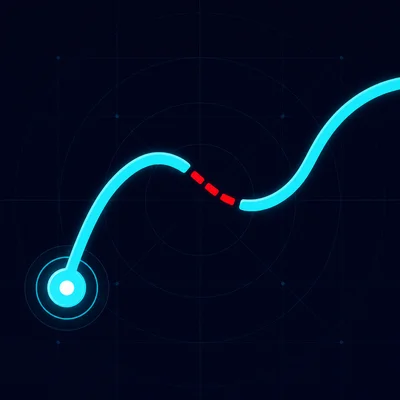
TouchGap: Touch Screen Test
Multitouch Dropout Analyzer
Conçue pour iPhone, iPad
- Classification d’âge4+
- CatégorieUtilitaires
- DéveloppeurnowApp Inc.
- LanguesAnglais+ 7 de plus
- Taille6,6 Mo
TouchGap: Touch Screen Test n’est peut-être pas disponible sur App Store pour le moment
La fiche de la boutique était inaccessible lors de notre dernière vérification. Le lien mène toujours à la page App Store officielle.
Captures d’écran


À propos
Le développeur n’a pas fourni ce texte dans votre langue.
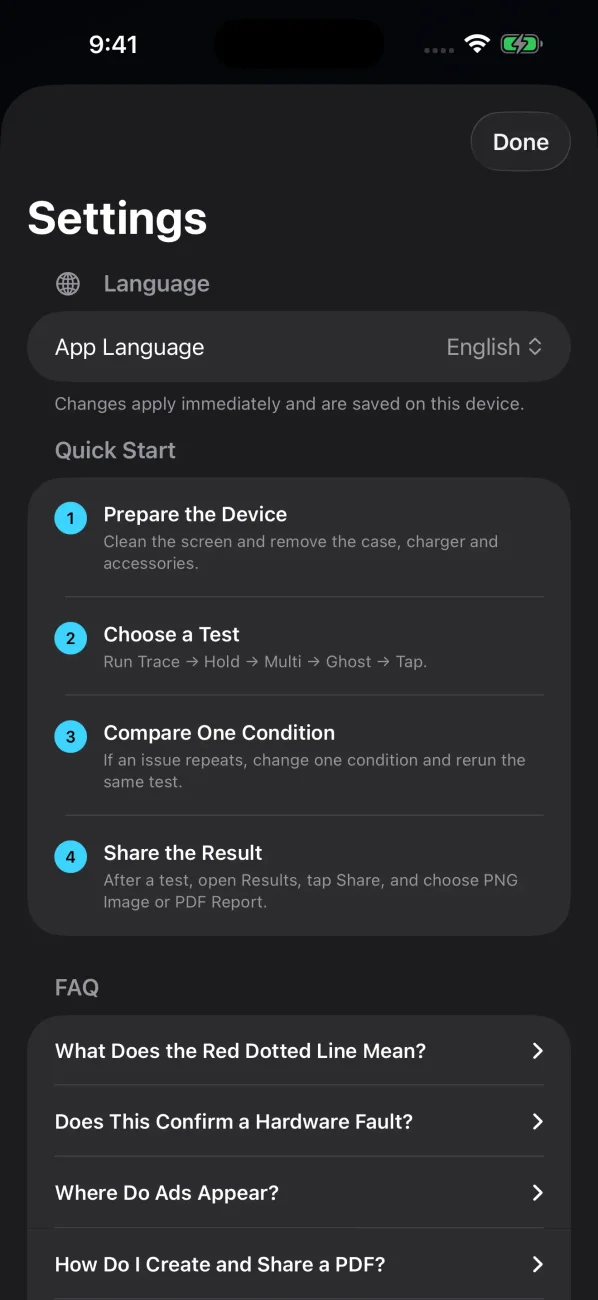
Does your screen sometimes seem to miss a touch, but you cannot show exactly when or where it happens?
TouchGap is a visual diagnostic tool that draws the touch events delivered to the app by your iPhone or iPad. It goes beyond drawing lines by showing time between events, samples per second, cancellations, and recurring locations so you can examine touch continuity.
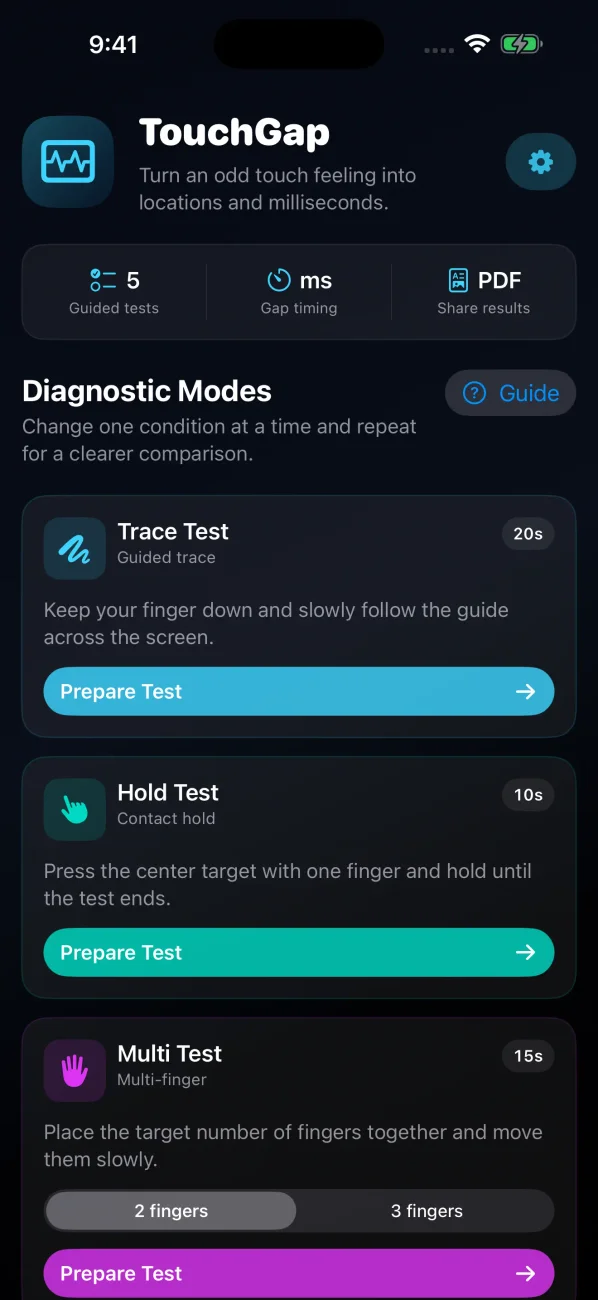
Five guided test modes
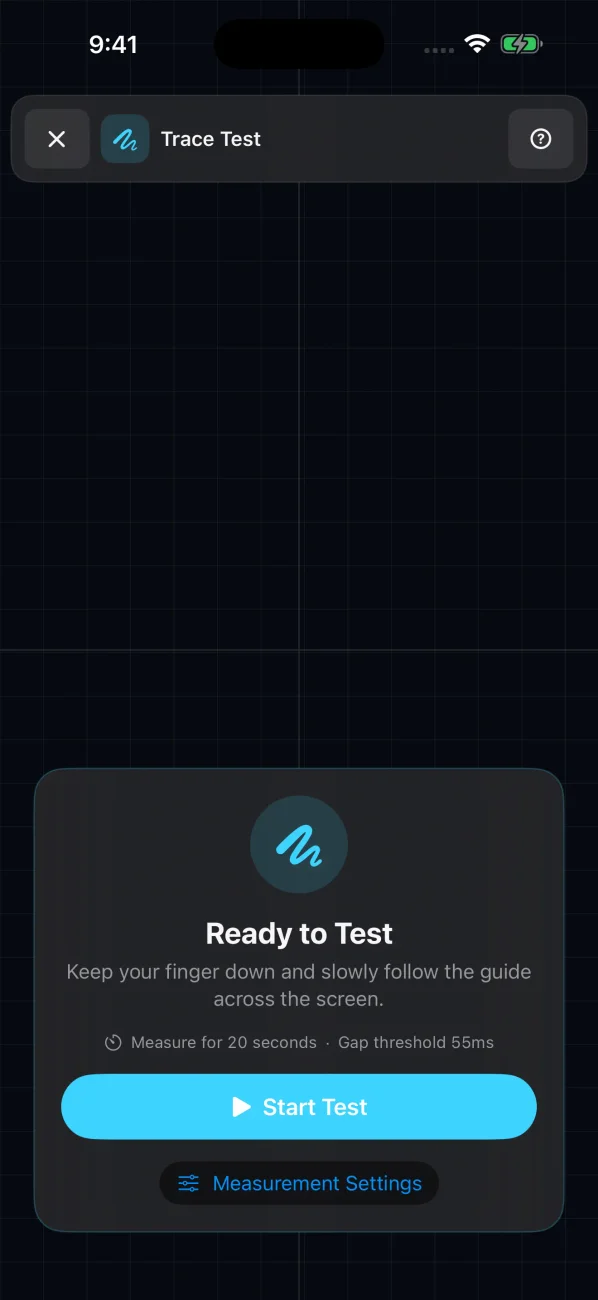
• Trace Test: Follow a guide to review the input path across different screen areas.
• Hold Test: Keep a finger down and watch whether contact remains continuous.
• Multi Test: Move one, two, or three fingers together to check multitouch input.
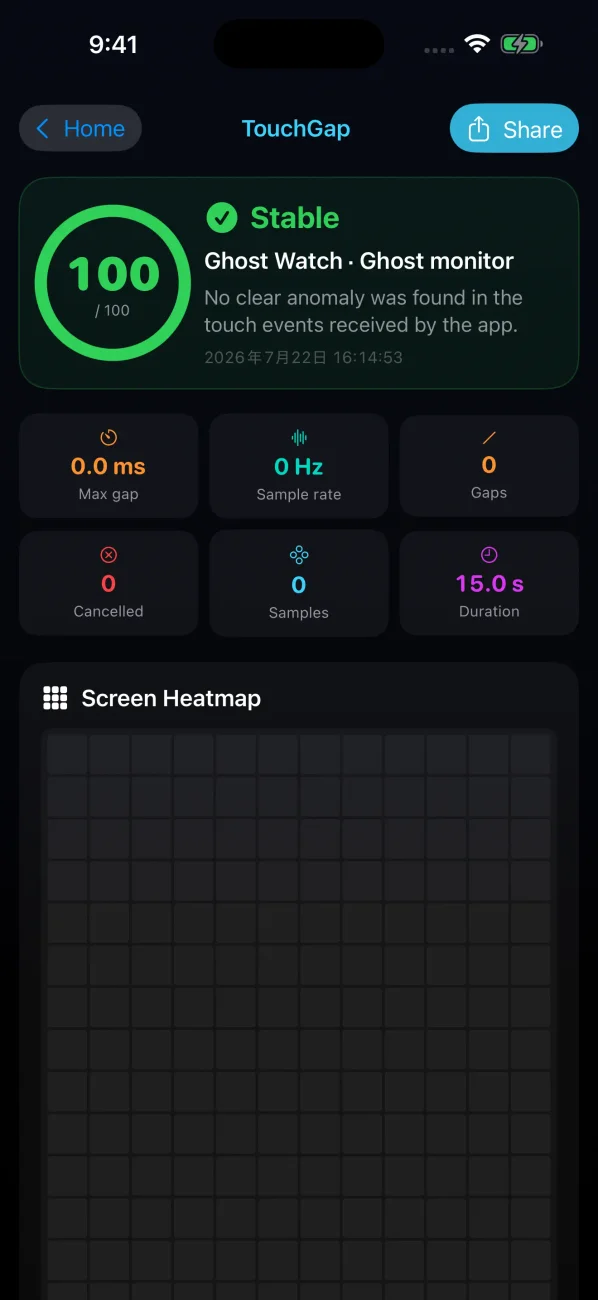
• Ghost Watch: Leave the screen untouched and record unexpected input delivered to the app.
• Tap Test: Review recognition of single, double, and triple taps.
See the path. Measure the timing.
• A different colored trail and live contact point for each finger
• Red dotted segments when the interval between received events exceeds your selected threshold
• Samples per second, maximum event interval, suspected gap count, and cancellation count
• A result summary marked Stable, Caution, or Retest
• Diagnostic records with device model, OS version, and test time
• Save a result image or share a PDF report
Repeat the same test before and after removing a case or charger, or before and after a repair, to compare results under different conditions. No ads are shown on the active test screen, keeping the touch area clear.
Important limitation
TouchGap does not confirm or guarantee a hardware diagnosis. Every value and visual is based only on events that iOS delivers to TouchGap. Slow movement, system load, display refresh-rate changes, system gestures, and accessories can also affect event timing. Compare several repeated tests under the same conditions. If the issue continues, contact Apple or an authorized service provider for a hardware assessment.
Confidentialité de l’application
Ce que nowApp Inc. déclare sur l’App Store au sujet du traitement des données par cette application.
-
Données établissant un lien avec vous
Peuvent être collectées et liées à votre identité.
- Emplacement
- Identifiants
- Données d’utilisation
- Diagnostic
-
Données n’établissant aucun lien avec vous
Peuvent être collectées, mais ne sont pas liées à votre identité.
- Diagnostic
Les pratiques en matière de confidentialité peuvent varier, notamment en fonction des fonctionnalités que vous utilisez ou de votre âge.
Informations
- Vendeur
- nowApp
- Catégorie
- Utilitaires
- Version
- 1.0.0
- Mis à jour
- 04/08/2026
- Publié
- 04/08/2026
- Taille
- 6,6 Mo
- Nécessite
- iOS 16.0 ou version ultérieure
- Classification d’âge
- 4+
- Langues
- Anglais, Arabe, Hindi, Indonésien, Japonais, Coréen, Portugais, Espagnol
- Copyright
- © 2026 NowApp
Vous aimerez peut-être aussi
-
 Test Écran : Pixel MortTactile, brûlure et couleurs
-
 Phone Touch Test - ScreenUtilitaires
-
 Test Pixel Mort - Screen CheckDiagnostic écran et tactile
-
 Touchscreen Pro : test tel.Vérifiez un mobile d'occasion
-
 ScreenTest - Dead Pixel CheckUtilitaires
-
 Pixel Pulse: OLED Screen CareProtect from screen ghosting
-
 Ghost Dark Panel FF AuraUtilitaires
-
 SensiLag FF Sensitivity ProUtilitaires
-
 SenXit - Sensi FF PackUtilitaires
-
 Trick Button FFUtilitaires